
Dear Visitor! We are carrying out maintenance this weekend, so our website may be slow or briefly unavailable at times. Thank you for your patience!

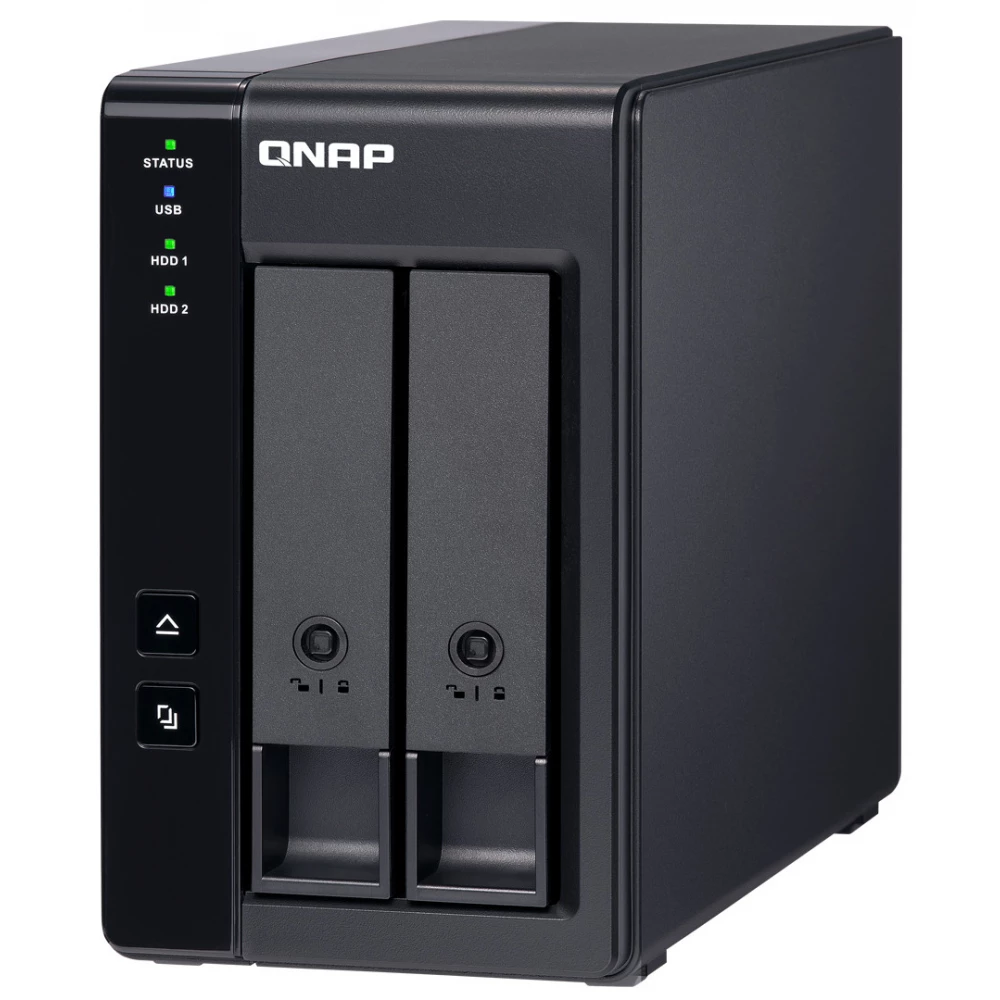
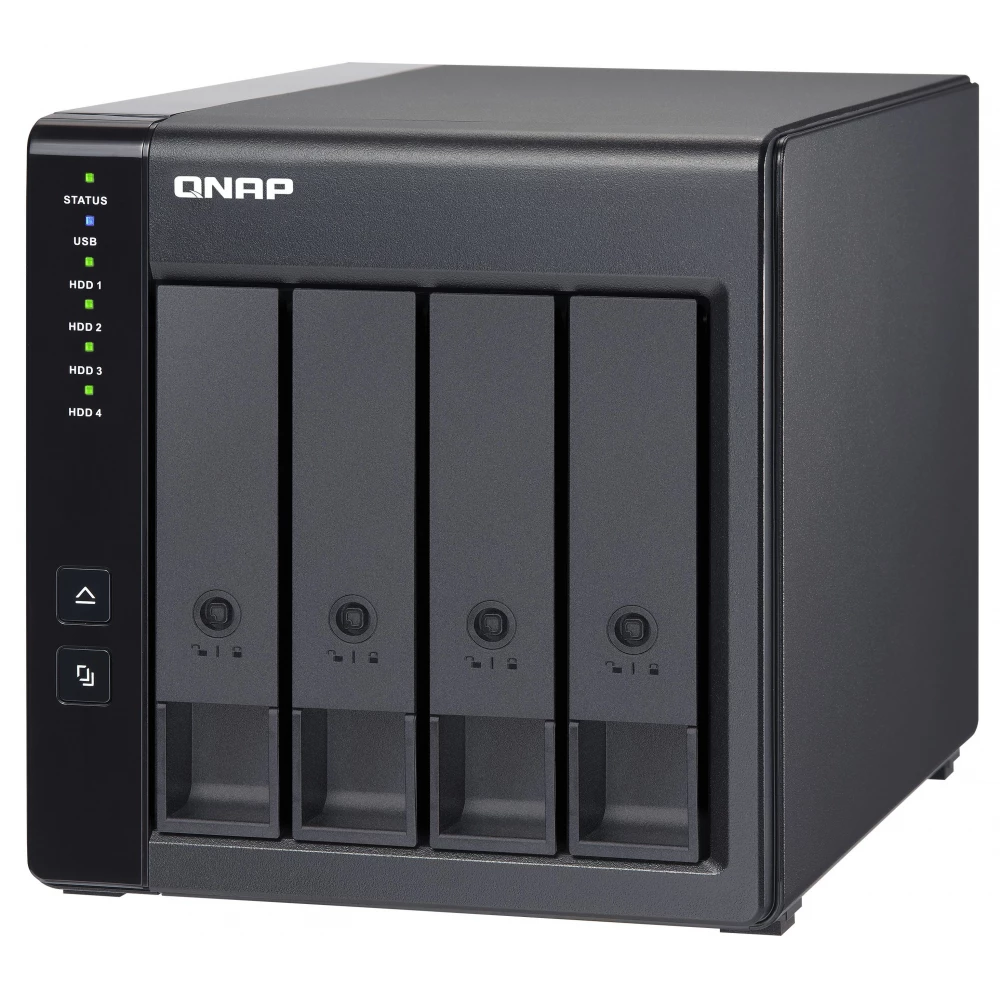
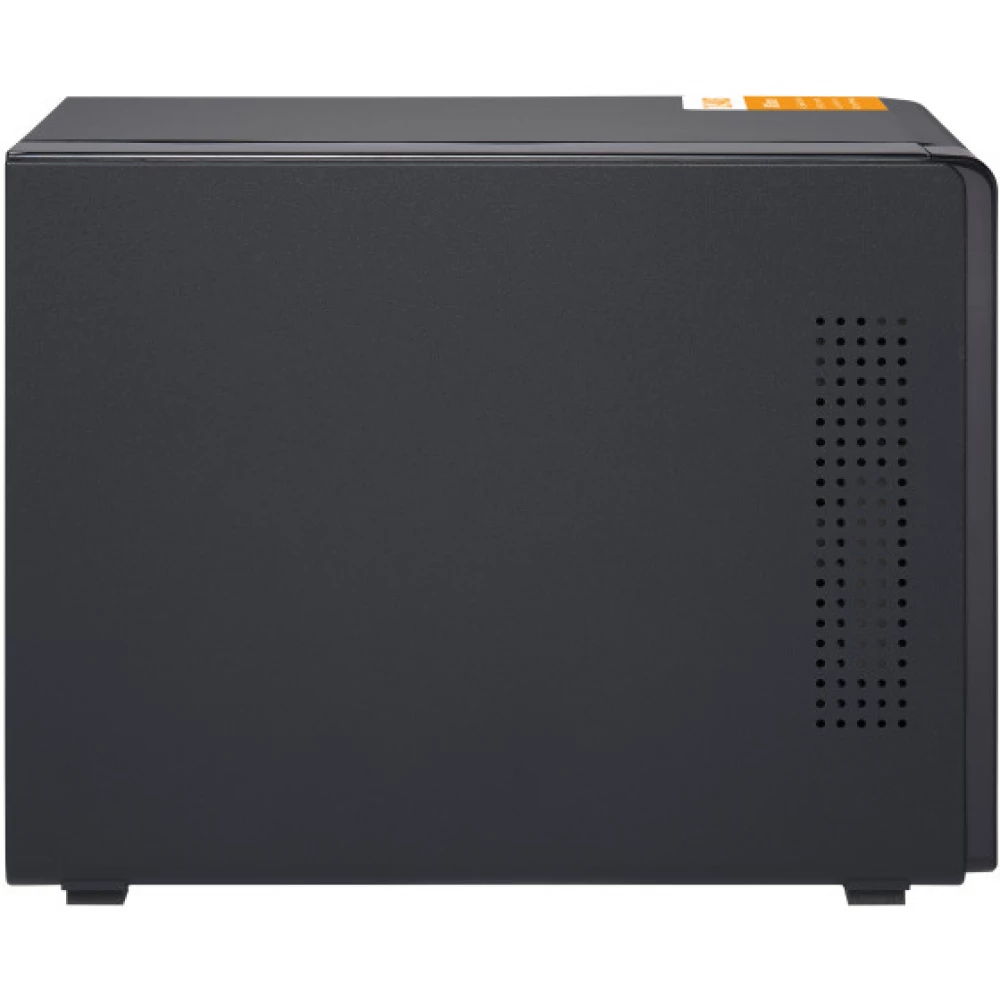
QNAP TL-D400S Large performance SATA 6Gbps JBOD storage unit
Substitute products
Product description
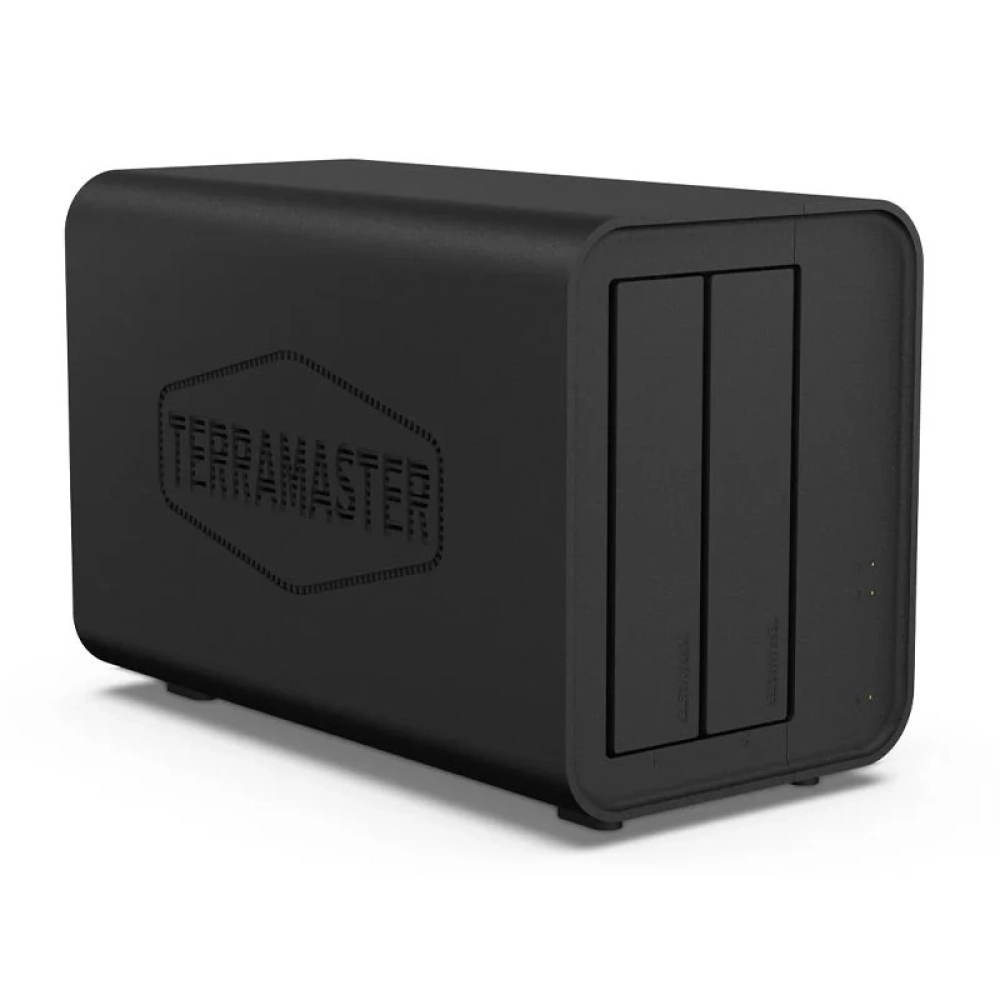
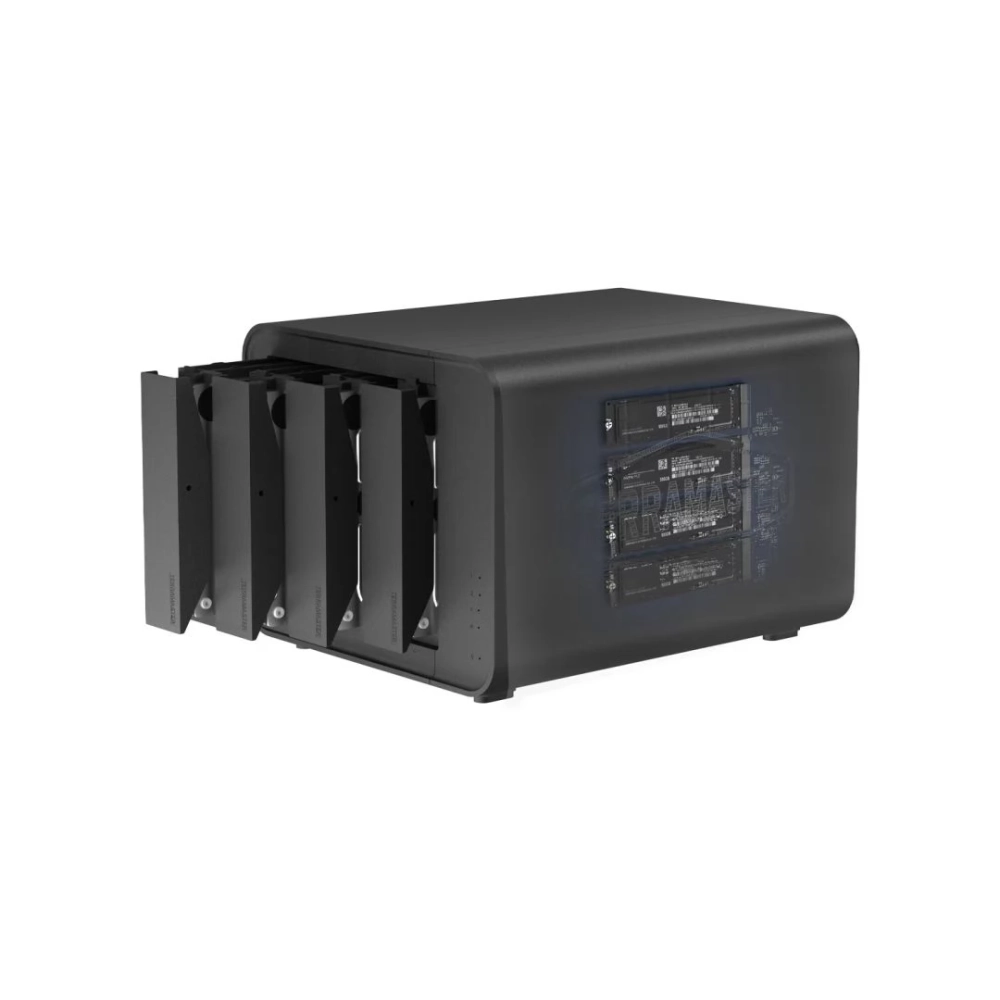
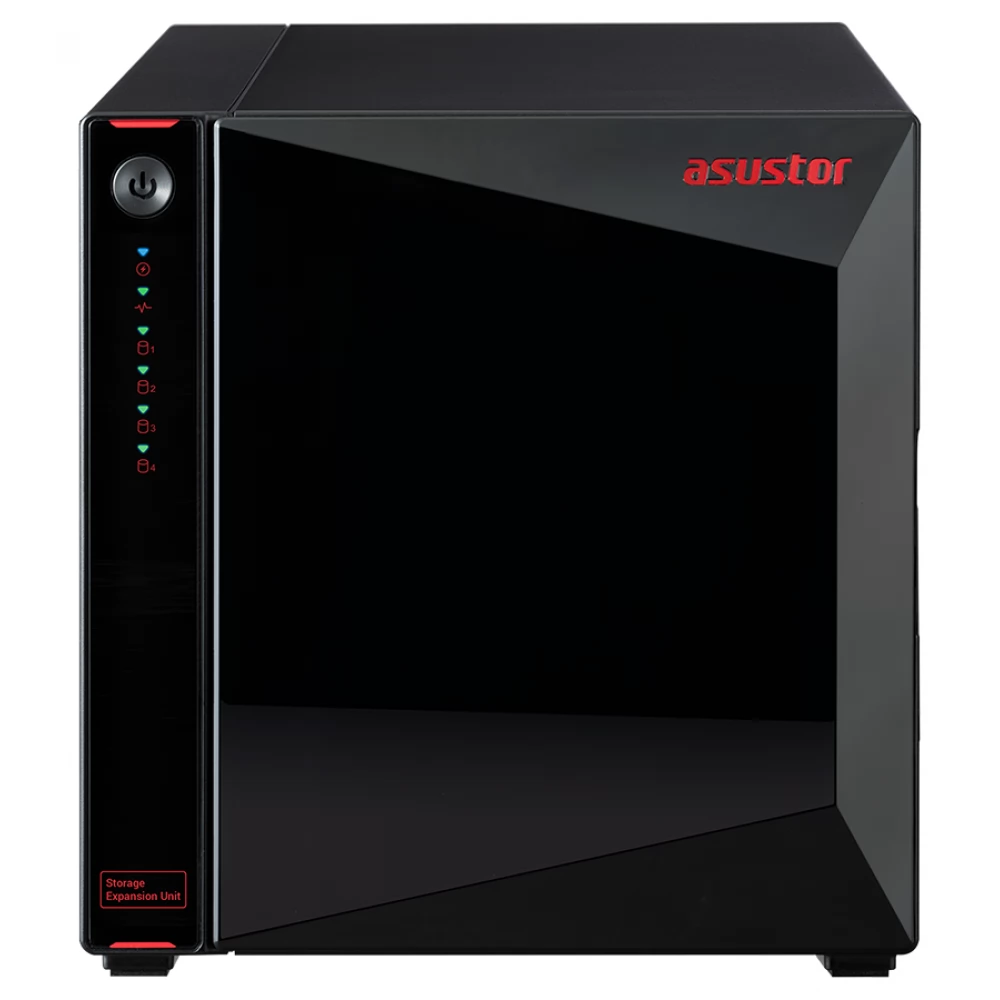
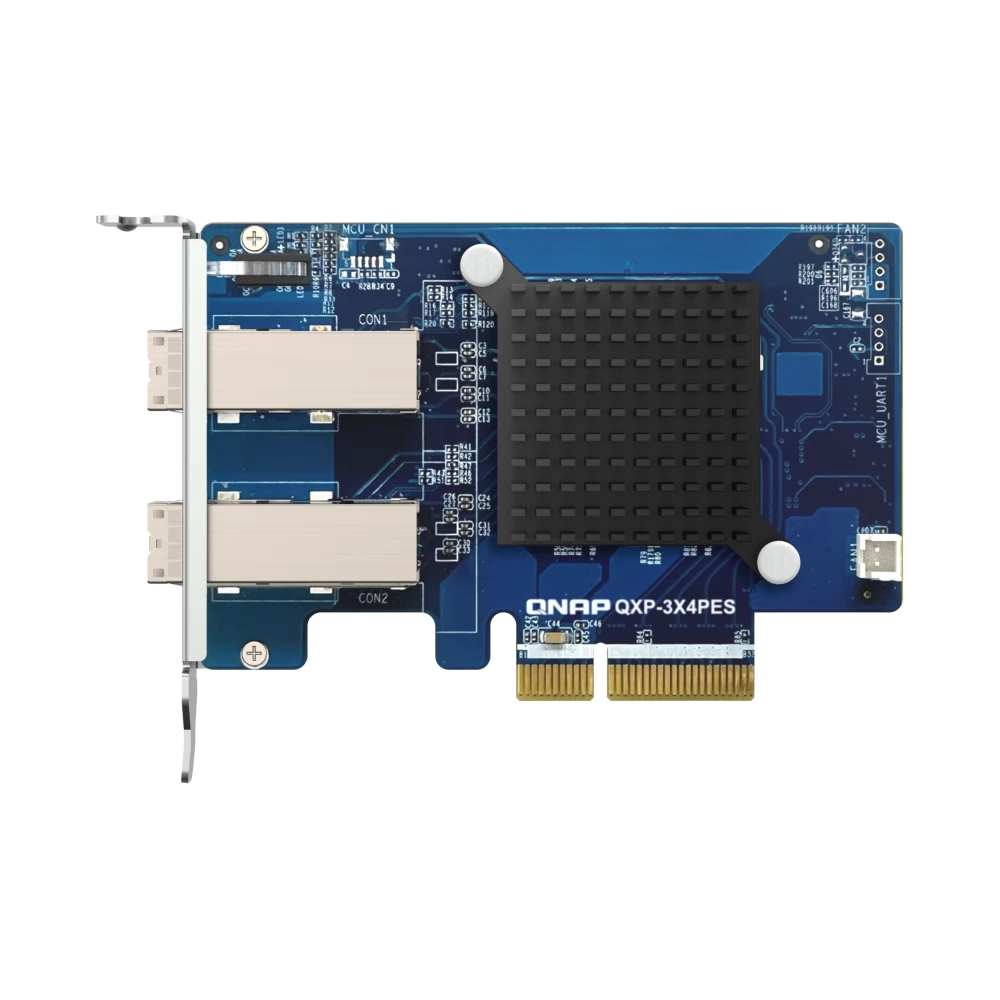
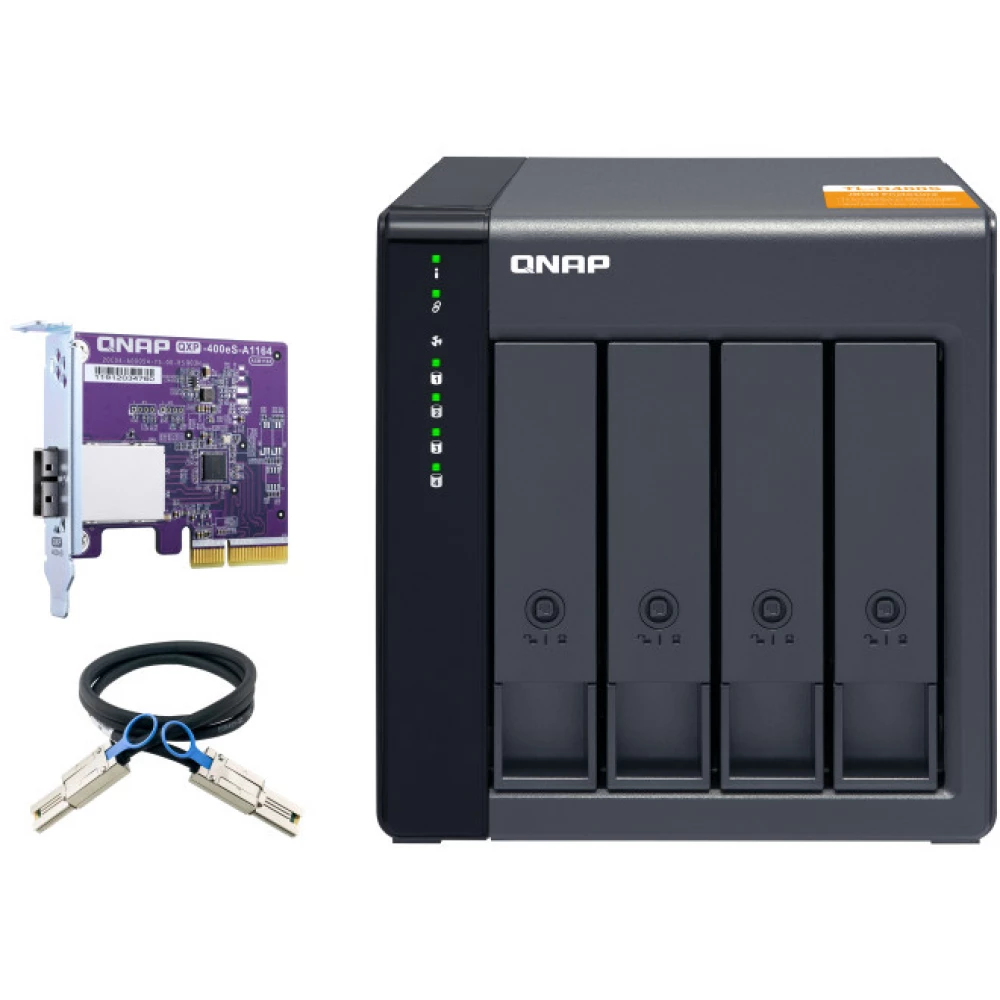
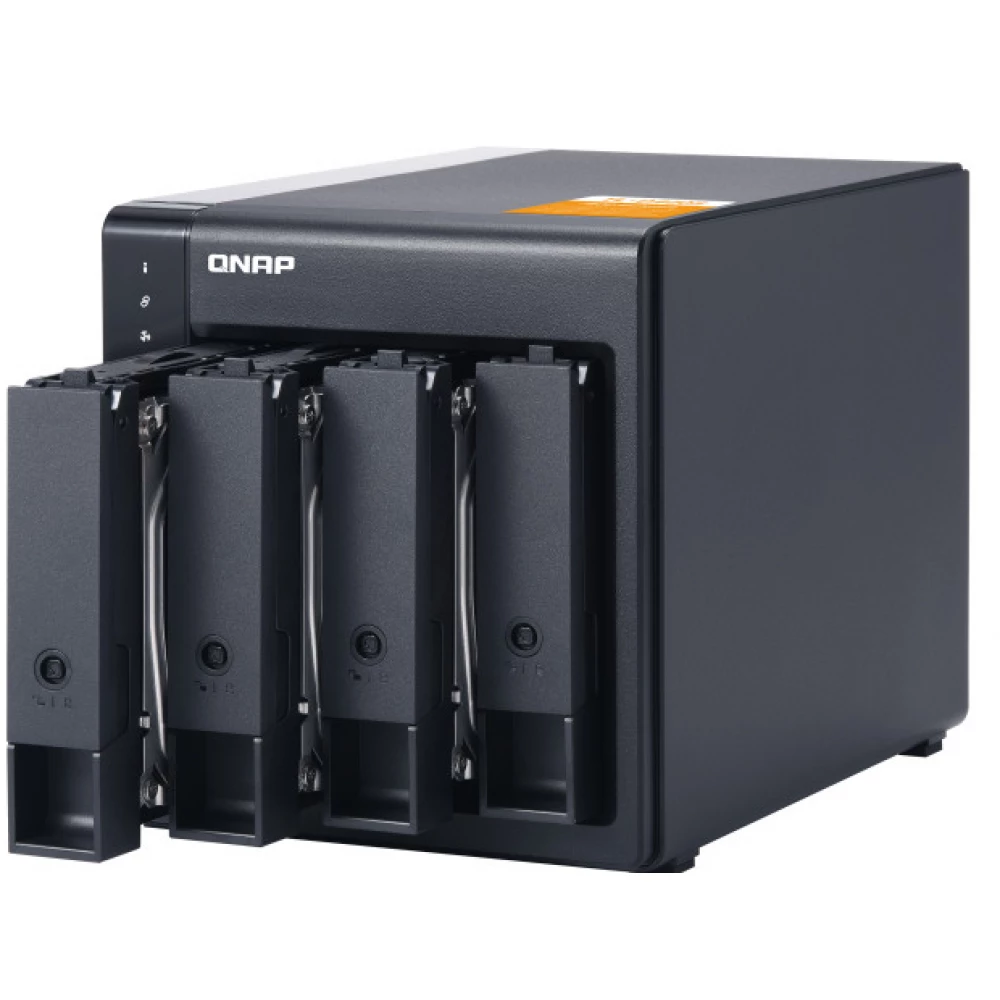
The TL-D400S JBOD storage unit enables the backup and expansion of QNAP NAS, Windows® and Ubuntu® computers and servers. The TL-D400S has four 3.5-inch SATA 6 Gb/s drive bays and a QXP PCIe card that allows connection with an SFF-8088 (or SFF-8644) cable. Provides reliable read and write performance for storage and backup processes.

High performance TL SATA JBOD
TL SATA JBOD supports multi-lane SATA 6Gb/s transfer, and SATA lanes are directly connected to a single SATA drive to improve performance. With 1-1 high-speed channel, TL SATA JBOD provides excellent transfer performance.
Flexible storage configuration and management
The TL-D400S provides software-controlled configuration for greater flexibility. You can use Storage & Snapshots to manage RAID and monitor the status of the JBOD expansion unit and disks when connecting a NAS with a QTS or QuTS hero system, or you can also access these options from your computer with the QNAP JBOD Manager utility.
What you need to know!
You can connect the TL-D400S to your Windows® and Ubuntu® computer using the SFF-8088 (or SFF-8644) high-speed cable, and use the built-in utility to manage the RAID configuration.
Intelligent monitoring of JBOD expansion unit status on PC and servers with QNAP JBOD Manager
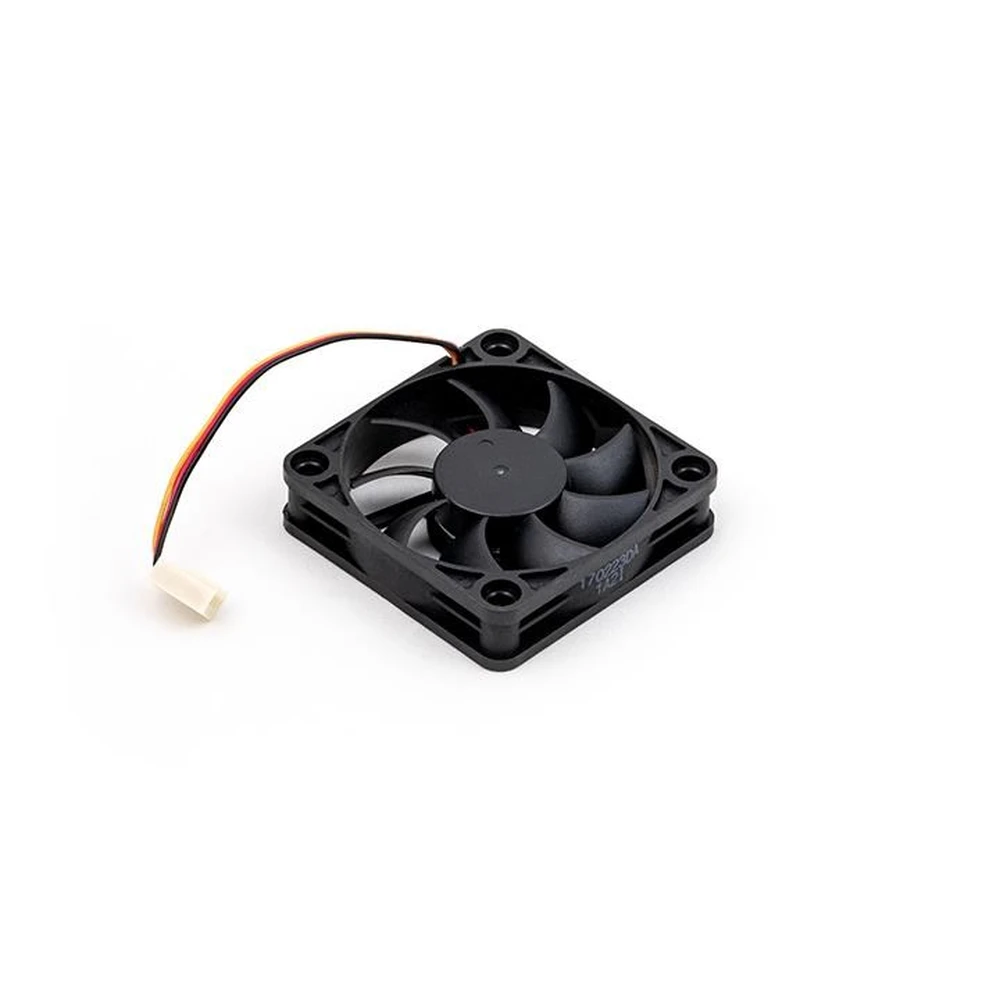
QNAP JBOD Manager is a desktop utility for monitoring the TL-D400S on Windows® and Ubuntu® computers. You can quickly view disk status, JBOD data and status, fan rotation speed, and check firmware version updates. All device events are recorded, and a notification is sent to the desktop in the event of an alarm.
Flexible connection expansion with QXP PCIe cards
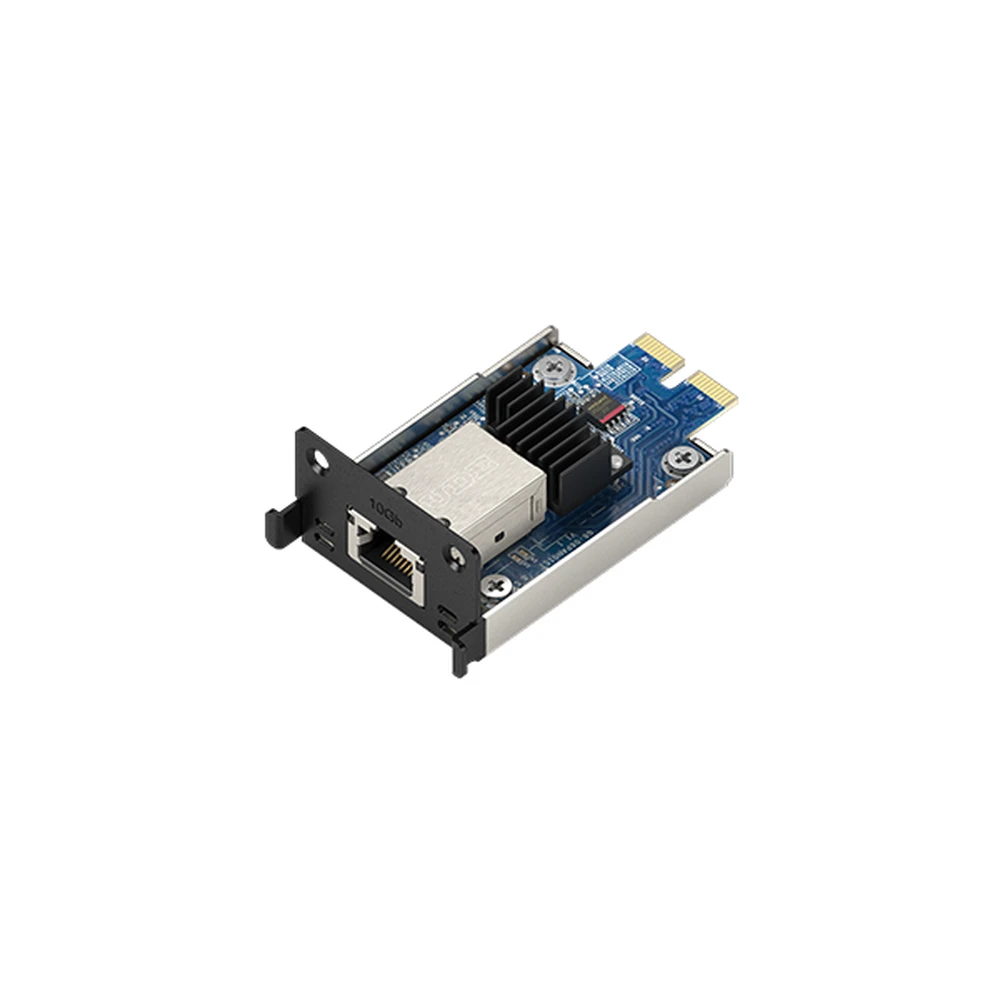
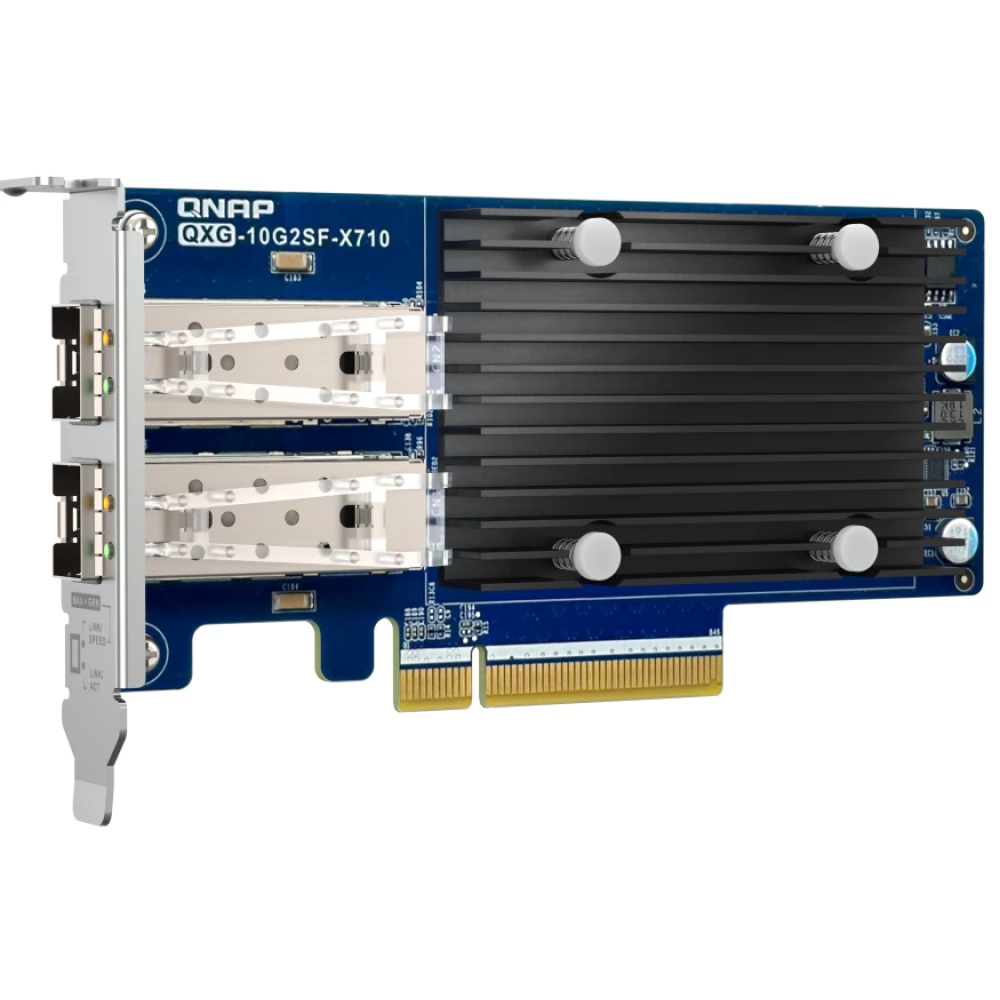
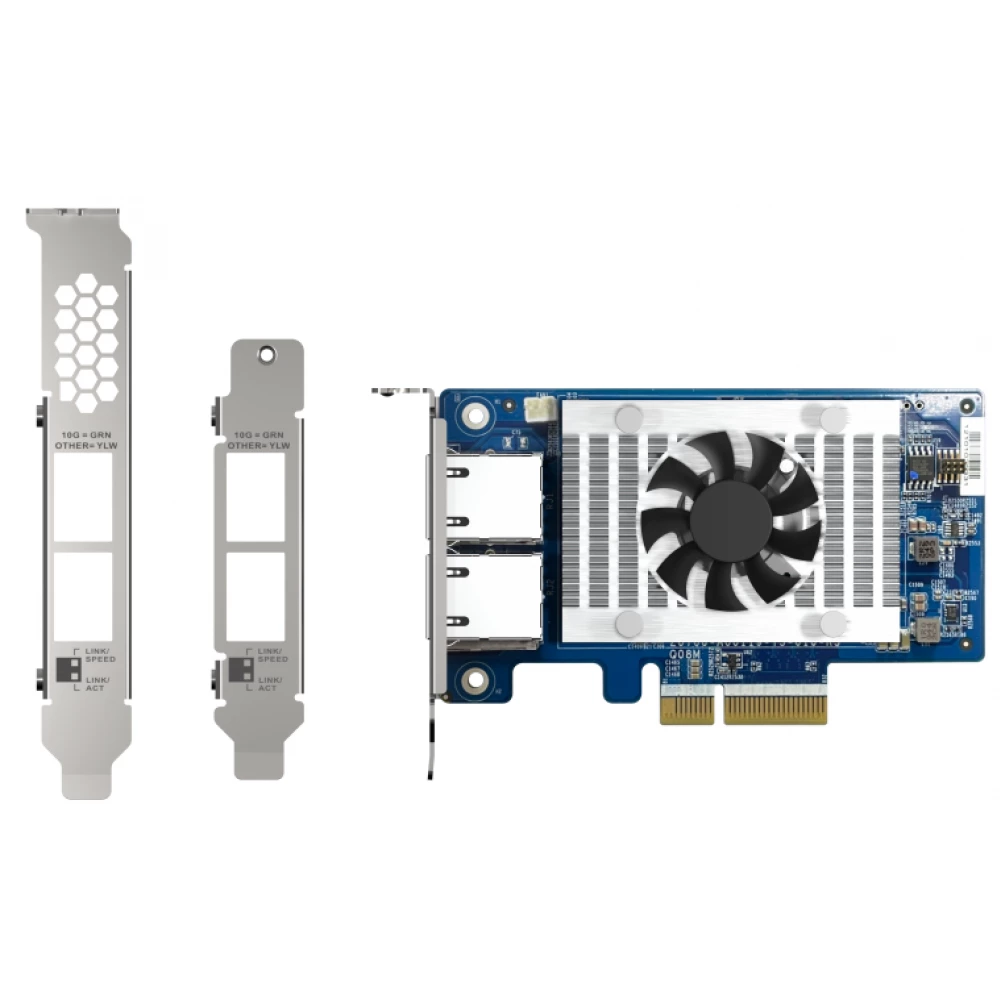
Install exclusive QXP PCIe card on QNAP NAS, Windows® or Ubuntu® PC to connect JBOD expansion unit with SFF-8088 (or SFF-8644) cable for easy and flexible storage expansion.
NOTEBOOK SEARCH

OPINIONS
0.0
