
Dear Visitor! We are carrying out maintenance this weekend, so our website may be slow or briefly unavailable at times. Thank you for your patience!

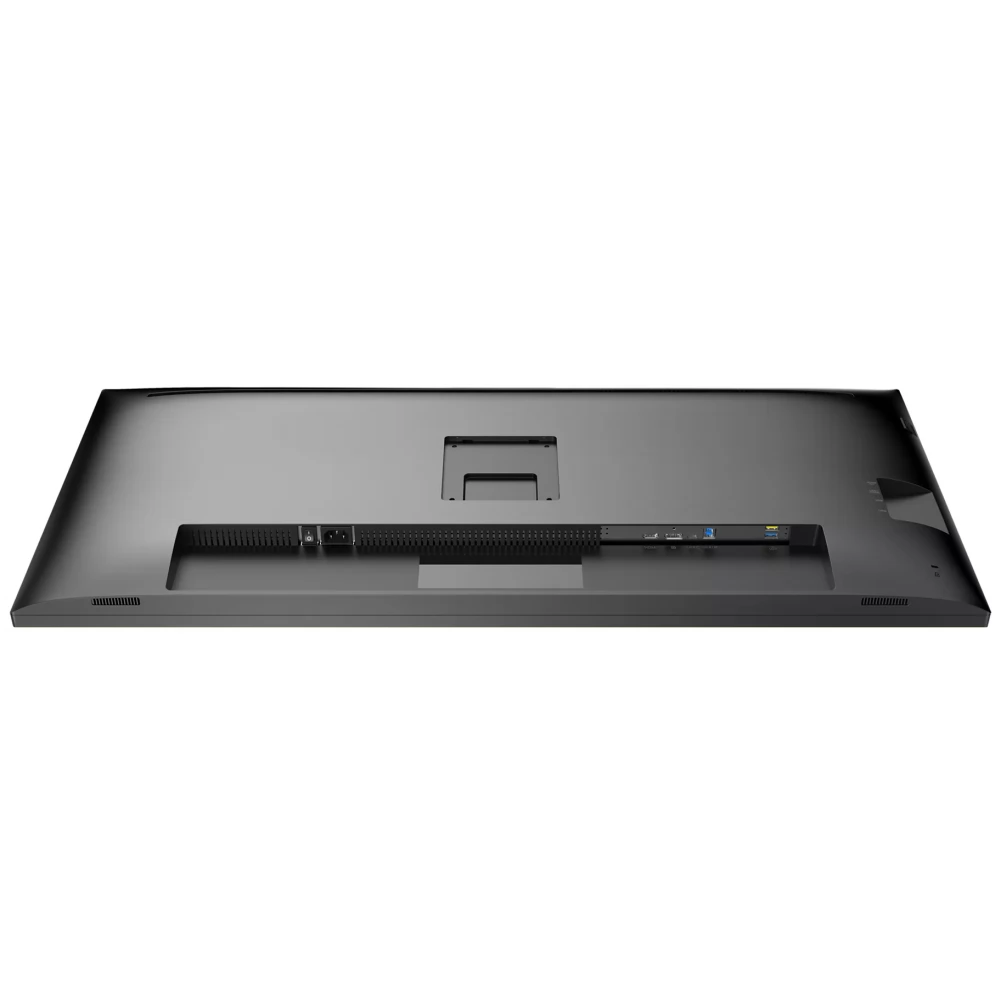
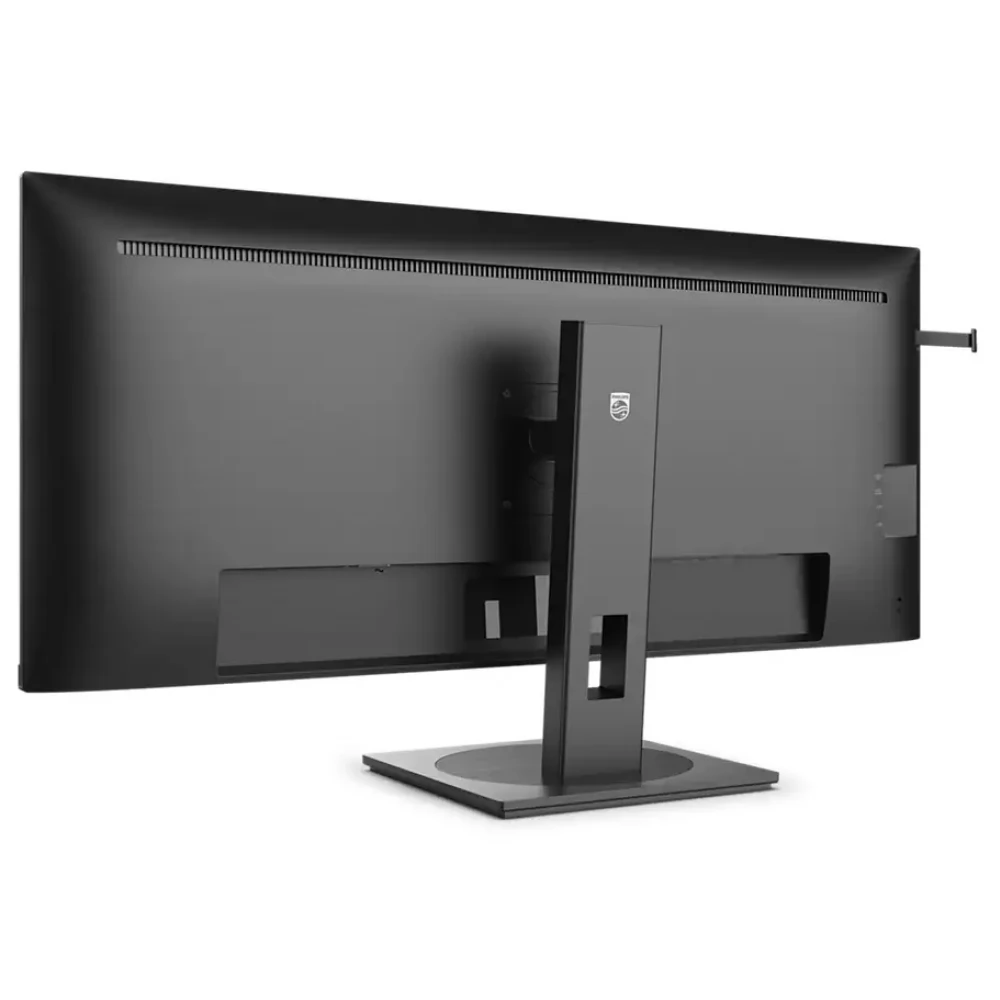
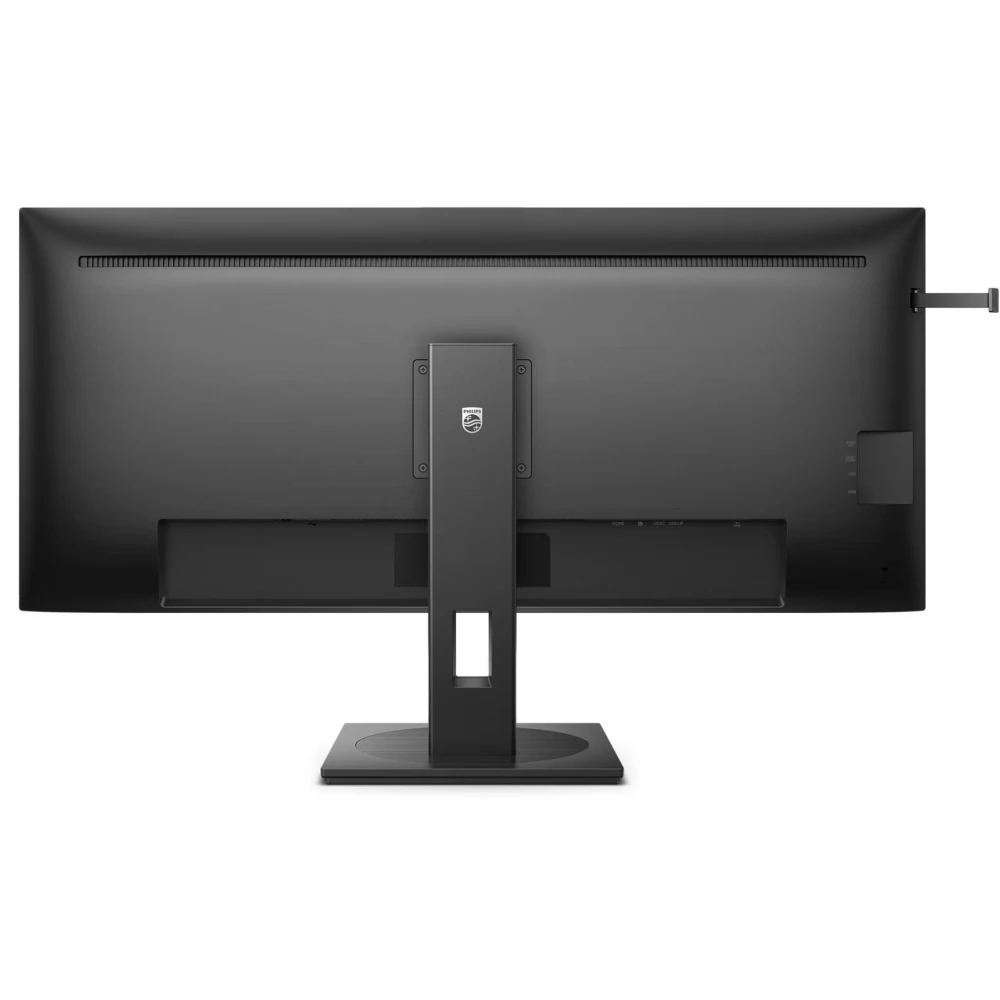
PHILIPS 40B1U5600/00
186 590 Ft

Product description
The Philips 40B1U5600/00 Monitor is an ideal choice for professionals representing a maximalist attitude every day. An impressive technological innovation that offers a captivating visuals, exceptional quality and premium features for users. It allows you to make a versatile use so that all users can be the perfect choice. With its modern, stylish appearance, it stands in any environment.
The 40 -inch Ultrawide QHD panel provides a sharp and crystal clear image and guarantees the stunning visual experience for any content. The Ultrawide 21: 9 format allows for even greater productivity by providing more space for comparison side by side and displaying several columns of the tables at a time. Perfect for many applications, such as CAD/CAM drawings, graphics and web designs, and huge tables containing financial data.
IPS screens use enhanced technology that provides an extremely wide viewing angle of 178 °/178 °. This allows you to watch the screen from almost any angle - up to 90 degrees. Unlike normal TN panels, the IPS screen provides a very sharp picture and bright colors, so not only for viewing photos, movies or web browsing, but also for professional applications that are important for color loyalty and constant brightness.
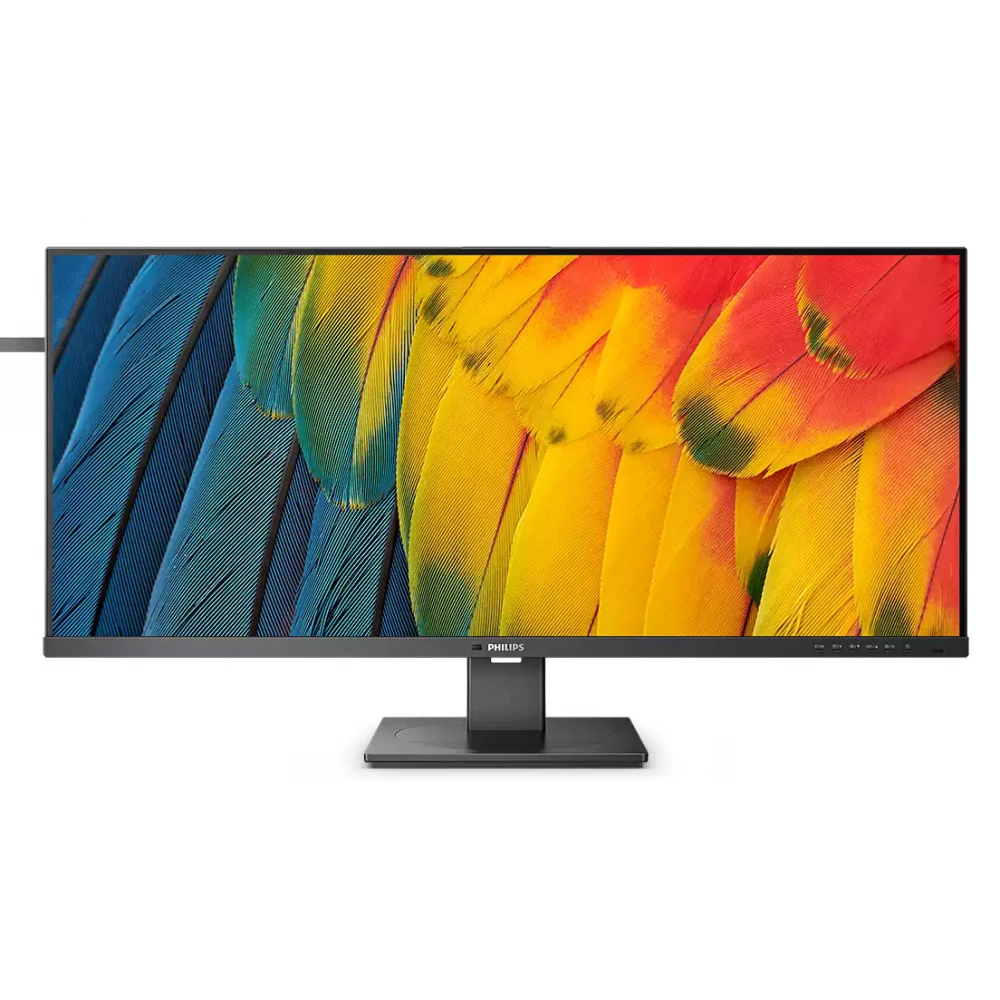
The DisplayHDR 400 with VESA certified is significant progress compared to normal SDR display. In contrast to other HDR-compatible displays, the true DisplayHDR 400 provides impressive brightness, contrast and colors. Thanks to global brightness control and at least 400 nit brightness, the images come to life with spectacular emphasis and deeper, more nuanced blacks. It can reproduce a broader palette of rich new colors and provide a visual experience that captures the senses.
SmartContrast is a technology developed by Philips that analyzes the contents displayed, automatically adjusts the colors and controls backlight to dynamic contrast dynamic to display the best digital and motion images or when playing dark hues. When choosing an economical mode, it sets the contrast and fine tunes backlight for proper display of every day office applications and lower energy consumption.
Smartimage is a special cutting -edge Philips technology that analyzes the content displayed on the screen and provides optimized display. This user -friendly interface allows you to choose the most appropriate way for different applications: office, photo, movie, game, economical, etc. Based on the choice, Smartimage optimizes contrast, color saturation and sharpness to perfectly display photos and videos. Economical mode provides significant energy savings for you.
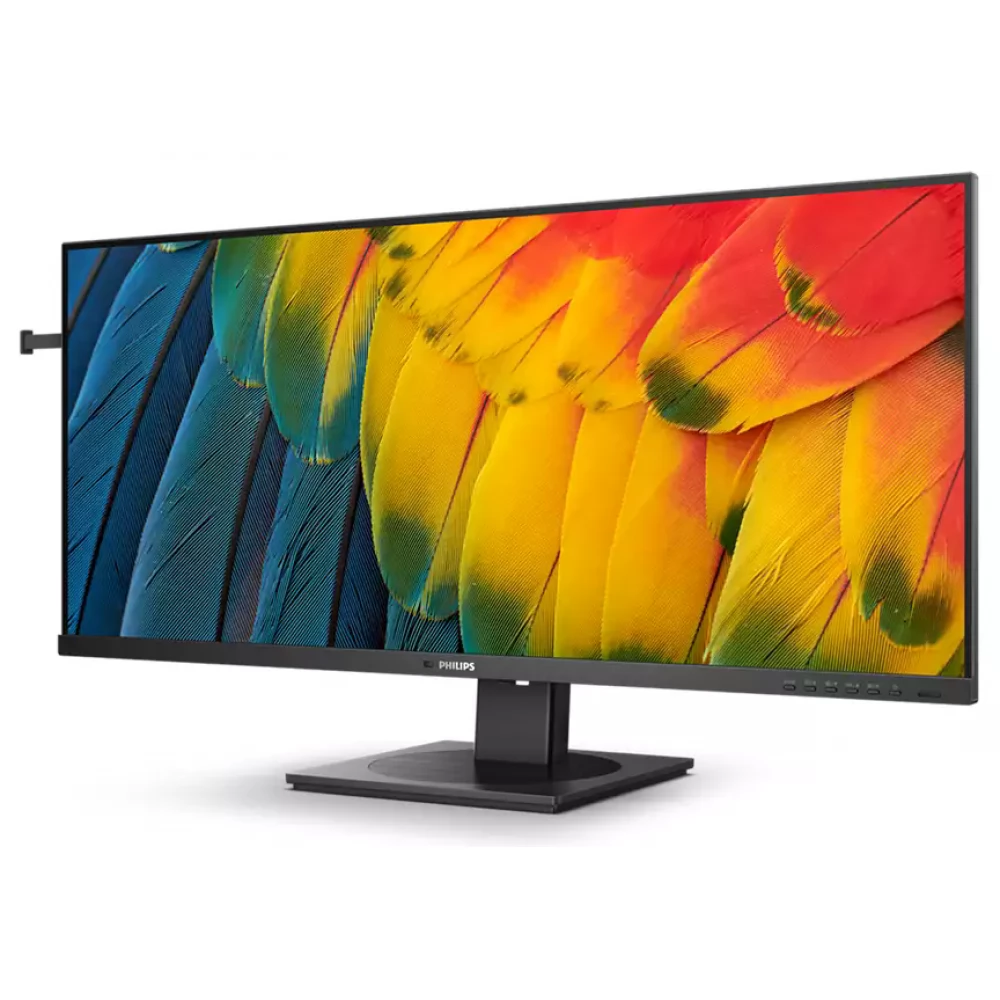
The monitor has an ultra -core frame that is as much disturbing as possible and provides maximum screen size. Particularly suitable for multiple displays or mosaic layouts such as games, graphic design and professional applications, where the ultra -core display frame gives you the feeling of using a single large screen.
The PowerSensor is a built-in "person sensor" that determines whether the user is in front of the monitor by issuing and receiving harmless infrared rays. The technology automatically reduces the brightness of the monitor if the user is removed from the desk, so the energy costs can be reduced by up to 75%and the monitor life can be significantly increased.
With a comfortable 0 watt switch on the back of the monitor, the monitor can be completely disconnected from the power grid. Thus, it does not consume energy at all, and the "carbon footprint" of carbon dioxide is further reduced.
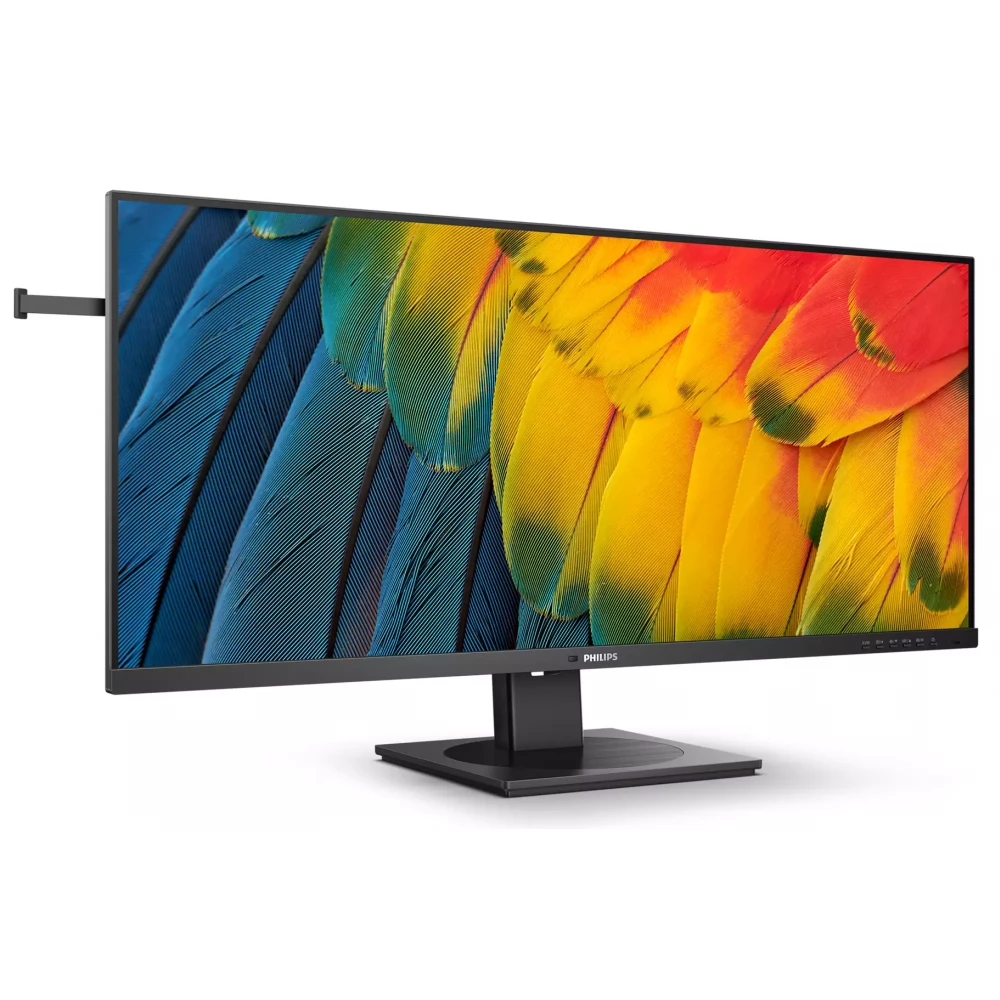
The Lightensor, with an intelligent sensor, sets the brightness of the image to the light conditions of the room, providing a perfect picture with minimal energy use.
The built-in Multiclient KVM switch allows you to manage two different computers with a single monitor, keyboard and mouse. With a comfortable button, you can quickly switch between sources. Practically can be used for applications that require the power of the two computers, or when one large monitor is connected to two different computers.
Multiview implements an active dual connection and view, so you can work on multiple devices at the same time to complete a complex work, including on a computer and notebook. Picture to picture (PBP) feature to view content from two different sources on a single screen. The image in the image (PIP) feature allows you to resize up to 25%of the original size of the second source to place it anywhere on the screen.
THE
PRICE NOTIFICATION
NOTEBOOK SEARCH

OPINIONS
0.0
