
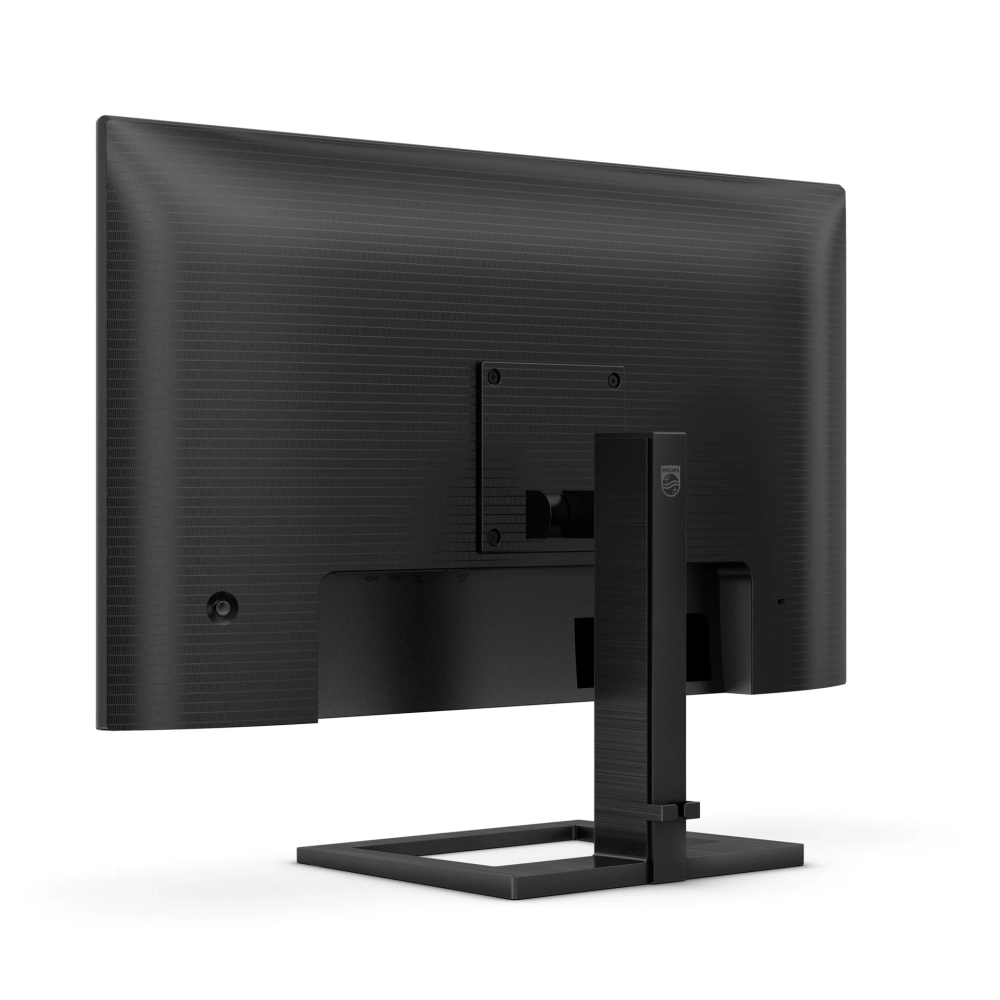
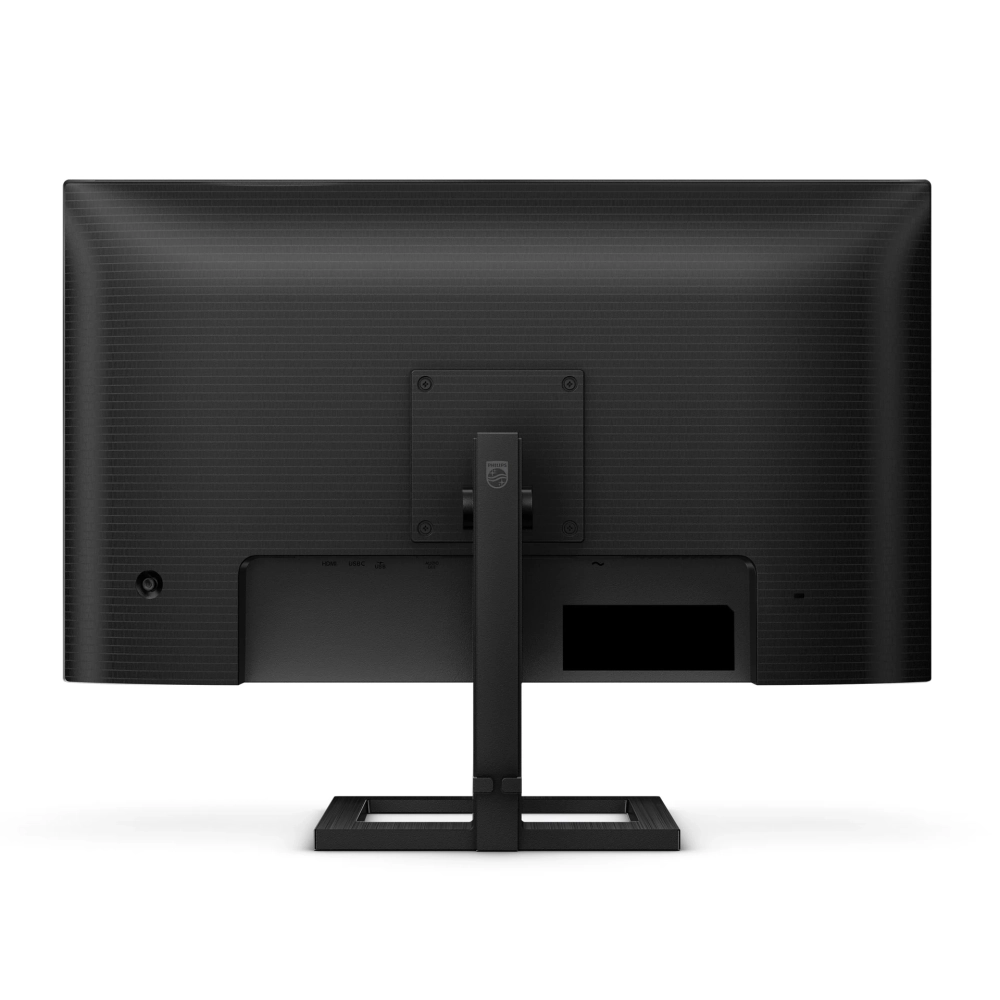
PHILIPS 27E1N1600AE/00
61 290 Ft
Product description
Increase your productivity with USB-C connectivity
This monitor is designed to keep you connected. With features like USB-C 3.2 for power, users can charge their connected devices with a single cable and work seamlessly. In addition, thanks to the single cable, the work area remains tidy.
100 Hz refresh rate for truly continuous images
This Philips display updates the image on the screen up to 100 times per second, which means that this monitor is much faster than a conventional display. Thanks to the 100 Hz frame rate, players can see the critical images on the screen that show the movement of the enemy extremely smoothly, making them easy to target.
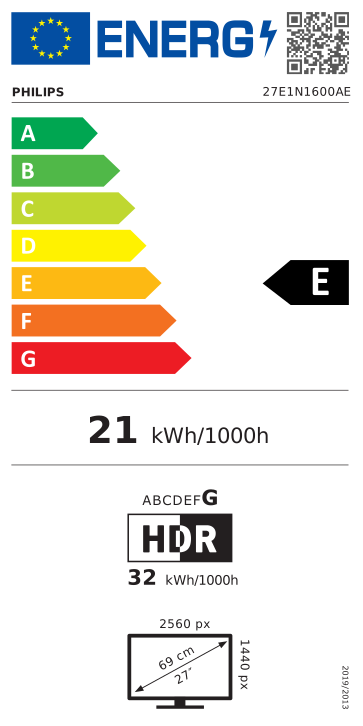
Crystal clear images with Quad HD 2560 x 1440 pixels
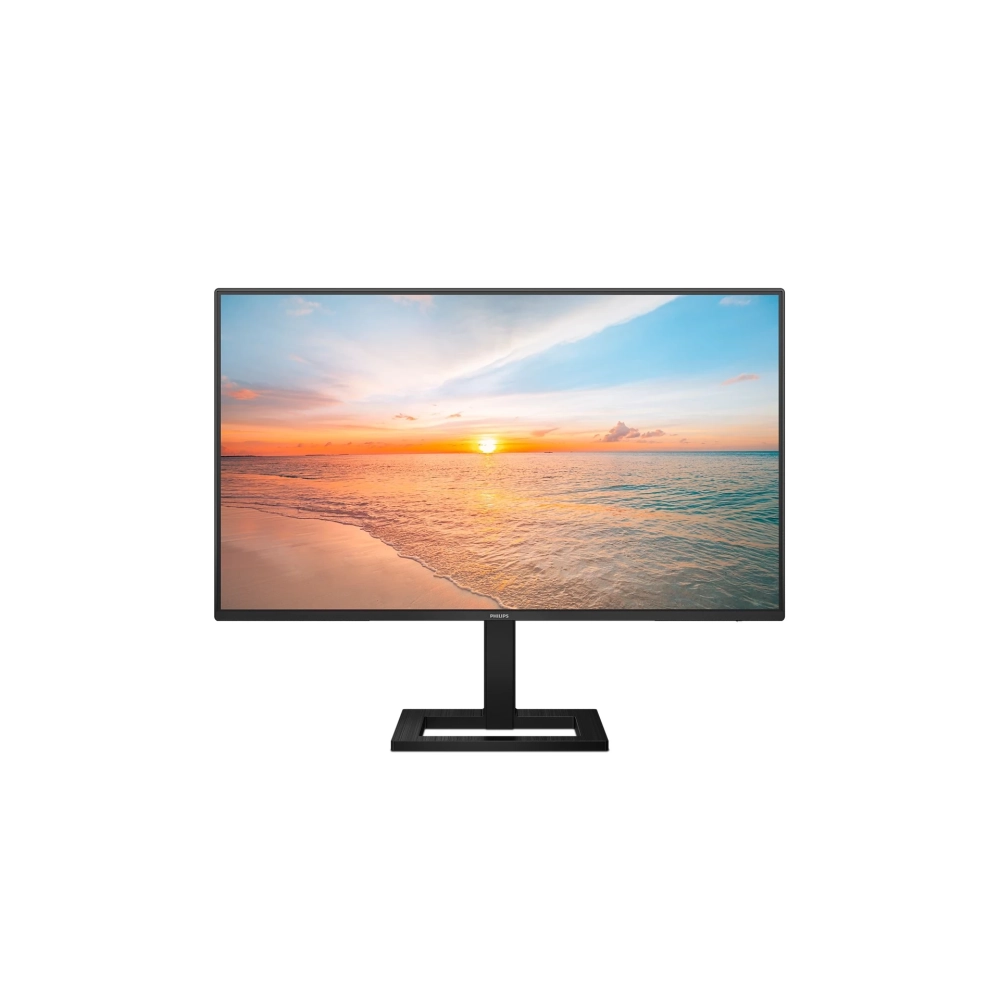
These Philips screens provide Crystalclear, Quad HD 2560x1440 or 2560x1080 resolution images. High-bandwidth sources using high-performance, high-pixel-density panels – e.g. New displays controlled by USB-C, Displayport, HDMI bring your images and graphics to life. You can be a demanding professional who requires extreme detail for CAD-CAM solutions, a creator working with 3D graphic applications, or a financial guru who manages huge spreadsheets. Philips displays guarantee crystal clear display.
IPS LED wide viewing angle technology for image and color accuracy
IPS screens use advanced technology that provides an extremely wide viewing angle of 178/178 degrees. So you can view the screen from almost any angle. Unlike normal TN panels, IPS screens provide a particularly sharp image and vivid colors, which is why they are ideal not only for viewing photos, movies or web browsing, but also for professional applications where color fidelity and constant brightness are important.
High Dynamic Range (HDR) for even more lifelike color images
High dynamic range (HDR) provides a dramatically different visual experience. With amazing brightness, incomparable contrast and captivating colors, images come to life with much more brightness, while they are characterized by much deeper, more nuanced blacks. It can reproduce a wider palette of rich, new colors never before seen on the screen, and you will have a visual experience that captivates your senses and stimulates your emotions.
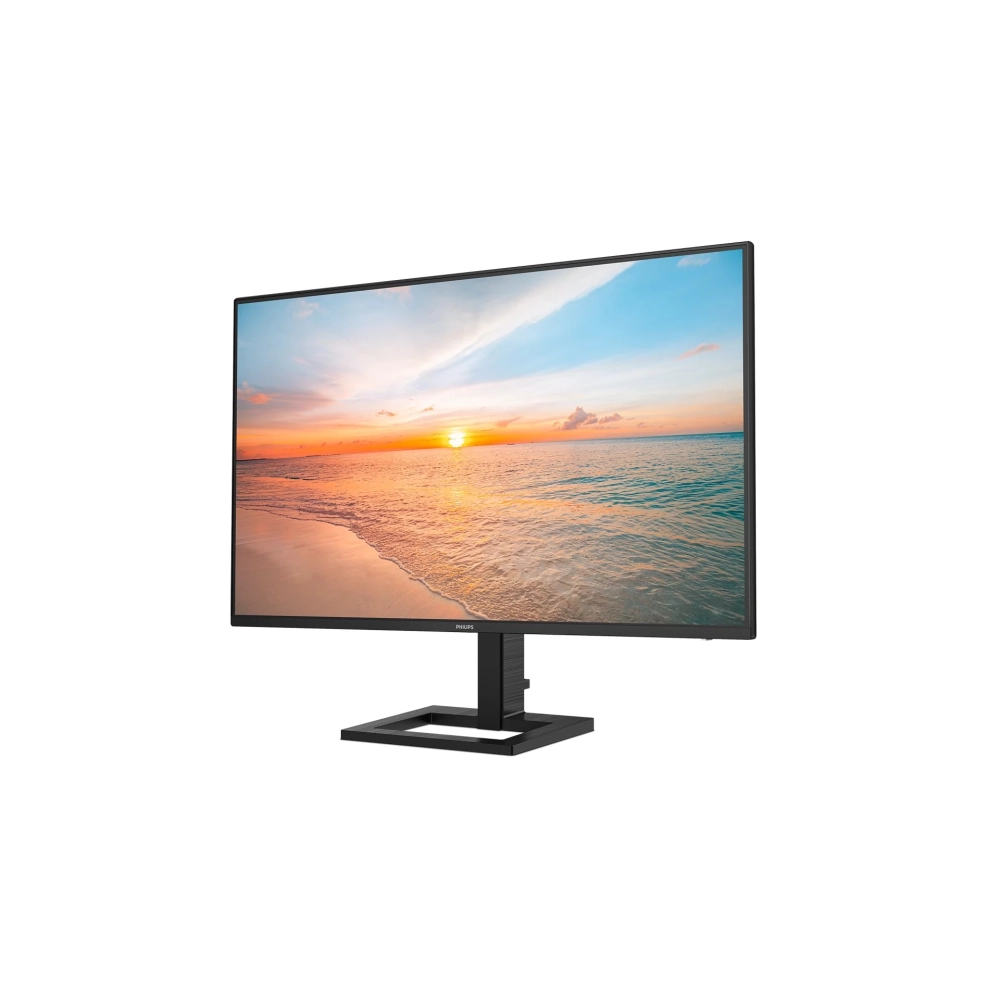
Connect your notebook using a single USB-C cable
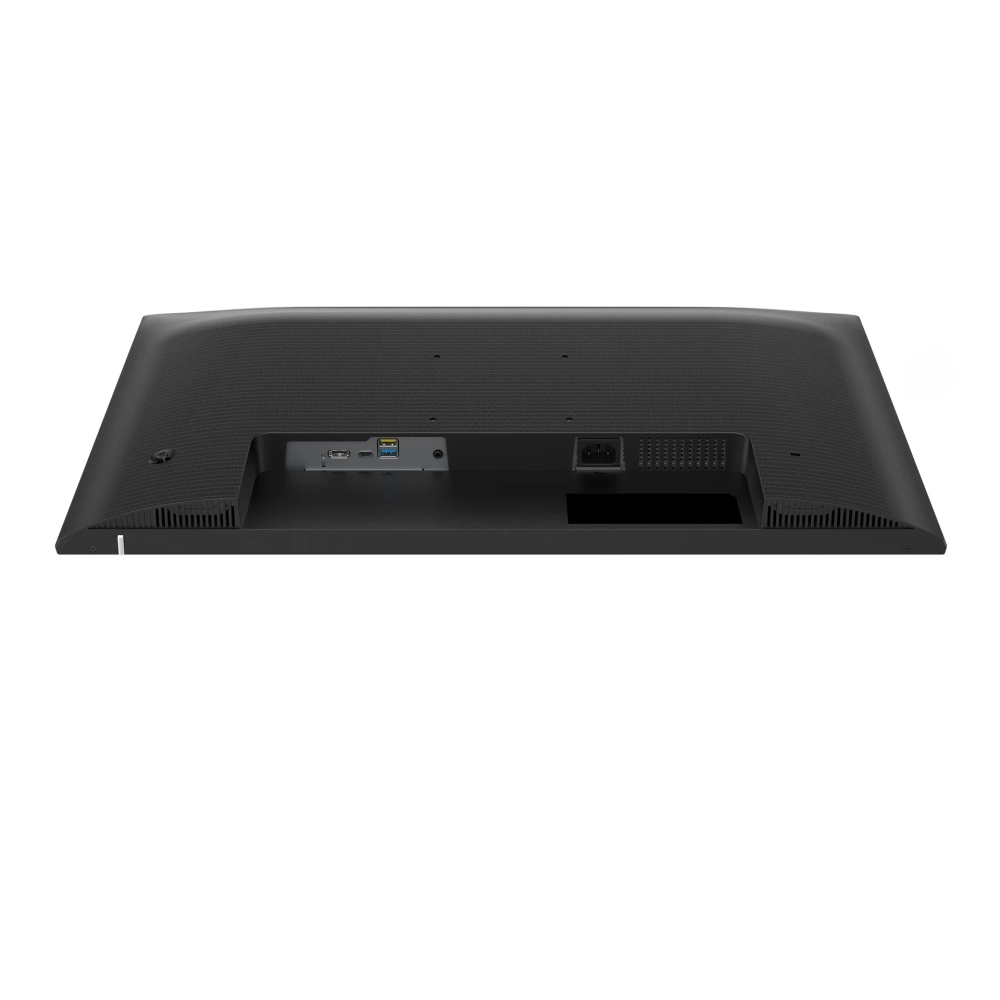
The Philips display has a USB Type-C connector for power supply. Thanks to intelligent and flexible power management, you can directly charge your compatible device. The narrow, reversible USB-C connector enables a simple one-cable connection. You can watch high-definition videos and transfer data incredibly fast, while keeping your compatible device powered and charged.
1ms fast response time (MPRT) for sharp images and smooth gameplay
The MPRT (moving picture response time), which characterizes the response time more intuitively, refers directly to the time that elapses between the appearance of a blurry image and the appearance of a clear, sharp image. With a 1ms MPRT value, the Philips monitor designed for gaming effectively eliminates blurring and motion blur, and provides a sharper, more accurate image display, thus enhancing the gaming experience. The best choice for games that require creepy and fast movements.
The LowBlue Mode and Flicker-free modes that filter out harmful light ensure eye health
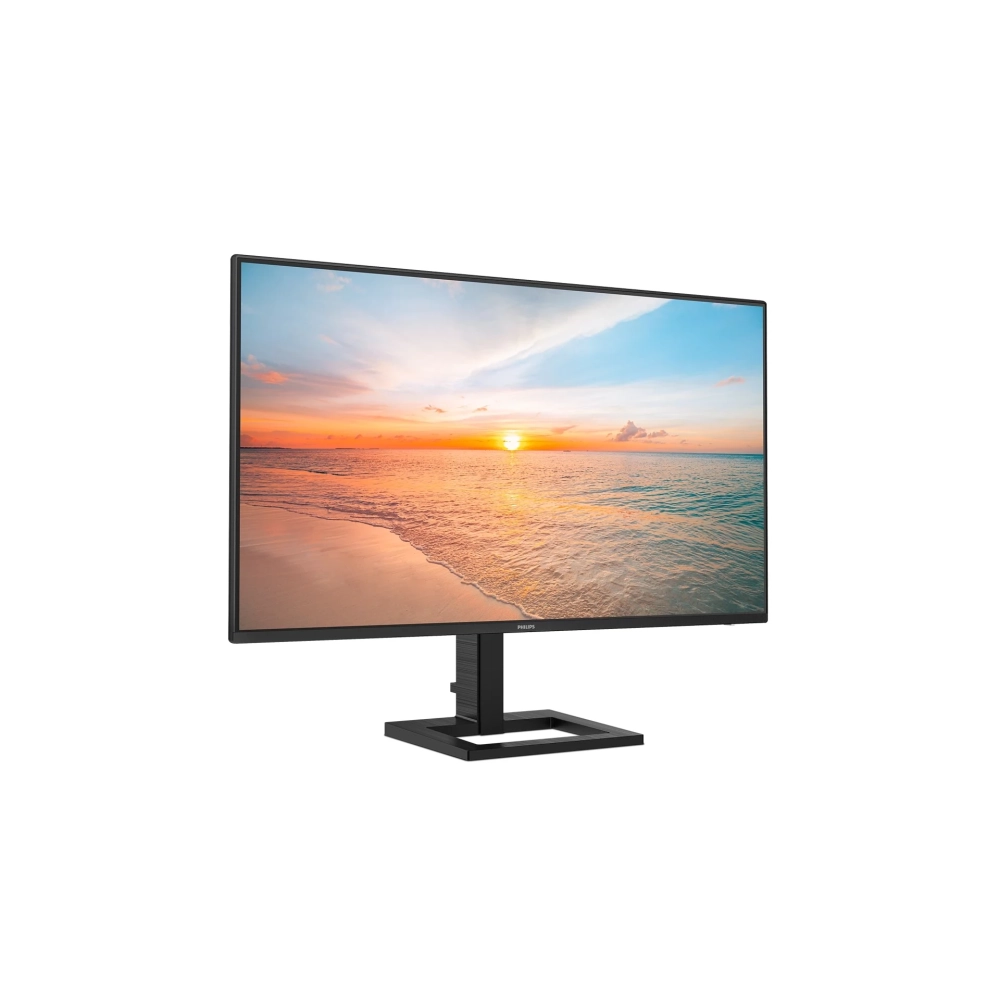
The LowBlue mode and Flicker-free technology were developed to reduce eye strain and fatigue, which is often caused by long hours spent in front of the monitor.
Built-in stereo speakers for multimedia
A pair of high-quality stereo speakers built into the display. Depending on the type and design, it can be visible and radiating from the front, hidden and radiating from the bottom, top, or back.
HDMI provides universal digital connectivity
An HDMI-ready device has all the necessary hardware to receive High-Definition Multimedia Interface (HDMI) input. With the help of an HDMI cable, high-quality video and audio can be transmitted via a single cable, from a computer or any number of AV sources (indoor units, DVD players, A/V receivers and camcorders).
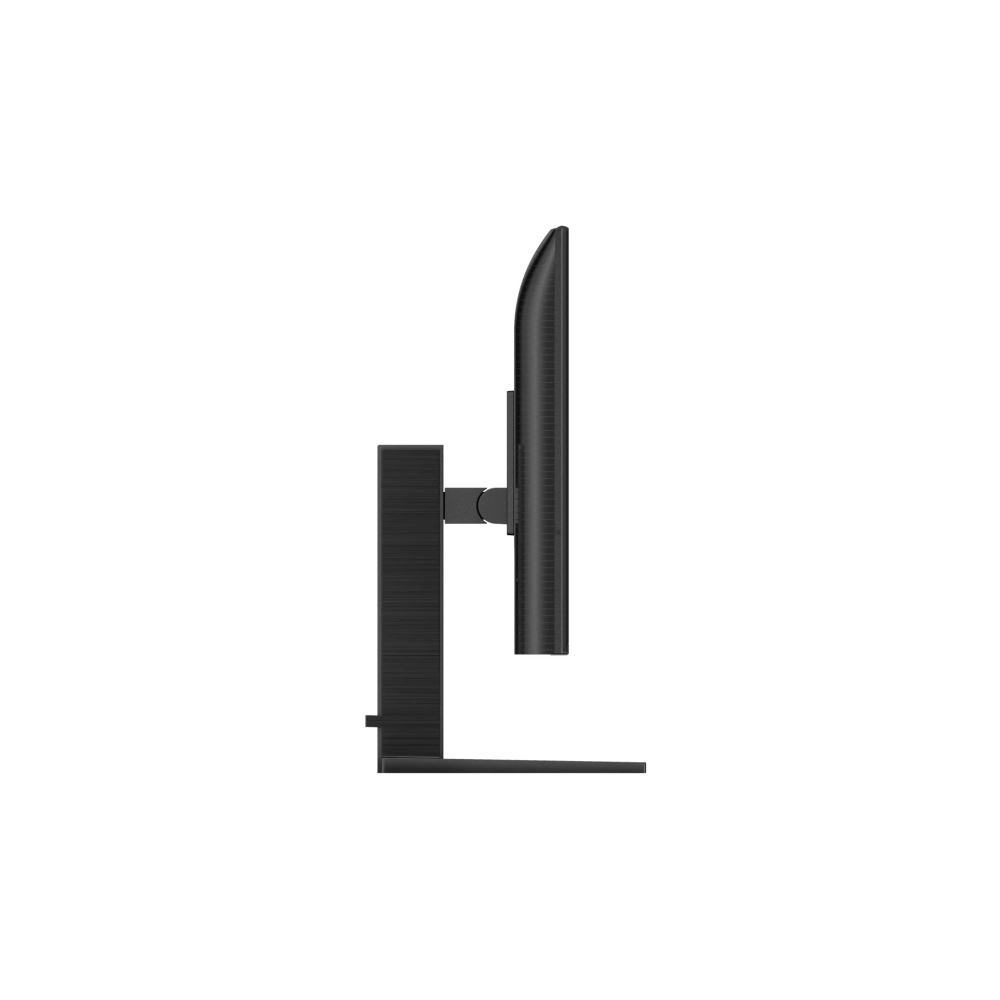
EasySelect menu toggle button for quick on-screen menu access
With the discreetly placed EasySelect menu switch button, you can quickly and easily change the monitor's settings in the on-screen menu.
PRICE NOTIFICATION
NOTEBOOK SEARCH

OPINIONS
0.0
