
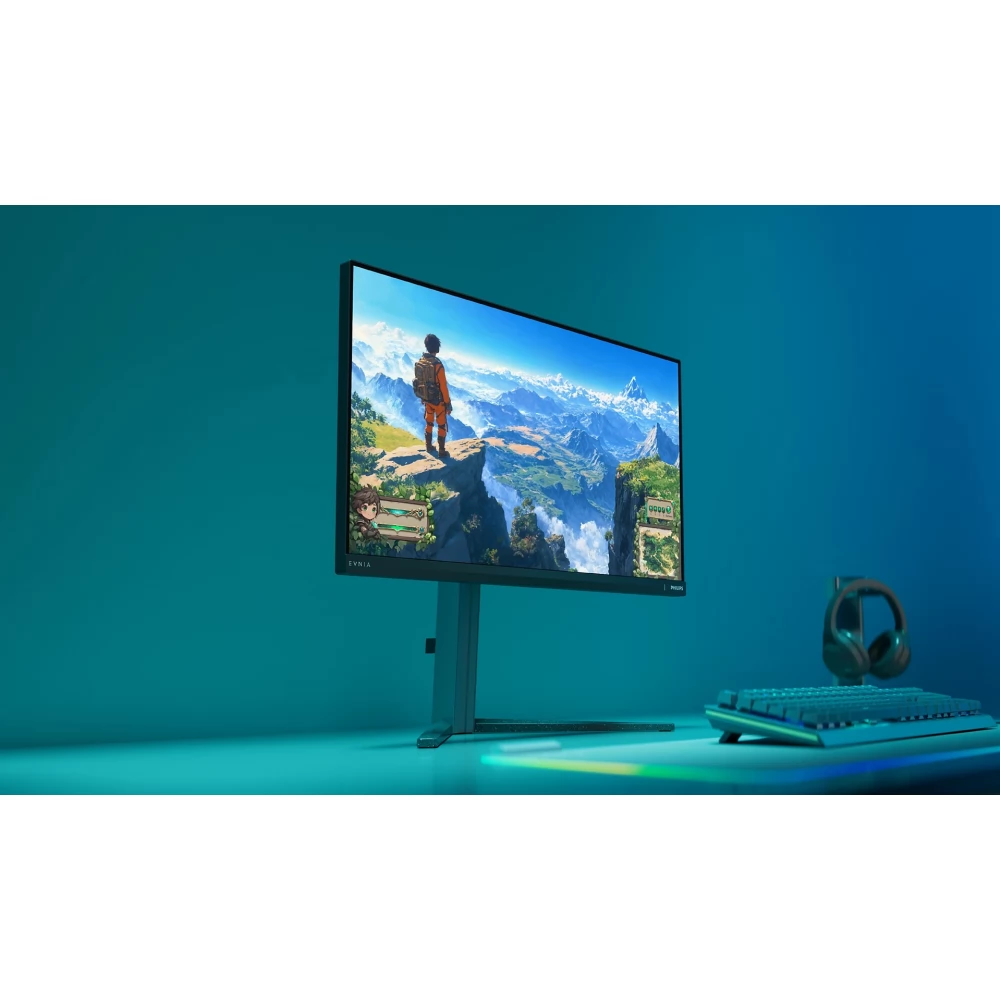
PHILIPS 25M2N3200U/00
72 191 Ft
66 090 Ft
Product description
Push the limits of the game!
This 25" Fast IPS monitor provides a sharp image for gaming. With an overclockable 310Hz refresh rate and 0.3ms Smart MBR, you can expect clear visuals and a high-quality, all-round gaming experience.
310Hz refresh rate for really smooth and brilliant images
Experience intense, competitive games with the Philips Evnia monitor. Designed for gamers who want extremely smooth, lag-free visuals, the monitor provides an overclockable 310Hz refresh rate – significantly faster than standard displays. Say goodbye to frustrating frame drops that cause enemies to jump around the screen unpredictably. This high-performance display shows every critical movement extremely smoothly, ensuring accuracy and clarity, so you can always stay ahead of the competition and take on the fight with confidence.
Low input lag reduces lag time between the device and the monitor
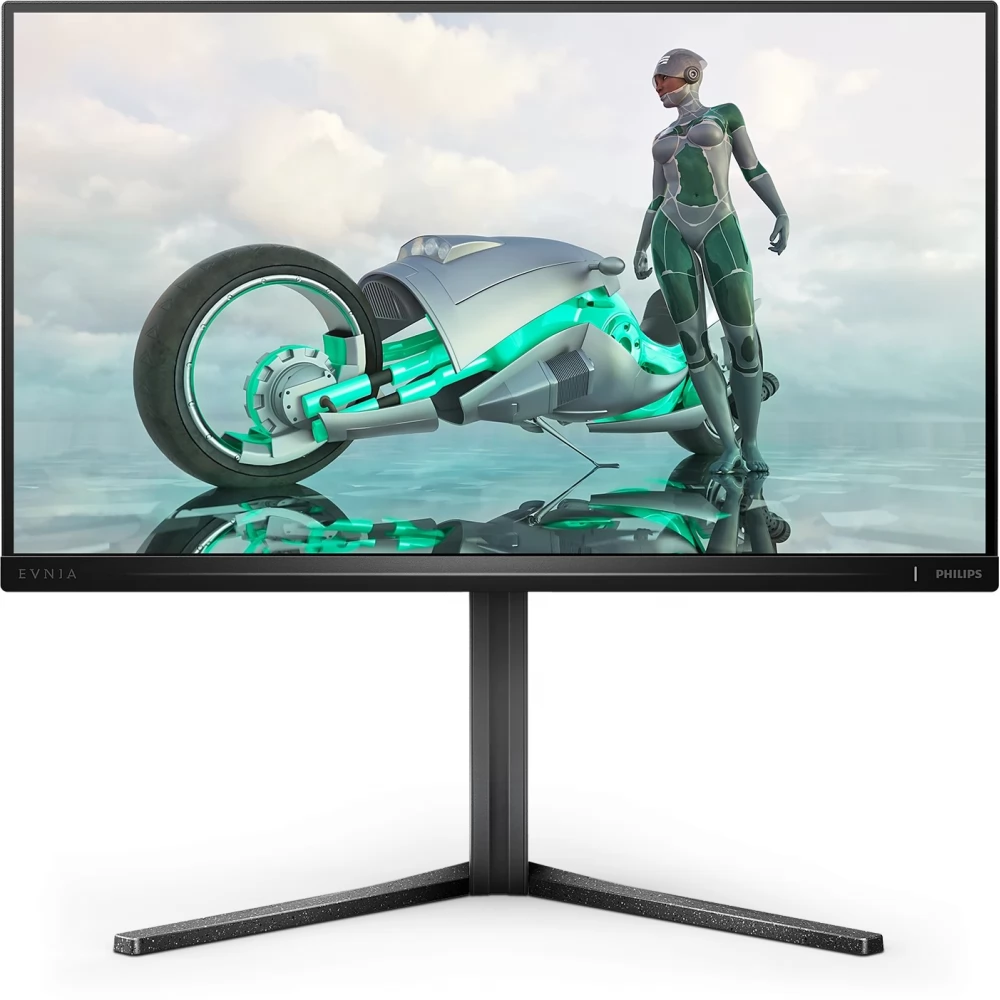
Input lag is the time that elapses between performing an operation with a connected device and the result appearing on the screen. Low input latency reduces the delay time between inputting a command from the device and the result appearing on the monitor. This greatly improves efficiency in video games that require fast movements, which is especially important in fast-paced, competitive games.
0.3ms ultra-fast speed for sharp images and smooth gameplay
The Philips display with 0.3ms Smart MBR effectively eliminates blur and motion blur, and provides sharper, more accurate visuals to enhance your gaming experience. Fast scenes and dramatic transitions become smooth. The best choice for games that require exciting and fast movements.
Fast IPS panel: For a fast and crystal clear gaming experience
This feature is designed for action-packed gameplay. Not only does it provide a virtually blur-free gaming experience, but it can also be used with high frame rates to ensure the best and sharpest image quality.
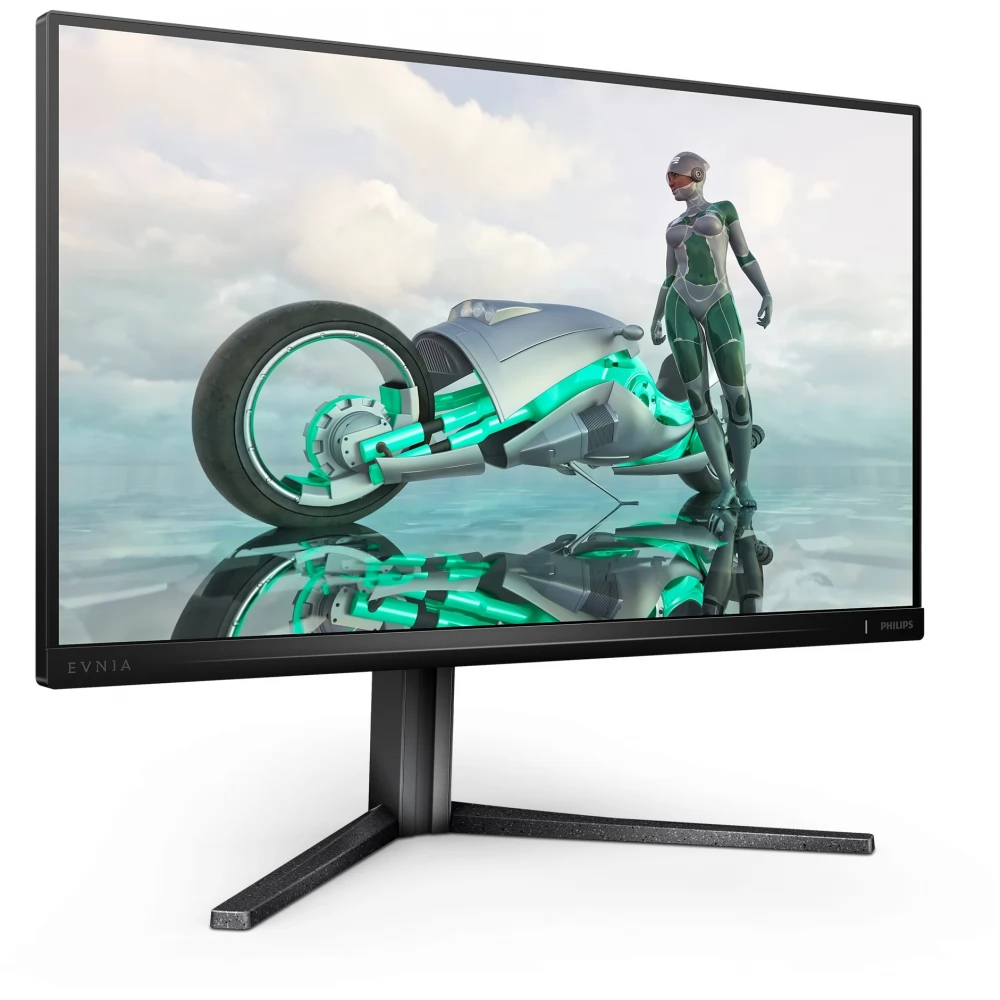
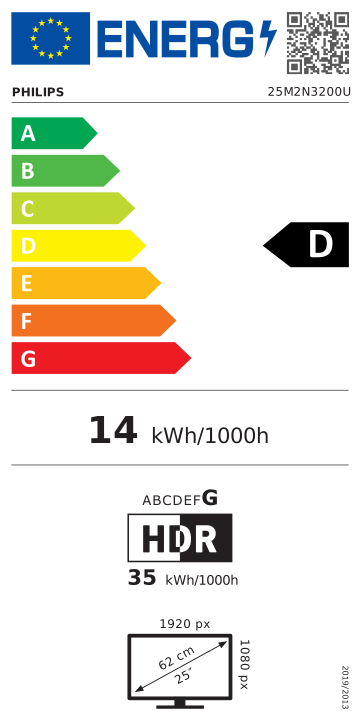
16:9 Full HD display for sharp, detailed images
Image quality issues. Traditional displays provide good quality, but you want more. This display has the enhanced Full HD (1920 x 1080) resolution. Full HD with clear details and high brightness, incredible contrast and realistic colors provide a lifelike image.
DisplayHDR 400 for even more lifelike and outstanding visuals
The VESA-certified DisplayHDR 400 display is a significant improvement over standard SDR displays. Compared to other HDR-enabled displays, true DisplayHDR 400 delivers stunning brightness, contrast and color. Thanks to global brightness control and brightness of at least 400 nits, images come to life with spectacular highlights and deeper, more nuanced blacks. It can reproduce a wider palette of rich, new colors and provides a visual experience that captivates the senses.
SmartContrast: for rich black shades
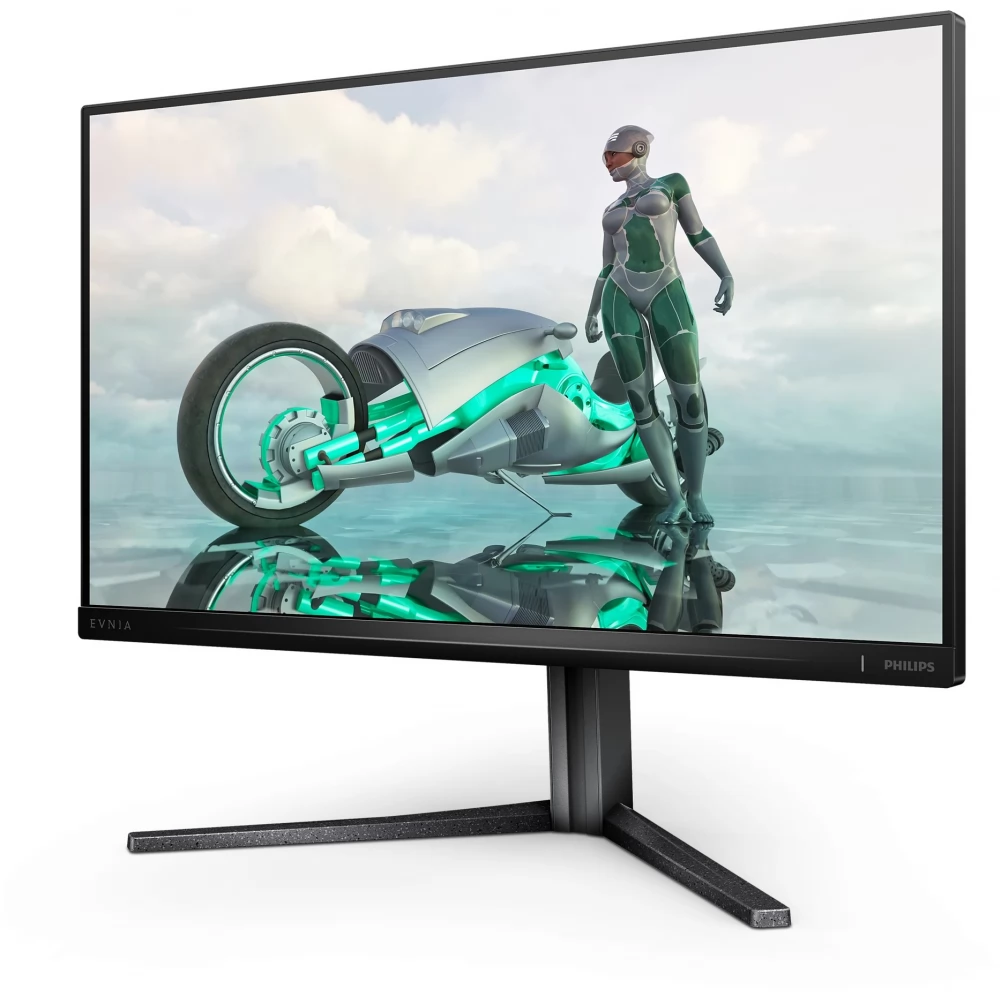
SmartContrast is a technology developed by Philips that analyzes the displayed content, automatically adjusts the colors and controls the backlight to dynamically improve the contrast to display the best digital still and motion pictures, or when displaying dark shades during gaming. When choosing economy mode, it adjusts the contrast and fine-tunes the backlight for the proper display of everyday office applications and lower power consumption.
The LowBlue Mode and Flicker-free modes that filter out harmful light ensure eye health
LowBlue mode and Flicker-free technology have been developed to reduce eye strain and fatigue, which is often caused by long hours spent in front of the monitor.
SmartImage game mode - optimized for gamers
Fine-tuned specifically to the needs of gamers, the new Philips display, designed for gaming, offers a wide range of options and has a quick-access on-screen menu. The "FPS" (First person shooting) mode improves the dark parts of the game, so that objects hidden in dark areas can be seen. The "Racing" mode sets the display to the fastest response time, excellent color, or it also makes other adjustments to the image setting. The "RTS" (Real time strategy) mode has a special SmartFrame mode, which allows you to highlight a specific area or size and image modifications. Gamer1 (Player 1) and Gamer2 (Player 2) allow you to save customized settings for each game to ensure the best performance.
Smart Crosshair: for even more accurate aiming and even better fun
The crosshair color is set by default. When Smart Crosshair is on, the color is the background color
PRICE NOTIFICATION
NOTEBOOK SEARCH

OPINIONS
0.0
