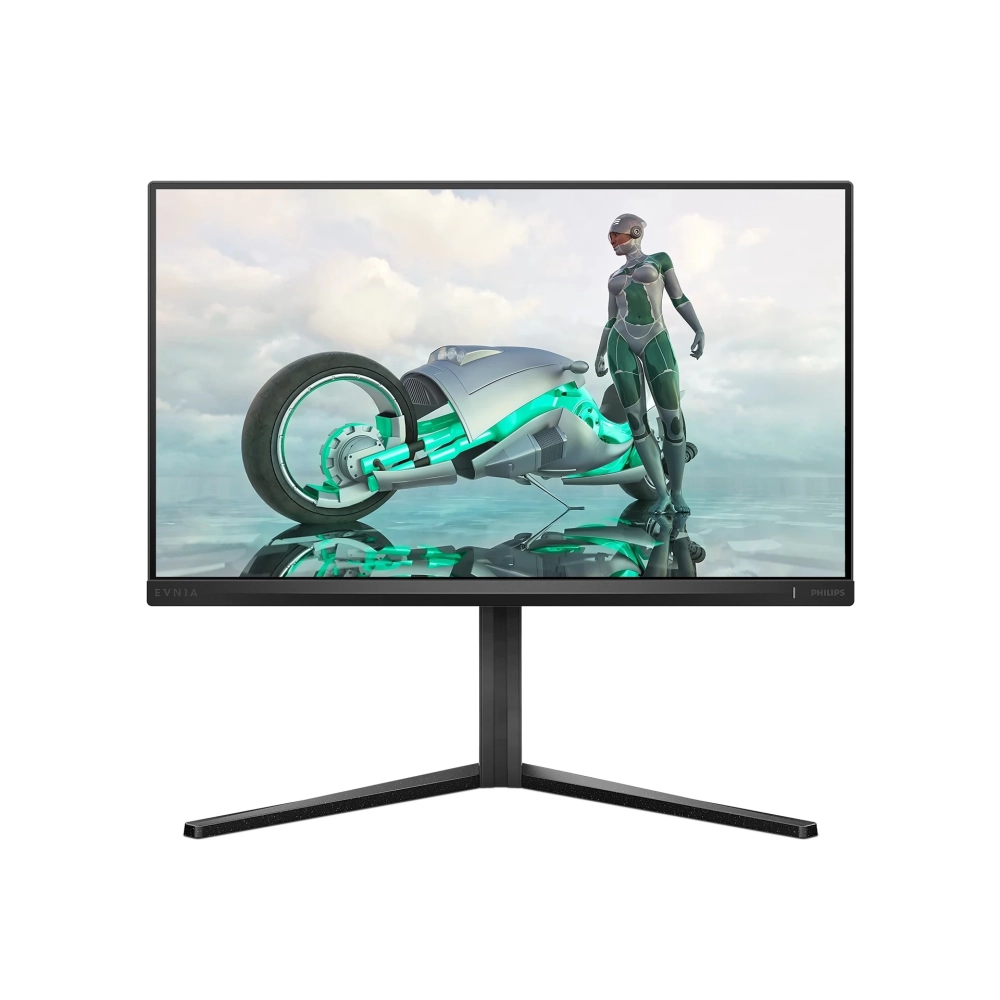
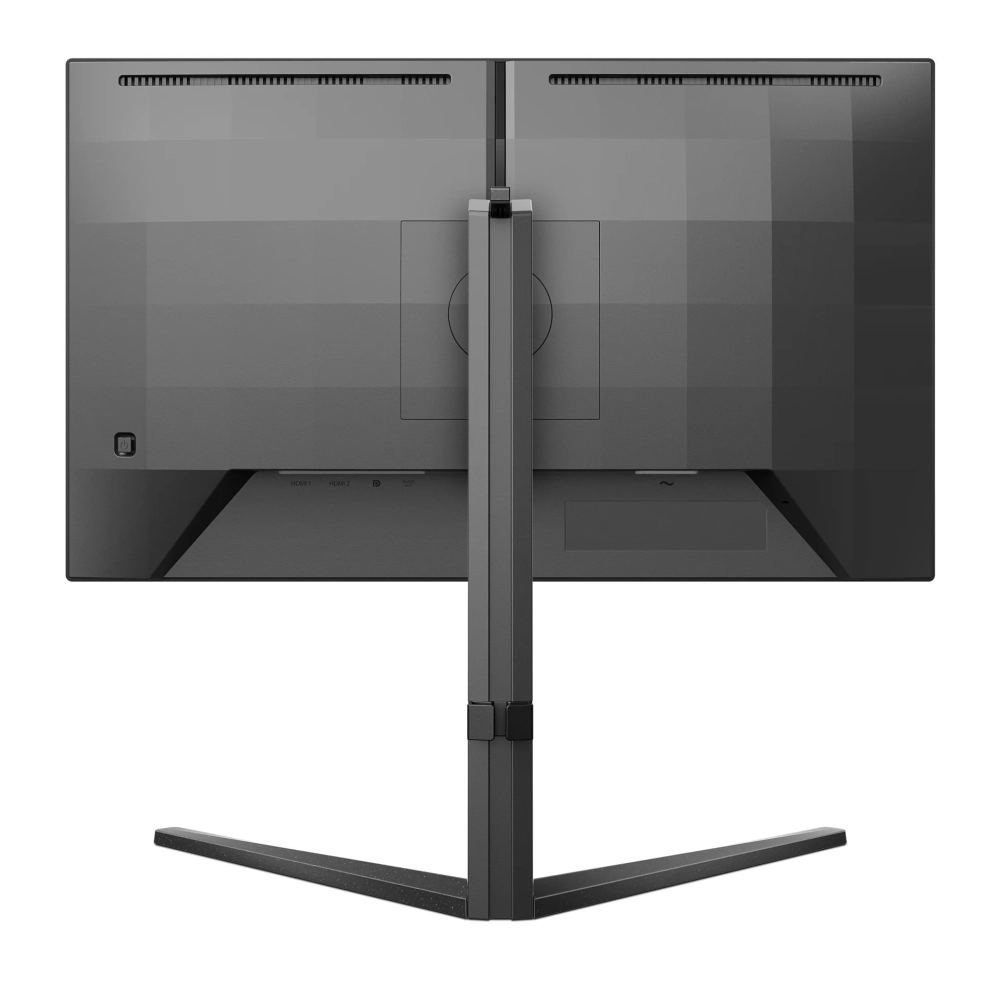
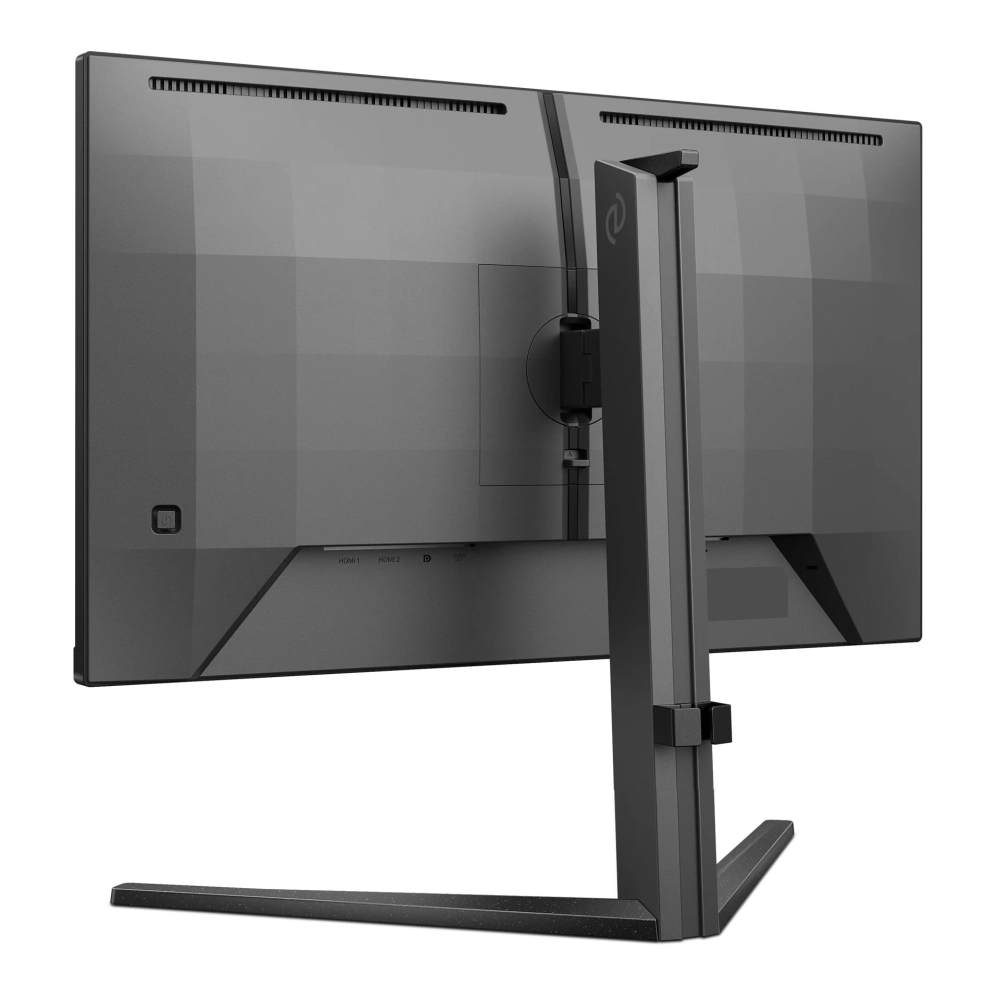
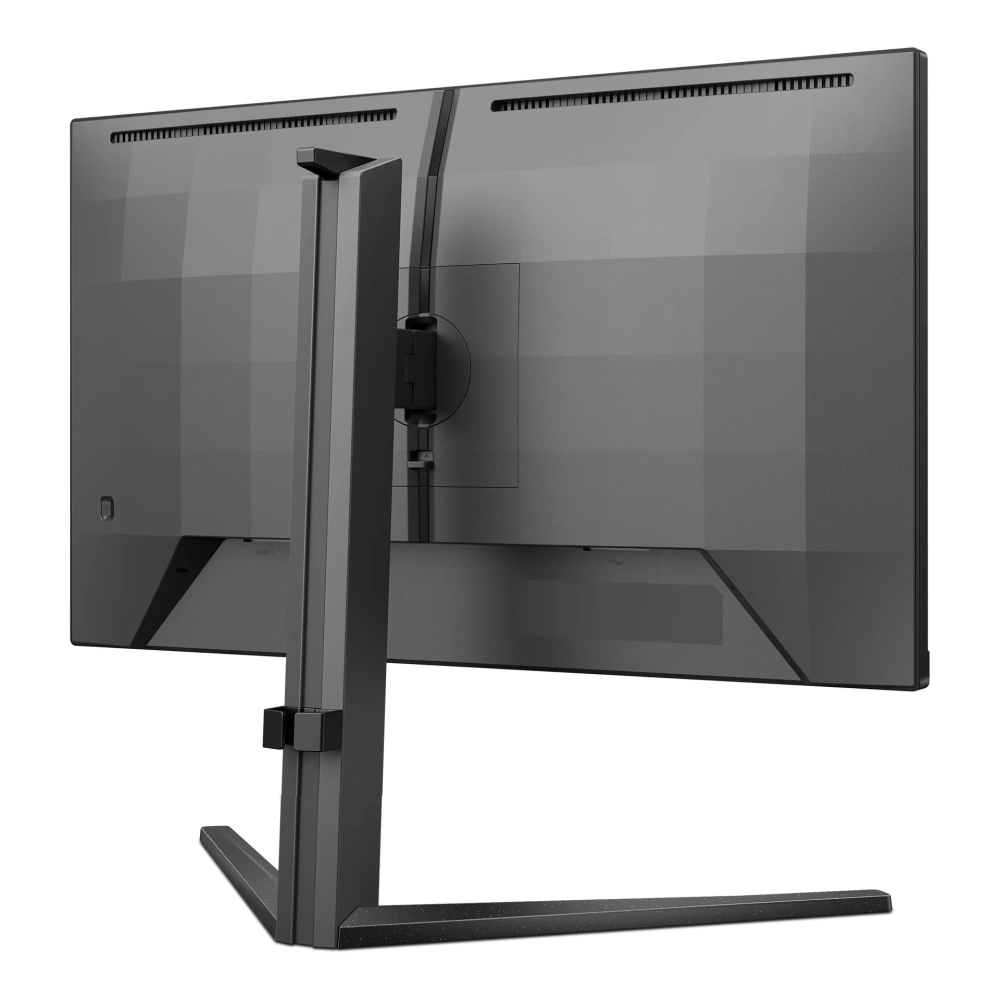
PHILIPS 24M2N3200A/00
not available
Product description
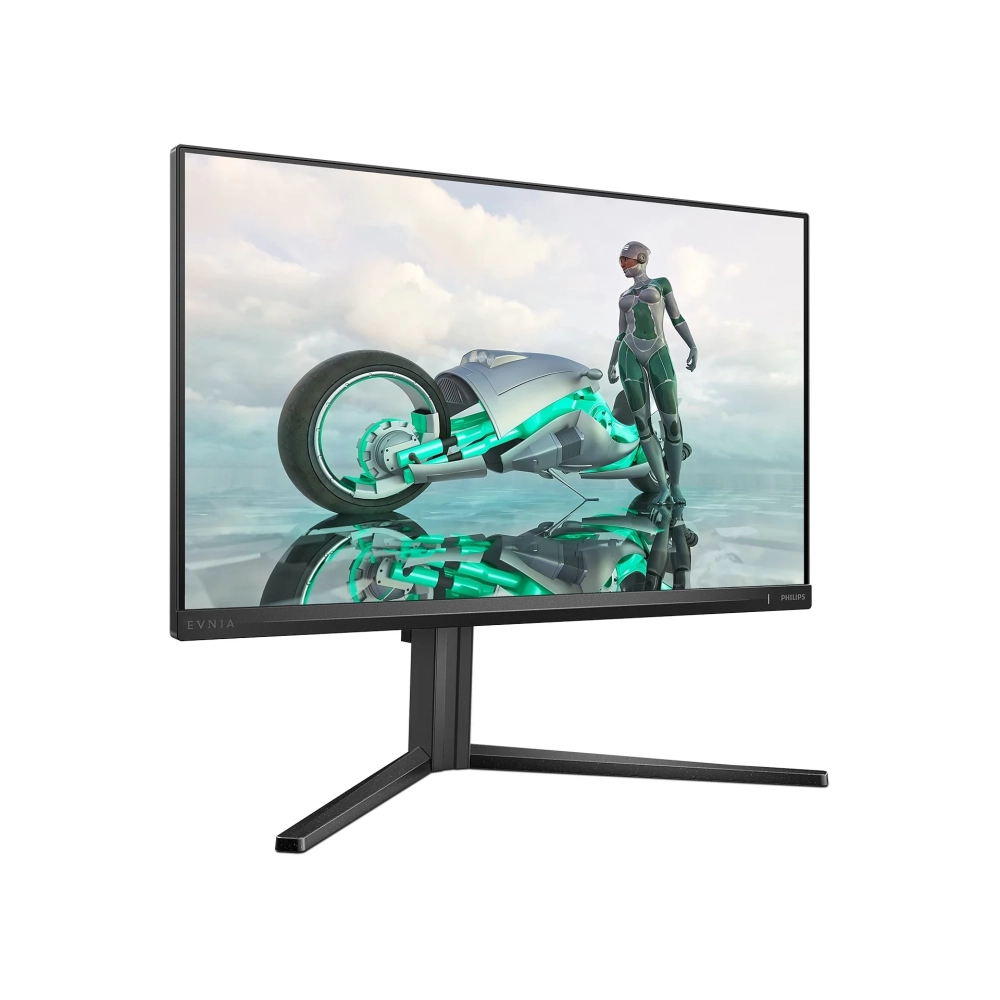
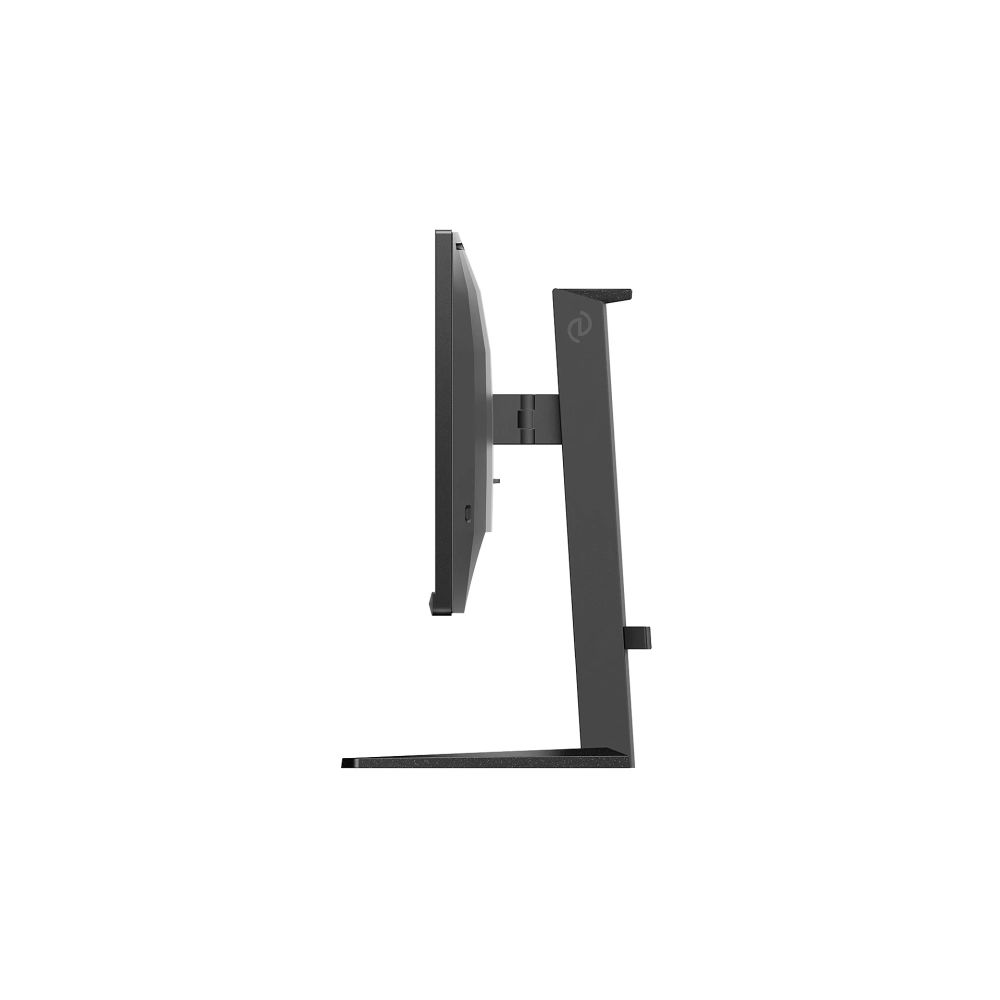
The Philips 24M2N3200A/00 is a great game monitor that can be the perfect choice for all players. Its design is fully focused on maximizing the game experience and user comfort. At the same time, it allows you to use a versatile use so you can serve any user's need. With a modern, clean appearance, it stands in any environment.
The 23.8 -inch Full HD panel provides a sharp and clear picture and guarantees the stunning visual experience for any content. The Fast IPS panel is designed for the action-packed game. It provides crystal clear, sharp images and virtually blurred gaming experience, but can be used with high image frequencies to ensure the best and sharpest image quality.
High Dynamic Range (HDR) has a dramatically different visual experience. With amazing brightness, incomparable contrast and engaging colors, the images come to life with much higher brightness, with much deeper, more nuanced blacks. It can reproduce a wider palette of rich new colors and will have a stunning visual experience.
The Super Key Frame allows you to constantly confront the game, completely immersed in the games, or even connect multiple monitors, increasing the playing field.
SmartContrast is a technology developed by Philips that analyzes the contents displayed, automatically adjusts the colors and controls backlight to dynamic contrast dynamic to display the best digital and motion images or when playing dark hues. When choosing an economical mode, it sets the contrast and fine tunes backlight for proper display of every day office applications and lower energy consumption.
Press the discreetly placed Easyselect menu button quickly and easily to change the monitor settings in the screen menu.
Philips 24M2N3200A/00 supports AMD Freesync ™ technology, which reduces image refresh speed, thus minimizing image interruptions and interruptions, providing a smooth picture, and can be enjoyed without blinking multimedia content or game.
Smartimage game mode is specifically designed for the players' needs. The new Philips display, which is specifically fine -tuned for players' needs, has a fast -paced screen menu. The first person shooting mode improves the dark parts of the game so that the objects hidden in the dark areas are noticeable. The "racing" mode sets the display to the fastest response time, with an excellent color. It also makes other changes in the image setting. The RTS (Real Time Strategy) mode has a special smartframe mode that allows you to highlight or highlight a particular area. size and image modifications. Gamer1 (player 1) and Gamer2 (2nd player) allow you to save personalized settings for each game, providing the best performance.
Low input delay reduces delay time between the device and the appearance of the result on the monitor. This greatly improves efficiency in video games that require quick movements, which is especially important for fast -paced, racing games.
The 180 Hz update speed and 0.5 ms response time guarantee continuous play in the most dynamic scenes. The 180 Hz update frequency reacts faster with smoother frames. The 0.5 ms response time eliminates the screen break and the fluctuation of the refresh rate.
The Smart Crosshair feature improves the accuracy of targeting, making it easier to notice enemies. The color of the crosshair is set by default. When the Smart Crosshair function is turned on, the color changes as complementary colors of the background color.
Eye -friendly technologies protect the eyes from fatigue, irritation and certain damage.
- Low Blue: The health -developed Philips Low Blue mode setting uses smart software technology to reduce the short wavelength, harmful blue lights.
- Flicker-Free: Philips-free technology uses a new solution to control brightness to reduce flickering for more convenient viewing.
Easyread mode is specifically designed for reading, which gives you the feeling of reading on paper, making it easier for long hours.
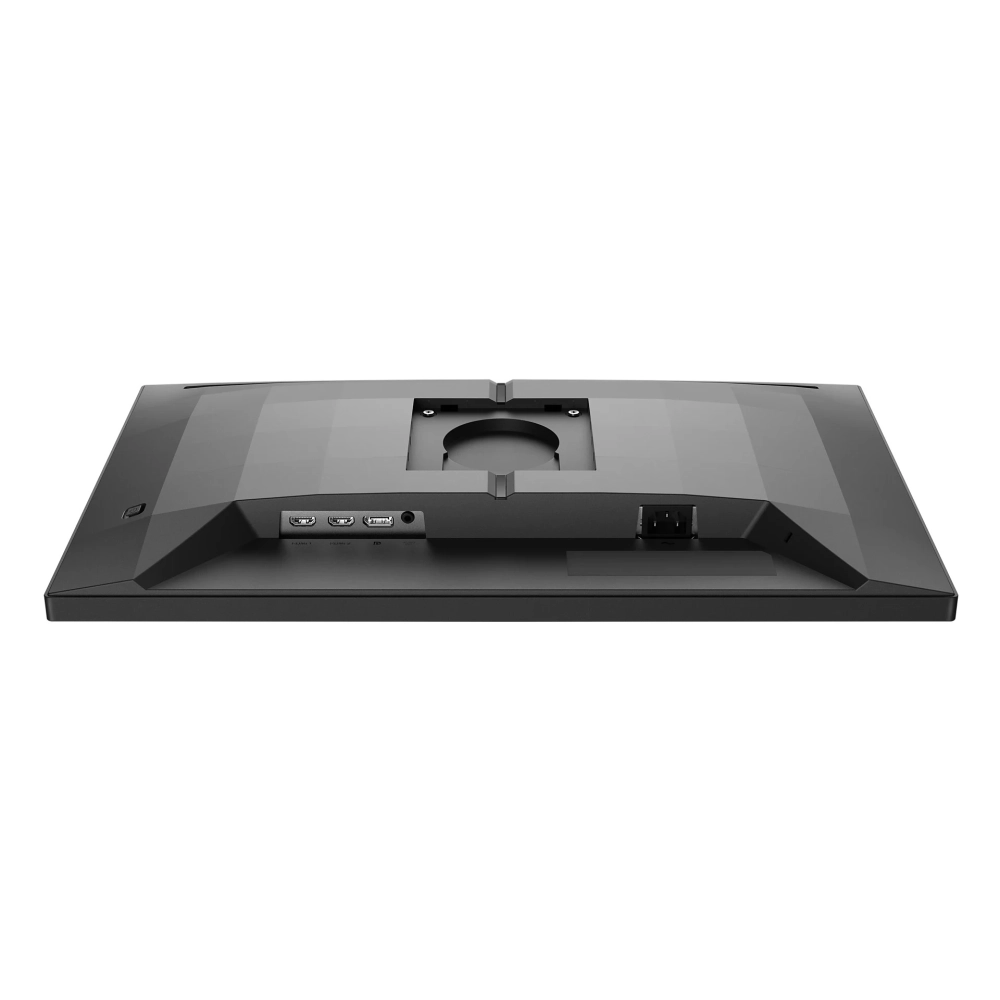
A variety of connecting options provide flexibility in pairing different devices. The Kensington lock allows you to connect the safety cable to the display.
Thanks