TP-LINK ES206XPP-M2

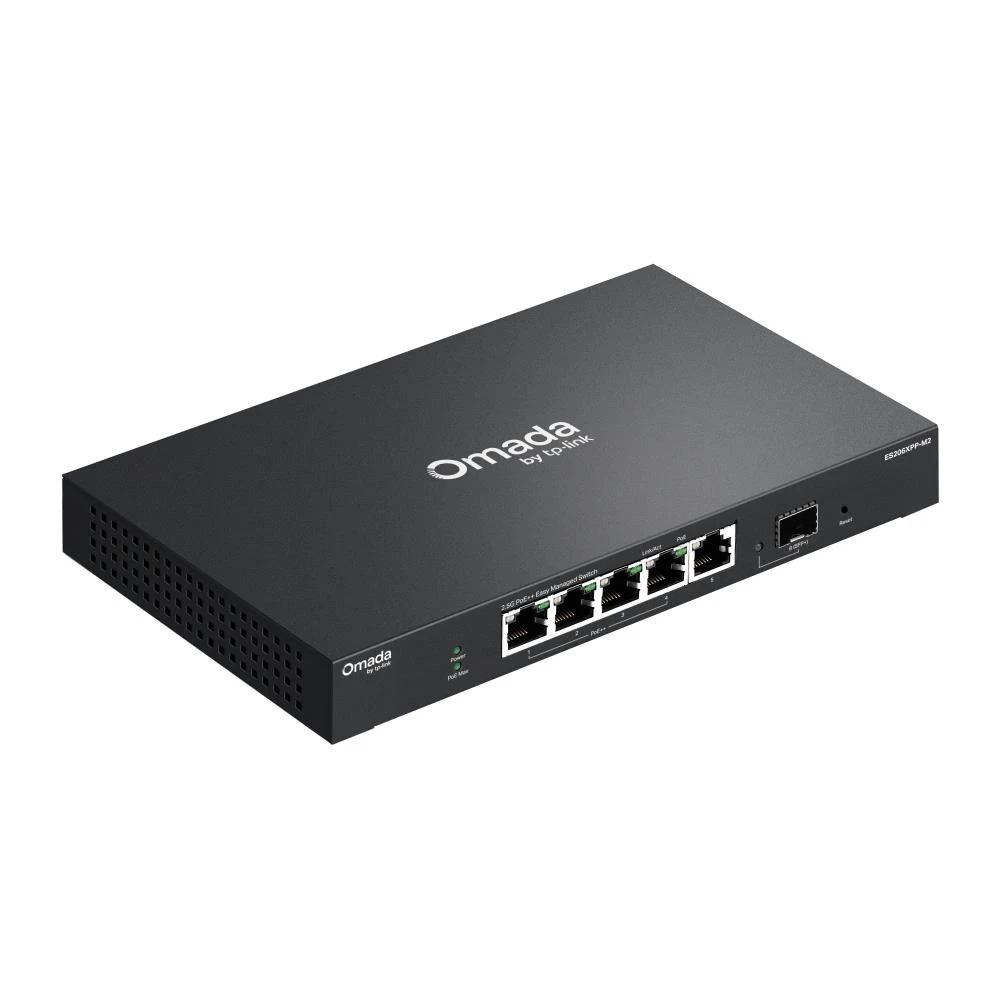
The TP-LINK Omada ES206XPP-M2 is a compact, fanless managed switch that runs quietly, suited to office and surveillance networks. It provides four 2.5 Gbps RJ45 ports with PoE++ support (802.3af/at/bt)...
In case you order today
Pickup in store: 06.11.2026. Friday
Home Delivery: 09.11.2026. Monday
Warranty
5 year factory warranty

75 490 Ft

Quantity
ADD TO THE CART

Product description

Number of LAN ports
10/100 Megabites LAN port
1 Gigabites Lan port
2.5 Gigabites Lan port
10 Gigabites Lan port
SFP/SFP+ port count
USB port count
Power over Ethernet (PoE)
Rack mountable
Weight
Oversized item

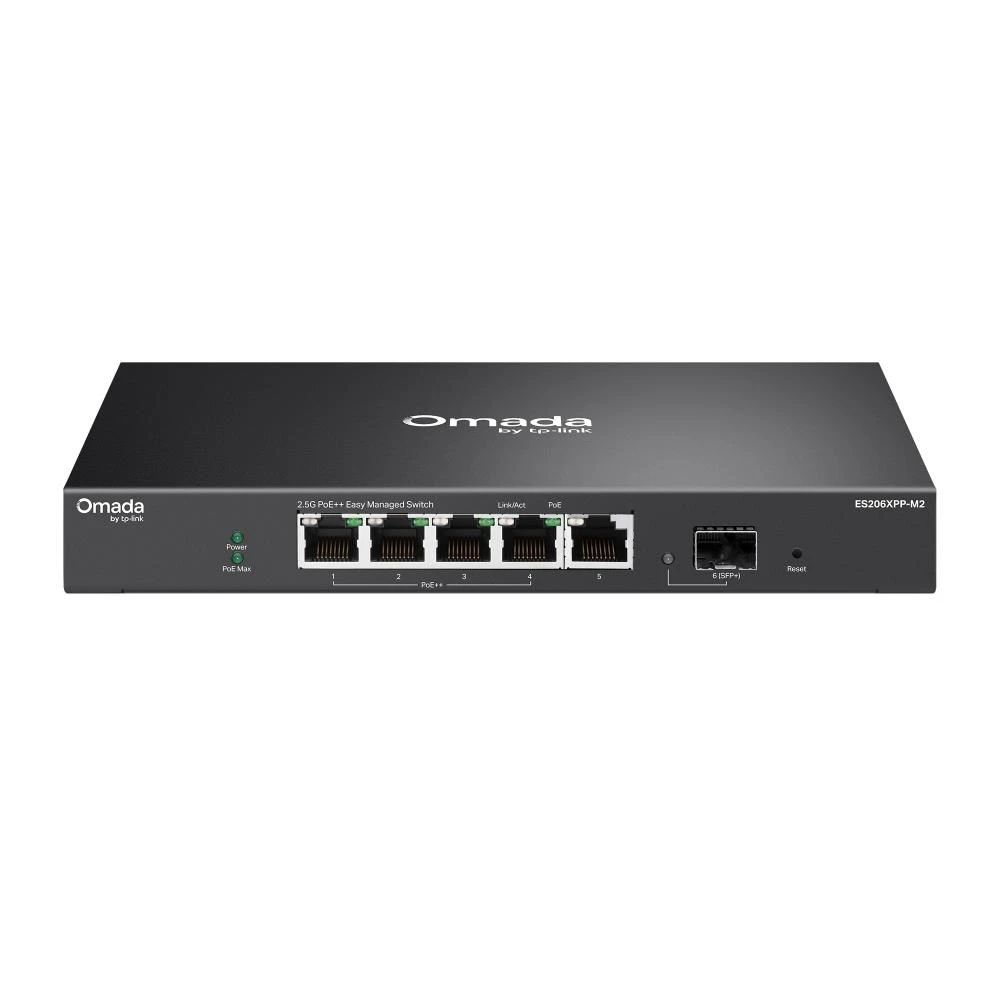
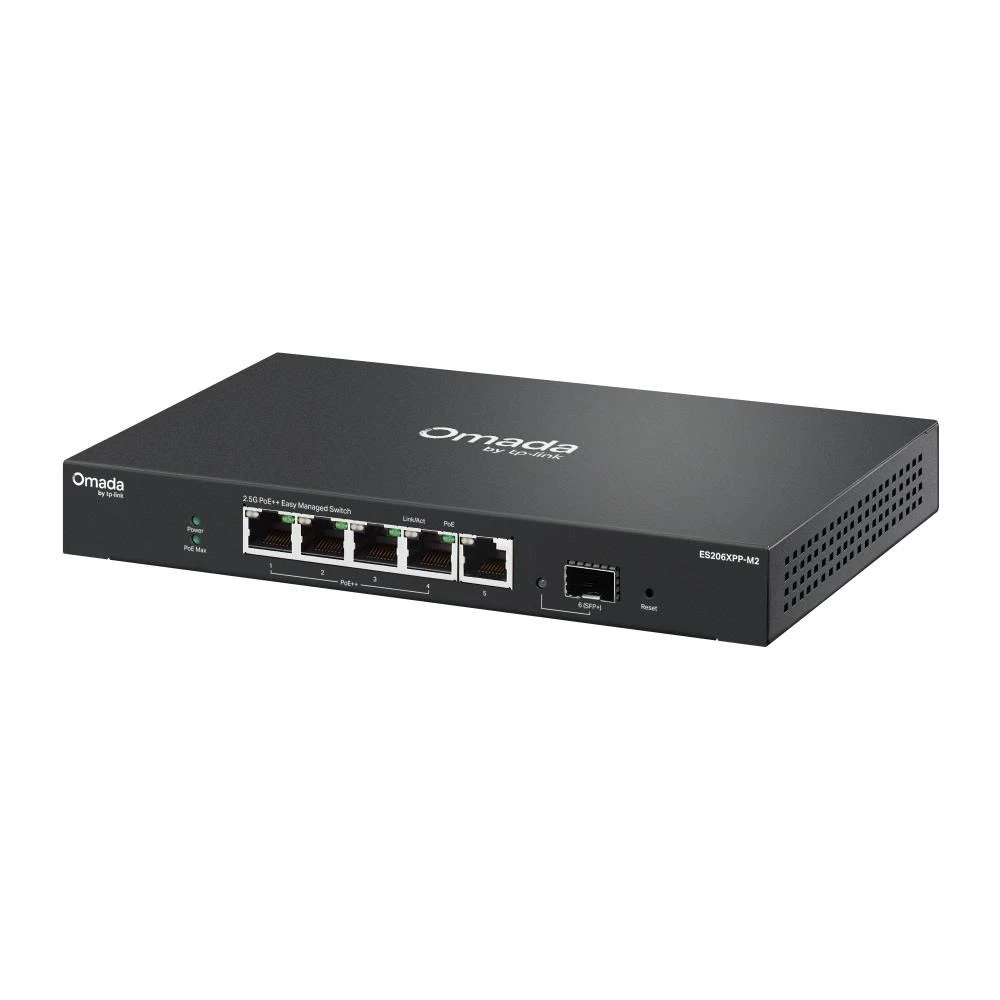
The TP-LINK Omada ES206XPP-M2 is a compact, fanless managed switch that runs quietly, suited to office and surveillance networks. It provides four 2.5 Gbps RJ45 ports with PoE++ support (802.3af/at/bt) and one 10 Gbps SFP+ uplink port.
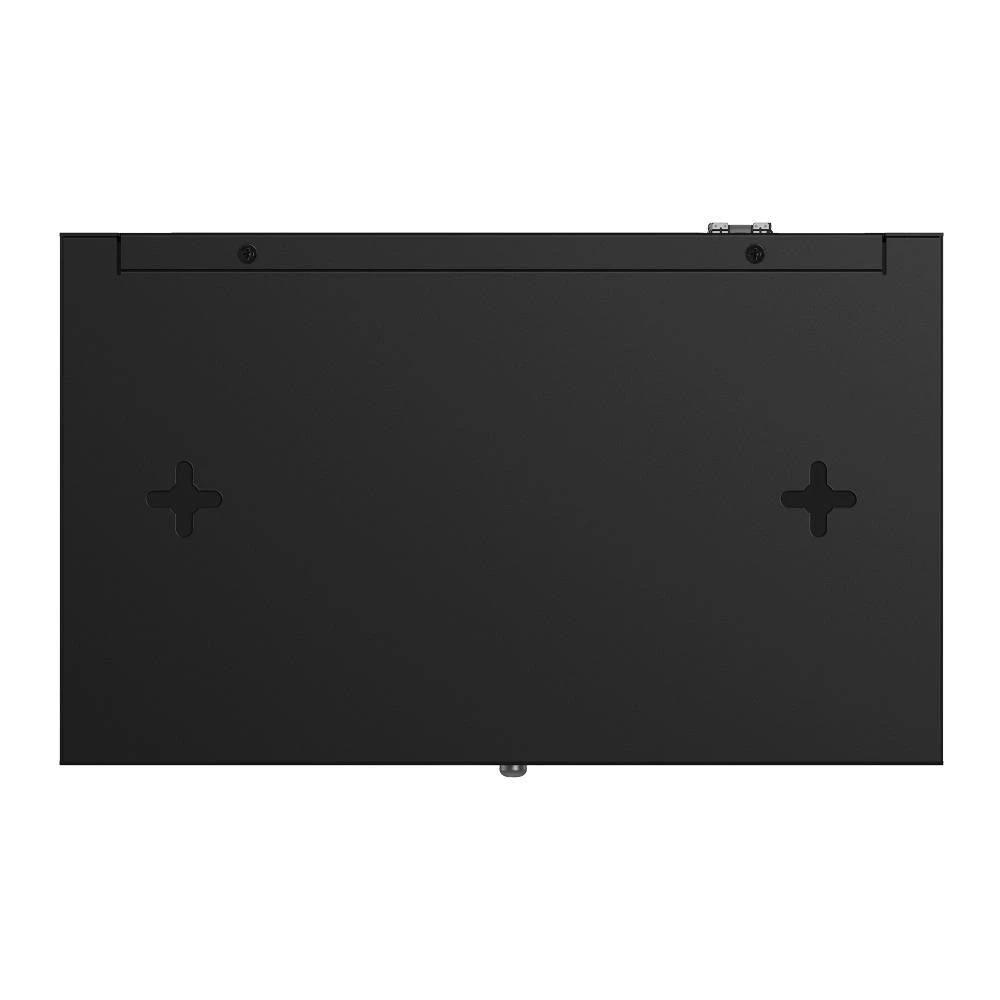
The total PoE budget is 120 W, with up to 90 W delivered per port, which makes it well suited to powering IP cameras, access points and other PoE devices. The switch supports Layer 2 features including VLAN (802.1Q), QoS, IGMP Snooping, loop prevention and port mirroring. Its switching capacity is 80 Gbps, and the MAC address table holds 16K entries.
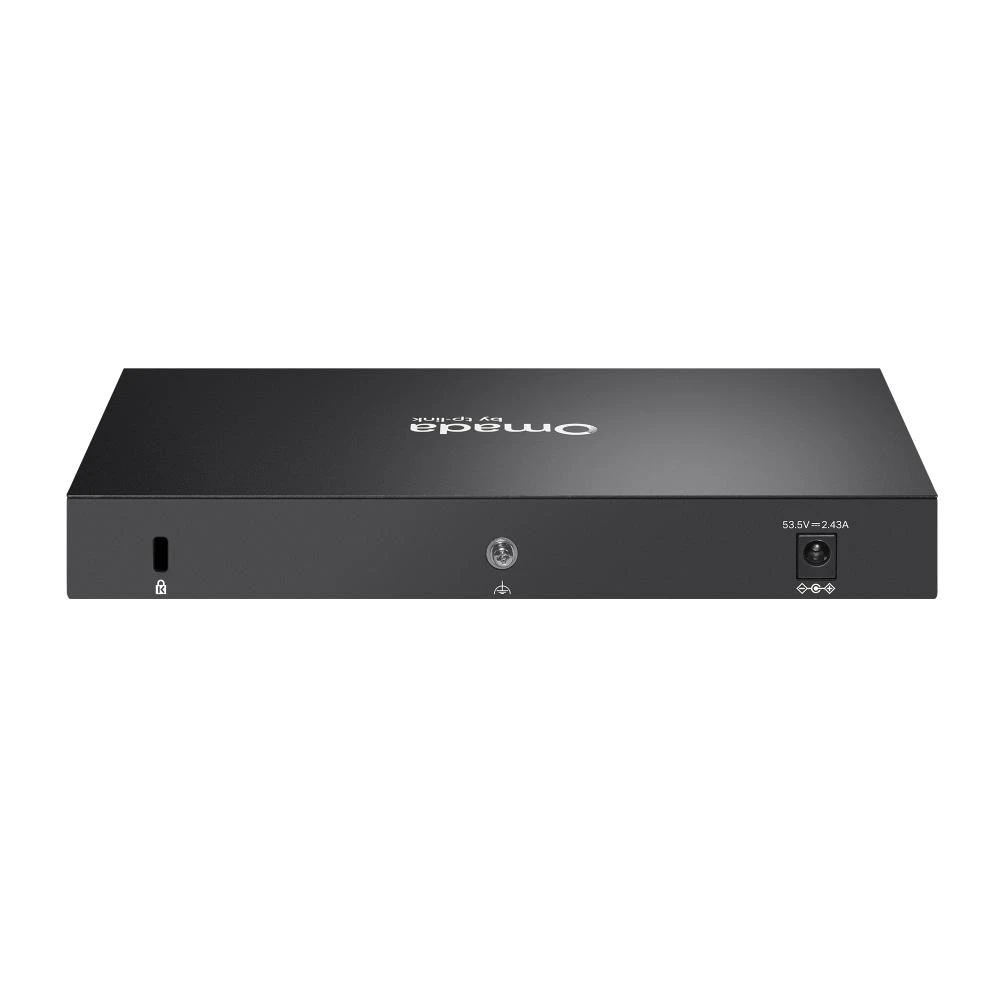
The switch works with Omada cloud and hardware controllers, so it can be managed centrally through a web interface or mobile app. The metal housing allows desktop placement or wall mounting.
PRICE NOTIFICATION

30 days minimum
74 491 Ft
30 days maximum
75 490 Ft
Notify me if it will be cheaper then
Ft

NOTEBOOK SEARCH

OPINIONS

0.0

No opinions about this product

Help others. Tell us what you think about the item.
The information present here are the ones provided by the manufacturer. These can change without notice. Please inquire before the order, due to te fact that afterwards we cannot asume responsibility! The above images are illustrations. The product might differ in appearance. Our company has no item stock. The purchase is only possible after a previous order. The items list refers to our provider's stock.
Back to the top of the page