
PHILIPS 27E1N5600HE/00
98 789 Ft
Product description
The PHILIPS 27E1N5600HE/00 is a high-quality monitor, which can be an ideal choice for anyone looking for a reliable and sophisticated device for their home or office. It enables versatile use, so it can meet the needs of all users. With its modern, clean appearance, it stands out in any environment.
The 27-inch panel with WQHD resolution provides a sharp and crystal-clear image and guarantees an impressive visual experience for any content. Perfect for many applications such as CAD/CAM drawings, graphic and web design, huge spreadsheets with financial data.
IPS screens use an advanced technology that provides an extremely wide viewing angle of 178°/178°. So you can view the screen from almost any angle – even in 90 degree rotated mode. Unlike normal TN panels, the IPS screen provides a particularly sharp image and vivid colors, which is why it is not only ideal for viewing photos, movies or web browsing, but also for professional applications where color fidelity and constant brightness are important.
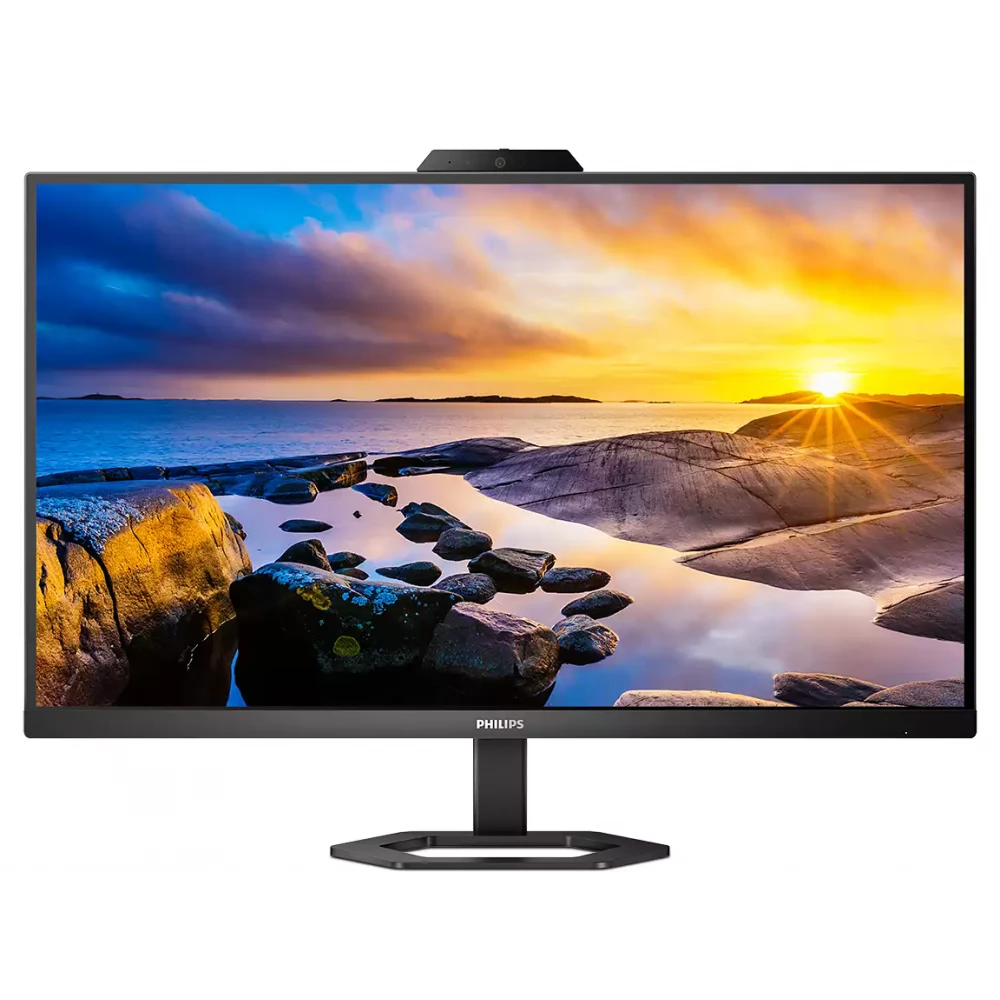
The monitor has an ultra-narrow frame that is as unobtrusive as possible and provides maximum screen size. It is especially suitable for multi-display or mosaic layouts, such as gaming, graphic design and professional applications, where the ultra-narrow display bezel gives the feeling of using one large screen.
SmartContrast is a technology developed by Philips that analyzes the displayed content, automatically adjusts the colors and controls the backlight to dynamically improve the contrast to display the best digital still and motion pictures, or when displaying dark shades during gaming. When choosing economy mode, it adjusts the contrast and fine-tunes the backlight for the proper display of everyday office applications and lower power consumption.
PHILIPS 27E1N5600HE/00 supports AMD FreeSync™ technology, which reduces the frame refresh rate, thereby minimizing image interruptions and stuttering, ensuring a smooth image and flicker-free enjoyment of multimedia content or gaming.
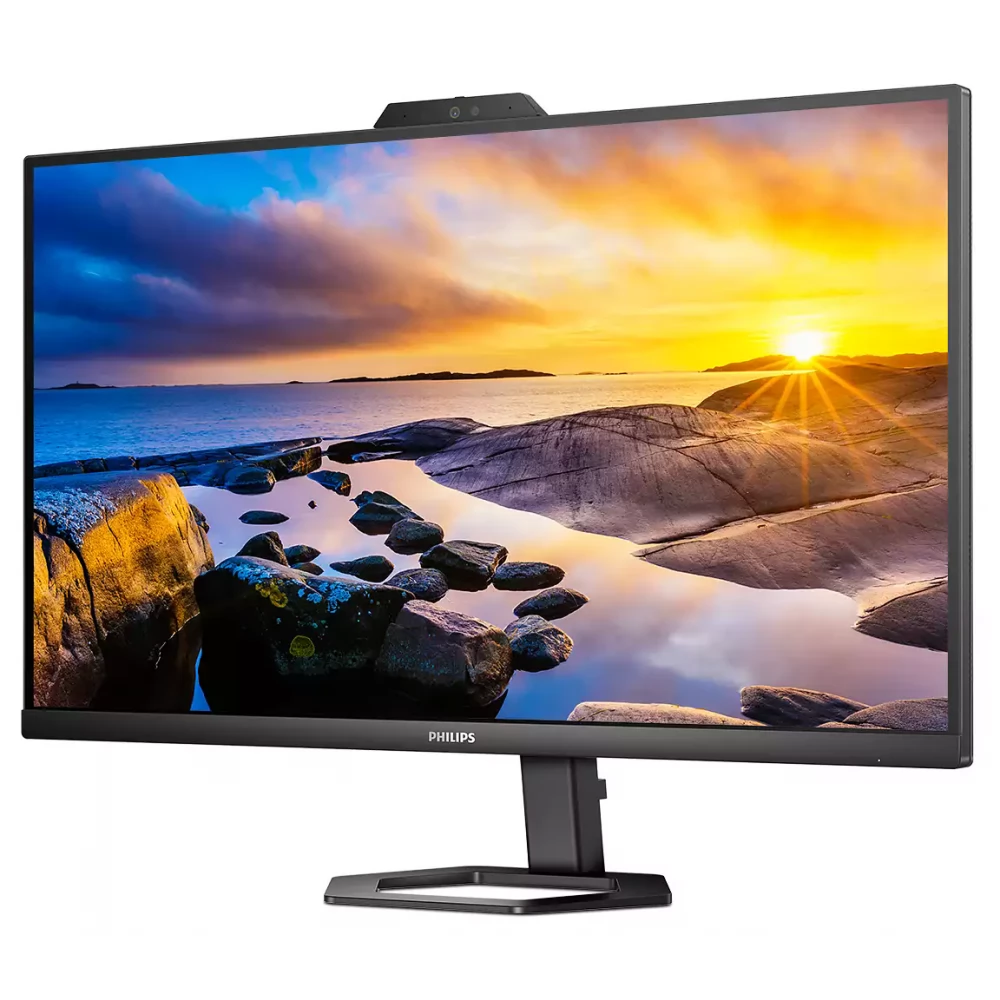
The SmartImage game mode is specifically designed for the needs of gamers. Fine-tuned specifically to the needs of gamers, the new Philips display, designed for gaming, offers a wide range of options and has a quick-access on-screen menu. The "FPS" (First person shooting) mode improves the dark parts of the game, so that objects hidden in dark areas can be seen. The "Racing" mode sets the display to the fastest response time, excellent color, or also makes other adjustments to the image setting. The "RTS" (Real time strategy) mode has a special SmartFrame mode, which allows you to highlight a specific area or size and image modifications. Gamer1 (Player 1) and Gamer2 (Player 2) allow you to save customized settings for each game to ensure the best performance.
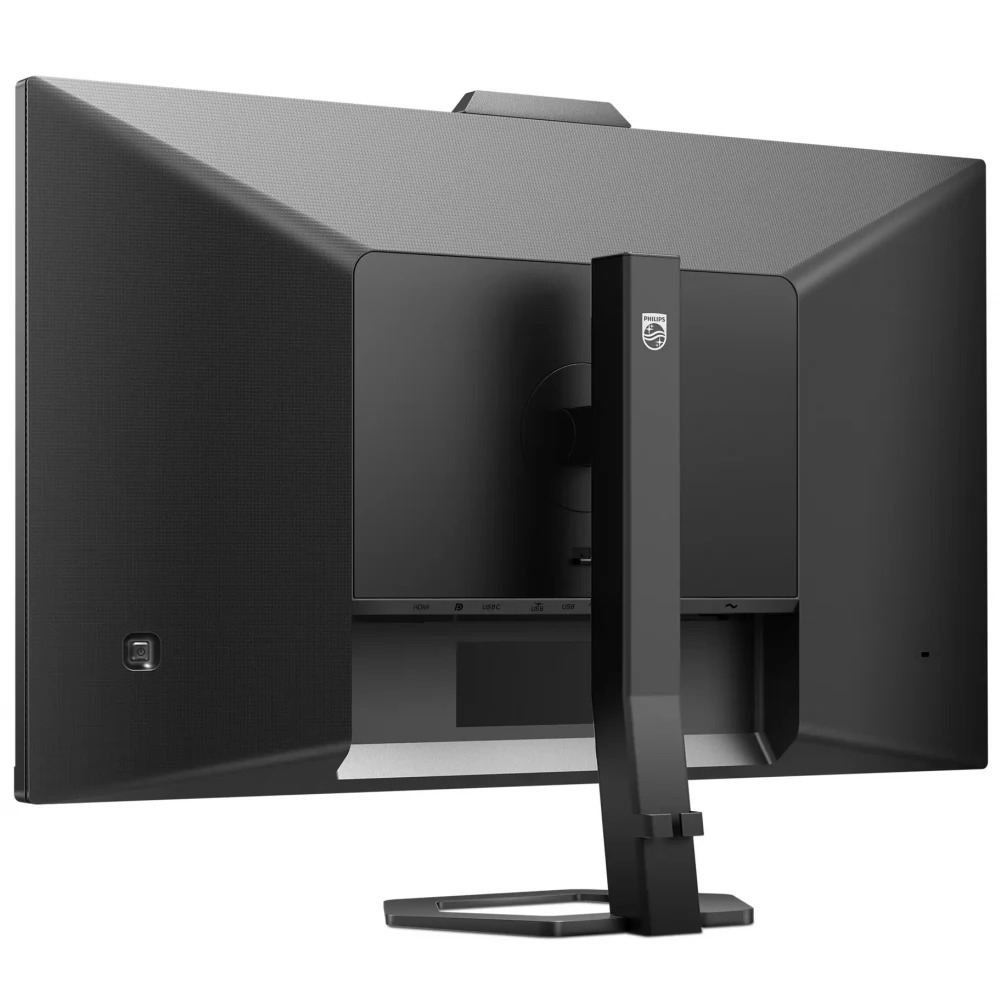
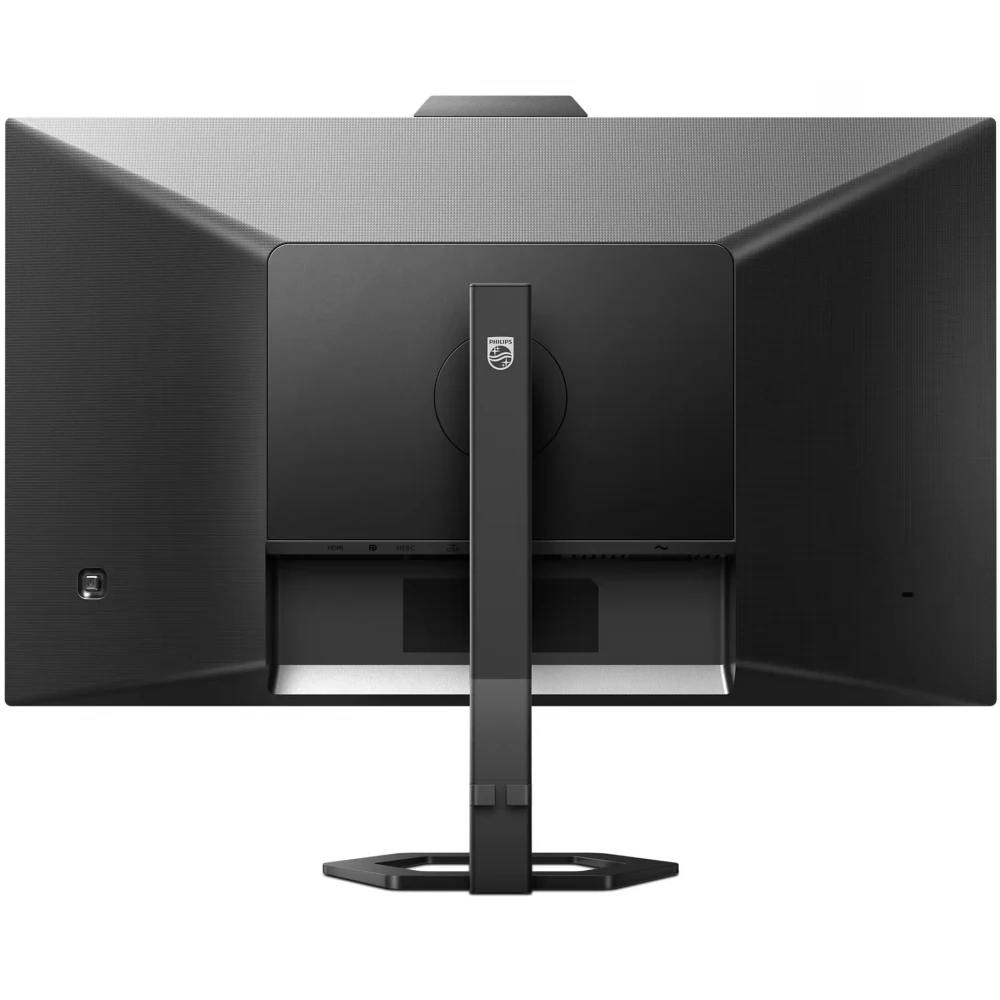
With the discreetly placed EasySelect menu switch button, you can quickly and easily change the monitor's settings in the on-screen menu.
The built-in webcam (5.0 MP, LED indicator light) ensures crystal-clear image quality, the built-in stereo speakers (2x 5W) make the sound perfectly intelligible and clear, and the built-in noise-filtering microphone enables comfortable and efficient communication. Thanks to all of this, multimedia applications or video conferences can be used with full experience.
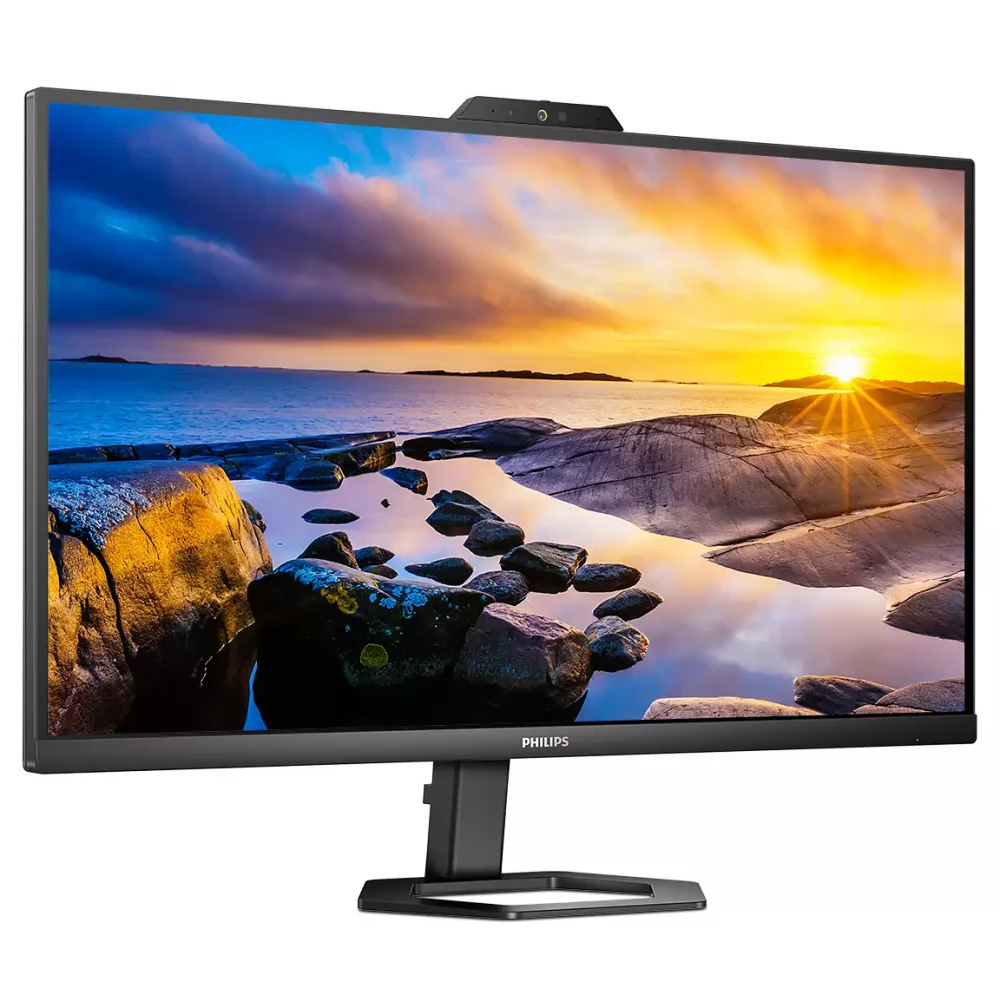
Eye-friendly technologies protect the eyes from fatigue, irritation and certain damages.
- Low Blue: the Philips Low Blue mode setting, developed for health, uses intelligent software technology to reduce short-wavelength, harmful blue light.
- Flicker-Free: Philips flicker-free technology uses a new solution to control brightness, which reduces flickering for more comfortable viewing.
EasyRead mode is specially designed for reading, which makes it feel like reading on paper, making long hours of reading easier.
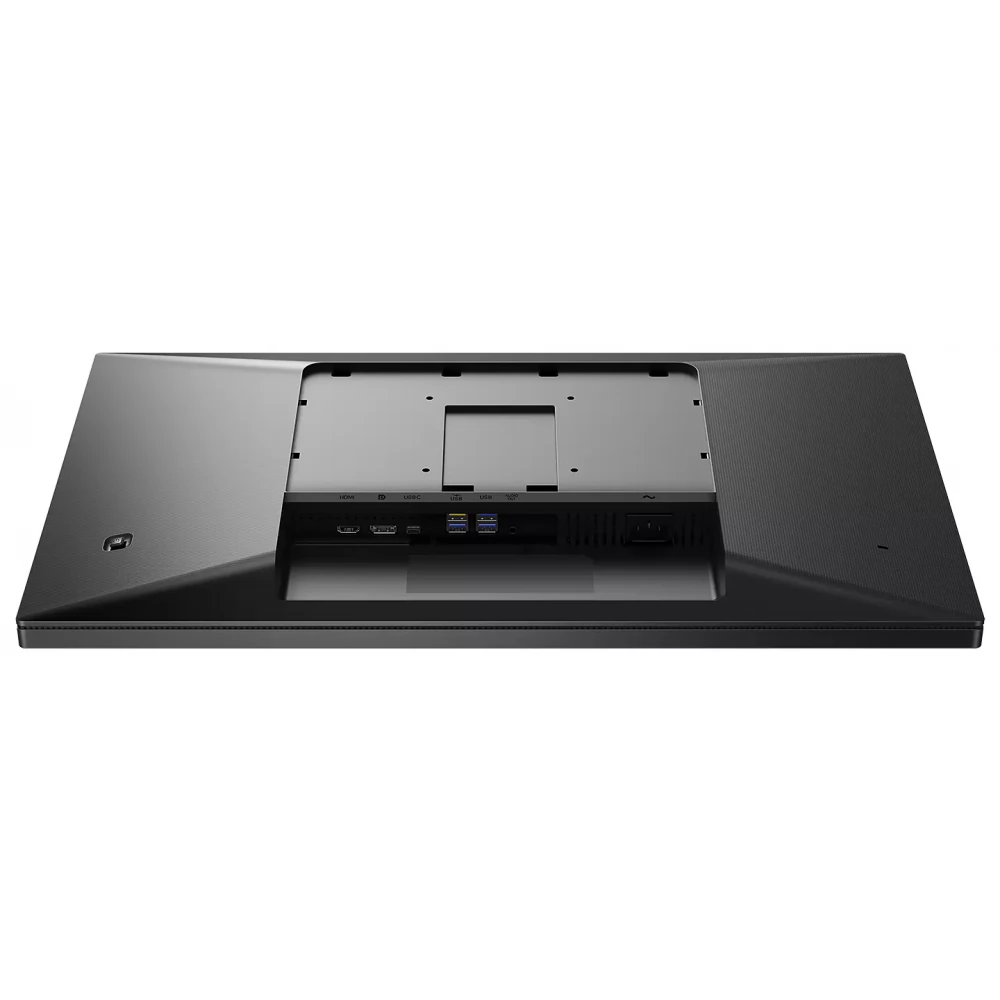
Multiple connection options and a built-in USB hub provide flexibility in pairing different devices. The display has a built-in USB-C connector for power supply. Thanks to intelligent and flexible power management, you can directly charge your compatible device. The Kensington lock allows you to connect the security cable to the display.
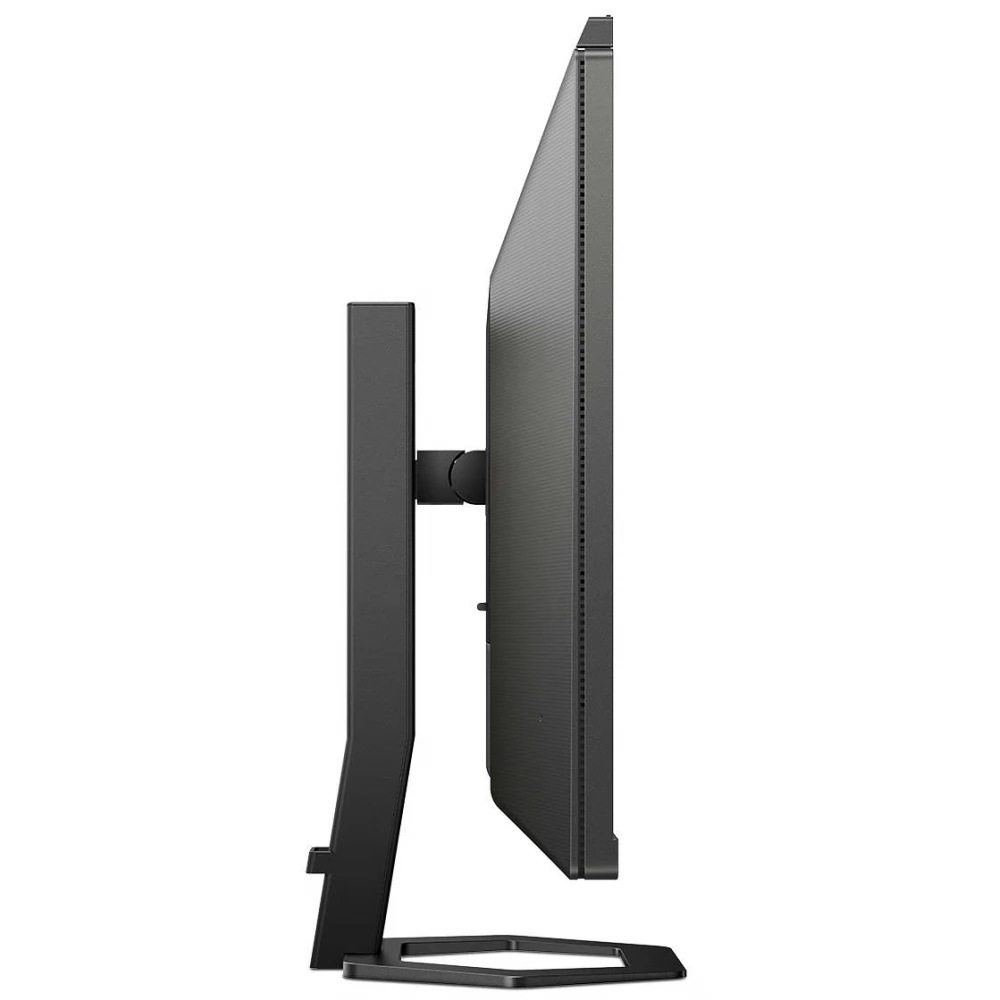
Cables and wires pass through the display stand, so you don't have to worry about tangled cables, and thanks to the cable manager, the work area remains clean and tidy. The narrow, reversible USB-C connector enables simple one-cable docking. You can watch high-definition videos and transfer data incredibly fast, all while keeping it powered
PRICE NOTIFICATION
NOTEBOOK SEARCH

OPINIONS
0.0
