
Dear Visitor! We are carrying out maintenance this weekend, so our website may be slow or briefly unavailable at times. Thank you for your patience!
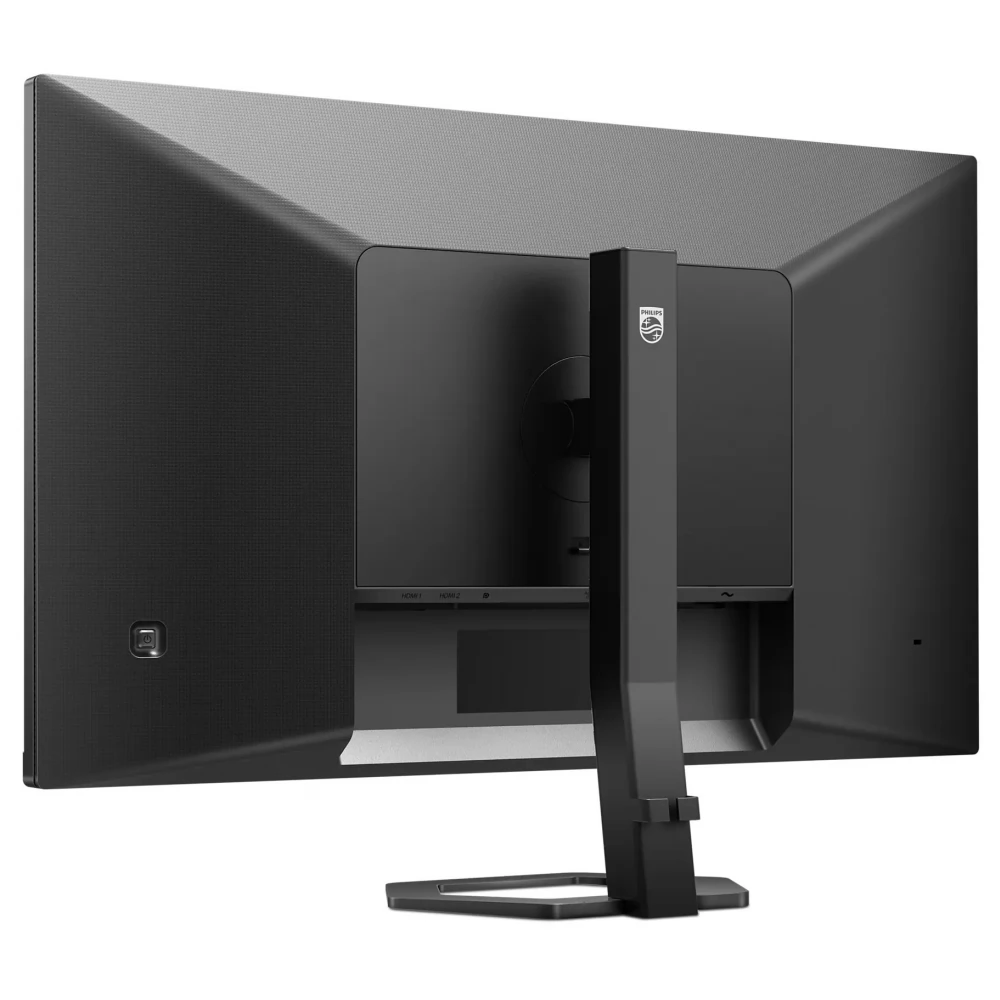
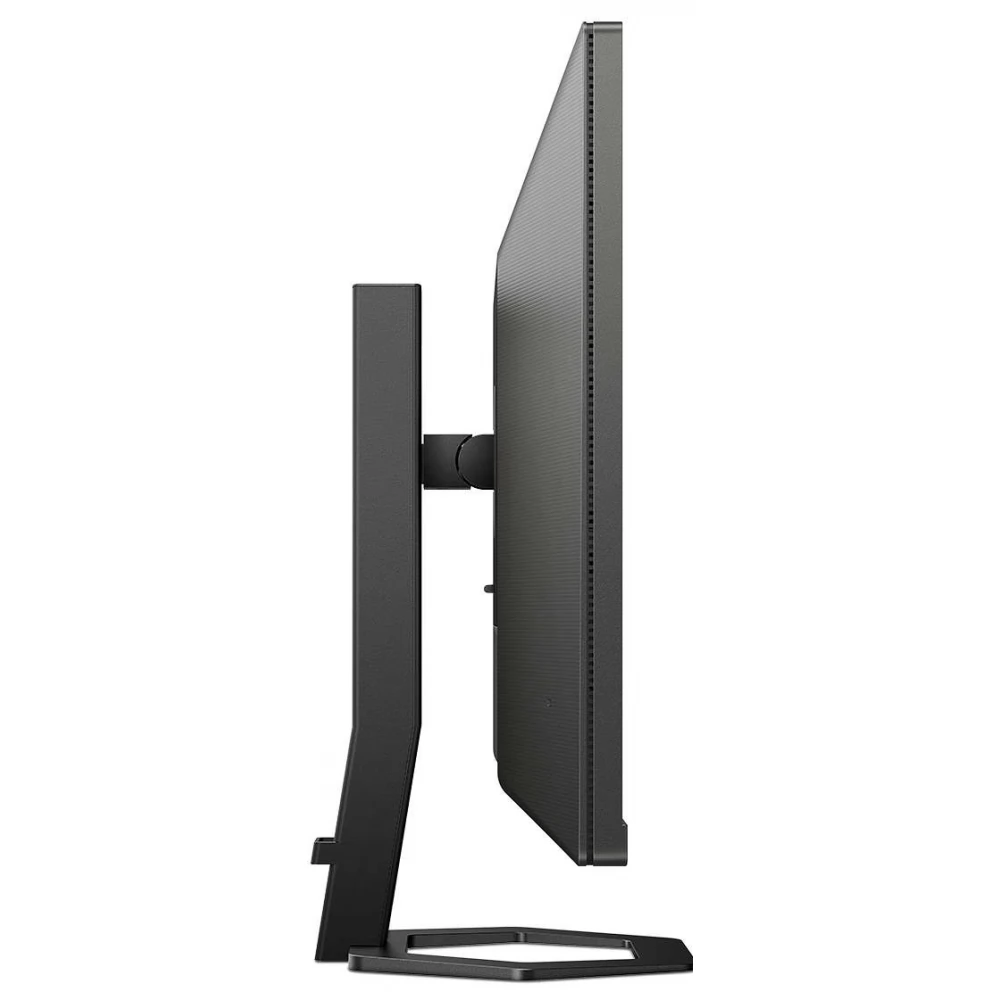
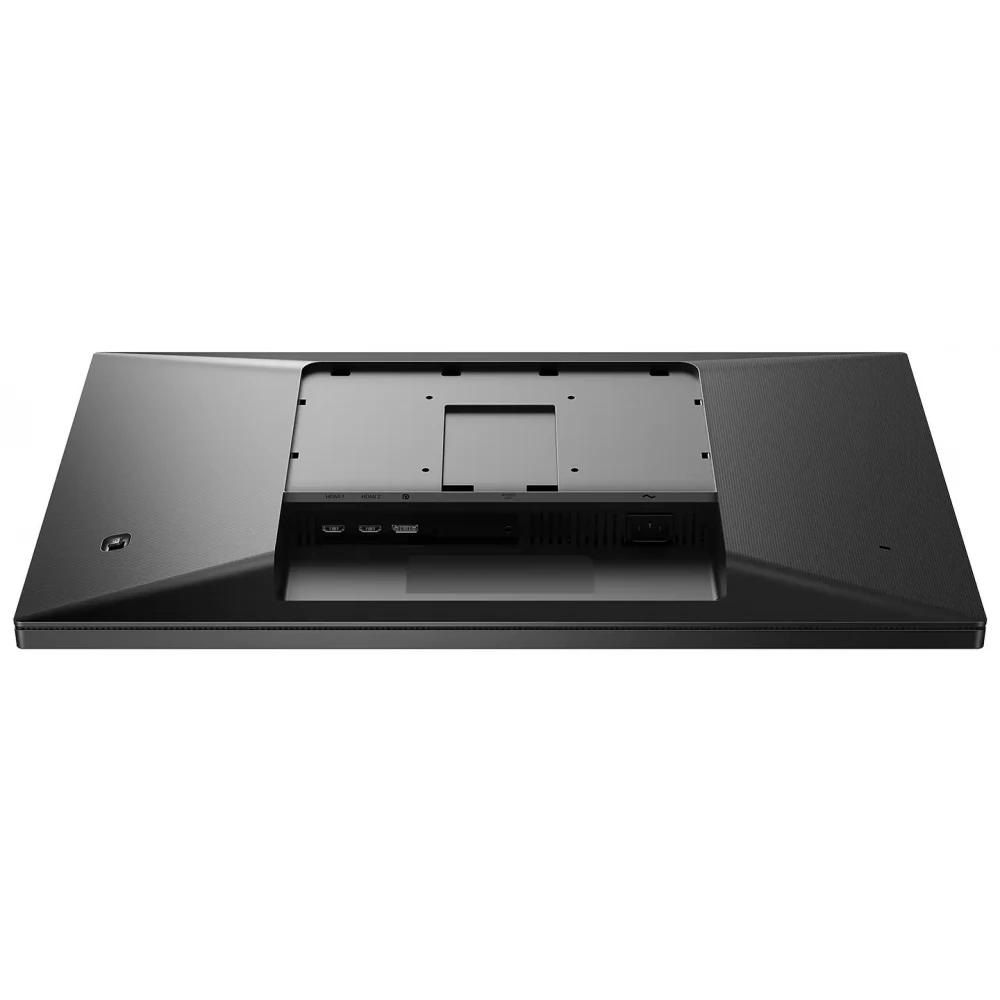
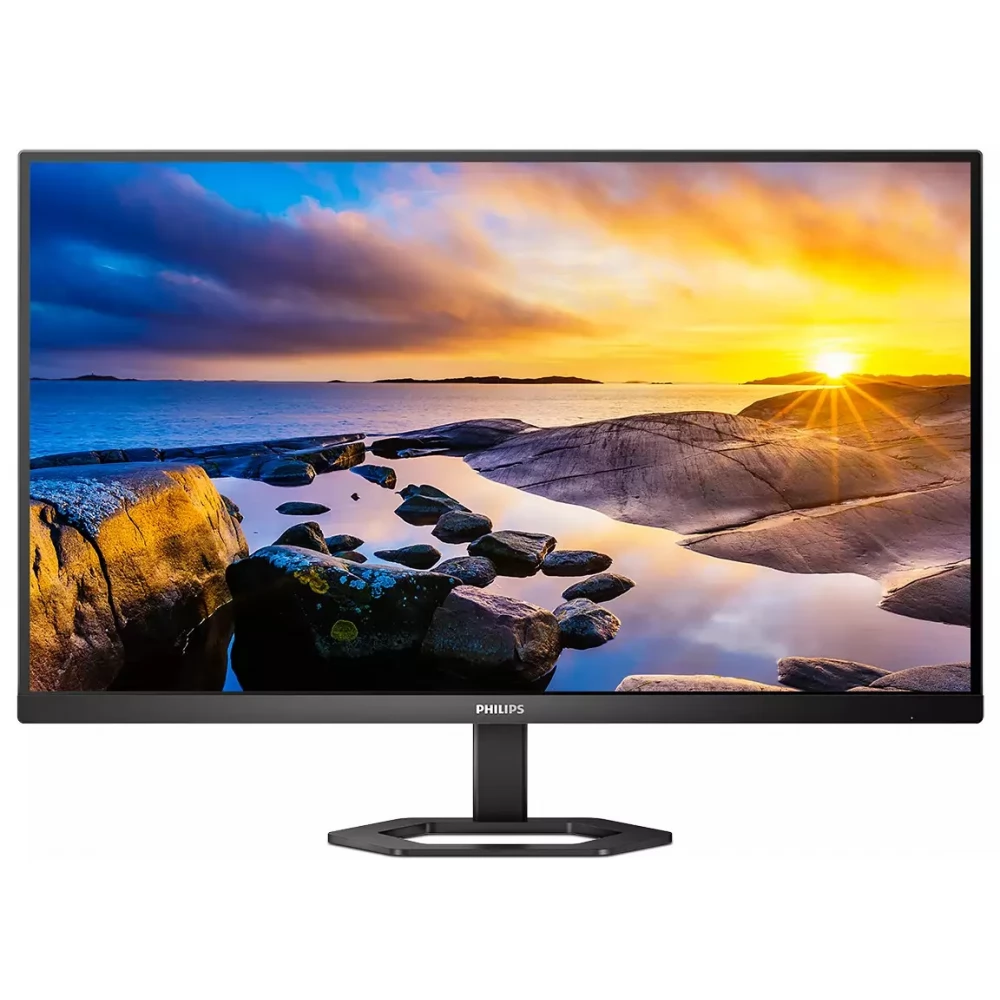
PHILIPS 27E1N5500LA/00
59 990 Ft
56 990 Ft
Product description
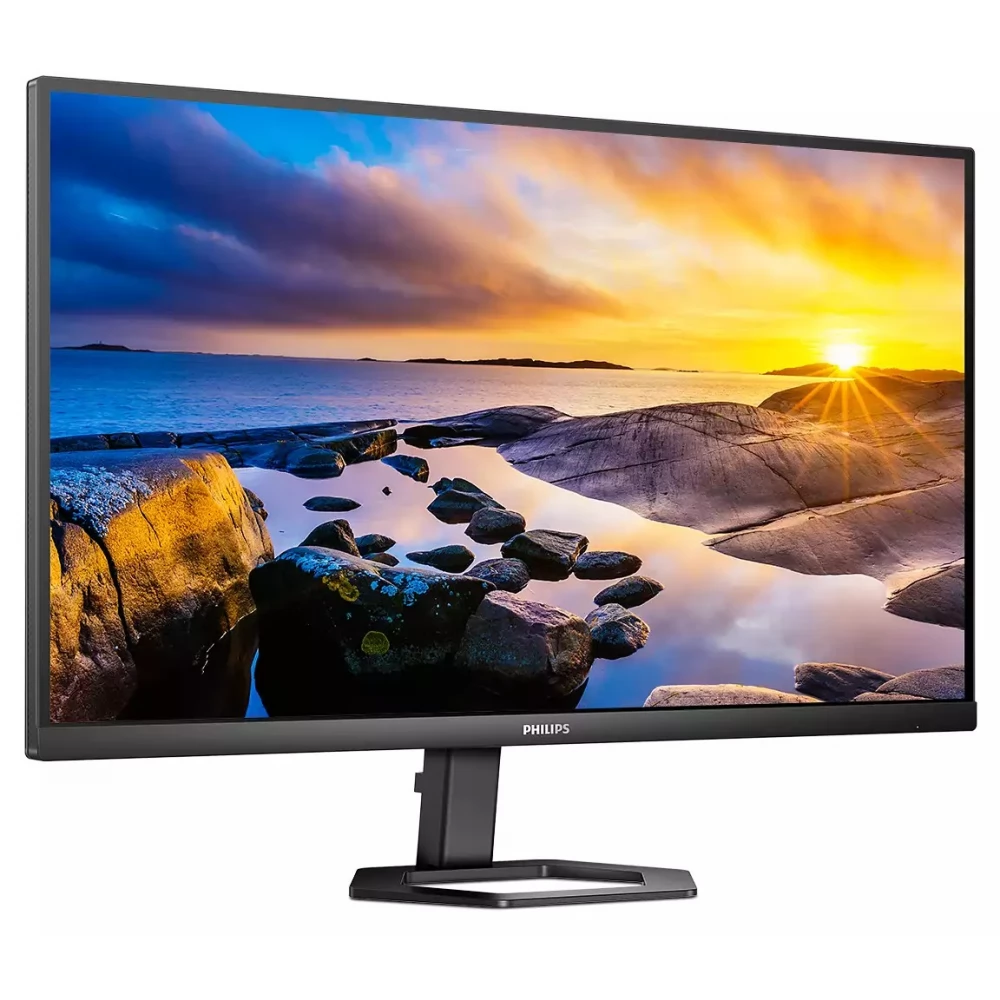
Take the visual experience of work and play to the next level with Philips. The crystal-clear QHD display provides accurate colors and vivid images from every angle. And the ergonomic, slim, cable-guided frame makes the work area even more stylish.
The VA display offers fantastic images with wide viewing angles
The Philips VA LED display uses an advanced layered vertical layout technology that provides an extremely high contrast ratio for wide viewing angles and vivid color images. While general office applications are easy to use, the display is specially developed for photos, Internet browsing, movies, games and demanding graphics applications. The optimized pixel management technology provides an extremely wide viewing angle of 178/178 degrees, resulting in sharp images.
Crystal clear images with Quad HD 2560 x 1440 pixels
These Philips screens provide Crystalclear, Quad HD 2560x1440 or 2560x1080 resolution images. High-bandwidth sources using high-performance, high-pixel-density panels – e.g. New displays controlled by USB-C, Displayport, HDMI bring your images and graphics to life. You can be a demanding professional who requires extreme detail for CAD-CAM solutions, a creator working with 3D graphic applications, or a financial guru who manages huge spreadsheets. Philips displays guarantee crystal clear display.
1ms fast response time (MPRT) for sharp images and smooth gameplay
MPRT (moving image response time), which characterizes response time more intuitively, refers directly to the time that elapses between the appearance of a blurry image and the appearance of a clear, sharp image. With a 1ms MPRT value, the Philips monitor designed for gaming effectively eliminates blurring and motion blur, and provides a sharper, more accurate image display, thus enhancing the gaming experience. The best choice for games that require creepy and fast movements.
SmartImage game mode - optimized for gamers
Fine-tuned specifically to the needs of gamers, the new Philips display, designed for gaming, offers a wide range of options and has a quick-access on-screen menu. The "FPS" (First person shooting) mode improves the dark parts of the game, so that objects hidden in dark areas can be seen. The "Racing" mode sets the display to the fastest response time, excellent color, or it also makes other adjustments to the image setting. The "RTS" (Real time strategy) mode has a special SmartFrame mode, which allows you to highlight a specific area or size and image modifications. Gamer1 (Player 1) and Gamer2 (Player 2) allow you to save customized settings for each game to ensure the best performance.
Built-in stereo speakers for multimedia
A pair of high-quality stereo speakers built into the display. Depending on the type and design, it can be visible and radiating from the front, hidden and radiating from the bottom, top, or back.
The LowBlue Mode and Flicker-free modes that filter out harmful light ensure eye health
LowBlue mode and Flicker-free technology have been developed to reduce eye strain and fatigue, which is often caused by long hours spent in front of the monitor.
It can be tilted, rotated, placed higher and lower
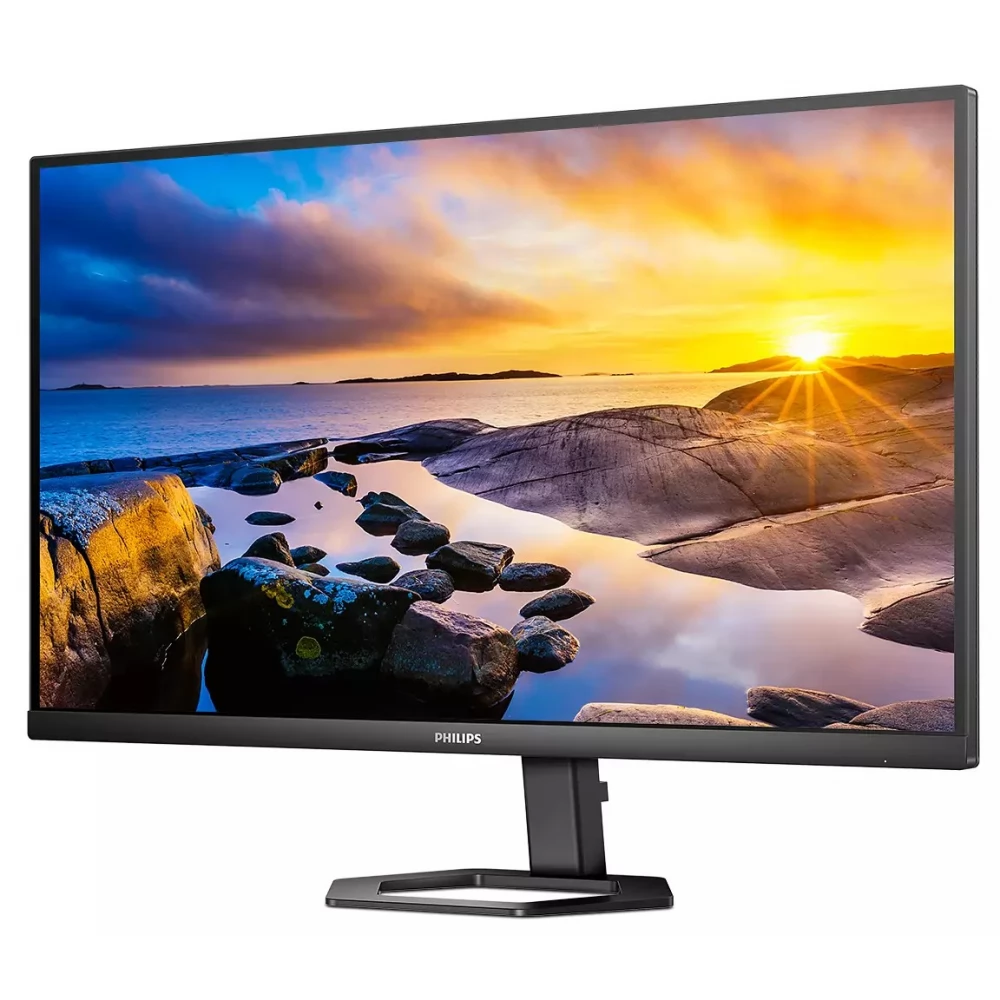
The Compact Ergo Base is a human-friendly Philips monitor base that can be tilted, rotated, and adjusted in height, so that any user can position the monitor with maximum comfort and efficiency in mind.
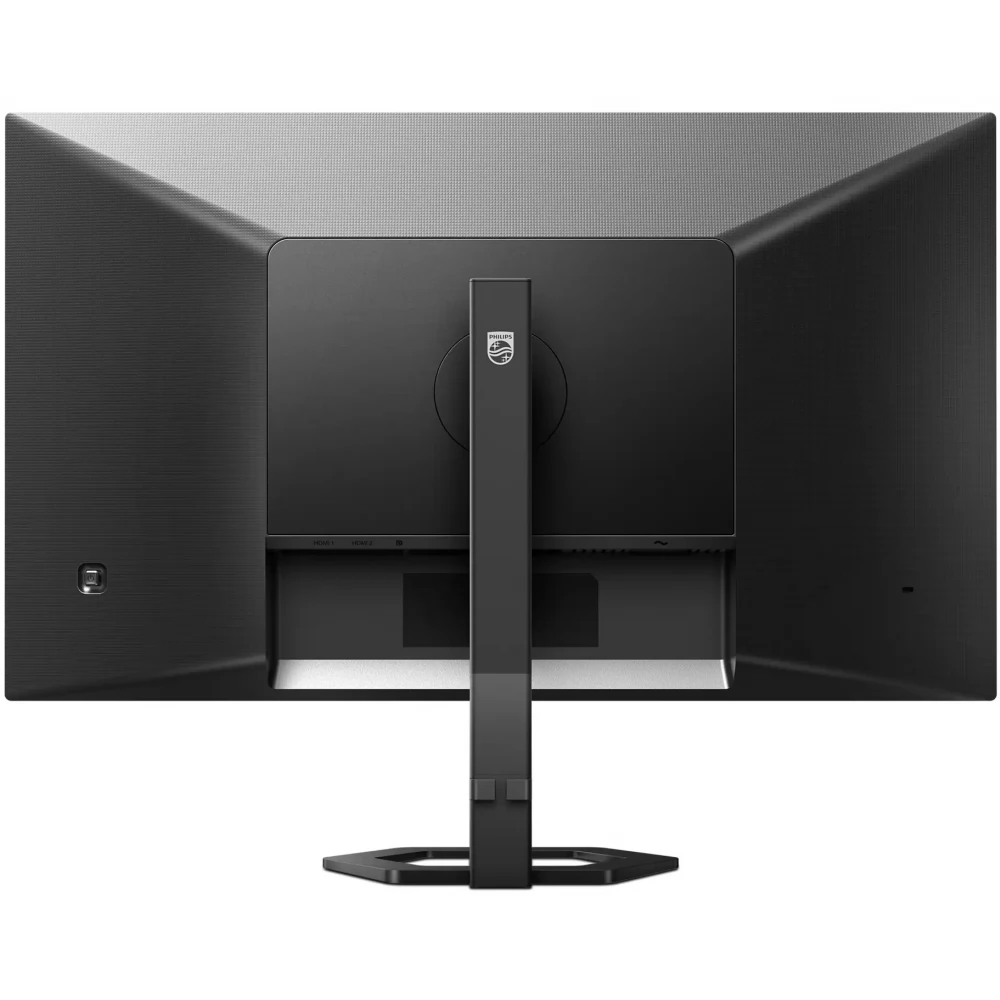
The cable management eliminates the multitude of cables, thus keeping the work area tidy.
The cable routing has a discreet design, so the wires and cables needed to operate the display ensure an orderly working environment.
EasySelect menu toggle button for quick on-screen menu access
With the discreetly placed EasySelect menu switch button, you can quickly and easily change the monitor's settings in the on-screen menu.
SmartContrast: for rich black shades
SmartContrast is a technology developed by Philips that analyzes the displayed content, automatically adjusts the colors and controls the backlight to dynamically improve the contrast to display the best digital still and motion pictures, or when displaying dark shades during gaming. When choosing economy mode, it adjusts the contrast and fine-tunes the backlight for the proper display of everyday office applications and lower power consumption.
PRICE NOTIFICATION
NOTEBOOK SEARCH

OPINIONS
0.0
