
PHILIPS 27B2N3500J/00
not available
Product description
Reinterpreting workflow efficiency
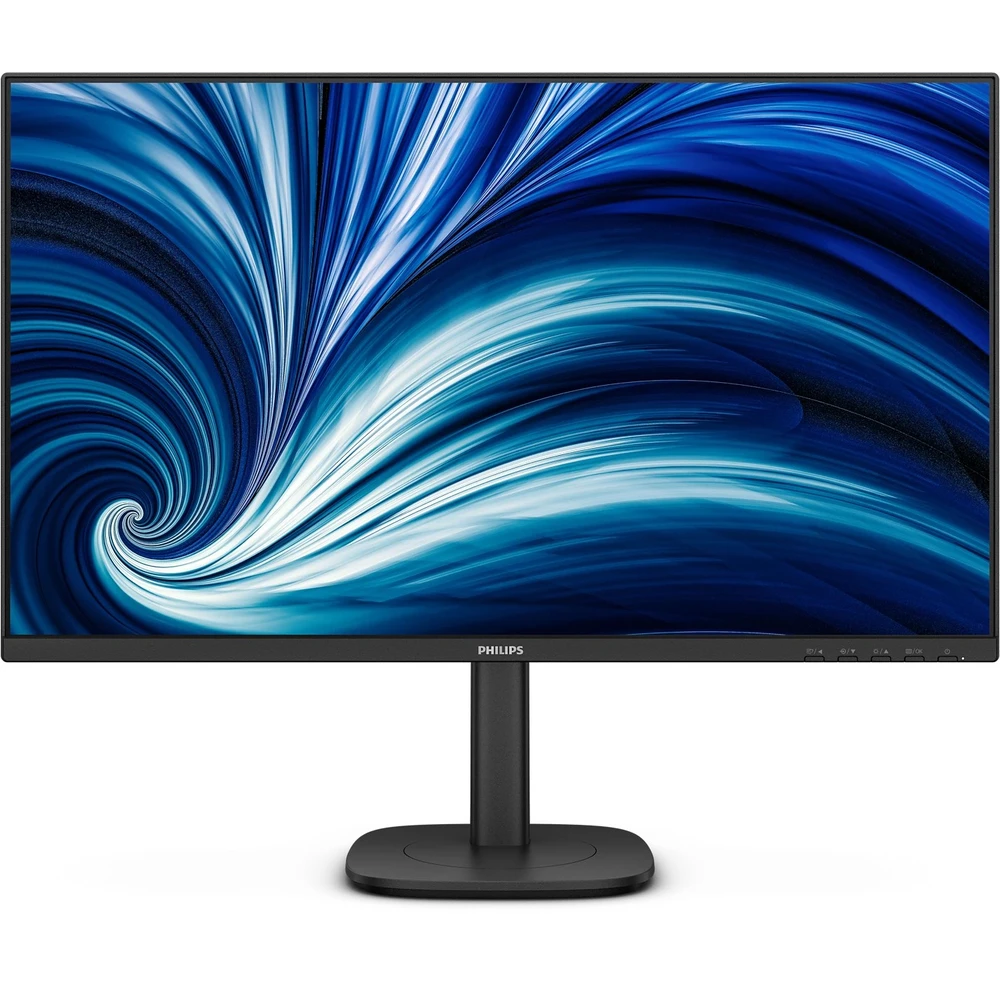
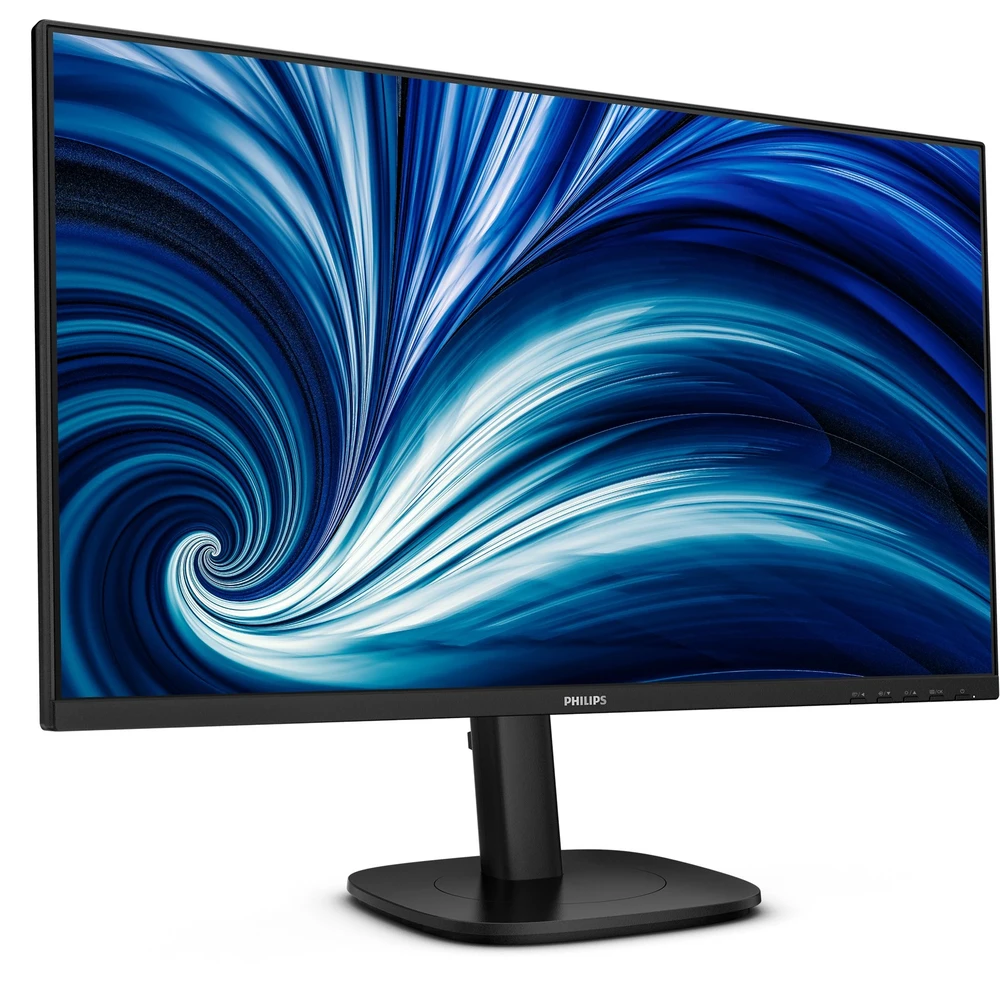
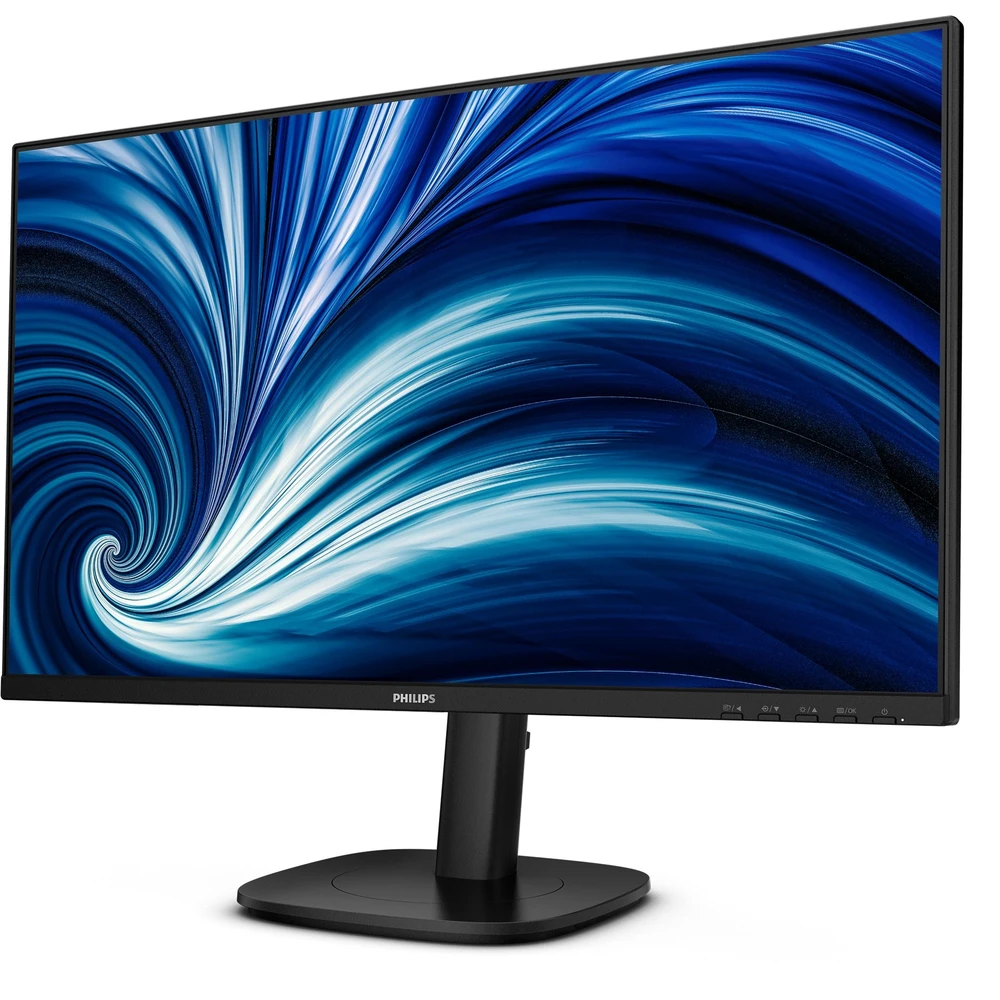
Speed up daily tasks comfortably thanks to the monitor's SoftBlue technology, Quad HD resolution and 120 Hz refresh rate. Not to mention that SmartErgoBase adds ergonomic features to the monitor's list of functions.
IPS LED wide viewing angle technology for image and color accuracy
IPS screens use advanced technology that provides an extremely wide viewing angle of 178/178 degrees. So you can view the screen from almost any angle. Unlike normal TN panels, IPS screens provide a particularly sharp image and vivid colors, which is why they are ideal not only for viewing photos, movies or web browsing, but also for professional applications where color fidelity and constant brightness are important.
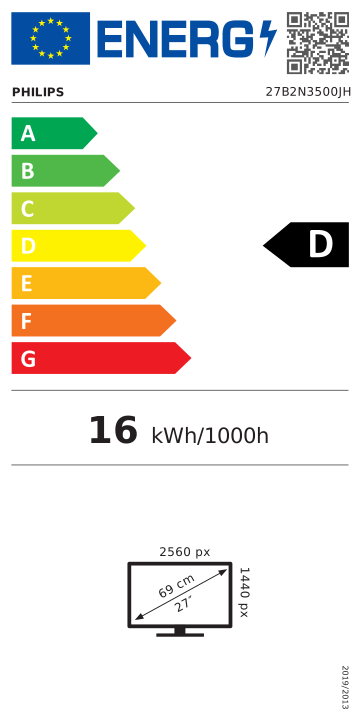
Crystal clear images with Quad HD 2560 x 1440 pixels
These Philips screens provide crystal clear Quad HD 2560x1440 or 2560x1080 resolution images. New displays using high-performance, high-pixel-density panels and driven by high-bandwidth sources bring your images and graphics to life. You can be a demanding professional who requires extreme detail for CAD-CAM solutions, a creator working with 3D graphic applications, or a financial guru who manages huge spreadsheets. Philips displays guarantee crystal clear display.
120 Hz refresh rate for truly continuous images
For gaming and decent video performance, you need a display that delivers truly continuous images without lag. This Philips display redraws the content displayed on the screen 120 times per second, which is much faster than normal displays. The lower frame rate means that enemies seem to jump from dot to dot on the screen, making them harder to hit. With a 120Hz frame rate, you'll also see those critical missing images that show enemy movement really continuously, making it easy to target them.
SoftBlue technology: for comfortable viewing
SoftBlue technology provides increased visual comfort and protection against the harmful health effects caused by prolonged exposure to blue light. With a low blue light panel, the proportion of light emitted by the display in the range of 415-455 nm and 400-500 nm is reduced to less than 50%. As a result, SoftBlue technology provides optimal visual comfort, minimizes eye strain and supports continuous concentration. Not to mention that the SoftBlue LED technology has been tested and received a low blue light level (hardware solution) certificate from TÜV Rheinland for its effectiveness in reducing blue light emissions.
Built-in stereo speakers for multimedia
A pair of high-quality stereo speakers built into the display. Depending on the type and design, it can be visible and radiating from the front, hidden and radiating from the bottom, top, or back.
Less eye strain thanks to flicker-free technology
Due to the way LED-backlit screens are dimmed, some users experience flickering on the screen, which causes eye strain. Philips Flicker Free Technology uses a new solution to control brightness to reduce flickering for more comfortable viewing.
Eyesafe-certified blue light protection and color accuracy
The Philips display complies with the TÜV Rheinland Eyesafe® standard to truly protect you against prolonged exposure to blue light. The continuously activated blue light filter not only helps reduce digital eye fatigue, but also guarantees color integrity.
SmartErgoBase enables user-friendly, ergonomic settings
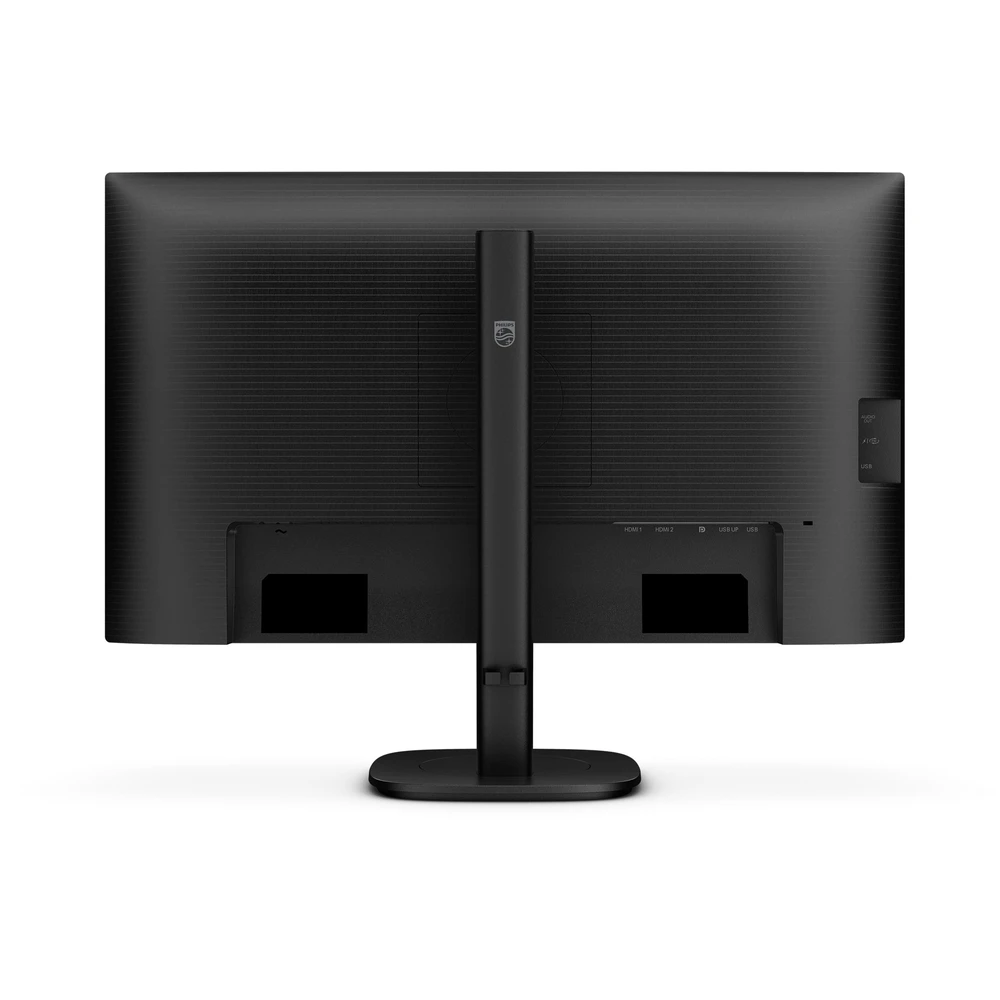
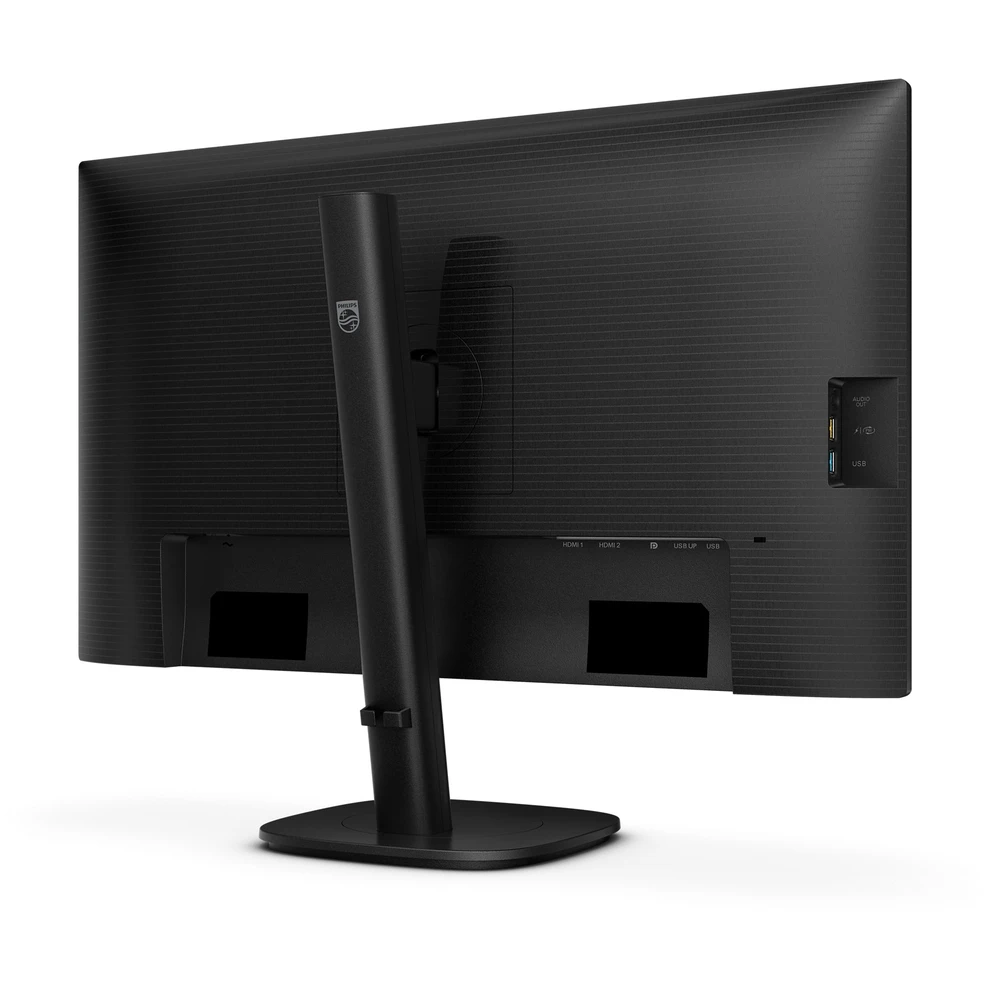
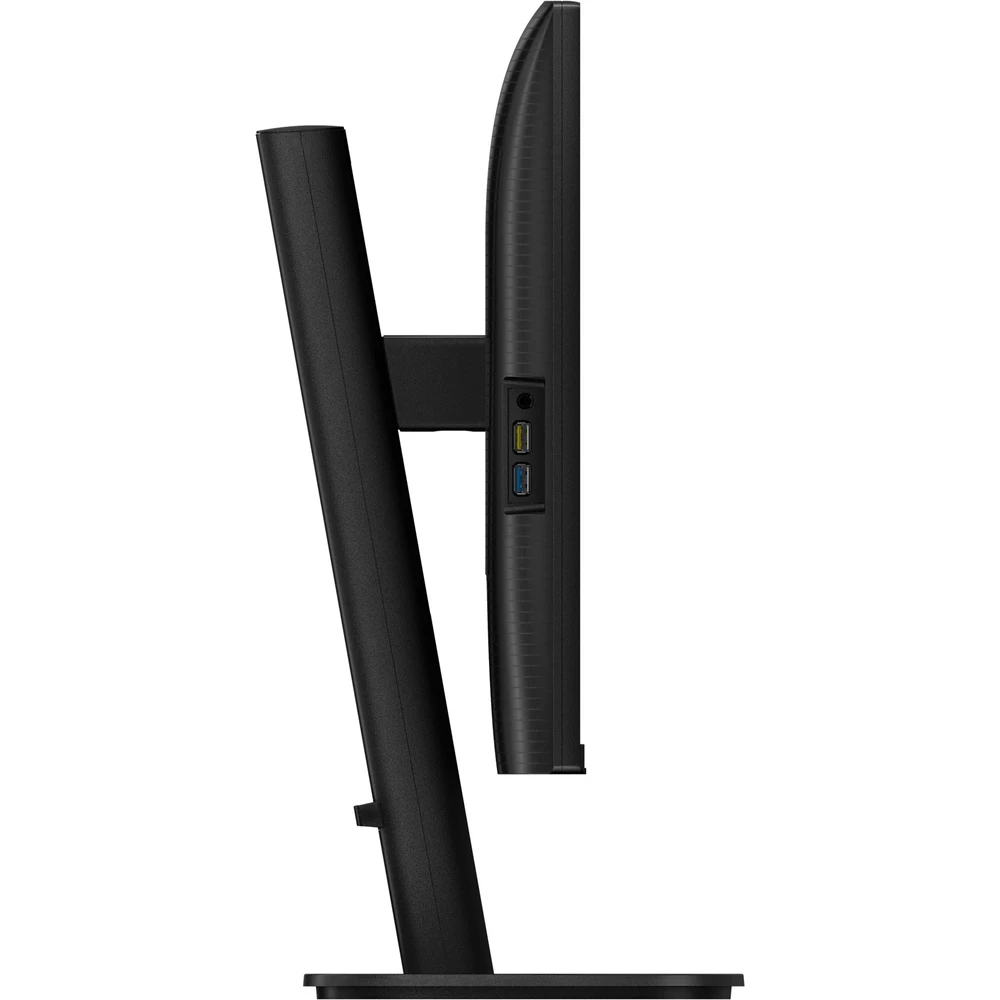
The SmartErgoBase is a monitor base that enables ergonomic and comfortable display and cable routing. The base can be tilted, tilted and rotated at various angles for maximum comfort. Thanks to the height-adjustable stand, you can view the screen at an optimal level, thus relieving the fatigue of a long working day. Cable routing eliminates the multitude of cables and keeps the work area tidy, giving it a professional look.
Smart Link Sync: adjusts the second screen to the primary display
When connected as a secondary monitor in a serial arrangement to a primary display that supports Smart Link Sync, the brightness and color settings are automatically synchronized. No manual setup required. Whether you're designing, presenting, or multitasking, you'll enjoy seamless visual consistency between screens. On the primary monitor, select OSD Sync or Light Sync modes (low, medium, or high) to match ambient light.
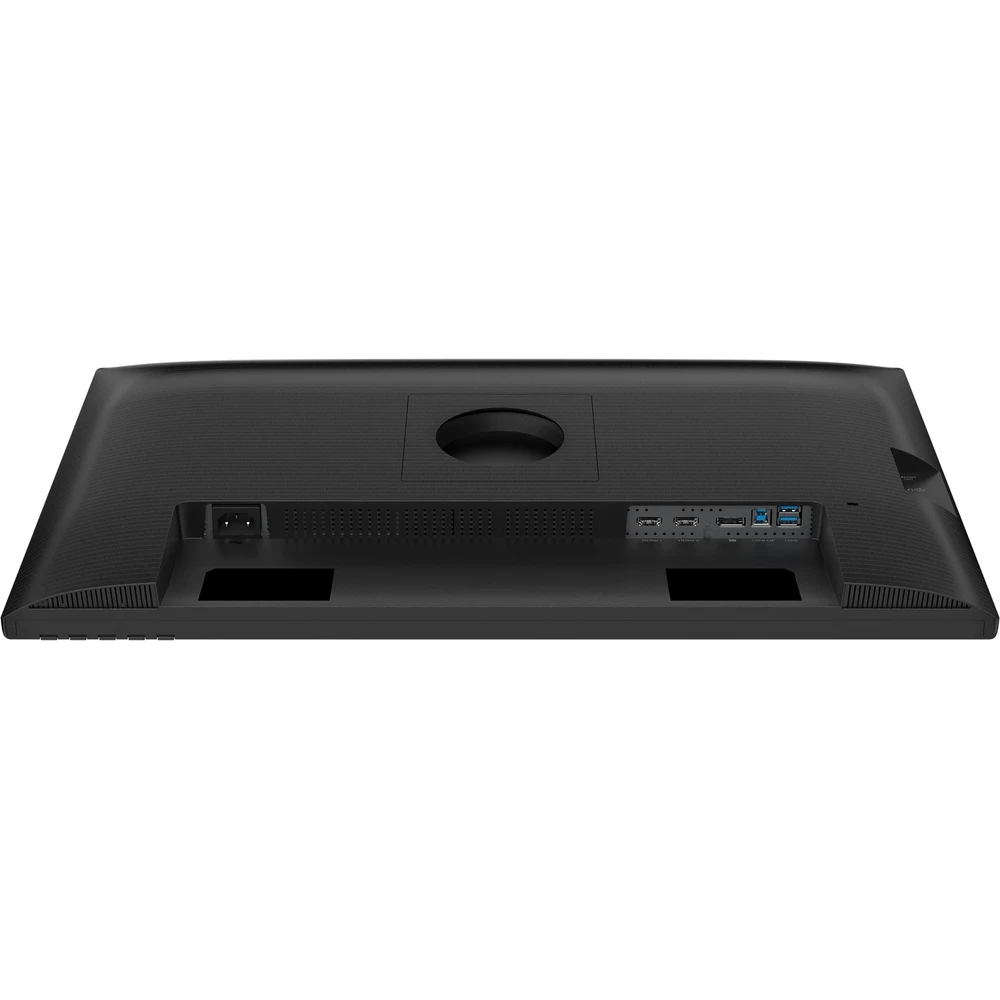
HDMI is universal
PRICE NOTIFICATION
Recommended for you
Similar products
NOTEBOOK SEARCH
OPINIONS
OPINIONS
