
PHILIPS 24M2N3200S/00 Evnia
not available
Product description
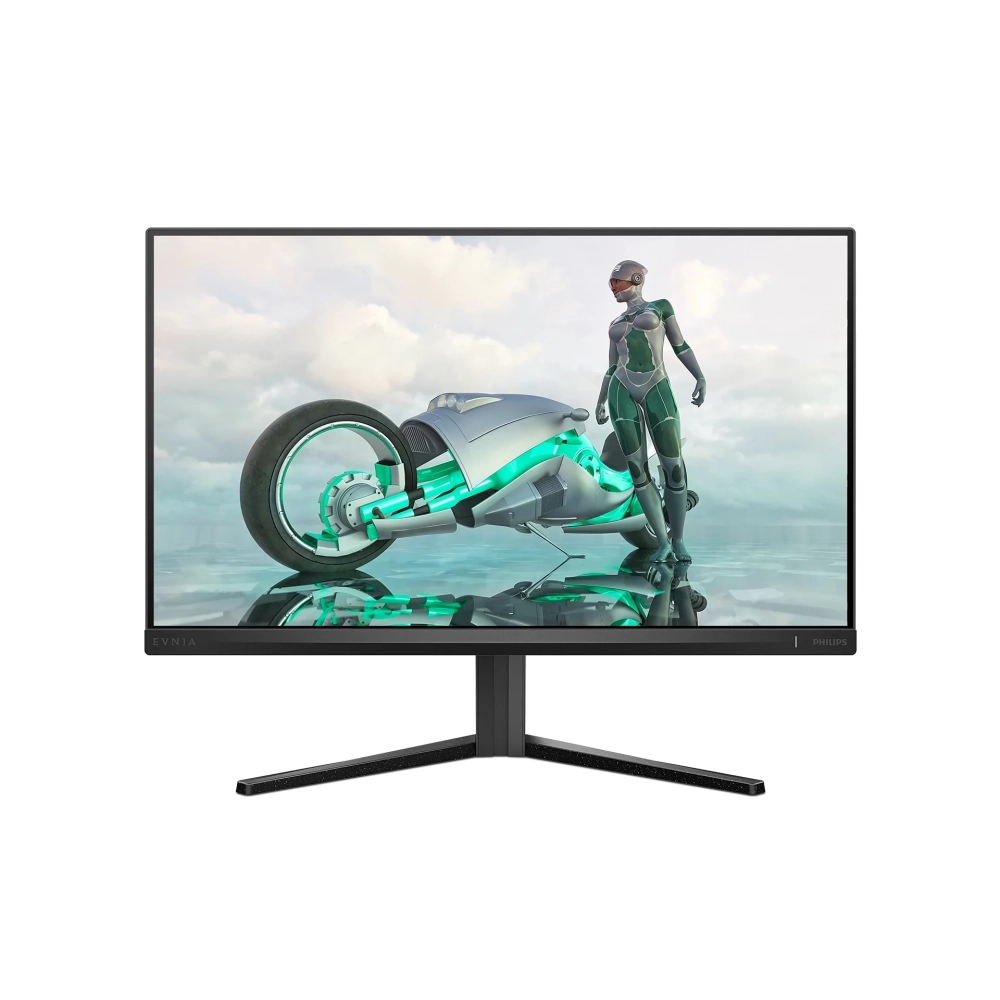
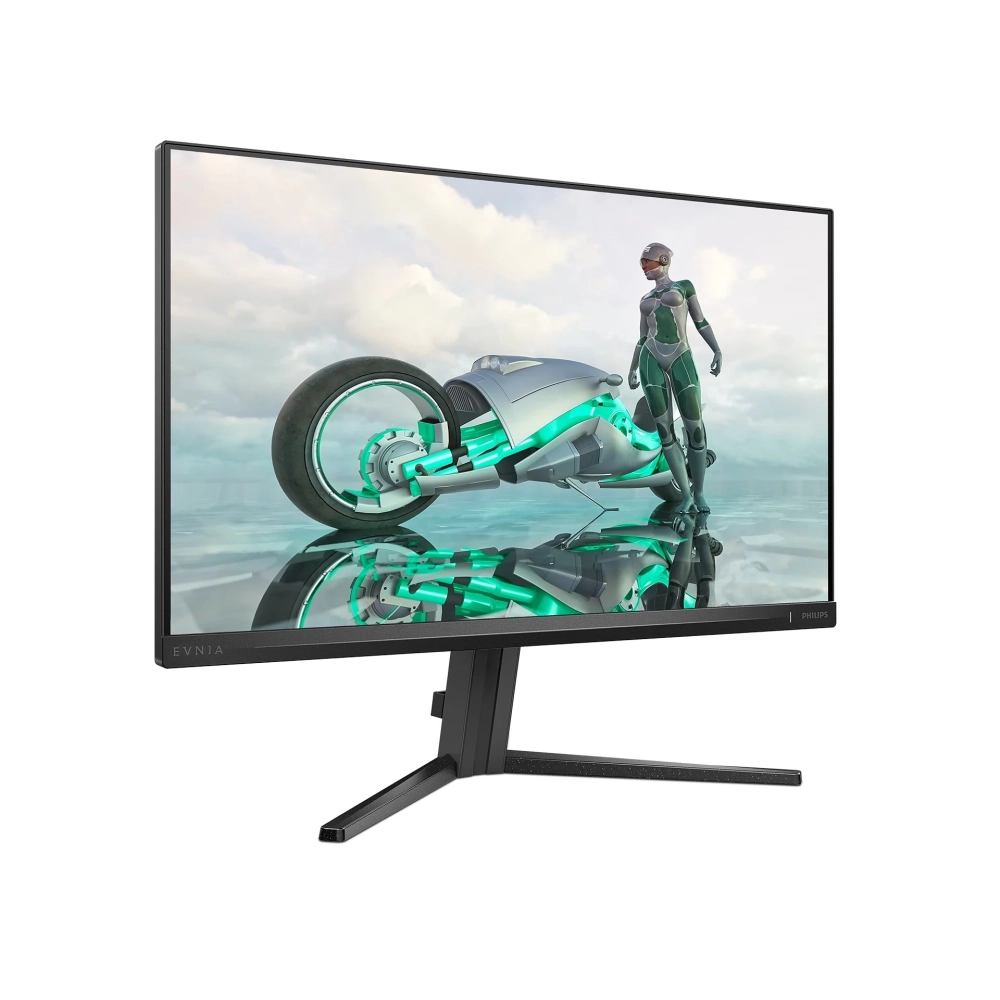
The Philips 24M2N3200S/00 Evnia is a monitor specially designed for gamers, offering a stunning viewing experience, exceptional quality and premium features. This monitor with a Fast IPS panel allows you to play at a frequency of 180 Hz with maximum accuracy and speed. Offering sharp HDR quality images and guaranteed Full HD resolution, the monitor provides a great, all-encompassing gaming experience.
The anti-glare display is 23.8 inches with Full HD (1920 x 1080) resolution and can display 16.7 million shades of color, so the user gets the sharpest possible image, whether it's working, playing or watching movies.
The Fast IPS panel is designed for action-packed gaming. Not only does it provide a virtually blur-free gaming experience, but it can also be used with high frame rates to ensure the best and sharpest image quality. The optimized pixel management technology provides an extremely wide viewing angle of 178/178 degrees, resulting in sharp images.
Its contrast ratio is 1000:1, which provides impressive depth and sharp details, while thanks to the brightness of 300 cd/m², the screen is clearly visible even in bright environments.
High dynamic range (HDR) provides a dramatically different visual experience. With amazing brightness, incomparable contrast and captivating colors, images come to life with much more brightness, while they are characterized by much deeper, more nuanced blacks.
It has a response time of 1 ms and a refresh rate of 180 Hz, so it can run even the most dynamic scenes in real time without any hiccups, be it gaming, watching movies or any other multimedia content.
Low input latency reduces the delay time between inputting a command from the device and the result appearing on the monitor. This greatly improves efficiency in video games that require fast movements, which is especially important in fast-paced, competitive games.
SmartContrast is a technology developed by Philips that analyzes the displayed content, automatically adjusts the colors and controls the backlight to dynamically improve the contrast to display the best digital still and motion pictures, or when displaying dark shades during gaming. When choosing economy mode, it adjusts the contrast and fine-tunes the backlight for the proper display of everyday office applications and lower power consumption.
SmartImage is a special cutting-edge Philips technology that analyzes the content displayed on the screen and ensures an optimized display. This user-friendly interface allows you to choose the most suitable mode for different applications: Office, Photo, Movie, Game, Business, etc. Based on your choice, SmartImage dynamically optimizes contrast, color saturation and sharpness for perfect display of photos and videos. Economy mode provides you with significant energy savings.
The Smart Crosshair feature improves aiming accuracy, making it easier to spot enemies. The crosshair color is set by default. When the Smart Crosshair feature is on, the color changes as a complementary color to the background color.
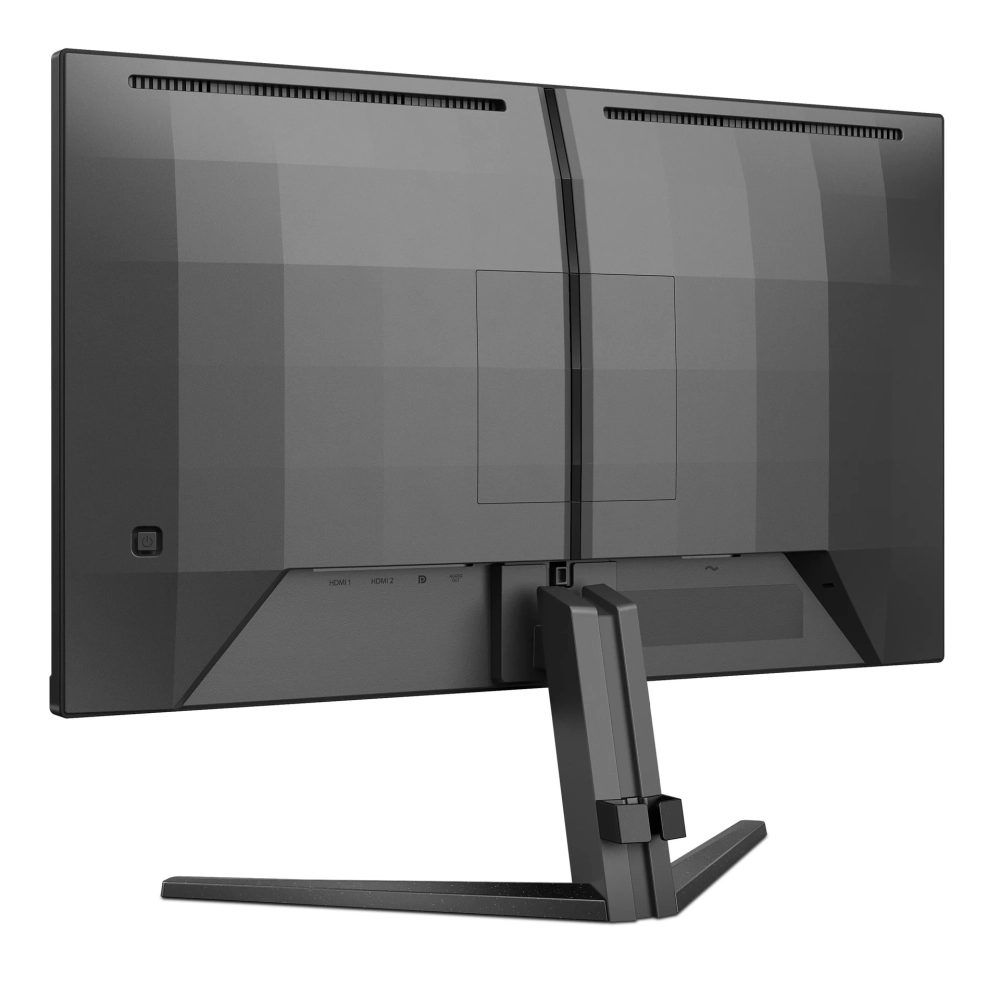
With the discreetly placed EasySelect menu switch button, you can quickly and easily change the monitor's settings in the on-screen menu.
Eye-friendly technologies protect the eyes from fatigue, irritation and certain damages.
• Low Blue: the Philips Low Blue mode setting, developed for health, uses intelligent software technology to reduce short-wavelength, harmful blue light.
• Flicker-Free: Philips Flicker-Free technology uses a new solution to control brightness to reduce flickering for more comfortable viewing.
EasyRead mode is specially designed for reading, which makes it feel like reading on paper, making long hours of reading easier.
The narrow frame allows you to focus on the game at all times, fully immersed in the games, or even connect multiple monitors to increase the gaming space.
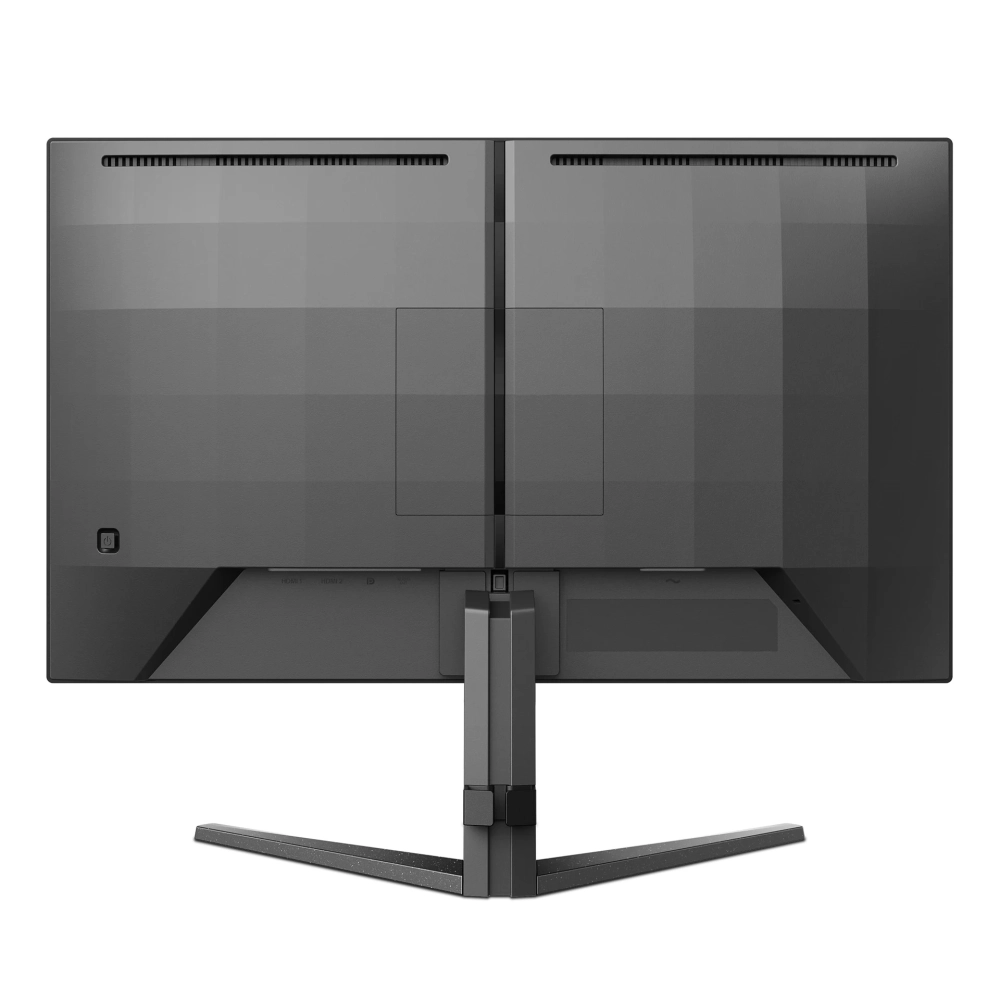
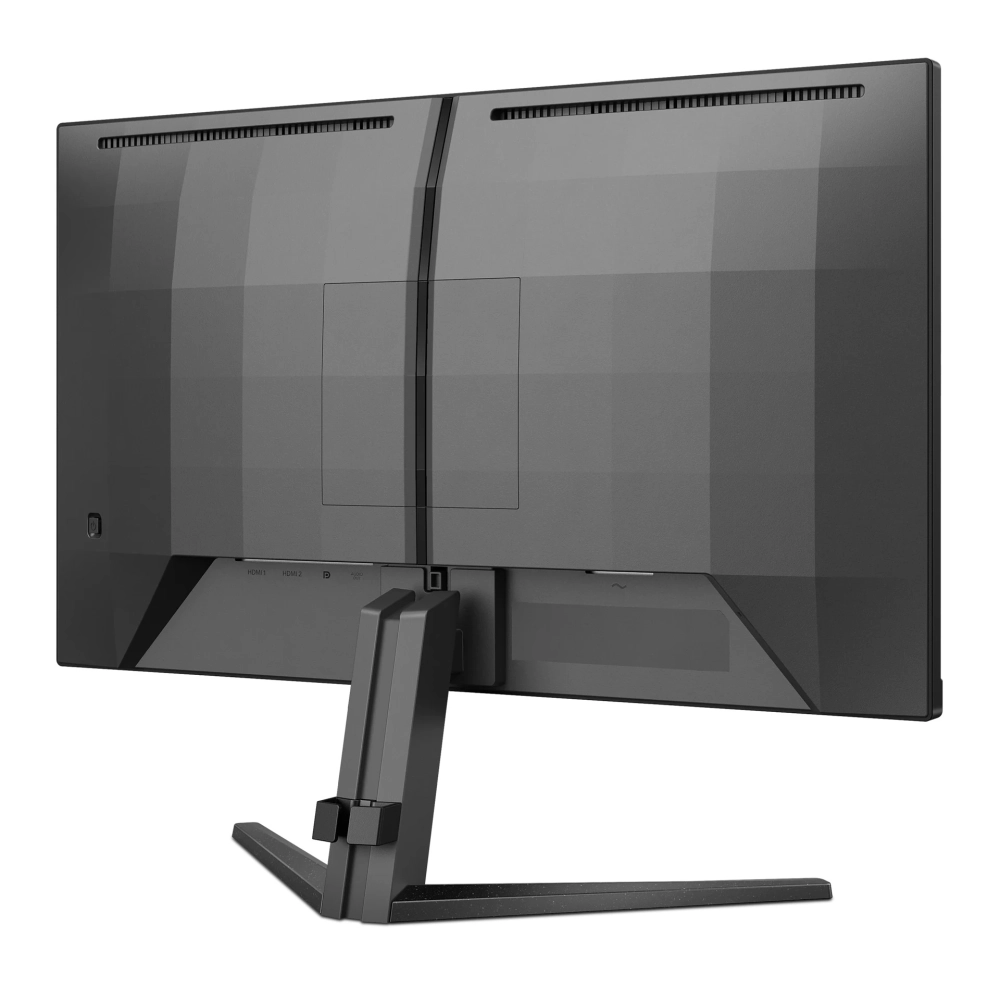
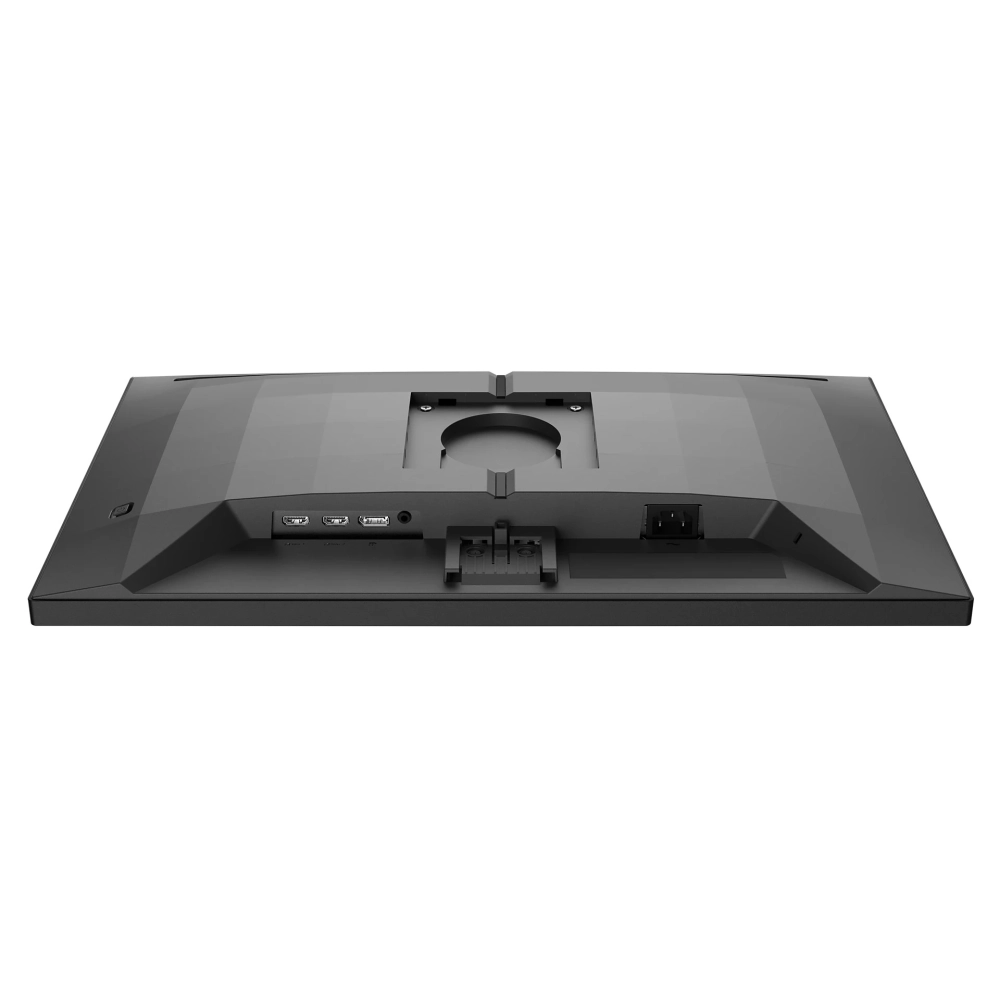
In terms of connectivity, HDMI and DisplayPort are also available, which provides flexibility in connecting different devices.
The Kensington lock allows you to connect the security cable to the display.
Cables and wires pass through the display stand, so you don't have to worry about tangled cables, and thanks to the cable manager, the work area remains clean and tidy.
Thanks to the built-in 2W speakers, users can easily listen to audio files, participate in online conferences or edit videos without having to connect external speakers or wear headphones.
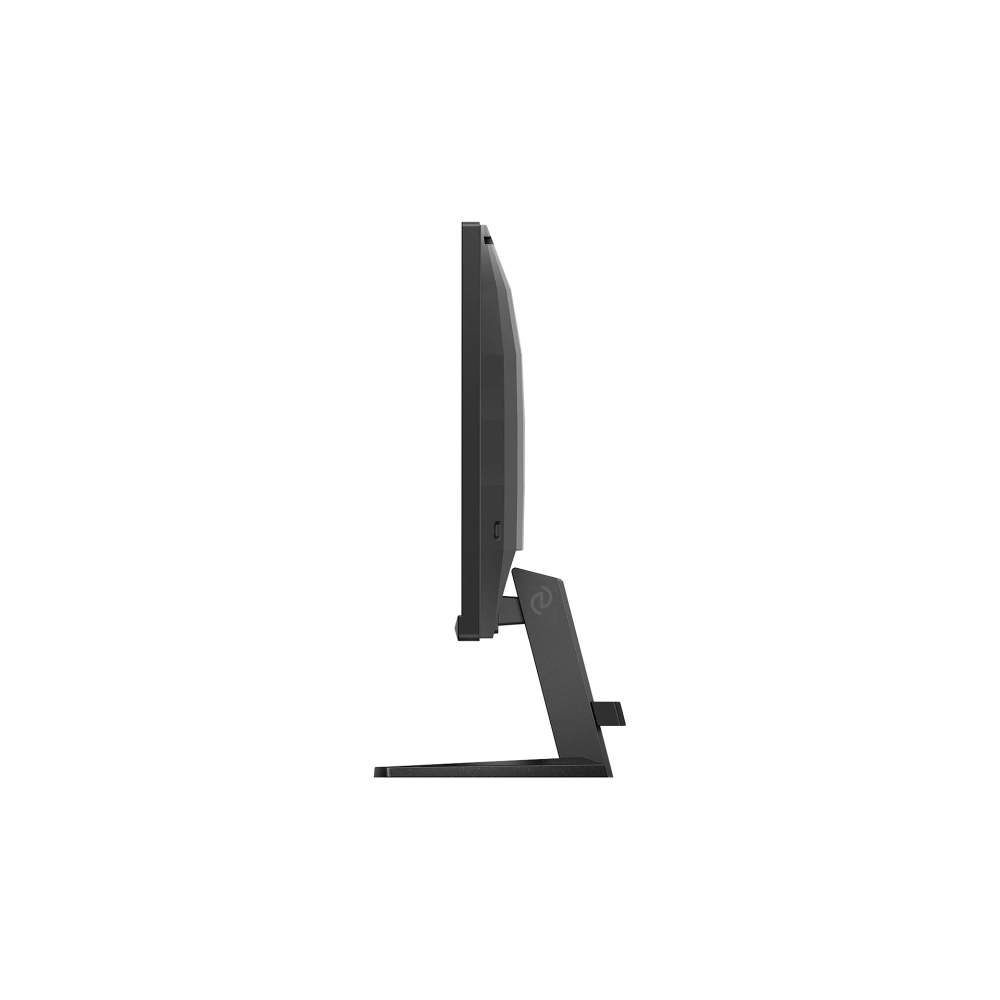
The monitor can be tilted (+20° ~ -5°), so that every user can find it
PRICE NOTIFICATION
Recommended for you
Similar products
NOTEBOOK SEARCH
OPINIONS
OPINIONS
