
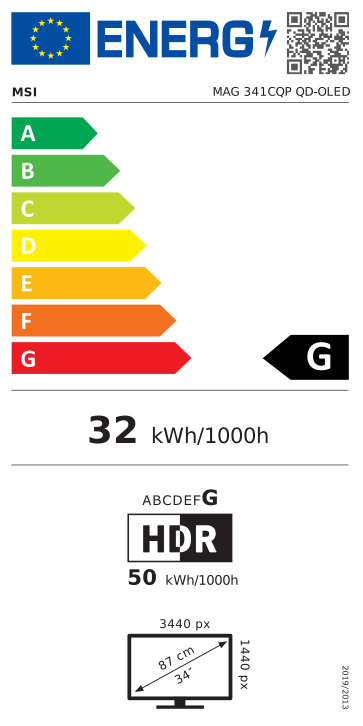
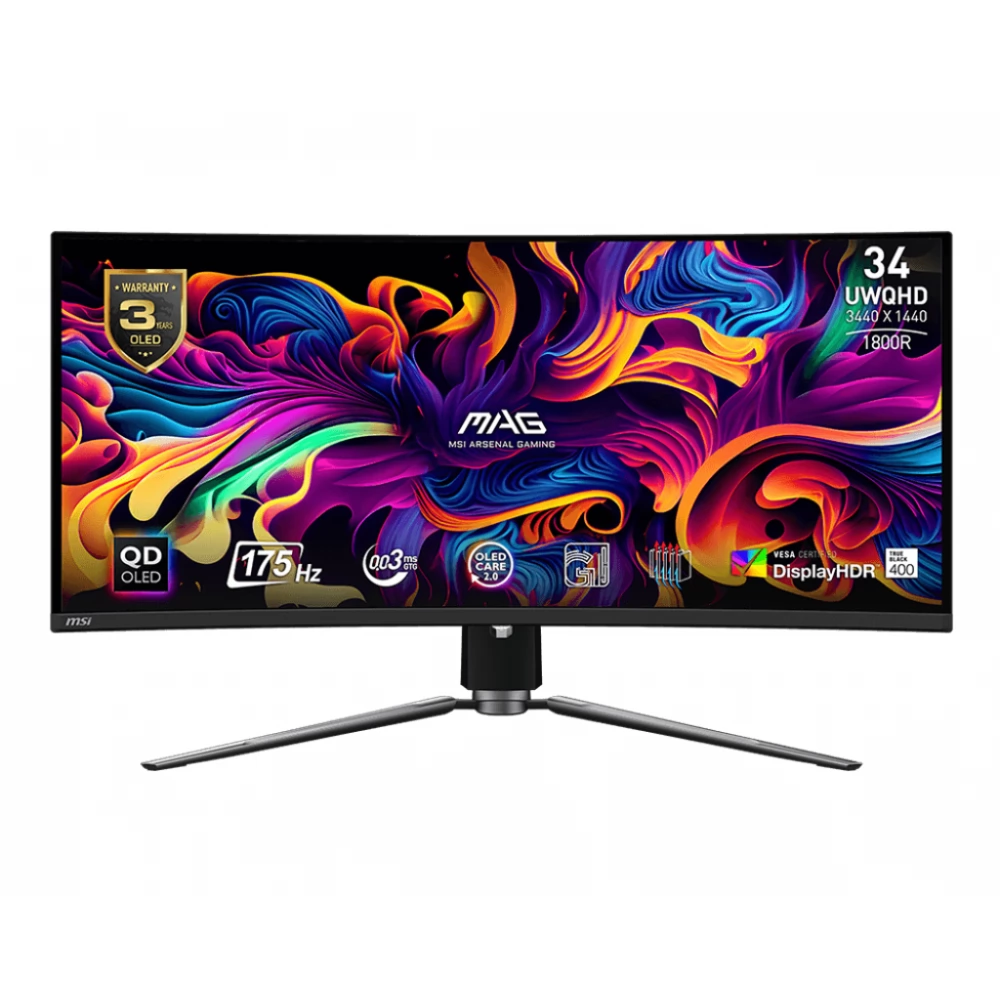
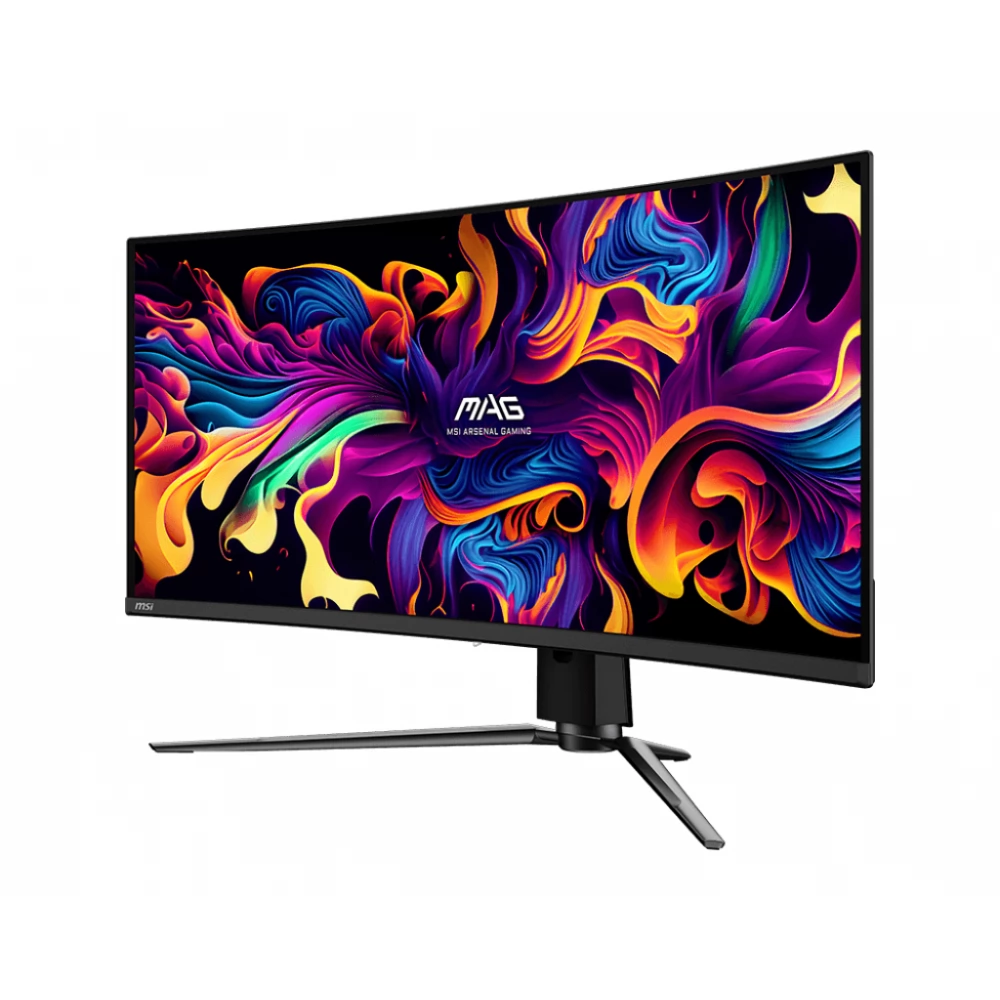
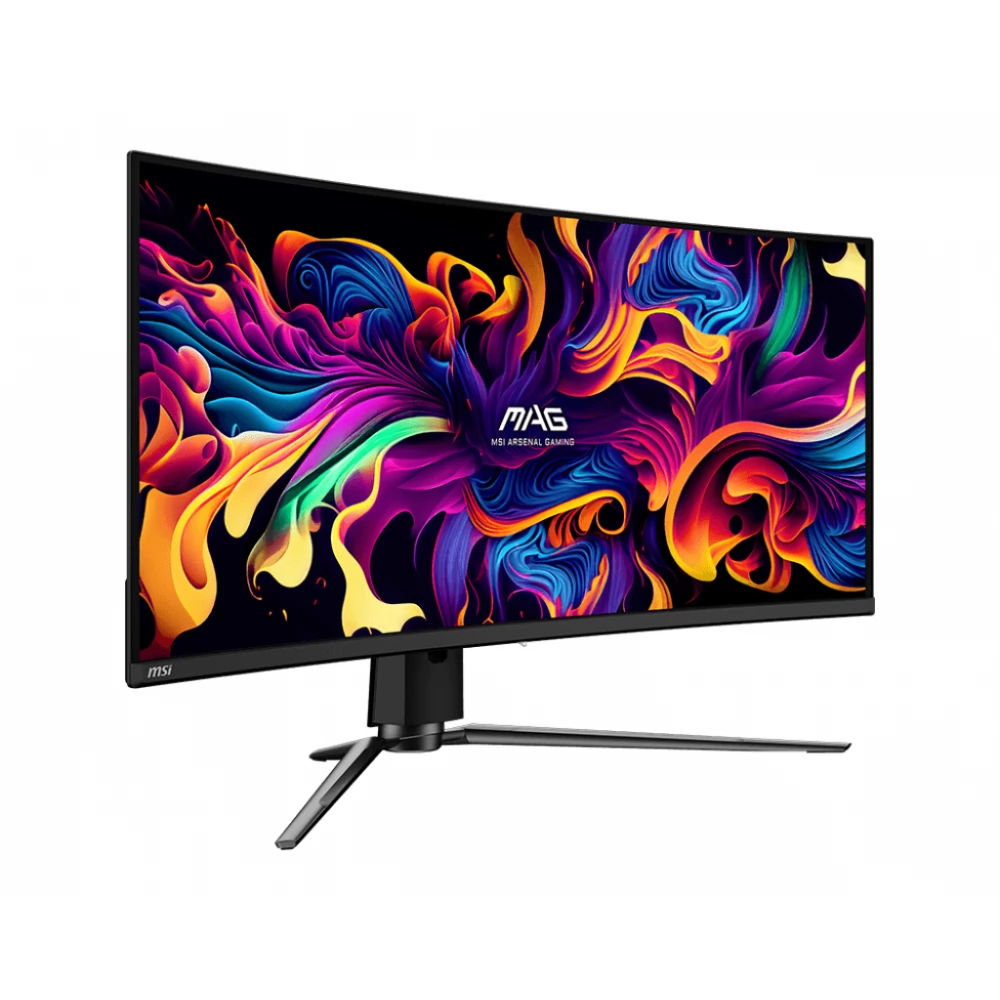
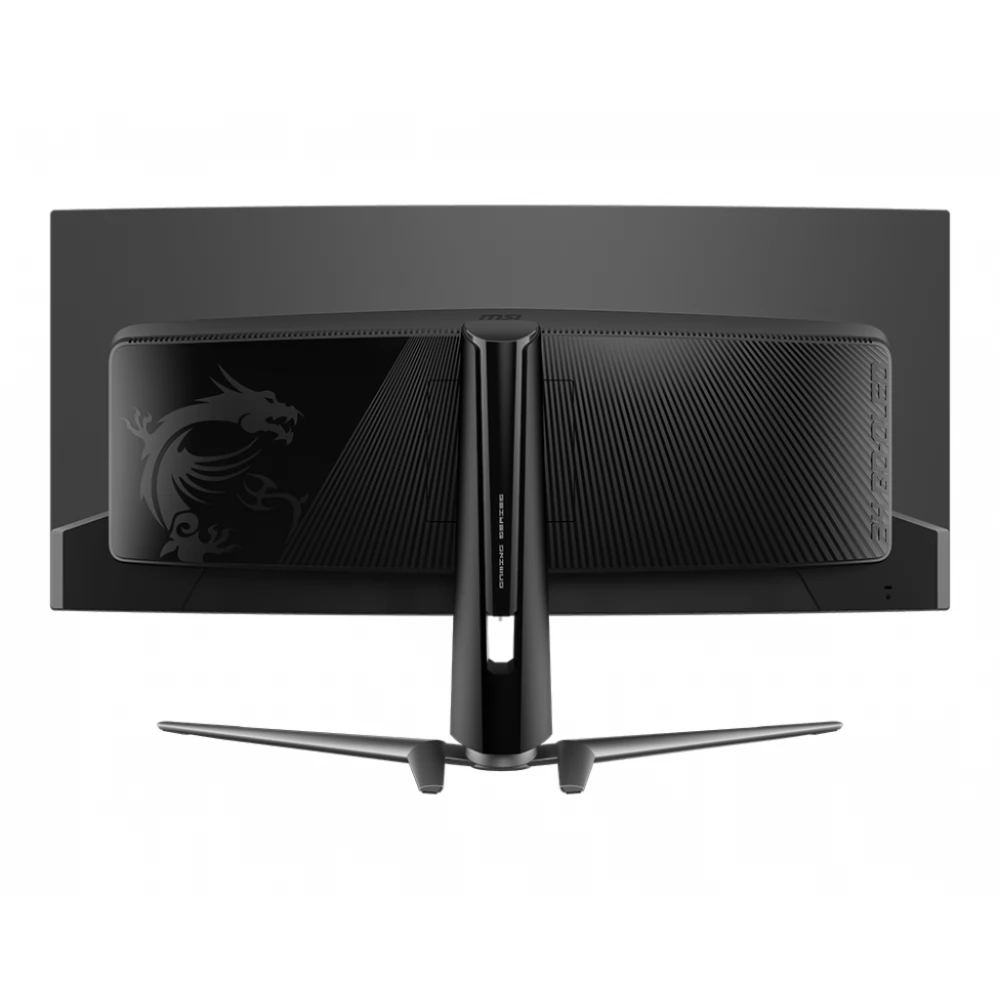
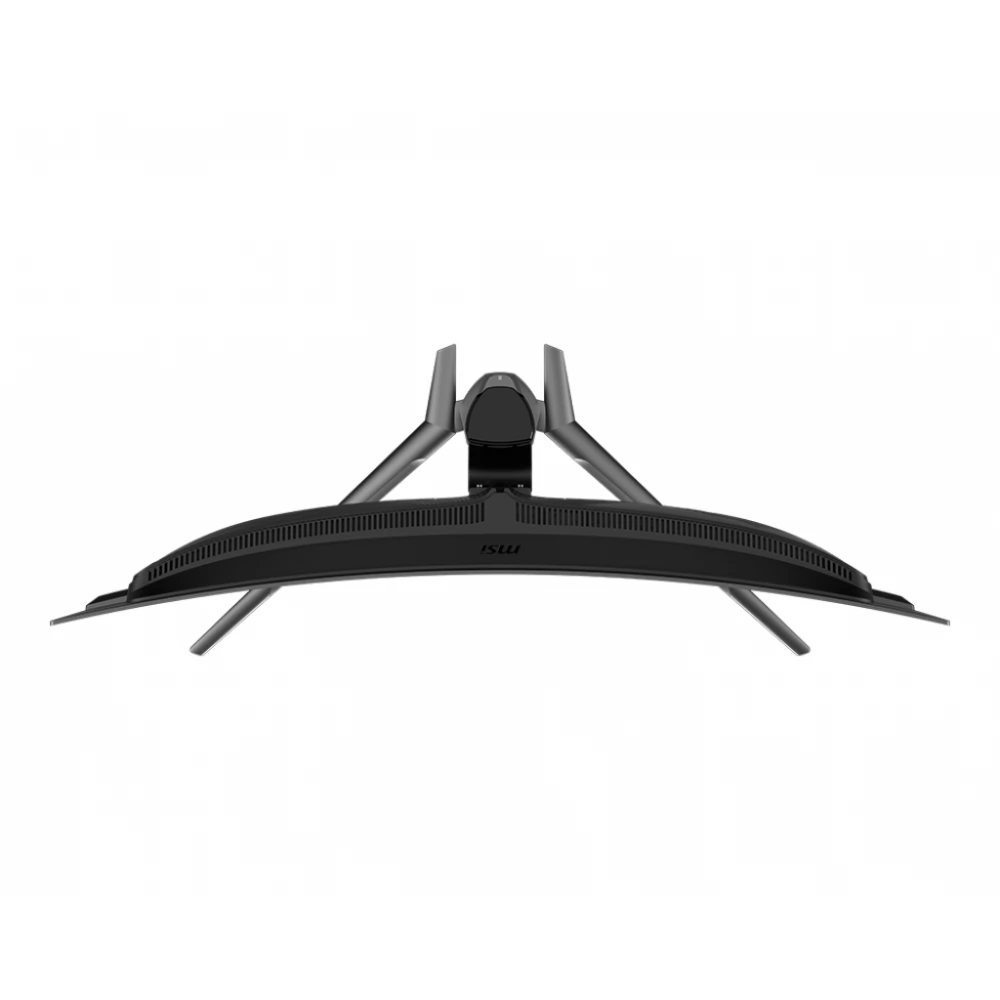
MSI MAG 341CQP
not available
Product description
The MSI MAG 341CQP QD-OLED monitor offers unparalleled viewing experience, exceptional quality and premium features to give its users a real and stunning visual experience. It can be used in both home and office environments, as it enables versatile use.
The MSI ARSENAL GAMING (MAG) series is designed to give gamers an edge on the virtual battlefield. Inspired by the rugged durability and reliability of military-grade equipment, the MAG Series is designed to provide unwavering protection in all game situations.
However, MAG is not just about performance. It is a design language that conveys solidity and toughness, embodying the essence of the MAG style. For gamers determined to dominate their digital battlefields, the MAG series is here to stand by them, creating the perfect defense.
The super-narrow bezel allows you to stay focused on the game, fully immersed in your games, or even connect multiple monitors to expand your gaming space.
MSI Gaming monitors use a curved display panel with a curvature ratio of 1800R, which is the most comfortable and suitable for a variety of uses from general computing to gaming. Curved panels increase the immersive gaming experience.
Quantum Dot technology allows you to experience stunning images in more than a billion colors. The immersive colors of the monitor are designed according to the needs of the best color values, enriching the realistic experience.
The display has a 34-inch panel with UWQHD resolution, in which 1.07 billion colors vibrate. It brings all games, movies and other multimedia content to life with stunning clarity and detail. And thanks to the 178°/178° viewing angle, we see the same precise and sharp image from every angle.
MSI MAG 341CQP QD-OLED stands out with its QD-OLED panel support, which offers crystal clear image quality and stunning color reproduction. The OLED Care 2.0 service provides a set of screen protector optimization mechanisms, consisting of three parts: Pixel Shift, Panel Protect, Static Screen Detection. MSI has now developed a more advanced version that provides many care services and significantly reduces the chance of OLED screen burn-in.
MSI gaming monitors come with a large field of view and high color rendering for an even more intense gaming experience. It is equipped with HDR technology, which produces images with more detail, a wider range of colors and more closely resembles what the human eye sees compared to conventional monitors. VESA DisplayHDR™ TRUE BLACK 400 brings every scene, whether light or dark, to life with realistic details with a contrast ratio of 1500000:1.
The MAG 341CQP QD-OLED has undergone rigorous testing and successfully received the ClearMR 9000 certification. The CMR range represents the range of blurring performance based on the percentage of clear pixels and blurred pixels.
The 175 Hz refresh rate and 0.03 ms (GtG) response time guarantee continuous gaming even in the most dynamic scenes. The 175 Hz refresh rate provides faster response with smoother frames. The 0.03 ms (GtG) response time eliminates screen tearing and fluctuations in refresh rates.
The monitor supports AMD FreeSync™ Premium Pro technology to ensure smooth gameplay. The technology synchronizes the monitor's refresh rate with the GPU to eliminate screen tearing or stuttering.
During the games, various features help players on their way to victory, such as the smart reticle, the Optix target magnifier or the Night Vision technology.
For console gamers, the MAG 341CQP QD-OLED provides HDMI 2.1 with a full 48 Gbps bandwidth. It supports 120Hz mode on the latest consoles and supports HDR at the same time, giving you the best gaming experience. The monitor uses HDMI™ CEC (Consumer Electronics Control). Once you connect the built-in HDMI™ CEC technology to your PlayStation or Switch controllers, you can use the controllers to wake up the screen with different modes that can be adjusted for different devices.
A firmware update is also available. MSI MAG 341CQP QD-OLED can update the firmware through a USB port, which is simple and easy to use. This allows users to update the firmware themselves when MSI releases the latest version. This ensures that the screen is always in the most optimized state.
The Gaming Intelligence APP makes it very easy to set up your gaming monitor. You don't need to use the monitor buttons and go through all the menus, just use the keyboard and mouse to configure the monitor. The app even offers hotkeys so you can easily switch between different games
PRICE NOTIFICATION
Recommended for you
Similar products
NOTEBOOK SEARCH
OPINIONS
OPINIONS
