
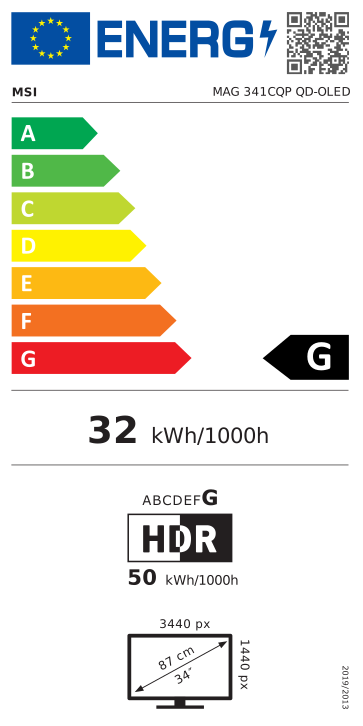
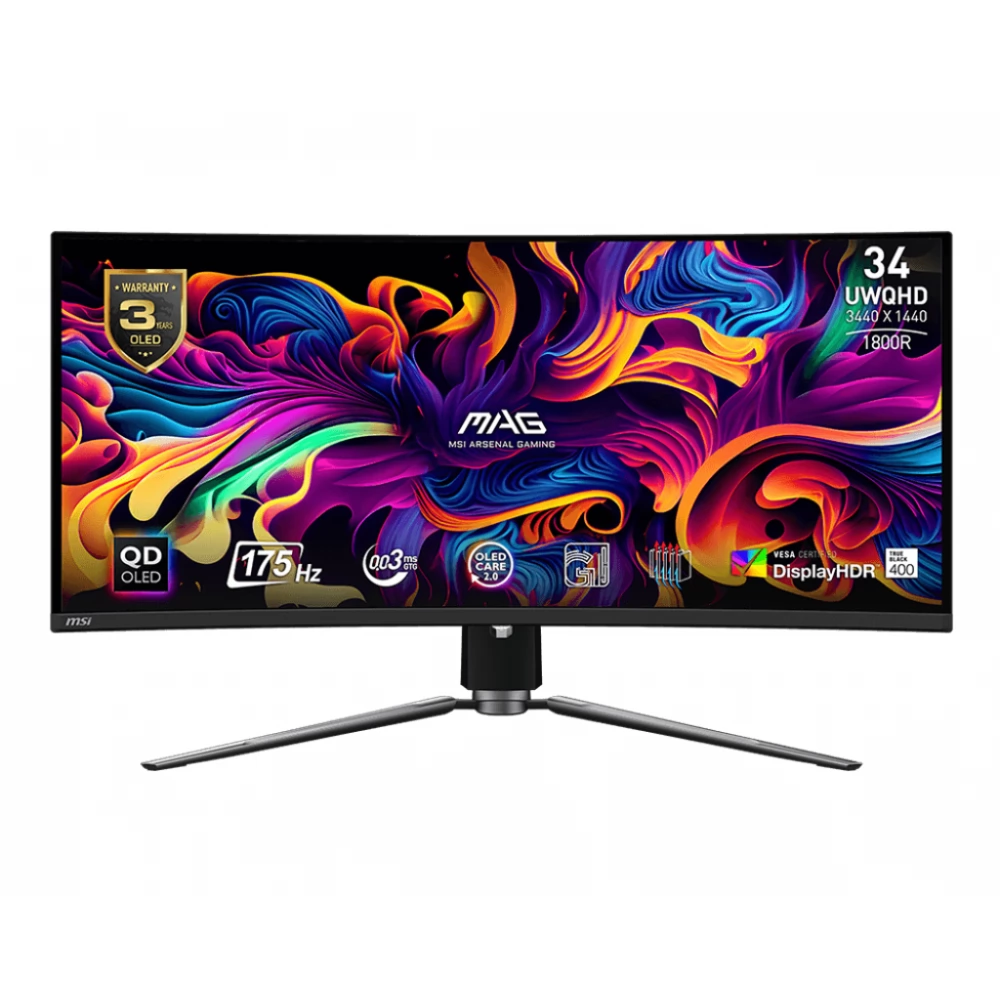
MSI MAG 341CQPDE QD-OLED
408 890 Ft

Product description
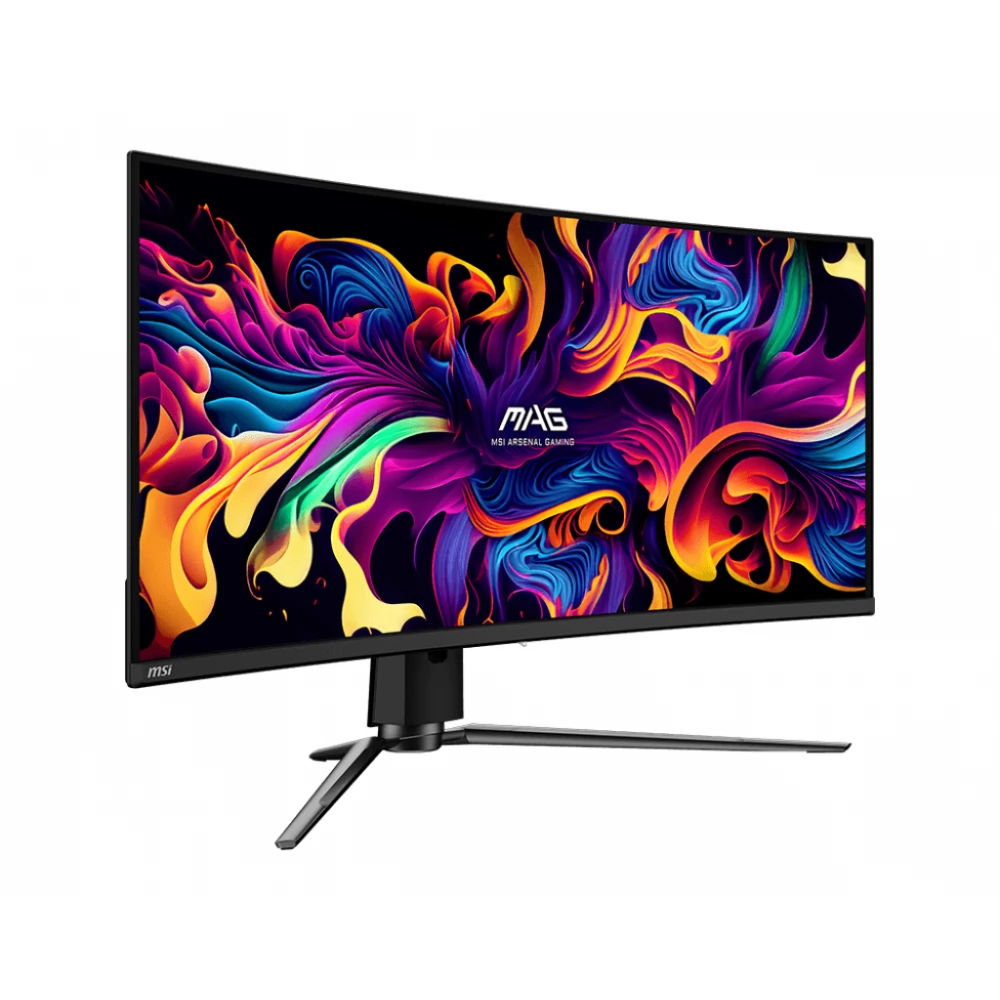
The MSI MAG 341CQP QD-OLED Monitor offers an unique visual experience, exceptional quality and premium features to provide its users with a real and impressive visual experience. We can expect it to use it both at home and office environment as it allows for versatile use.
The MSI Arsenal Gaming (MAG) series has been designed to gain an advantage on the virtual battlefield. The core series inspired by the robust durability and reliability of military quality equipment is made to provide unshakable protection in every game situation.
However, the seed is not just about performance. It is a design language that conveys massiveness and toughness, embodying the essence of the core style. For players who have decided to control their digital battlefields, the MAG series is here to stand by them, creating perfect protection.
The Super Key Frame allows you to constantly confront the game, completely immersed in the games, or even connect multiple monitors, increasing the playing field.
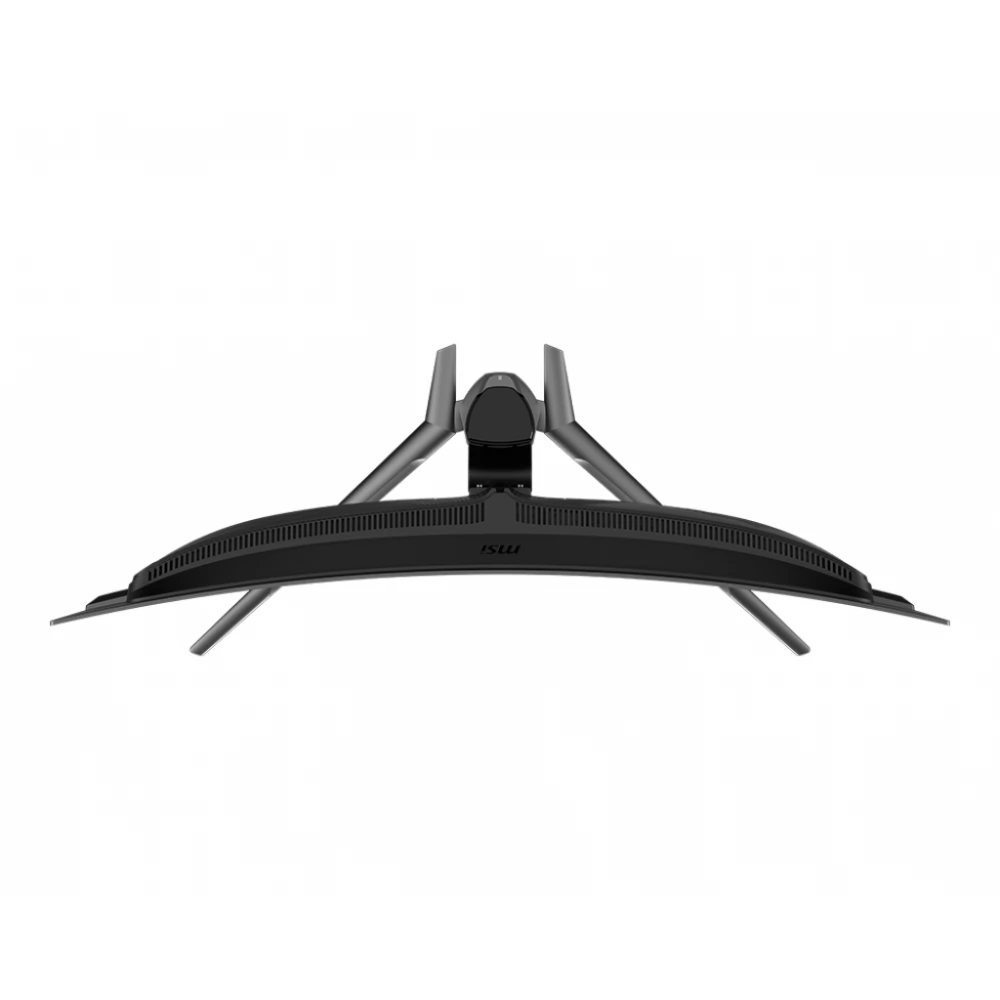
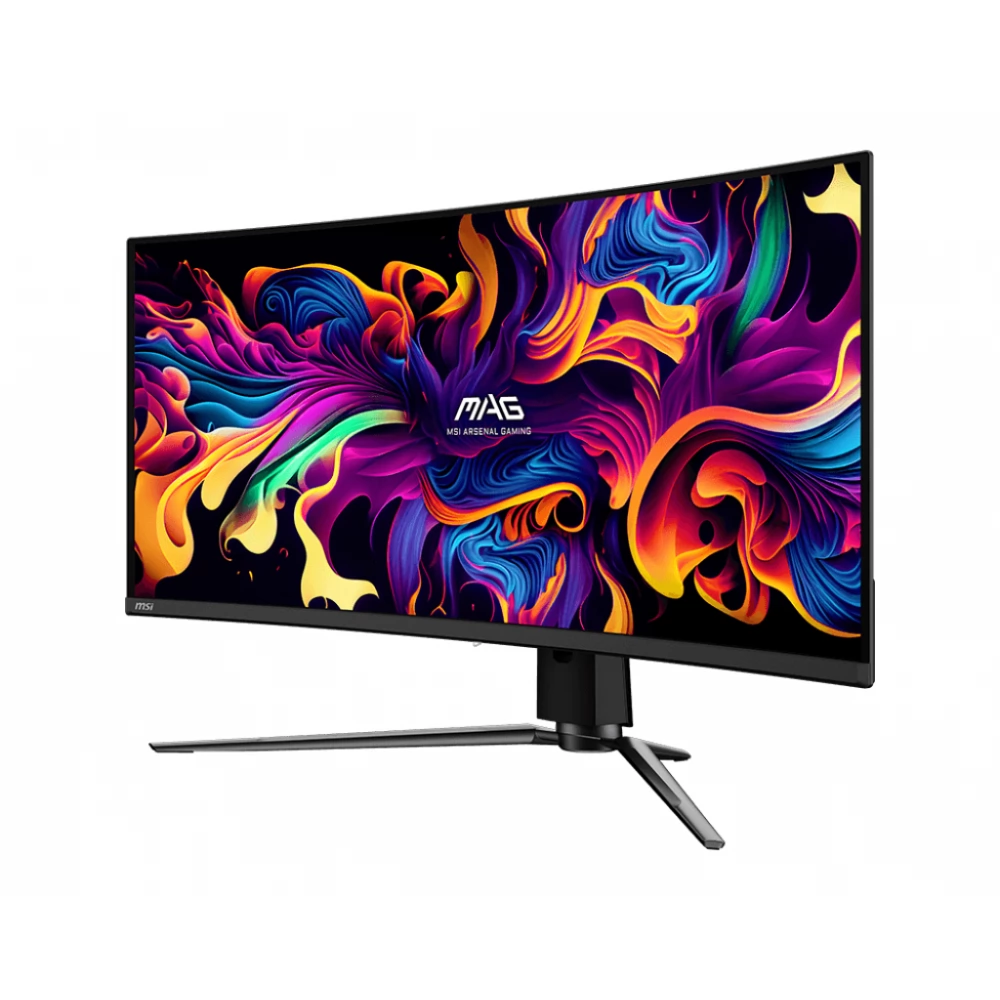
MSI Gaming monitors are used for a curved display panel with a curvature rate of 1800R, which is most comfortable and is suitable for a variety of use from general computing to play. Curved panels increase the Immerz gaming experience.
Quantum dot technology allows you to experience impressive images of more than one billion colors. The captivating colors of the monitor were designed to the best color values, enriching the realistic experience.
The display has a 34 -inch UWQHD panel with 1.07 billion colors. With impressive purity and detail, it brings to life all games, films and other multimedia content. Thanks to the 178 °/178 ° viewing angle, we see the same precise and sharp image from each angle.
The MSI MAG 341CQP QD-OLED stands out with the support of the QD-OLED panel, which offers crystal clear image quality and stunning color appearance. OLED CARE 2.0 provides a series of screensaver optimization mechanisms consisting of three parts: Pixel Shift, Panel Protect, Static Screen Detection. MSI has just developed a more advanced version that provides many care services and significantly reduces the chances of burning the OLED screen.
The MSI game monitors provide a high level of color and high color rendition for an even more intense game experience. It is equipped with HDR technology, which produces images with multiple details, wider colors, and is more similar to what is seen by the human eye than traditional monitors. The VESA DISPLAYHDR ™ True Black 400, be it light or dark, with realistic details, with a contrast ratio of 1500000: 1.
The MAG 341CQP QD-OLED went through strict tests and successfully received the ClearMR 9000 certificate. The CMR range represents the range of blurred pixels and the percentage of blurred pixels.
The 175 Hz update speed and 0.03 ms (GTG) response time guarantee continuous play in the most dynamic scenes. The 175 Hz update frequency reacts faster with smoother frames. The 0.03 MS (GTG) response time eliminates the screen break and the fluctuation of the refresh rate.
The monitor supports AMD Freesync ™ Premium Pro technology to provide a smooth look of the gameplay. Technology synchronizes the monitor's update frequency with GPU to eliminate the screen break or stuck.
During the games, various features help players on the path to victory, such as: The smart crosshair, the Optix target magnification or the Night Vision technology.
For console players, MAG 341CQP QD-OLED HDMI 2.1 provides full 48GBPS bandwidth. It supports the 120 Hz mode on the latest consoles and simultaneously supports HDR, providing the best gaming experience. The monitor uses the HDMI ™ CEC (Consumer Electronics Control) function. Once you have connected the built -in HDMI ™ CEC technology to PlayStation or Switch controls, you can use the controls to wake the screen with different ways that can be adjusted to different devices.
Firmware update is also available. The MSI CEM 341CQP QD-OLED can update the firmware through a USB connector, which is simple and easy to use. This allows users to update their own firmware when MSI releases the latest version. This ensures that the screen is always in the best optimized condition.
With the Gaming Intelligence App, you can easily set your game monitor. You don't have to use the monitor buttons and go through all the menu, just use the keyboard and mouse to configure the monitor. The app even offers shortcuts so you can easily switch to different games
PRICE NOTIFICATION
NOTEBOOK SEARCH

OPINIONS
0.0
