
Dear Visitor! We are carrying out maintenance this weekend, so our website may be slow or briefly unavailable at times. Thank you for your patience!
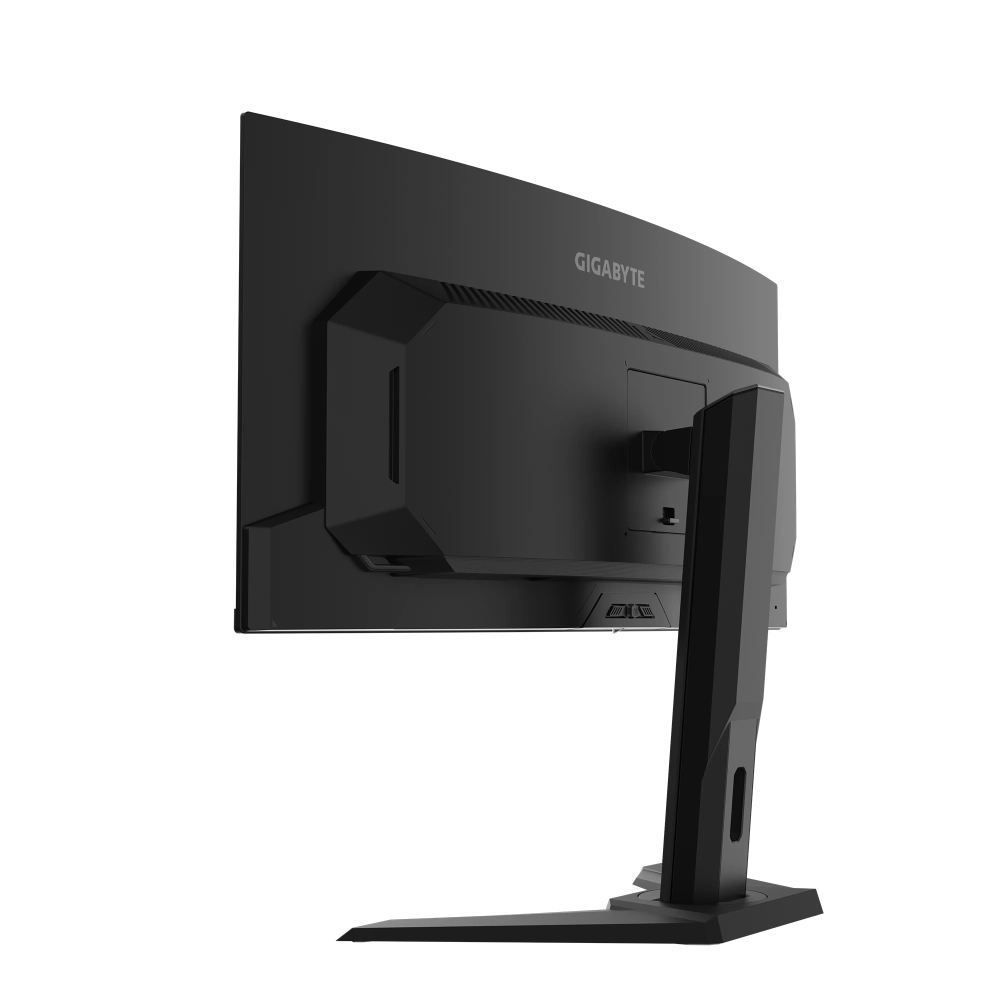
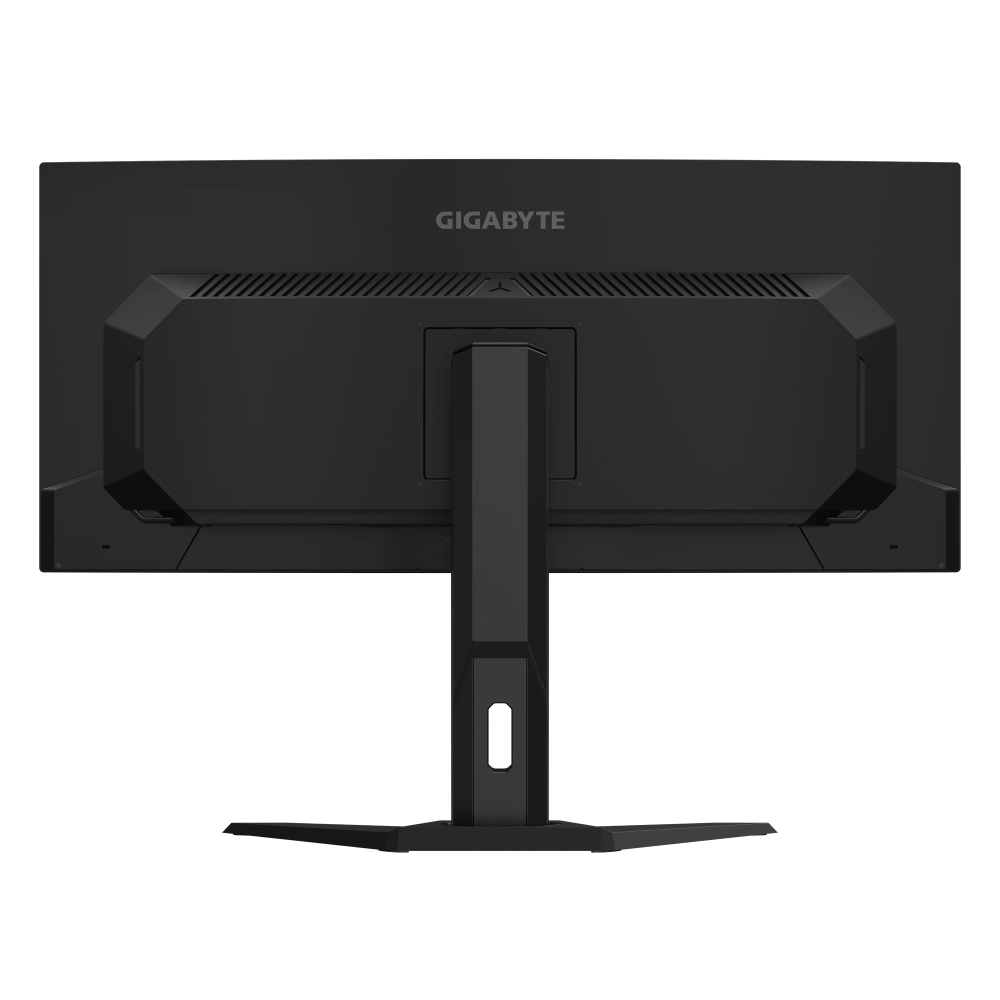
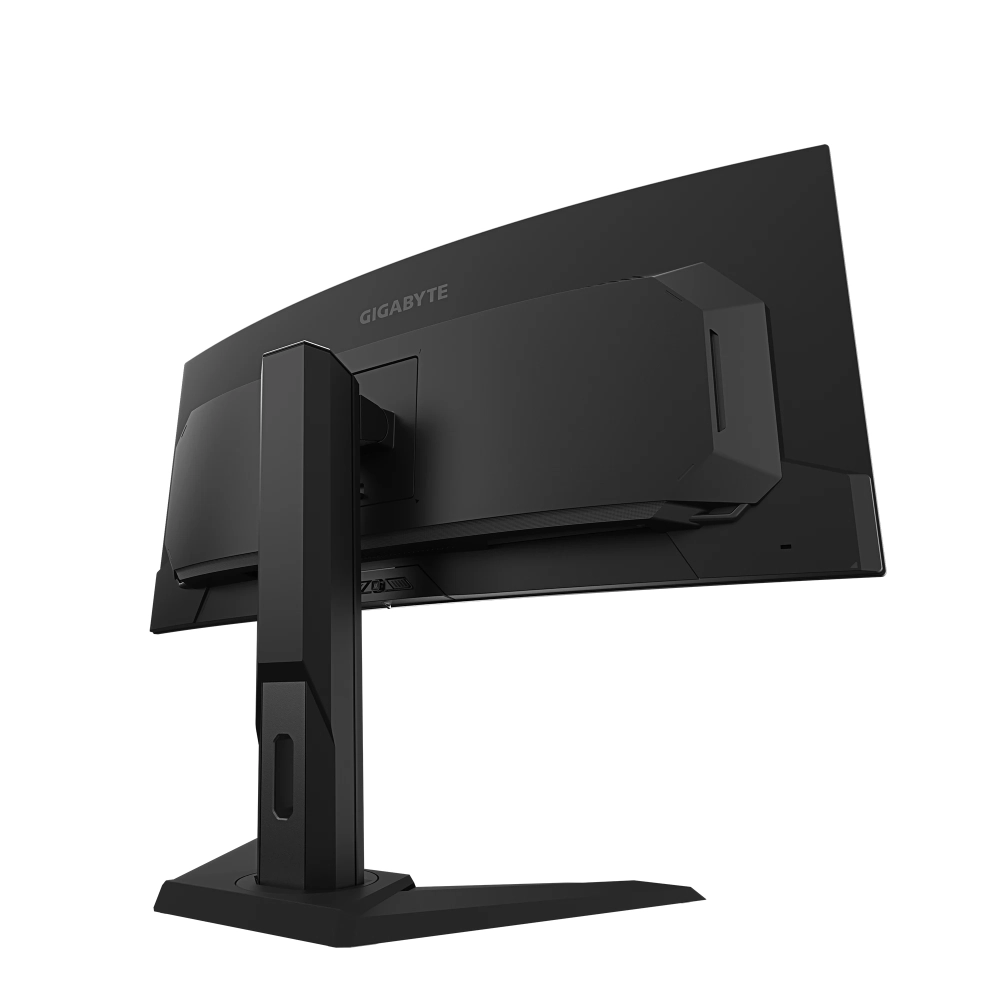
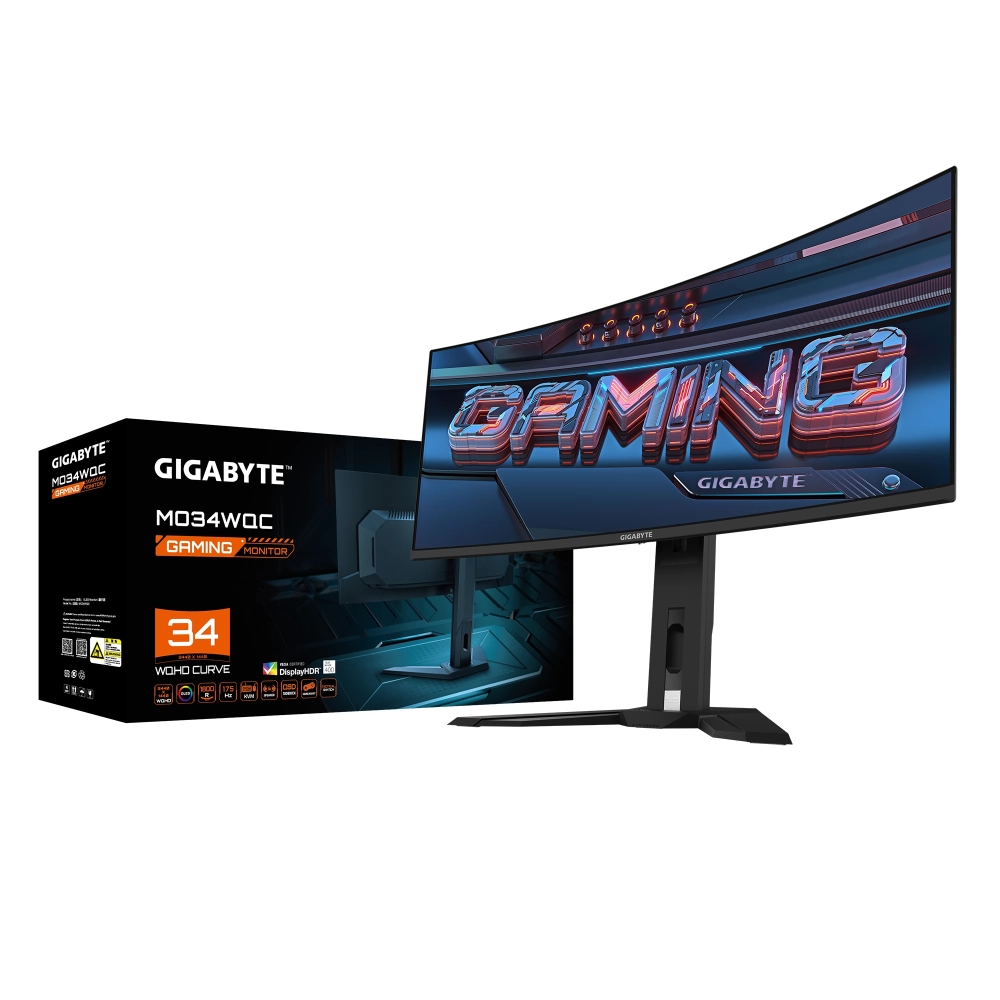
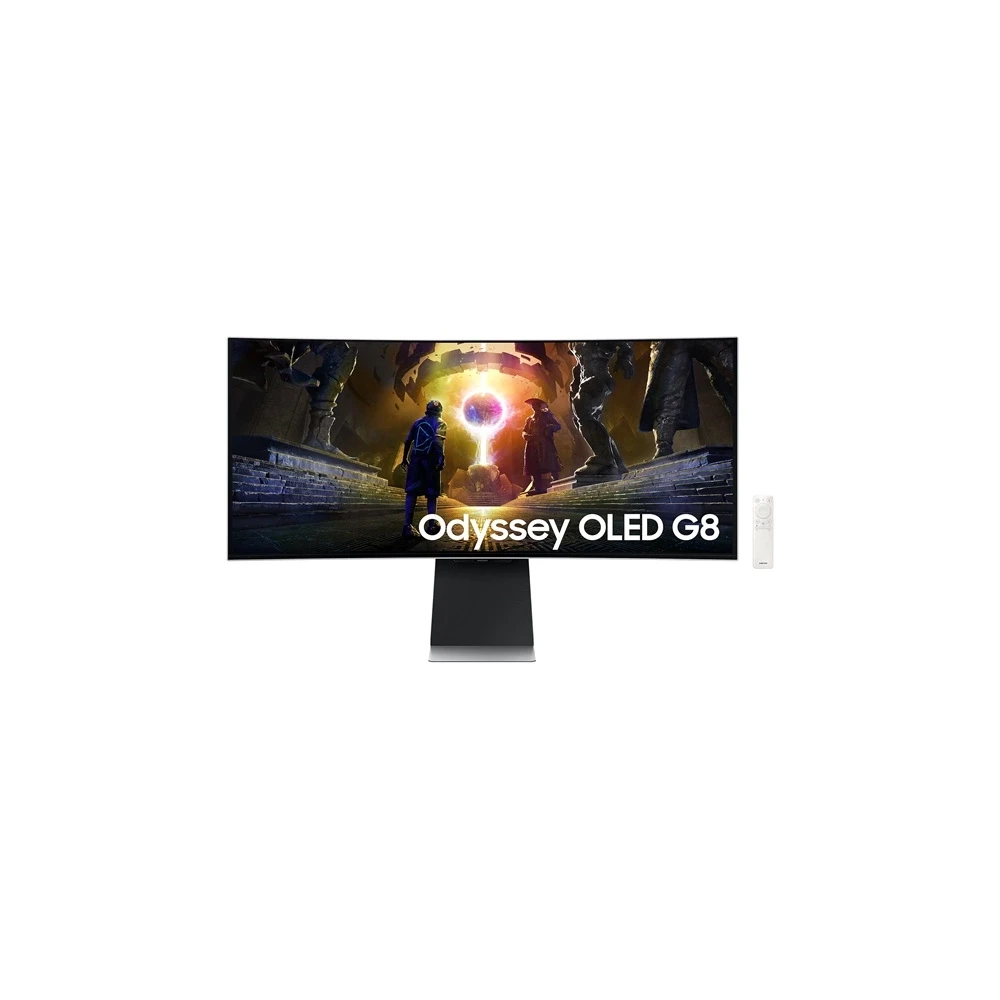
GIGABYTE MO34WQC
Substitute products

Product description
The Gigabyte MO34WQC is a stunning, high -quality, wide -screen monitor that is the perfect choice for professionals and players. This exceptional device is designed to optimize the visual experience and increase productivity while occupying a minimal area of life.
Ergonomic design ensures comfortable and healthy use. Eye -friendly technology allows us to use several hours, making it an ideal choice for those who spend a lot of time in front of the screen, whether it's work or fun.
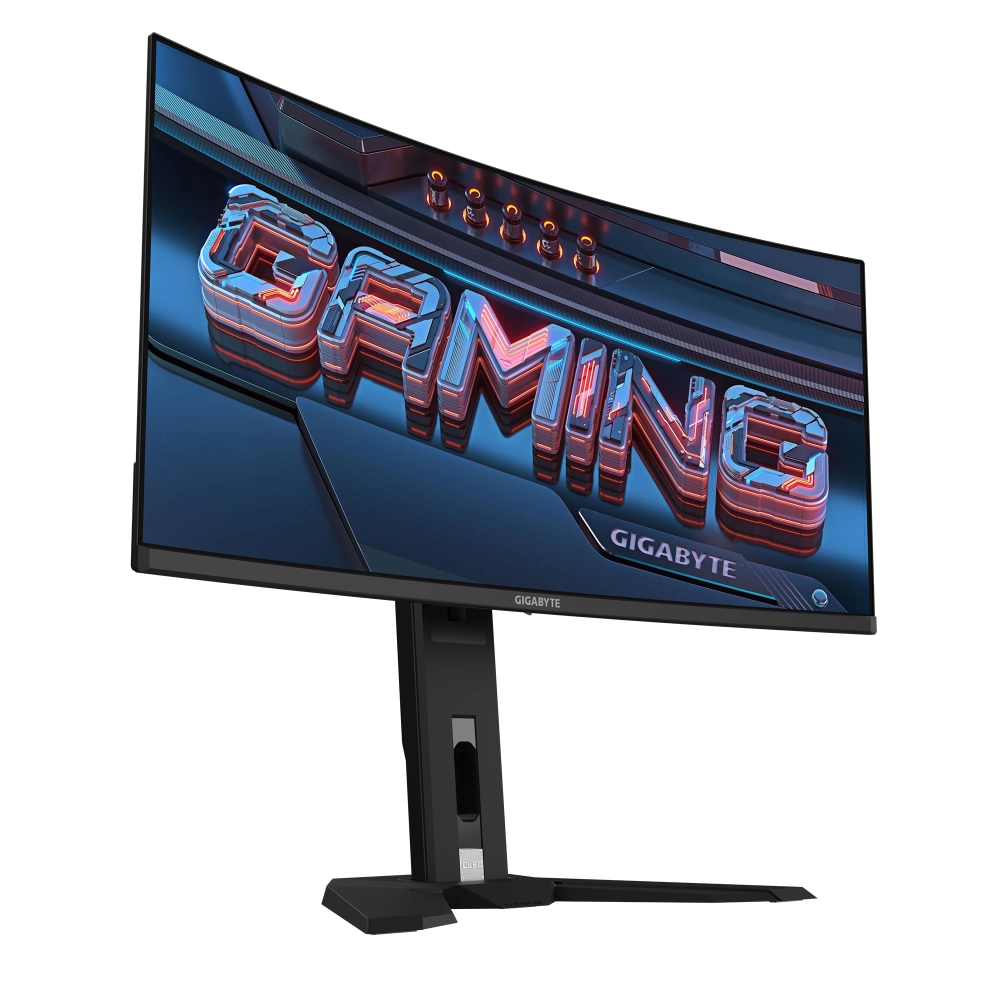
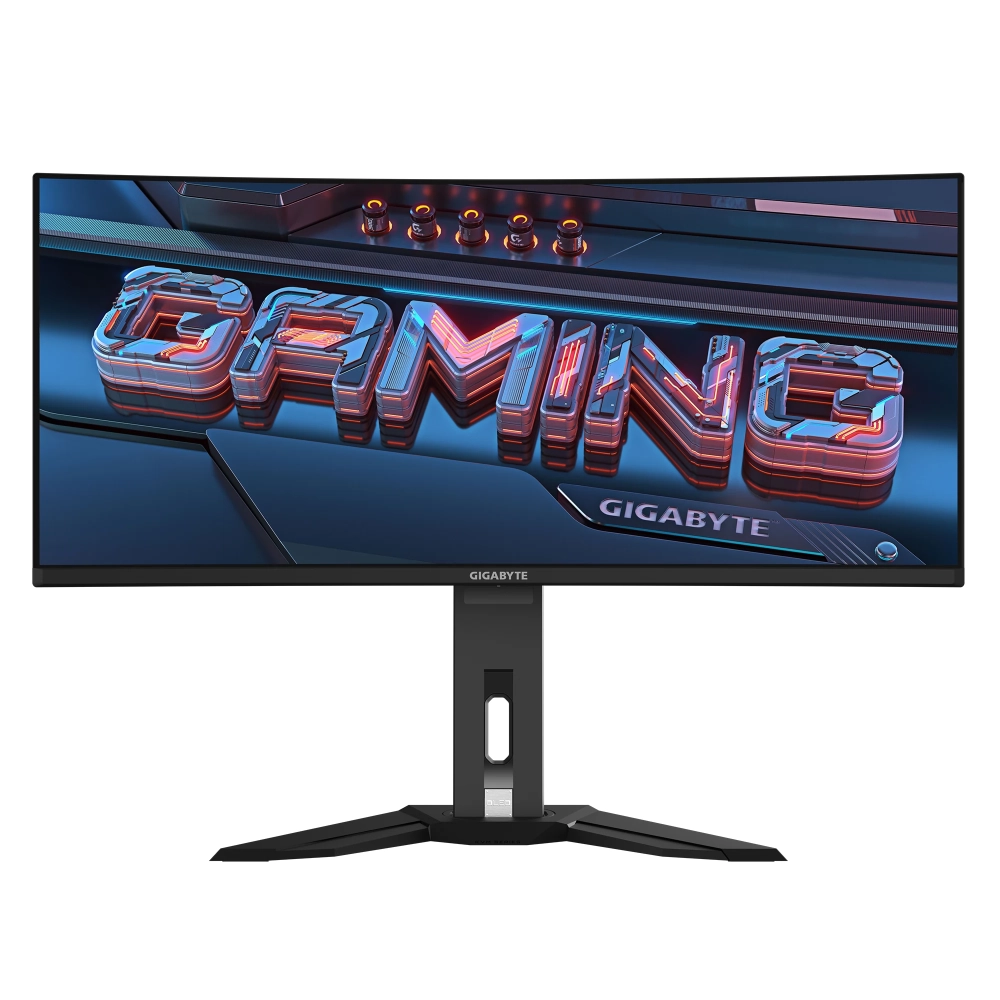
In addition to the 34 -inch, 21: 9 curved OLED panel, the Gigabyte MO34WQC monitor offers a resolution 3440x1440. This high resolution allows the user to work on a single screen in multiple windows without having to give up on image quality. The colors are real and sharp, which is very important for graphic designers and artists.
For players, Gigabyte MO34WQC supports AMD Freesync Premium Pro technology, which reduces frames between frames and input delay, providing an extremely smooth gaming experience. In addition, the 0.03 ms response time and the 175 Hz update ratio ensure that the monitor will be able to keep up with fast-paced toys and minimize the haze and the screen door.
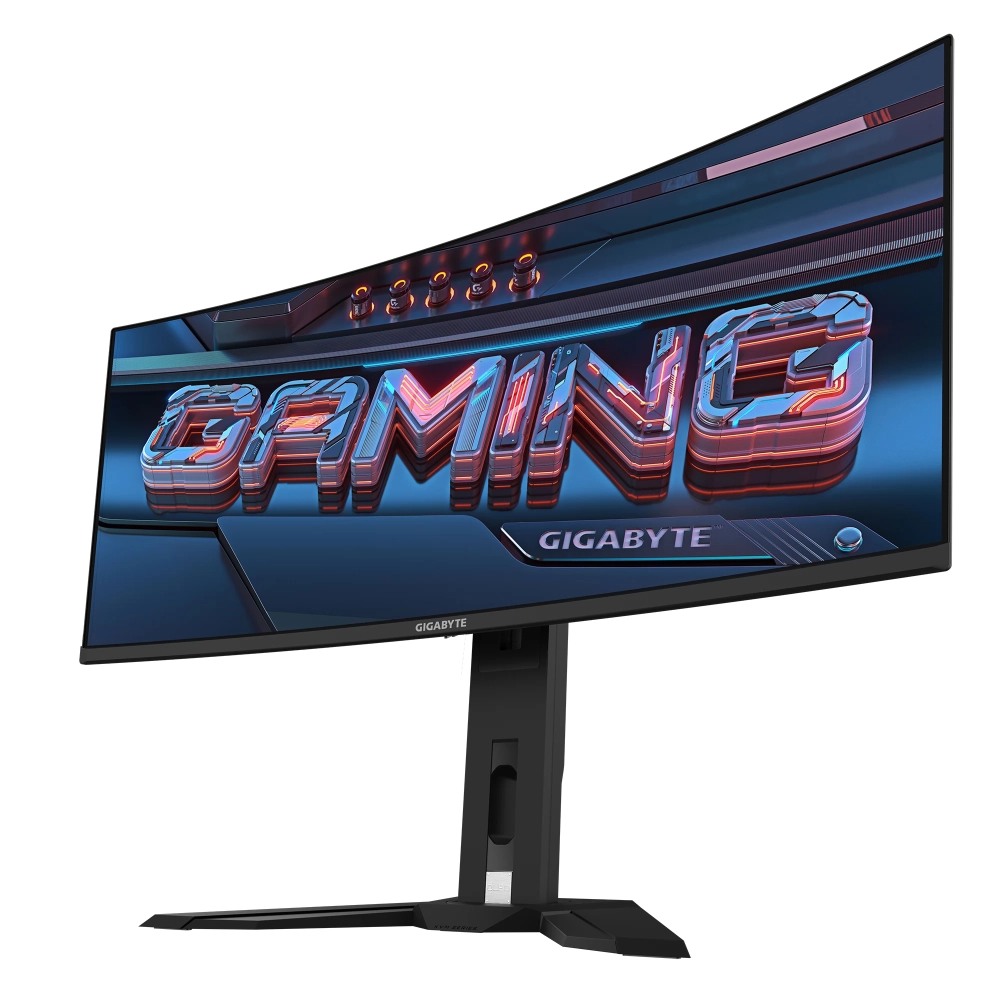
The gigabyte MO34WQC connection is also available, HDMI, DisplayPort, USB Type-C and built-in USB Hub 3.2, which provides flexibility in pairing different devices.
Display
- non -reflected, 34 -inch and 3440x1440 resolution, so you can enjoy every shake of the game on a huge screen and the user gets the sharpest possible picture.
- The 10 -bit panel can display 1.07 billion hues.
- Curved 21: 9 aspects, so it delights the field of vision.
- OLED technology guarantees deep black as well as vibrant and vibrant colors, so each frame appears on the monitor to life.
- It has a refreshment frequency of 175 Hz, which guarantees an extremely smooth and smooth gaming experience, and thanks to the 0.03 MS response time, you can expect quick and accurate game control.
- It has a contrast ratio of 1500000: 1, which provides an impressive depth and sharp details, while the screen is clearly visible in a bright environment thanks to the brightness of 250 CD/m².
AMD Freesync Premium Pro
AMD Freesync technology reduces the refresh rate, which minimizes image interruptions and torns, so you can enjoy the film or game without stalling and blinking.
HDR
HDR technology can display the details of the content in both very light and very dark scenes. It gives a more natural and realistic picture even with a broader contrast range.
Eyesafe 2.0
The Eyasafe® certificate 2.0 reduces high energy blue light while retaining color performance.
- Low Blue Light
Low blue emissions technology filters out harmful blue light and effectively reduces the fatigue and irritation of the eye.
- Flicker-Free
Flashless technology exempts display from disturbing flashing and protects your eyes from tired and certain damage to traditional LCD panels.
Sound
- The visual experience is perfectly complemented by built -in speakers (2x 3W), which provide excellent sound quality.
- And the headphones output fully satisfies all audio needs.
- The noise filter microphone allows comfortable and effective communication.
Ergonomics
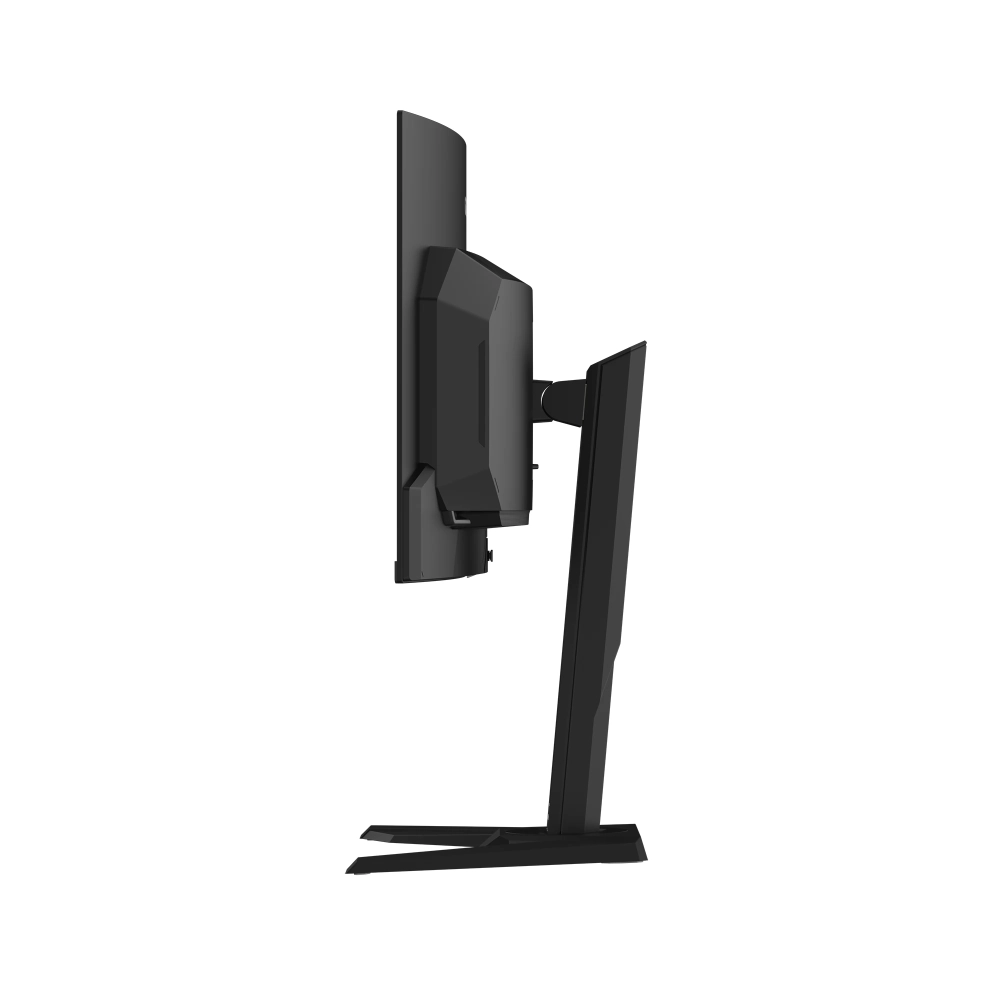
Thanks to its non -slip stand, the monitor can be set at different angles, so everyone will find the most comfortable position for them.
- tilt (-5 °/+20 °)
- rotatable (-30 °/+30 °)
- height adjustment (0-130 mm)
Vesa
The VESA wall holder allows you to mount the monitor on the wall, saving space on the table.
Gigabyte Control Center
With this intuitive interface, you can set performance settings, RGB lighting, and much more in real time to easily handle and optimize your gigabyte devices.
Kvm
With the built -in KVM (keyboard, video, mouse) switch function, you can simply switch between two separate devices, making the workstation more efficient.
5-Way Key
You can easily navigate the OSD menu with the multi -directional joystick button under the screen.
Tactical Switch
Resolution switch for optimal game: The dedicated physical button allows you to connect options such as Resolution Switch, which facilitates the quick replacement of the preferred 24 -inch resolution for certain play demands.
Osd sidekick
Aorus OSD Sidekick can quickly adjust the display settings with keyboard and mouse.
Game Assist
Gameassist gives extra strength to victory in the battlefields, which is customizable.
- Timer: The timer on the display helps to accurately track the remaining/up of time.
- Counter: This feature allows players
NOTEBOOK SEARCH

OPINIONS
0.0
