
Dear Visitor! We are carrying out maintenance this weekend, so our website may be slow or briefly unavailable at times. Thank you for your patience!
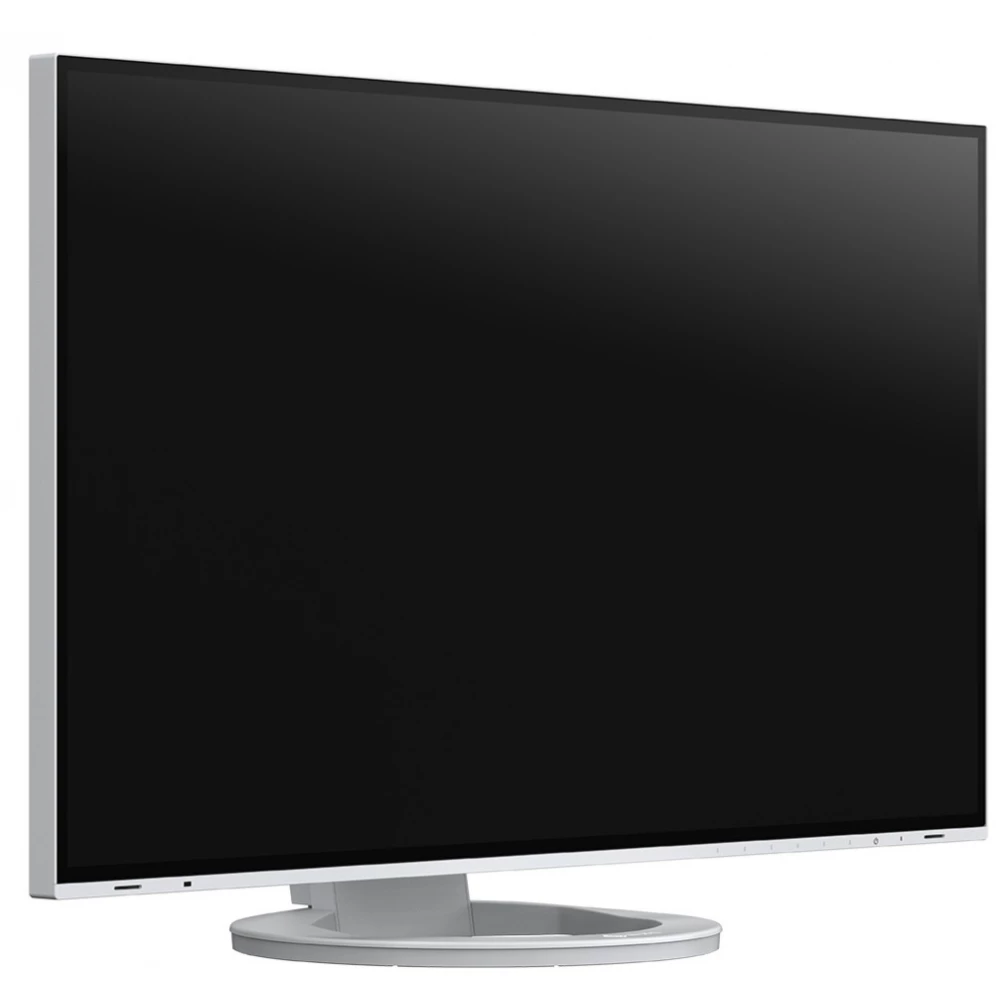
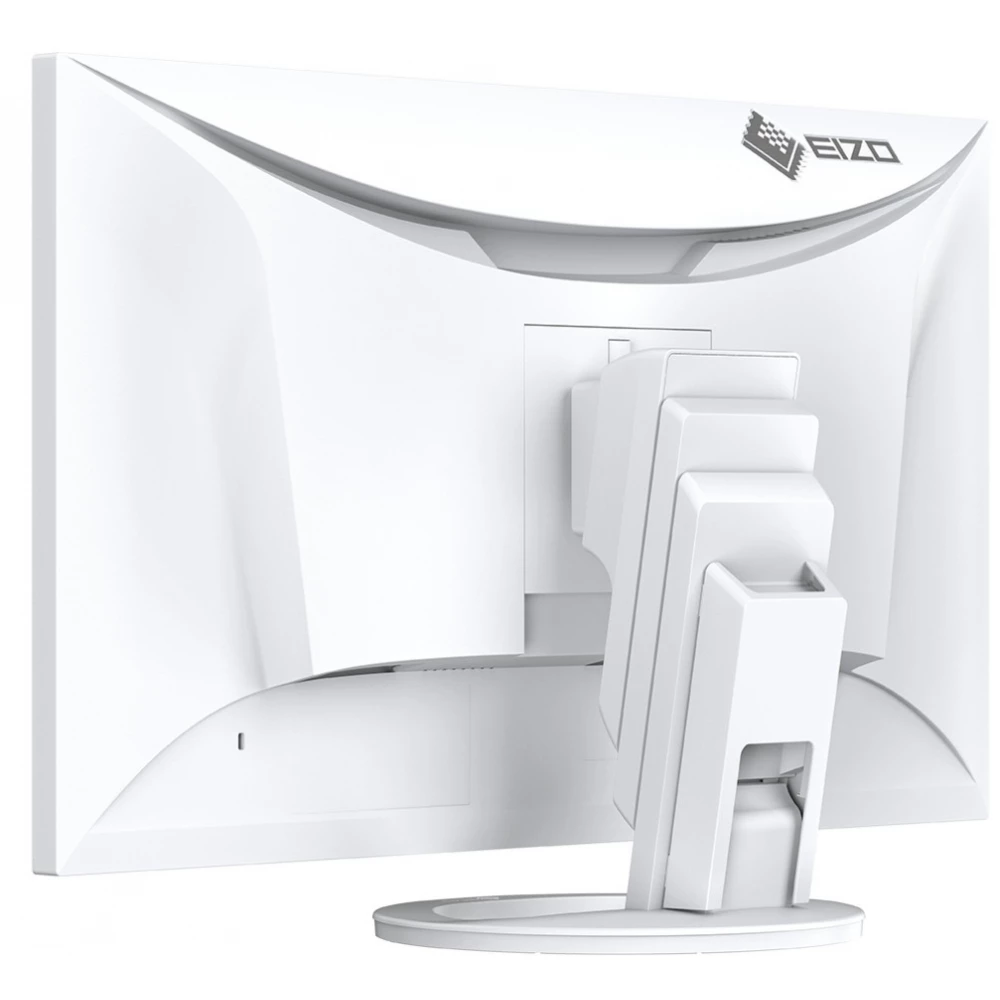
EIZO FlexScan EV2795-WT
285 690 Ft

Product description
It is also an ideal choice for modern workplaces: thanks to its USB type C connector and the Daisy Chain function with a USB type C connector, which enables chaining, fewer cables are required to use the practically frameless EV2795.
Thanks to its excellent image quality and ergonomic functions, modern USB Type-C connector and intelligent design, the EV2795 enables many different ways of use and perfectly meets the requirements of working in the office and at home. The docking function, which includes both LAN connection and computer charging, is particularly beneficial for users of notebooks and tablets. Two-screen systems can be set up extremely conveniently with the Daisy Chain function with the USB Type-C connector.
Versatile connectivity
More flexible work thanks to particularly versatile connectivity. Whether it is used as a docking station or part of a multi-screen system, or even for connecting external devices: thanks to the wide range of connectivity, EIZO's office monitors can be easily and comfortably adapted to any office environment and workflow.
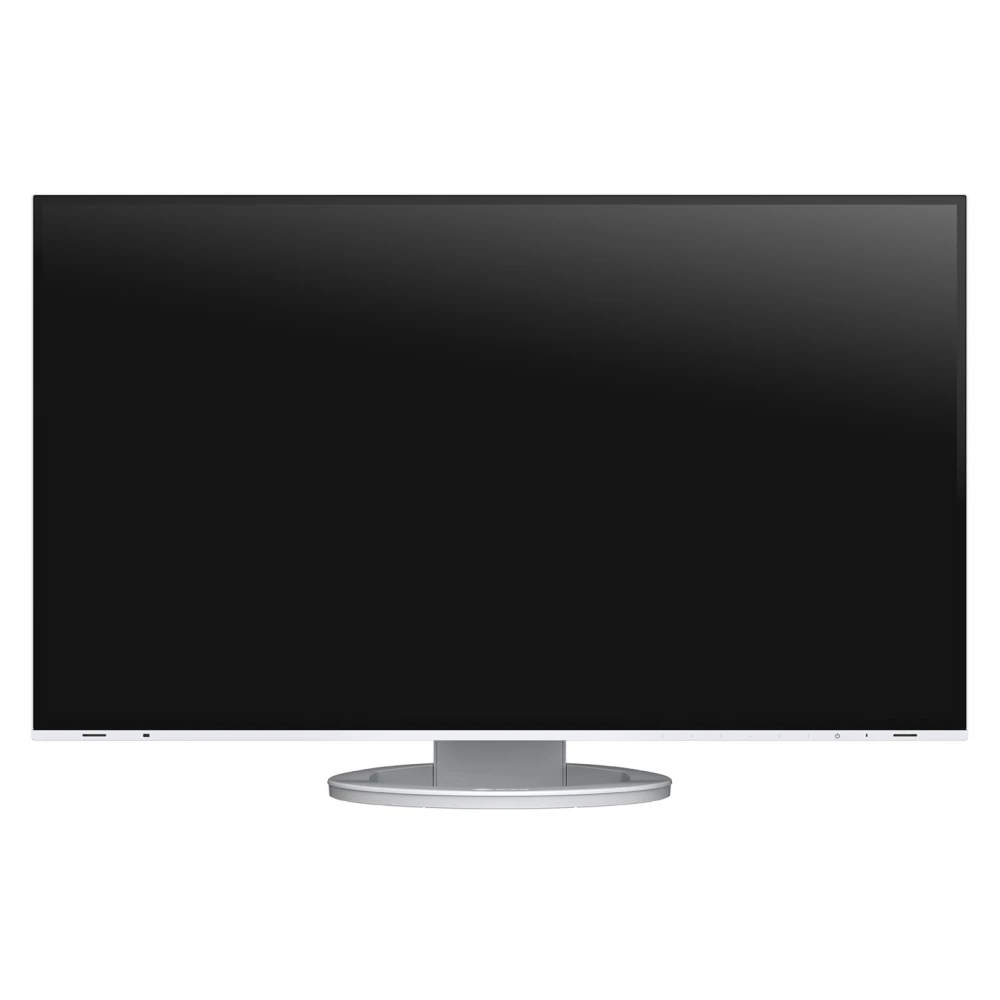
A USB type C socket that also enables the connection of the most modern devices
A single USB Type-C cable is all you need to play video and audio files, transfer lightning-fast data, transmit network signals, power connected devices, and many other functions. You can quickly and conveniently connect your notebook to the EV2795-WT monitor, which can also be used as a central docking station. This is especially useful when switching between different workplaces or between office and home work. Smaller computers and notebooks can be reliably charged via the USB type C connector, which provides a power supply of 70 W. This eliminates the need for additional computer power supplies, leaving more space on the desk.
Efficient multi-screen use
Thanks to the USB type C connector of the monitor, you only need to connect one cable to the computer to connect several monitors in a chain (Daisy Chain usage method). Thus, even systems consisting of two screens can be created comfortably, without a lot of confusing cables. Running and using different applications simultaneously makes work more convenient and efficient.
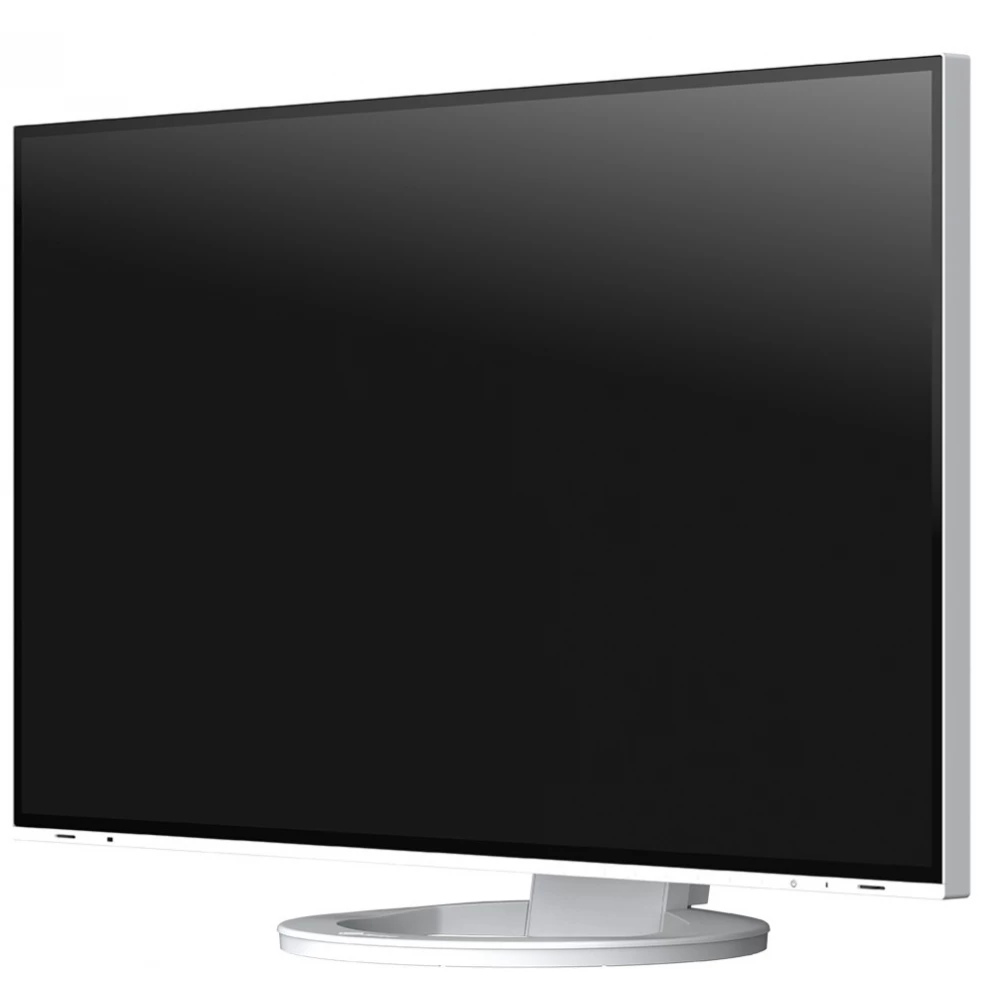
Monitors with countless connection options
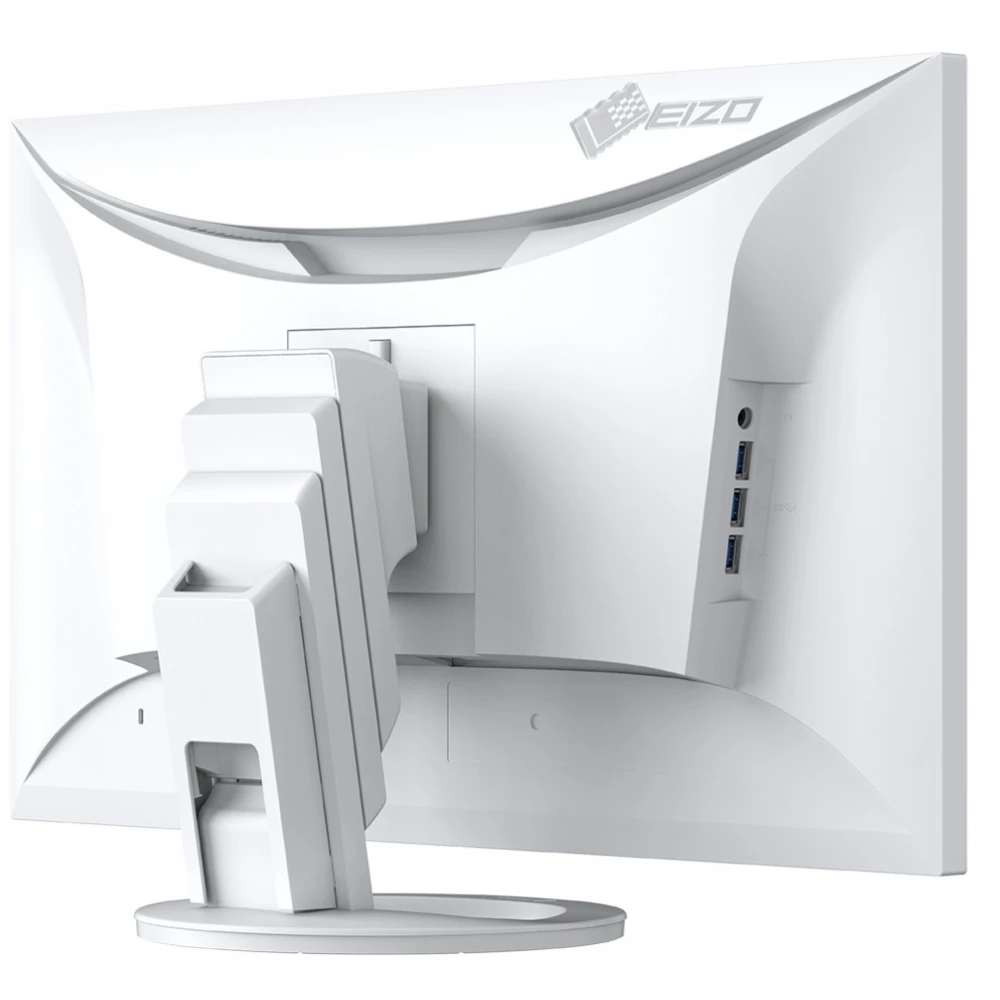
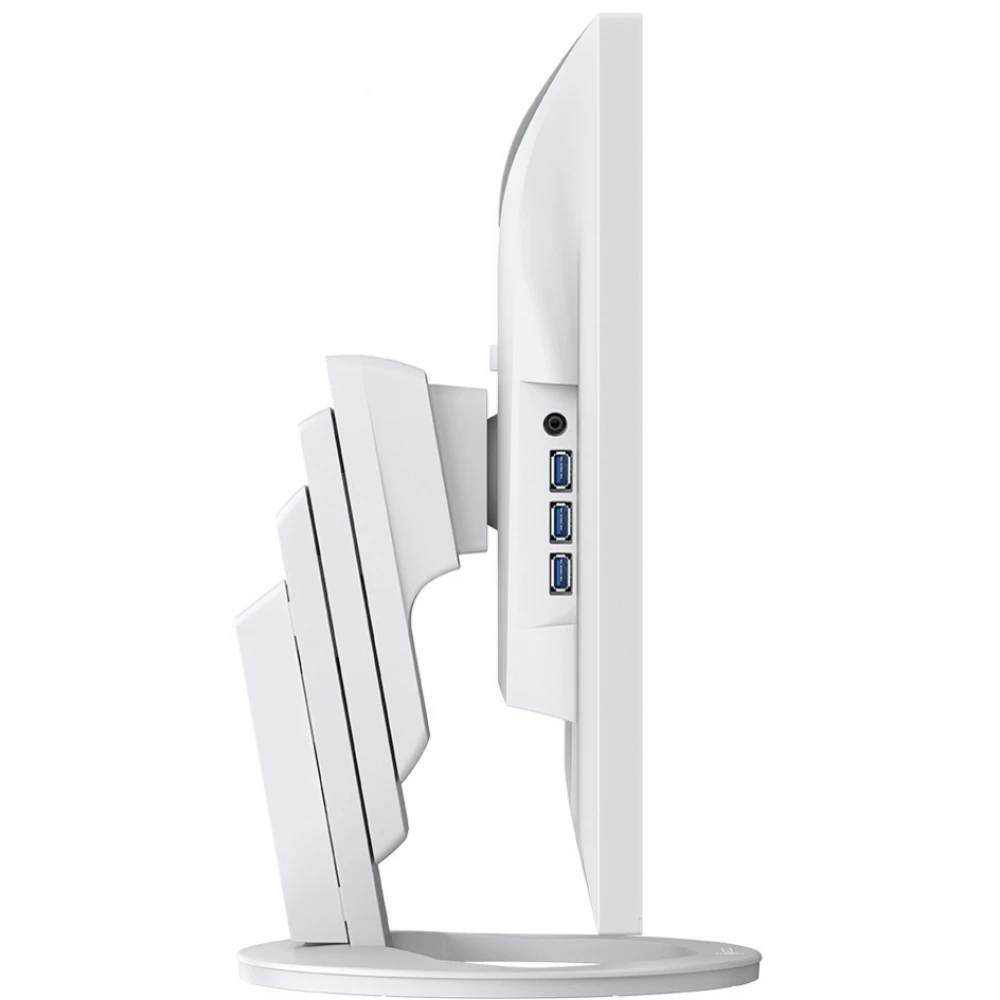
Through the EV2795-WT's USB C type and three A type output (Downstream) USB connectors, various peripheral devices can be connected to the monitor without using a USB hub. This is especially useful when using notebooks with too few USB sockets, or when optimizing equipment for a shared workplace or home work environment. For comprehensive and flexible connectivity, the monitor is equipped with USB Type-C and HDMI connectors as well as DisplayPort video inputs.
LAN port for reliable network connection
A reliable wired network connection is guaranteed by the monitor's LAN connector. After connecting the notebooks or computers to the EV2795-WT with a Type C USB cable, the network signal becomes accessible through the monitor. This is especially beneficial for newer notebooks that no longer have a LAN port. This enables fast and stable data transmission, which is essential for video conferences, among other things.
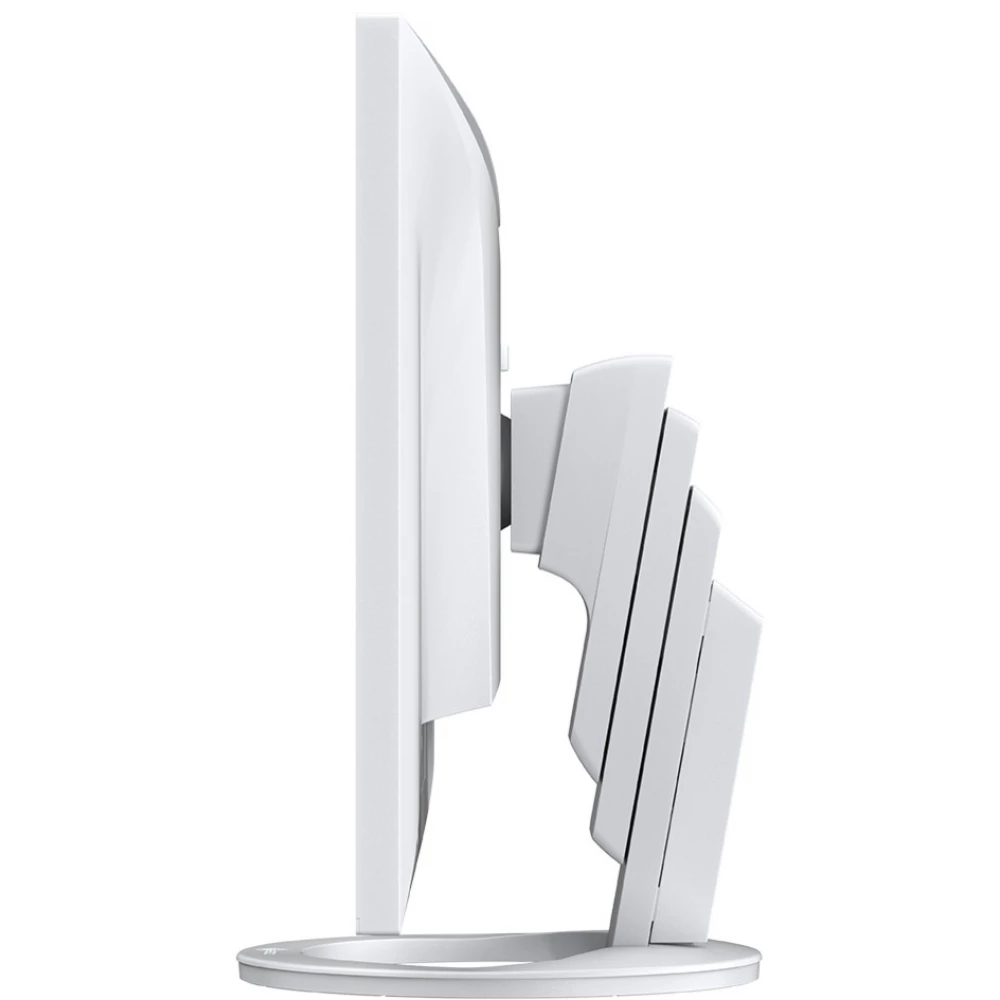
KVM switch: Two computers, one interface
Simultaneous management of two computers, easier than ever before The two input (Upstream) USB connectors of the EV2795-WT also function as an integrated KVM (Keyboard Video Mouse) switch, so it can also be used as a keyboard or mouse switch. So, for example, when working at home, in addition to the home and company computer, as well as the keyboard and mouse, additional computers can be connected to the same monitor. In this way, it is not necessary to interrupt the work, and the work area always remains tidy.
Image quality
In the service of incredibly accurate, brilliant, contrasted and sharp display. All this is due to continuous developments, the use of premium quality materials and careful factory settings of the monitors. The user can thus always be sure of excellent image display.
Excellent image quality using an IPS panel
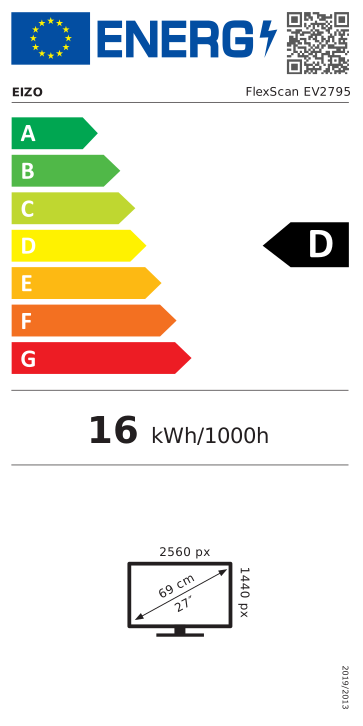
The monitor has three key factors for excellent image quality: the perfect resolution of 2560 x 1440 pixels, the best contrast ratio of 1000:1 and a stable brightness of up to 350 cd/m2. This provides you with the following benefits: pin-sharp text contours, brilliant graphics, and crystal-clear images. Thanks to the high-quality IPS panel with LED backlight, contrasts and
PRICE NOTIFICATION
NOTEBOOK SEARCH

OPINIONS
0.0
