
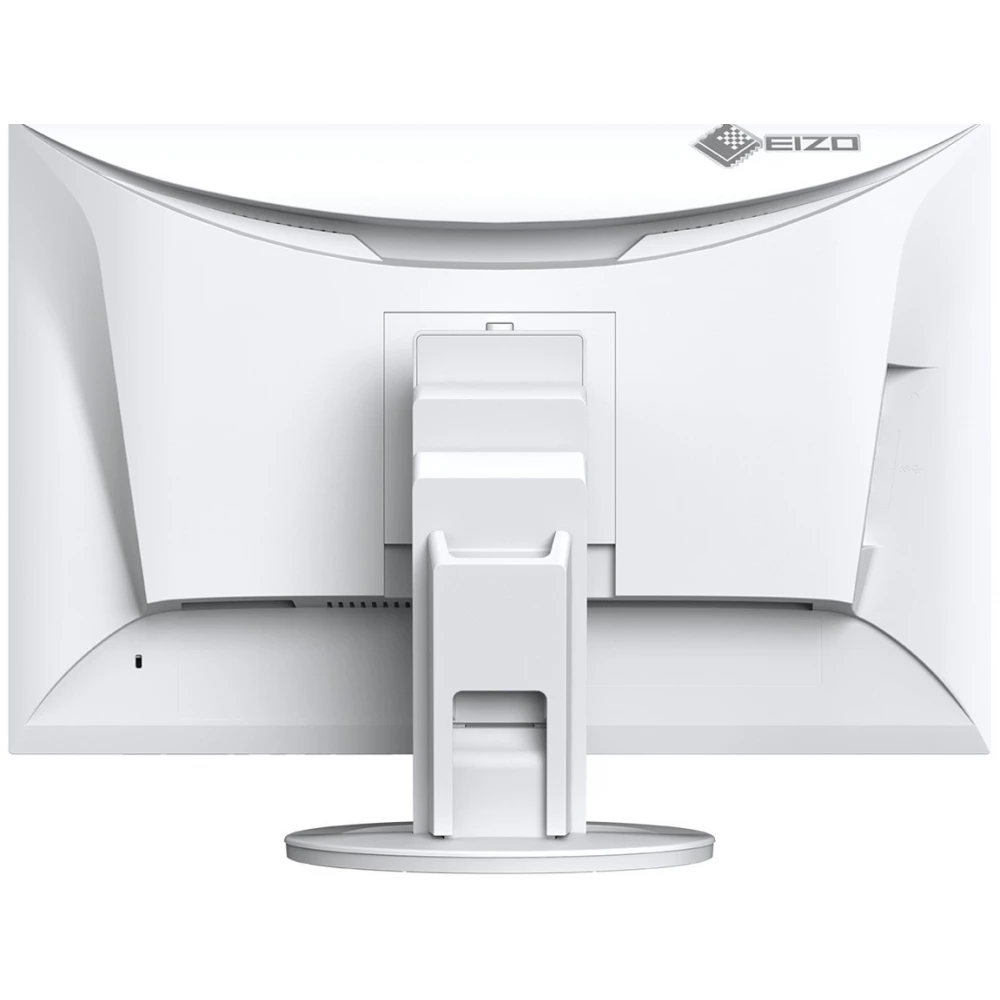
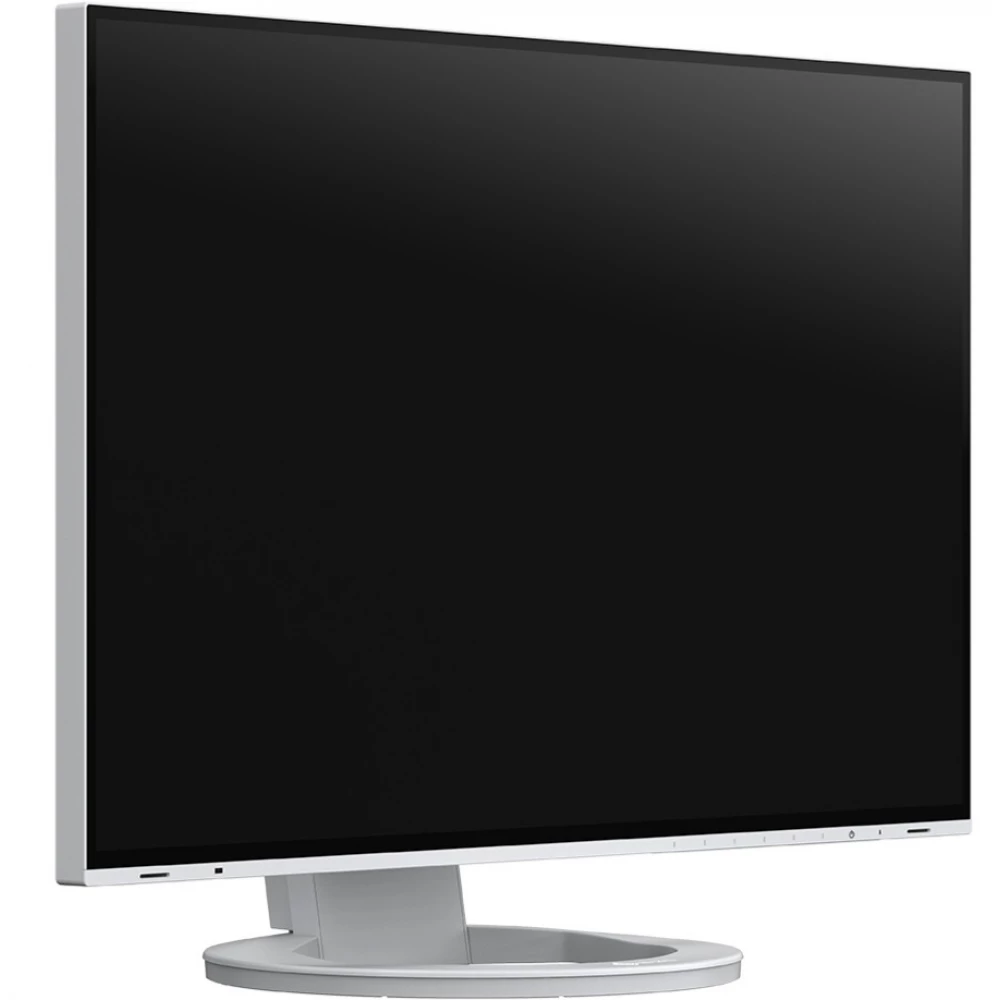
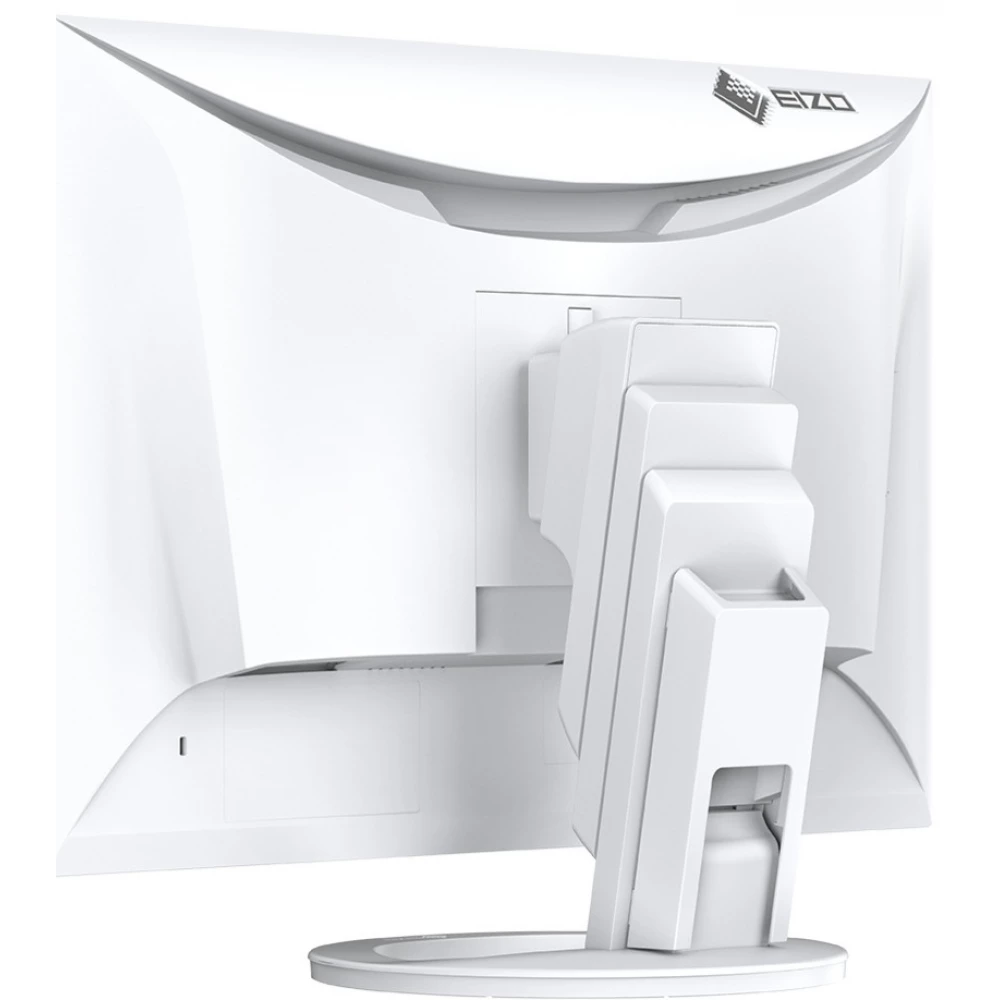
EIZO FlexScan EV2495-WT
230 590 Ft

Product description
In the spirit of convincing performance: EV2495. Thanks to USB Type-C docking and the Daisy Chain function with USB Type-C, you can use the monitor with fewer cables and save more space on your desk.
Inspiring connectivity. The EV2495's docking function, which allows both LAN connection and charging, is especially beneficial for notebook and tablet users. Switching between working in the office and at home is child's play thanks to the USB Type-C connection. The Daisy Chain function with the USB Type-C connector also supports the use of multi-screen systems.
Versatile connectivity
More flexible work thanks to particularly versatile connectivity. Whether it is used as a docking station or part of a multi-screen system, or even for connecting external devices: thanks to the wide range of connectivity, EIZO's office monitors can be easily and comfortably adapted to any office environment and work process.
A USB type C socket that also enables the connection of the most modern devices
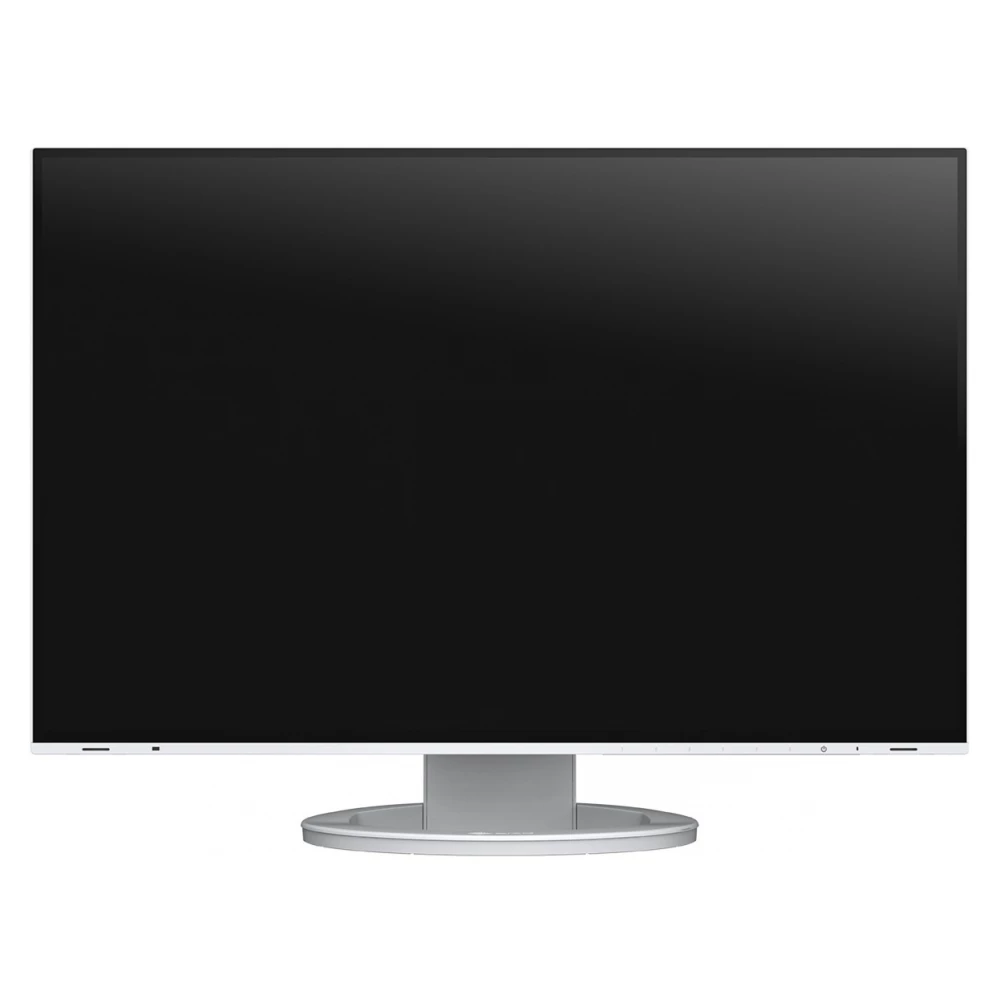
A single USB Type-C cable is all it takes to play video and audio files, transfer lightning-fast data, transmit network signals, power connected devices, and many other functions. You can quickly and conveniently connect your notebook to the EV2495-BK monitor, which can also be used as a central docking station. This is especially useful when switching between different workplaces or between office and home work. Smaller computers and notebooks can be reliably charged via the USB type C connector, which provides a power supply of 70 W. This eliminates the need for additional computer power supplies, leaving more space on the desk.
Efficient multi-screen use
Thanks to the USB type C connector of the monitor, you only need to connect one cable to the computer to connect several monitors in a chain (Daisy Chain usage). In this way, systems consisting of up to four screens can be created conveniently, without a lot of confusing cables. Running and using different applications simultaneously makes work more convenient and efficient.
Monitors with countless connection options
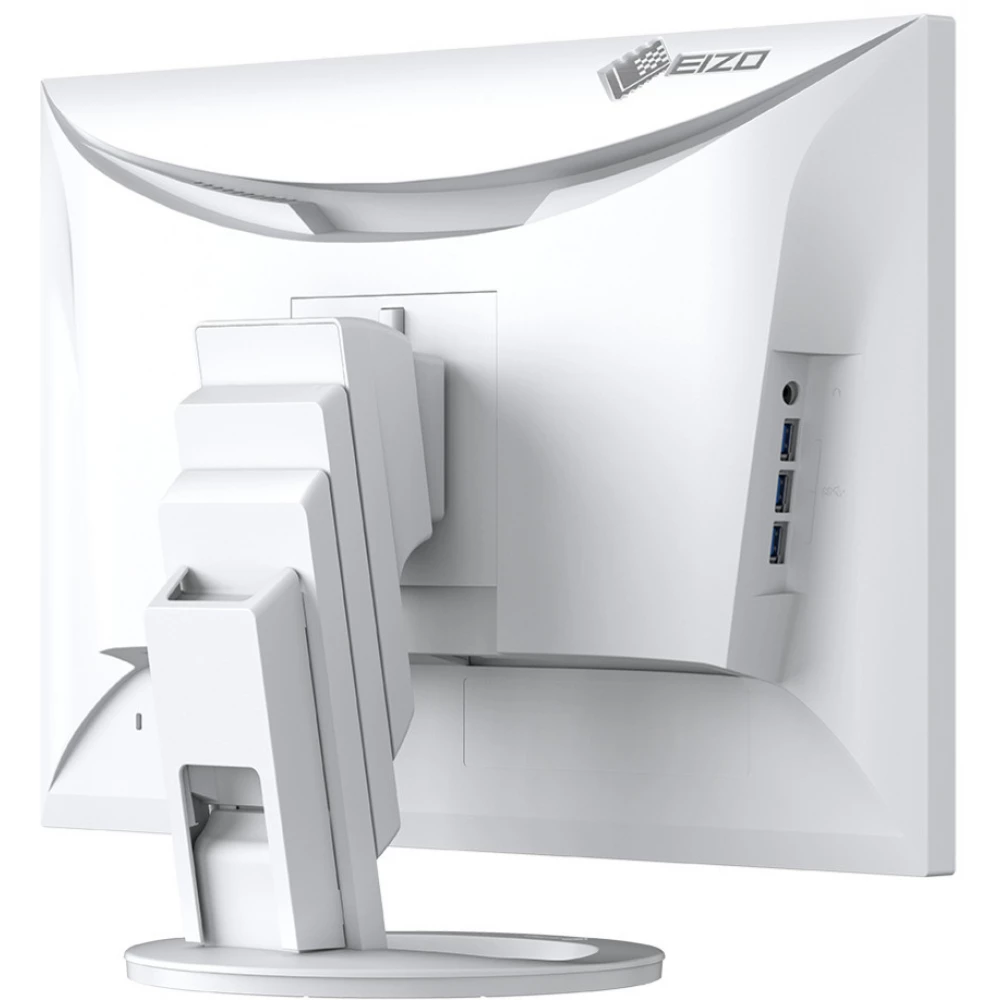
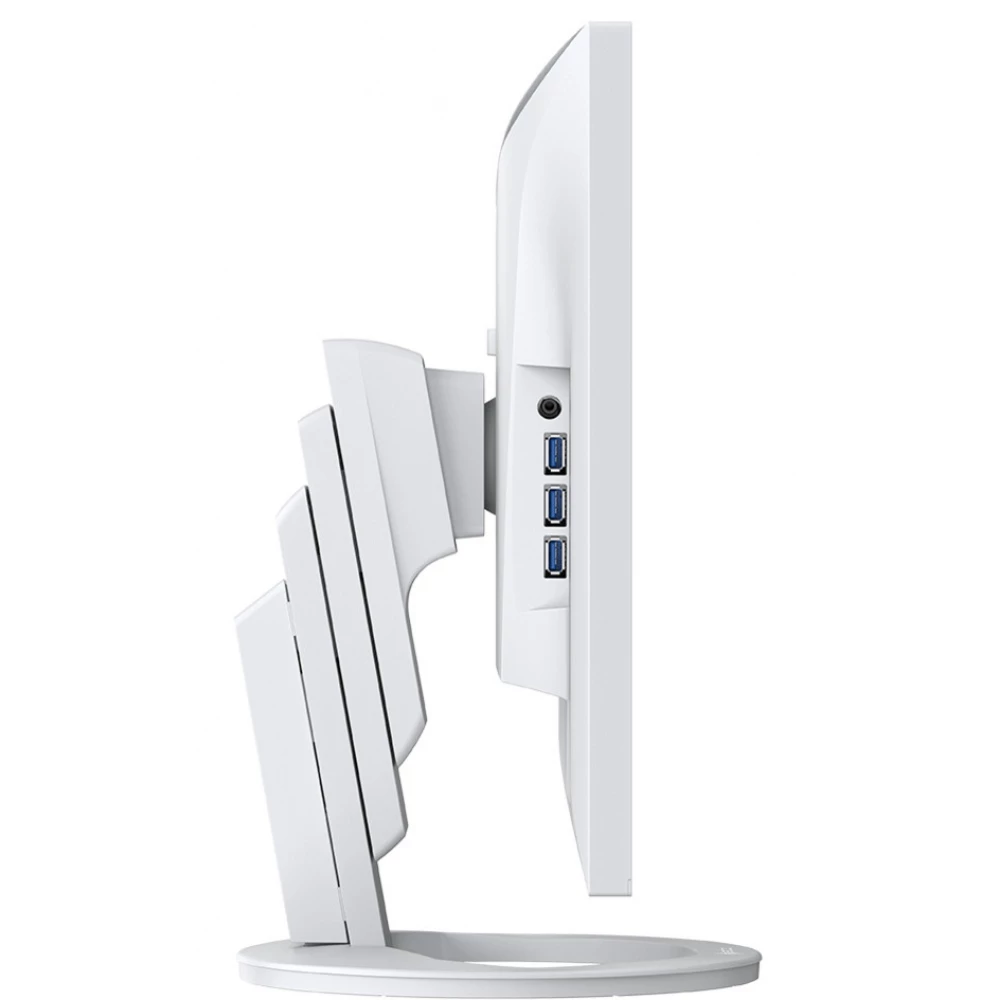
The EV2495-BK's USB Type C and three Type A output (Downstream) USB connectors can be used to connect various peripheral devices to the monitor without using a USB hub. This is especially useful when using notebooks with too few USB sockets, or when optimizing equipment for a shared workplace or home work environment. For comprehensive and flexible connectivity, the monitor is also equipped with USB Type-C and HDMI connectors, as well as DisplayPort video inputs.
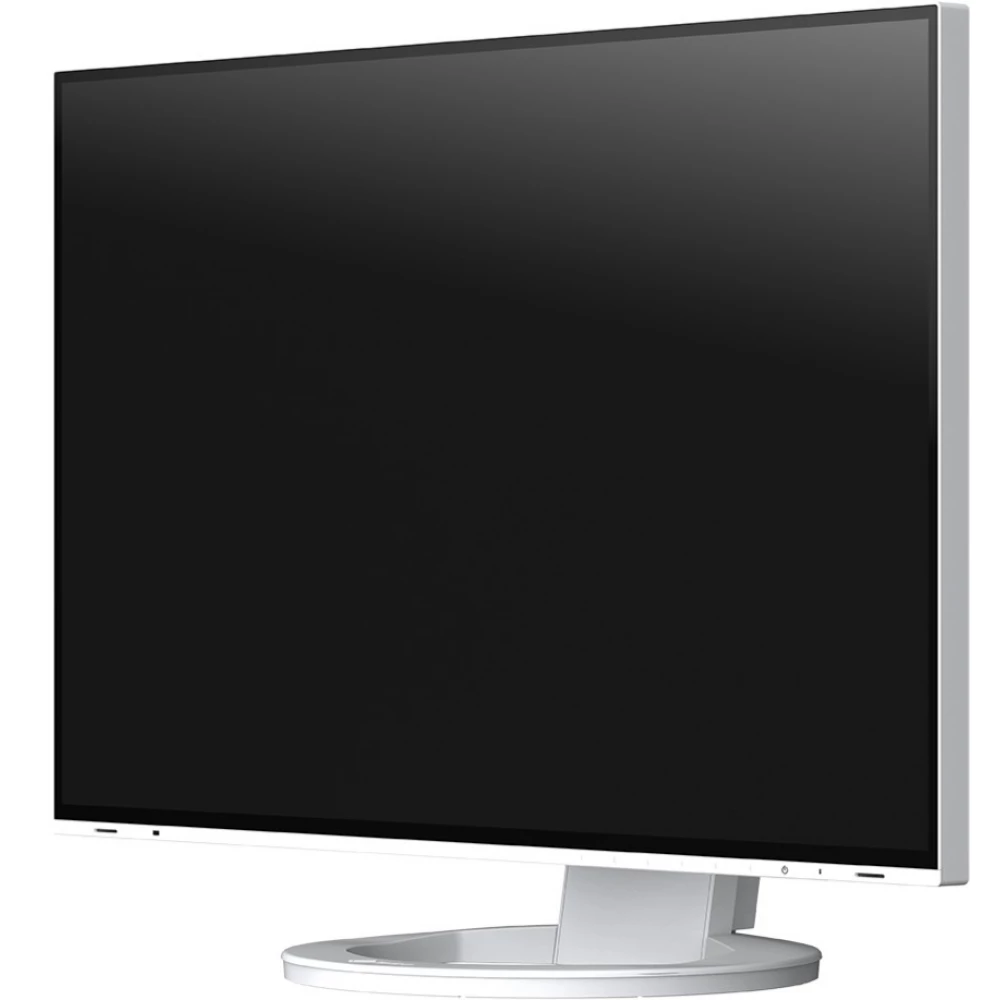
LAN port for reliable network connection
A reliable wired network connection is guaranteed by the monitor's LAN connector. After connecting the notebooks or computers to the EV2495-BK with a Type C USB cable, the network signal becomes accessible through the monitor. This is especially beneficial for newer notebooks that no longer have a LAN port. This enables fast and stable data transmission, which is essential for, among other things, video conferences.
KVM switch: Two computers, one interface
Simultaneous management of two computers, easier than ever before The two input (Upstream) USB connectors of the EV2495-BK also function as an integrated KVM (Keyboard Video Mouse) switch, so it can also be used as a keyboard or mouse switch. So, for example, when working at home, in addition to the home and company computer, as well as the keyboard and mouse, additional computers can be connected to the same monitor. In this way, it is not necessary to interrupt the work, and the work area always remains tidy.
Image quality
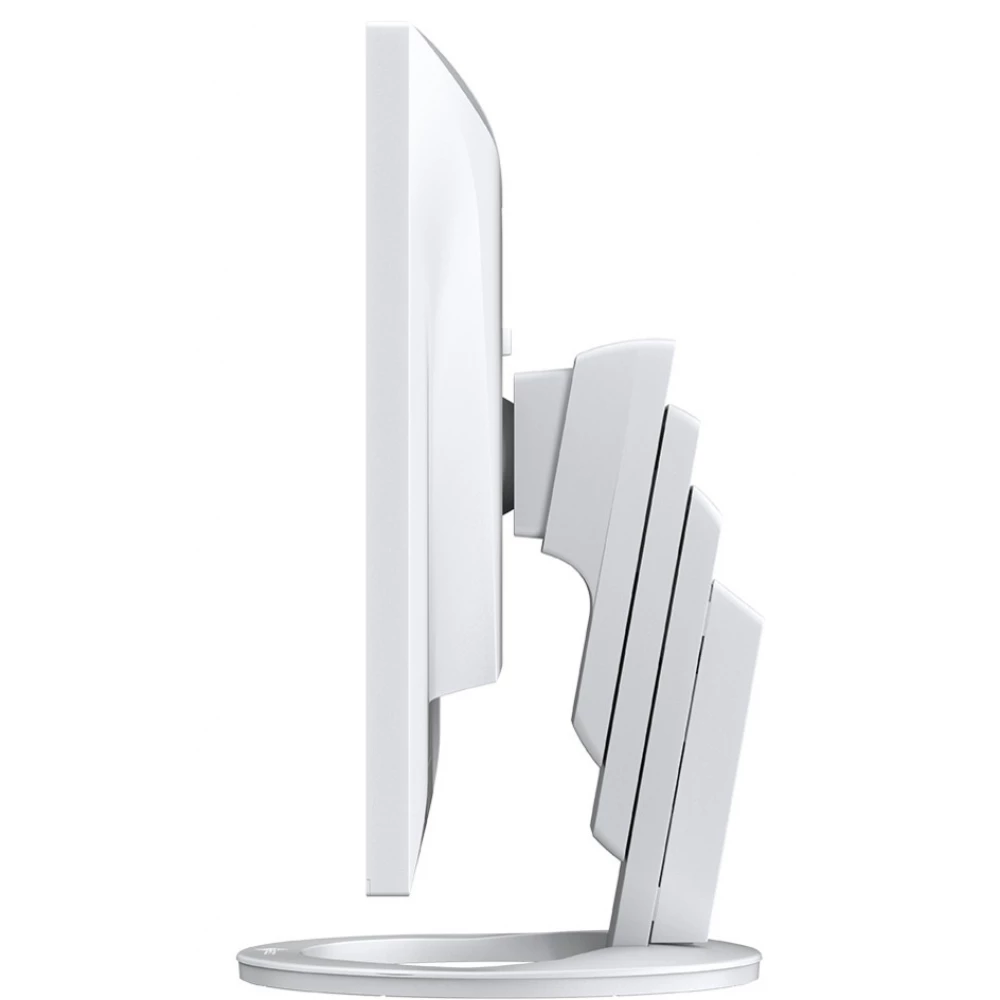
In the service of incredibly accurate, brilliant, contrasted and sharp display. All this is due to continuous developments, the use of premium quality materials and careful factory settings of the monitors. The user can thus always be sure of an excellent image display.
Excellent image quality using an IPS panel
The monitor has three key factors for excellent image quality: the perfect resolution of 1920 x 1200 pixels, the best contrast ratio of 1000:1 and a stable brightness of up to 350 cd/m2. This provides you with the following benefits: pin-sharp text contours, brilliant graphics, and crystal-clear images. Thanks to the high-quality IPS panel with LED backlight, contrasts and colors remain stable from all angles.
Precise color control
Perfect image quality is unthinkable without excellent color reproduction. Consequently, EIZO office monitors
PRICE NOTIFICATION
NOTEBOOK SEARCH

OPINIONS
0.0
