
DELL U2424H
not available
Product description
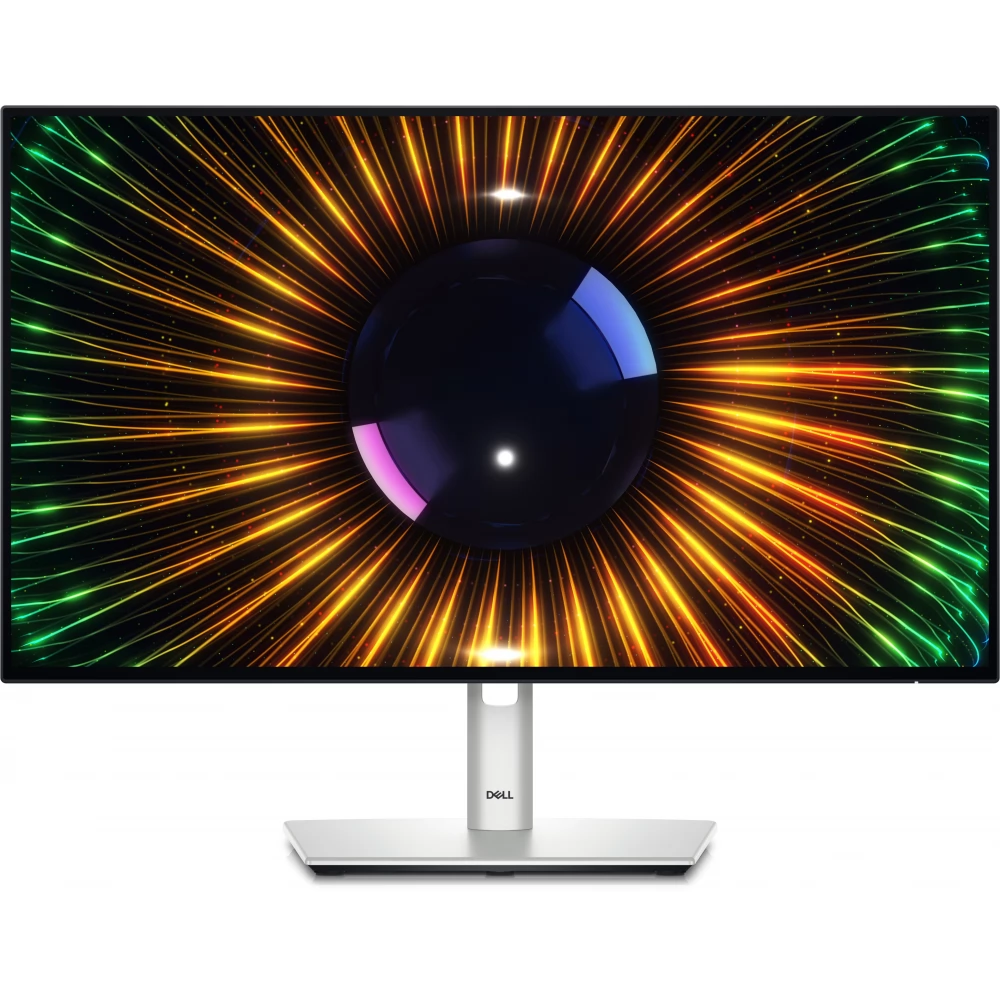
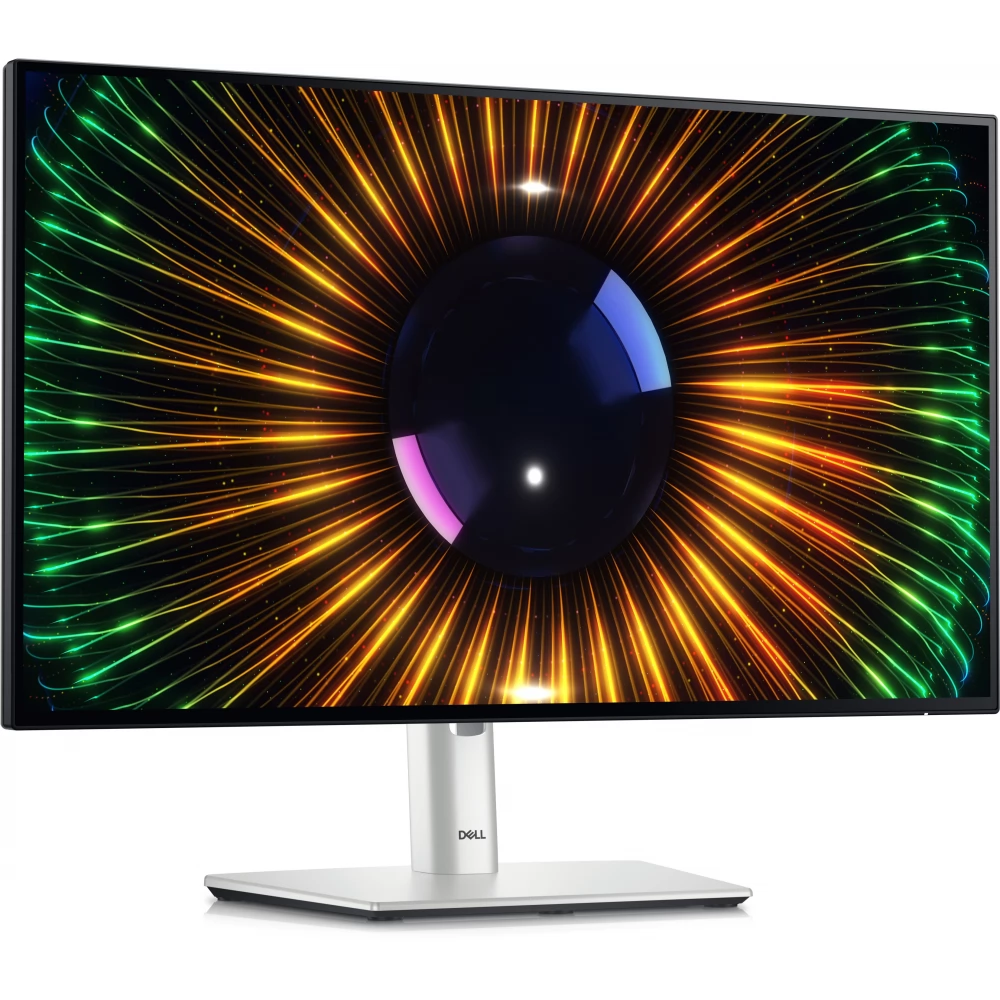
The Dell U2424H provides a high-quality visual experience and excellent performance. The monitor has a 23.8-inch IPS display and Full HD resolution, which offers lifelike and accurate color reproduction down to the smallest details. This device is the most ideal choice for professional applications such as graphic design, photo editing, gaming and multimedia. We can expect it to be used both in home and office environments, as its modern, clean appearance will take its place in any environment.
Display
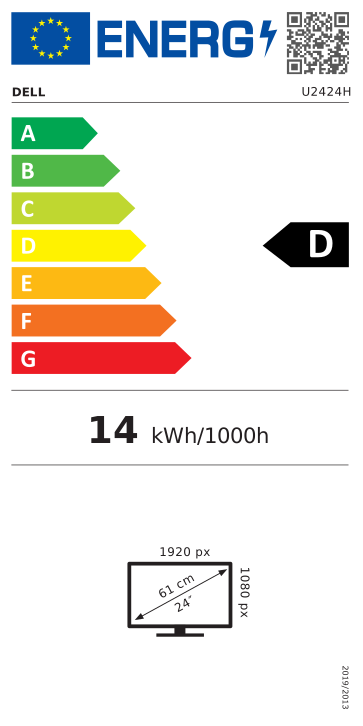
- The monitor is non-reflective, 23.8 inches, 1920x1080 resolution and can display 16.7 million color shades, so the user gets the sharpest possible image, whether it's work or entertainment.
- Thanks to the wide viewing angle (178°/ 178°), images are clearly visible from almost any angle.
- It has LED backlighting, so it offers an energy-saving and environmentally friendly solution.
- IPS (In-Plane Switching) technology ensures the realistic representation of accurate and vivid colors.
- It has a refresh rate of 120 Hz and a response time of 5 ms, which guarantees smooth and smooth image display.
- It has a contrast ratio of 1000:1, which provides impressive depth and sharp details, while thanks to the brightness of 250 cd/m², the screen is clearly visible even in bright environments.
Dell ComfortView
The technology minimizes eye fatigue during long-term use, protecting the eyes from overload, as the blue light filter and flicker-free technology help prevent eye strain. A particularly useful function for those who spend long hours in front of the monitor.
Connection
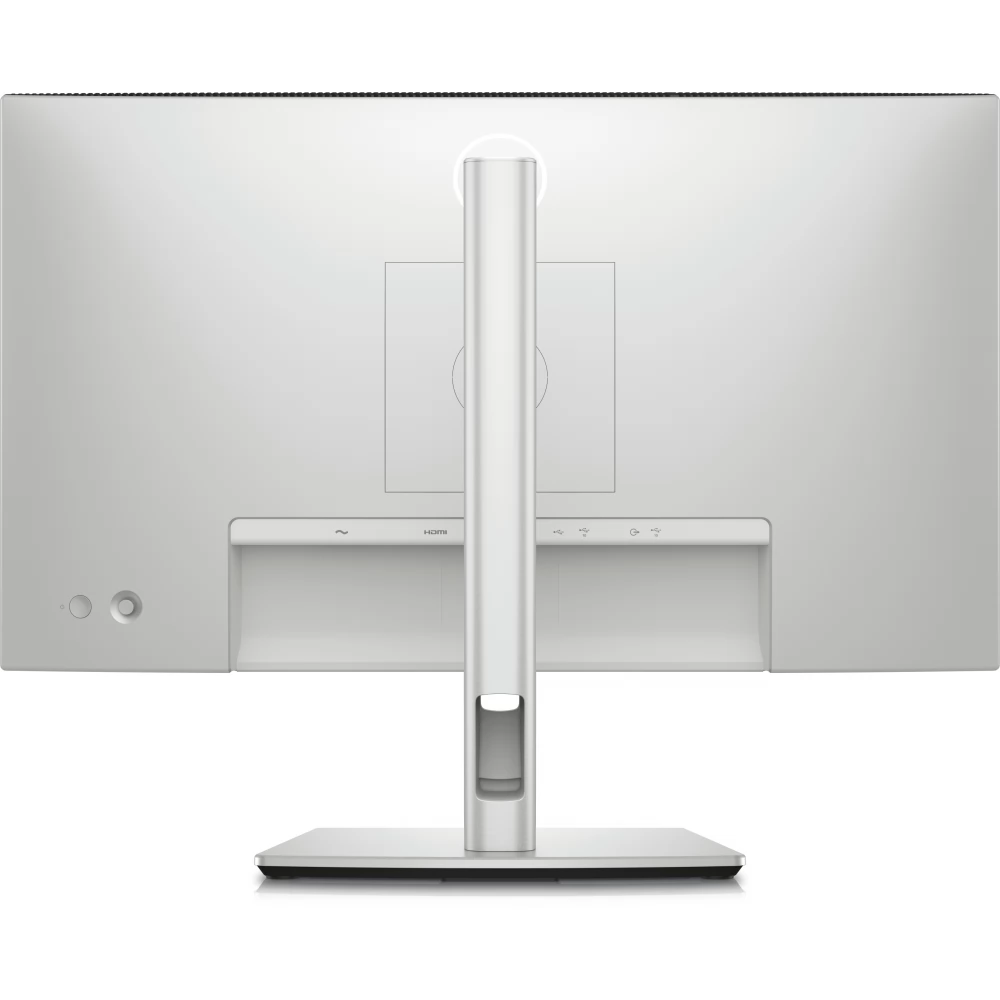
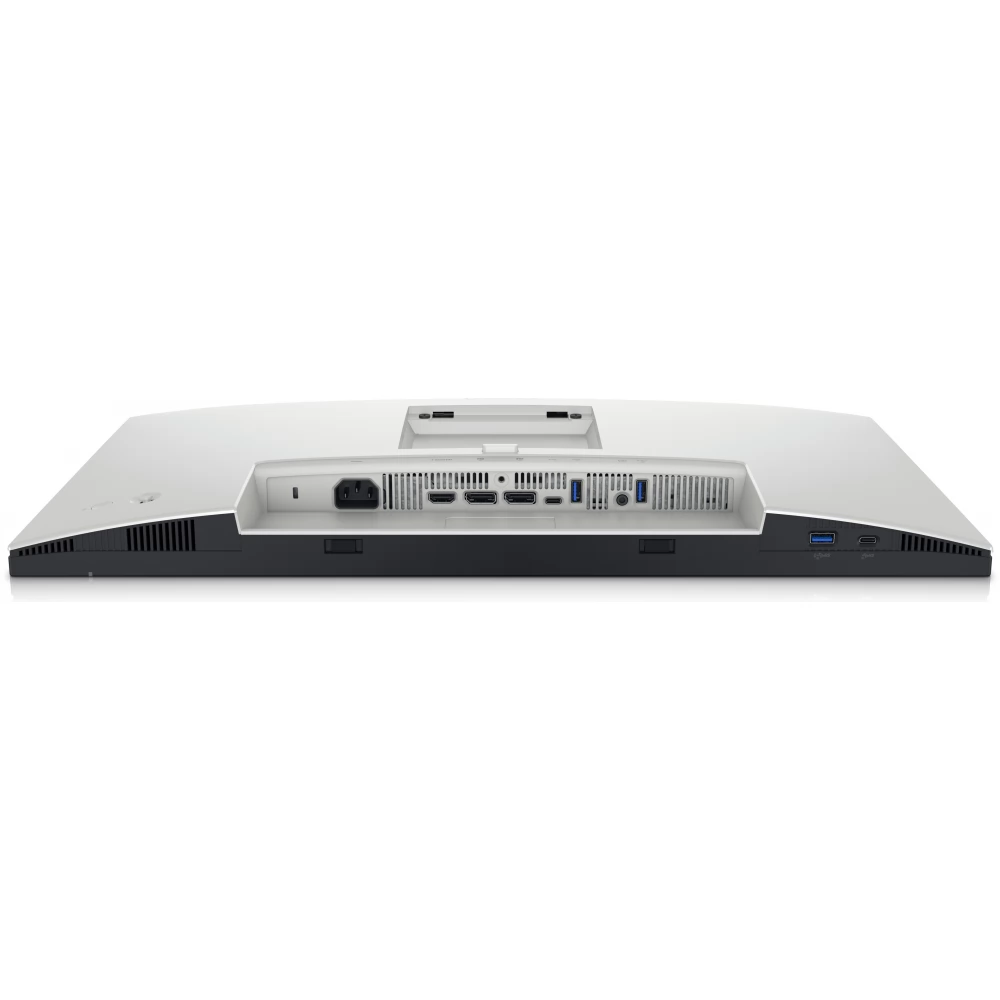
Connecting the monitor is versatile, which provides flexibility in pairing different devices.
- HDMI
- DisplayPort
- 1 x USB Type-C upstream port (data only, SuperSpeed USB 10 Gbps, USB 3.2 Gen 2)
- Built-in USB HUB: USB 3.2 Gen 2
- Audio output
Ergonomics
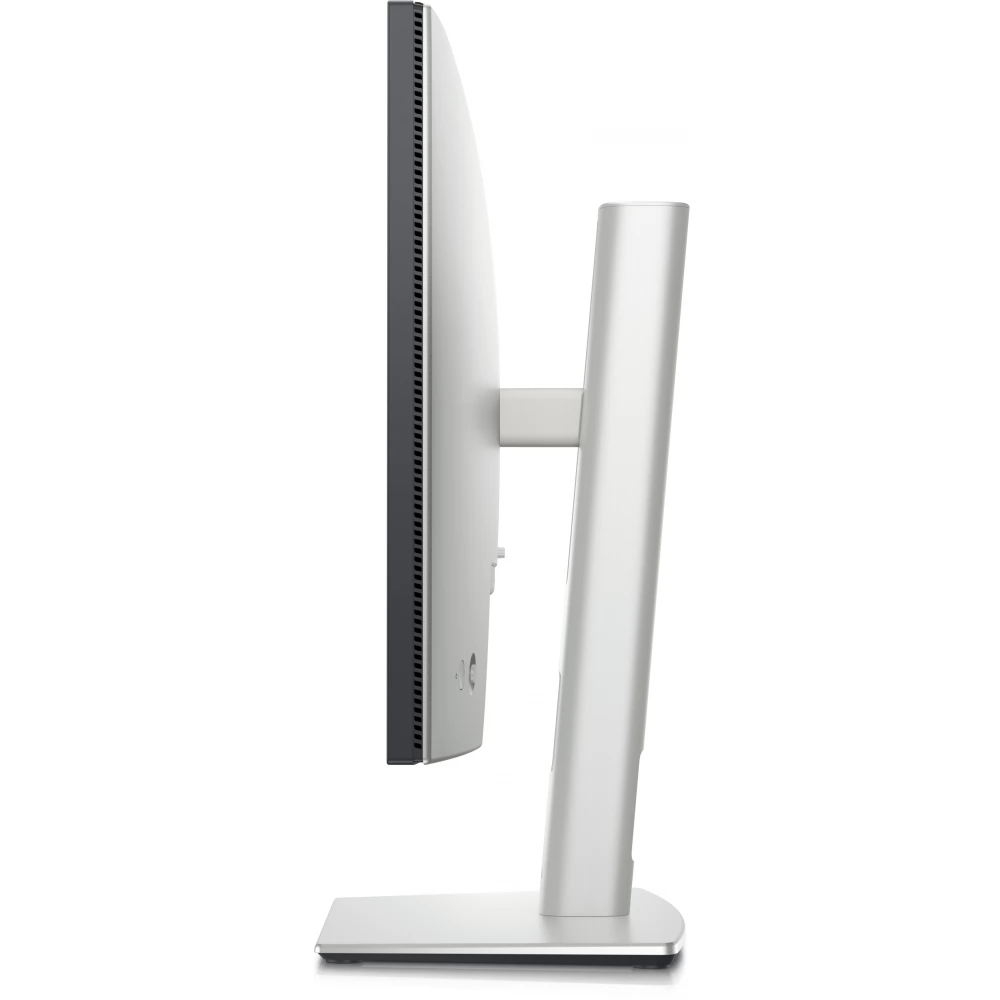
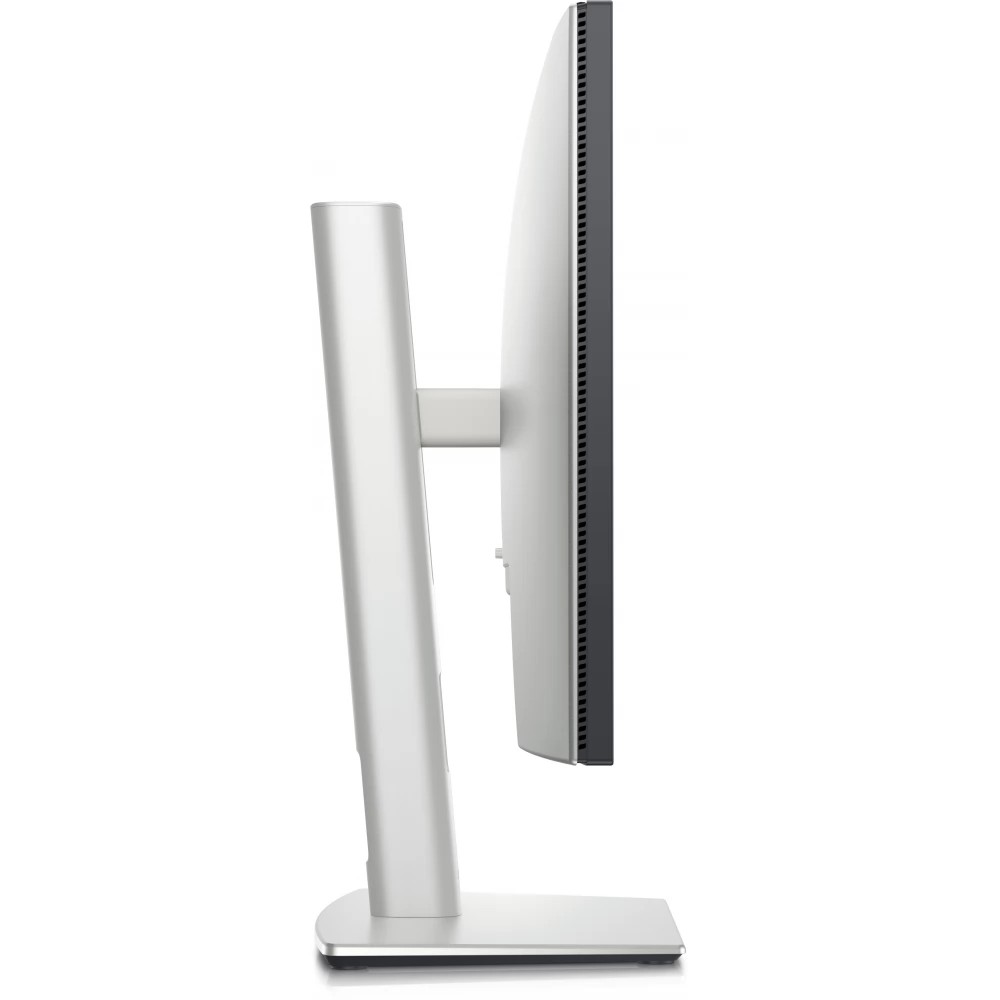
Thanks to its non-slip stand, the monitor can be adjusted at different angles, so everyone can find the most comfortable position for them.
- Can be tilted (+21°/-5°)
- Rotatable (-45°/+45°)
- Rotatable (-90°/+90°)
- Adjustable in height (0-150 mm)
VESA
The VESA wall mount allows you to mount the monitor on the wall, saving space on your desk.
Energy Star certificate, EPEAT Gold and TCO certification
The monitor is low-power, thus helping users to reduce their daily energy consumption. And thanks to its low emissions, we do good for the environment.
In conclusion, the Dell U2424H is a perfect choice for both home and office use. It offers elegance, functionality and excellent image quality at the same time. Its innovative technology and design quality are guaranteed to fully satisfy the needs of all users.
PRICE NOTIFICATION
Recommended for you
Similar products
NOTEBOOK SEARCH
OPINIONS
OPINIONS
