
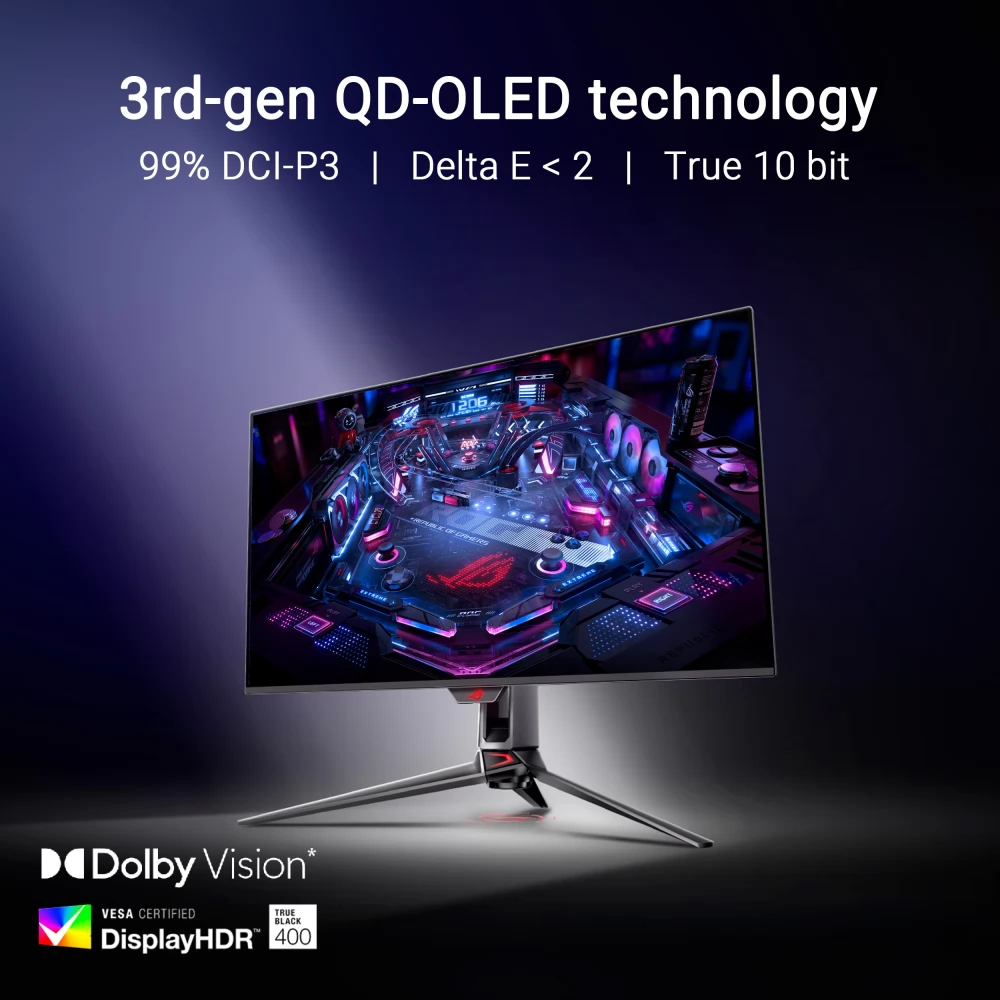
ASUS ROG Swift OLED PG32UCDMR
not available
Product description
ROG Swift OLED PG32UCDMR
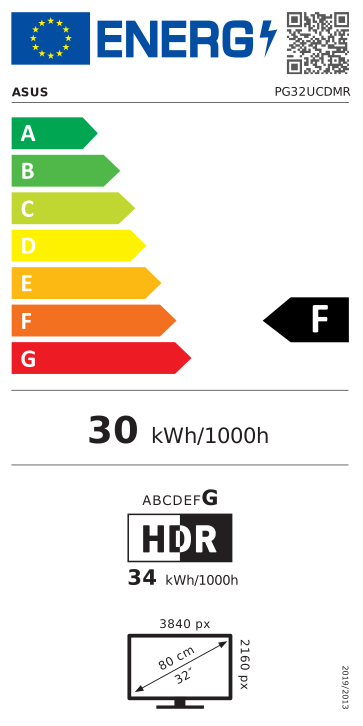
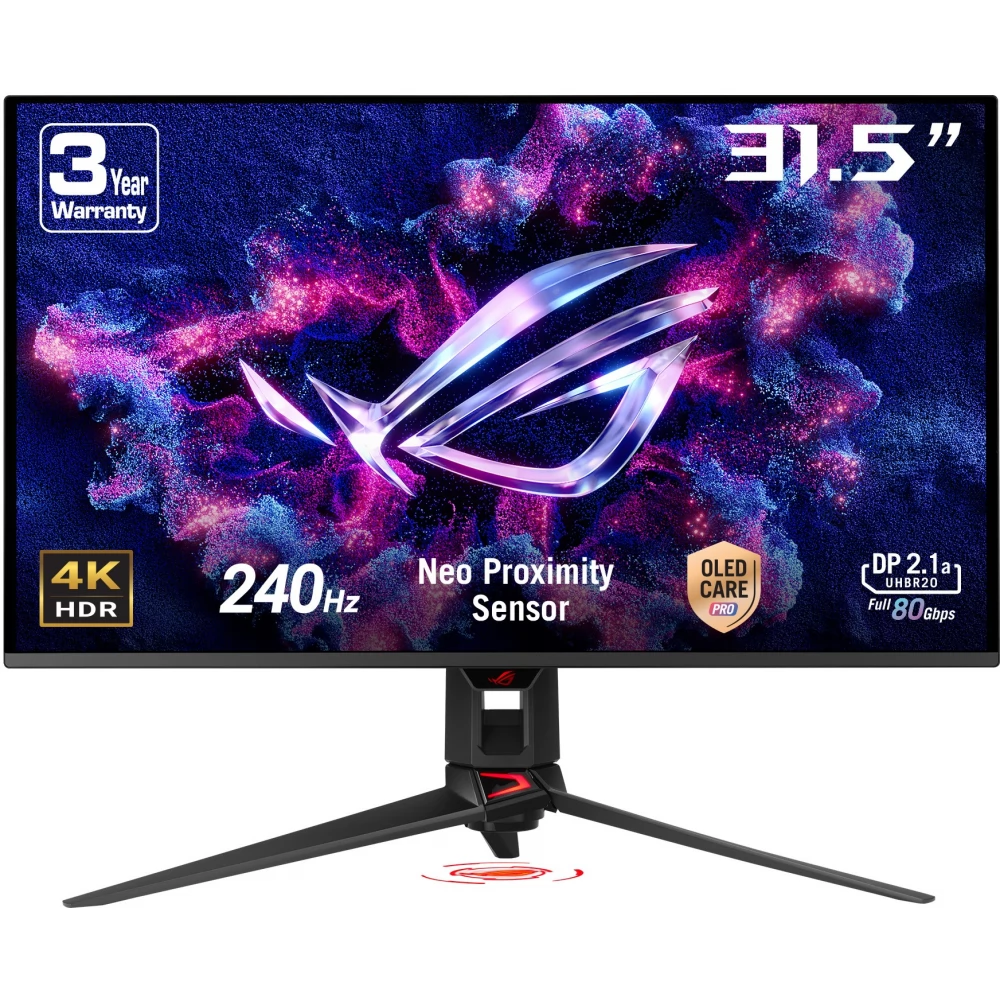
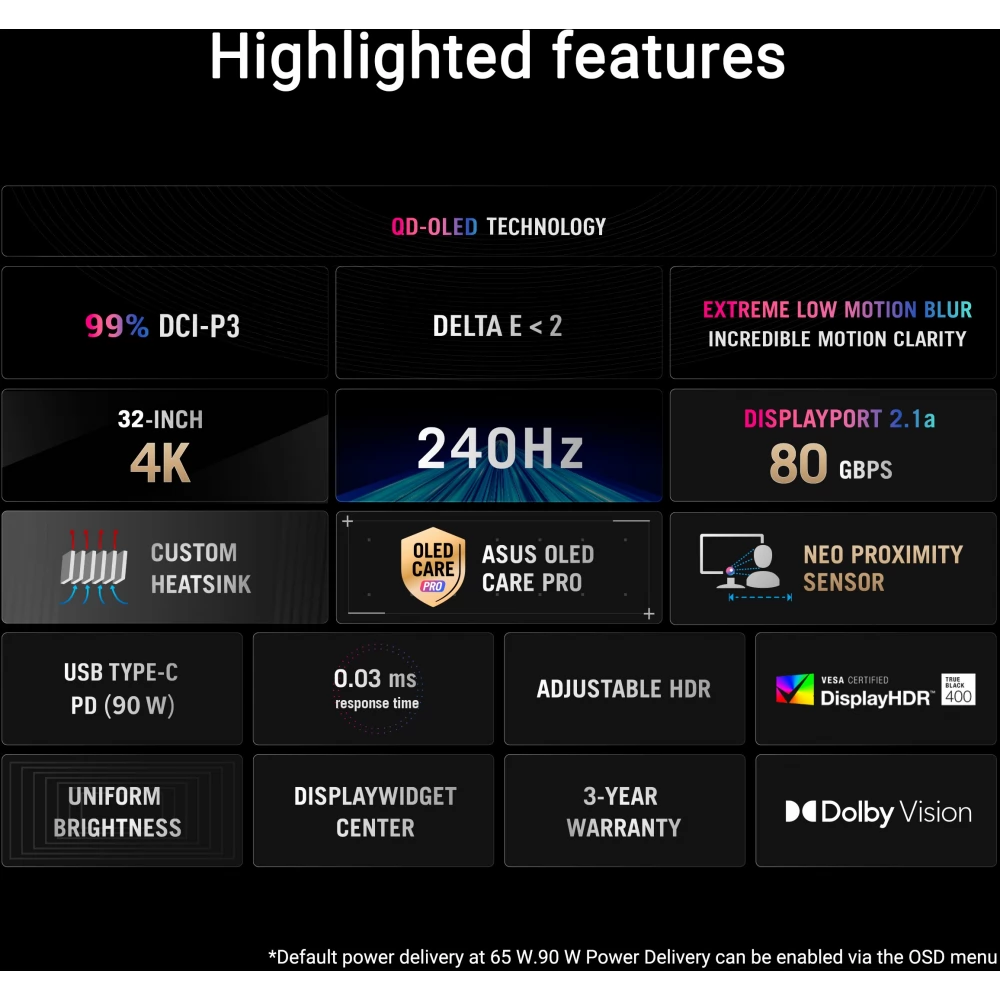
- Display: 32-inch (31.5-inch visible) 4K QD-OLED panel, resolution 3840 × 2160
- Refresh rate: 240 Hz
- Response time: 0.03 ms (GTG)
- Compatibility: G-SYNC®
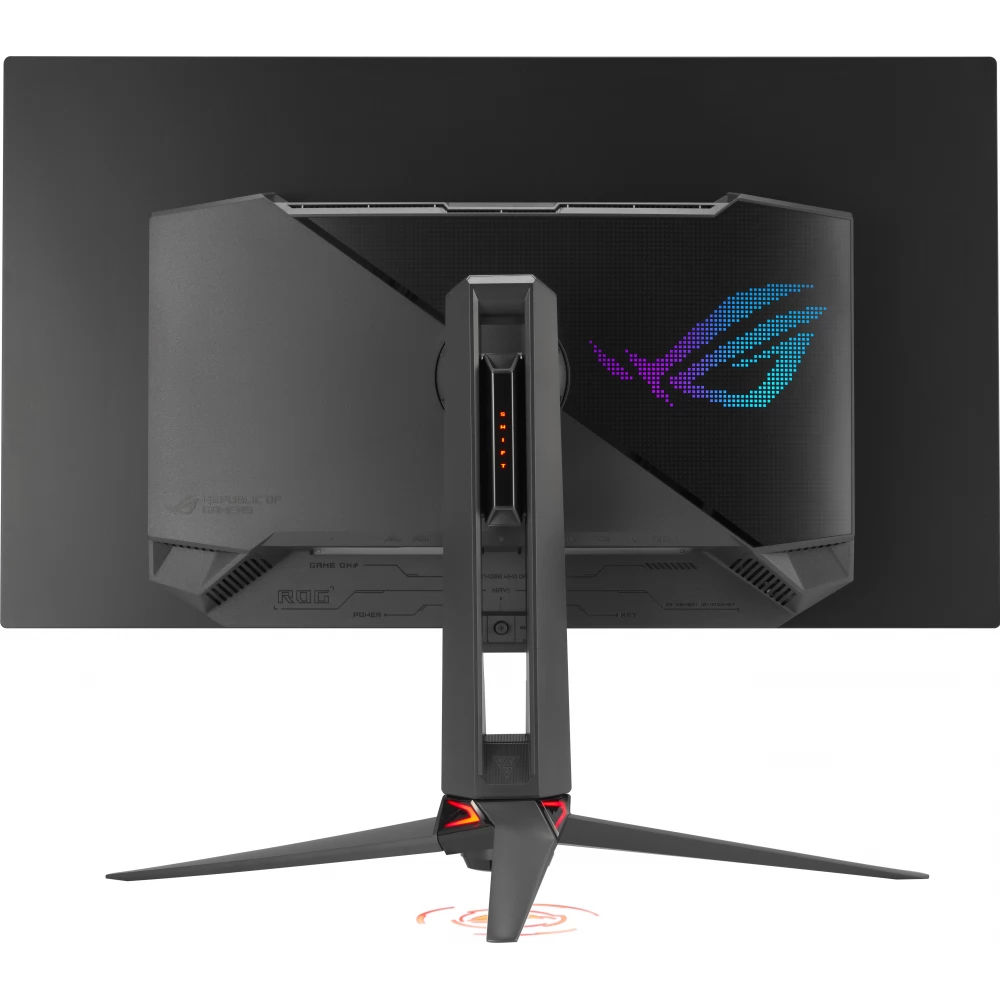
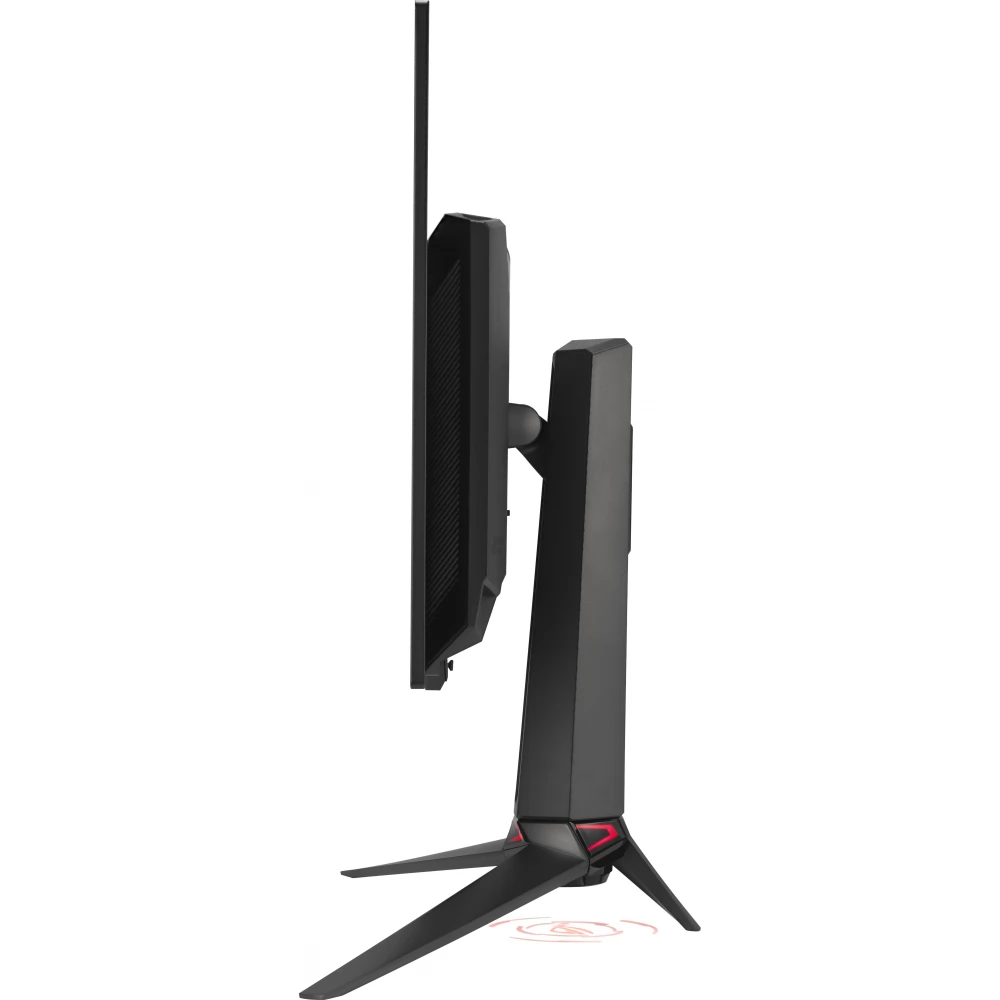
- Cooling: Unique cooling fin design
- Neo Proximity Sensor: Detects when the user is not in front of the monitor and switches to a black screen to reduce burn-in risk
- OLED Care Pro: New functions to increase the lifespan and safety of the panel
- Brightness: VESA DisplayHDR™ 400 True Black support, optional uniform brightness setting
- Color: 99% DCI-P3 color range, real 10-bit colors, Delta E < 2 ideal for photo and video editing
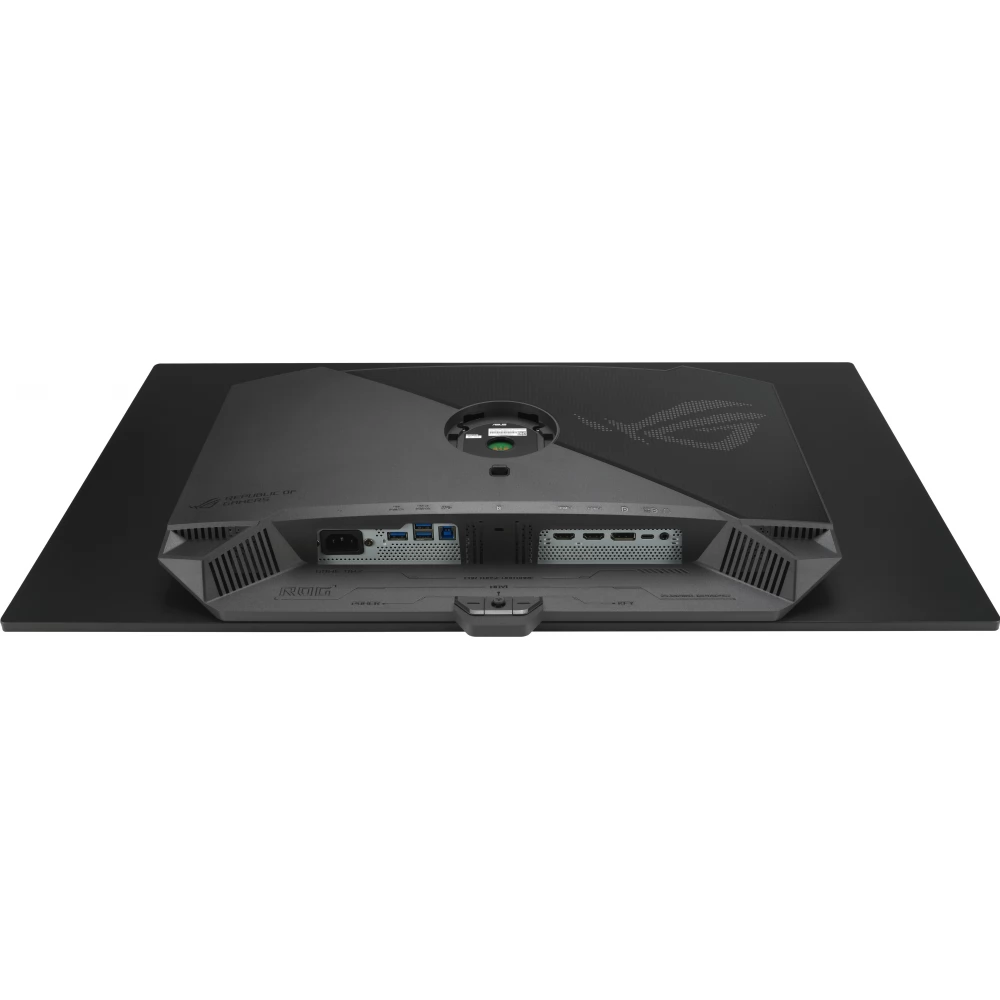
- Connectors: DisplayPort™ 2.1a (UHBR20, 80 Gbps total bandwidth), HDMI® 2.1, USB-C® with 90 W power transfer
- Comfort and control: DisplayWidget Center for easy access to monitor settings and OLED Care functions with a mouse
THE CHOSEN ONE
The ROG Swift OLED PG32UCDMR offers stunning visuals with its 32-inch 4K QD-OLED panel, and the silky-smooth 240Hz refresh rate ensures smooth gameplay. Thanks to third-generation QD-OLED technology, the PG32UCDMR delivers vivid colors, the deepest blacks and the brightest highlights. In addition, thanks to the 0.03 ms response time, blurring does not occur even during intense gameplay.
Inside the monitor is an advanced, unique heatsink system that provides exceptional cooling, reduces the risk of burn-in, and improves the performance and lifespan of the OLED panel. Designed for the most demanding gamers who expect the best, this premium monitor offers an unmatched combination of size, image quality and refresh rate for exciting gaming experiences.
Experience the ultimate gaming experience
The 32-inch 4K QD-OLED panel of the PG32UCDMR opens up amazingly lifelike gaming and entertainment experiences for you. Plus, the 240Hz refresh rate delivers a silky-smooth visual experience and eliminates motion blur to give you an edge in fast-paced games.
Even brightness
When activated, ROG's exclusive Uniform Brightness* setting in the OSD menu lowers the peak brightness to keep the brightness level constant for a better display – even as you resize the bright white windows. In addition, it makes using the monitor more comfortable for the eyes even during long hours of gaming.
Rich connectivity
Open the door to the future with DisplayPort 2.1a
PG32UCDMR offers the future-proof DisplayPort 2.1a UHBR20 connector with a full bandwidth of 80 Gbps, which enables uncompressed display of 4K@240Hz or 8K@60Hz resolution images while improving data transmission efficiency.
In addition, the PG32UCDMR has a USB-C® connector with 90-watt Power Delivery support, HDMI® 2.1 ports and a USB hub, so you can easily connect many multimedia devices to it.
Detailed images and crisp text
The latest generation QD-OLED panels use a unique sub-pixel layout that provides a clearer, more detailed image and sharper text for an even better viewing experience.
Advantages of QD-OLED technology
The PG32UCDMR's QD-OLED panel offers a wide color gamut of 99% DCI-P3, so colors are displayed accurately, making it ideal for professional tasks. Its infinite contrast ratio provides deep blacks and vivid colors, providing a stunning visual experience for both gaming and creative work. And the extremely low latency ensures a smooth and fast response in demanding applications.
YOUR MONITOR, YOUR STYLE
The PG32UCDMR monitor is a versatile powerhouse that's great for gaming, streaming and content creation. Its high refresh rate, low response time and vivid colors provide gamers with a smooth, immersive experience. The wide viewing angle and built-in tripod socket make it perfect for streaming, while accurate color reproduction, exceptional color accuracy and a wide color gamut enable professional-level content creation.
SCREEN PROTECTION - ASUS OLED CARE PRO
The new ASUS OLED Care Pro technology offers comprehensive, customizable settings to protect the OLED panel and extend its life. The system includes the Neo Proximity Sensor, which detects the user's distance and automatically switches to a black screen if no one is in front of the monitor, thereby reducing the risk of burn-in. All settings are easily managed through the DisplayWidget Center application, so protection and convenience are always in control.
Neo Proximity Sensor
The built-in Neo Proximity Sensor detects exactly how far you are from the monitor. When you walk away, the display automatically switches to a black screen, preventing panel burn-in, and immediately restores the image when you return.
The detection distance can be customized, so everyone can adapt the operation to their own needs - for maximum comfort and protection.
Important: activate the function
PRICE NOTIFICATION
Recommended for you
Similar products
NOTEBOOK SEARCH
OPINIONS
OPINIONS
