
UGREEN US216 USB switch
not available
Product description
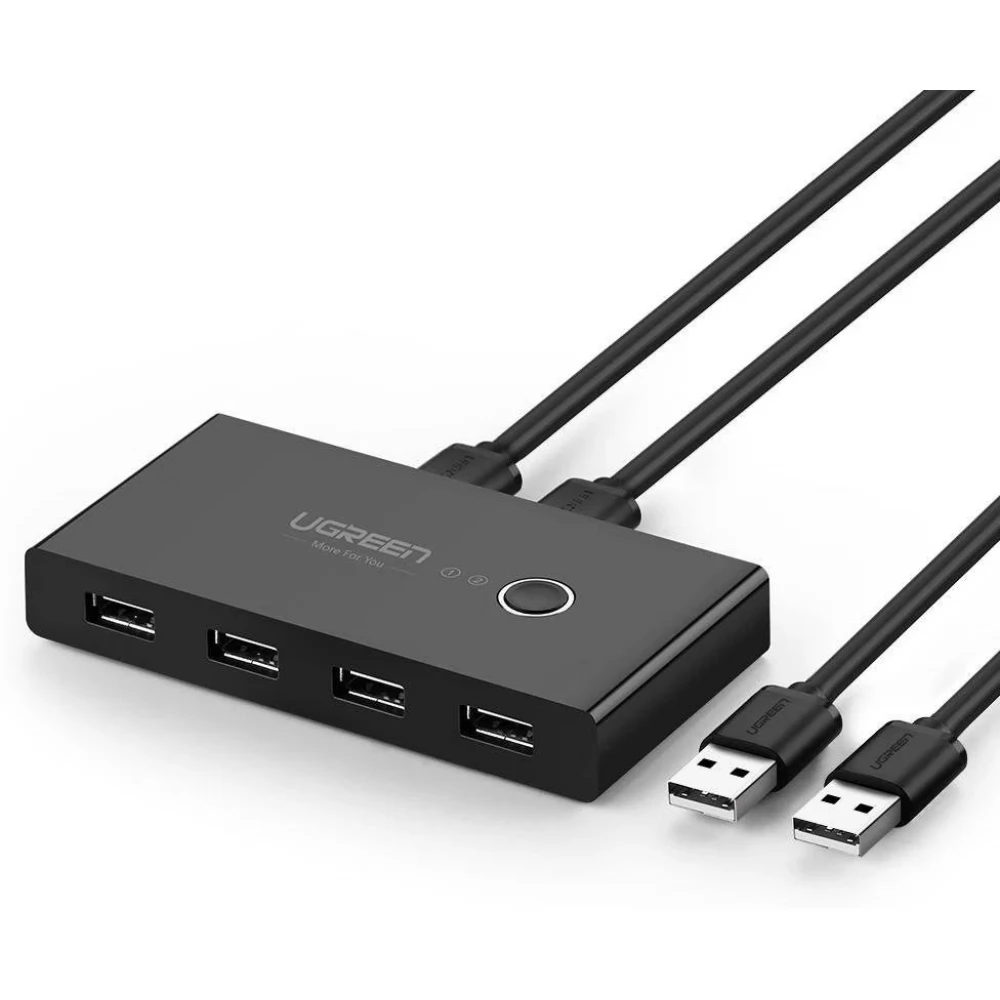
Get rid of the mess and the annoying task of constantly changing cables with the UGREEN US216 USB Switch. The switch is easy to operate because no installation software is needed and its cables are not tangled.
USB 2.0 switch selector
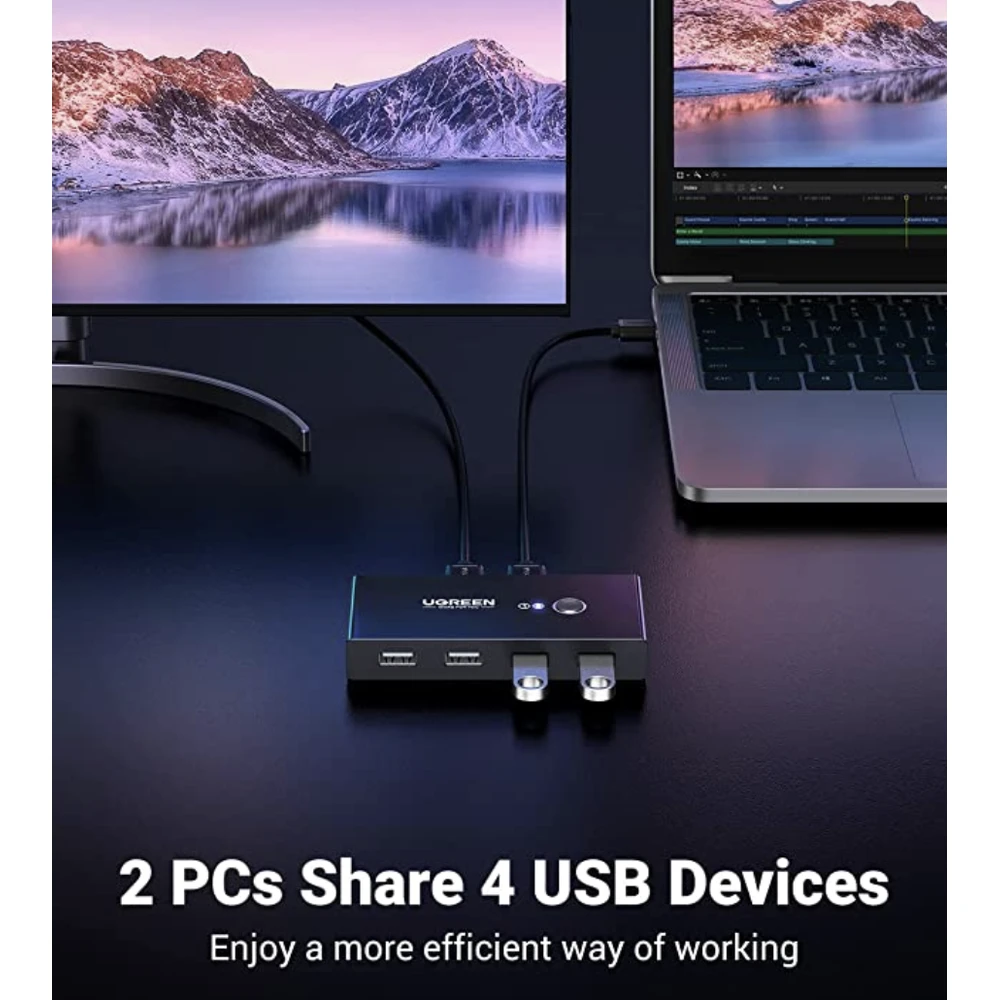
The UGREEN USB 2.0 switch allows up to 2 users to share 4 USB 2.0 peripheral devices without constantly changing cables or installing complicated network sharing software.
Note: The RGB keyboard only supports basic functions, not custom functions.
Increased work efficiency
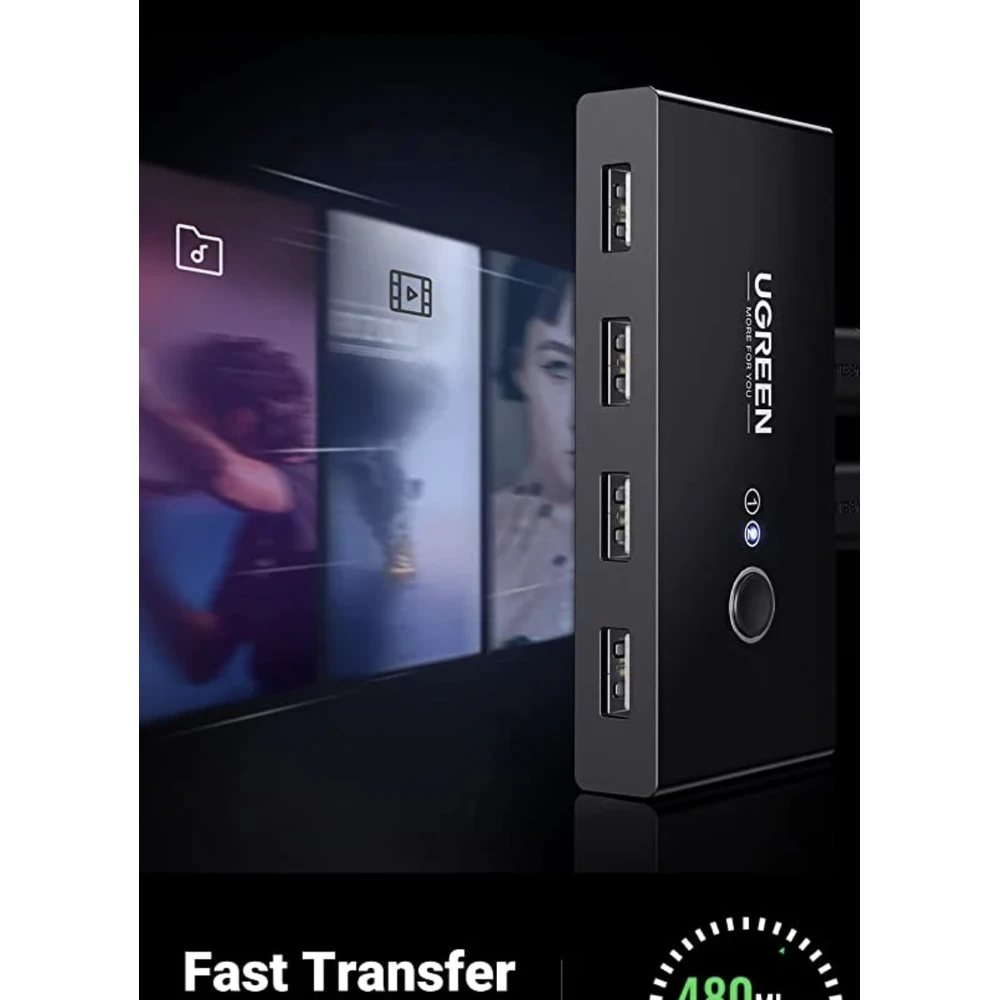
The keyboard-mouse switch supports ultra-fast USB 2.0 data transfer speeds of up to 480 Mbps, so it works flawlessly with high-bandwidth USB 2.0 devices and is backward compatible with USB 1.1 devices.
Share multiple devices
USB switch allows you to share multiple devices such as printers, scanners, mouse, keyboard, card reader, U disk and other USB devices between two computers.
One-button switch
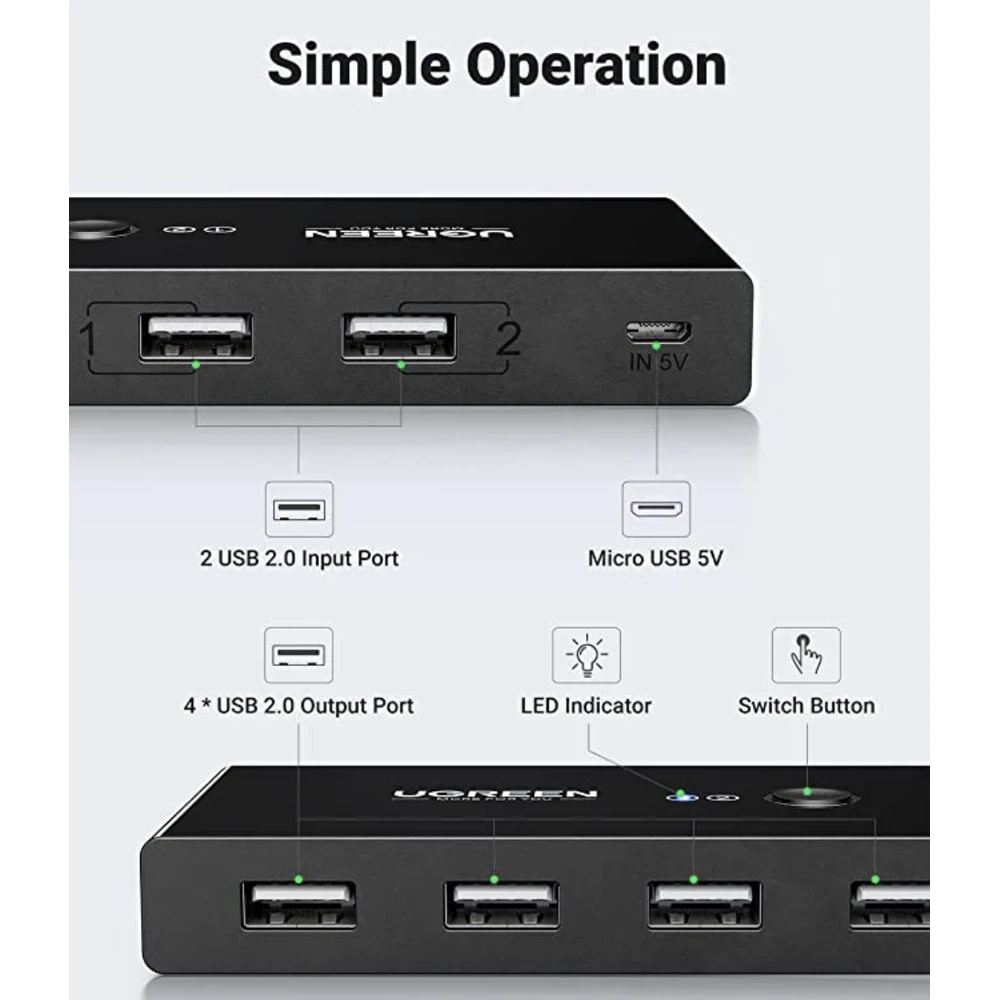
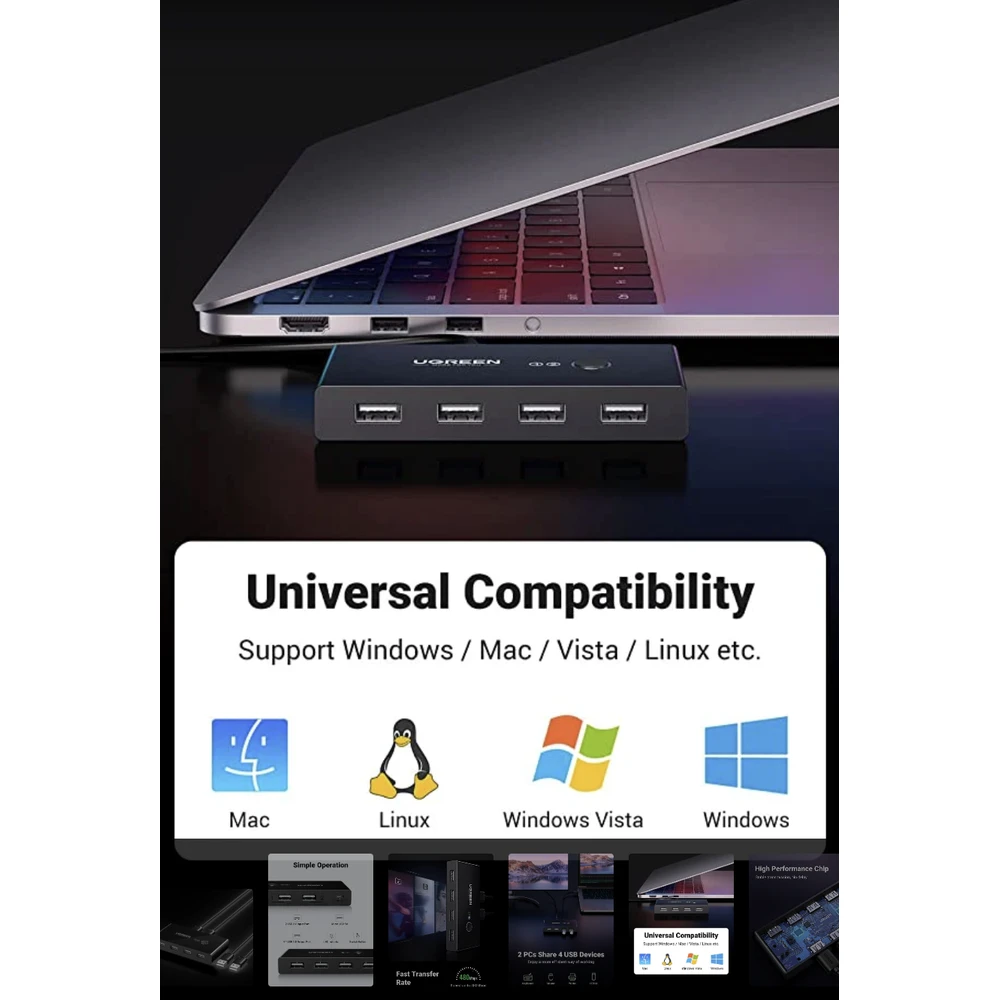
Thanks to its one-button and LED design, you can easily switch between systems (Mac, Linux, Windows) using the buttons, and the LED indicates the active computer within a second.
A more stable connection
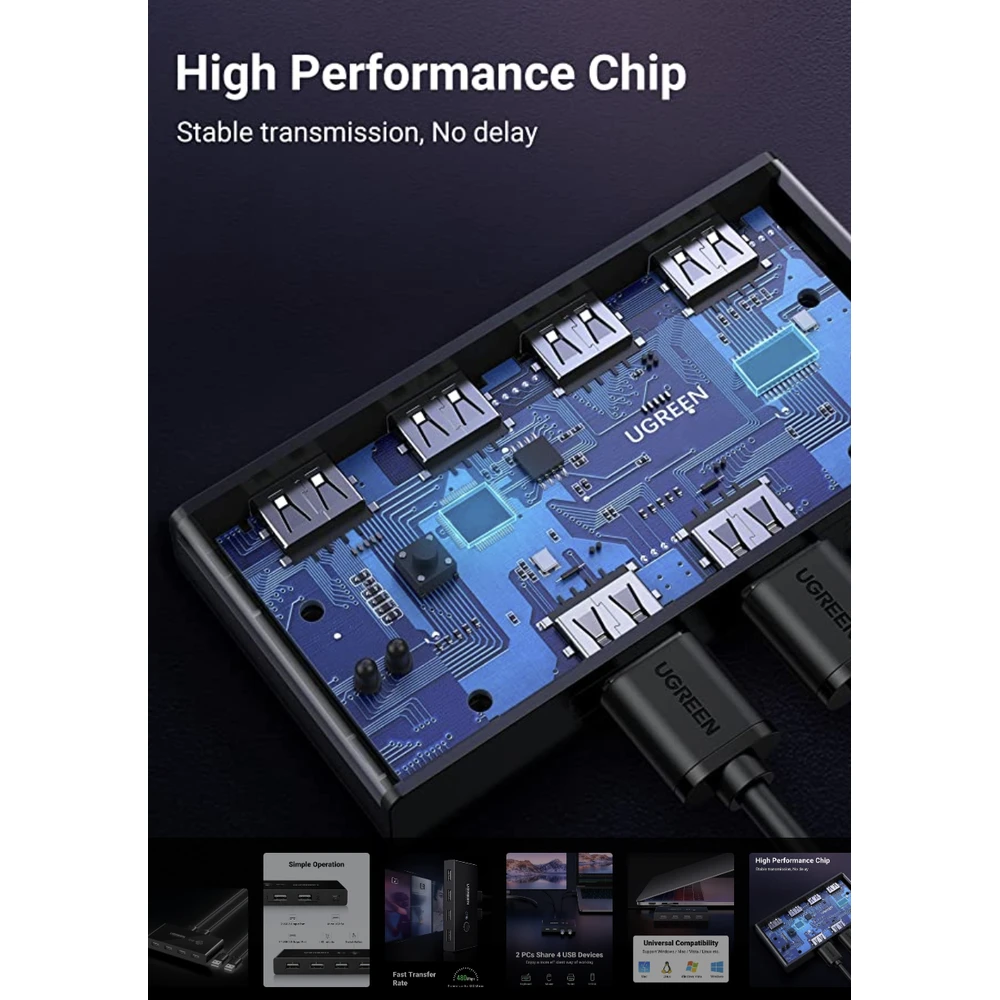
USB 2.0 switch with separate Micro USB female connector for power supply, which optimizes compatibility with multiple devices such as HDD, digital video cameras, SSD, etc.
Note: Please use a standard 5V adapter (not included, sold separately) for power supply.
Important Note: The use of any higher voltage charger is prohibited and may affect the performance of the product.
Specifications:
- Operating voltage: 5 V
- Mounting type: Rack mountable
- International protection classification: IP54
- Color: Black
In summary, with the UGREEN US216 USB Switch, you can easily and efficiently control and share your peripheral devices with two computers. It is easy to use, reliable, compact and made of quality materials. It is a perfect choice for all those who want to get rid of unnecessary wiring problems and want to make better use of the opportunities provided by technology.
PRICE NOTIFICATION
Recommended for you
Similar products
NOTEBOOK SEARCH
OPINIONS
OPINIONS
