
Dear Visitor! We are carrying out maintenance this weekend, so our website may be slow or briefly unavailable at times. Thank you for your patience!
SONY Access controller PS5
Substitute products
Product description
The game is full of possibilities!
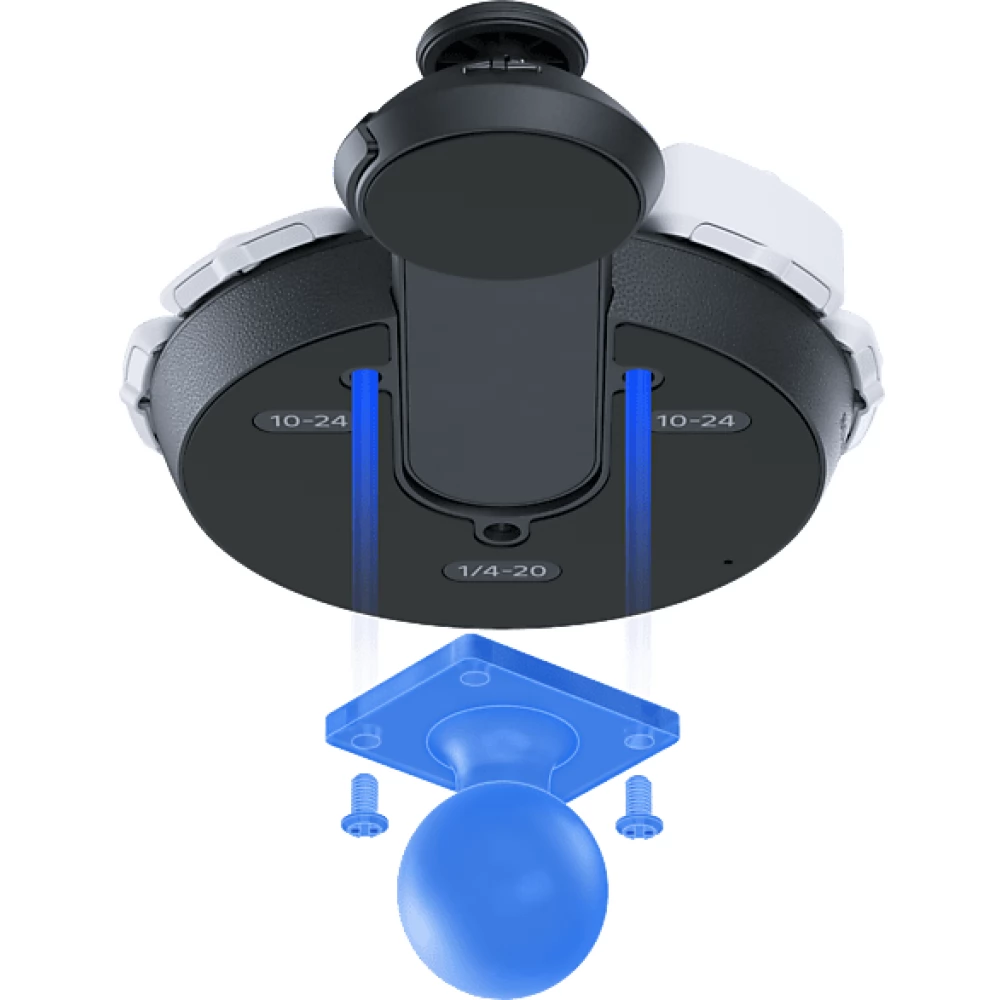
Make gaming accessible in a new way with this universally customizable controller set, designed to help make players with disabilities more comfortable and therefore play longer. Designed for easy access, the controller can be used at any angle, with a holder placed on a flat surface without having to hold it in your hand, and can also be fixed according to the AMPS* standard.
*AMPS is an industry standard mounting solution for device mounting and accessibility.
Customize the controller according to your individual needs!
Personalize the button assignment with the help of replaceable levers and button caps!
- Choose from the wide selection of button caps in the package, with different shapes and designs – flat, curved, folded over; you can also change the arm caps to find the most suitable layout for you!
- The replaceable labels in the box help you to indicate which of the customized buttons has been given which function.
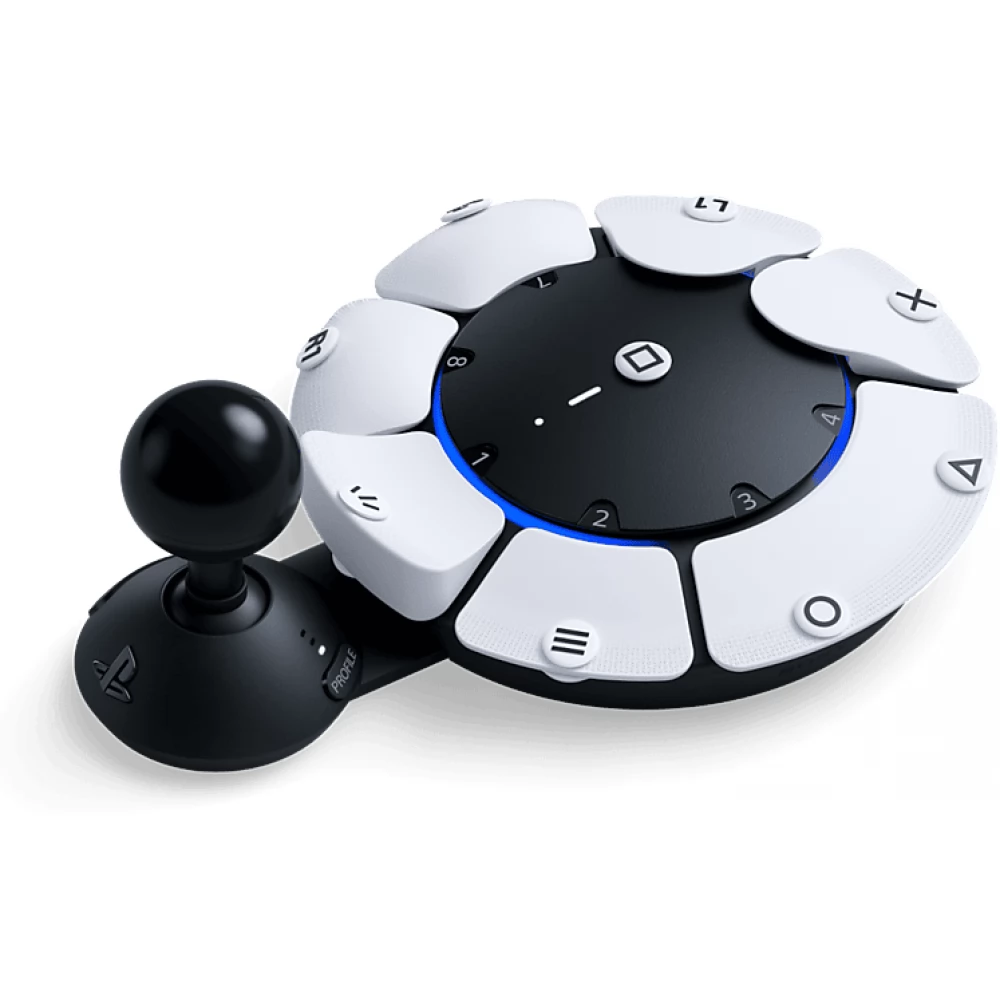
Adjust the size of the extension arm!
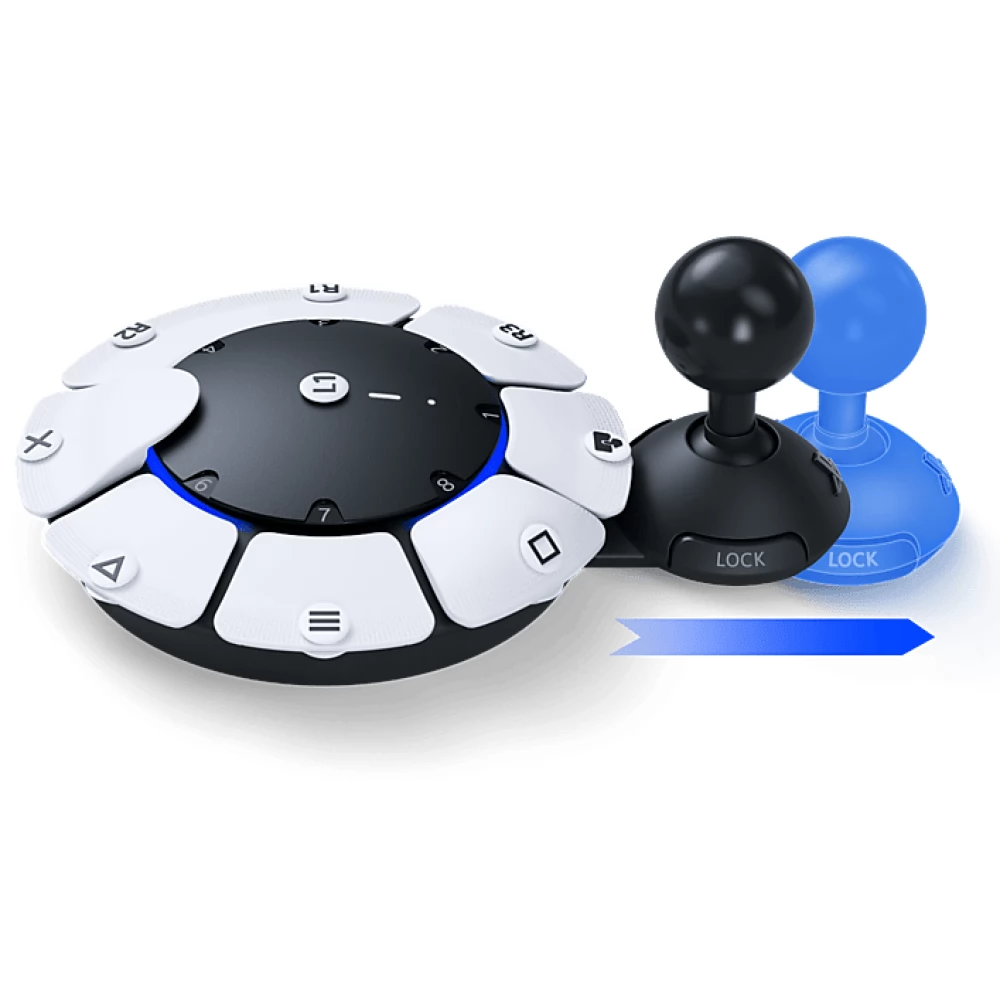
- Adjust the position of the extension arm to the correct position and lock it with the lock button to maintain the most comfortable position!
Flexibility, built in from the ground up.
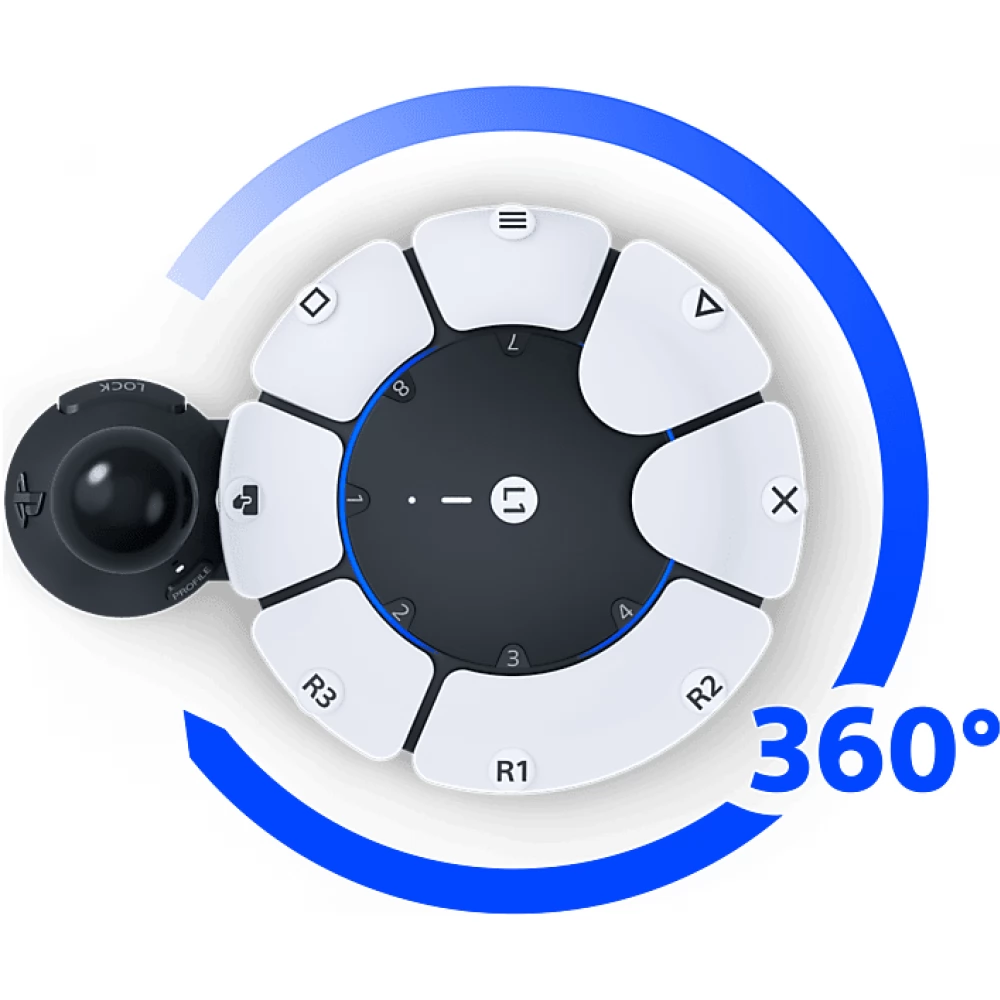
For easy access, it can be used in 360° on different horizontal surfaces.
- Due to the flexible design of the Access™ controller, it fits on top of the wheelchair tray, can be connected to an AMPS standard holder or stand, and can be rotated 360° to find the most comfortable position for use.
Simple assignment planning on PS5® console.
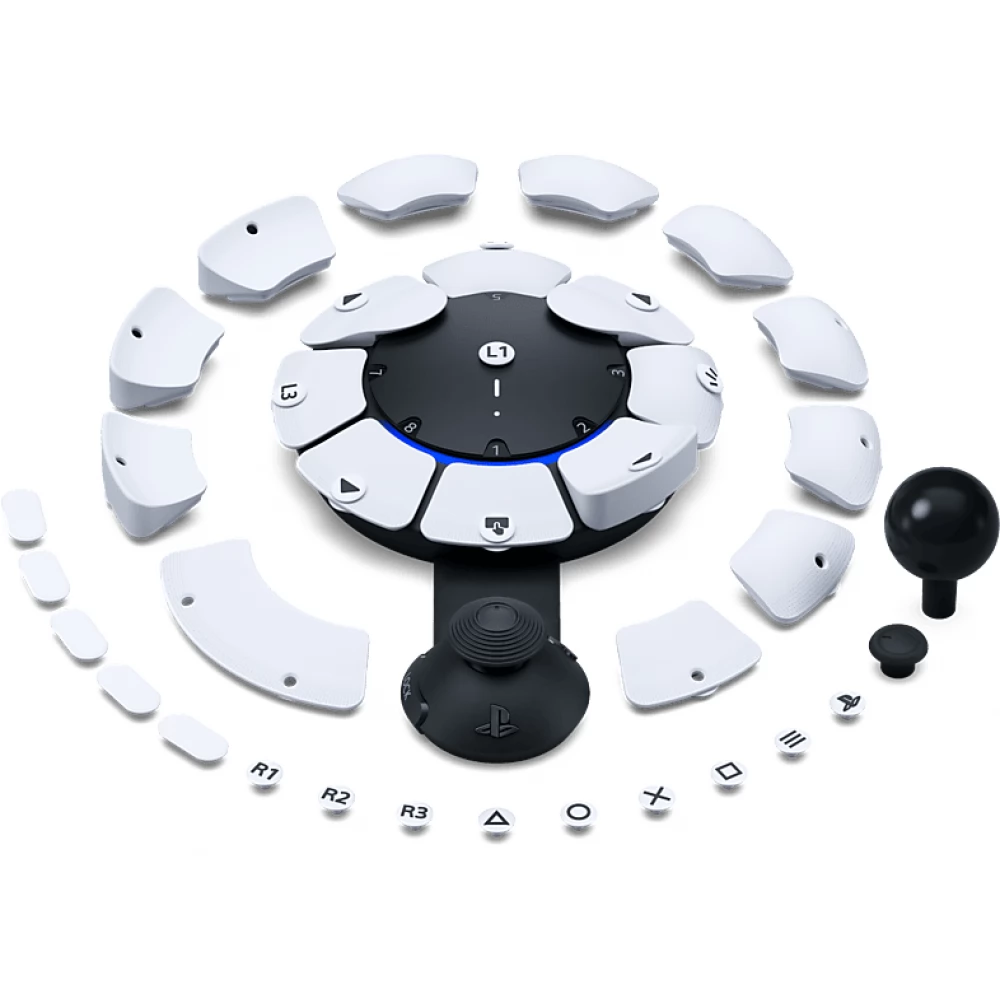
Plan the button assignment of the Access™ controller according to your needs!
- Assign up to two functions to a single button or disable buttons to avoid accidental presses!
- You can even use the "press and hold on/off" mode, which saves you from having to hold down the same button for a long time.
- Arrange the buttons in different positions so that the given commands are exactly where you need them - everything can be easily handled and customized on the dedicated user interface of the PS5® console.
Switch between your individual settings with a single button press!
- Players can create and save up to 30 custom profiles on their PS5® console, so choosing the right settings for each game is quick and easy.
- You can quickly switch between three unique profiles stored in the controller with the dedicated profile button.
- Look at the current key assignment on the screen by long pressing the profile button!
Adjust the properties of the arms, including the sensitivity of the movement!
- Thanks to the calibrateable "north" point of the analog arm, it can be easily programmed, which gives flexibility to your hand so that you can easily reach it at the most comfortable angle for you.
- You can customize the arm's sensitivity and backlash to better suit your needs.
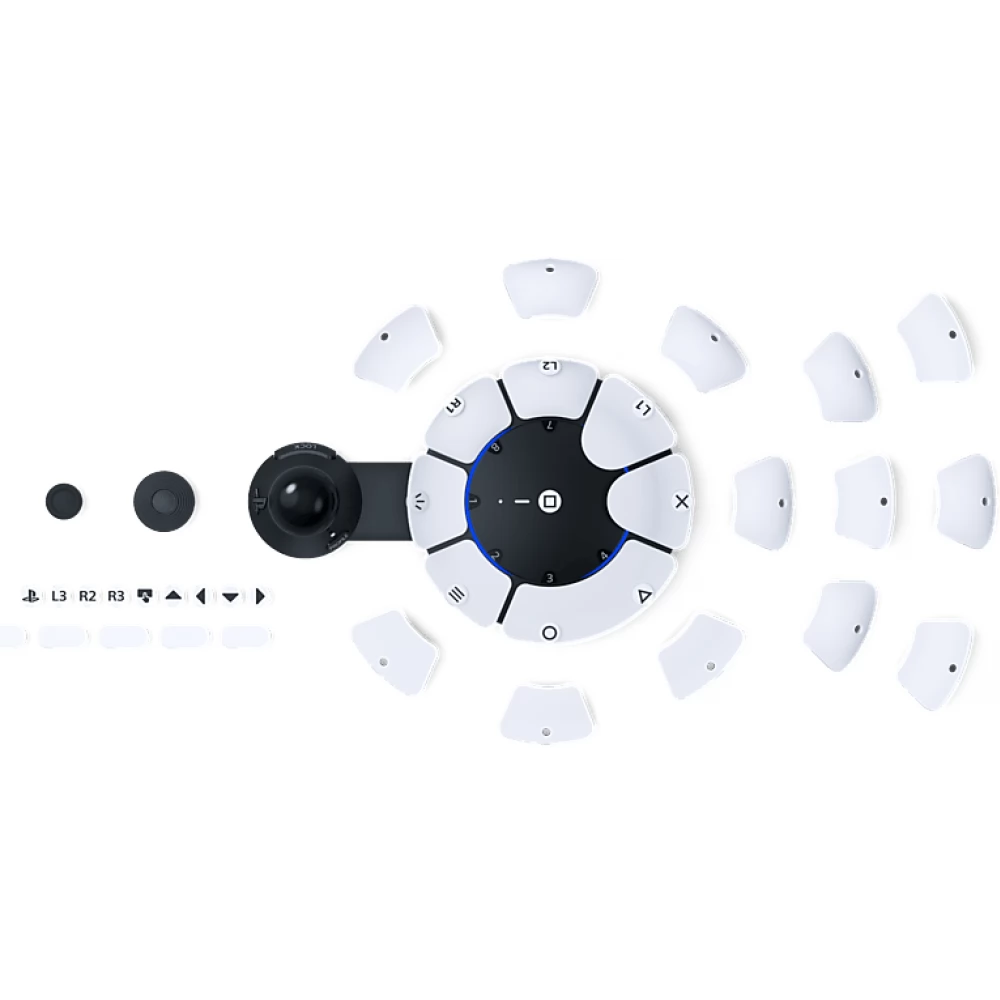
Join forces with other controllers and devices!
Combine the functionality of several controllers!
- Use the Access™ controller alone or connected to a second Access™ controller! Do you need extra control? Add a DualSense™ or DualSense™ Edge™ wireless controller to your setup and use them together for your unique gaming needs or in collaboration with other players!
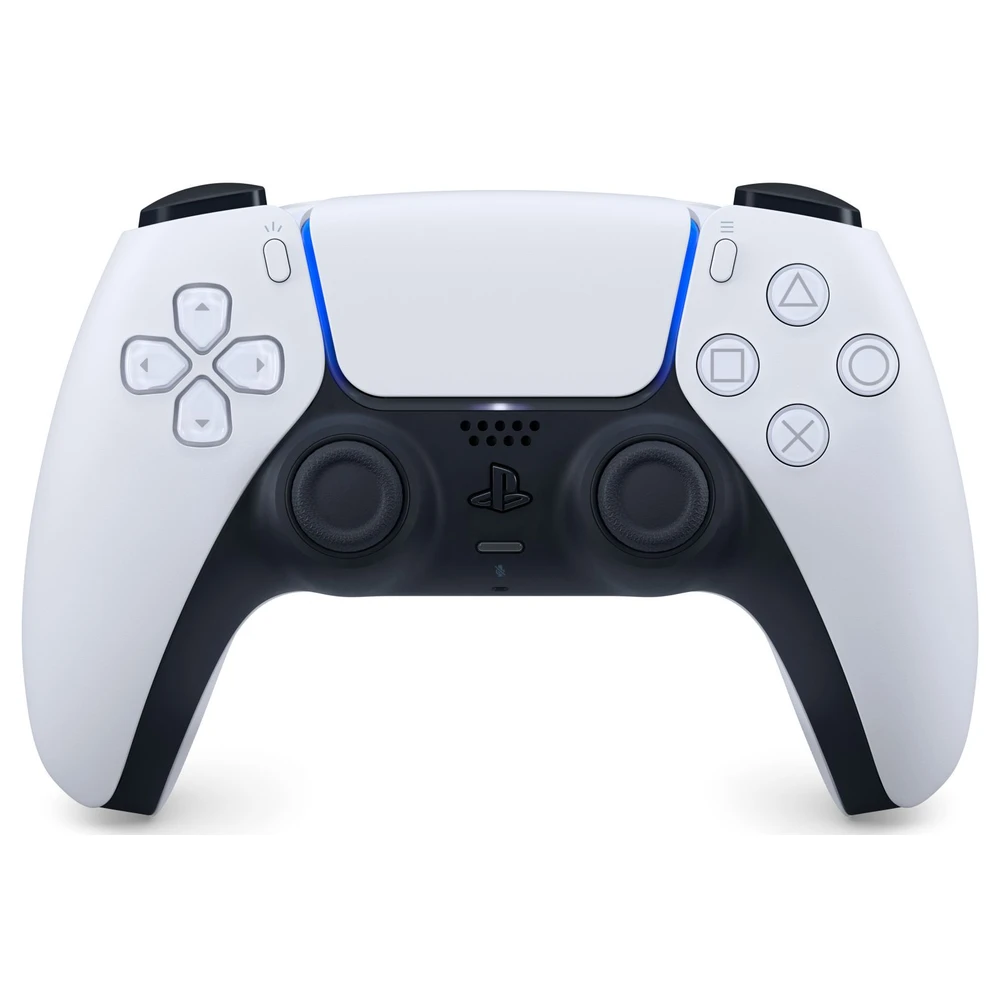
- Combine the Access™ controller with the DualSense™ or DualSense Edge™ wireless controller for additional options, including haptic feedback, adaptive triggers, built-in microphone and speaker, audio jack input, motion sensor and touchpad!
Connect external buttons, special trigger and more!
- Visit the PS5® console's Settings menu to configure external devices - including third-party triggers and analog sticks, extra external buttons and more. Then assign the desired function or adjust the arm's sensitivity and backlash!
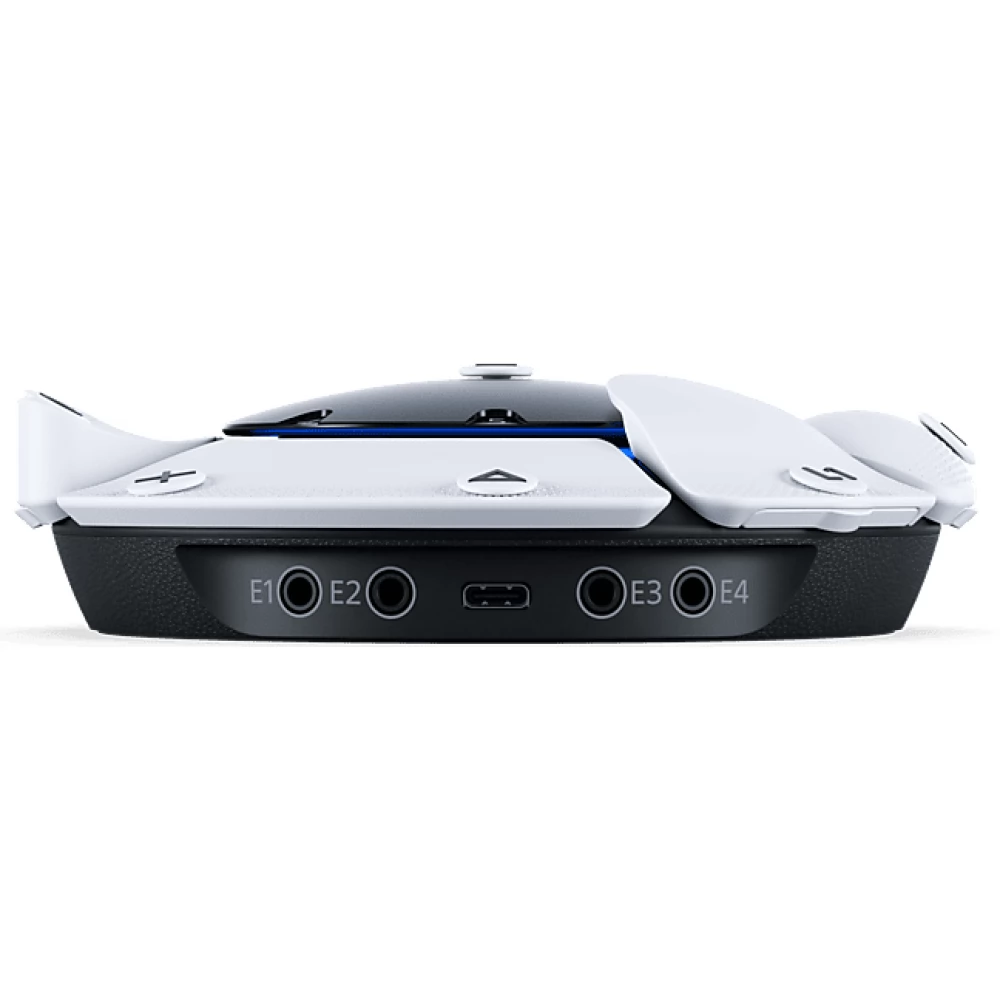
- You can quickly connect auxiliary accessories from other manufacturers using the four standard 3.5 mm expansion ports.
Made to erase the boundaries in gaming!
It was created with accessibility experts and players with disabilities.
- By developing the controller set, our goal was to eliminate all obstacles in the game; we do our best to make it easier, more comfortable and longer for players with disabilities to enjoy the game.
- The Access™ controller combines years of accessibility research with the goal of meeting the diverse needs of players with disabilities; it is designed in a holistic spirit to provide solutions to key common challenges for many users.
- The goal is to offer more ways to access the game for a variety of people, from those who have difficulty using the levers with their thumbs, to users who
NOTEBOOK SEARCH

OPINIONS
0.0
