
PHILIPS 32E1N3100LA/00
64 091 Ft
Product description
Working together, simply.
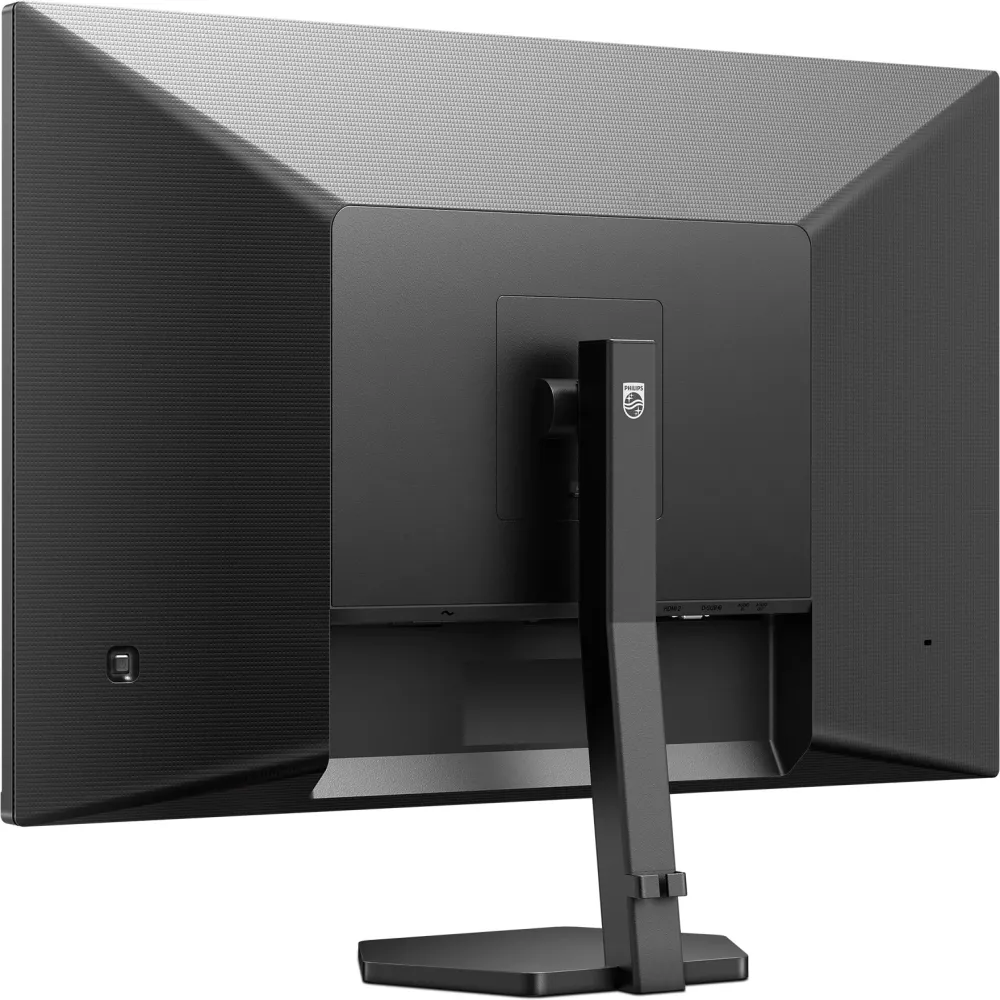
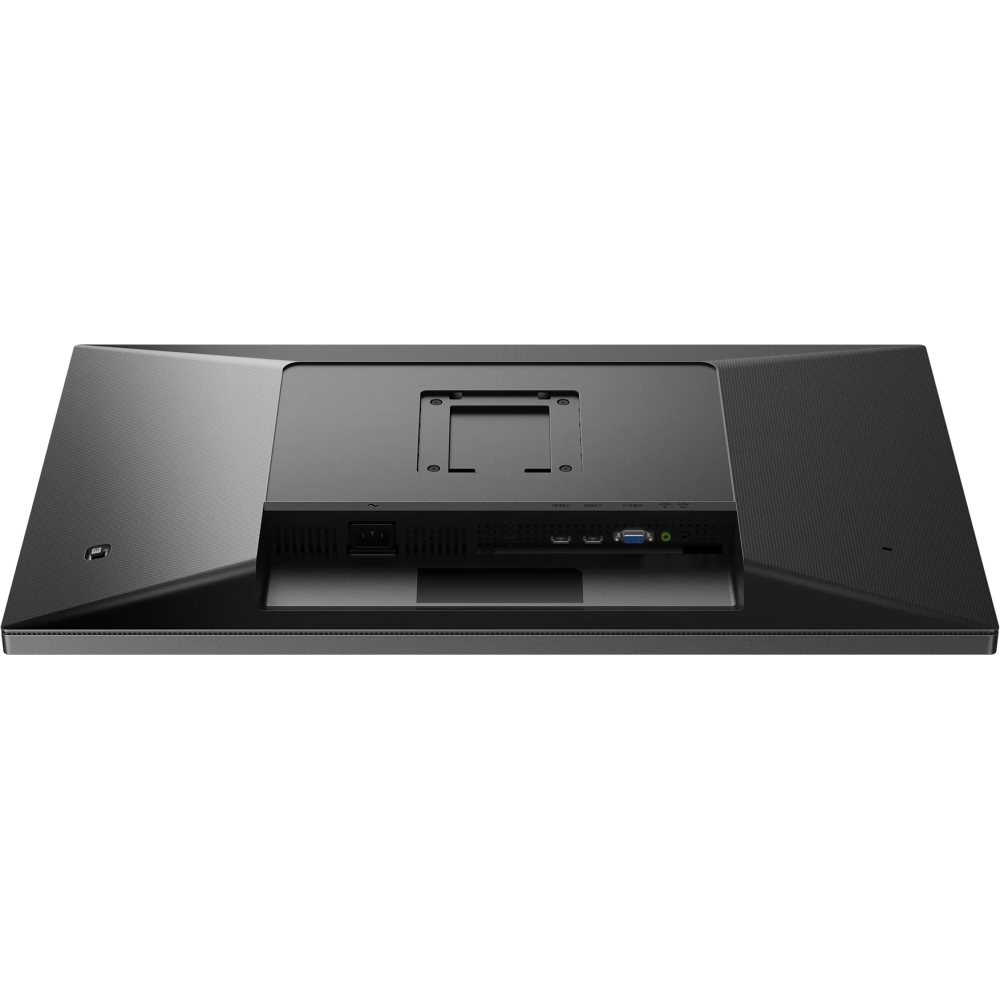
Thanks to its cable guide structure, the monitor provides the organized work environment through a single HDMI cable. The cable allows you to transmit high quality digital media; The high quality, built -in speaker system provides excellent sound.
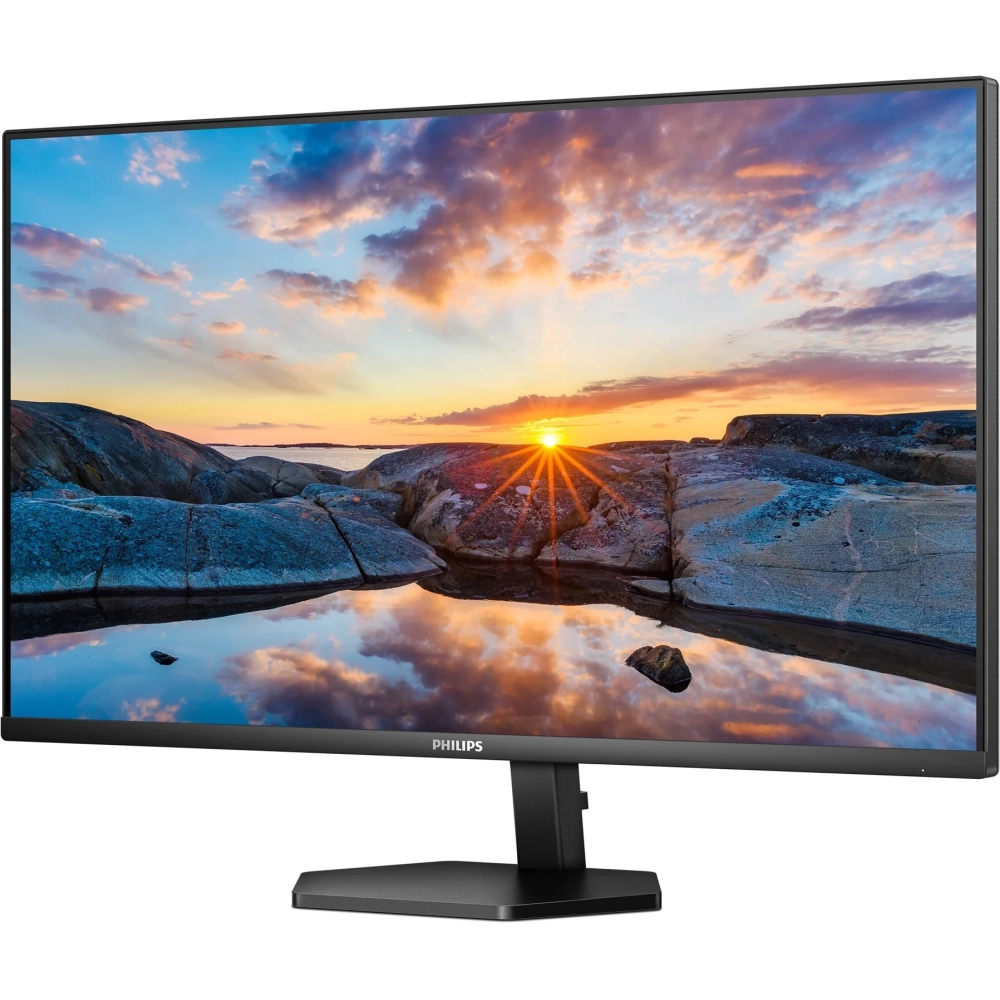
VA display offers fantastic images with wide viewing angles
The Philips VA LED display uses a state-of-the-art, layered vertical technology, which provides an extremely high contrast ratio on a wide range of views and bright color. While general office applications are easy to use, the display has been specifically designed for photos, internet, movies, games and sophisticated graphic applications. The optimized pixel treatment technology provides a 178/178 degree, extremely wide viewing angle, resulting in sharp images.
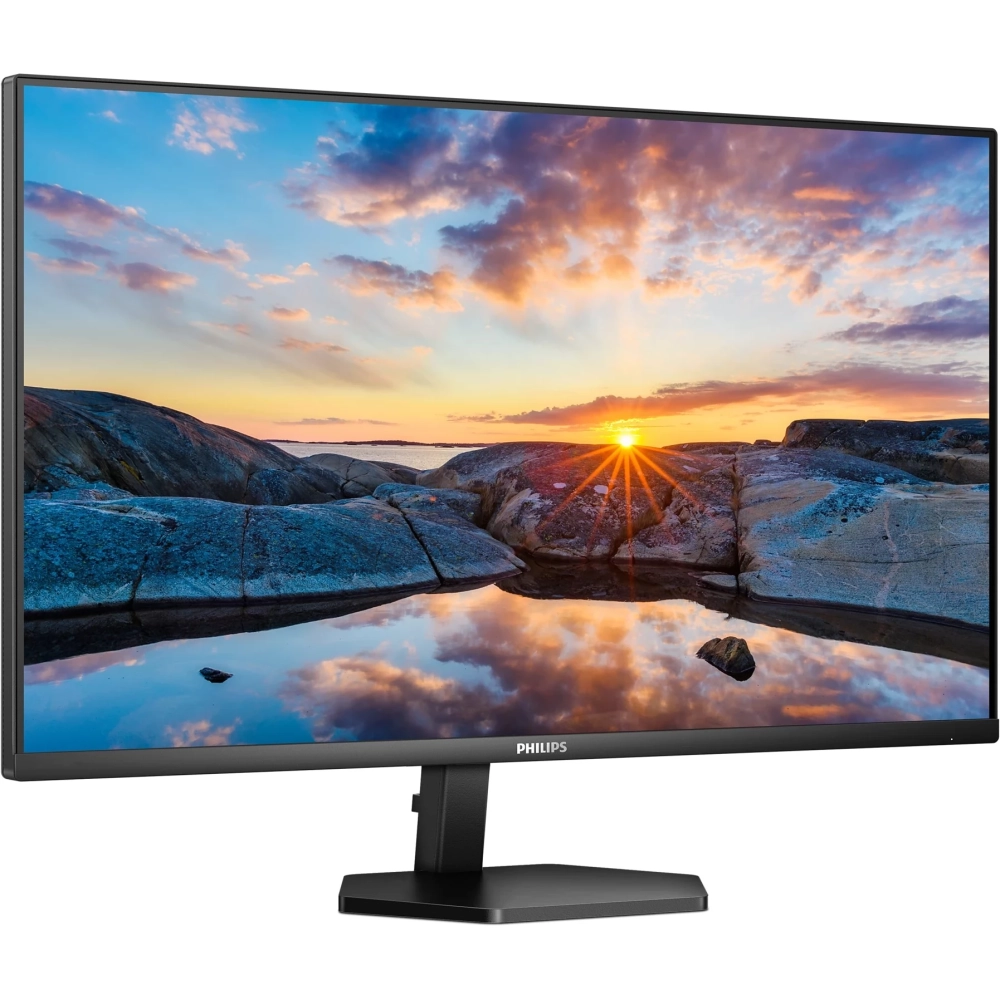
16: 9 Full HD display for sharp, detailed pictures
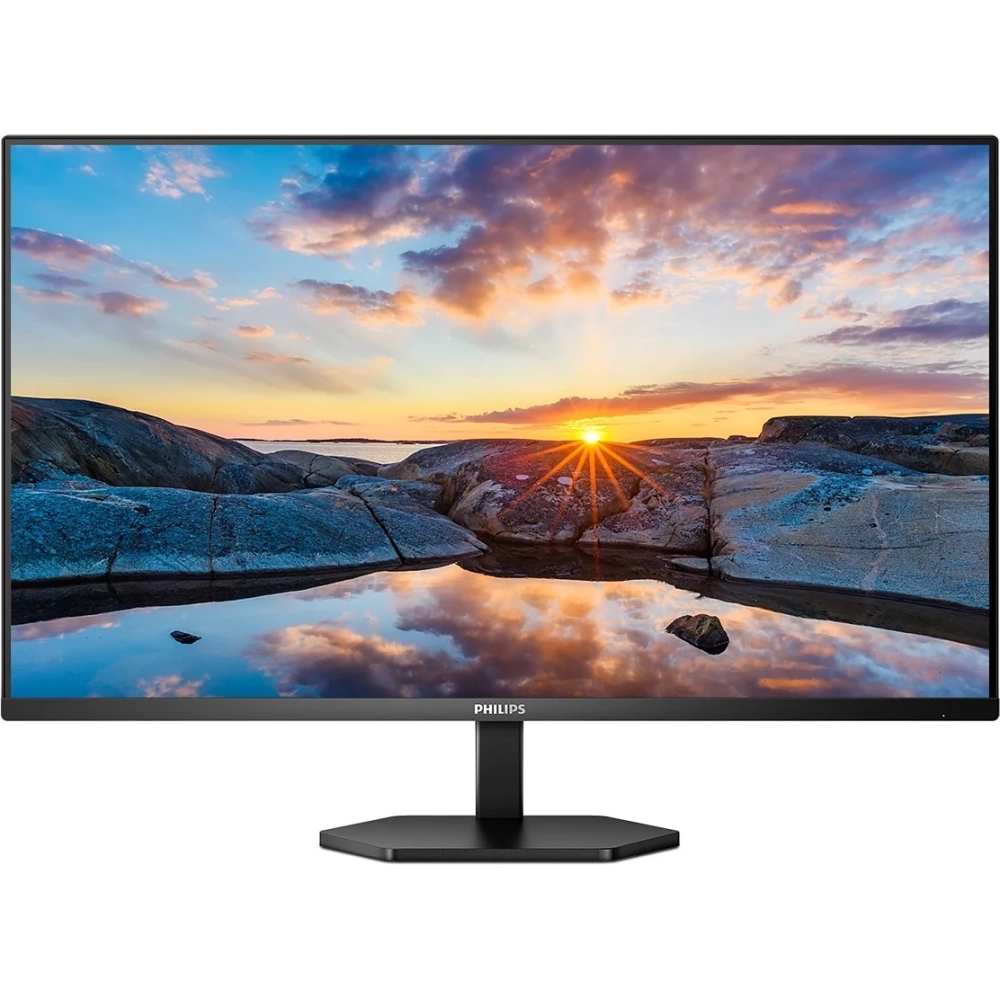
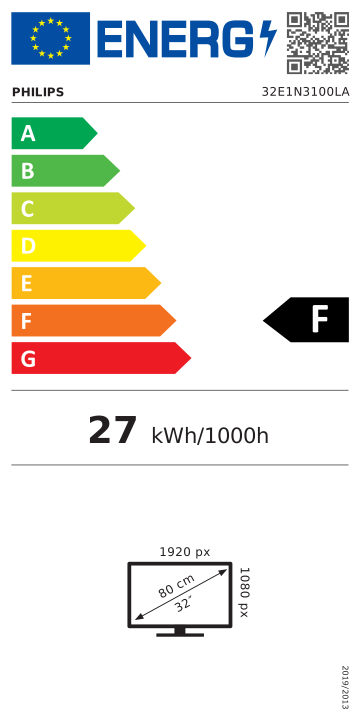
Questions about image quality. Traditional displays provide good quality, but you wish more. This display has an increased Full HD (1920 x 1080) resolution. Full HD and high brightness, incredible contrast and realistic colors provide a realistic picture.
1 ms, fast response time (mprt) for a sharp image and smooth gameplay
The response time is more intuitively characterized by MPRT (motion picture response) directly between the hazy image and the clear, sharp image. The 1 MS MPRT -designed Philips Monitor effectively eliminates obscure and movement, and provides a sharper, accurate visual display, increasing the gaming experience. The best choice for games that require shudder and quick movements.
Smartimage game mode - optimized for players
The new Philips display, which is specifically fine -tuned for players' needs, has a fast -paced screen menu. The first person shooting mode improves the dark parts of the game so that the objects hidden in the dark areas are noticeable. The "racing" mode sets the display to the fastest response time, with an excellent color. It also makes other changes in the image setting. The RTS (Real Time Strategy) mode has a special smartframe mode that allows you to highlight or highlight a particular area. size and image modifications. Gamer1 (player 1) and Gamer2 (2nd player) allow you to save personalized settings for each game, providing the best performance.
LowBlue Mode and Flicker-Free Flicker-Free Modes that eliminate harmful light
LowBlue mode and Flicker-free technology have been developed to reduce the use of the eye and tired, which is often caused by long hours in front of the monitor.
Built -in stereo speakers for multimedia
A pair of high quality stereo speakers built into the display. Depending on the type and design, it can be visible and radiated from the front, hidden and radiated from the top or from the back.
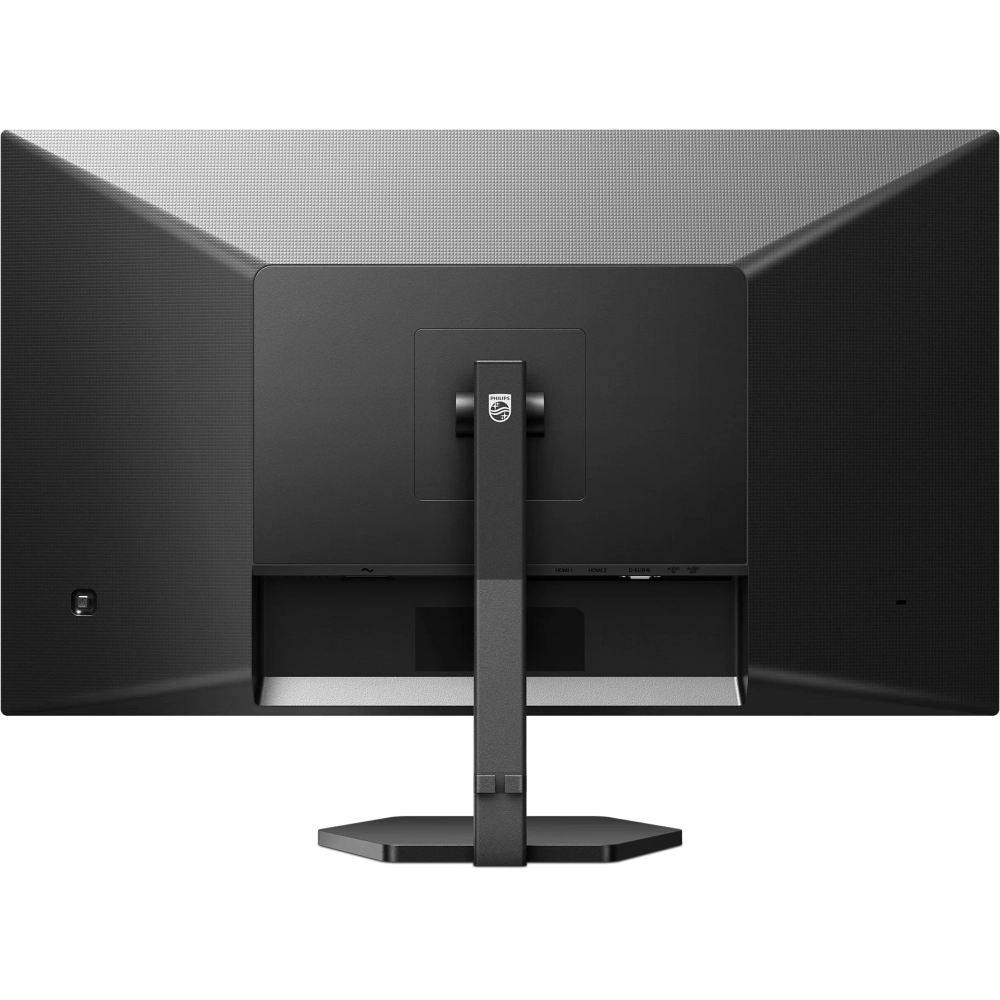
The cable guide eliminates the cable area, thus keeping the workspace in order.
The cable guide has a discreet design, so wires and cables needed to operate the display provide a tidy work environment.
EasySelect Menaging button for quick screen menu access
Press the discreetly placed Easyselect menu button quickly and easily to change the monitor settings in the screen menu.
SmartContrast: For rich black shades
SmartContrast is a technology developed by Philips that analyzes the contents displayed, automatically adjusts the colors and controls backlight to dynamic contrast dynamic to display the best digital and motion images or when playing dark hues. When choosing an economical mode, it sets the contrast and fine tunes backlight for proper display of every day office applications and lower energy consumption.
PRICE NOTIFICATION
NOTEBOOK SEARCH

OPINIONS
0.0
