
LOGITECH MX Creative Console graphite
not available
Product description
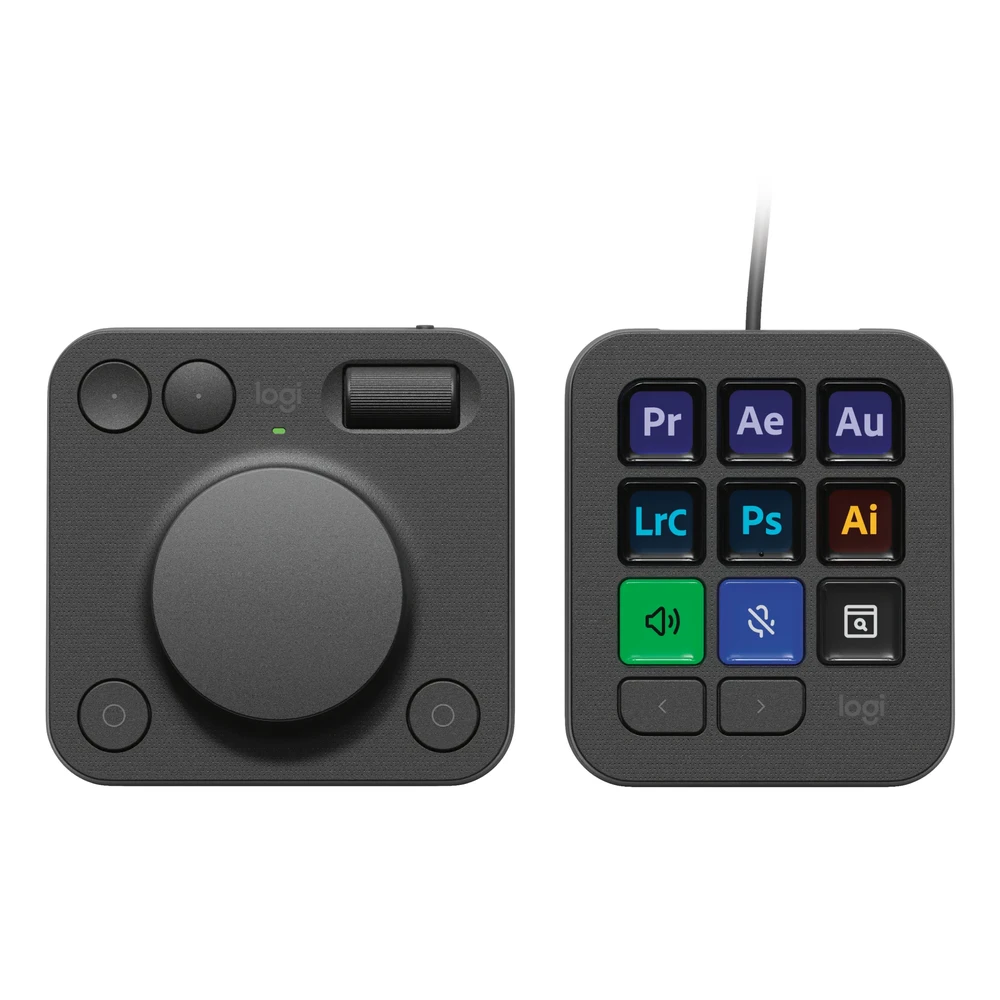
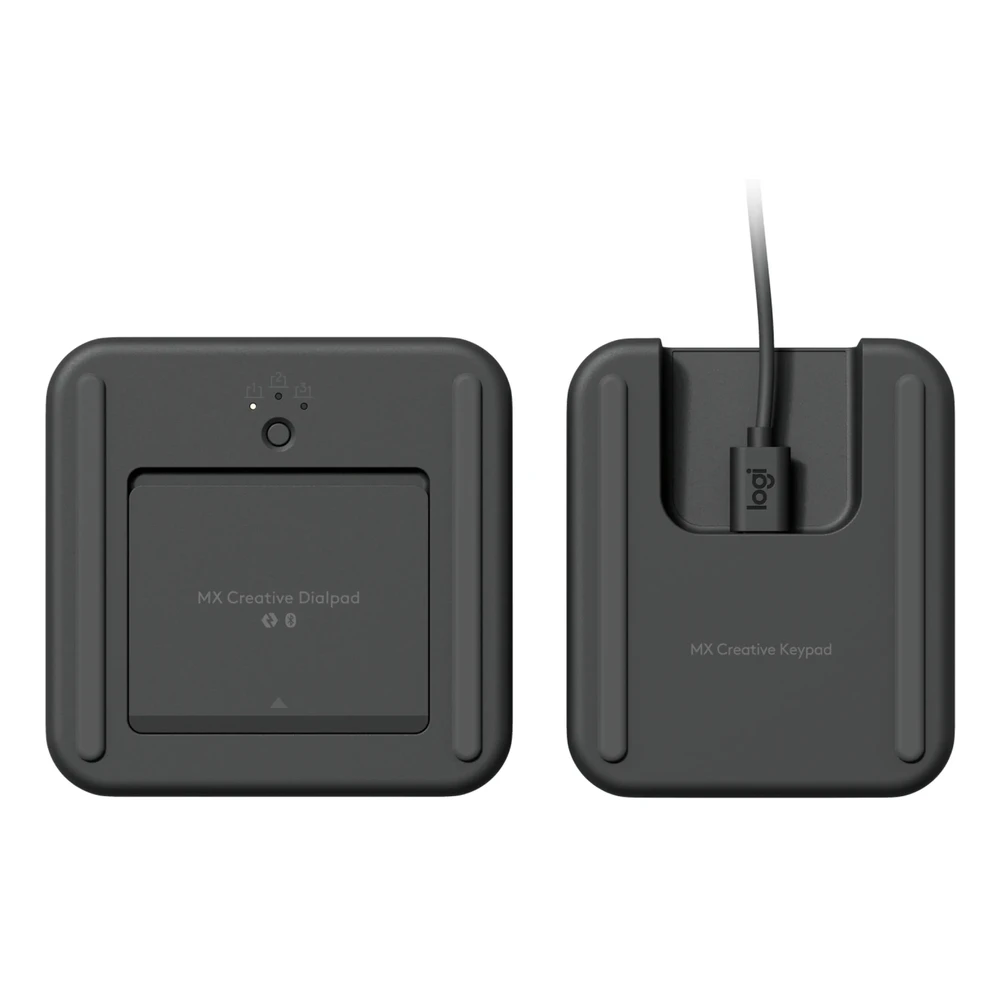
Take control of your creative workflow and focus on creating with the MX Creative Console. The customizable LCD keypad lets you easily access editing tools and actions, while the wireless dialpad's precise tactile analog controls let you take control.
Great performance. Responsible design.
We design our products with a focus on speed, precision and high performance, but we also treat sustainability as a key condition at all stages of the product development process.
Boost your creative workflow
With recommended profiles, the MX Creative Keypad gives you quick access to all the tools, hotkeys and actions you need in your favorite apps, allowing you to instantly use the LCD displays and fully customize it to your own workflow and style.
Feeling, focus, control
The Creative Dialpad's precise, tactile analog controls allow you to immerse yourself in your creative workflows. Make precise adjustments with the low-friction aluminum dial, navigate and adjust with the scroll wheel, and use keyboard shortcuts with customizable keys.
Seamless integration with your favorite apps
Instant access to actions and tools in apps like Adobe Photoshop, Adobe Premiere Pro, Adobe Illustrator, Adobe Lightroom and Lightroom Classic, Final Cut Pro, DaVinci Resolve, Figma, Zoom, Spotify, and more.
Create as you wish
You can customize the MX Creative Console to fit your entire creative workflow. Through the Logi Options+ application, you get access to recommended profiles, keyboard shortcuts and actions, which you can assign to up to 15 pages on the keypad per application. You can also customize Creative Keypad and use your own custom icons for assigned keys.
Expand your possibilities in the marketplace
Find a growing library of free plugins, profiles, icon packs and more to try out in the Logi Options+ app.
PRICE NOTIFICATION
Recommended for you
Similar products
NOTEBOOK SEARCH
OPINIONS
OPINIONS
