
LOGITECH Extend
329 090 Ft

Product description
Bring your own meetings into the video conferencing room via a single USB-C cable.
Install Logitech Extend with class-leading cabling so anyone can walk into an Android or BYOD meeting room, plug it in with a USB-C cable, and start a meeting from their dedicated video platform on their laptop or mobile device.
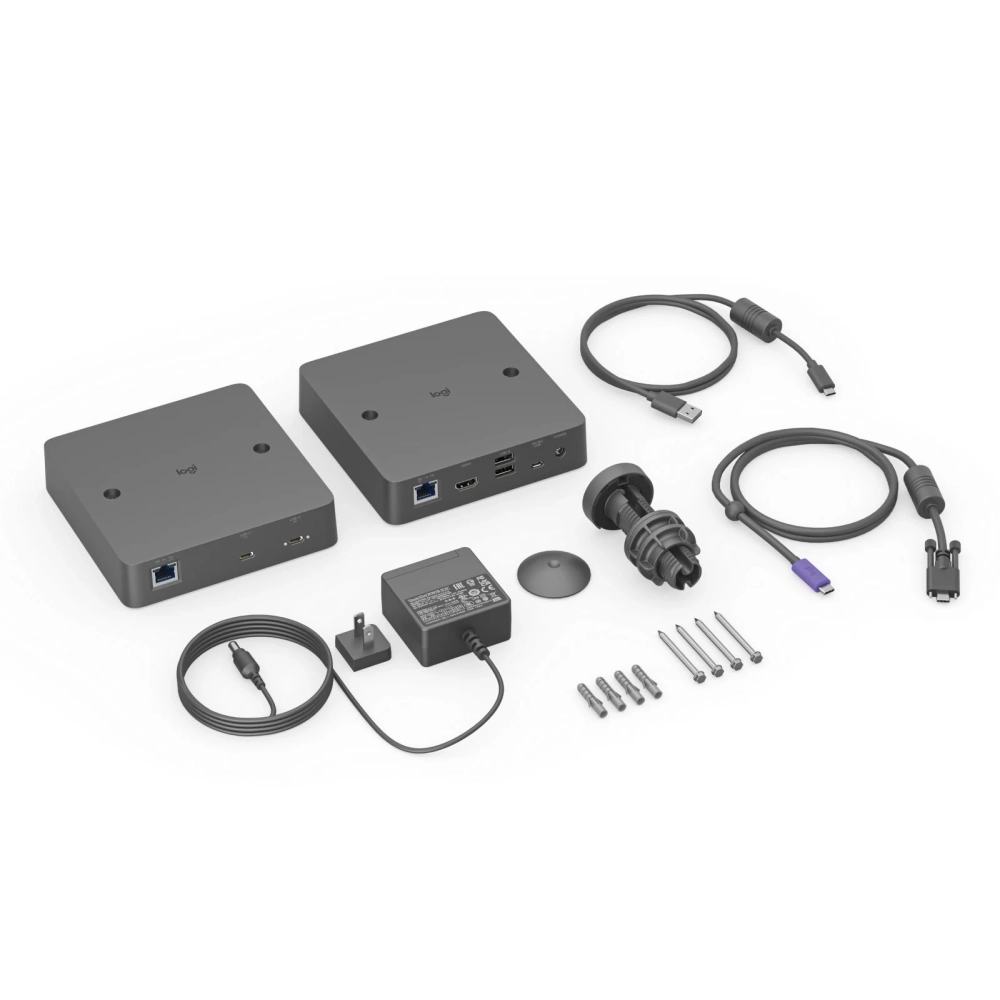
Display side box
- Height: 143 mm
- Width: 143 mm
- Depth: 34.5 mm
Desktop side box
- Height: 143 mm
- Width: 143 mm
- Depth: 34.5 mm
Ports and connectors
Display side (RX)
- HDMI 2.0 4K60 4:4:4
- 2 USB 2.0 Type A
- Micro-USB interface
- Logitech Extend Power
- RJ45 table top (TX)
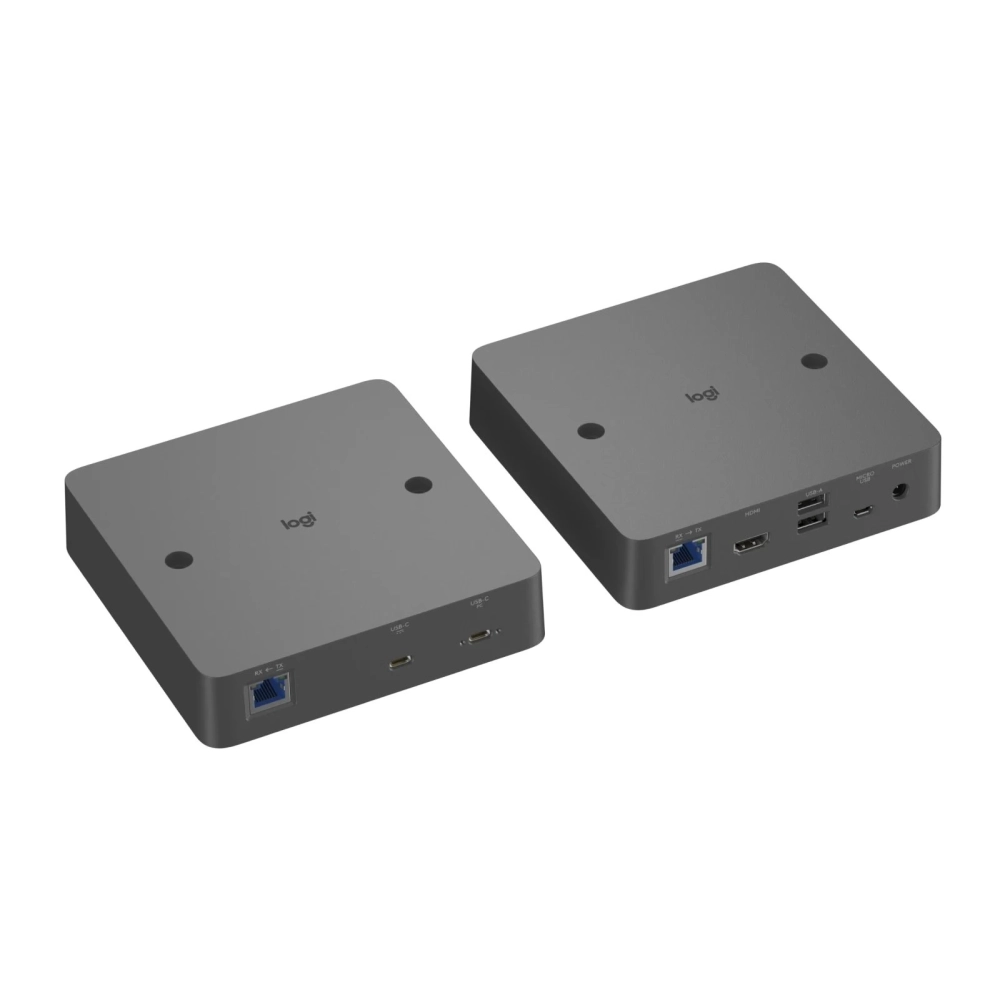
Desktop Site (TX)
- Secure USB-C (from transmitter to user laptop)
- USB-C (optional USB-C power connector)
- RJ45 display side (RX)
Package contents
- Display side (RX) box
- Desktop side (TX) box
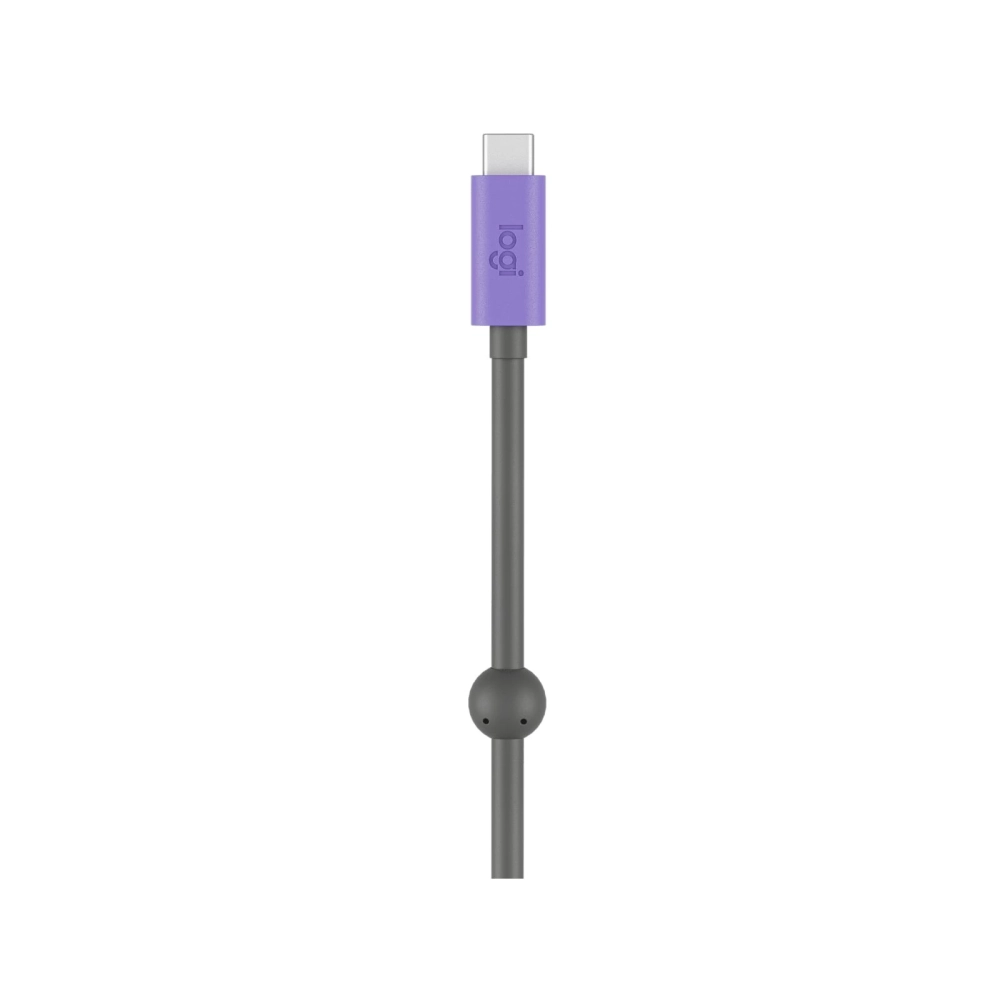
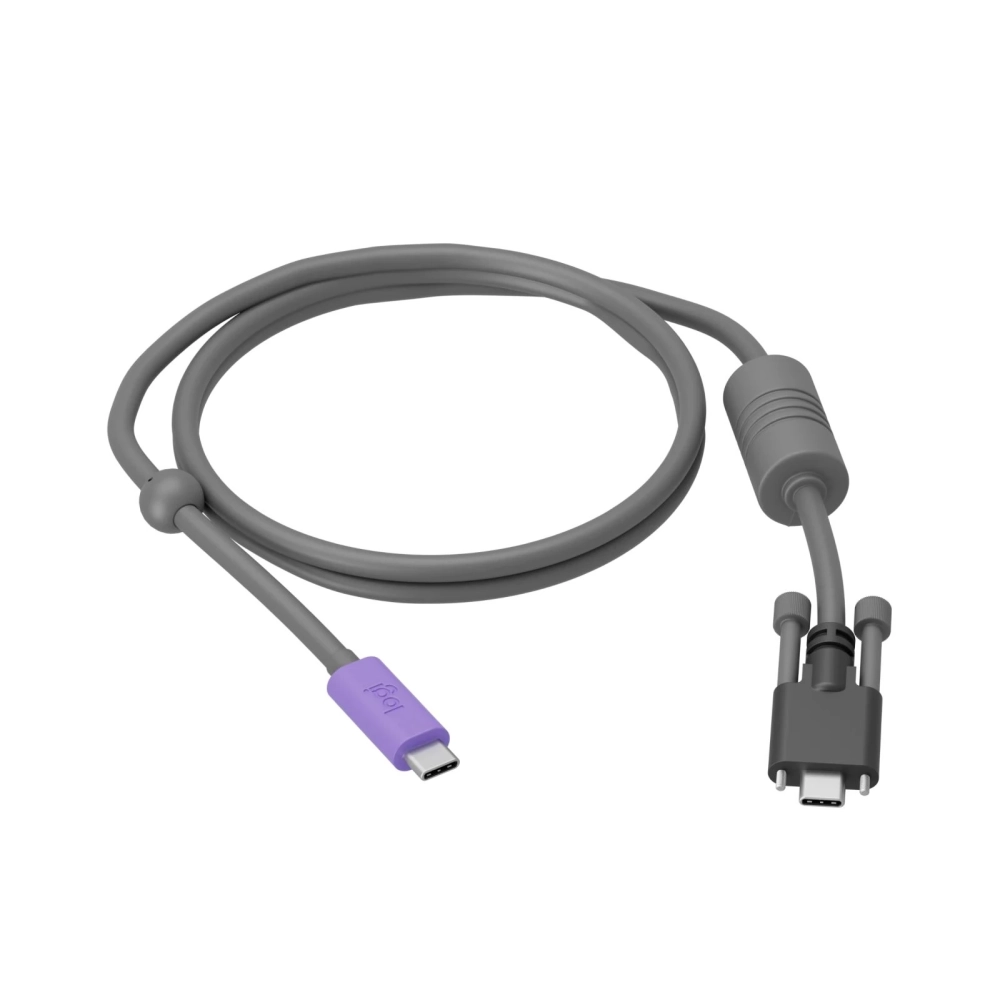
- USB-C USB-C cable
- Micro-USB USB-A cable
- Power supply
- Components for mounting
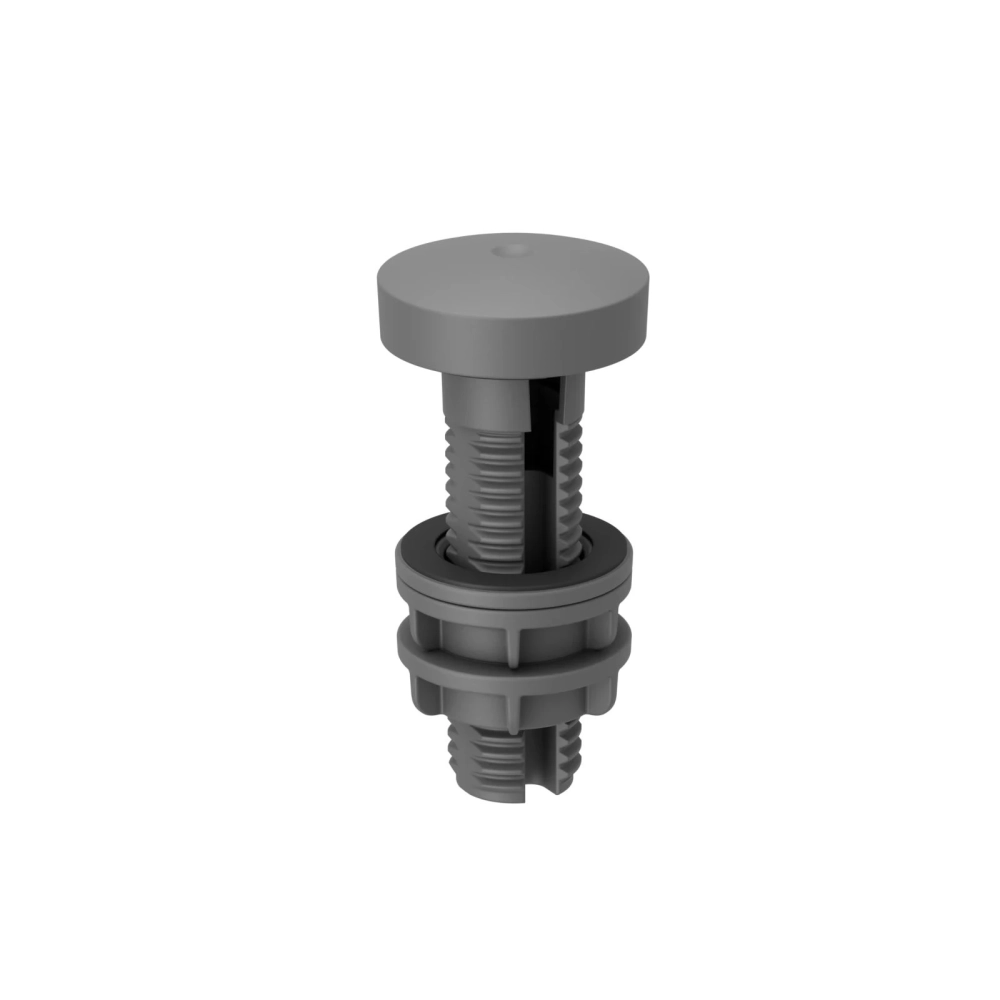
- 25.4 mm grommet adapter
- Magnetic dock
- User guide
PRICE NOTIFICATION
NOTEBOOK SEARCH

OPINIONS
0.0
