
LG 40WP95XP-W
Substitute products
Product description
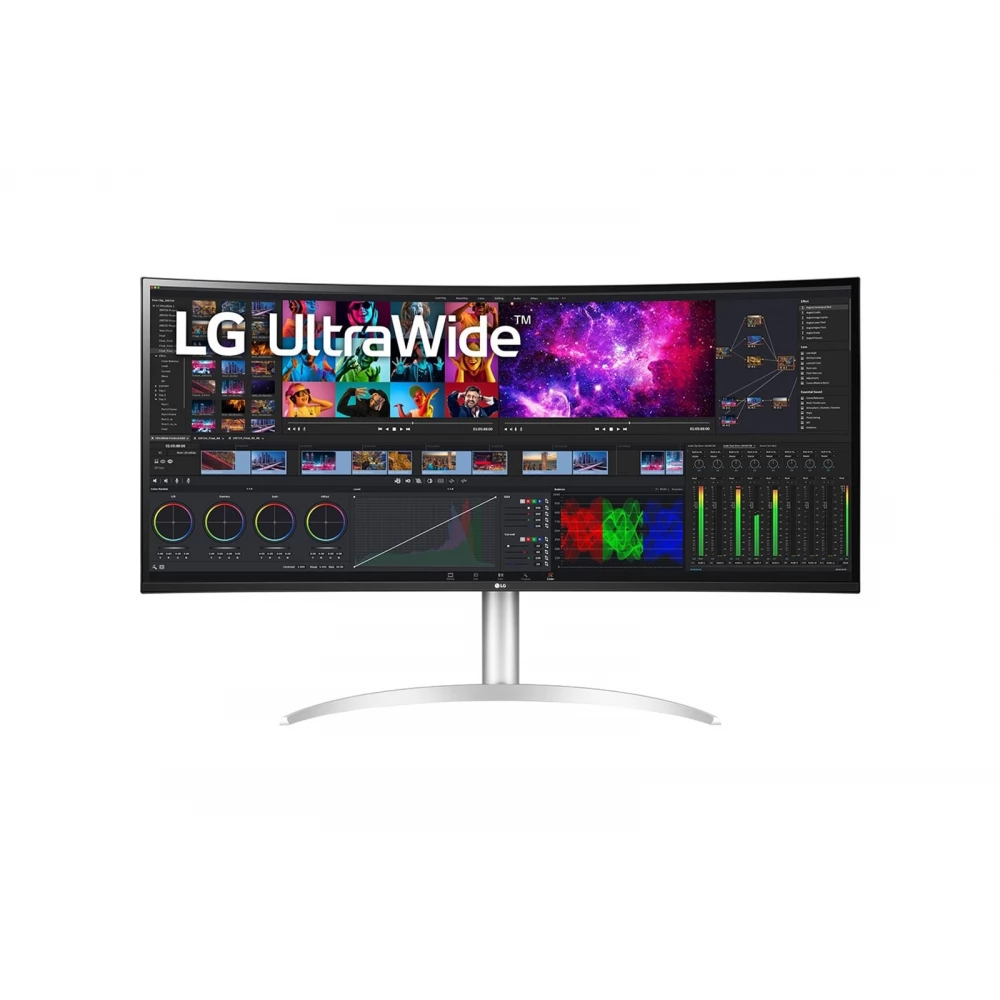
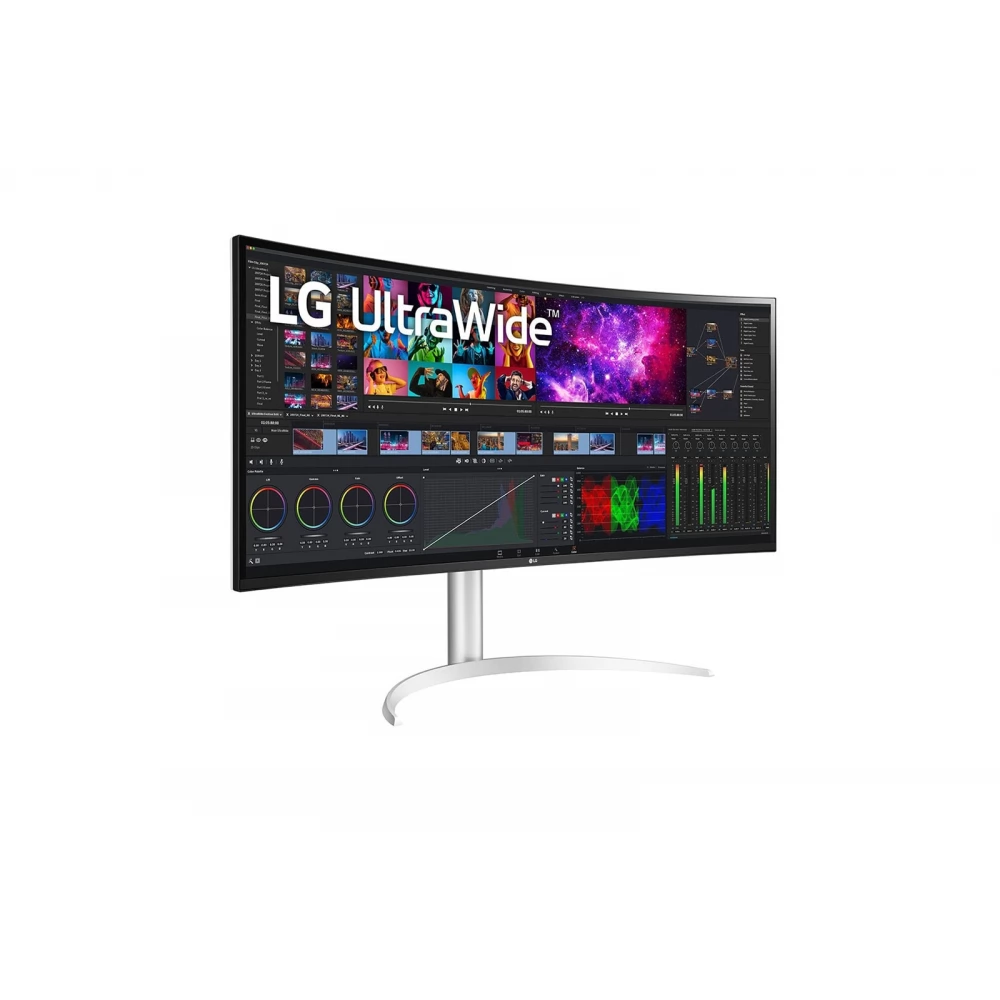
The LG 40WP95C-W uses state-of-the-art technology to deliver stunning visuals to all users. It enables versatile use, so it can meet the needs of all users. With its modern, clean appearance, it stands out in any environment.
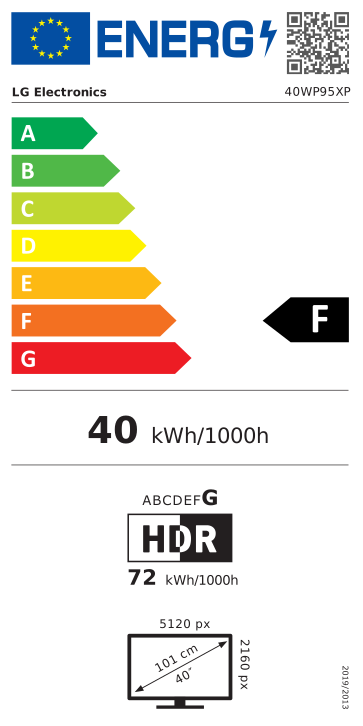
The monitor is 39.7 inches, UltraWide™ 5K2K resolution, in which 1.07 billion colors vibrate. It provides a stunning view and image experience, whether it is work, play or entertainment. With the support of HDR10 technology, the monitor offers vivid, realistic colors and contrasting black and white shades, which make the images even deeper and more lifelike. Thanks to Nano IPS technology, the image quality is excellent, the monitor has sharp colors and contrast, as well as a wide viewing angle. And thanks to the 178°/178° viewing angle, we can see the same precise and sharp image from every angle. Color calibration helps preserve the original appearance of colors on the screen, avoiding gradual deviations and changes.
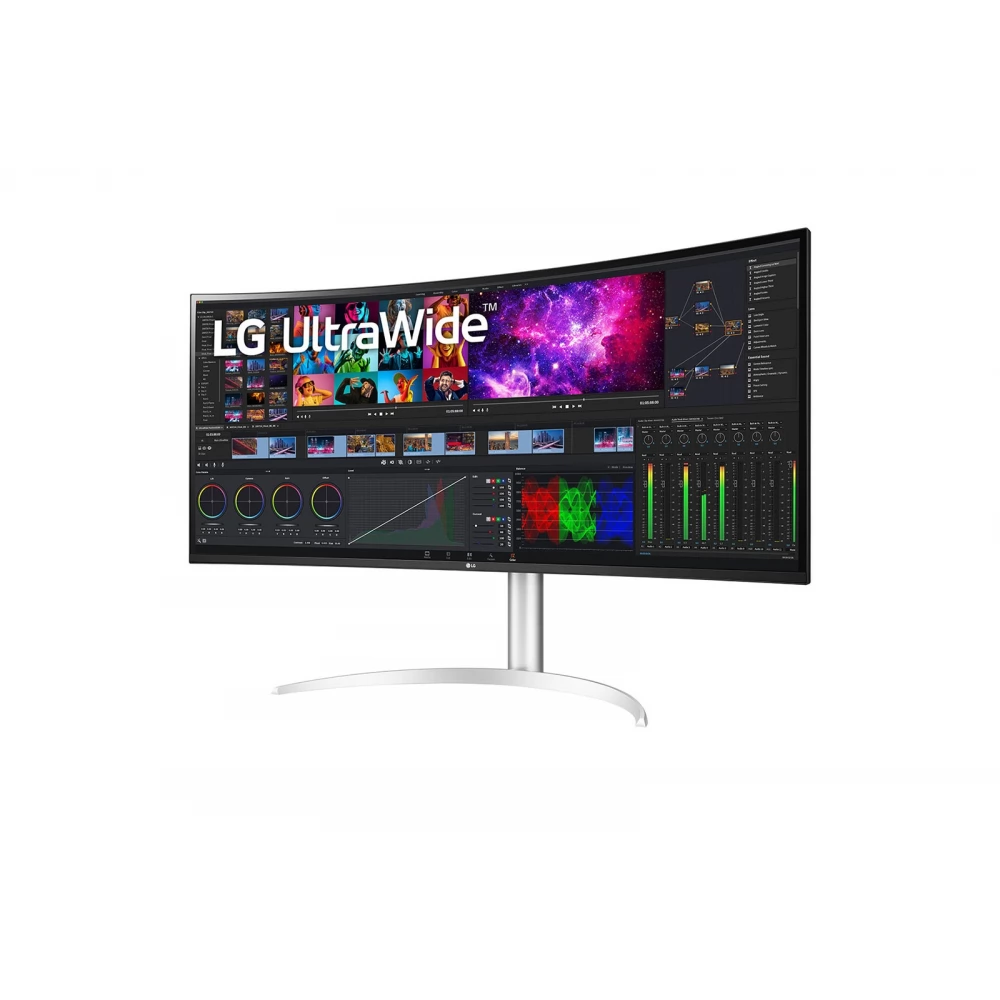
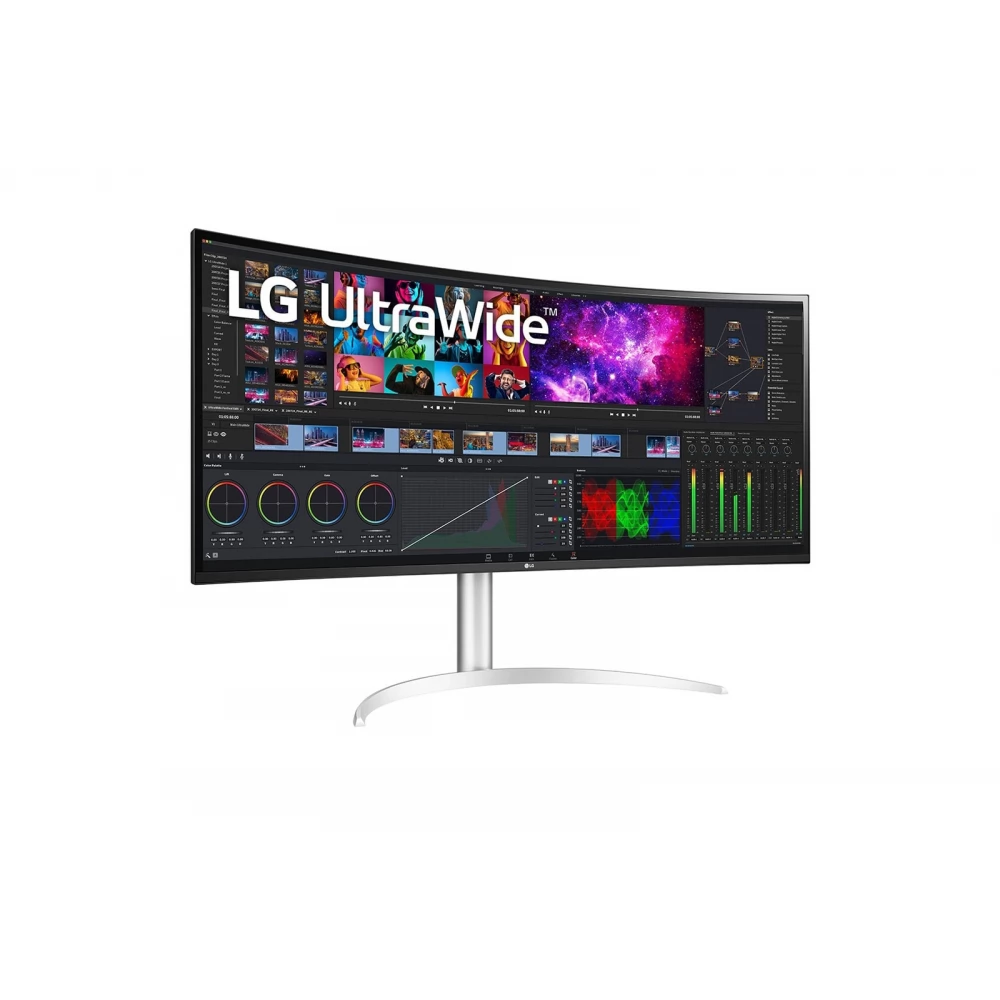
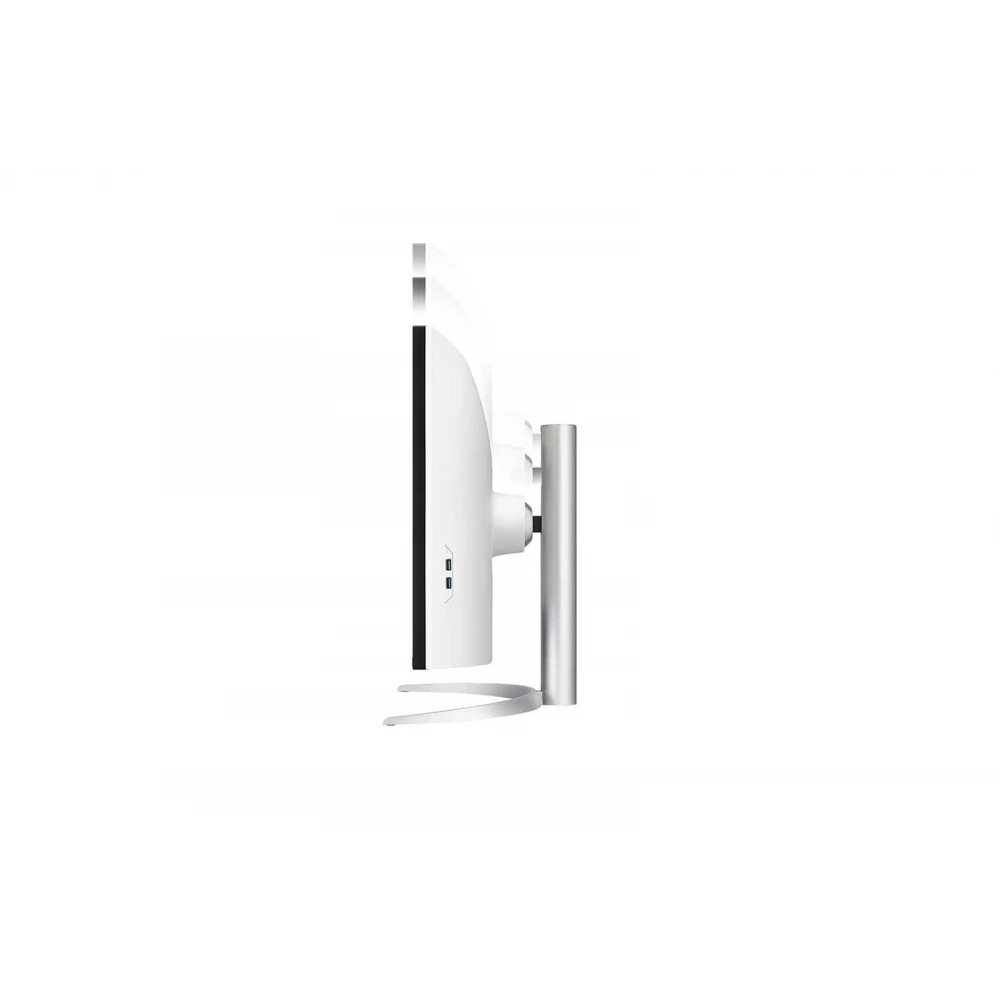
The curved design and 21:9 aspect ratio make it an ideal platform for multitasking, allowing you to manage tasks in multiple windows at the same time, increasing productivity. There is an almost invisible frame on three sides of the monitor, which increases the visibility of the displayed images and facilitates the multi-monitor setup.
Equipped with Black Stabilizer® technology, the monitor ensures consistent bright image quality from the center to the edge of the screen, helping gamers spot snipers lurking in dark corners and move quickly between explosions during gameplay.
The PbP function enables simultaneous display of content from up to four different signal inputs. The screen divided into four parts offers the user four equivalent work areas without the front panel being in the field of view. Perfect for many applications such as stock data, medical desk publications, CAD/CAM drawings, graphic and web design.
LG 40WP95C-W supports AMD FreeSync™ technology, which imperceptibly synchronizes the refresh rate of the graphics card and the monitor, removing excessive pixelation and minimizing image tearing. This guarantees flawless image quality even in more intense game situations. Dynamic Action Sync® reduces input lag, helping gamers catch critical moments in real time.
The OnScreen Control and Screen Split functions make it easier to organize windows and use the screen. You can customize the workspace by dividing the display into multiple windows. With one simple movement, you can switch between different interfaces, which help you manage different applications and windows more efficiently. You can choose from a variety of layouts, from purely text-based to more sophisticated graphic layouts. With a few clicks of the mouse, you can change the basic settings of the monitor. Furthermore, it enables easy storage and access of screen settings, so that work or entertainment is always adjusted to the user's preferences.
The built-in speakers (2x 10W) perfectly complement the visual experience, so there is no need to install a separate speaker when participating in web conferences, playing games or watching videos.
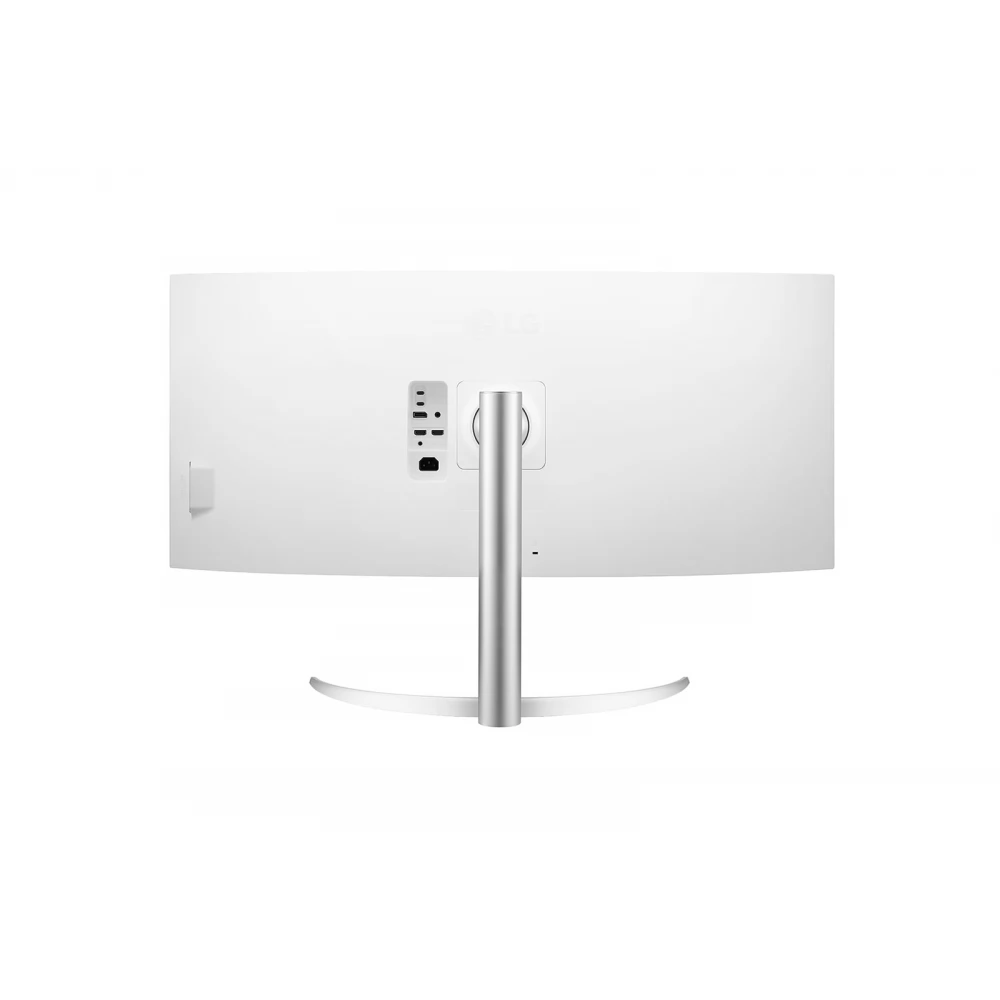
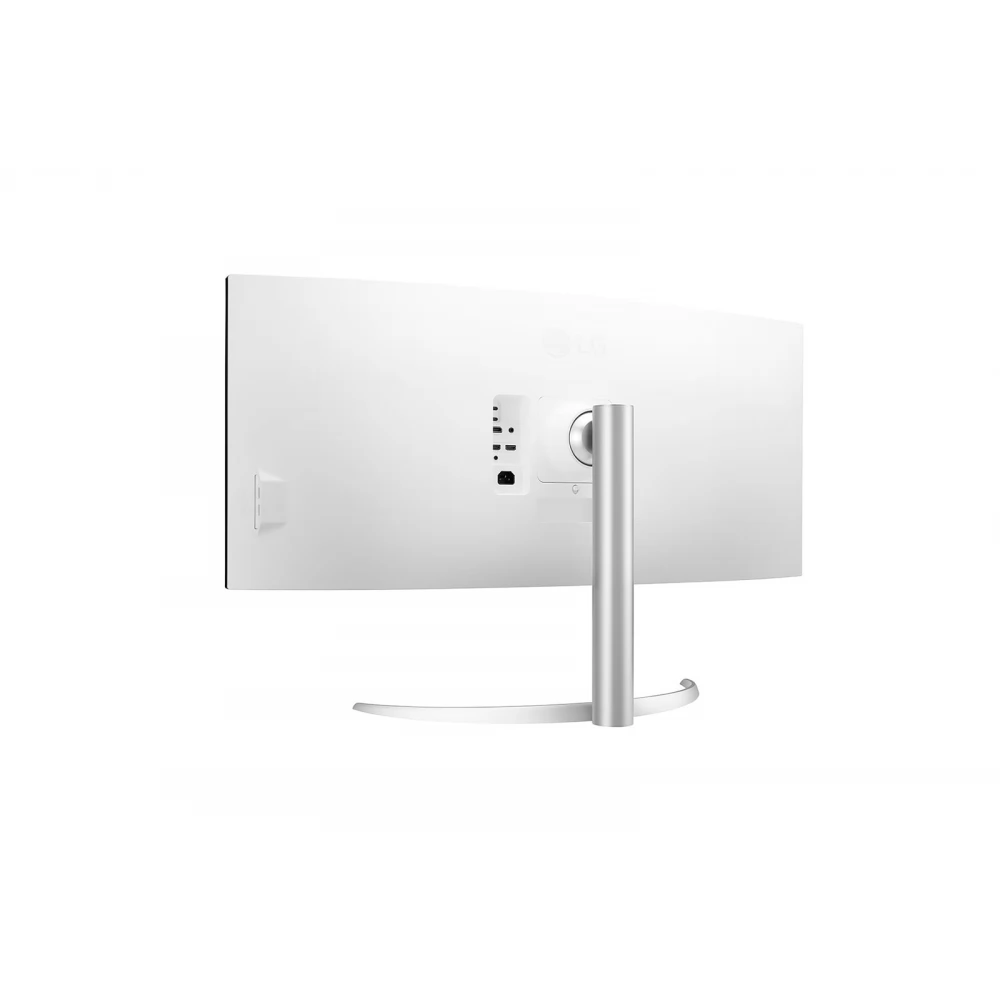
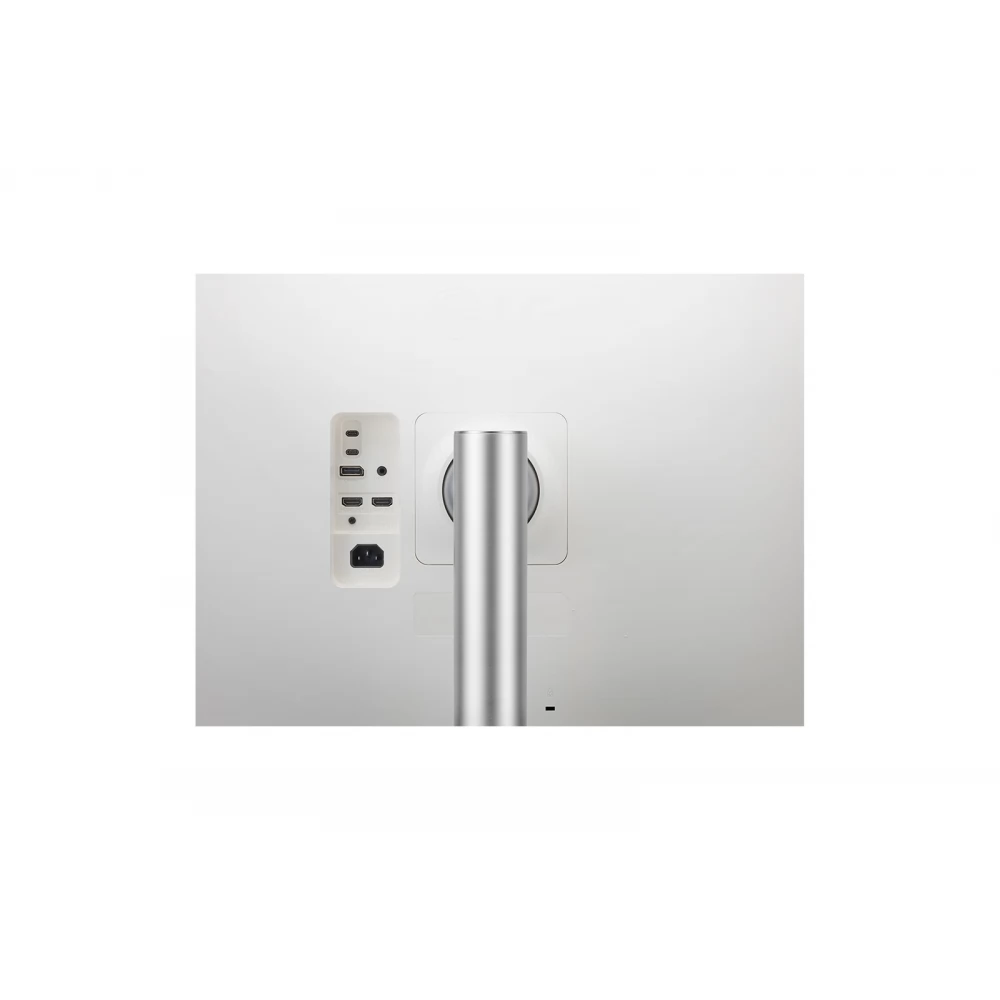
It also has several connection options and a built-in USB hub, which provide flexibility in pairing different devices. Thanks to Thunderbolt™ 4, you can enjoy up to 5K2K display, data transfer from the connected device and charging (up to 96W) through a single cable, providing stability, scalability and security. The Thunderbolt™ port and DisplayPort connector allow easy Daisy Chain setup. For example, you can create an efficient workstation by connecting two monitors and a laptop using the appropriate cables.
LG Live Color Low Blue Light and TÜV Rheinland Eyesafe ® display certification protect your eyes from blue light by combining RGB hardware and software settings while maintaining vivid and high-quality colors.
Thanks to the eye-friendly technologies, it protects the eyes from fatigue, irritation and certain damages. Reader mode adjusts the color temperature and brightness by reducing blue light to make it less stressful and easier on the eyes when using the screen. Flicker-free image reduces invisible flickering on the screen so that your eyes are less tired.
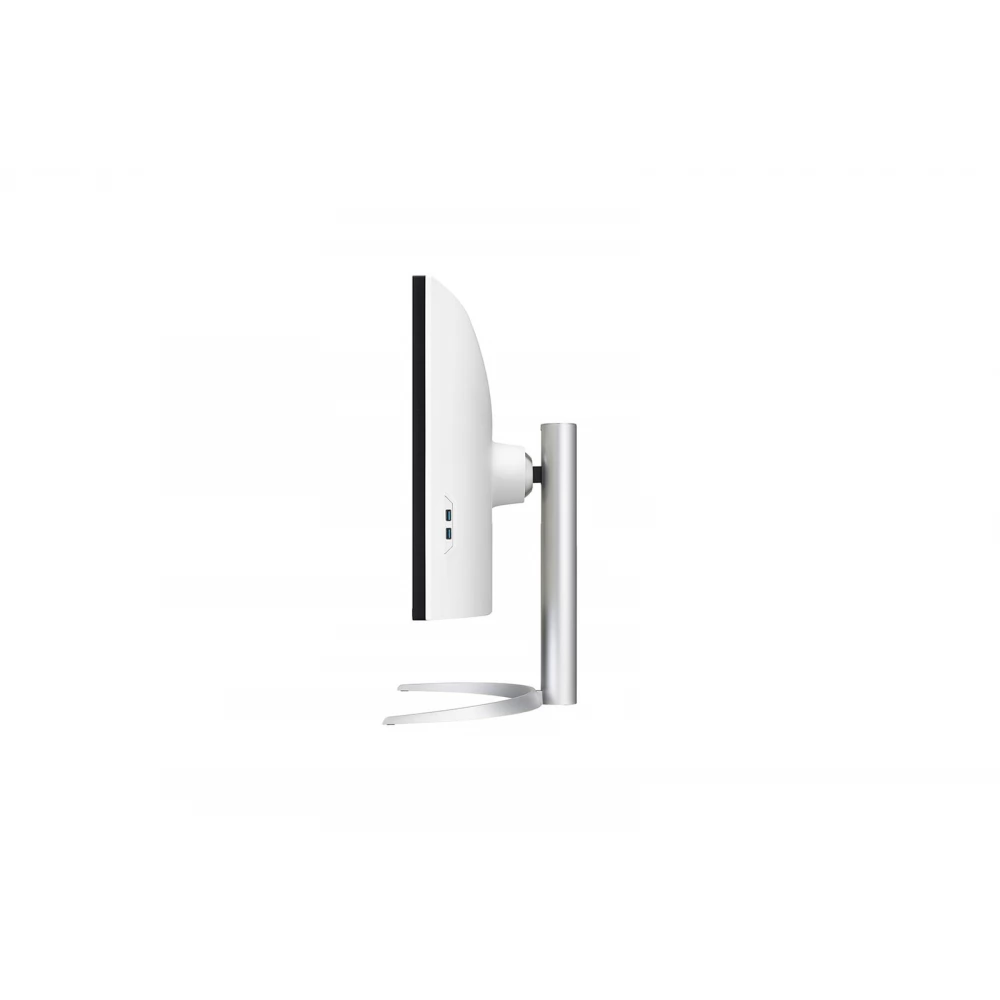
The ergonomic design ensures comfortable and healthy use. Thanks to the stand, which can be clicked in with one movement, installation is simple and no additional tools are required. The monitor can be tilted (-5º/+20º), rotated (-15º/+15º) and its height can be adjusted (0-110 mm). And with the help of the wall holder (100x100 mm), it can be easily mounted on the wall, saving space on the table.
It's automatic
Similar products
NOTEBOOK SEARCH
OPINIONS
OPINIONS
