
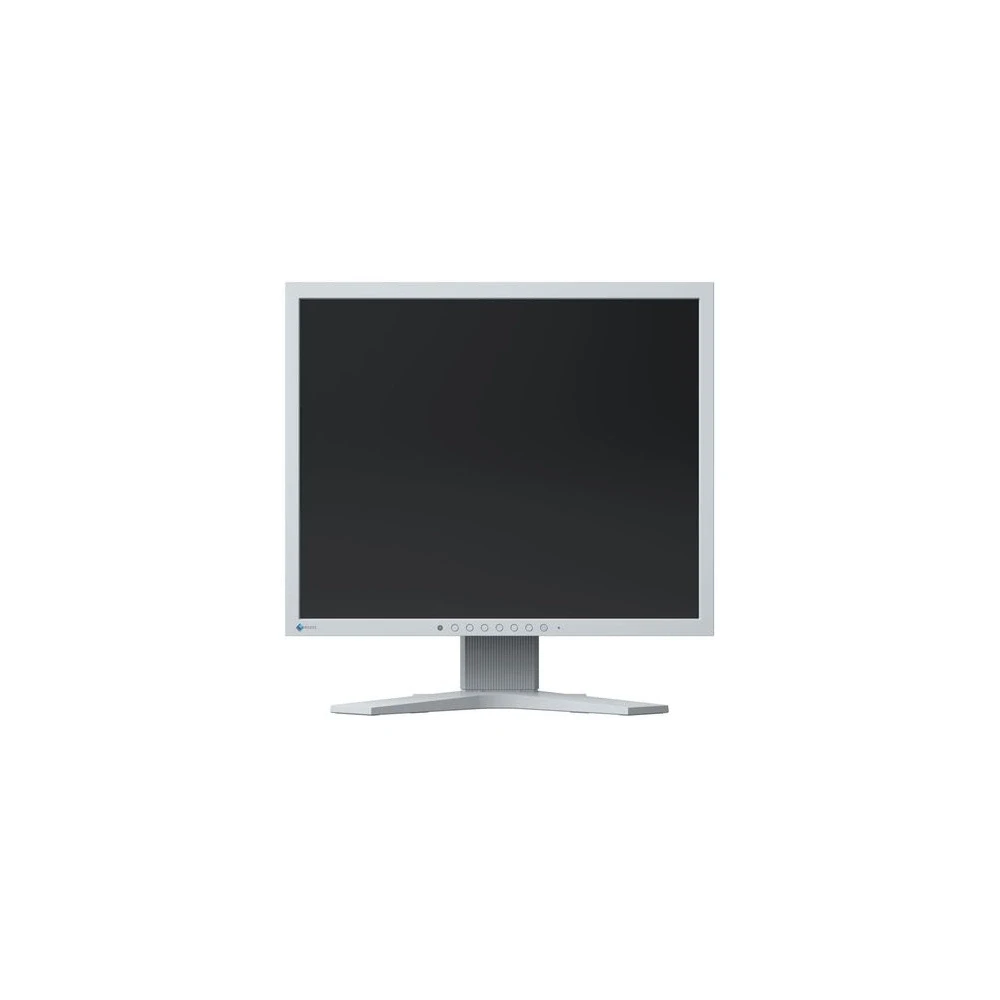
EIZO FlexScan S1934H-GY
143 990 Ft

Product description
Excellent image quality using an IPS panel
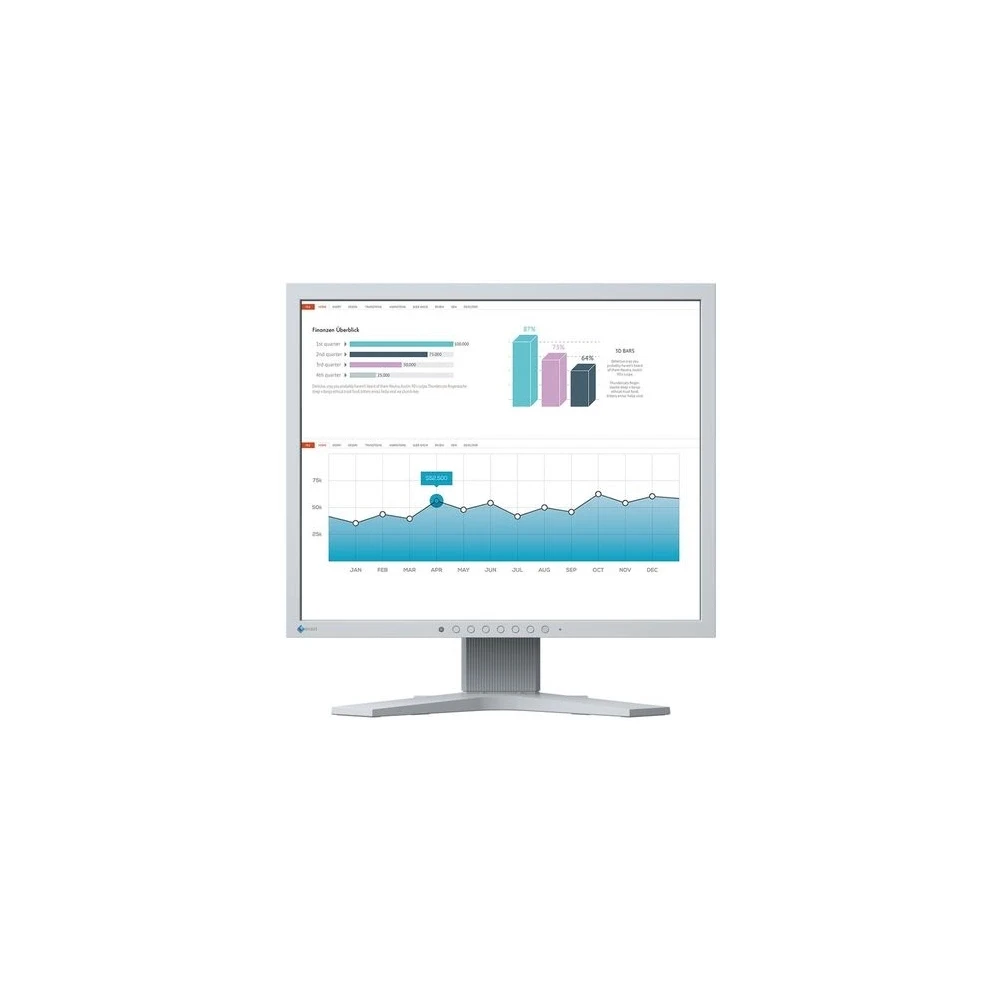
The monitor has the three key factors required for excellent image quality: the perfect pixel resolution of 1,280 x 1,024, the best contrast of 1,000:1 and stable brightness up to 250 cd/qm. This provides you with the following benefits: pin-sharp text contours, brilliant graphics, and crystal-clear images. Thanks to the high-quality IPS panel with LED backlight, contrasts and colors remain stable from all angles.
10-bit LUT for precise color control
If small color differences are important, the internal 10-bit look-up table (LUT) offers several advantages: The assignment of color information is significantly more accurate than with an 8-bit LUT. The color gradations are extremely fine and offer unique adjustment options. Through the color temperature control, for example, the white point can be determined between 4,000 K and 10,000 K with an accuracy of 500 K. In addition, the color saturation can be set separately for the RBG colors.
Energy saving and eye protection with the Auto EcoView function
Perfect in all light conditions: The Auto-EcoView function adjusts the brightness of the monitor to changes in the light conditions of the environment. Fully automatically, using own sensors. Increases the brightness of the screen in strong light, and decreases it in low light. The advantages: Disturbing glare is reduced, recognition is increased and your eyes don't tire as quickly.
Manual adjustment of the monitor is of course still possible. The EcoView-Index shows how environmentally friendly the current setting is. In this way, you can regulate the energy consumption yourself.
Flicker-free image
The monitor remains flicker-free at any brightness setting. All of this is made possible by controlling the backlight, which uses EIZO's own hybrid technology. This combines the advantages of the usual PWM dimming and DC (direct current) control. The advantages: Your eyes don't get tired so quickly. He can work in front of the screen for a long time.
FineContrast mode: Optimized display at the push of a button
The FineContrast mode facilitates the processing and viewing of images, texts and movies. It's no wonder, since when setting the color, you have to take into account whether you're watching a movie, editing a picture, surfing the Internet or writing a text. The most suitable preset for brightness, gamma correction and color temperature can be selected with a single button press. So, for example, Paper mode simulates the pleasant contrast of books by reducing the proportion of blue light. In addition, user-defined settings are available. A special extra for those working in medicine is the DICOM mode, which optimizes the display of radiological images with DICOM brightness characteristics.
ScreenManager Pro: Personalized settings
Every FlexScan monitor comes with the ScreenManager Pro software, which allows you to adjust the monitor's color and EcoView settings using the mouse and keyboard instead of the on-screen menu. A signal cable or a USB socket is sufficient. With the Multi-Monitor Matching function, the desired settings can be made on all FlexScan monitors connected to the given computer.
One monitor, many connectors
It couldn't be simpler: You can connect most end devices, such as a computer, laptop or camera, directly to the monitor, as you can choose from a number of input types. All this makes your everyday work easier.
Flexible stand
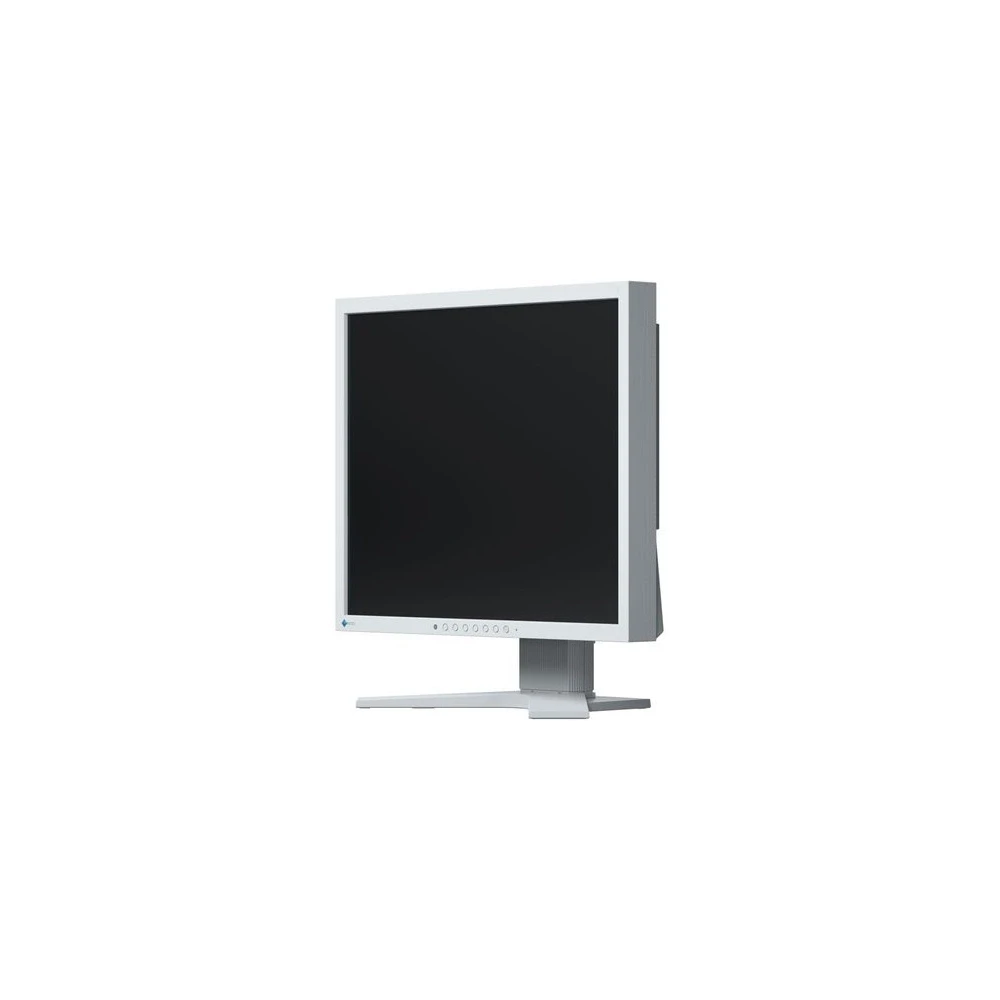
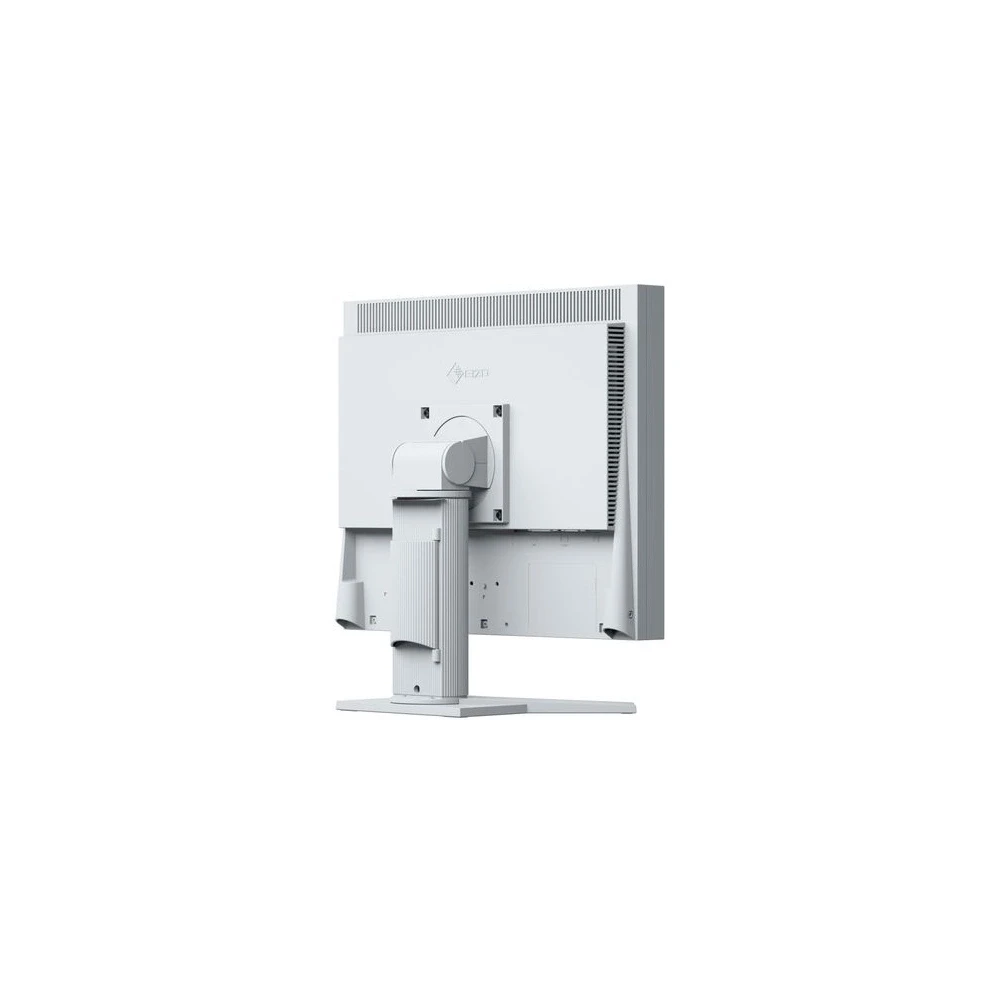
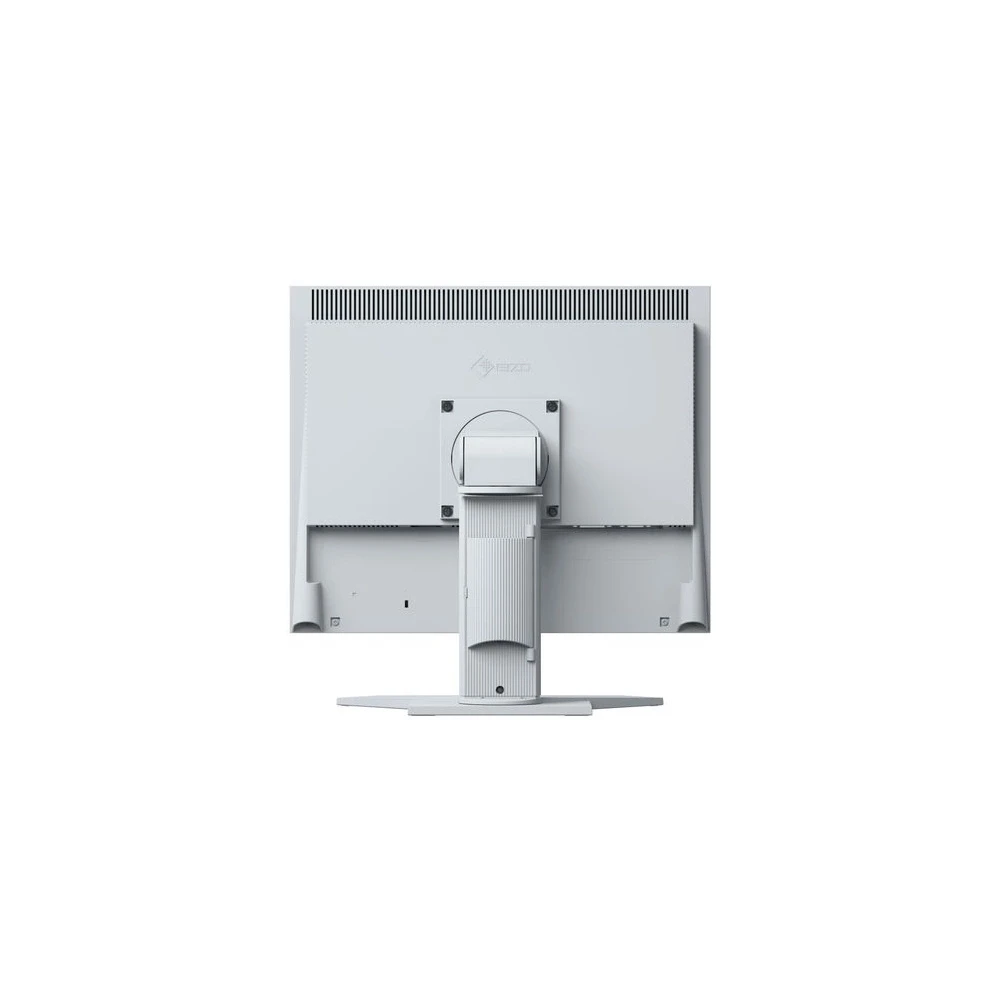
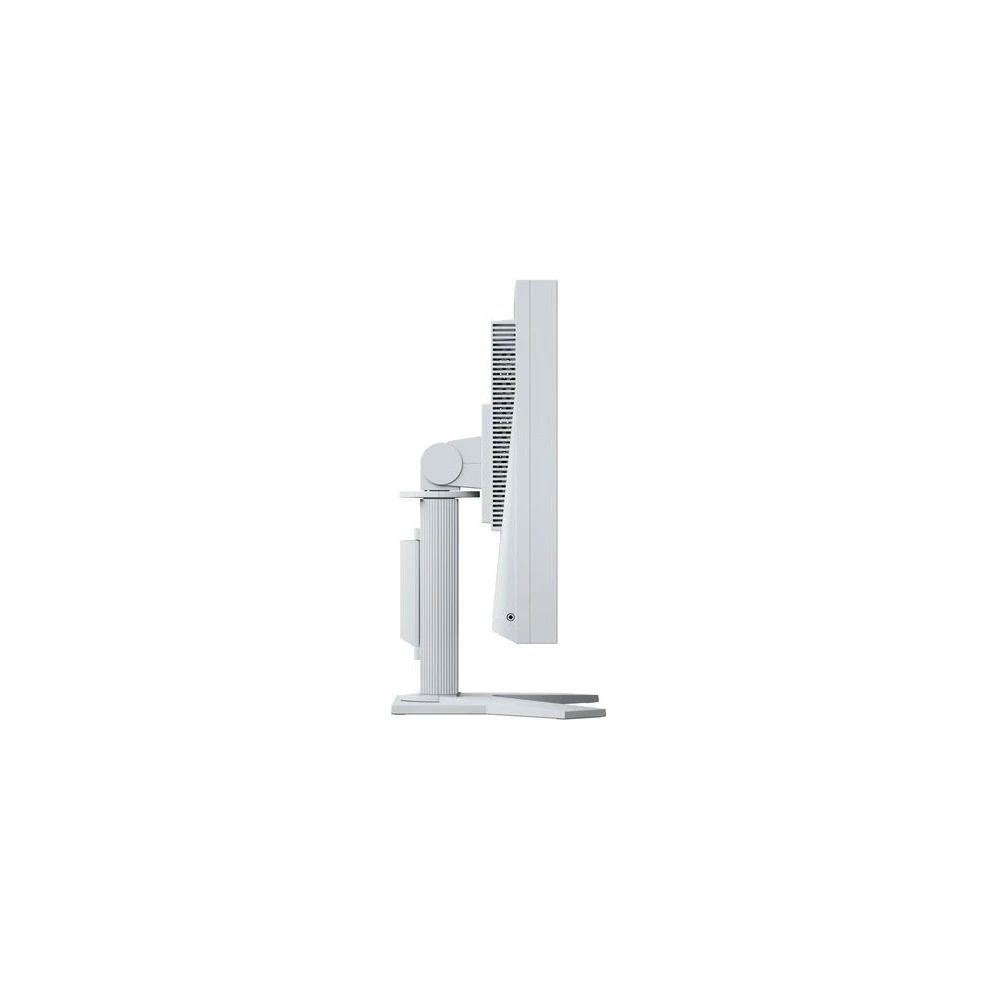
Ergonomic and stable: with adjustable stands, the main focus is on ergonomics. You can turn, lower and tilt the monitor stand to make it as comfortable as possible for your back, neck and posture. The height can be adjusted gradually and, depending on the model, it can even be lowered to the very bottom of the base of the stand. Thanks to this, you can ergonomically set the top row below eye level.
LED backlight: Economical operation, mercury-free construction
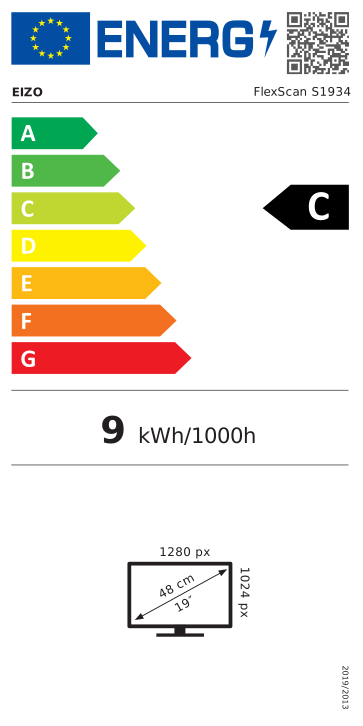
Monitors with LED backlighting protect the environment during their entire lifetime, i.e. from production through use to disposal. After all, on the one hand, their energy consumption is extremely low... The typical consumption is around 9 Watts. On the other hand, they do not contain mercury, a substance toxic to humans and animals, which is very difficult to dispose of.
Anti-reflection surface: better image quality, less reflection
The S1934 monitor was equipped with an effective anti-reflection surface. The anti-reflective surface reduces the reflection of the screen to a minimum level by scattering the reflected light, thus effectively preventing excessive eye strain. In this way, eye fatigue can be significantly reduced and comfortable work can be ensured, since we do not even have to change our sitting position to avoid reflections.
PRICE NOTIFICATION
NOTEBOOK SEARCH

OPINIONS
0.0
