
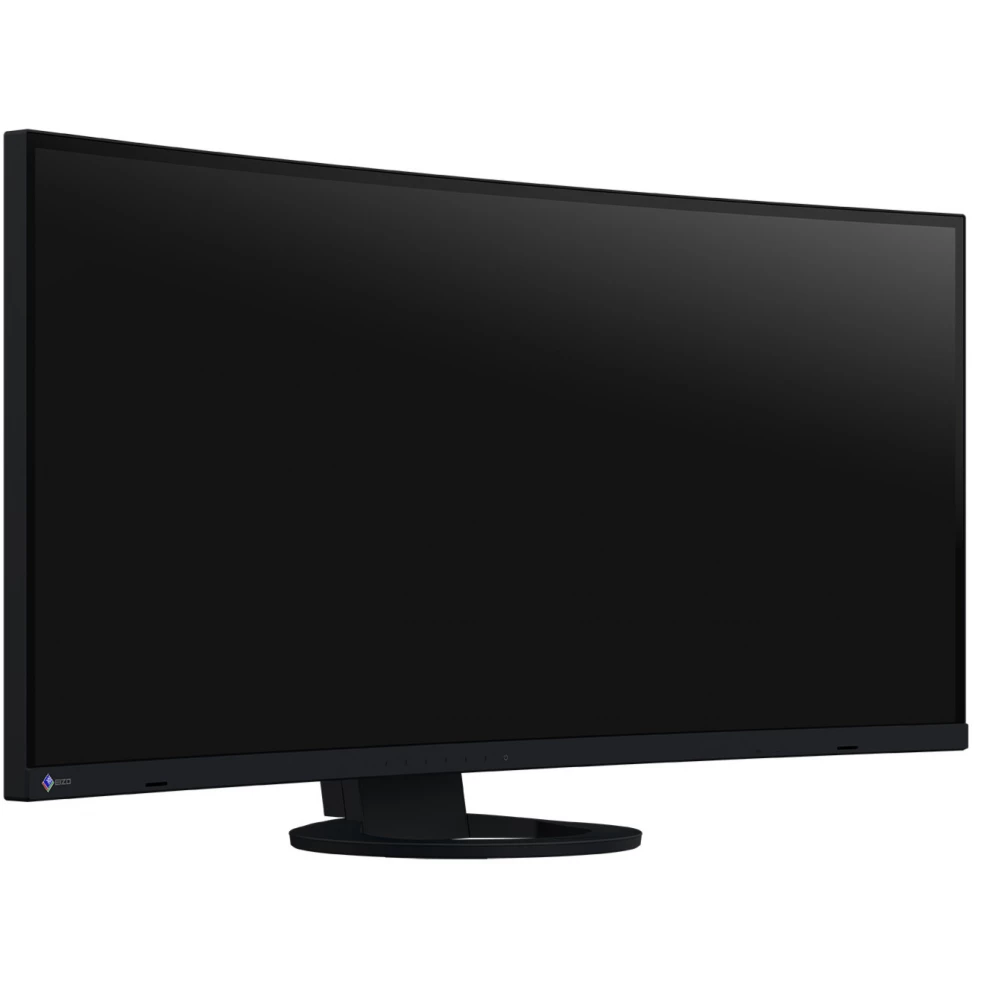
EIZO FlexScan EV3895-BK
546 990 Ft

Product description
The numerous connection options and the docking function via the USB Type-C connector make our EV3895 model particularly user-friendly. In addition, the monitor also offers a LAN connection and an 85 W power supply. All important information is available at a glance on the large and 24:10 aspect ratio, ultra-wide format work surface. The monitor, capable of displaying the images of up to three computers at the same time, also enables the assignment of keyboard and mouse USB sockets as required.
Format design
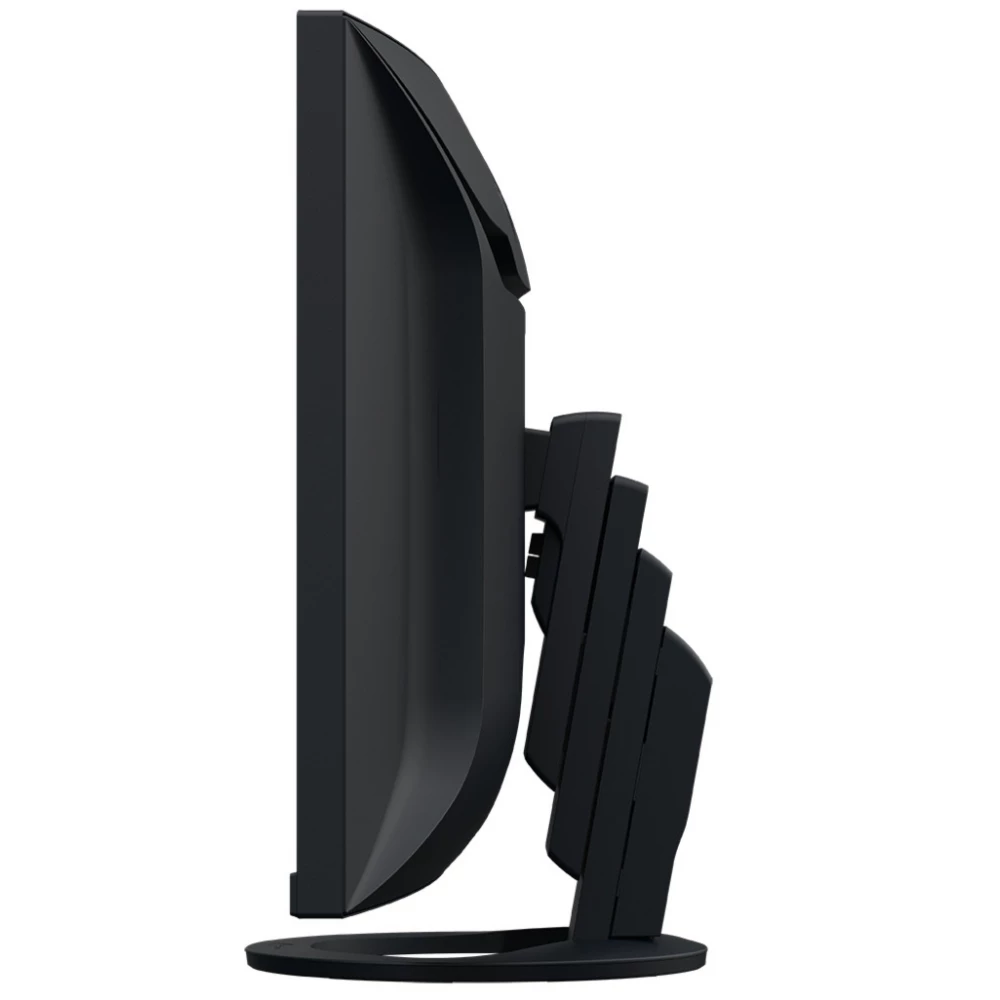
FlexScan office monitors look great on any desk. Reflecting elegance, their particularly narrow and compact design is combined with a space-saving design. Extremely attractive in themselves, the models with particularly narrow frames are also ideal for multi-screen use. Without compromising user-friendly handling.
Unlimited space for convenient display
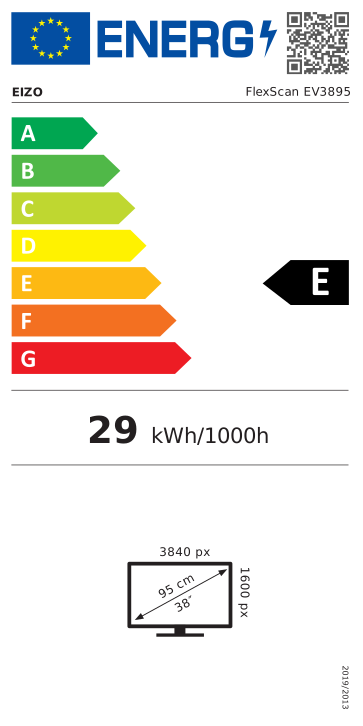
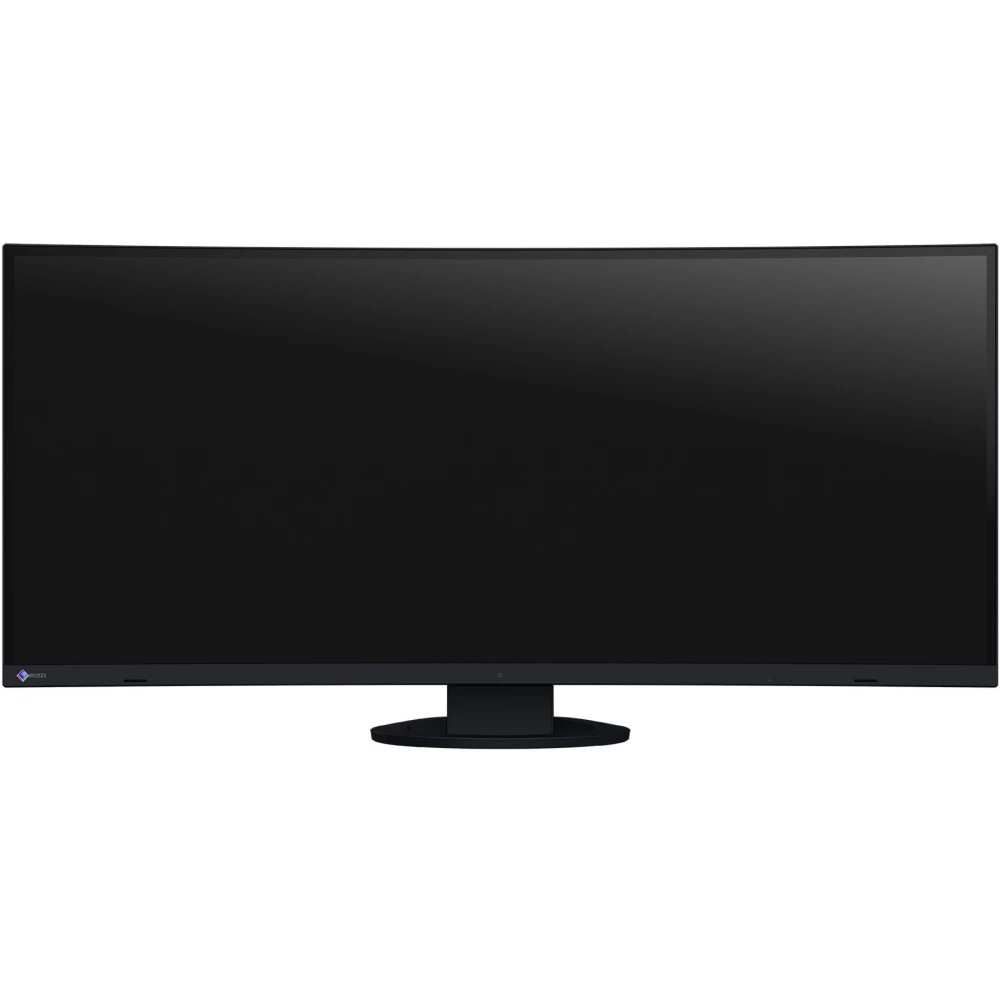
The 37.5-inch screen diagonal of the EV3895-BK monitor is combined with an ultra-wide, 24:10 aspect ratio. The screen's resolution of 3840 x 1600 pixels (UWQHD+) is almost three times that of Full HD monitors. Several applications can be easily displayed simultaneously on the huge surface screen, making the use of additional monitors unnecessary.
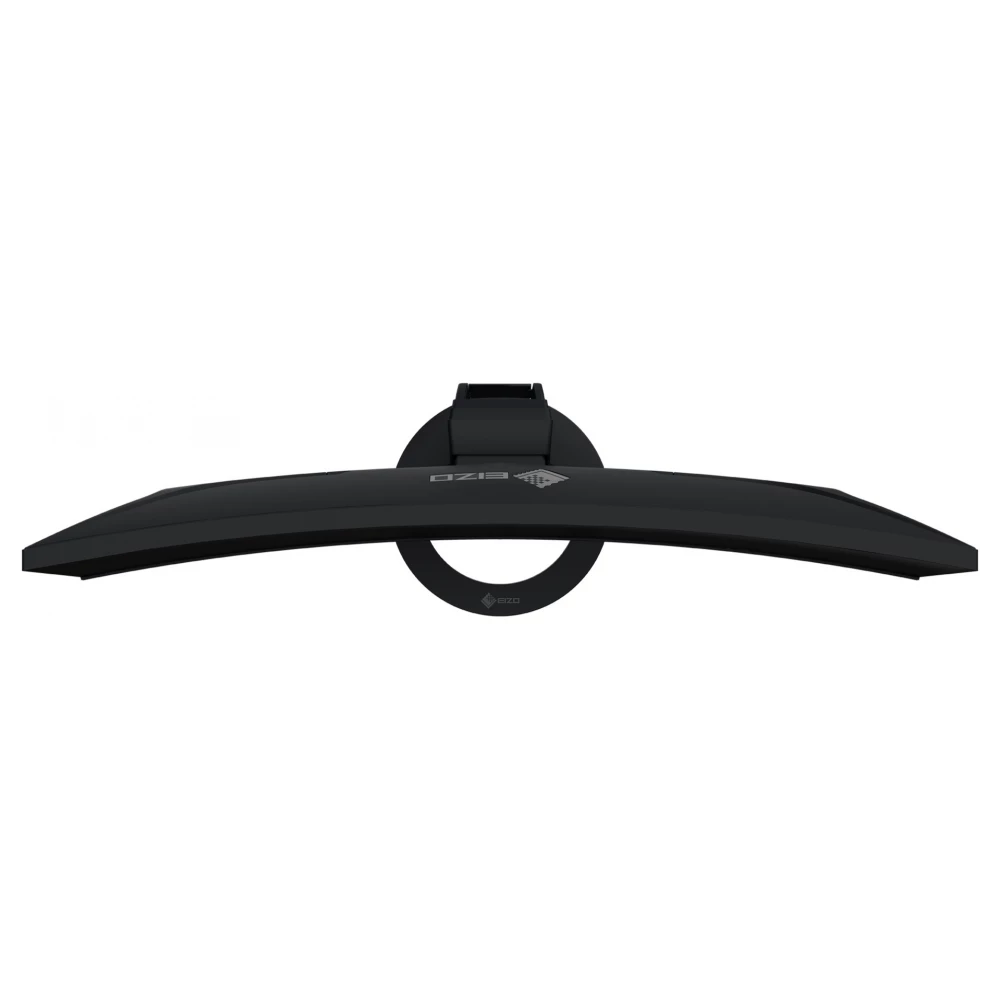
Curved design makes viewing comfortable. The distance between the eye and the screen increases as you move towards the edge of the display. This becomes clear when they sit closer to the monitor. In contrast to a completely flat surface, the curvature of the monitor also makes the side parts of the screen surface visible.
Elegant design
The external appearance of the monitor can significantly contribute to creating a pleasant working environment. Thanks to its minimalist design and great ergonomic functions, the monitor naturally fits into the work environment, whether at home or in the office.
Thanks to the practically frameless device housing and the narrow and stable stand, the monitor requires little space despite its large screen diagonal. The EV3895-BK leaves enough space for comfortable work even on smaller desks.
In addition to the elegant black, the device housing is also available in white, with matching white cables.
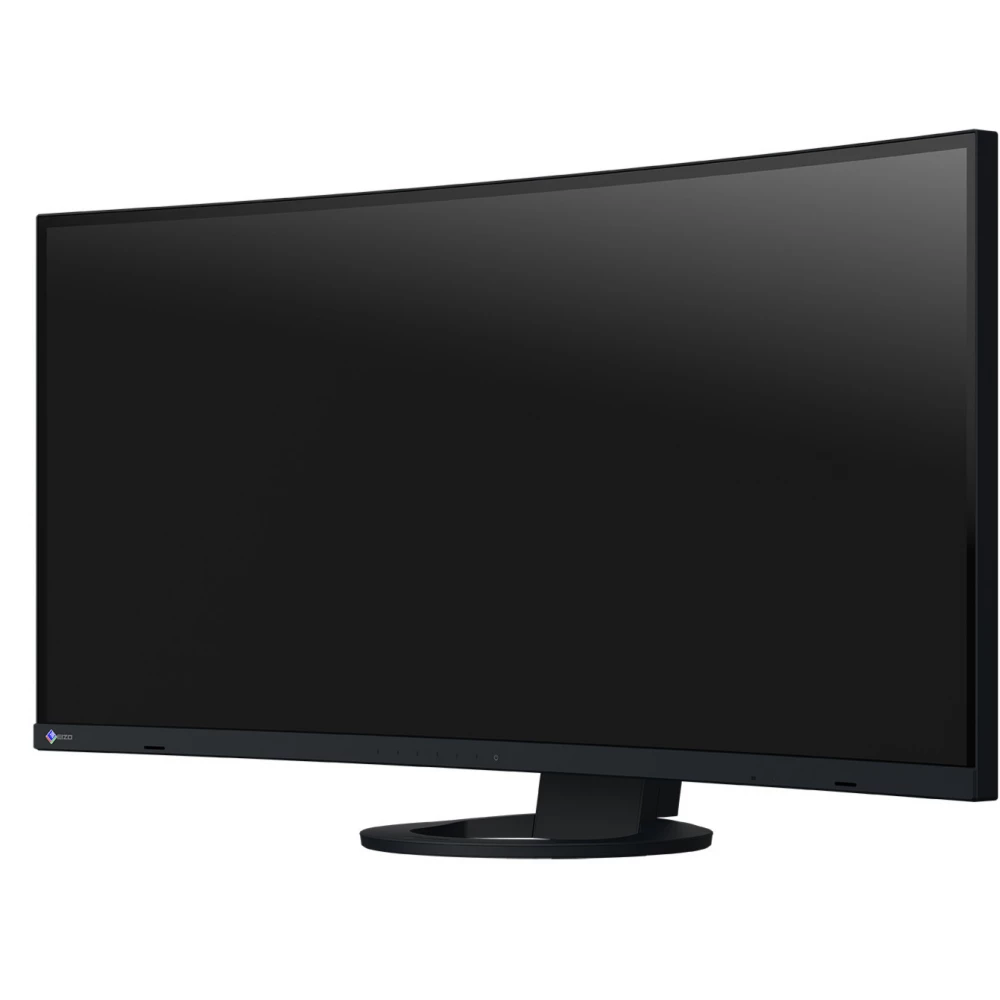
Controls integrated into the frame
On the front of the EV3895-BK, instead of mechanical buttons, easy-to-use electrostatic controls have been placed, giving the device a particularly elegant appearance. Since the speakers are also placed in the frame, they face forward, that is, in the direction of the user. The especially user-friendly design forms a perfect unit with the flat, virtually frameless design of the monitor.
Organized cable routing
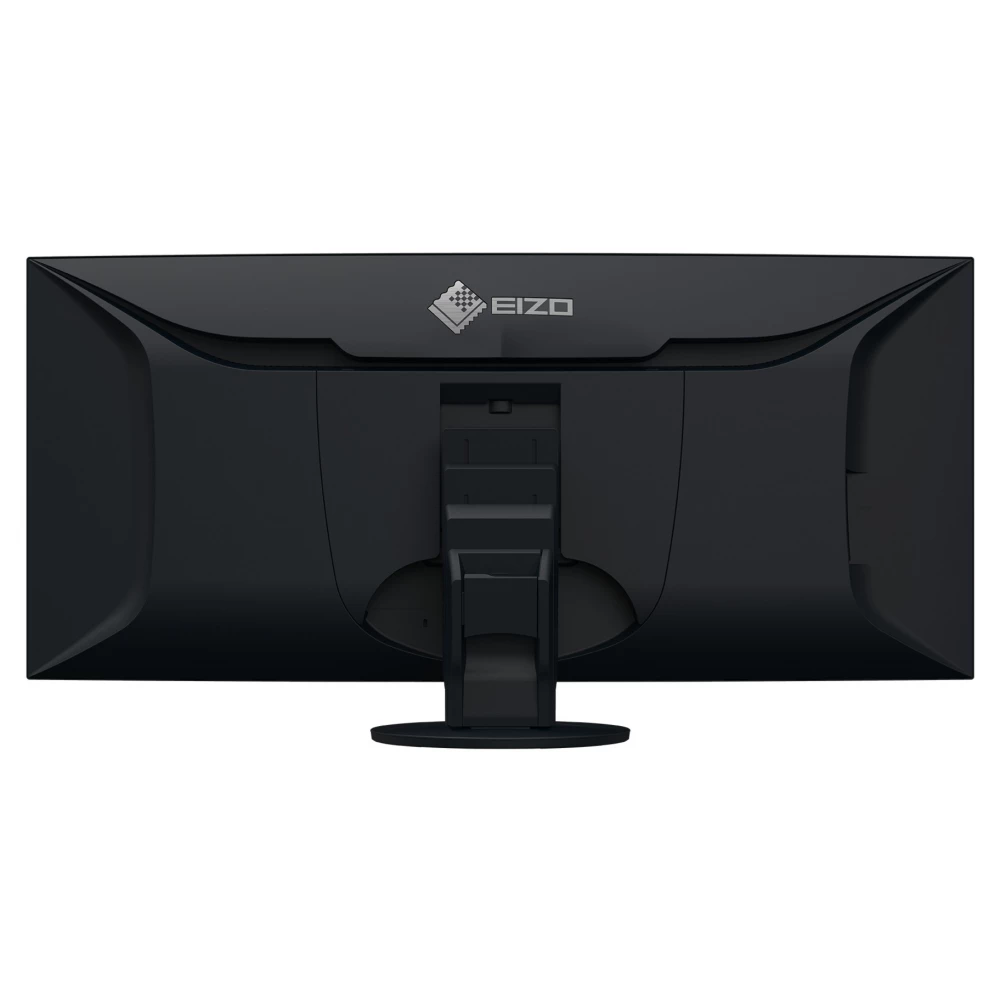
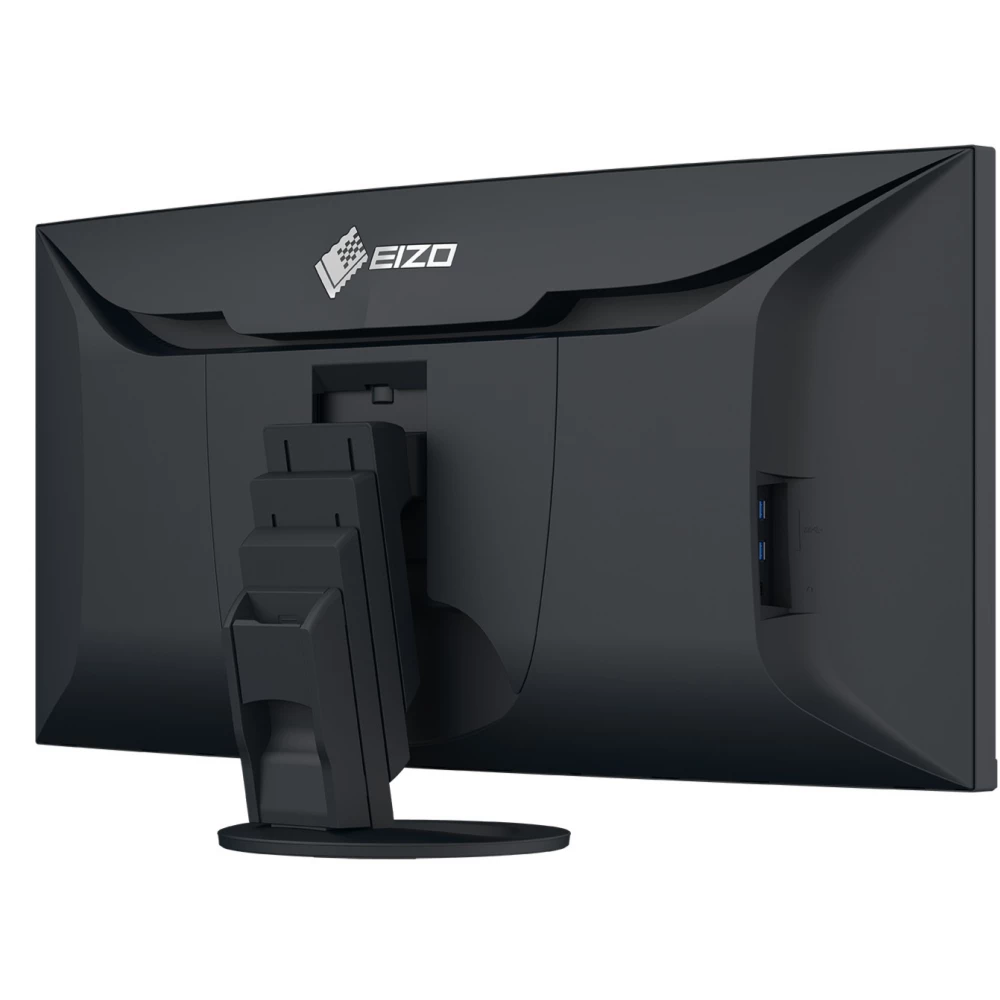
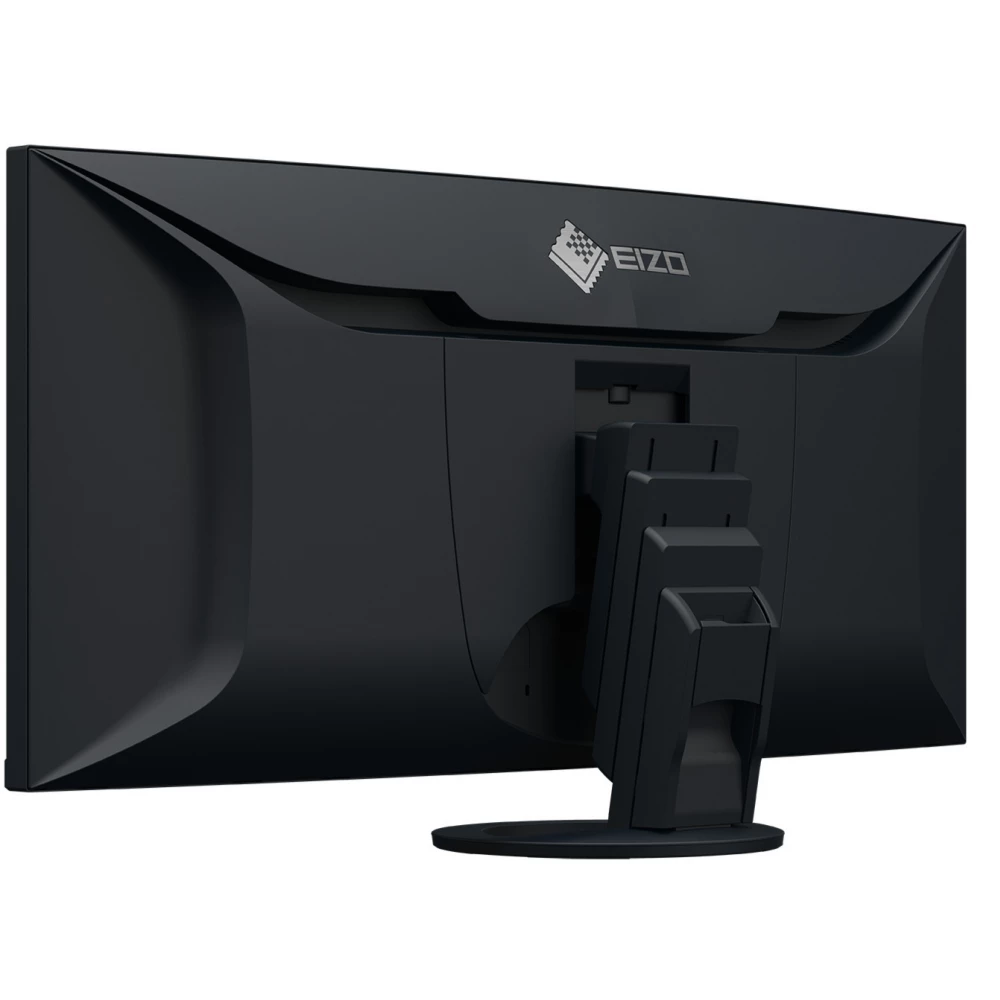
Taking advantage of the wide range of connectivity usually requires the use of many cables. However, when you use the EV3895 with its cable channel and removable back cover, you can forget about the clutter of annoying cables. The details created in the spirit of well-thought-out design give the back of the device a particularly tidy appearance.
Versatile connectivity
More flexible work thanks to particularly versatile connectivity. Whether it is used as a docking station or part of a multi-screen system, or even for connecting external devices: thanks to the wide range of connectivity, EIZO's office monitors can be easily and comfortably adapted to any office environment and workflow.
Monitor with many connectors
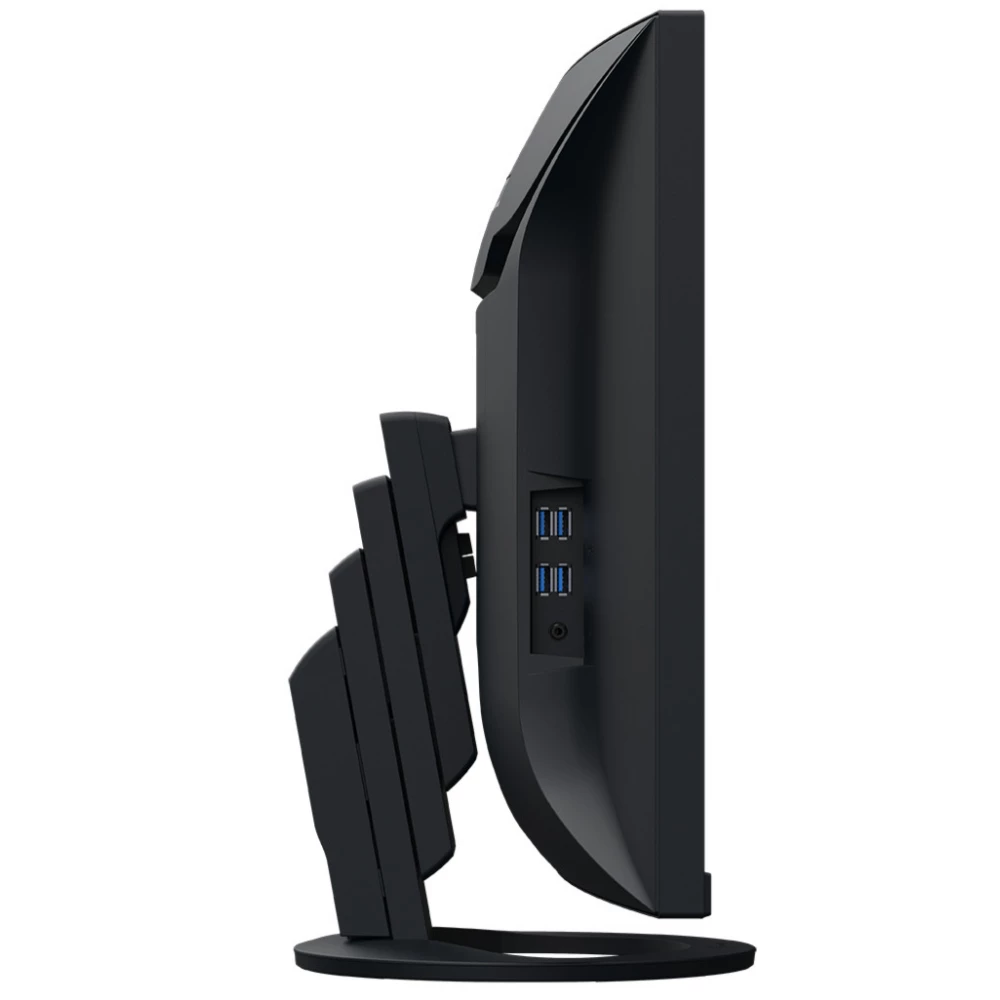
The EV3895-BK monitor is also equipped with four side, easily accessible Type A output (Downstream) USB connectors. Thus, various peripheral devices can be connected to the screen without a USB hub. This is especially useful when using notebooks with too few USB sockets, or when optimizing equipment for a shared workplace or home work environment. For comprehensive and flexible connectivity, the monitor is equipped with two HDMI sockets, as well as a USB Type-C connector and DisplayPort video inputs. The connectors on the back of the monitor are conveniently accessible.
A USB type C socket that also enables the connection of the most modern devices
A single USB Type-C cable is all you need to play video and audio files, transfer lightning-fast data, transmit network signals, power connected devices, and many other functions. You can quickly and conveniently connect your notebook to the EV3895-BK monitor, which can also be used as a central docking station. This is especially useful when switching between different workplaces or between office and home work. Smaller computers and notebooks can be reliably charged via the USB type C connector, which provides 85 W of power. This eliminates the need for additional computer power supplies, leaving more space on the desk.
LAN connector
PRICE NOTIFICATION
NOTEBOOK SEARCH

OPINIONS
0.0
