
EIZO FlexScan EV3285-WT white
Substitute products
Product description
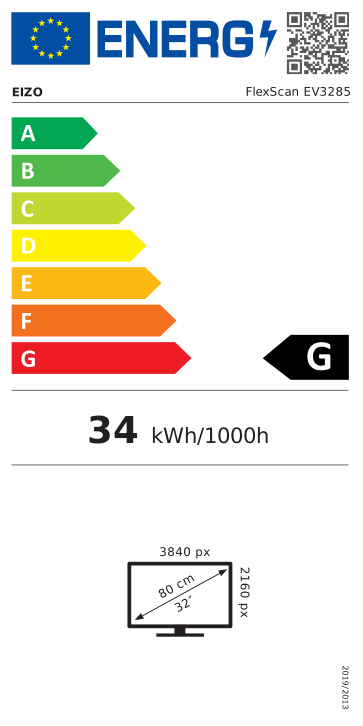
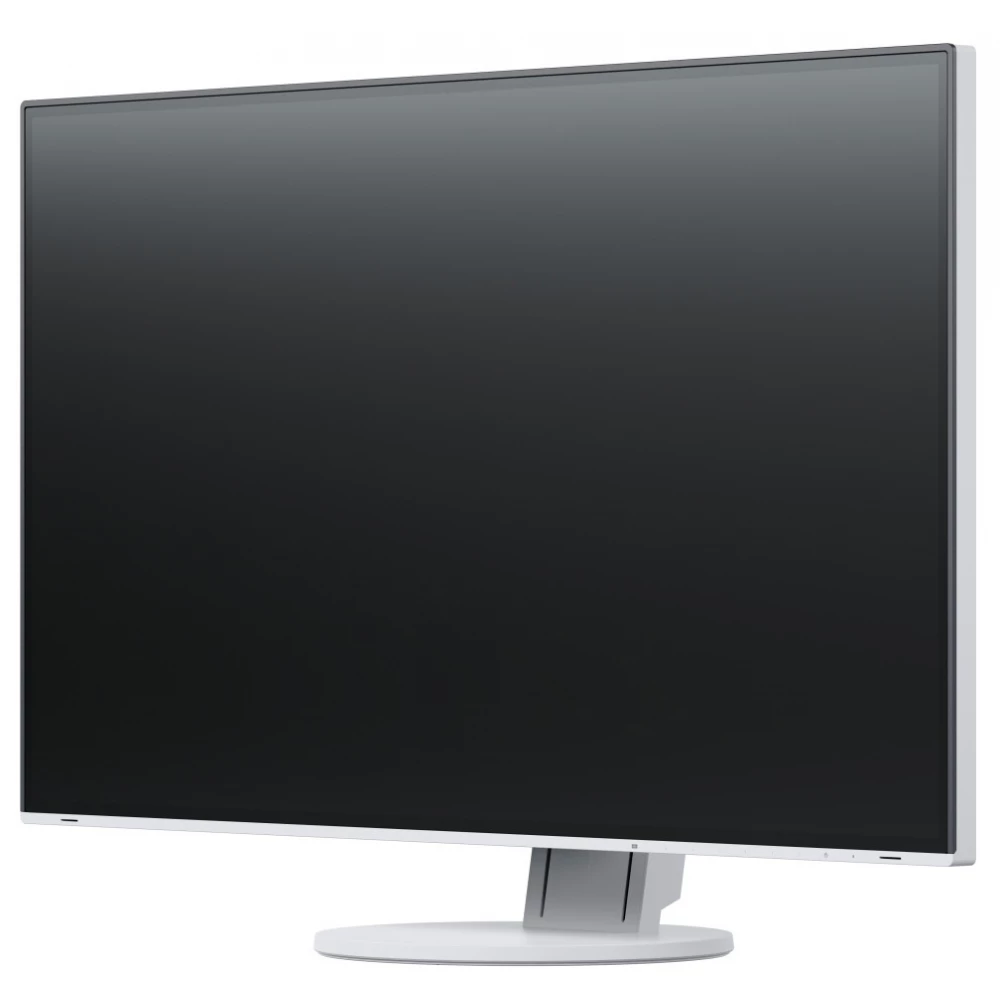
Thanks to the 4K Ultra HD resolution of 3840 x 2160 pixels and the pixel density of 140 ppi, the EV3285 provides a high-quality display typical of EIZO products. The ideal size of the images that can be displayed on a practically frameless monitor, as well as the perfect aspect ratio, enable optimal office use.
Extremely attractive, completely flat design
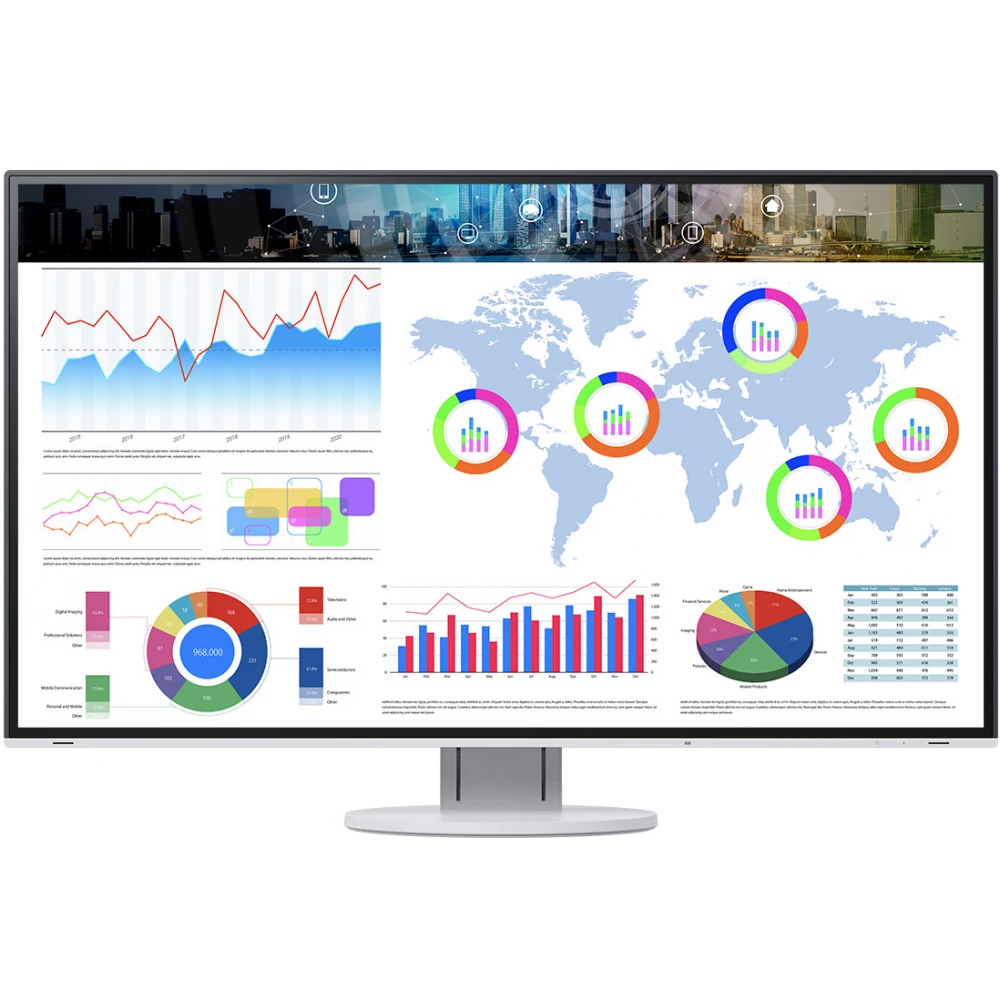
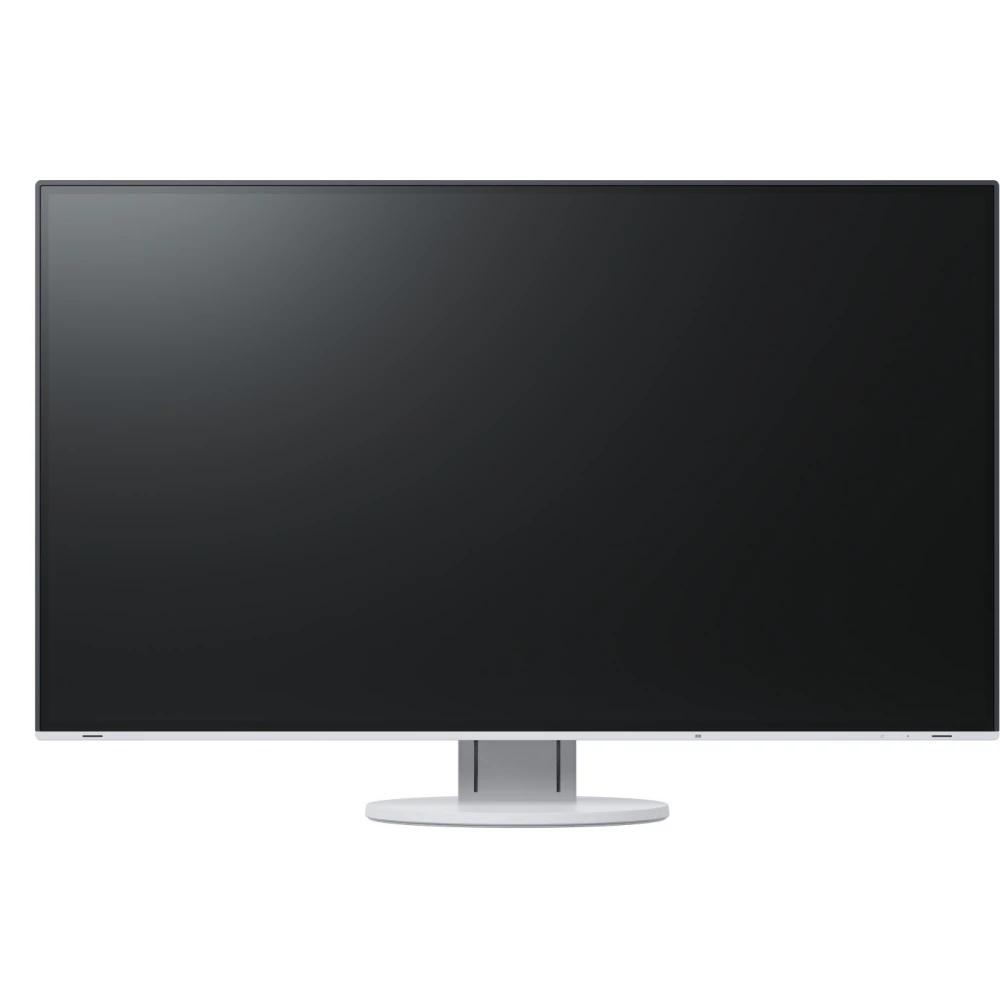
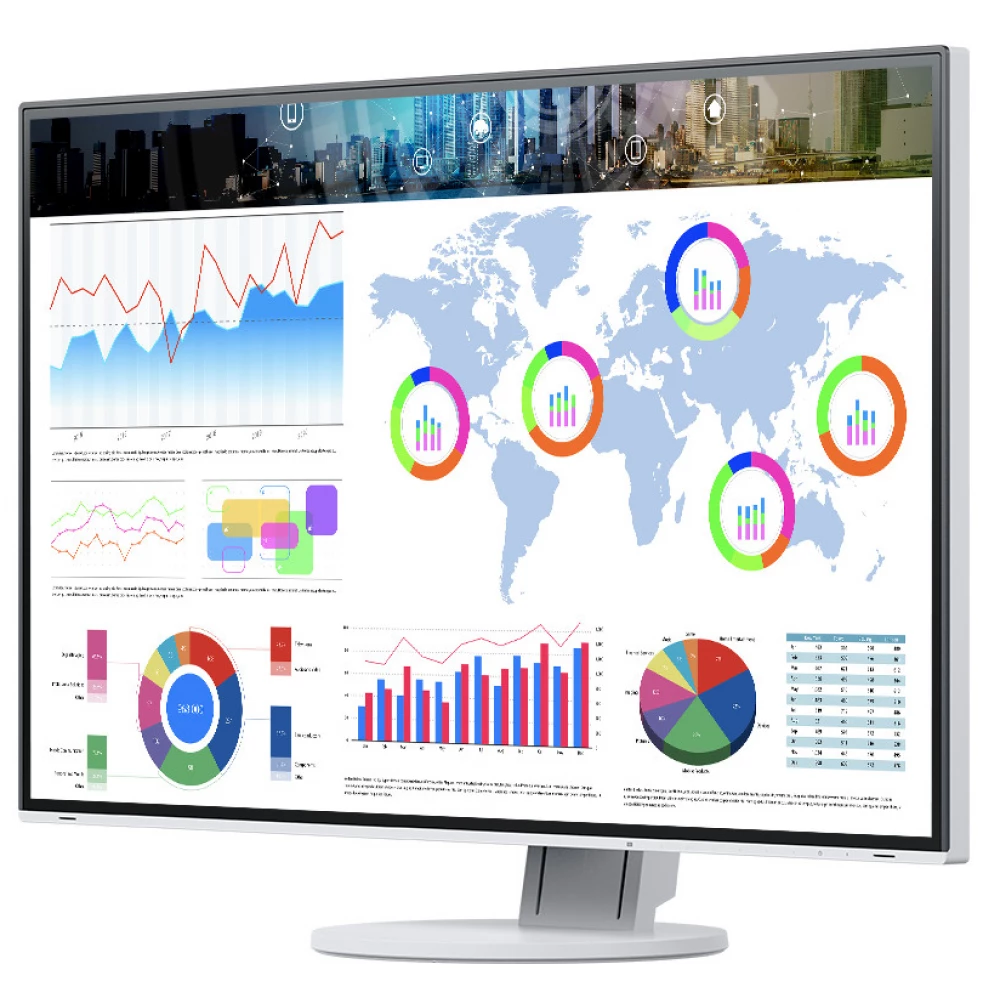
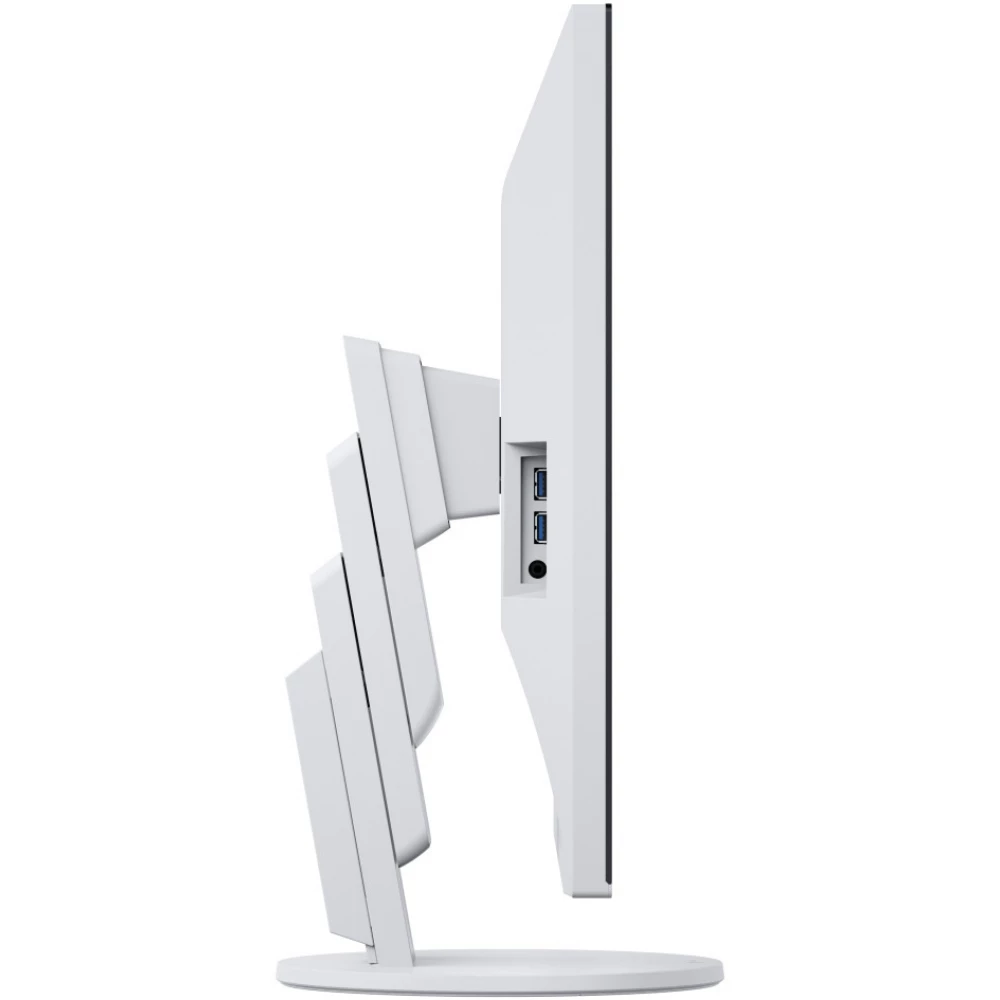
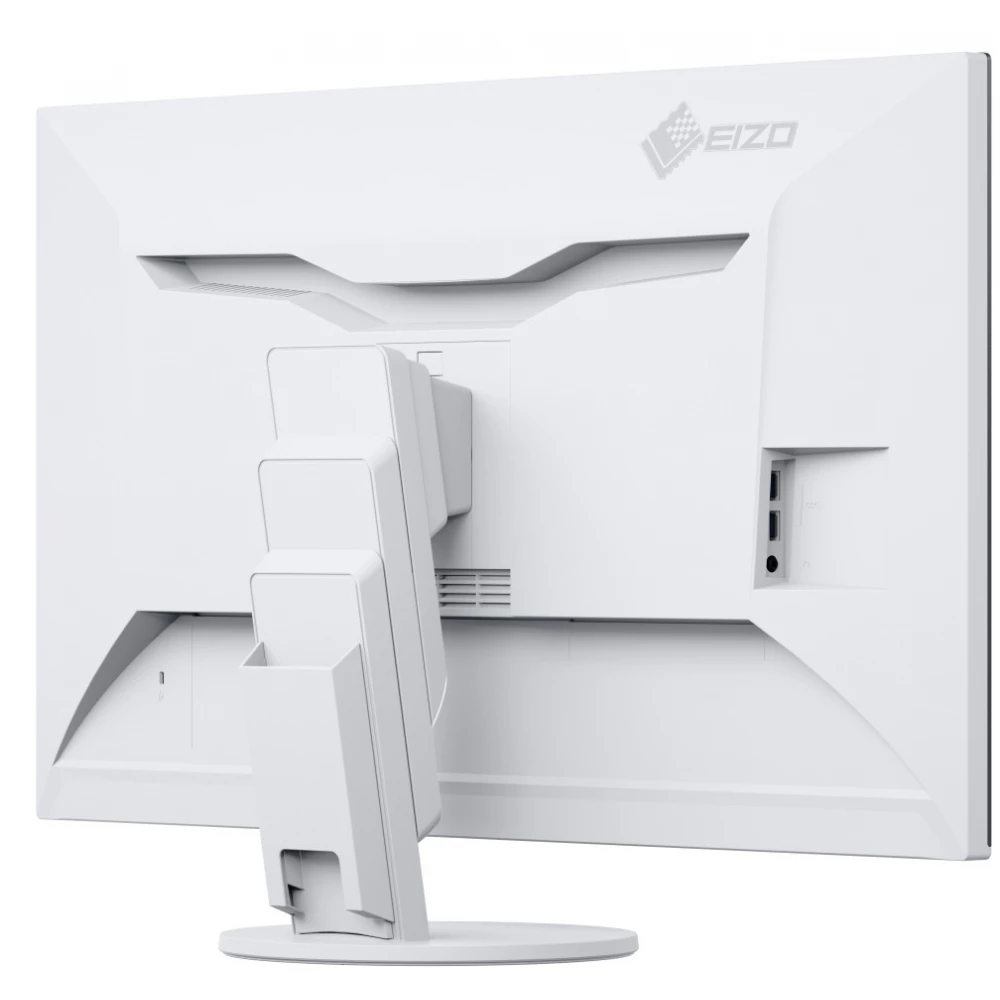
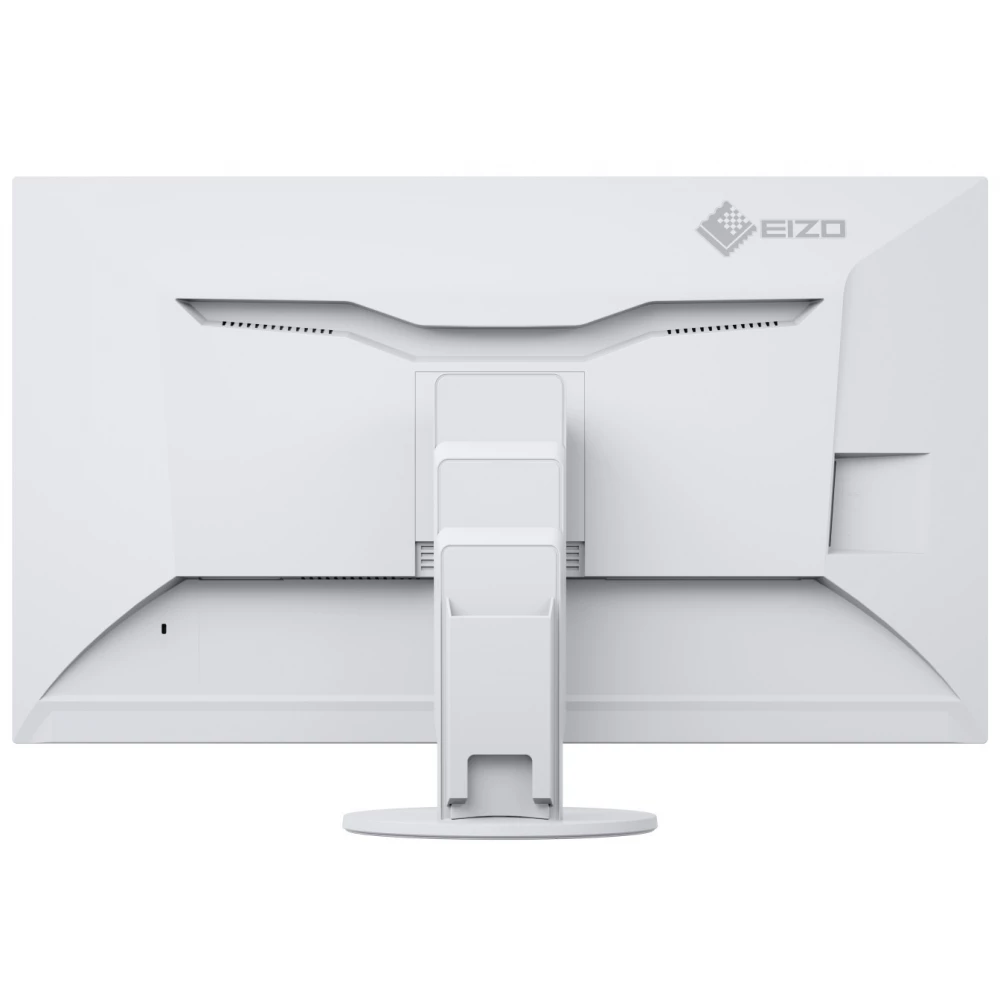
Whether in elegant black or classy white: The extremely attractive design is thanks to the narrow side frame of around 3.8 mm and the completely clean shape. Between the screen and the frame, only a thin, black glass frame of about 6 mm remains visible on both sides and above. At the same time, the side profile and rear section of the device are also extremely narrow and elegant. The screen is an absolute eye-catcher, providing plenty of space to display your ideas.
Excellent image quality using an IPS panel
The monitor has the three key factors required for excellent image quality: the perfect resolution of 3840 x 2160 (4K UHD) pixels, the best contrast ratio of 1300:1 and a stable brightness of up to 350 cd/qm. This provides you with the following benefits: pin-sharp text contours, brilliant graphics, and crystal-clear images. Thanks to the high-quality IPS panel with LED backlight, contrasts and colors remain stable from all angles.
4K resolution for extremely sharp display of texts and images
With its exceptional image quality, the 4K Ultra HD FlexScan EV3285-BK monitor significantly speeds up computer-aided design (CAD), office tasks, and tasks related to video applications, among other things. Thanks to a resolution of 3840 x 2160 (4K UHD) and a pixel density of 140 ppi (pixels per inch), the innovative 31.5-inch monitor displays texts and graphics more accurately and clearly than ever before.
Type C USB: cable for any purpose
The EV3285-BK monitor can also be used as a full-fledged docking station: connecting different tablets, notebooks and smartphones requires only one cable. The USB socket of the EV3285-BK enables the transmission of DisplayPort image signals and audio signals in addition to the data transmitted via the USB connector. The keyboard and mouse can also be connected to the screen via this socket. At the same time, the EV3285-BK device, which can also be used as a power supply, can also charge the batteries of various connected devices, such as Mac Books. Since the device provides 60 W of energy, there is no need to use an external power supply.
10-bit LUT for precise color control
If small color differences are important, the internal 10-bit look-up table (LUT) offers several advantages: The assignment of color information is significantly more accurate than with an 8-bit LUT. The color gradations are extremely fine and offer unique adjustment options. Through the color temperature control, for example, the white point can be determined between 4000 K and 10000 K, with an accuracy of 500 K. In addition, the color saturation can be set separately for the RBG colors.
Overdrive for lightning-fast image switching
Fast, faster, Overdrive: Overdrive speeds up the response time to such an extent that the transition between gray and gray takes place in just 5 ms on average. So you can enjoy movies and fast image changes without disturbing backlighting.
New Auto EcoView function
The fifth generation of the FlexScan EV3285-BK monitor offers the Auto EcoView function. As the Auto EcoView function adjusts the brightness of the monitor depending on the ambient lighting, it creates an ergonomic contrast ratio between the device and the work environment. The Auto EcoView settings, which are now much easier to use, remain practically unnoticeable during brightness control on the monitor. Free from complicated menus, Auto EcoView has its effect completely hidden in the background. All the user has to do is turn the Auto EcoView function on or off.
The EV3285-BK's monitor sensor system automatically differentiates whether the user adjusts the brightness in a darker or brighter environment. The values obtained in this way, which are also automatically saved, are also used by the screen for brightness control according to different environmental conditions. The user is thus completely free to decide when and under what environmental conditions to set the light intensity that suits him best.
Advantages: EV3285-BK users can always work with optimal, glare-free brightness adjusted to the given ambient lighting. Because the Auto EcoView function is customizable, you don't have to worry about when and in what environment you use the dimmer. The easy-to-use function exerts its effect practically imperceptibly.
Energy savings of up to 30% with EcoView-Optimizer
Energy saving without loss of quality: The EcoView-Optimizer automatically reduces the backlight in the case of dark images.
Similar products
NOTEBOOK SEARCH
OPINIONS
OPINIONS
