
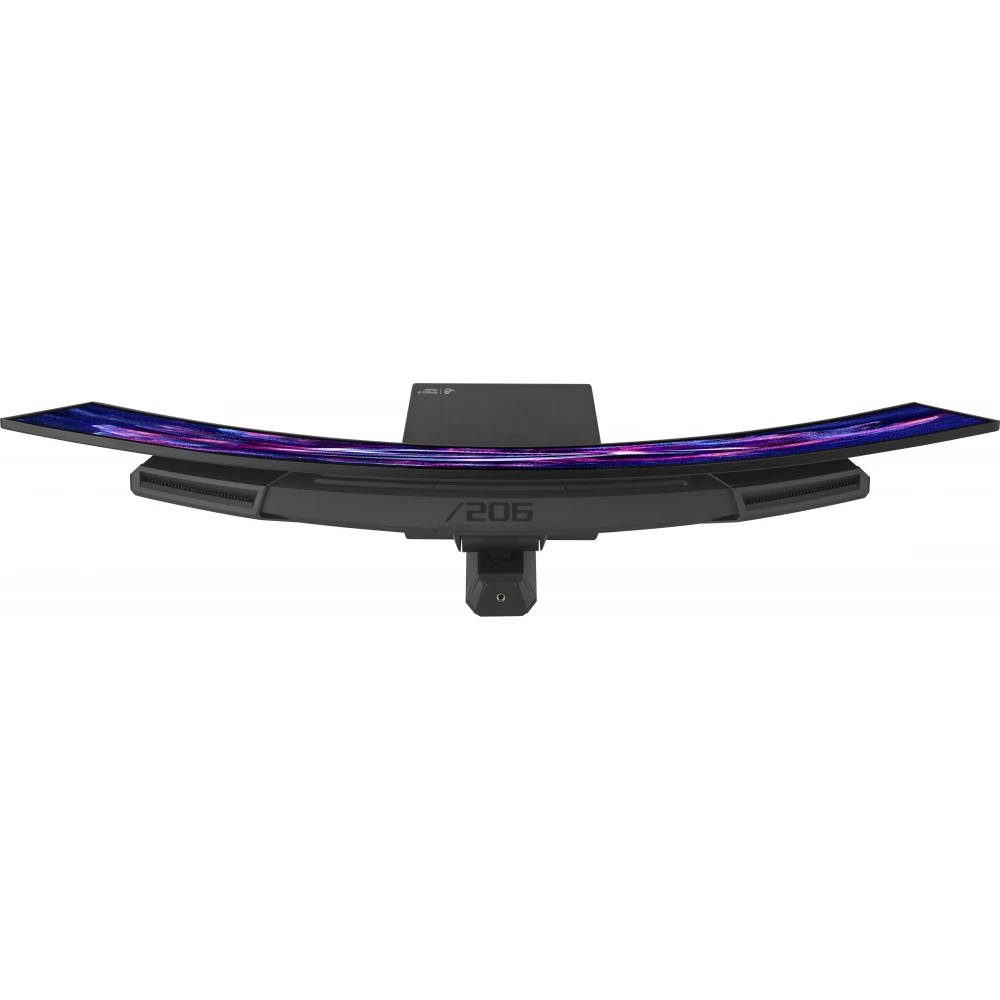
ASUS ROG Strix OLED XG34WCDG
309 990 Ft

Product description
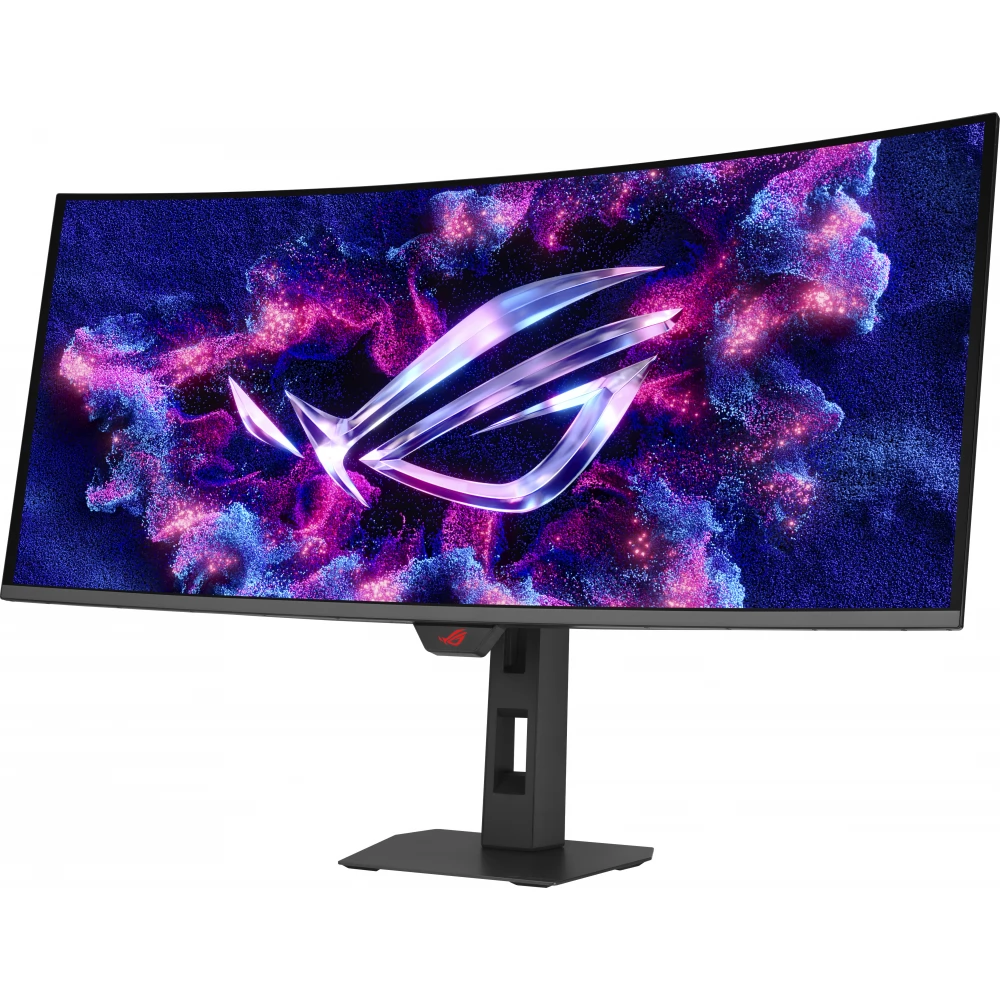
ROG Strix OLED XG34WCDG monitor
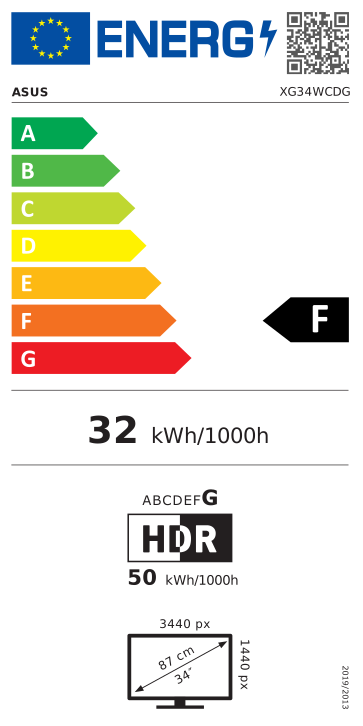
ROG Strix OLED XG34WCDG is a 34-inch QD-OLED gamer monitor with a resolution of 3440 x 1440, which provides an ultra-fluid and crisp gaming experience with a 175Hz (over 144Hz) refresh rate and 0.03ms (GTG) response time.
Main features:
- 34-inch, 3440 x 1440 QD-OLED panel with vivid colors, deep blacks and exceptional contrast
- 175 Hz refresh rate and 0.03 ms response time are the perfect choice for fast, competitive games
- ASUS OLED Care Pro technology with Neo Proximity Sensor, the sensor accurately detects when the user moves away and automatically switches to a black screen to reduce the risk of burn-in
- VESA DisplayHDR™ 400 True Black certification, 99.3% DCI-P3 color space coverage, true 10-bit color depth and Delta E < 2 color accuracy, impressive HDR performance, making it ideal not only for gaming, but also for photo and video editing
- ASUS DisplayWidget Center is a convenient, mouse-controlled software that allows easy access to OLED Care Pro functions and monitor settings
- ROG Gaming A.I. technology artificial intelligence-driven features to further enhance the gaming experience
- G-Sync compatible and ELMB (Extreme Low Motion Blur) support for smooth, clear motion display
This monitor is part of ROG's premium OLED range, which combines professional color performance with a high-end gaming experience.
ONE FOR EVERYTHING - ROG Strix OLED XG34WCDG
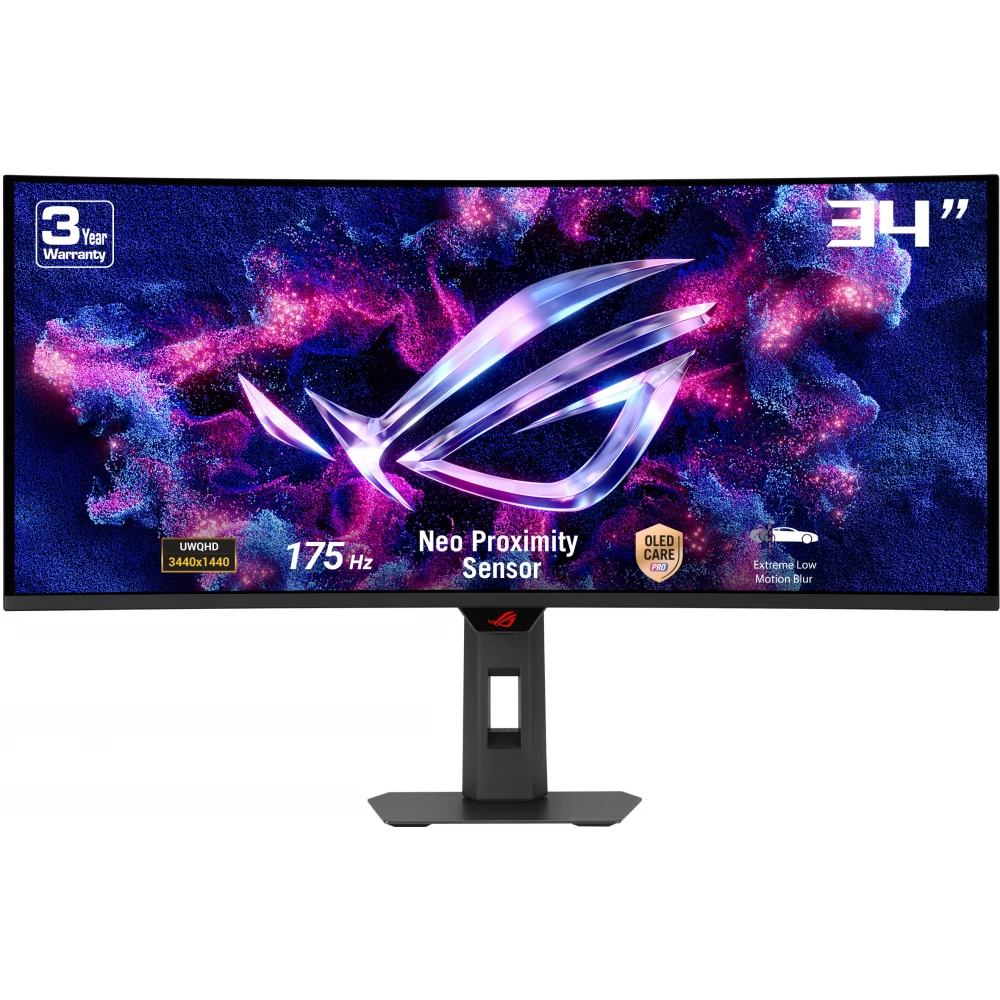
ROG Strix OLED XG34WCDG is a 34-inch, 175 Hz, ultra-wide QD-OLED gamer monitor that offers an unparalleled visual experience. As part of the new ROG OLED Care Pro system, the built-in Neo Proximity Sensor detects when the user is not in front of the screen and automatically switches to a black screen, effectively protecting the panel from burn-in. This monitor is perfect for both gaming and creating - all in one.
Immerse yourself in the game
Designed for demanding gamers and professional creators, ROG Strix OLED XG34WCDG offers a 3440 x 1440 resolution and 1800R curved display to make every moment of the game continuous, immersive and vivid.
SCREEN PROTECTION - ASUS OLED CARE PRO
The new ASUS OLED Care Pro technology offers comprehensive, customizable settings to protect the OLED panel and extend its life. The system includes the Neo Proximity Sensor, which detects the user's distance and automatically switches to a black screen if no one is in front of the monitor, thereby reducing the risk of burn-in. All settings are easily managed through the DisplayWidget Center application, so protection and convenience are always in control.
Neo Proximity Sensor
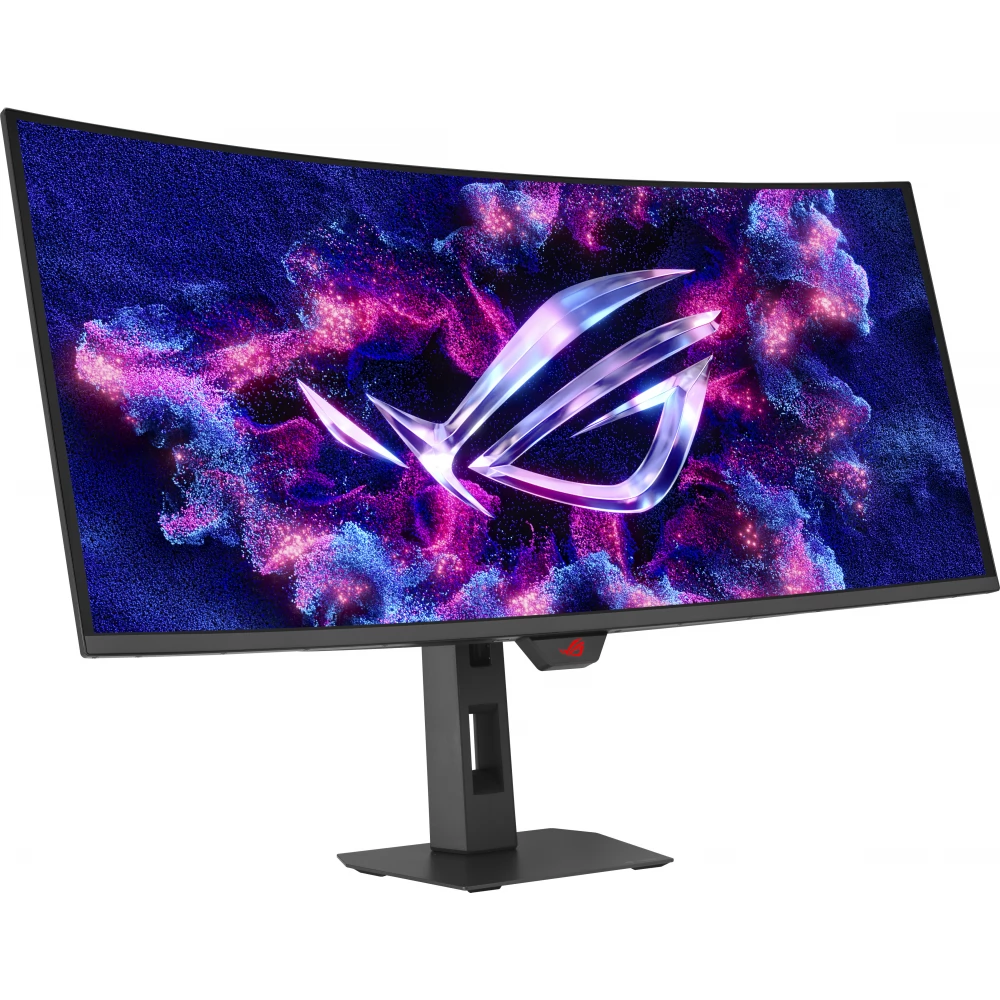
The built-in Neo Proximity Sensor detects exactly how far you are from the monitor. When you walk away, the display automatically switches to a black screen, preventing panel burn-in, and immediately restores the image when you return. The detection distance can be customized, so everyone can adapt the operation to their own needs - for maximum comfort and protection.
Important: before activating the function, make sure that the sensor is at the correct angle and clean it with the included microfiber cloth to ensure it works correctly.
CAREFREE OLED EXPERIENCE
ROG OLED monitors are built for the long haul – they're designed to deliver a stunning visual experience years after the fact. The innovative, unique heatsink and the special internal airflow effectively improve cooling, thereby reducing the risk of burn-in and ensuring the panel's longevity.
EXTRA DESIGN - Futuristic, cyberpunk-inspired appearance
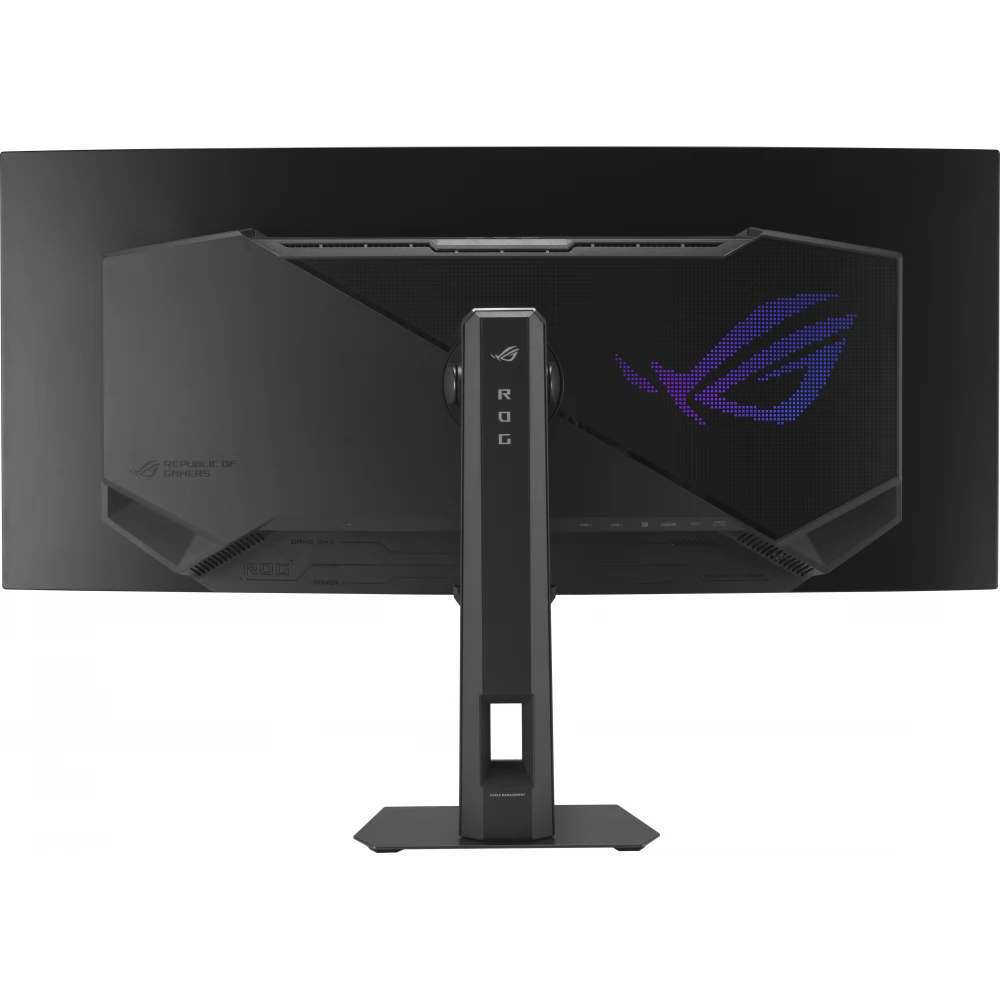
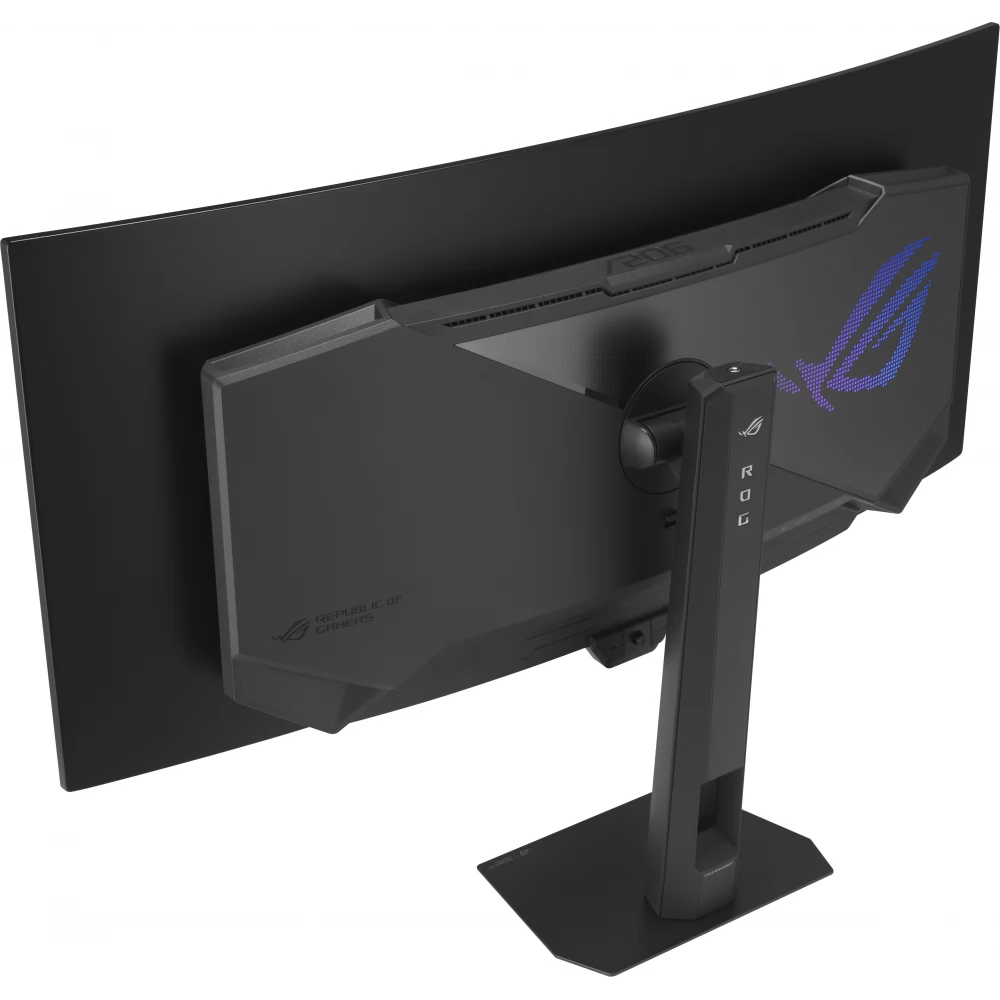
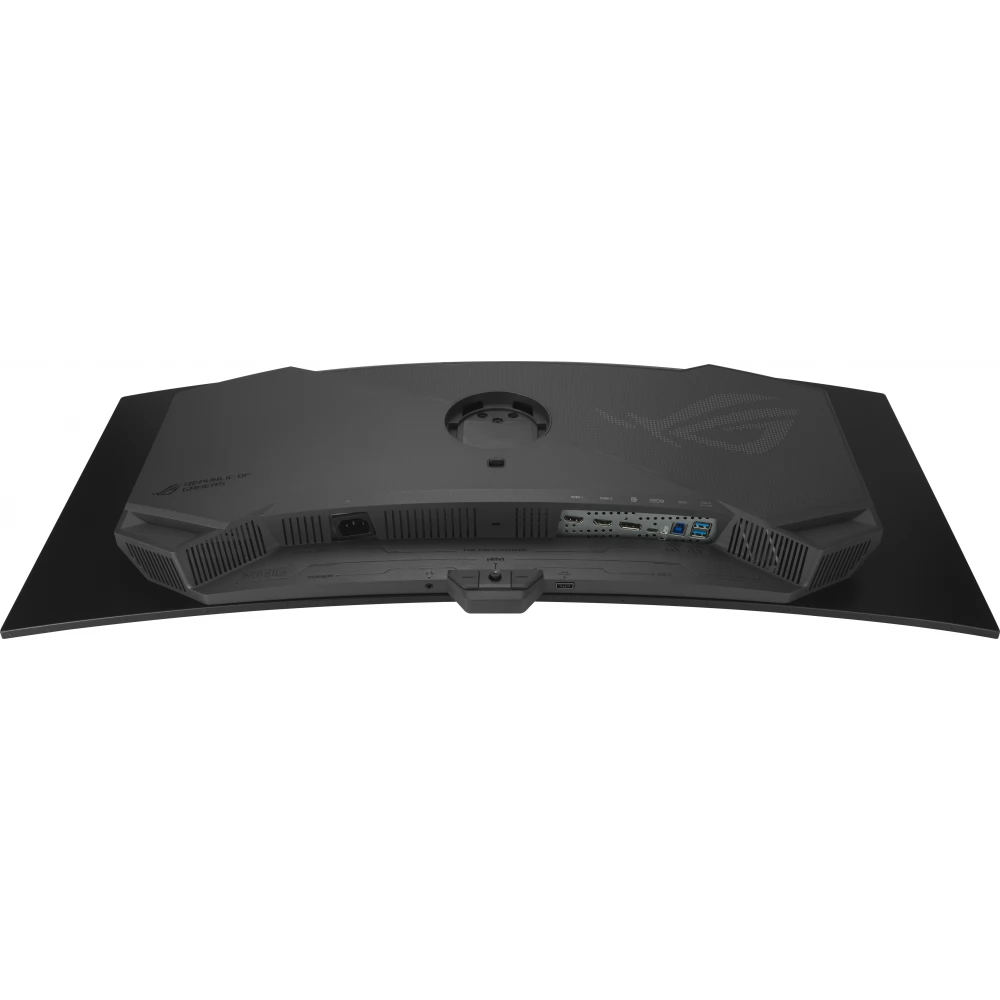
The back of the ROG Strix OLED XG34WCDG has a clean, yet futuristic look, which bears the elegant features of the cyberpunk style - thus emphasizing the premium category of the monitor. The top of the monitor also features a built-in tripod socket for attaching cameras or streaming equipment – perfect for streamers and content creators.
DISPLAY WIDGET CENTER
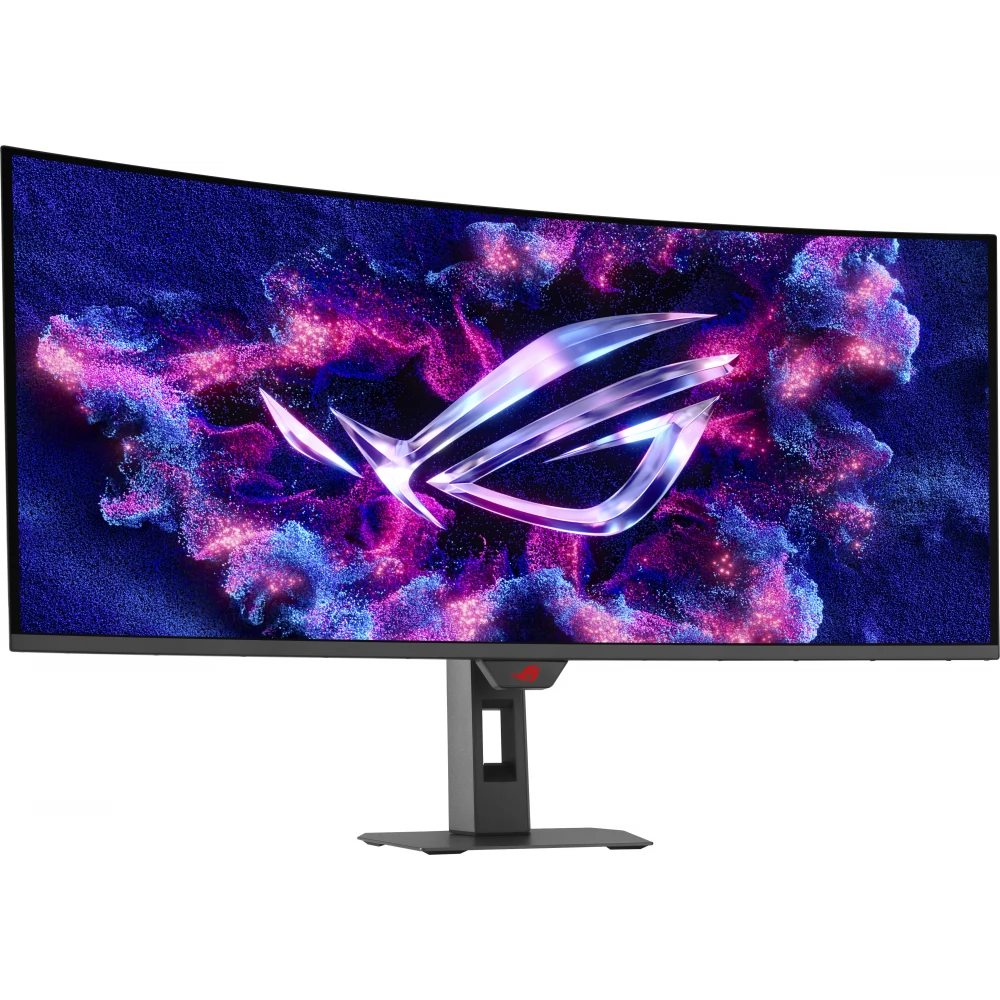
Take your monitor experience to the next level with DisplayWidget Center, a powerful monitor management software that lets you optimize, customize and take full advantage of your display with a mouse, without having to use the OSD menu.
Additional features:
- Notification of firmware updates and direct installation option
- Import and export display settings so you can easily share your configurations with others
This software gives you complete control over your monitor, conveniently and quickly.
ROG GAMING AI TECHNOLOGY
The ROG Gaming AI Assistant technology in the XG34WCDG monitor offers artificial intelligence-based functions such as:
- AI Visual – optimizes image display for a clearer and sharper visual experience
- Dynamic Crosshair – intelligent crosshair for better accuracy
- Dynamic Shadow Boost – lighten dark areas without overexposing bright areas
These features help you practice more effectively
PRICE NOTIFICATION
NOTEBOOK SEARCH

OPINIONS
0.0
