
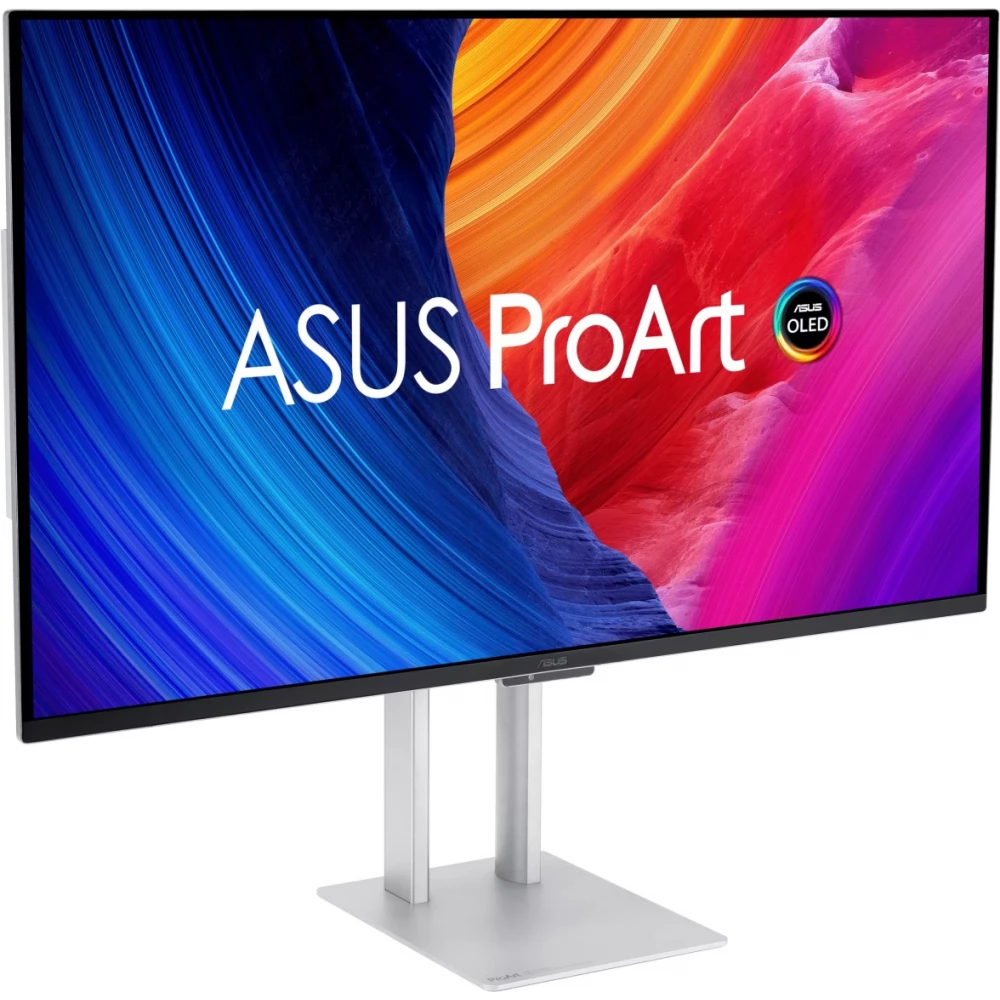
ASUS ProArt PA32UCDM
500 190 Ft
469 990 Ft

Product description
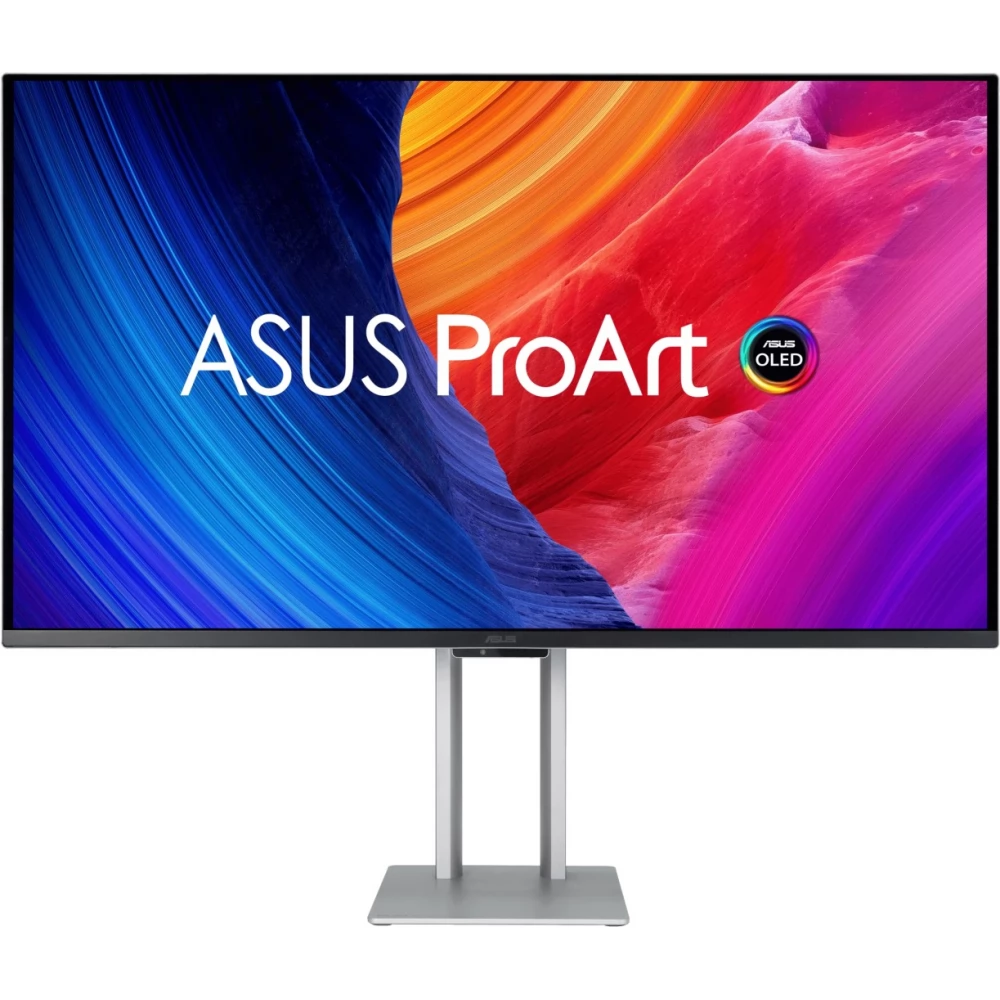
ASUS ProArt Display OLED PA32UCDM professional monitor - 32" (31.5" viewing area), 4K UHD (3840 x 2160), QD-OLED, very thin, 240 Hz, 0.1ms, auto calibration, HDR-10, HLG, Dolby Vision, 99% DCI-P3, ΔE < 1, Thunderbolt™ 4 PD 96 W, Calman Ready, ColourSpace integration, ergonomic stand, green sustainability
- 31.5” 4K UHD (3840 x 2160) QD-OLED panel with 240Hz refresh rate and 0.1ms (GTG) response time for smooth rendering
- 1000 nit peak brightness with VESA DisplayHDR™ True Black 400 specification for exceptional color contrast
- True 10-bit color depth and Quantum Dot technology enable 100% sRGB, 99% DCI-P3 and BT. 2020 color reproduction.
- World-class sub-1 ∆E chromatic aberration and ASUS ProArt hardware calibration technology to optimize color reproduction accuracy and color profile rewriting
- Support for several HDR formats, e.g. Dolby Vision®, HLG and HDR10
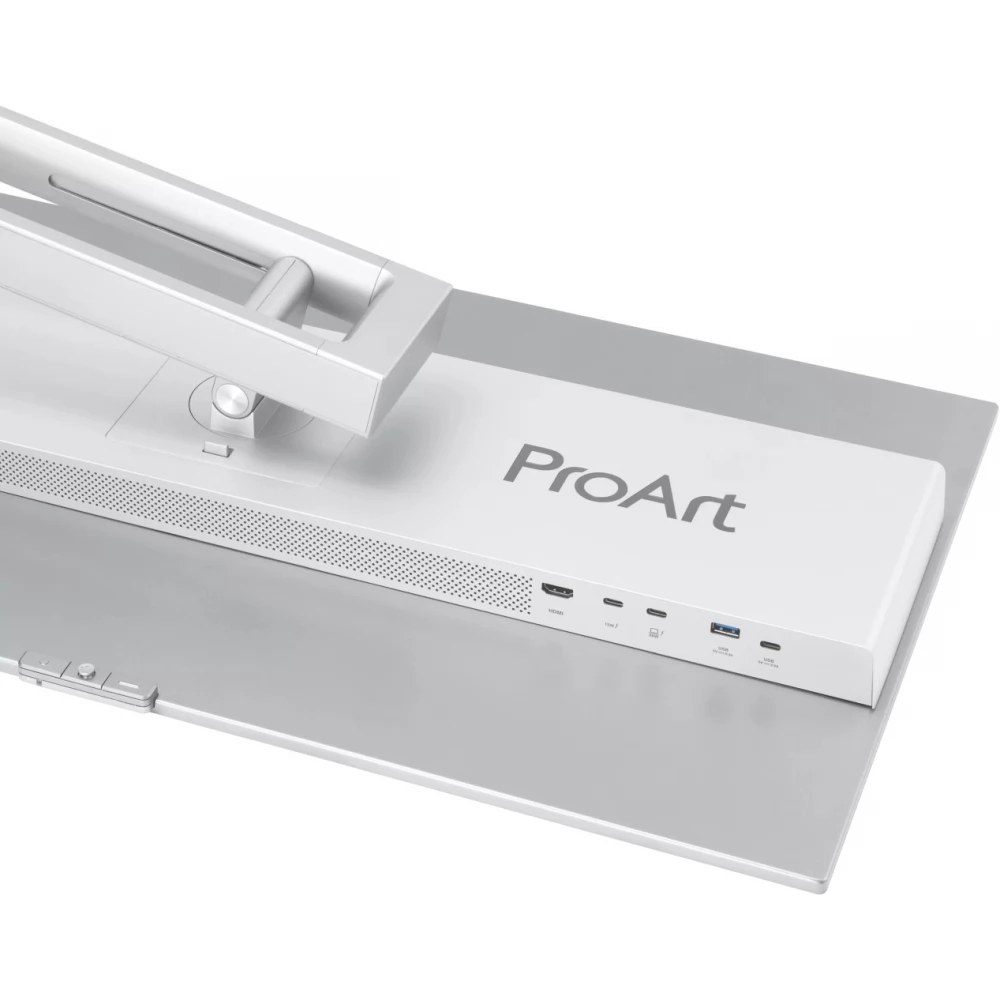
- Various connection options: two Thunderbolt™ 4 max. With 96 W power supply and possibility to connect in series, HDMI 2.1 and built-in USB hub
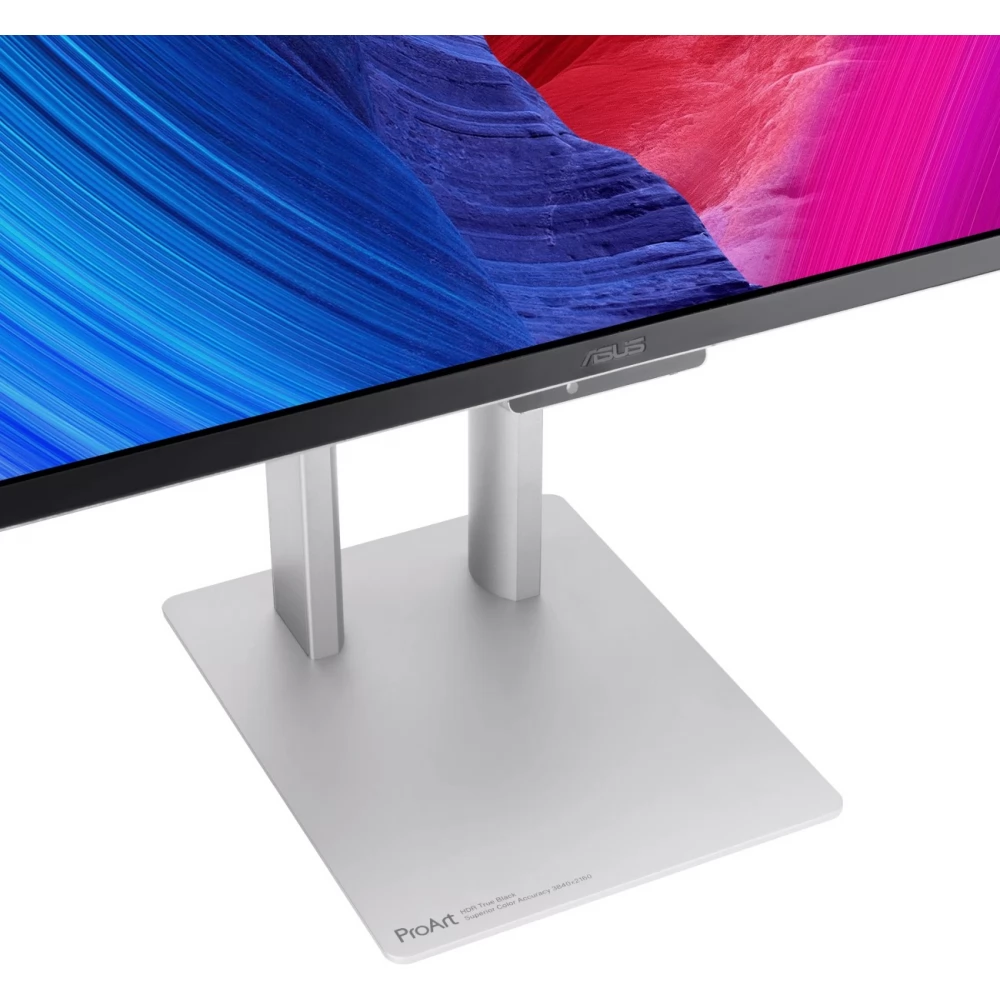
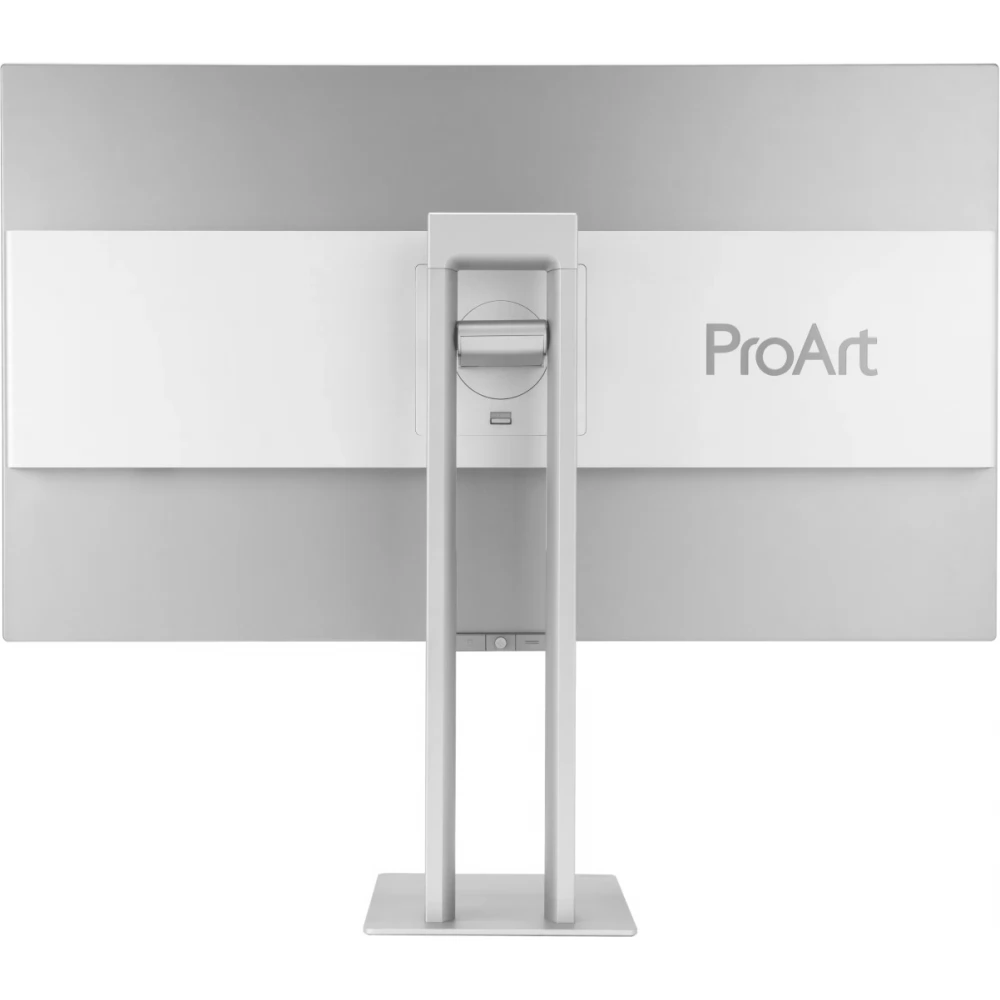
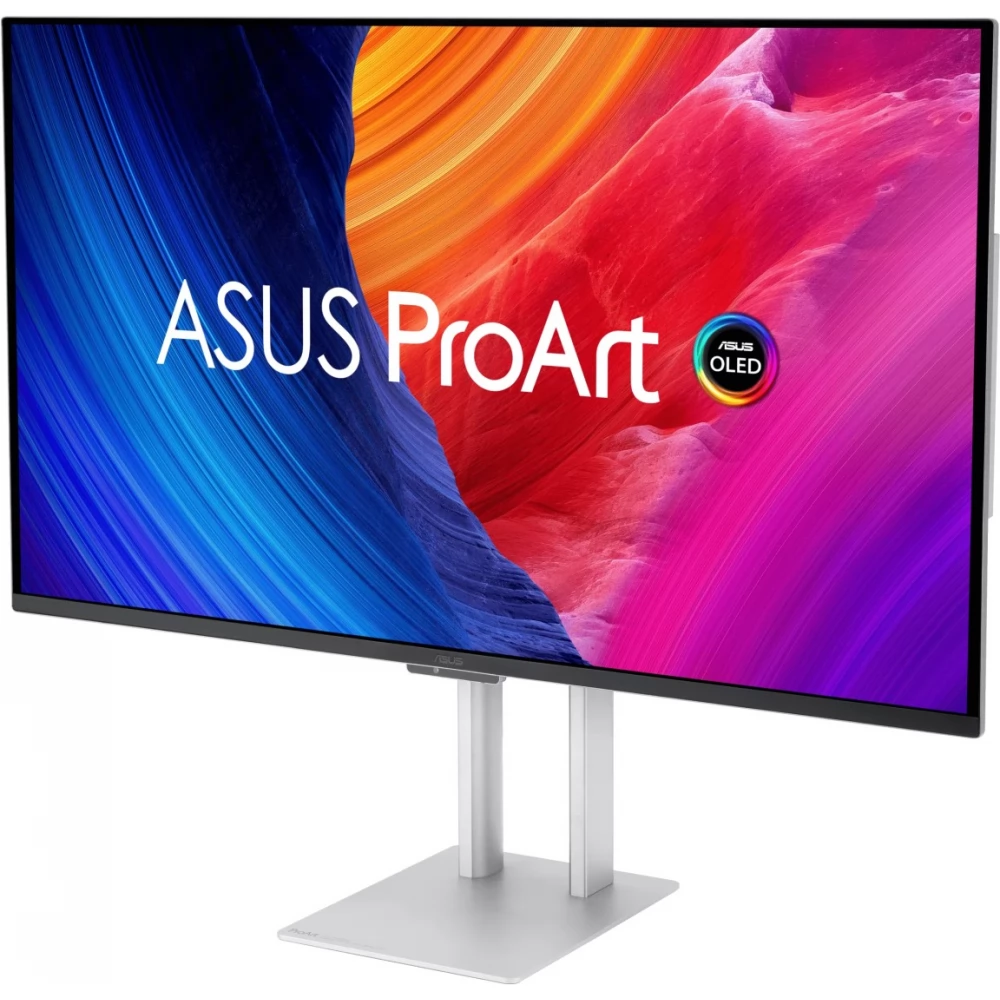
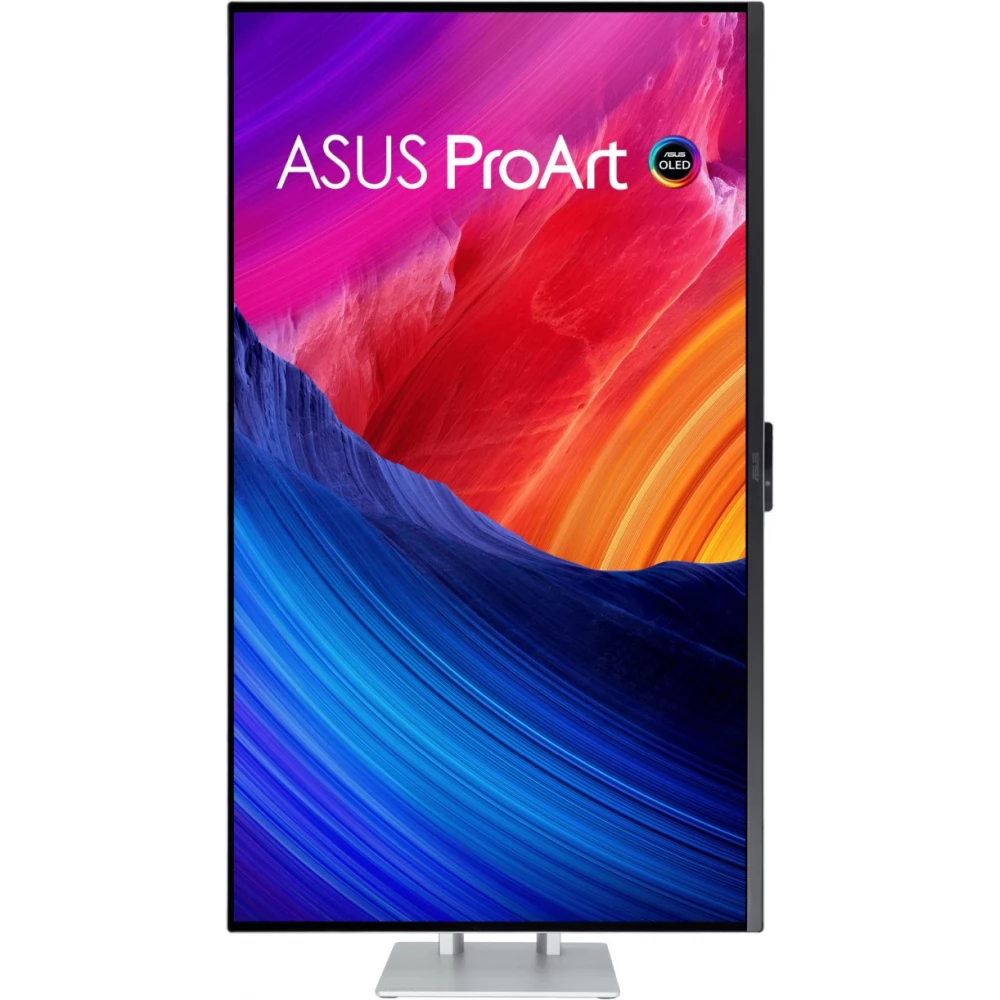
- Ergonomically designed, it can be tilted, rotated and its height can be adjusted for comfortable viewing
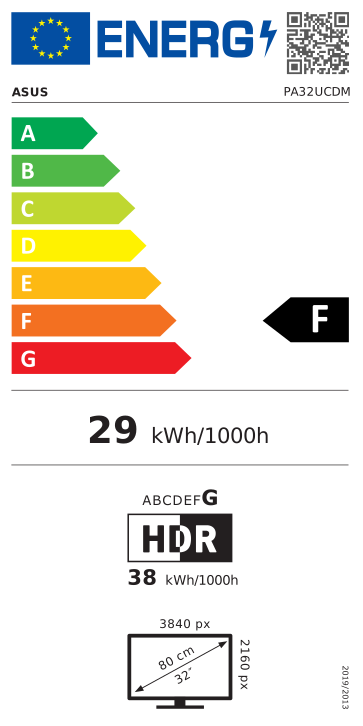
- Green sustainability: paper packaging and energy-saving operation to comply with environmental protection rules
Professional OLED monitor for all creators
The ProArt Display OLED PA32UCDM is a monitor for professional content creators. This 31.5” 4K HDR screen features a top-of-the-line 1000 nits QD-OLED panel with a 99% DCI-P3 color gamut for precise color reproduction and exceptionally detailed images. With a refresh rate of up to 240Hz, it's great for developing games that use fast rendering, but can also be used for artistic quality control on the same screen. The fact that it also supports multiple HDR formats makes the PA32UCDM the perfect tool for handling fast-paced HDR content.
It is also ideal for game development and video editing
The PA32UCDM is capable of up to 240Hz refresh rate and with VRR (adaptive refresh rate) technology, it enables creators to manage visual elements that require fast rendering and quality control – on the same screen. The combination of HDMI® 2.1, 4K resolution and 240 Hz provides super-smooth visuals with exceptional detail.
ProArt hardware calibration
ASUS ProArt Hardware Calibration software* works in both SDR and HDR modes. All color parameter profiles are saved directly to the ProArt monitor's internal chip (scaler IC chip) instead of the PC. With the help of ProArt Calibration, you can also set the interval at which the monitor calibrates itself.
ProArt Color Center
ProArt Color Center is an online tool designed to help you control the color accuracy of multiple ProArt displays with hardware calibrators. They can check when monitors were last calibrated, what the next recommended calibration date is, and schedule calibration on multiple monitors – even if they use different color parameters or are located in different locations.
Trouble-free calibration
ProArt screens can be seamlessly integrated with professional third-party color calibration hardware calibrator software, e.g. with Calman and Light Illusion ColourSpace CMS software. It also supports rewriting the color parameters to the ProArt monitors, thus making the calibration process faster and simpler.
ASUS OLED Care
ProArt Display OLED series monitors include the ASUS OLED Care function, which is proven to protect the display by minimizing the risk of burn-in.
Panel protection
With detection-based protection, Pixel shift, Screen saver, ISP (Global) and Absence detection functions, it helps to prevent static images on the screen. This service offers two types of claims.
Image protection
It dynamically detects and identifies the taskbar, logos and video frames and reduces the brightness around them to minimize burn-in. This service offers three types of claim options.
Proximity sensor
It automatically starts dimming when it detects that no one is sitting in front of the monitor. There are three detection ranges to choose from.
Uniform brightness setting
OLED screens have an automatic brightness limitation (ABL) function, which limits energy consumption. When a white (or light) image is displayed in a given window, the screen will automatically reduce the brightness of the image when the window is enlarged.
The Uniform Brightness function, which can optionally be called up from the on-screen menu, is especially useful when you need to switch between windows with widely different contrast or change their size. This function maintains the brightness level up to 250 nits, thus offering more precise colors and a more comfortable view even after many hours of use.
ASUS Smart
PRICE NOTIFICATION
NOTEBOOK SEARCH

OPINIONS
0.0
