
Dear Visitor! We are carrying out maintenance this weekend, so our website may be slow or briefly unavailable at times. Thank you for your patience!
THERMAL GRIZZLY WireView GPU 1x 8-Pin PCIe - Normal flowmeter
Substitute products
Product description
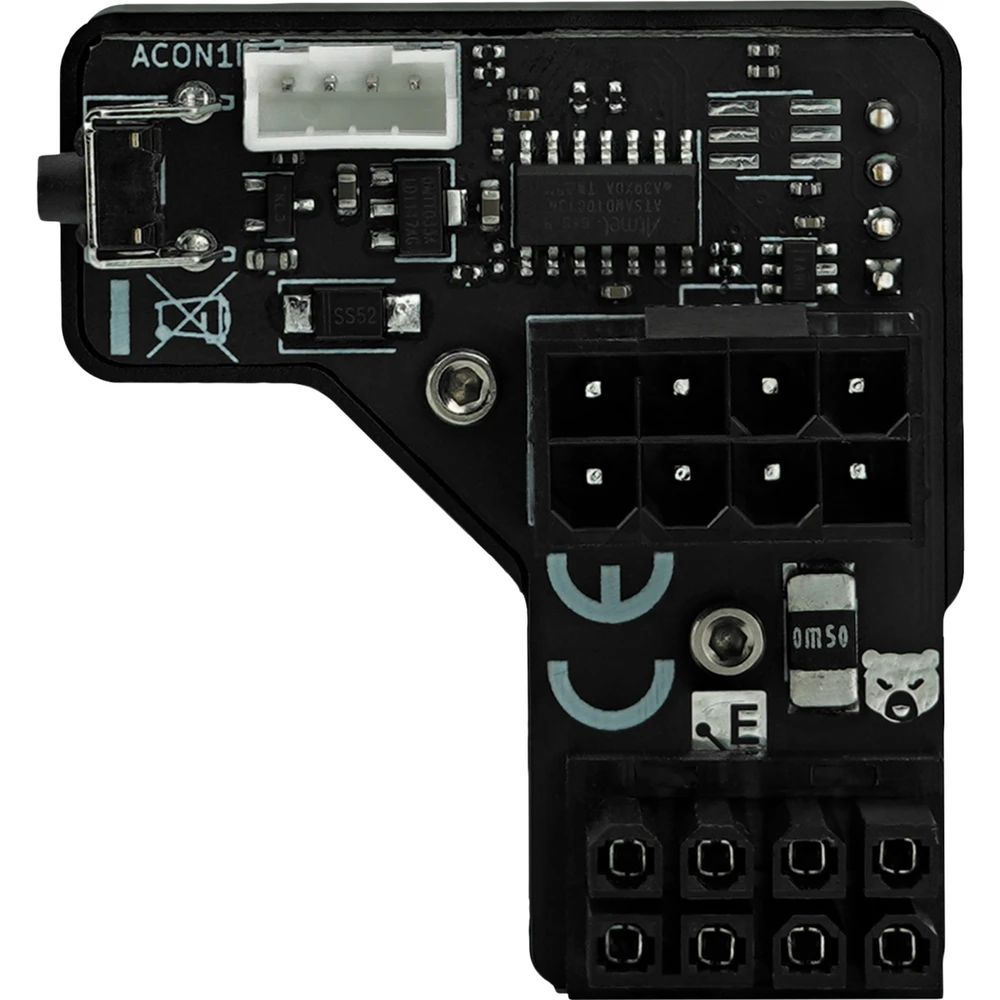
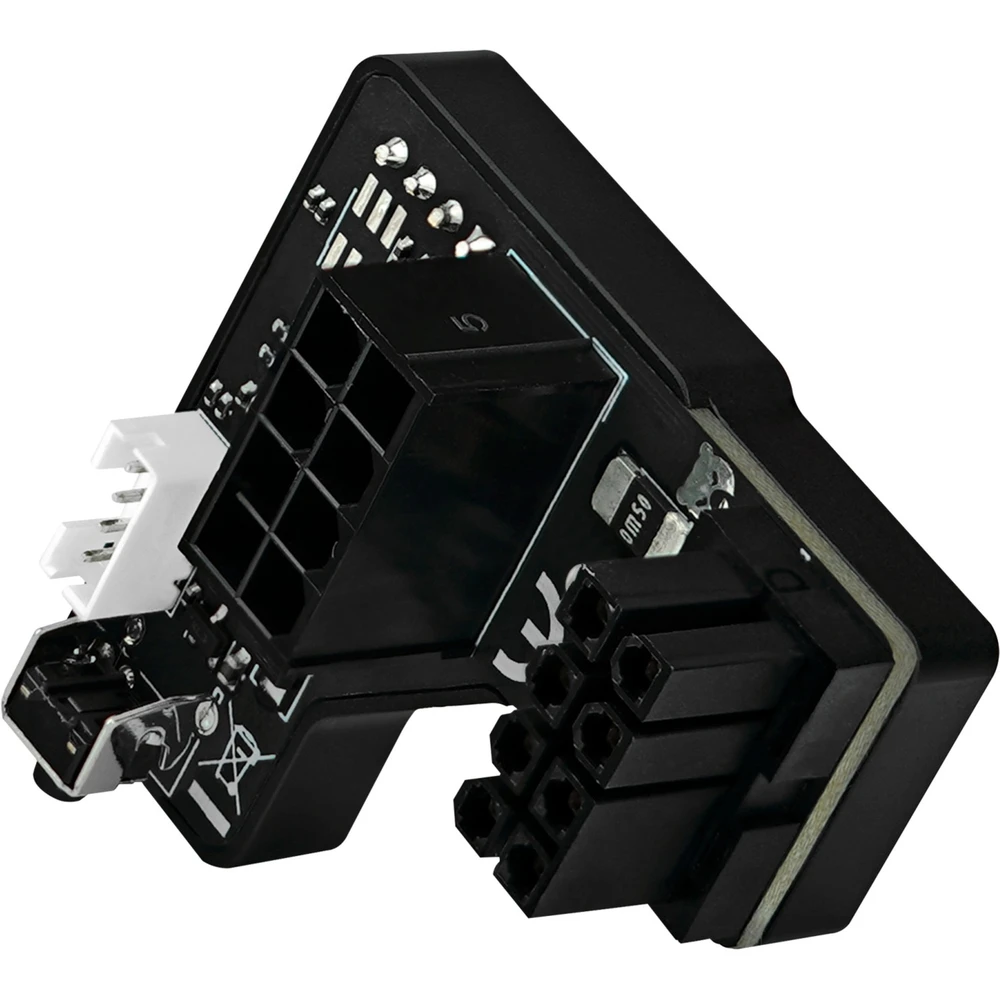
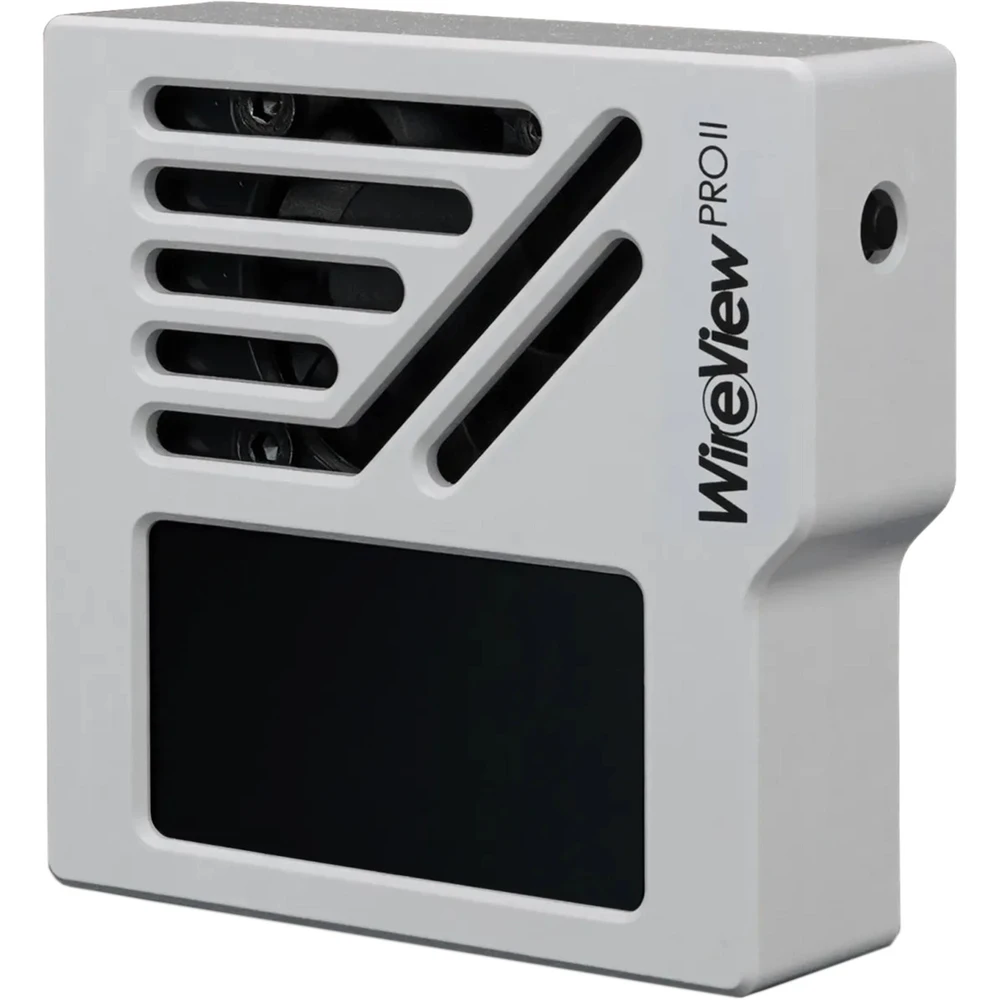
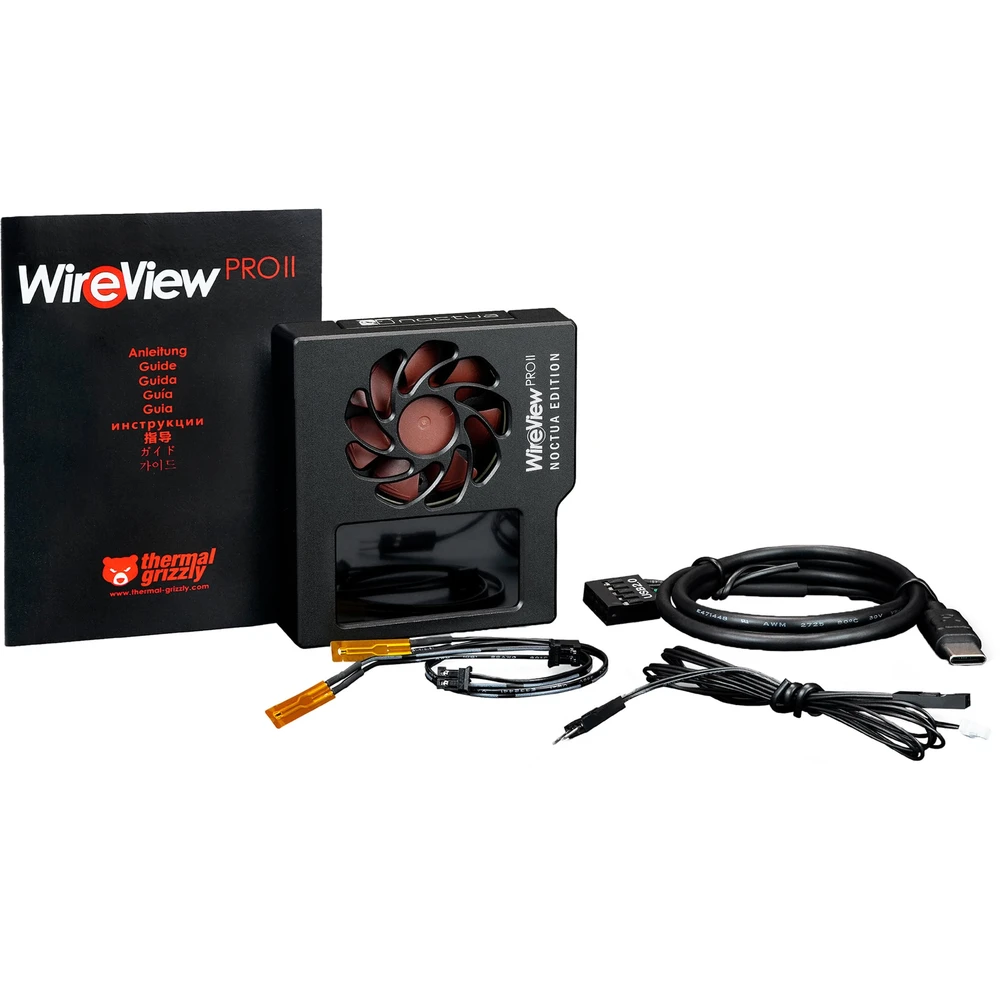
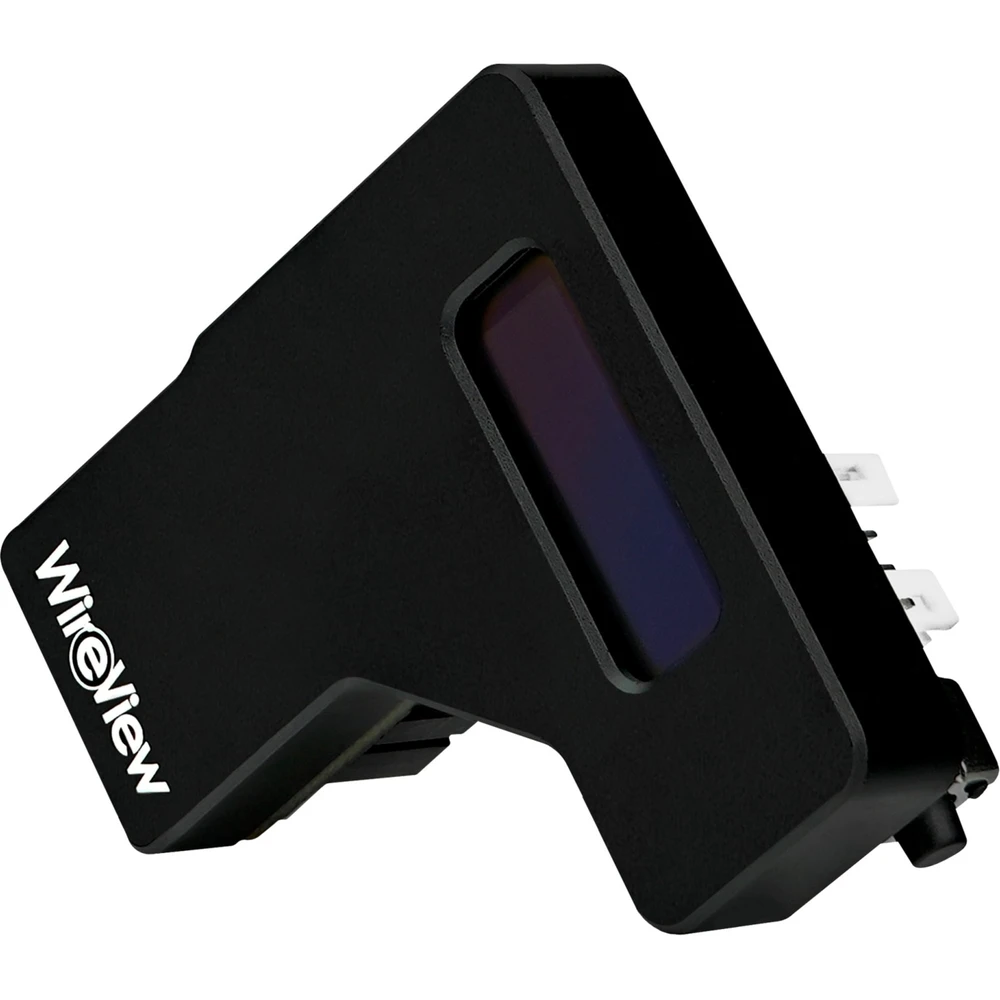
Thermal Grizzly WireView GPU is a tool for measuring the power consumption of PCI expansion and plug-in cards with a PCIe power connector. The u-shaped design of the adapter enables optimized cable routing for clean cable management.
What can WireView GPU do?
WireView GPU allows you to measure the power consumption of PCI expansion cards and plug-in cards and records this data to determine the power consumption. This data can be used, among other things, to determine the energy costs of a graphics card or to compare consumption with other graphics cards.
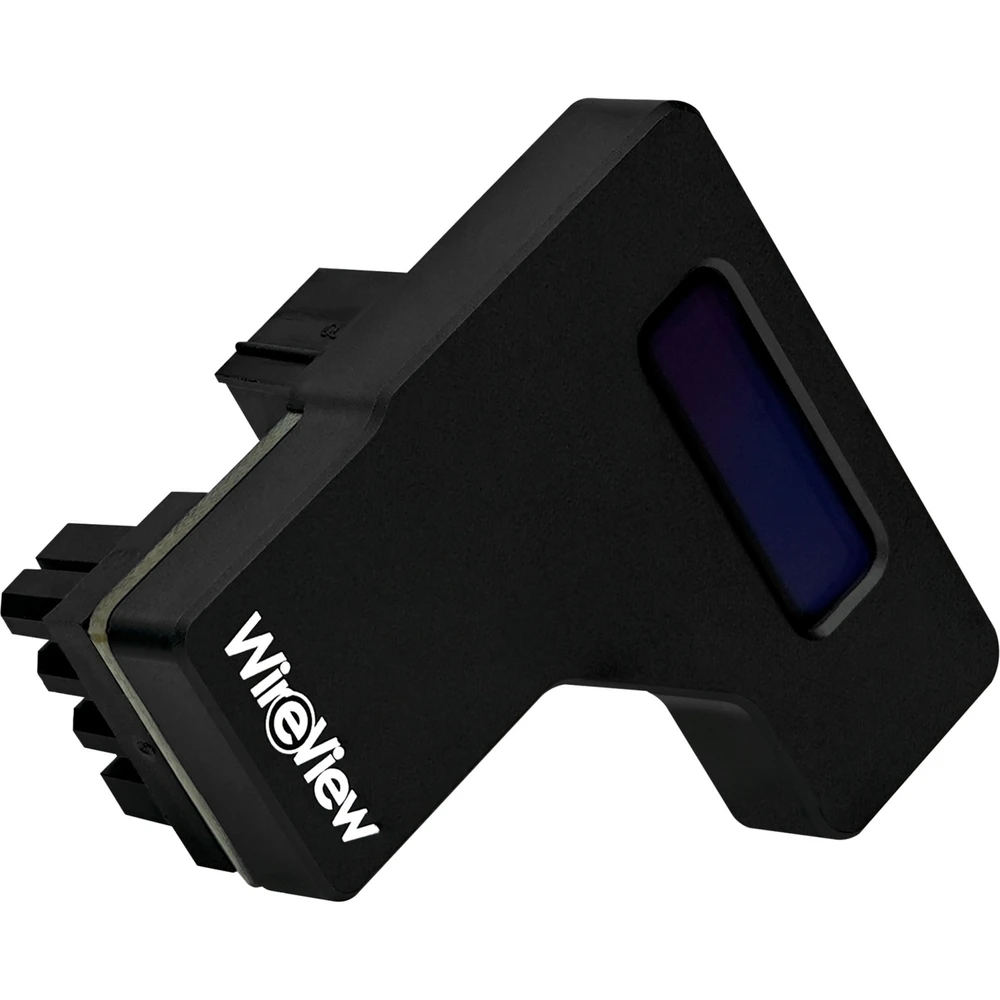
By measuring power consumption, it is possible to determine the power consumption of PCI expansion/plug-in cards over a certain period of time or in certain applications. In addition, the peak power consumption values that occur during the operation of current high-end graphics cards can also be determined. The WireView GPU displays the measured values on its OLED display.
Why a performance meter for the graphics card?
WireView GPU is of particular interest to extreme overclockers and hardware reviewers, as it can display the power consumption of the graphics card in real time. But it can also be useful when testing the performance of your graphics card. Since there is no need to run additional software during testing to record power consumption, the benchmark results are not affected by the measurement.
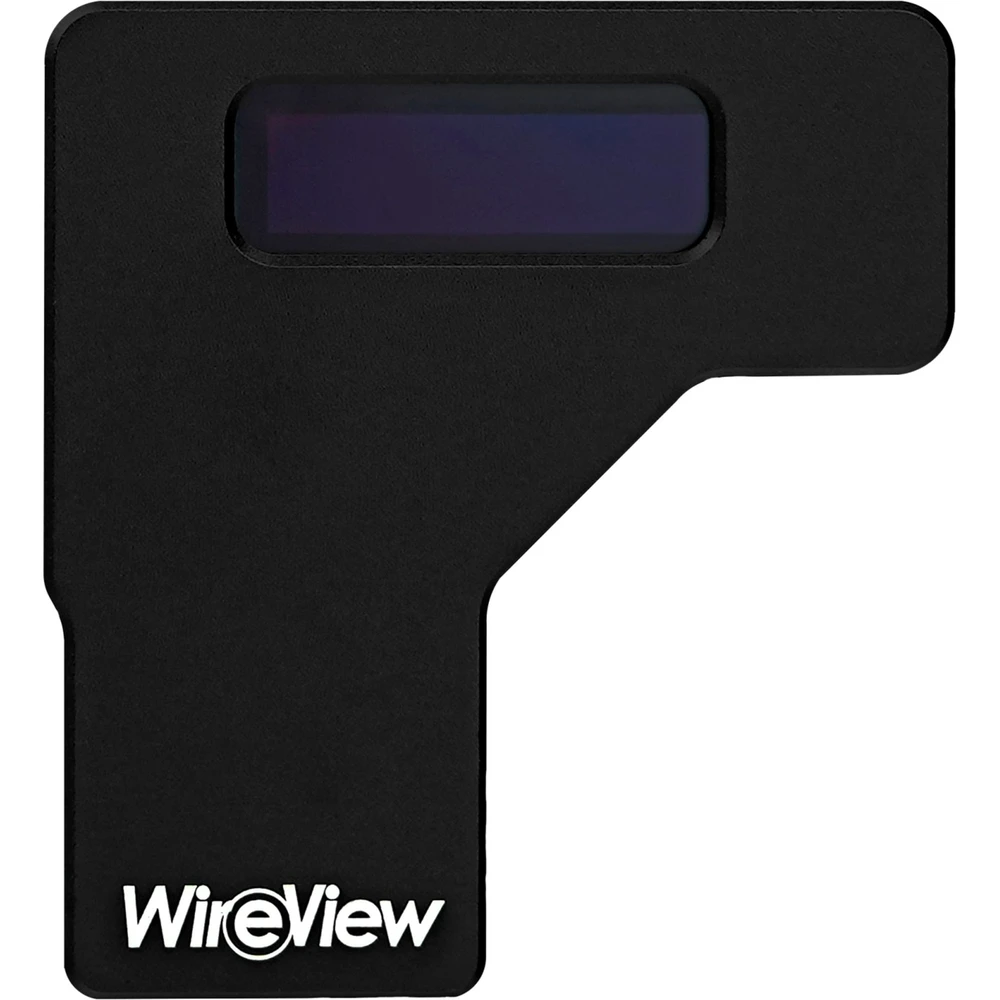
When manually overclocking the graphics card (e.g. using MSI Afterburner, ASUS GPU Tweak, EVGA Precision), the settings made in the software can be checked directly on the OLED display of the WireView GPU in the form of changed energy consumption.
In addition to real-time display of energy consumption, WireView GPU stores the measured data in the internal memory to record the average consumption of the graphics card over a longer period of time. Stored data can be restored during operation.
Which WireView GPU is required?
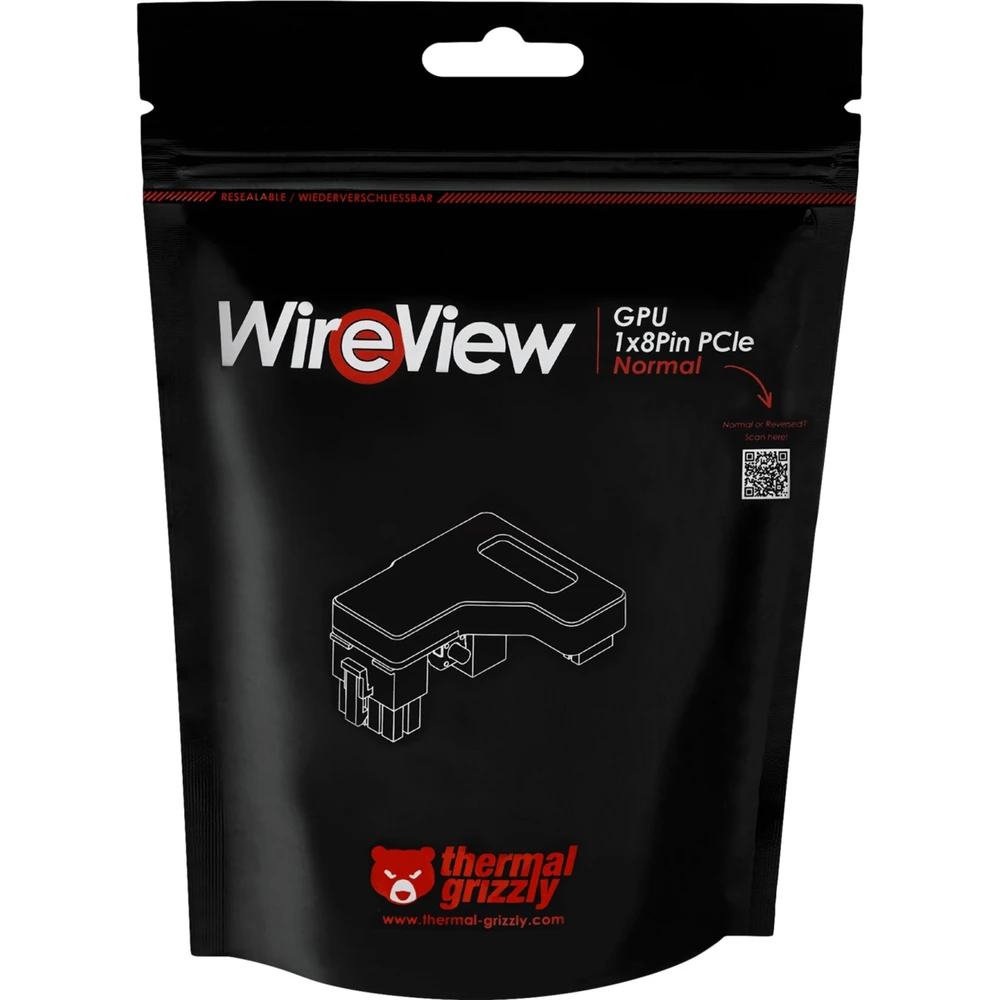
Regardless of the number of PCIe power connectors on the graphics card, i.e. 1x 8-pin or 2x 8-pin, the orientation of the connectors is crucial for choosing the right WireView GPU. WireView GPU is available in "Normal" (N) and "Reverse" (R) versions.
If the graphics card - or the expansion card in general - is equipped with PCIe power connectors where the connector clips are oriented away from the PCB, then the "N" version is required. In the normal, horizontal installation of the graphics card, this would be at the bottom. The "N" version is the most common type of connector orientation.
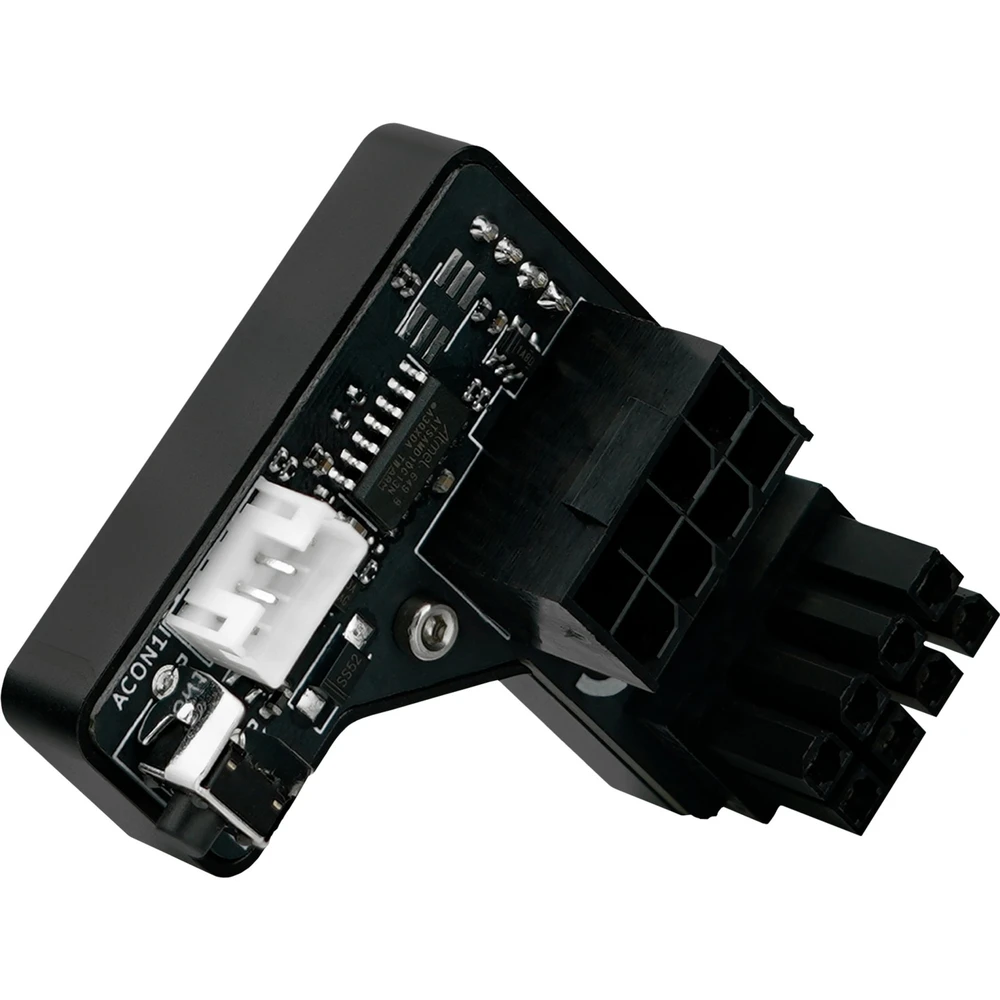
If the graphics card is equipped with PCIe power connectors where the connector's retaining clips are aligned towards the PCB, the R version is required. In the normal horizontal installation of the graphics card, this is on the upper part. This can be easily recognized by the fact that there are recesses on the PCB for the connecting tabs. The "R" version is also used by ASUS, among others.
NOTEBOOK SEARCH

OPINIONS
0.0
