
Dear Visitor! We are carrying out maintenance this weekend, so our website may be slow or briefly unavailable at times. Thank you for your patience!
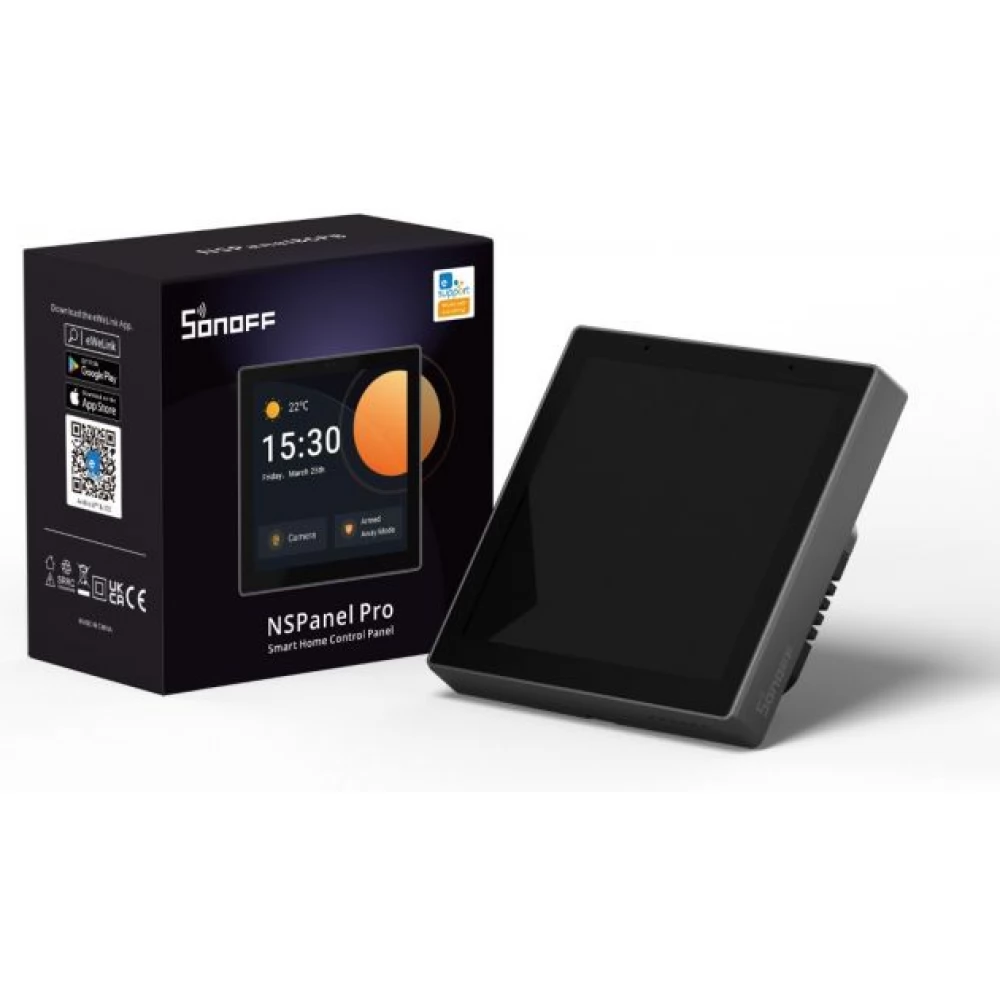
SONOFF NSPanel Pro touch screen eWeLink Control Panel Zigbee and Bluetooth gateway antracit grey with frame
49 491 Ft
Product description
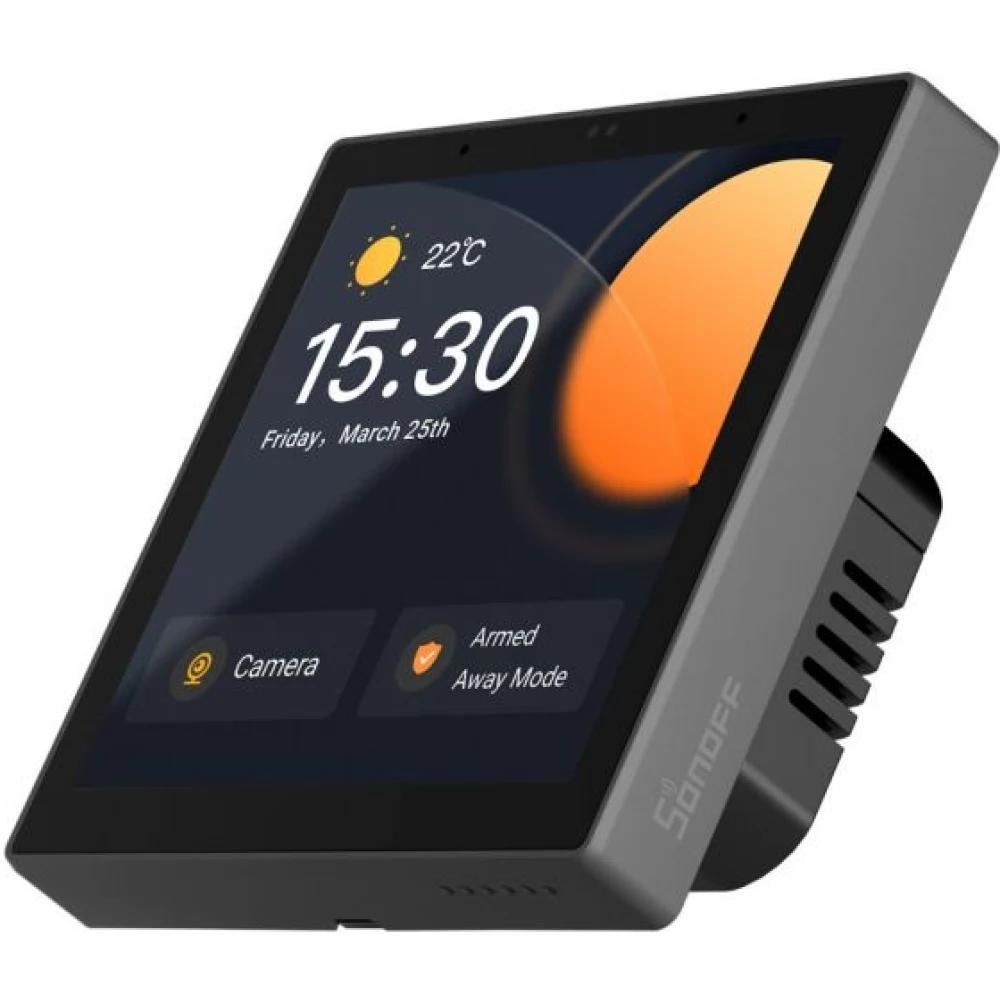
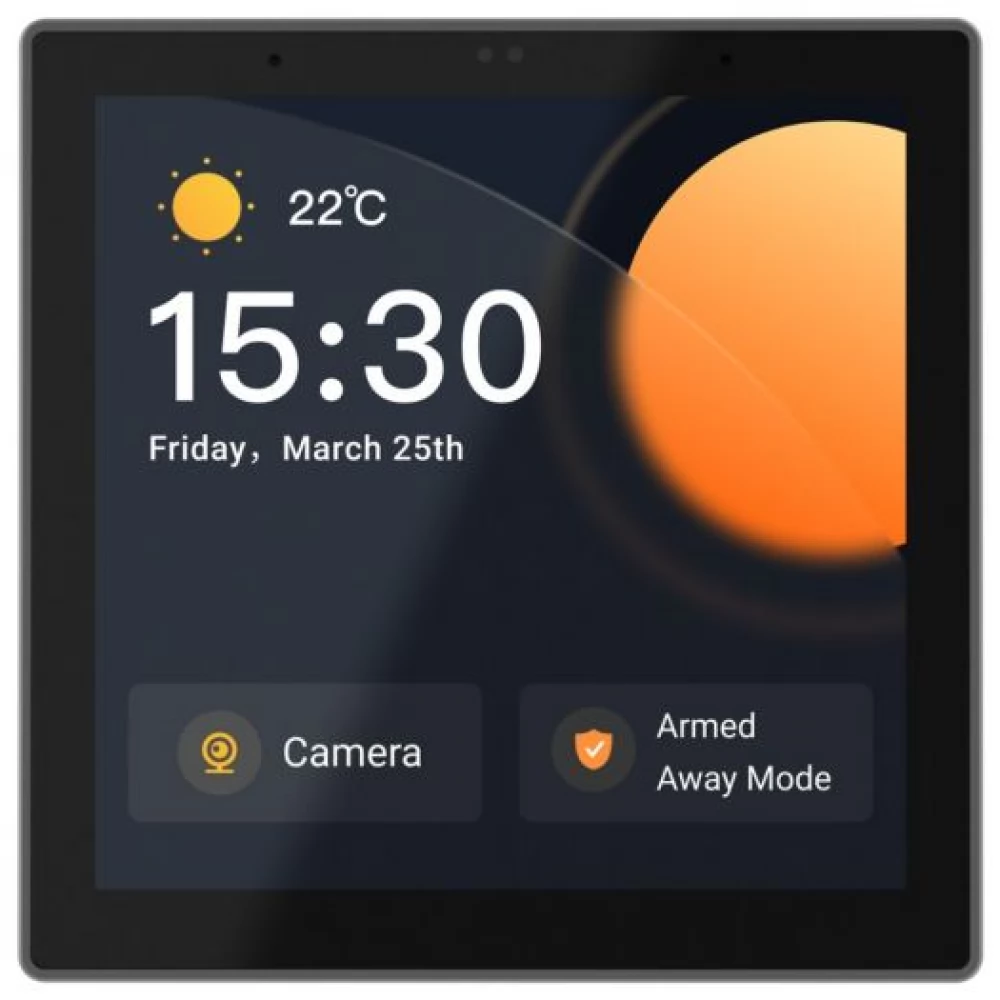
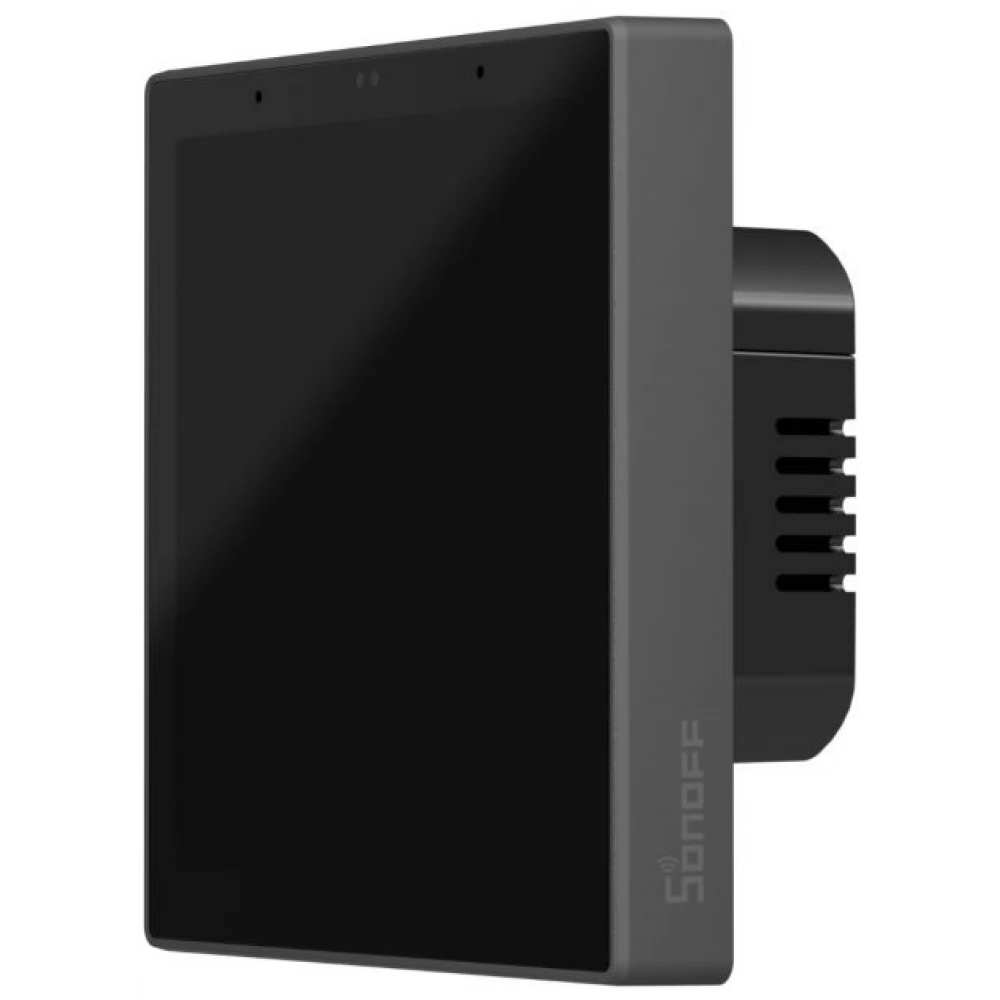
SONOFF's product, the Sonoff NSPanel Pro, which will be released in early 2023, is nothing more than a touchscreen smart home control panel and a mini Zigbee + Bluetooth smart home hub in one. Lighting, switches, heaters, connectors, almost all eWeLink smart devices can be controlled from it. The NSPanel Pro is therefore not just a mini wall-mounted touch tablet, as it also contains a built-in standard Zigbee 3.0 bridge function, i.e. it can also be used as a Zigbee gateway, and from firmware version v1.5.6 a Bluetooth (eWeLink-Remote) hub function has also arrived.
NSPanel Pro is available with an anthracite gray and white frame. This is the anthracite gray frame version.
Main features of Sonoff NSPanel Pro:
Central or room-by-room control panel for controlling Wi-Fi eWeLink devices
We can also control our Wi-Fi smart home devices using the eWeLink app via the factory eWeLink cloud, since we can group our devices by dividing them into a maximum of three screens (the devices you want to display can be set in the app for each NSPanel), and the NSPanel From the Pro interface, we can not only turn them on/off, but also view the data and status of the sensors.
Control panel for starting manual eWeLink scenes
A screen is also available for starting manually-started scene controls (or group controls) created in the eWeLink app, on which scenes can be set in the app. With one touch, you can start the desired scene on the touch panel, for example, you can create "I got home" and "I left home" scenes to turn off the lights, or to disable or enable certain scenes.
Zigbee gateway
Compatible Zigbee sensors, light switches, relays, and sockets can be paired with the compatible Zigbee gateway of the eWeLink platform built into NSPanel Pro either from the NSPanel interface or from the eWeLink app as usual. It is compatible not only with eWeLink Zigbee devices and standard Zigbee 3.0 devices from other manufacturers (of the type supported by the eWeLink app), but also with Philips Hue Zigbee bulbs and IKEA Zigbee bulbs.
Like the Sonoff Zigbee Bridge Pro, the Zigbee Bridge also supports three Security modes: HOME, AWAY, SLEEP, the current mode in the app and on NSPanel Pro can be set. We can set sensors or other inputs for each operating mode, in which case the NSPanel Pro's speaker gives a local sound alarm. For example, in HOME (home) mode, only the Zigbee opening sensor on the front door should alarm, in AWAY (remote mode) all motion sensors should also alarm, and in SLEEP (sleep) mode, the motion sensor in the living room and the front room should also alarm.
Bluetooth gateway
From firmware version 1.5.6, an eWeLink-Remote (Bluetooth) hub function was added to the device, so if you pair wireless eWeLink-Remote (Bluetooth) switches (e.g. Sonoff R5 switch or S-MATE module) with it, the NSPanel becomes a Bluetooth receiver. using, you can also connect other eWeLink devices from the wireless Bluetooth modules / switches.
Display images from cameras
It supports not only the addition of eWeLink app-compatible cameras and the display of their live image, and the display of the image of the eWeLink Camera app running on a mobile phone, but also RTSP protocol compatible and DIY (ESP32-CAM) cameras can be added on the NSPanel Pro interface. (The latter will only appear on the NSPanel screen, not from the eWeLink app.)
An NSPanel Pro installed in a hall can be used as an intercom and you can see on the NSPanel Pro screen who is standing at the gate or in front of the front door, and also what the situation is in certain rooms of the house or even in the garden.
In the case of eWeLink cameras that support two-way audio, you can hear the noise around the camera and speak back through the camera's speaker.
Intercom, or transfer of calls between phone/tablet app and NSPanel Pro, as well as between two NSPanel Pros
An intercom voice call can be created between several NSPanel Pros, and you can also call any NSPanel Pro using the app running on your phone/tablet.
Energy panel
In the case of eWeLink devices equipped with a consumption measurement function, the consumption measured by the devices can also be monitored on one panel.
Thermostat function
In the eWeLink app, you can also create (even more) cloud-based thermostat-like settings. For this, we just have to specify which temperature sensor data we want to use (e.g. a Sonoff or SmartWise wireless Zigbee thermometer), we have to specify which eWeLink switch relay (or switch) we want to connect with it, and we can already set it for automatic or manual control switching. You can choose between heating and cooling modes. (A hysteresis between 1 and 5 degrees can be specified for switching on/off.)
Web browser
In the eWeLink app, you can set arbitrary web addresses, which can be opened with a single touch on the NSPanel Pro 480x480
PRICE NOTIFICATION
NOTEBOOK SEARCH

OPINIONS
0.0
