
QNAP TS-932PX-4G
(Natural person according to Ptk 8.1 § 3.)
not available
Product description
Compact 9-disk NAS with 10 GbE SFP+ and 2.5 GbE ports for smooth operation of file-based applications
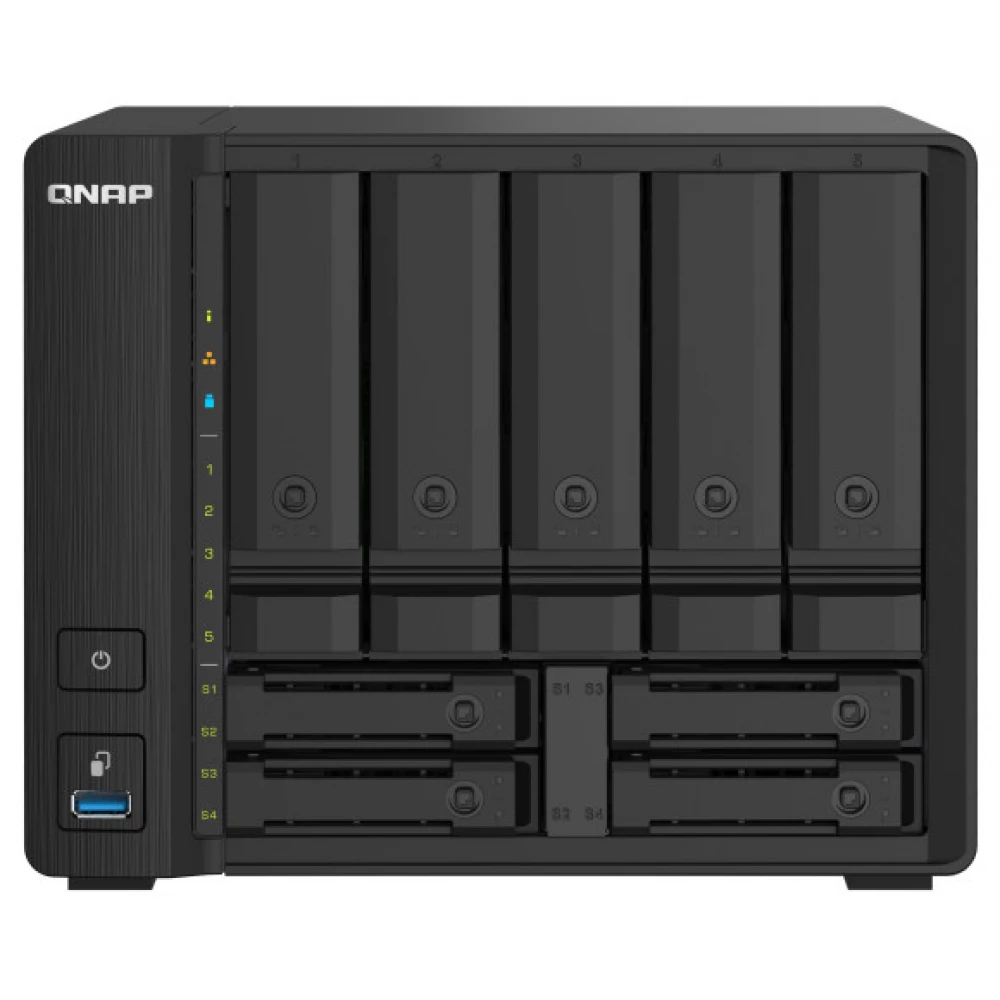
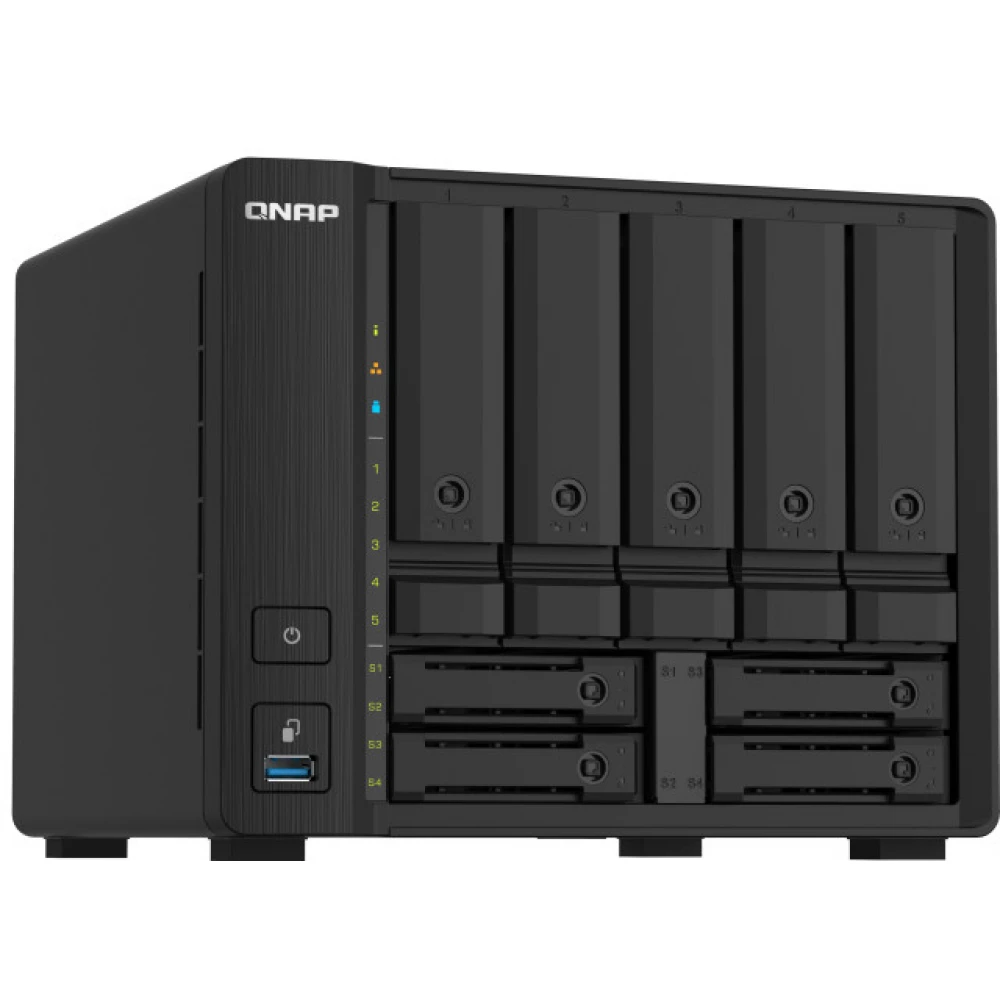
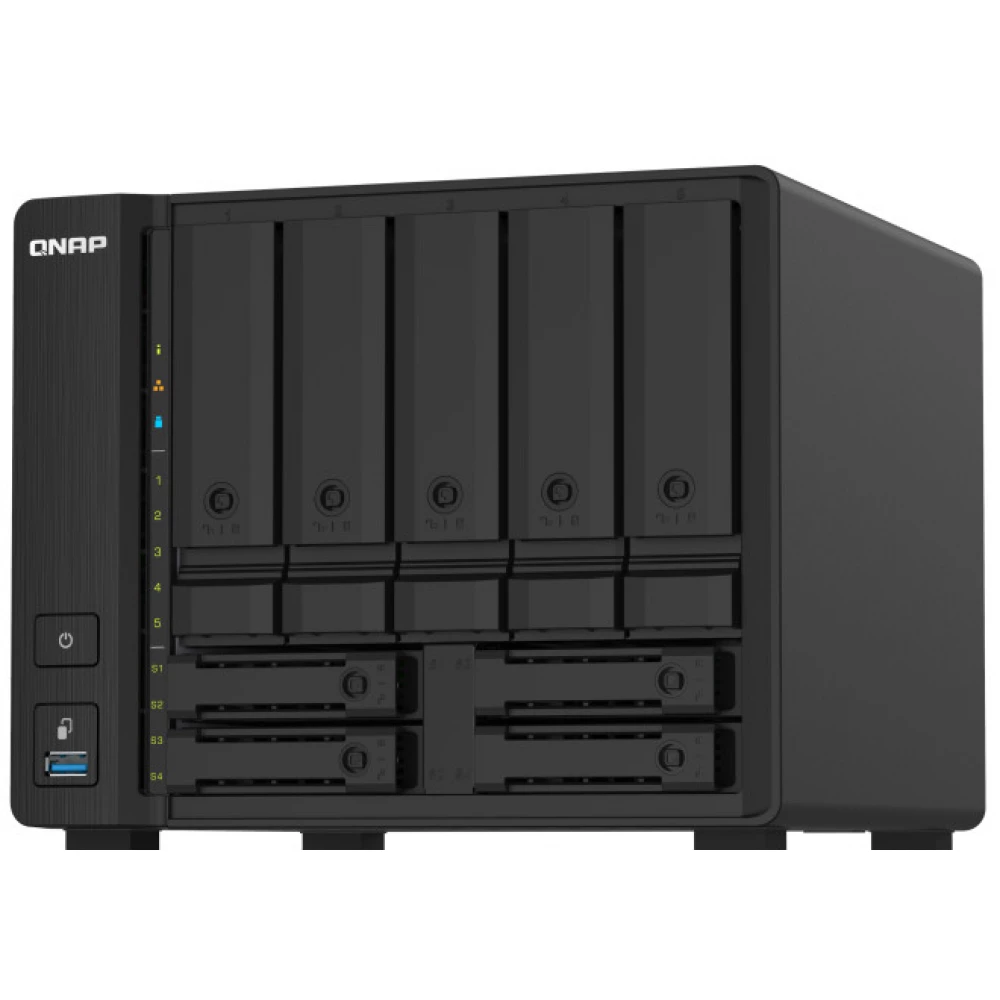
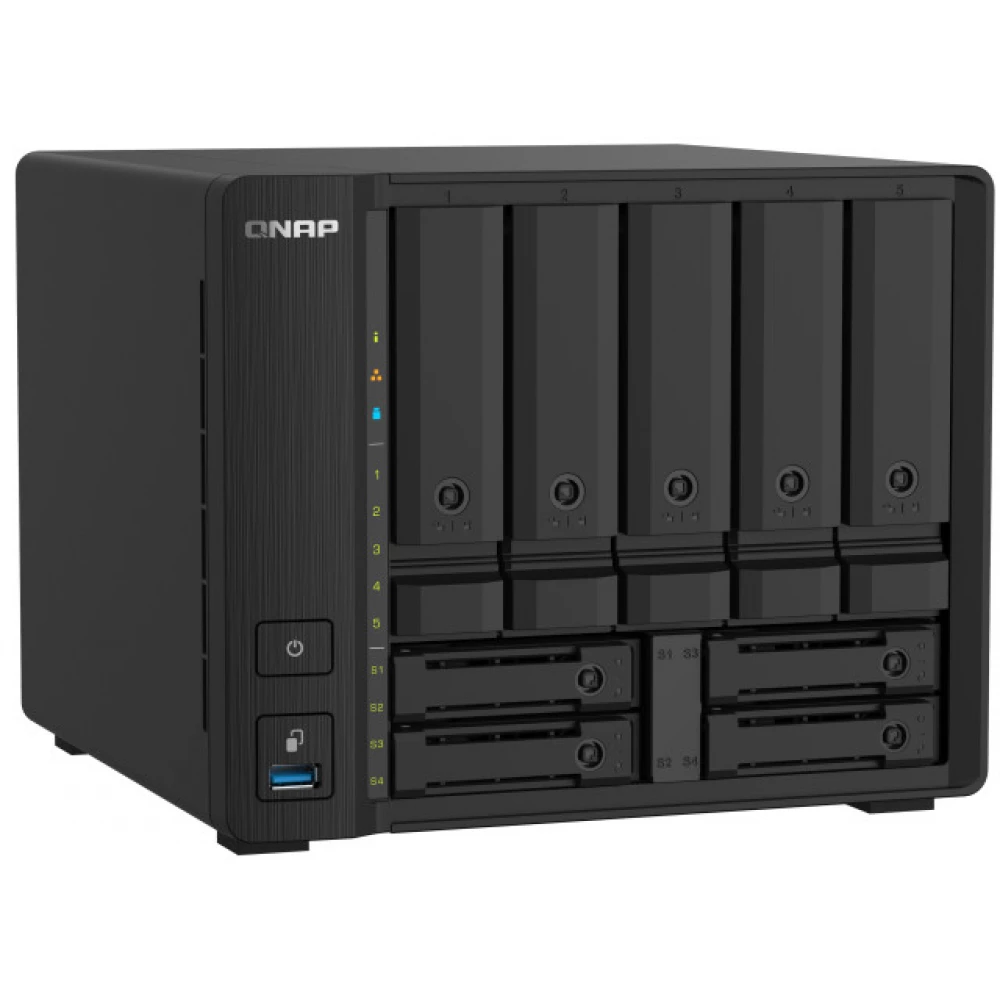
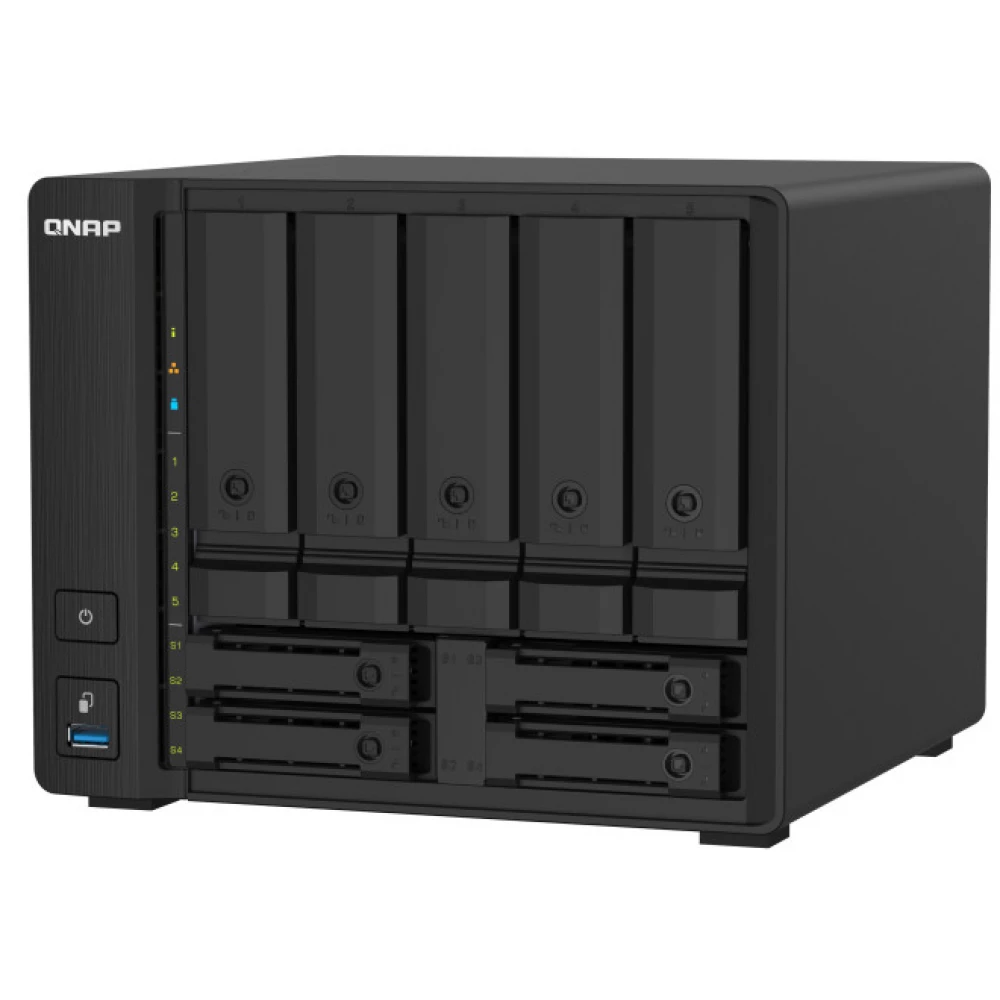
The quad-core 1.7 GHz TS-932PX supports nine drive bays with the size of a NAS with only 5 disks. With five 3.5-inch SATA 6 Gb/s drive bays and four 2.5-inch SATA 6 Gb/s slots, the TS-932PX provides the opportunity to create a hybrid HDD/SSD infrastructure system to accelerate application performance. With two 10GbE SFP+ and two 2.5GbE LAN ports, the TS-932PX supports next-generation networks for bandwidth-intensive applications and provides smooth file access and sharing.
Energy-efficient quad-core processor
With a 64-bit, quad-core, 1.7 GHz ARM Cortex-A57 processor and 4 GB DDR4 RAM (expandable to 16 GB), the TS-932PX is extremely energy-efficient in operation without negatively impacting the system, or application performance.
High-performance 10 GbE and 2.5 GbE connections
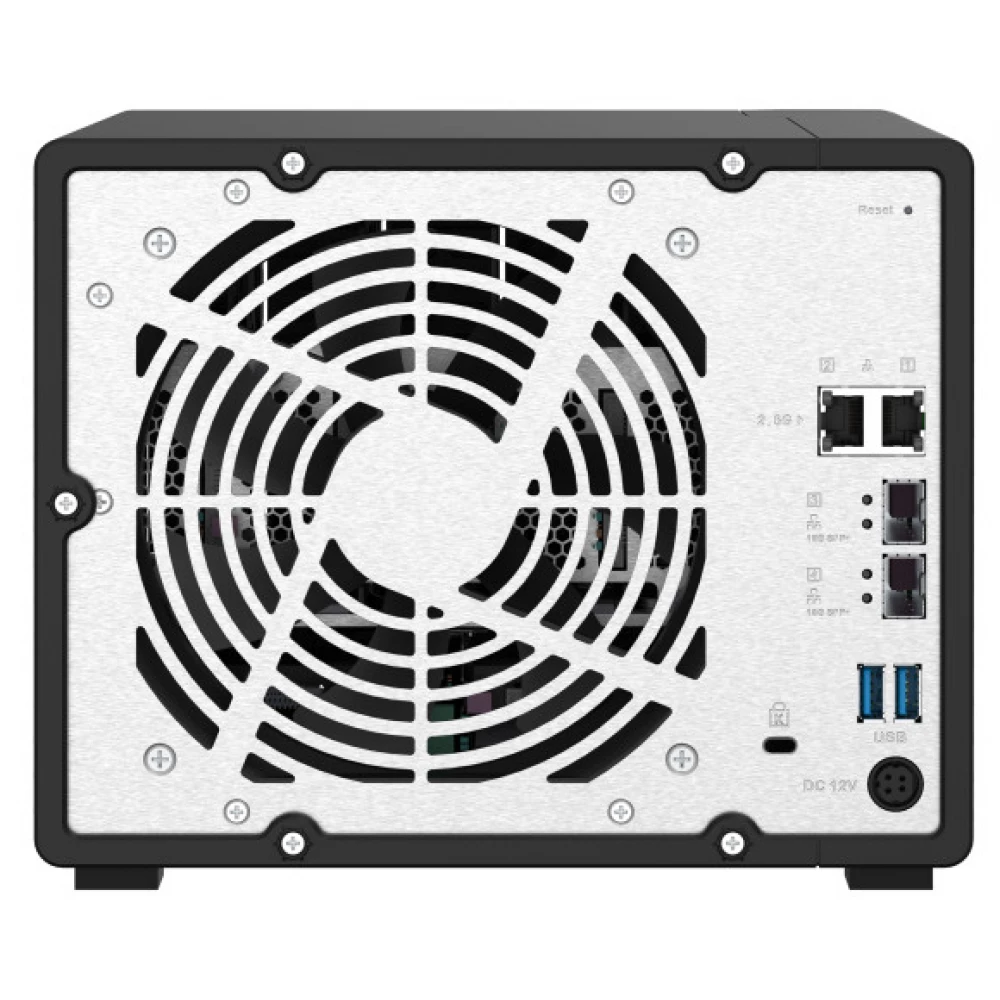
The TS-932PX has two 10GbE SFP+ and two 2.5GbE LAN RJ45 ports to enable high-speed network deployment and support port trunking and failover to strengthen network infrastructure. QNAP also offers a variety of high-speed networking solutions, including 10GbE/2.5GbE managed/unmanaged switches and network adapters, which help you build a cost-effective high-speed network environment.
Increase NAS performance with 2.5-inch SATA SSDs
SSDs can greatly improve NAS performance without requiring a significant investment. The TS-932PX supports SSD caching, Qtier™ auto-tiering technology and SSD over-provisioning to help balance storage performance, storage allocation and IT costs.
Protect your important data with snapshots
Snapshots fully record the state and metadata of the NAS system, which can be used to quickly restore files to a previously recorded state if they have been accidentally deleted/modified or become victims of ransomware. QNAP snapshots are block-based and only record modified data. This not only saves storage space, but also reduces the time required to back up and restore data. The TS-932PX supports up to 256 snapshots per NAS and up to 64 snapshots per volume or LUN.
Multi-point backup, access and synchronization
The TS-932PX supports popular file sharing protocols (including SMB/CIFS, AFP and NFS) for Windows®, Mac® and Linux®/UNIX® devices. With Qsync (a utility that turns your QNAP NAS into a secure, high-capacity data center by synchronizing files), files uploaded to the TS-932PX will be available on all paired devices (including PCs, laptops, and mobile devices). Hybrid Backup Sync helps you back up or synchronize TS-932PX data to another QNAP NAS, remote server or cloud storage (including Microsoft One Drive®, Google Drive™ and Dropbox®) in for disaster recovery.
Intelligent AI photo management
QuMagie integrates QuMagie Core AI image recognition technology for face recognition, object identification, and photo geotagging. Categorizes similar photos based on people, locations, and objects. QuMagie features customizable folder icons, iOS® Live Photo display support, and a powerful search toolbar to provide the best possible photo management and image sharing solution.
Low-latency access to files stored in the cloud using cloud storage gateways
By installing cloud storage gateways and using local cache, you can easily use the TS-932PX to store, backup and restore your cloud data with low-latency access, providing an innovative hybrid cloud experience.
You can easily find and automatically organize your files
The TS-932PX provides more convenient file management. With Qsirch you can quickly find the files you are looking for, and with Qfiling you can automatically archive them.
Secure remote access to your QNAP NAS
Using myQNAPcloud Link, you can access, share, download and manage files stored on the central NAS via the Internet. QNAP NAS also supports VPN services for remote access professionals to access the NAS and resources through a private network. You can also use the QVPN Device Client program, which is powered by QNAP's proprietary QBelt protocol. With its help, you can easily connect to the TS-932PX, and with the measuring tools you can determine the speed of the VPN connection and view the history.
PRICE NOTIFICATION
Recommended for you
Similar products
NOTEBOOK SEARCH
OPINIONS
OPINIONS
