
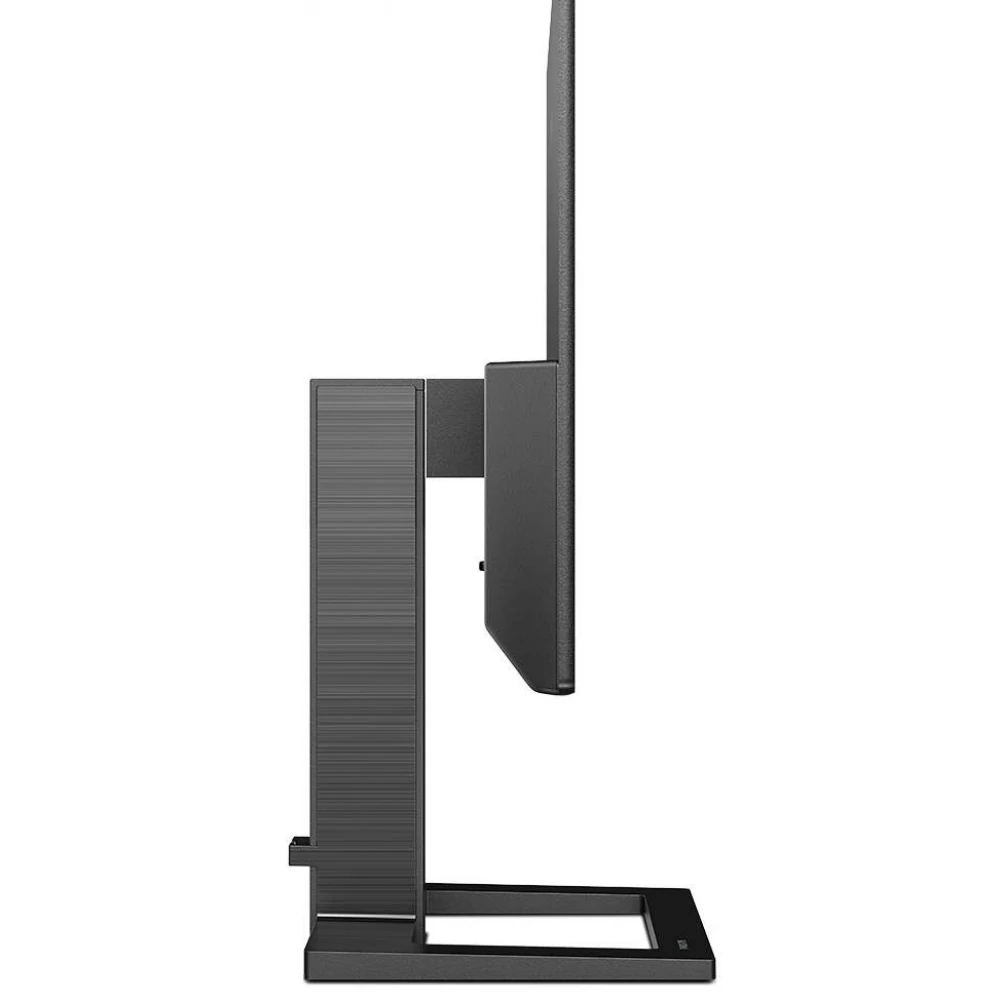
PHILIPS 242E2FA/00
Substitute products
Product description
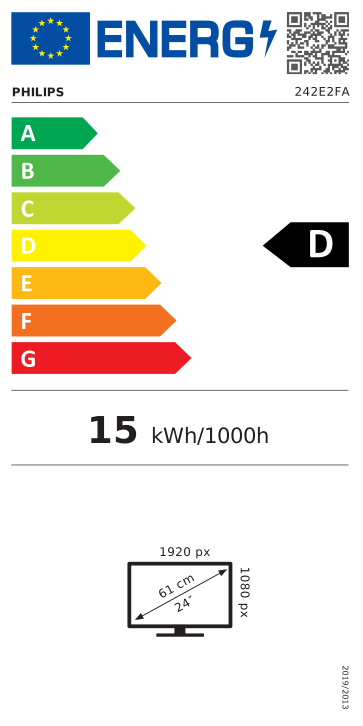
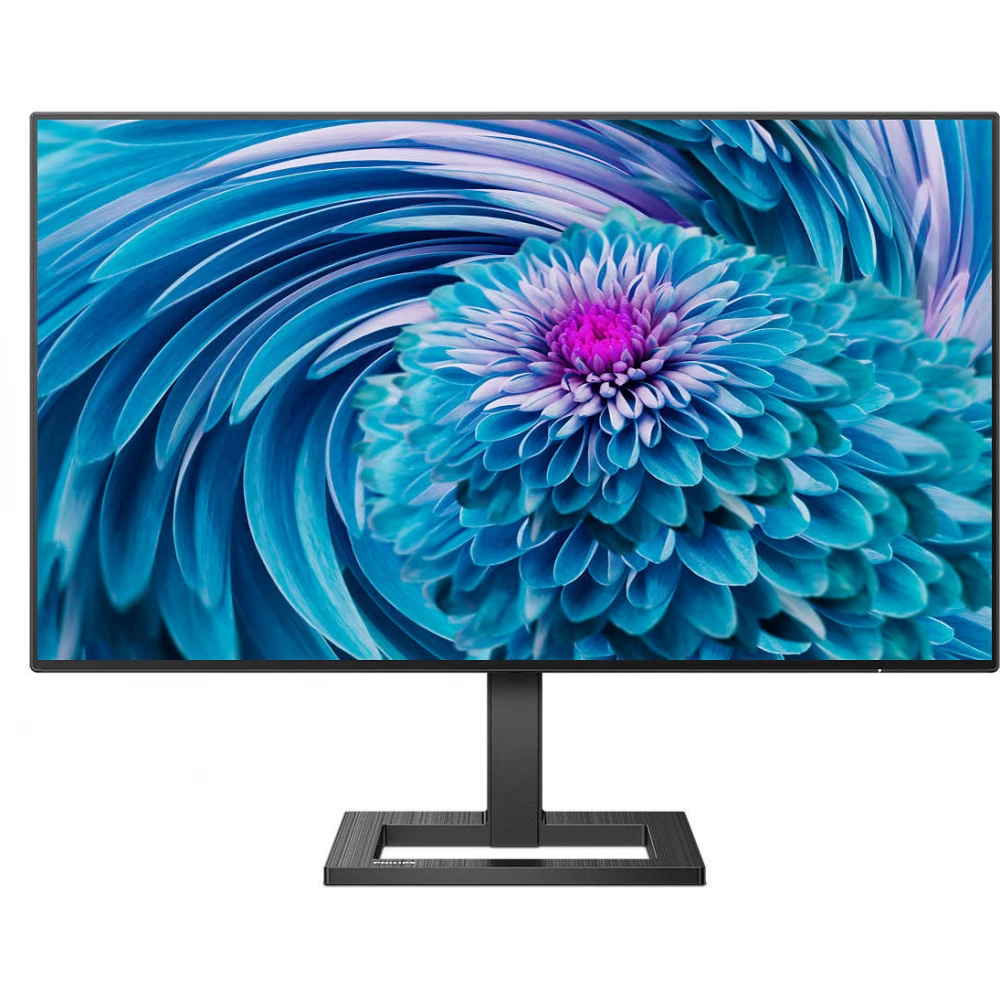
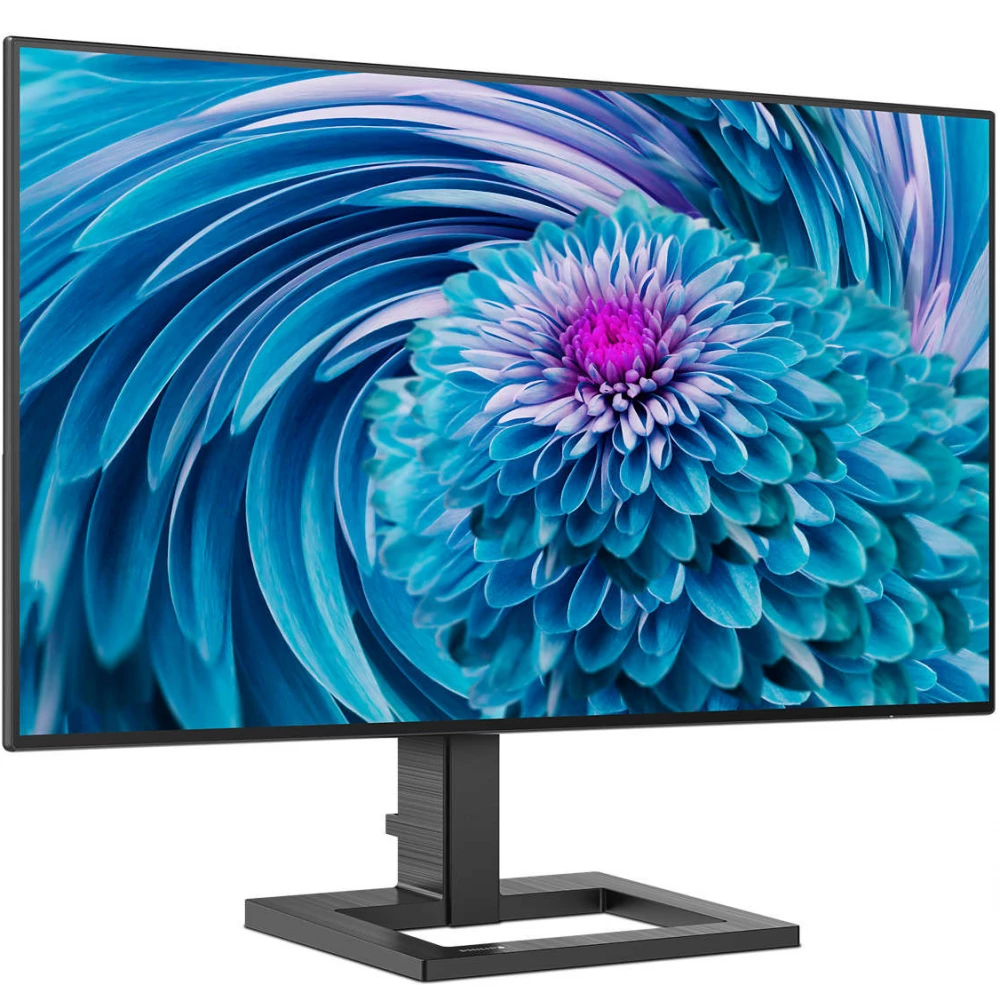
The Philips 242E2FA/00 is a high-quality monitor that can be an ideal choice for anyone looking for a reliable and sophisticated device for their home or office. It enables versatile use, so it can meet the needs of all users. With its modern, clean appearance, it stands out in any environment.
The 23.8-inch panel with Full HD resolution provides a sharp and clear image and guarantees an impressive visual experience for any content. IPS screens use an advanced technology that provides an extremely wide viewing angle of 178°/178°. So you can view the screen from almost any angle – even in 90 degree rotated mode. Unlike normal TN panels, the IPS screen provides a particularly sharp image and vivid colors, which is why it is not only ideal for viewing photos, movies or web browsing, but also for professional applications where color fidelity and constant brightness are important.
SmartContrast is a technology developed by Philips that analyzes the displayed content, automatically adjusts the colors and controls the backlight to dynamically improve the contrast to display the best digital still and motion pictures, or when displaying dark shades during gaming. When choosing economy mode, it adjusts the contrast and fine-tunes the backlight for the proper display of everyday office applications and lower power consumption.
The monitor has an almost invisible frame, which increases the visibility of the displayed images and facilitates the creation of a multi-monitor workstation, thus making everyday life more efficient.
With the discreetly placed EasySelect menu switch button, you can quickly and easily change the monitor's settings in the on-screen menu.
Philips 242E2FA/00 supports AMD FreeSync™ technology, which reduces the frame refresh rate, thereby minimizing image interruptions and stuttering, ensuring a smooth image and flicker-free enjoyment of multimedia content or gaming.
The SmartImage game mode is specifically designed for the needs of gamers. Fine-tuned specifically to the needs of gamers, the new Philips display, designed for gaming, offers a wide range of options and has a quick-access on-screen menu. The "FPS" (First person shooting) mode improves the dark parts of the game, so that objects hidden in dark areas can be seen. The "Racing" mode sets the display to the fastest response time, excellent color, or it also makes other adjustments to the image setting. The "RTS" (Real time strategy) mode has a special SmartFrame mode, which allows you to highlight a specific area or size and image modifications. Gamer1 (Player 1) and Gamer2 (Player 2) allow you to save customized settings for each game to ensure the best performance.
The monitor has a response time of 1 ms, which eliminates screen tearing and fluctuations in image refresh rates, thus ensuring a smooth gaming experience.
Eye-friendly technologies protect the eyes from fatigue, irritation and certain damages.
- Low Blue: the Philips Low Blue mode setting, developed for health, uses intelligent software technology to reduce short-wavelength, harmful blue light.
- Flicker-Free: Philips flicker-free technology uses a new solution to control brightness, which reduces flickering for more comfortable viewing.
EasyRead mode is specially designed for reading, which makes it feel like reading on paper, making it easier to read for long hours.
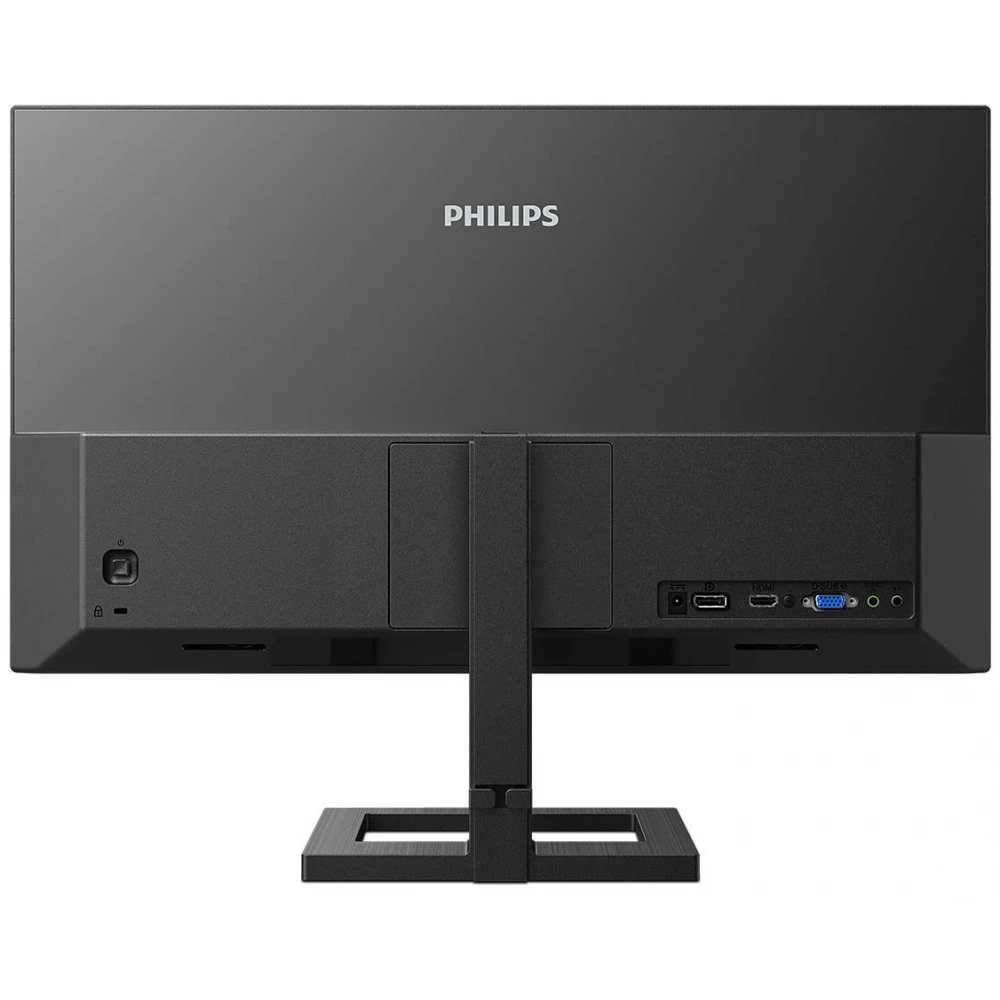
Multiple connection options provide flexibility in pairing different devices. The Kensington lock allows you to connect the security cable to the display.
Cables and wires pass through the display stand, so you don't have to worry about tangled cables, and thanks to the cable manager, the work area remains clean and tidy.
With built-in speakers (2x 3W), users can easily listen to audio files, participate in online conferences or edit videos without having to connect external speakers or wear headphones. Thanks to the headphone output, a private and undisturbed sound experience is guaranteed.
The ergonomic design ensures comfortable and healthy use.
- The monitor can be tilted (-5°/+20°), so everyone can find the most comfortable position for them.
- Using the VESA wall mount (75x75 mm), it can be easily mounted on the wall, saving space on the table.
Philips monitors with LED backlighting are free of mercury, which is one of the most toxic natural substances for humans and animals. Philips technology reduces the harmful impact on the environment throughout the product's lifetime, from production to disposal. Furthermore, the
Similar products
NOTEBOOK SEARCH
OPINIONS
OPINIONS
