
Dear Visitor! We are carrying out maintenance this weekend, so our website may be slow or briefly unavailable at times. Thank you for your patience!
PHILIPS 162B9T/00
Substitute products

Product description
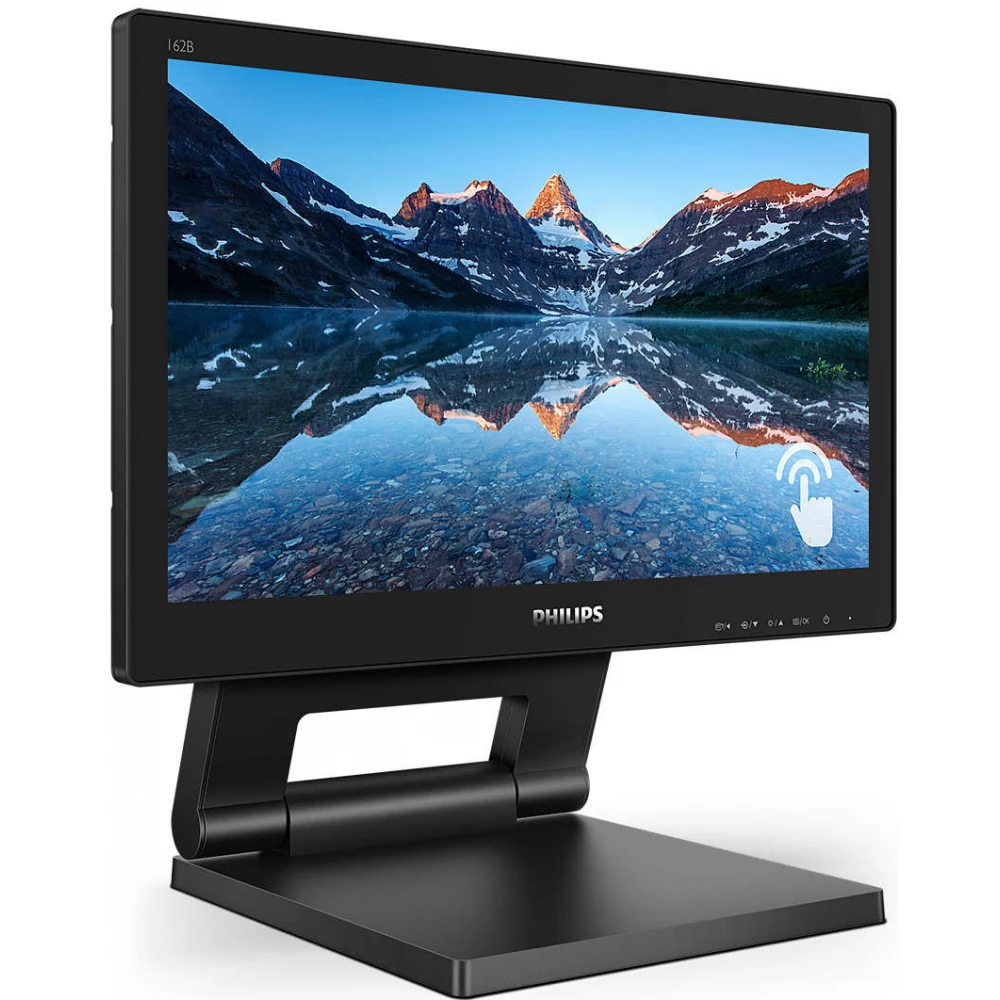
Brilliant interactive display with SmoothTouch function
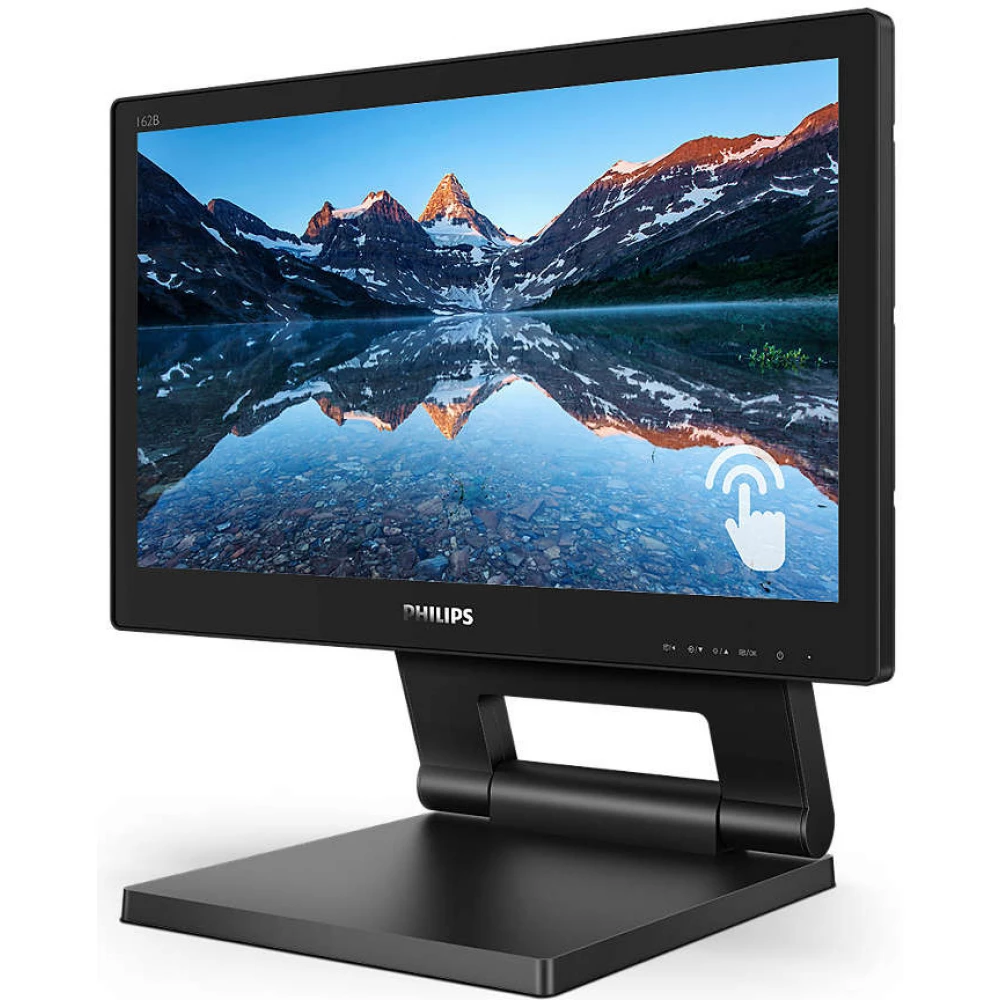
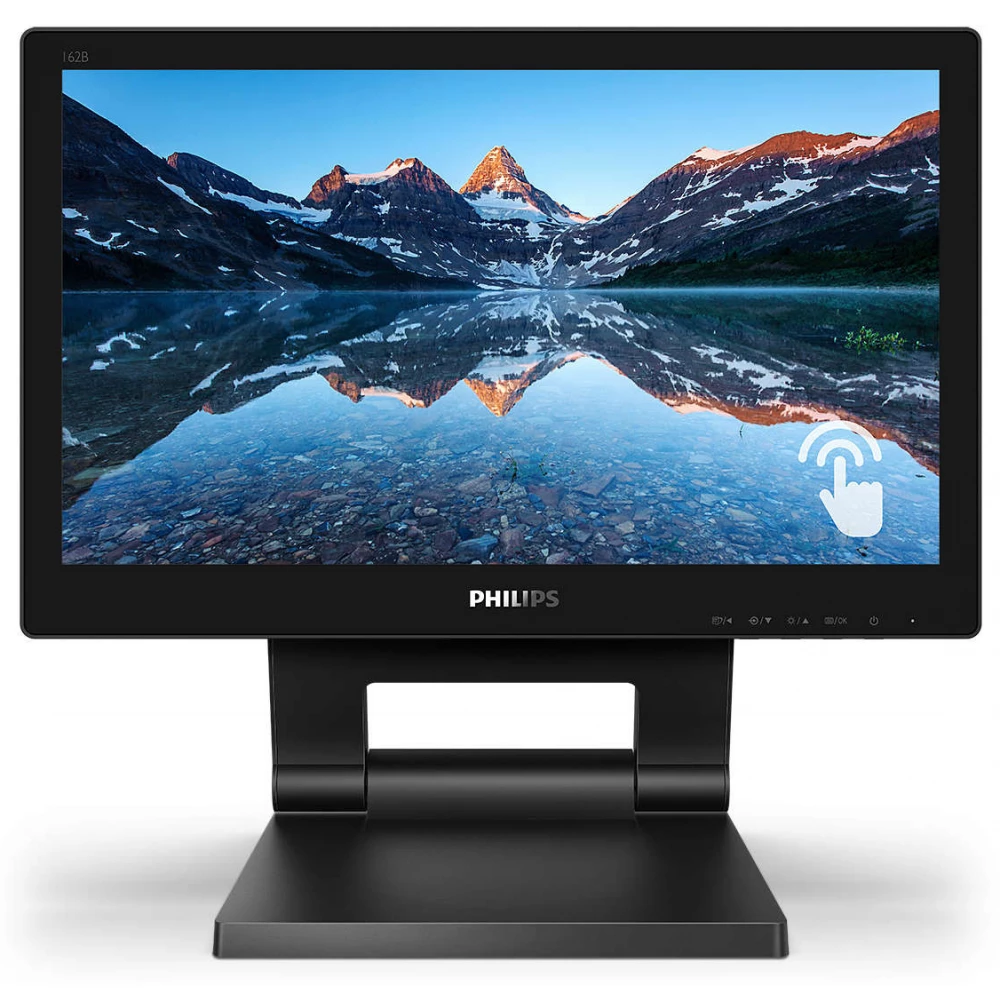
The solid, dust- and water-resistant, non-reflective touchscreen monitor offers flexible use anywhere, and thanks to the stand that can be moved in several directions, it can be adjusted to the desired angle. It provides simple and intuitive use for various applications and also increases productivity.
SmoothTouch display for natural, continuous touch response
This Philips display uses projected capacitive 10-point touch technology for continuous touch response. Take full advantage of the new capabilities of touch-based apps and bring your older apps to life. Type with 10-finger touch or play exciting interactive games with friends. Get your work done by interactively collaborating with colleagues in a work or school environment and increase your productivity and efficiency.
The front surface of the monitor complies with the IP65 dust and water resistance standard
In a less-than-perfect environment, you need a monitor that's designed to withstand the water drops and dust you might encounter on a daily basis. The ingress protection rating (IP) according to the international standard IEC/EN 60529 specifies the effectiveness of the resistance level of electrical enclosures against foreign bodies and moisture. This Philips display meets the international dust and water resistance IP classification, and can withstand water drops and dust that can be encountered in everyday life.
SmartContrast: for rich black shades
SmartContrast is a technology developed by Philips that analyzes the displayed content, automatically adjusts the colors and controls the backlight to dynamically improve the contrast to display the best digital still and motion pictures, or when displaying dark shades during gaming. When choosing economy mode, it adjusts the contrast and fine-tunes the backlight for the proper display of everyday office applications and lower power consumption.
LowBlue mode for eye-friendly efficiency
Studies have shown that, like ultraviolet rays, the short-wavelength blue light rays emitted by LED displays can damage the eyes and affect vision over time. Developed for health, the Philips LowBlue mode setting uses intelligent software technology to reduce short-wavelength, harmful blue light.
HDMI provides universal digital connectivity
An HDMI-ready device has all the necessary hardware to receive High-Definition Multimedia Interface (HDMI) input. With the help of an HDMI cable, high-quality video and audio can be transmitted via a single cable, from a computer or any number of AV sources (indoor units, DVD players, A/V receivers and camcorders).
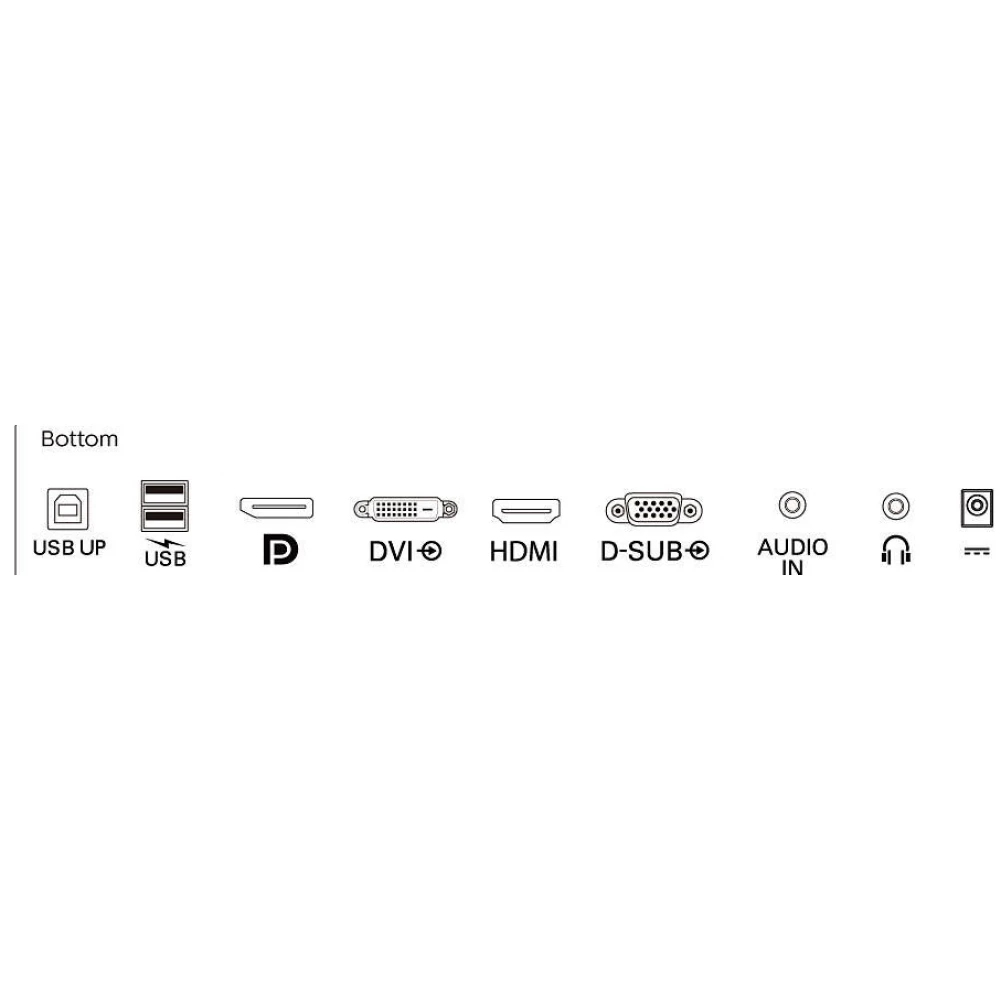
DisplayPort connection to maximize visuals
DisplayPort provides a digital connection between the computer and the monitor without conversion. Surpassing the DVI standard, it can work even with a 15-meter cable and a data transfer speed of 10.8 Gbit/s. Instant high performance enables the fastest imaging and refresh rates, making DisplayPort the best choice for general home and office use, but also for gaming, movies, video editing and other high-performance tasks. Different adapters provide the cooperation possibilities.
EasyRead mode for a paper-like reading experience
The inclination angle of the SmartStand is flexibly adjustable, increasing efficiency
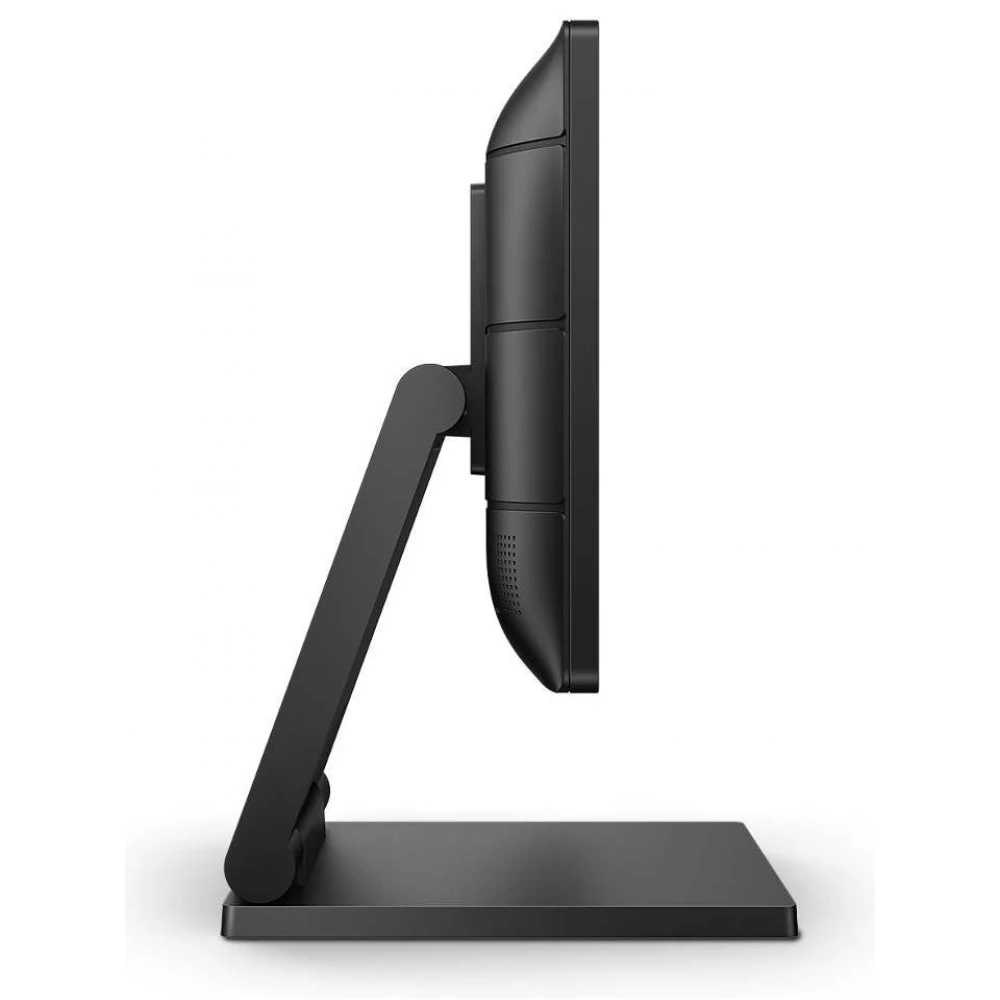
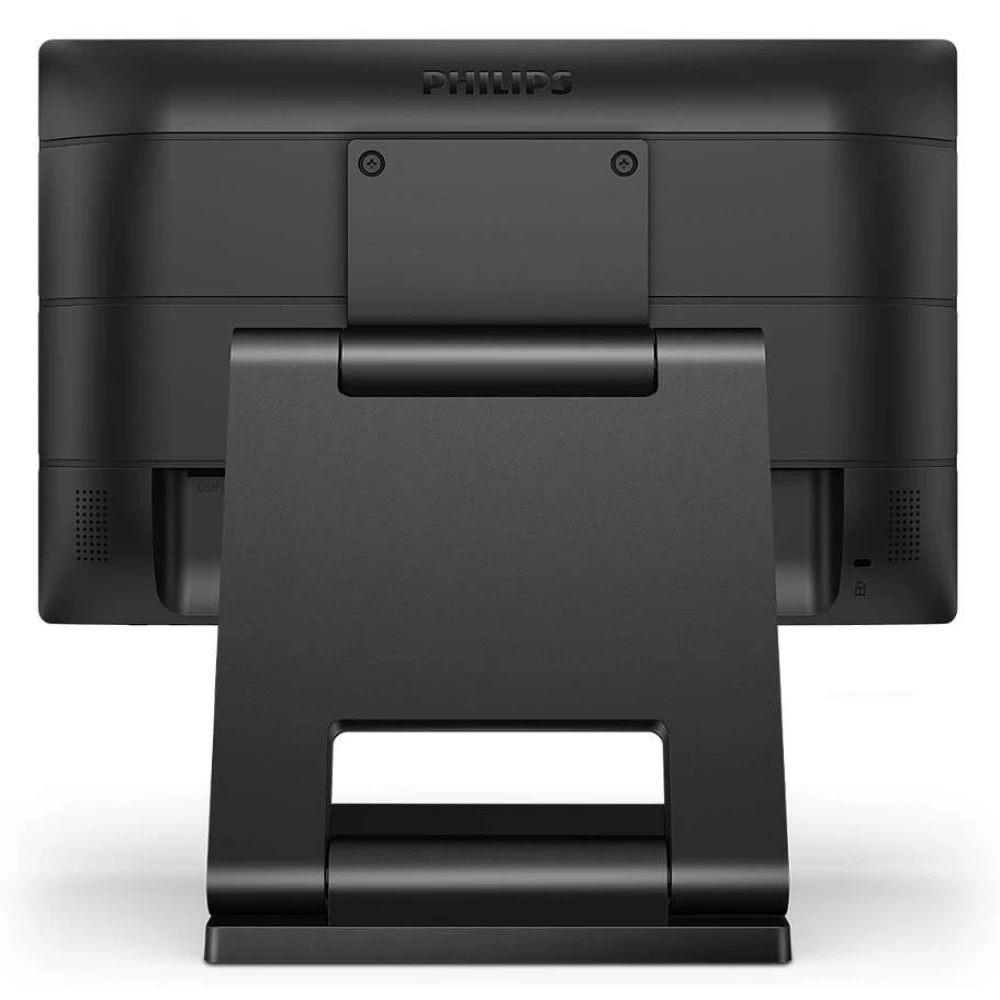
The Philips SmartStand enables flexible display adjustment. Its Z-type structure with continuous tilting, height adjustment and folding enables the use of different ergonomic positions. It can be adjusted to a vertical position for easier touch control, or tilted back for easier drawing and note-taking. In addition, it can be set to an almost completely horizontal position, so you can also use it on the desktop if certain applications require it.
NOTEBOOK SEARCH

OPINIONS
0.0
