
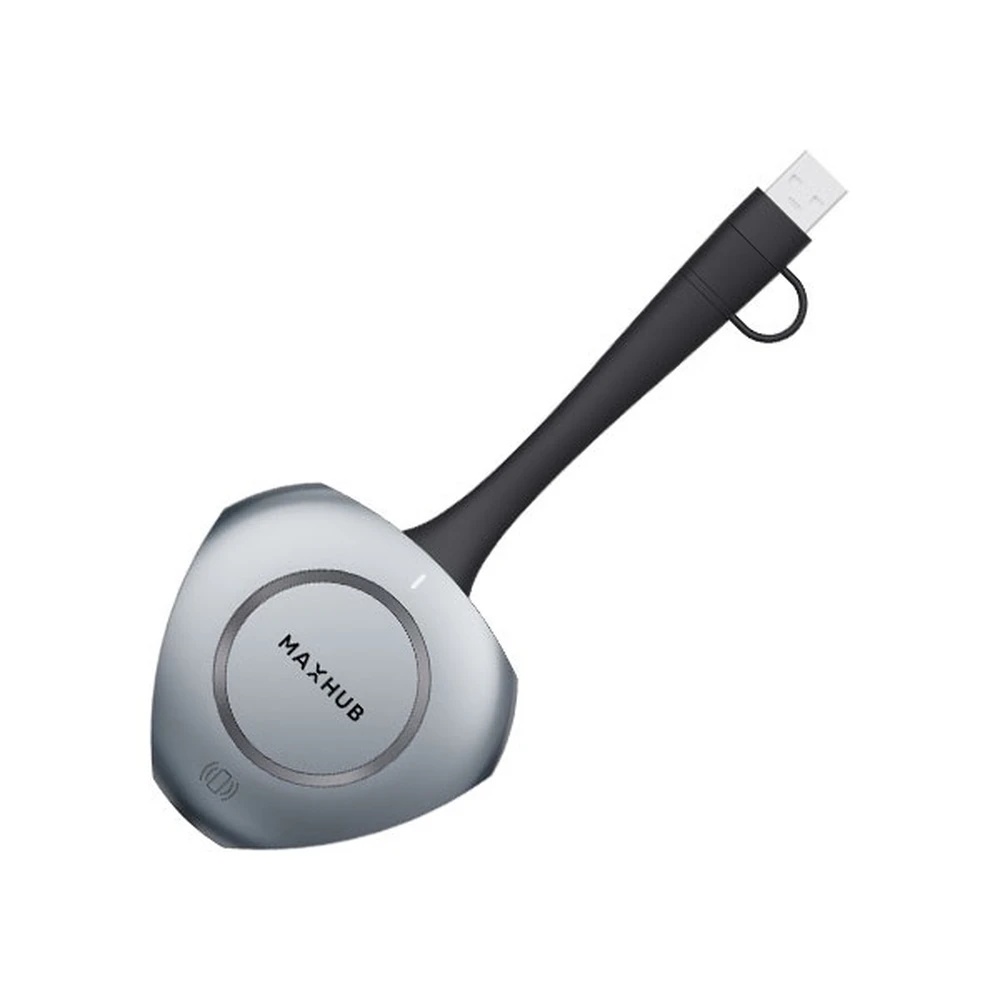
MAXHUB WT13M Wireless USB-C Mirroring Dongle
not available
Product description
For wireless and network-free content sharing
Get rid of traditional screen mirroring tools. Forget cables, external adapters or even Wi-Fi connections. Pair it with your MAXHUB displays for automatic network connection and content sharing, even while providing a secure connection for internal network security.
Plug and Play Drive-free sharing
Built with a full-functional Type-C interface, it supports HD output with DisplayPort protocol. No device configuration or installation required. Simply Plug and Play and mirror your screen with one touch.
5s Rapid Pair. Let the meeting begin, immediately.
Forget about complicated installations. With 5s Rapid Pair, you simply connect to your terminal and tap to start mirroring.
The built-in power supply module ensures that discussions don't have to end when the plug needs to be replaced.
Ultra HD screen sharing Visually detailed perfection that you can see
Newly upgraded 4K screen mirroring provides 77% more pixel detail compared to traditional 1080P hardware encoding. Now you can present it
authentic visual details for a cleaner, more professional presentation experience. 4K Ultra HD screen mirroring provides even sharper text
display, finer image textures and lifelike visual experience.
Wi-Fi 6 high-speed wireless transmission, Ready for smoother audio and video streaming
Wi-Fi 6 wireless network technology supports higher bitrates for smoother and clearer playback for reviewing videos and presenting documents. The channel's spatial multiplexing technology keeps the connection uninterrupted. This means a complex network
Environments are easy to manage, providing stable and uninterrupted screen mirroring even for long periods of time.
Connecting multiple devices. For unlimited sharing
Experience simultaneous connection with up to 8 wireless screen mirroring devices, covering different projection modes including mirror display, extended display and app screen mirroring. Every performer can enjoy greater flexibility and control with mirrored content and features like Touch Back Control and Pen Annotation. This makes it easier to control the pace of ongoing conversations while improving interaction.
Plug and Play simplicity, You can easily initiate your own meeting
Take advantage of the driverless efficiency enabled by MAXHUB BYOM (Bring Your Own Meeting) technology by simply connecting your PC to a MAXHUB video conferencing device. Remote collaboration has never been easier. Simply enjoy the streamlined meeting process in person without the limitations of computer software and interfaces.
NFC one-touch sharing, Convenient screen sharing directly from your mobile
With the built-in NFC tag, there is no need to waste meeting time. Simply touch your mobile device to the designated NFC area to connect and start sharing your screen wirelessly. You don't even have to leave your seat.
PRICE NOTIFICATION
Recommended for you
Similar products
NOTEBOOK SEARCH
OPINIONS
OPINIONS
