
LOGITECH Swytch
(Natural person according to Ptk 8.1 § 3.)
not available
Product description
Join any meeting from any room.
Featuring an innovative design with maximum compatibility and DisplayLink® Plug-and-Display technology, Logitech Swytch connects your laptop to your meeting room's conference camera and display with a single cable, making it easy for teams to hold meetings, present and broadcast over any service .
With Swytch, you can deploy video conferencing solutions from providers such as Microsoft® or Zoom® while also enabling the use of meeting rooms using other video services.
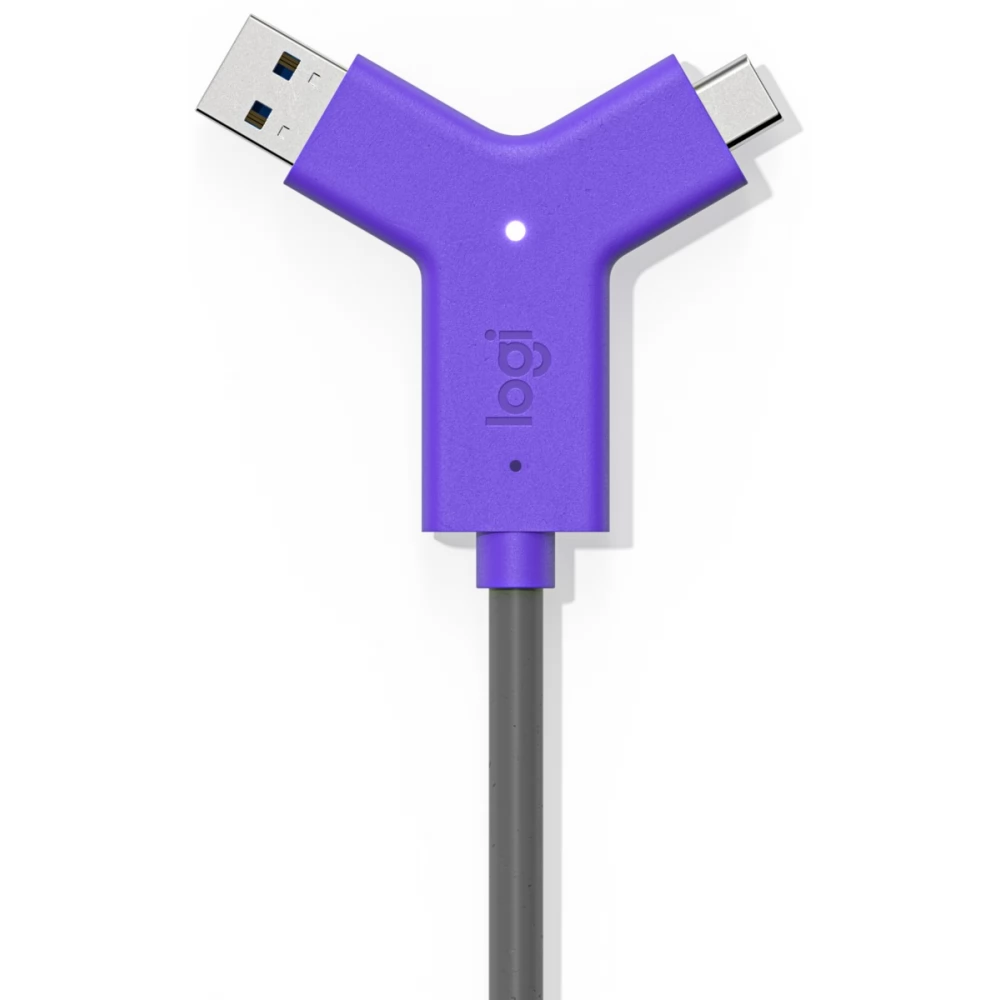
To hold or join a video meeting, simply connect the legendary Swytch connector to any laptop with a USB 3.0 or later Type A or Type C port. No need for receiver, distributor, HDMI.
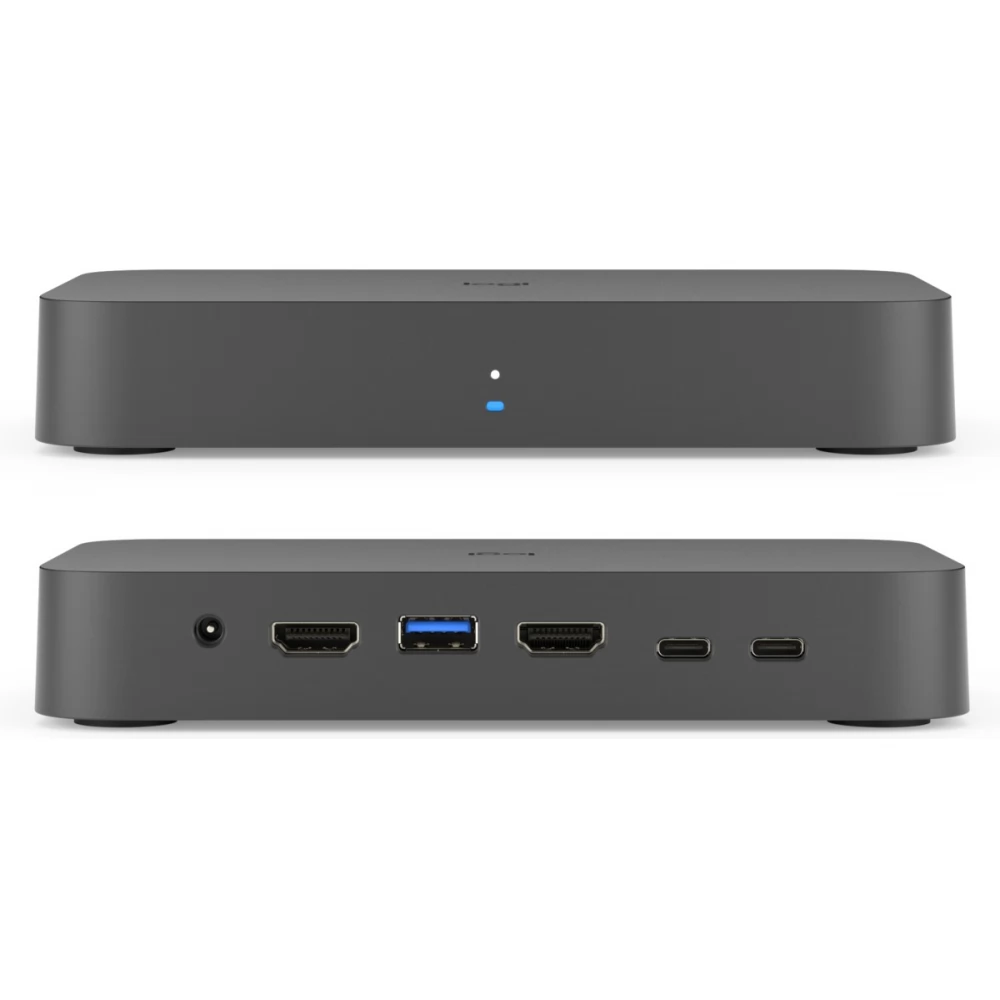
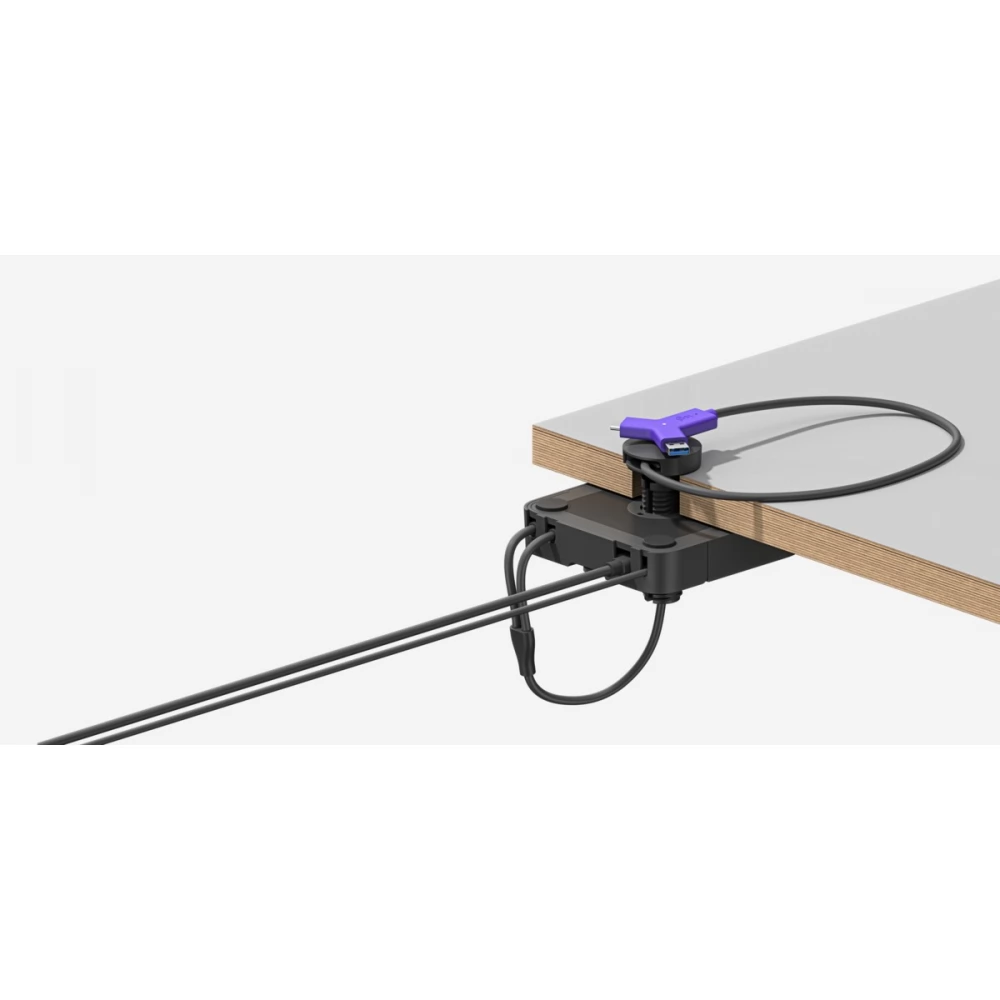
Swytch can be easily installed in rooms using USB-connected conference cameras, video columns or modular cameras. Simply connect the Swytch hub to your meeting room equipment, put the Swytch connector at your fingertips, and use the video conferencing service of your choice.
In rooms using MeetUp or similar USB cameras, you just need to connect the Swytch hub to the camera and place the Swytch connector within easy reach.
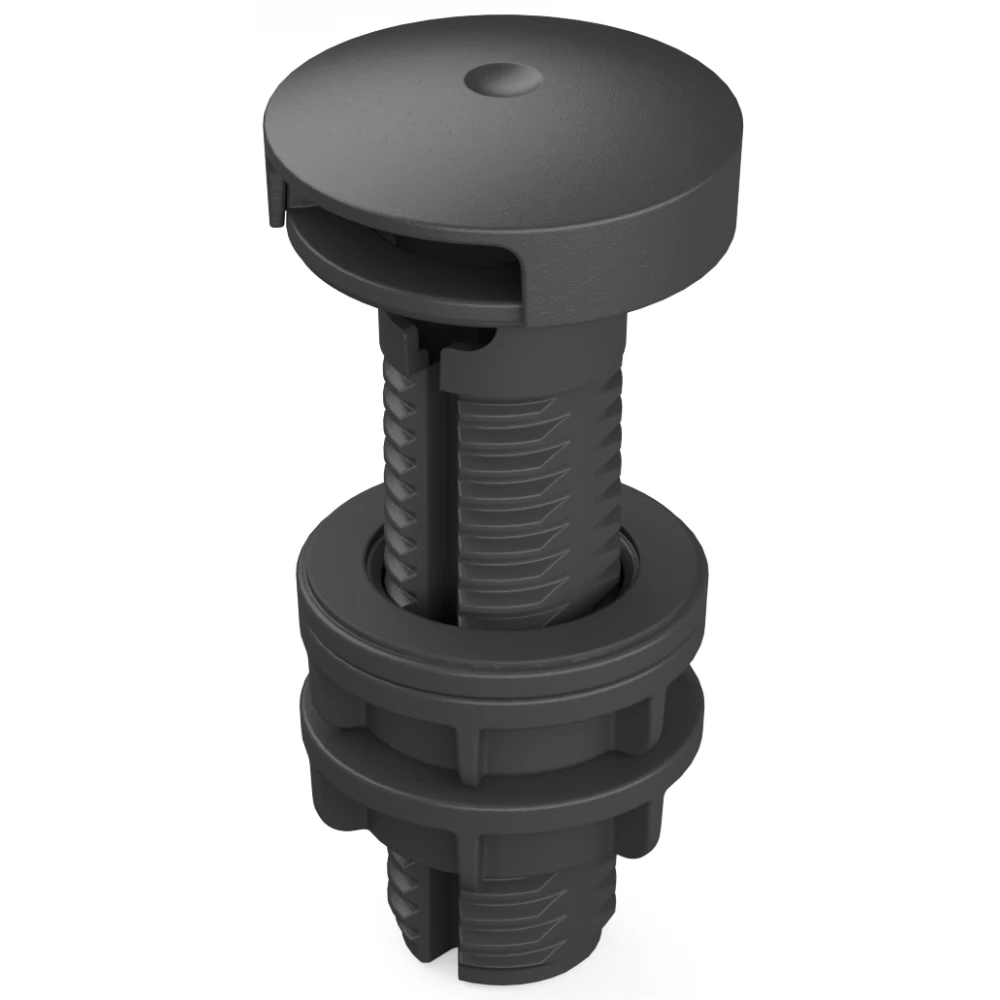
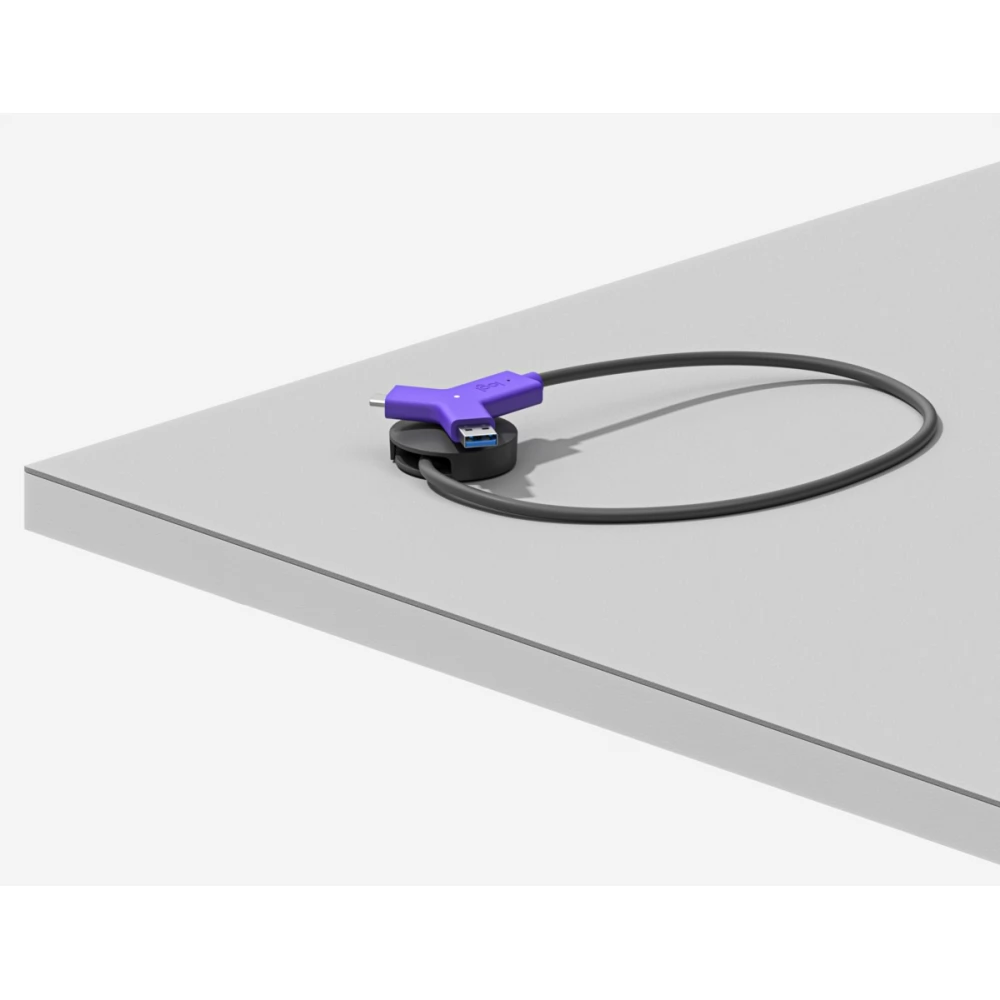
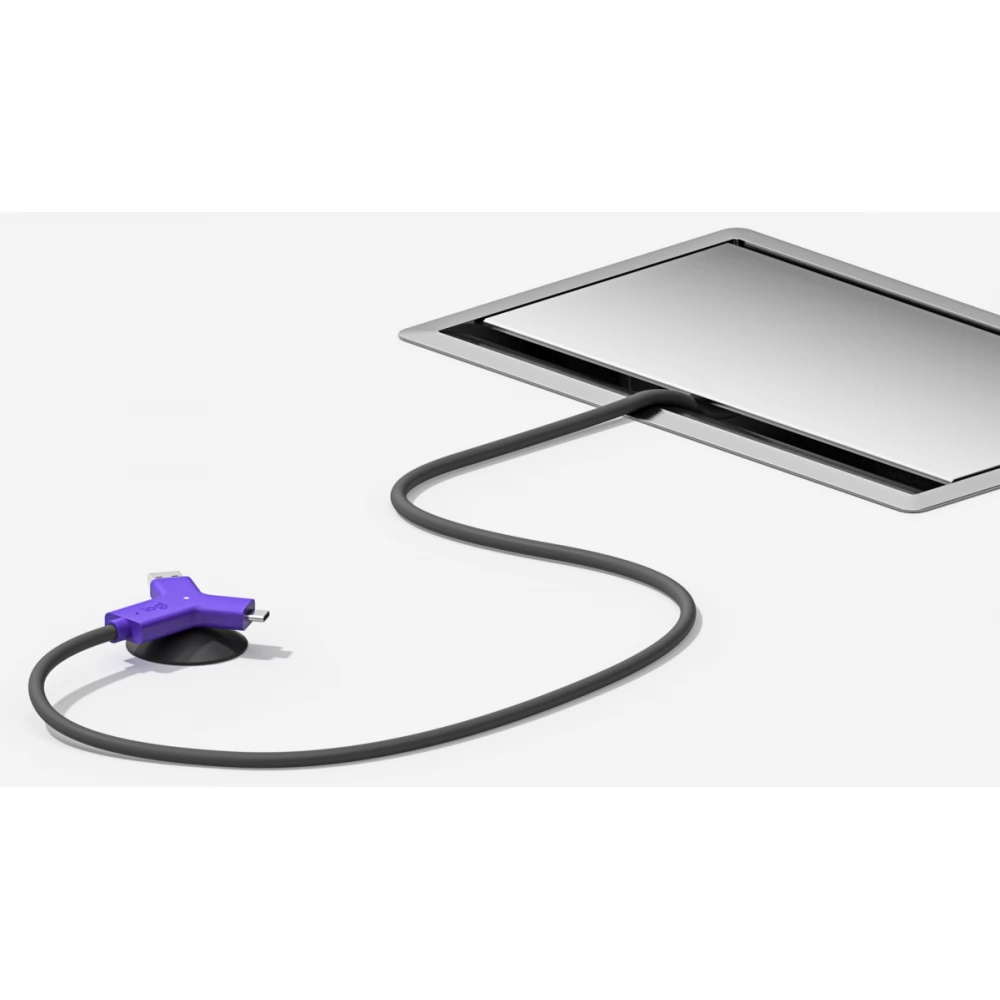
Swytch integrates easily into your meeting rooms. With the included magnetic dock, you can keep your desk tidy, but you can also run the Swytch connector through the existing cable distributor. Whichever you choose, the sturdy cable clamp keeps connections tight.
Thanks to hidden cabling and a convenient magnetic dock, Swytch makes every room clear and organized, even those without separate computers. A single connection and ease of use make it easy for anyone to collaborate with the team using their personal laptop.
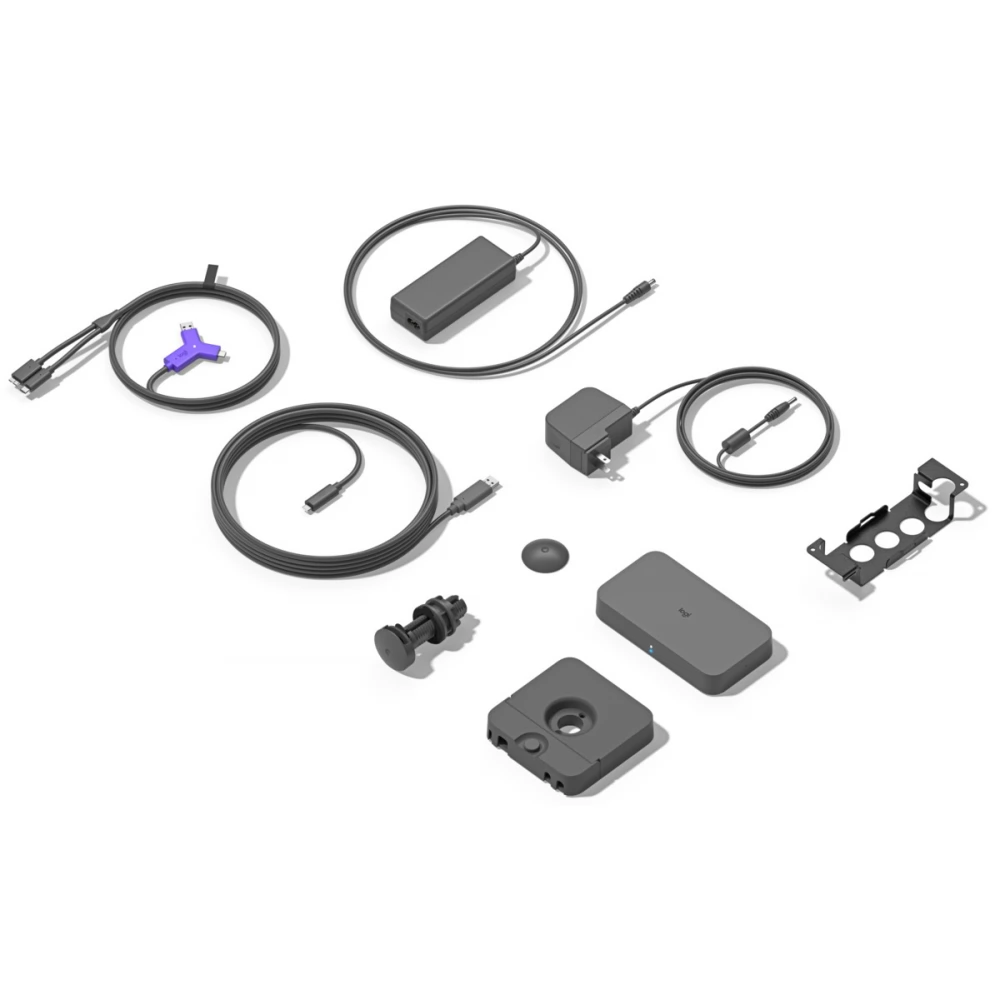
Contents of the package
- Swytch Center
- Swytch extender
- Swytch connector with 1.5 meter USB cable
- 100-240V power supply from Swytch distributor
- 100-240V power supply for Swytch extension cord
- 5 m USB 3.0 cable
- 2.2 m USB 3.0 cable
- 2.0 m HDMI 2.0 cable
- Equipment accessories
- Guide
PRICE NOTIFICATION
Recommended for you
Similar products
NOTEBOOK SEARCH
OPINIONS
OPINIONS
