LOGITECH Slim Folio iPad (10. gen) case German graphite
not available
Product description
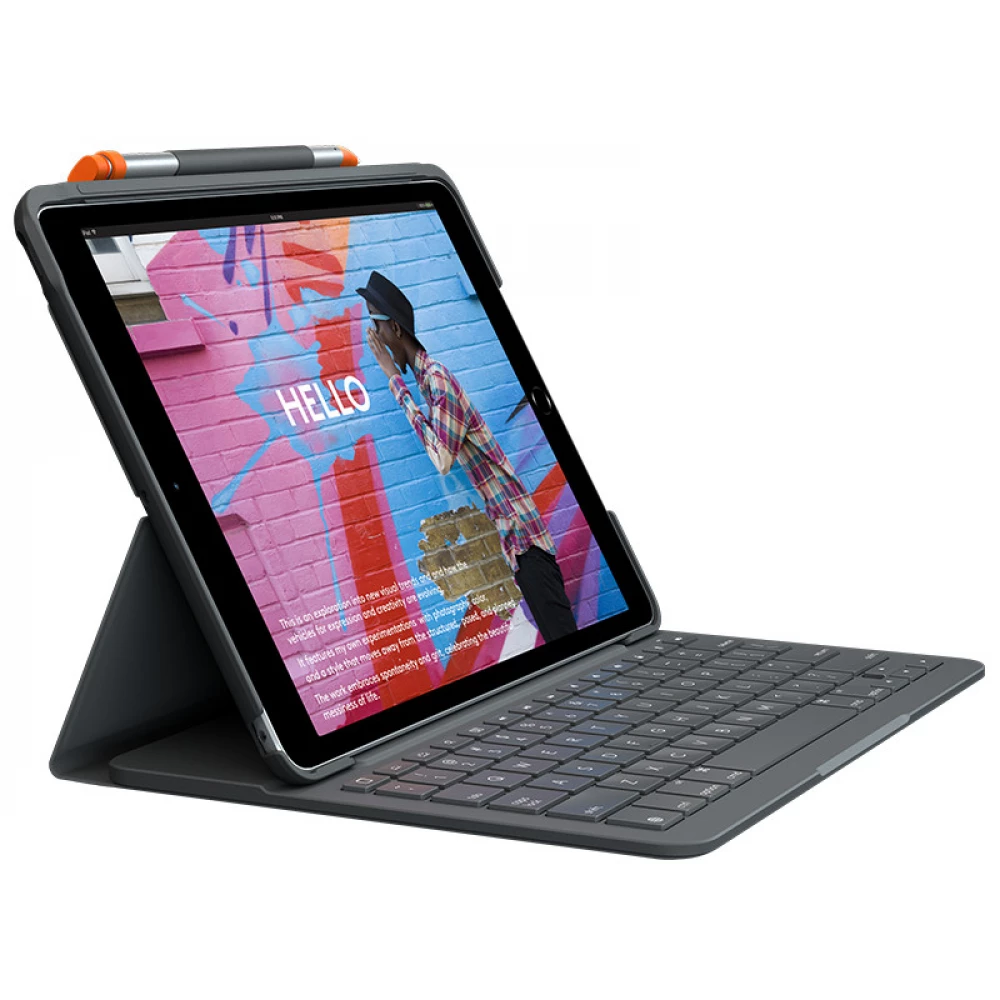
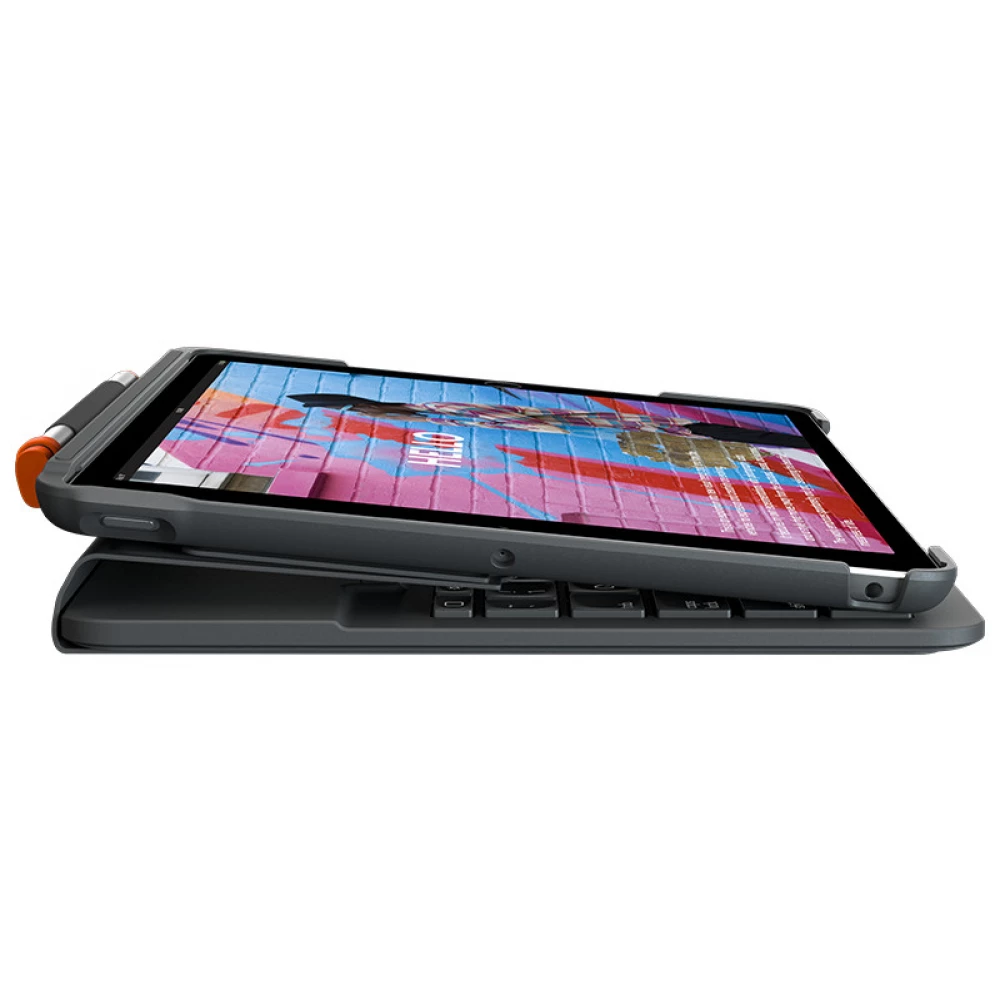
3 MODES OF OPERATION
- Slim Folio offers three unique modes to help you perform tasks even more efficiently.
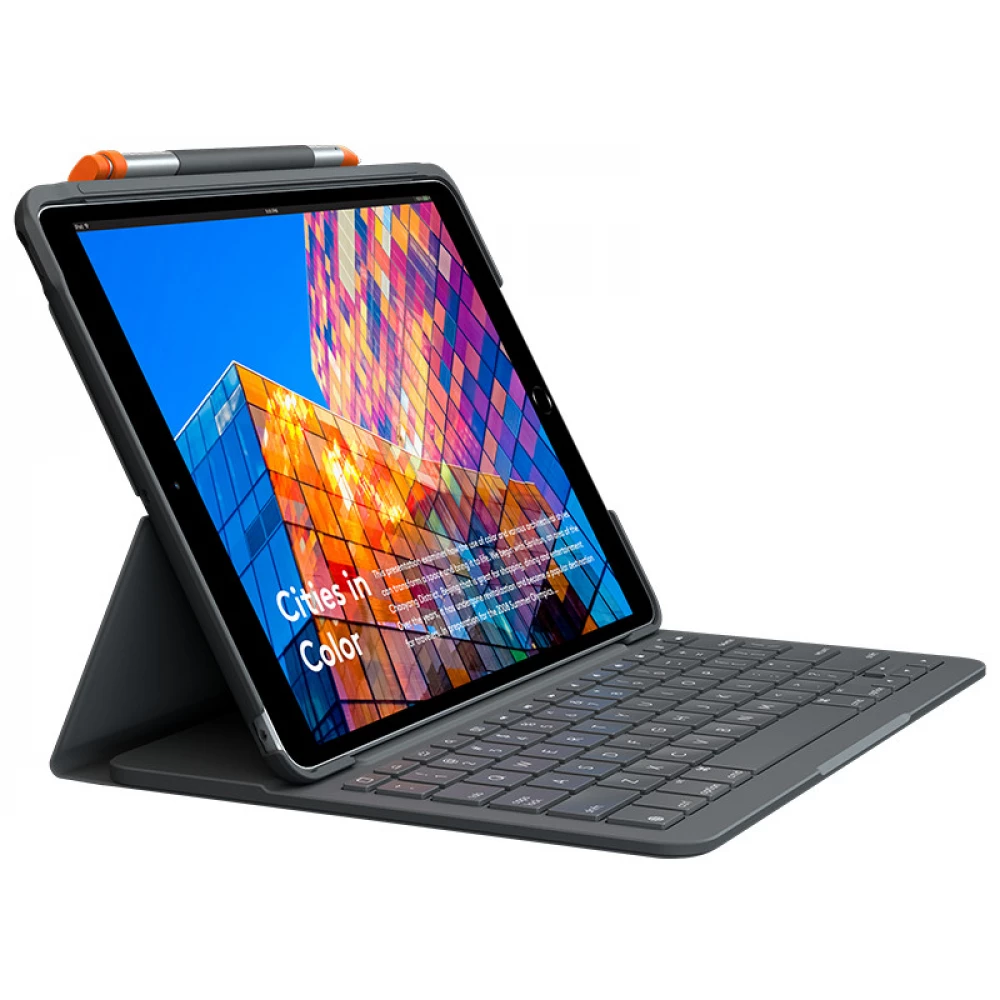
- Typing mode: Just dock the keyboard vertically and start typing.
- Drawing mode: Close the iPad screen to take notes or draw with the Logitech Crayon®.
- Reading mode: If you want to read a book, article or other, fold the keyboard back.
COMFORTABLE, LAPTOP-SIZED TYPING
Enjoy the experience of comfortable and flexible typing on the wide, optimally arranged keys that fill the available frame so that you do not feel the keyboard is crowded. Our premium quality keyboards are characterized by fast and accurate typing, as the keys quickly jump into place after being pressed. What's more, you can use the keyboard shortcut to perform your favorite iOS actions and achieve optimal efficiency.
CONVENIENT BUILT-IN KEYBOARD
The Slim Folio's keyboard is built into the case so it can't be lost and is always close at hand for typing.
2 CORNERS FOR TYPING, VIEWING AND DRAWING
In typing mode, the Slim Folio holds the iPad at a 58-degree angle, which is great for working with the keyboard. Close the case and the Slim Folio positions the iPad at a 10-degree angle, optimal for watching your favorite shows, taking notes, drawing, and more.
SCREEN AND BACK PROTECTION
The Slim Folio carefully surrounds the iPad and protects it from bumps, scratches and spilled liquids. Inside, a lightweight frame and keyboard module form a structural unit without adding significant weight to the iPad.
PLACE FOR LOGITECH CRAYON AND OTHER DIGITAL PENS
Draw, write, and put away the Logitech Crayon or Apple Pencil (1st generation) so that it never gets lost or gets in the way. The practical holder keeps the pen in place until the next use.