
LOGITECH Rugged Folio Hungarian black
Substitute products
Product description
OUTSTANDING PROTECTION. THIN DESIGN.
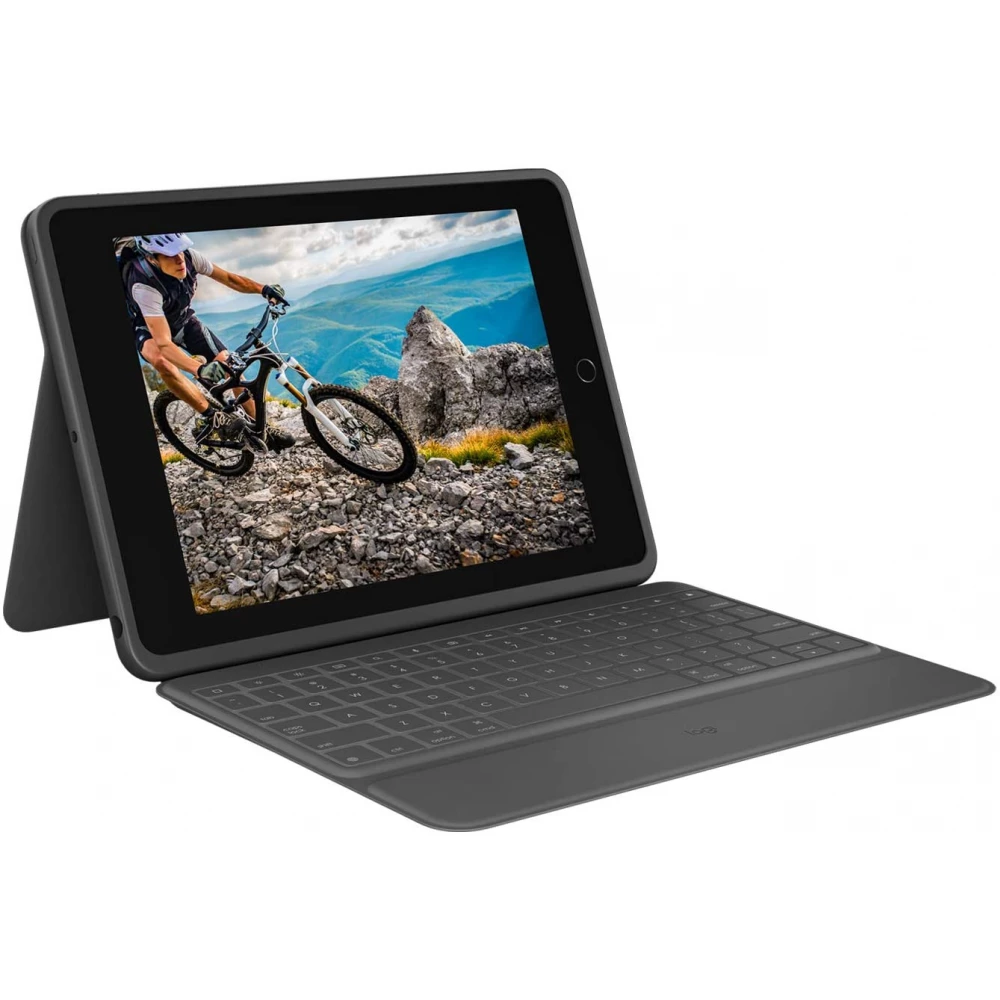
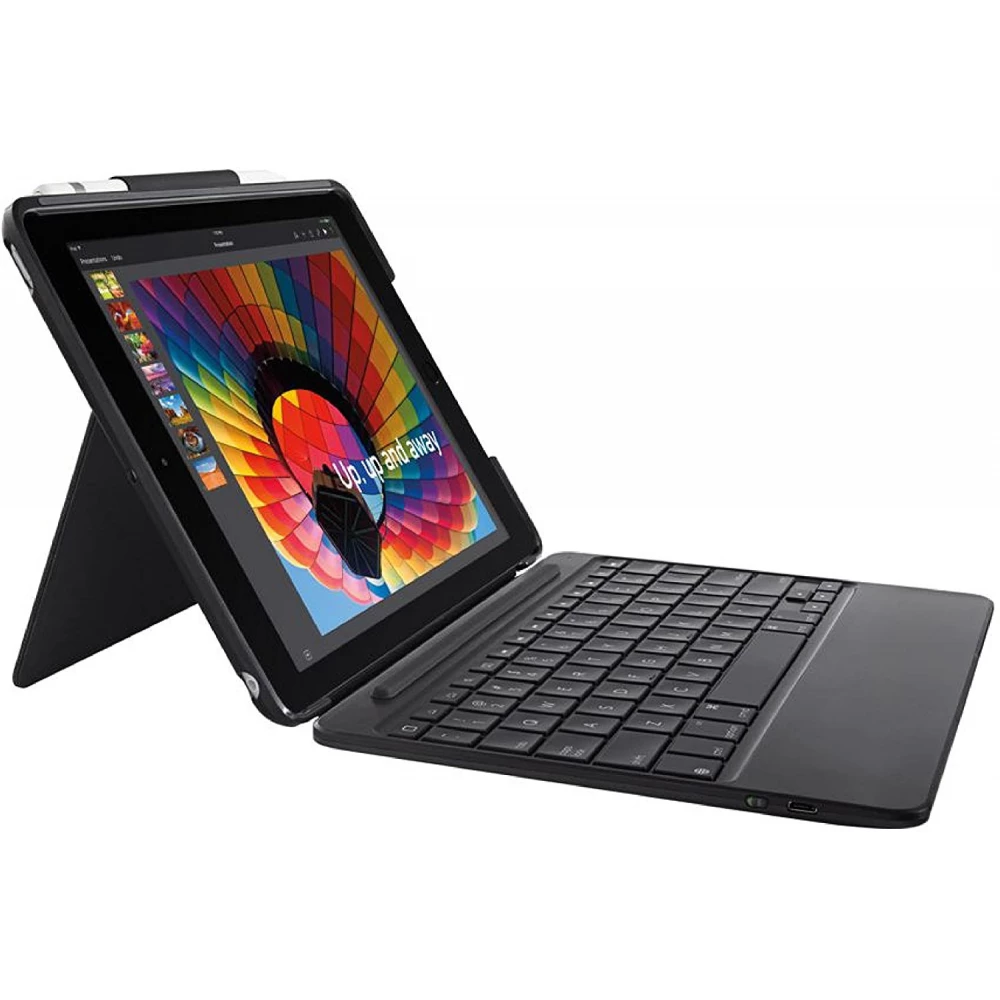
The Rugged Folio for iPad (7th generation) is a slim, drop-resistant keyboard case that performs exceptionally well in military-standard tests. It uses Smart Connector technology, so no pairing or charging is required. Thanks to the high-performance, drop-resistant and dust-proof, insulated keys, it can be used as a perfect tool for working while traveling. You can use a full-sized keyboard with convenient iOS hotkeys, protection for the front and back of the iPad, and a convenient place to store a Logitech Crayon or Apple Pencil (1st generation).
STAND THAT CAN BE ADJUSTED TO ANY ANGLE
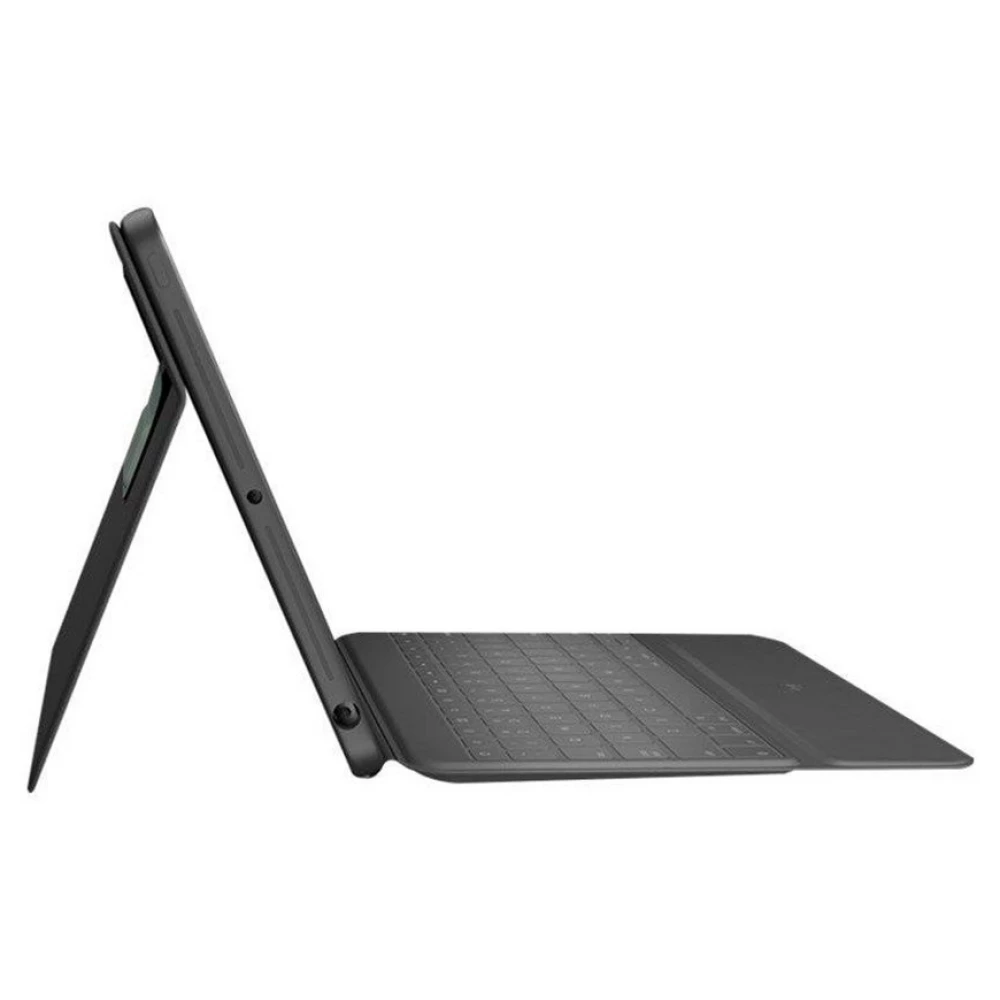
A flexible stand offers 40° tilting options, so you can always find the right angle for the current task. Heavy-duty mechanical swivels ensure that the stand stays firmly in place and won't collapse even with a heavy tap.
MILITARY STANDARD PROTECTION
Thanks to our proprietary anti-shock technology and materials, the Rugged Folio performs exceptionally well in the military standard drop test that measures new levels of protection. So if you drop it in your morning rush or accidentally slide it off your desk, the case protects your iPad from drops and other accidents.
DRIP AND BLOWER KEYS
A durable, high-performance membrane insulation protects the keyboard from spills, lunchtime crumbs, and other everyday mishaps. If an accident does happen, the keyboard can be safely wiped clean.
TURN ON AND PAIR WITH ONE CLICK
The keyboard connects instantly to iPad - no complicated Bluetooth® pairing required. The iPad also serves as a power source directly, so you never need to charge it.
QUIET TYPING
Typing can be loud – and it's annoying when you're working in a public place or in an open-plan office. That's why we designed the keys so that you can type quietly with them. Your employees will thank you.
COMPLETE SET OF iOS SHORTCUT KEYS
Forget searching the screen or menus to perform a simple action—the Rugged Folio provides a full set of keyboard shortcuts.
1) Home: jump to the home page
2) Screen brightness: decrease or increase the brightness
3) Virtual keyboard: show/hide the virtual keyboard
4) Search: bring up the iOS search field
5) Siri: activation of the digital assistant
6) Screenshot: take a photo of the current screen
7) Media controls: back, play/pause, forward
8) Volume controls: mute, volume down, volume up
9) Turn the screen on and off: lock the iPad (7th generation) screen
THE PERFECT COMBINATION
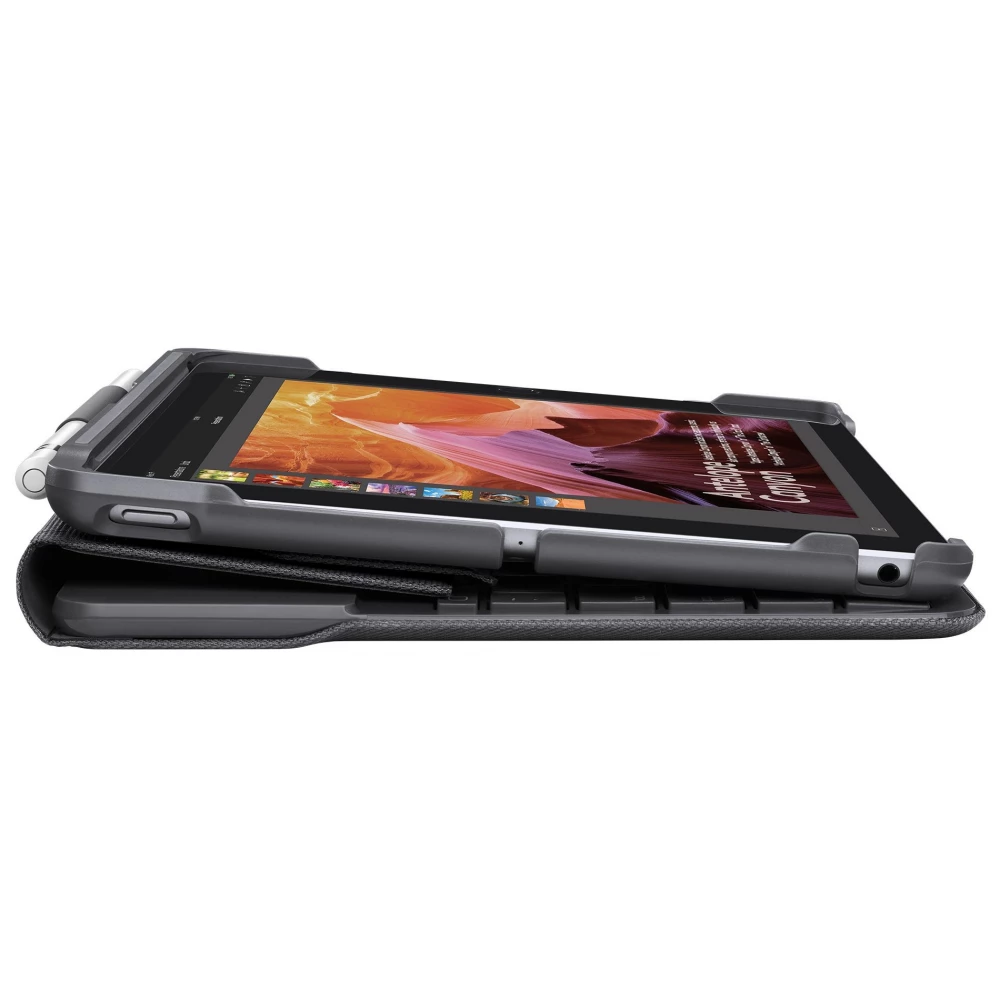
It also works with the Logitech Crayon and Apple Pencil (1st generation) so you can write handwritten notes, outline drawings, or mark up documents right on your iPad. In addition, you can store the Logitech Crayon or Apple Pencil (1st generation) in a built-in holder, so you always have it when you need it.
WITH MAGNETIC SAFETY CLASP
A magnetic clasp keeps the case securely closed to protect the iPad's screen when not in use.
Similar products
NOTEBOOK SEARCH
OPINIONS
OPINIONS
