
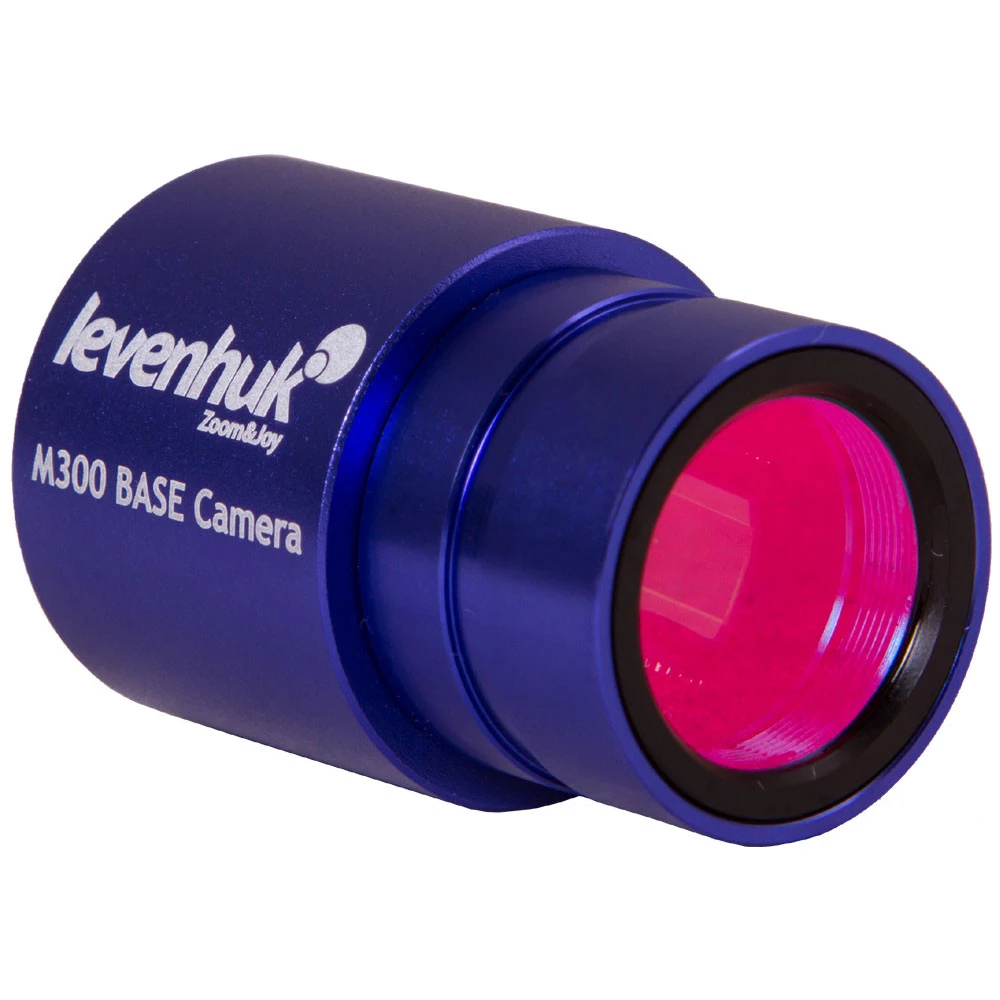
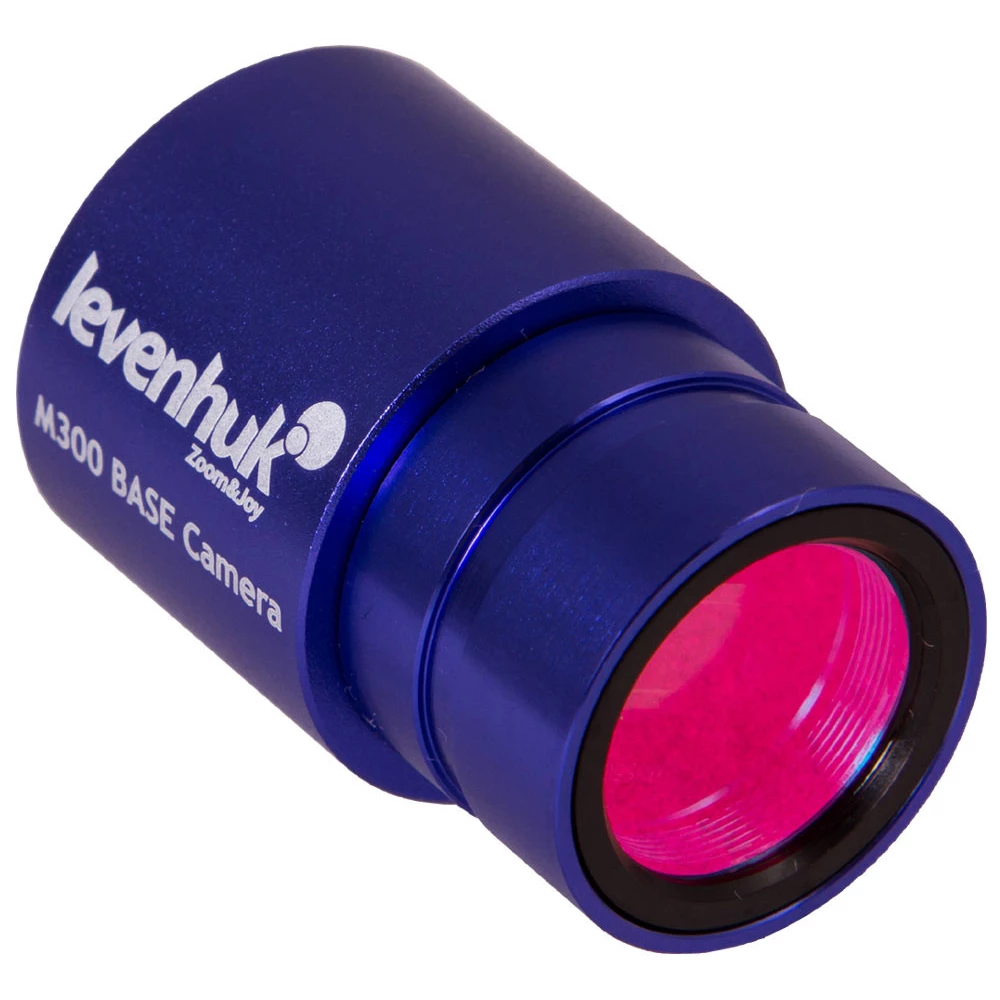
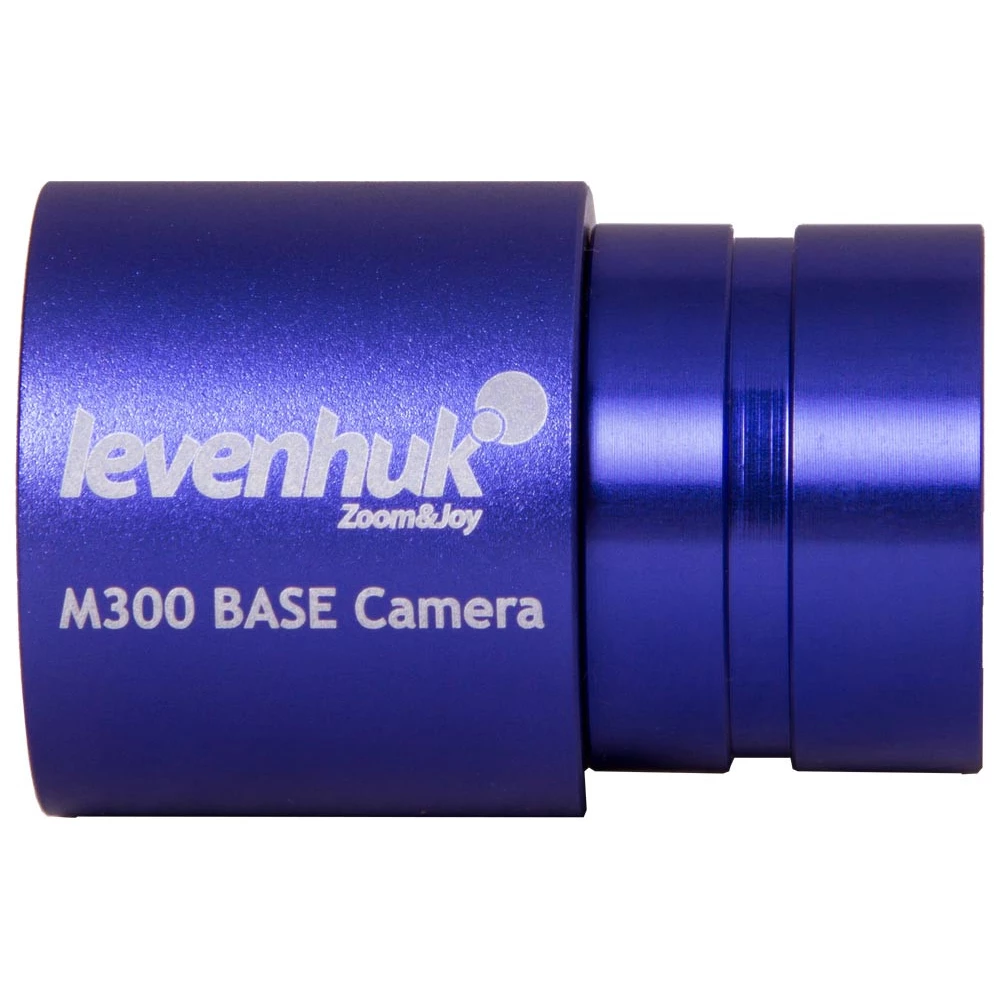
LEVENHUK M300 BASE digital camera
not available
Product description
The modern Levenhuk M300 BASE digital camera offers a great opportunity to expand the capabilities of your microscope. Thanks to the camera, you can make observations, show the world the interesting details of your research, take pictures of the samples and record educational videos. The camera is placed directly into the eyepiece tube of the microscope and the camera transmits the image to the computer or laptop screen in real time.
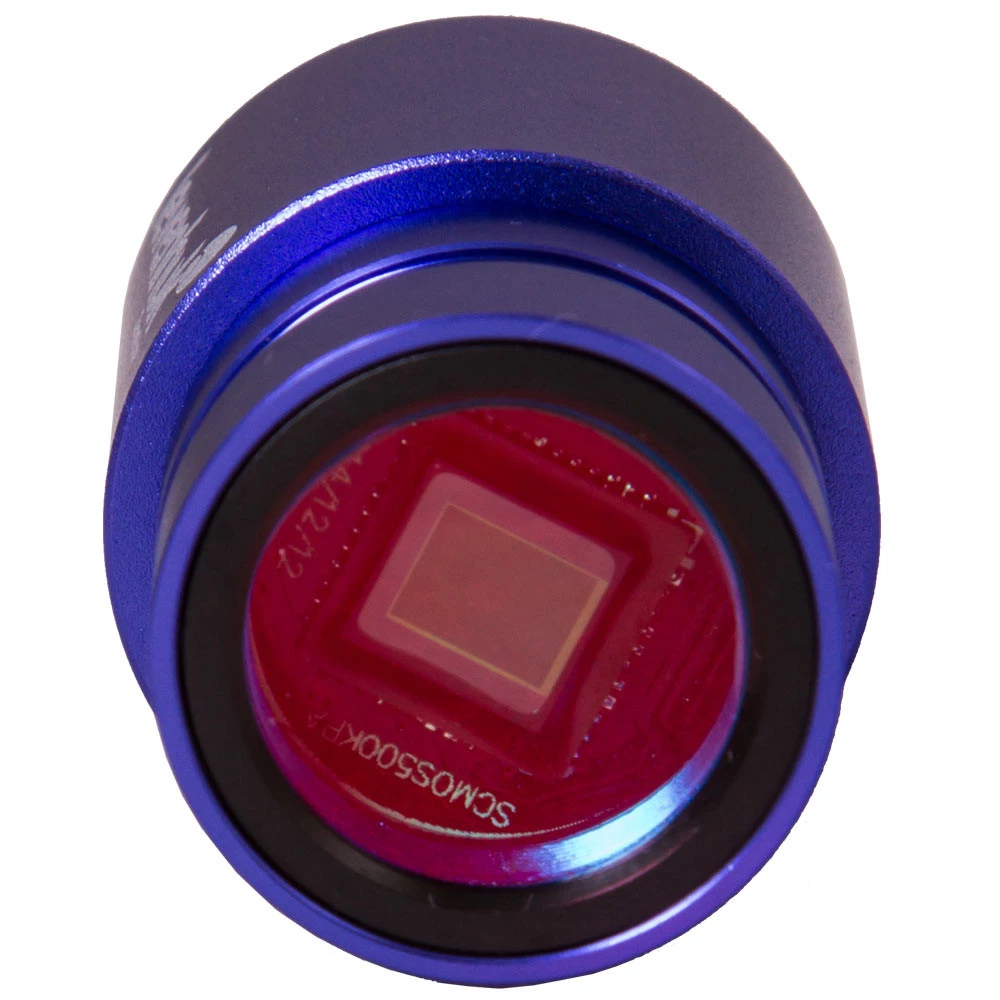
The camera can be used with any brand of microscope. It can be installed in a 23.2 mm diameter eyepiece tube. By purchasing an adapter, it can also be used with microscopes of other diameters. The special camera software included in the set allows you to select the image-making mode and process the finished images. The Levenhuk M300 BASE camera has a resolution of 2048x1536 pixels and can record video in three different modes.
The set includes a CD with special software, with which you can edit the previously saved images: you can enlarge, crop, change the contrast and perform other similar operations.
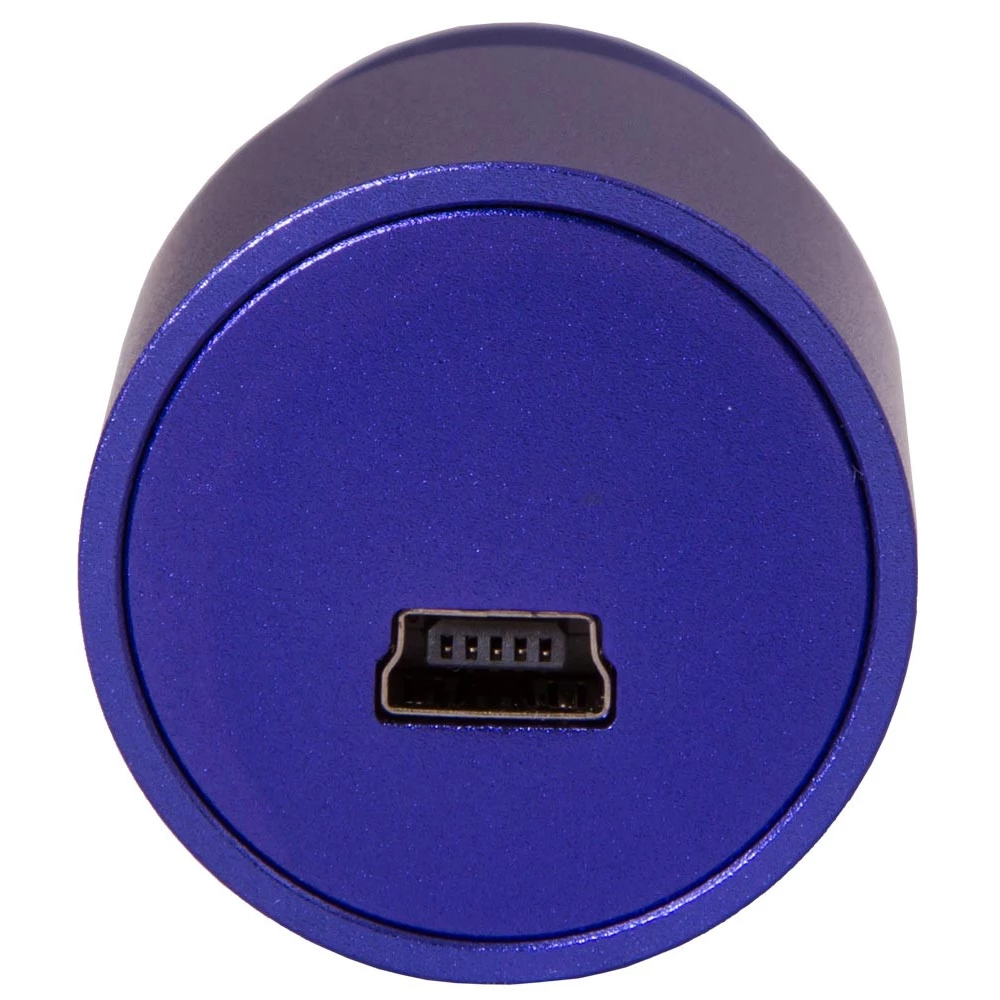
To get the most out of your new camera, make sure your computer meets the manufacturer's recommended system requirements. Compatible operating systems: Mac, Linux and Windows. A USB 2.0 port is also required to establish a sufficient connection.
If the software does not run on your computer, please contact us with your operating system type and version number (for Linux, platform and kernel version number).
The latest Windows-based Levenhuk software is available in eight languages: English, French, German, Polish, Russian, Simplified Chinese, Traditional Chinese, Turkish.
The Levenhuk digital camera is compatible with microscopes with an eyepiece diameter of 23.2 mm. The camera can be mounted on an eyepiece tube with other parameters using an adapter (the adapter is not included in the kit).
Learn more about compatibility between Levenhuk microscopes and Levenhuk digital cameras.
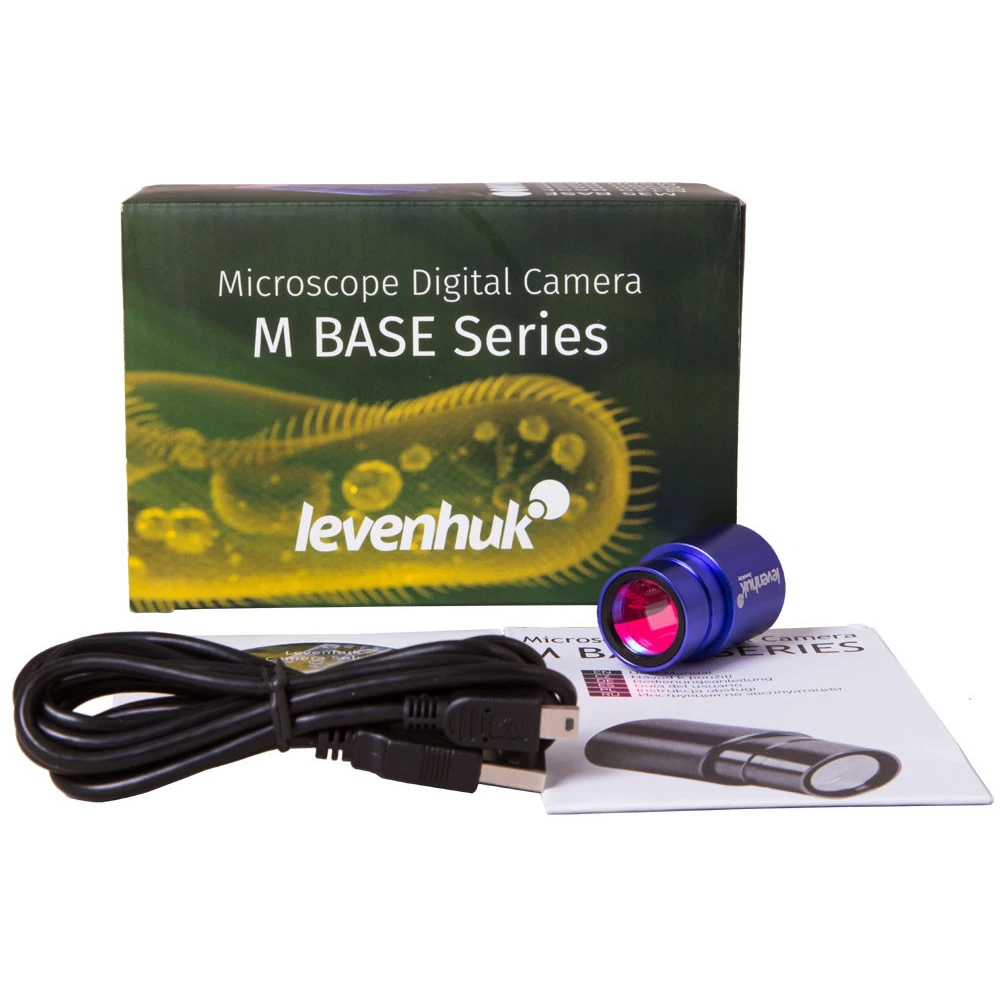
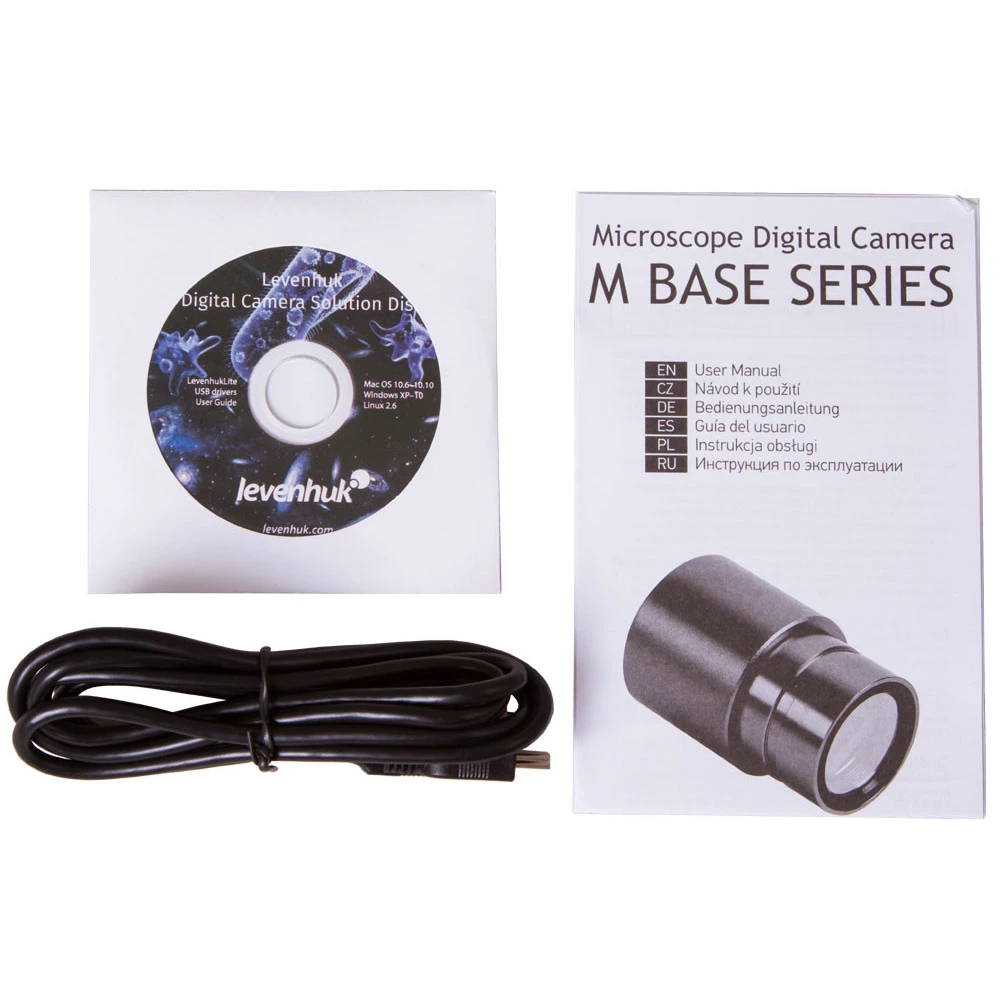
The set includes:
- Levenhuk digital microscope camera
- USB cable for connecting to a computer, laptop or network
- The CD containing the installation guide with the image editing software and the necessary drivers
- User's Guide
PRICE NOTIFICATION
Recommended for you
Similar products
NOTEBOOK SEARCH
OPINIONS
OPINIONS
