
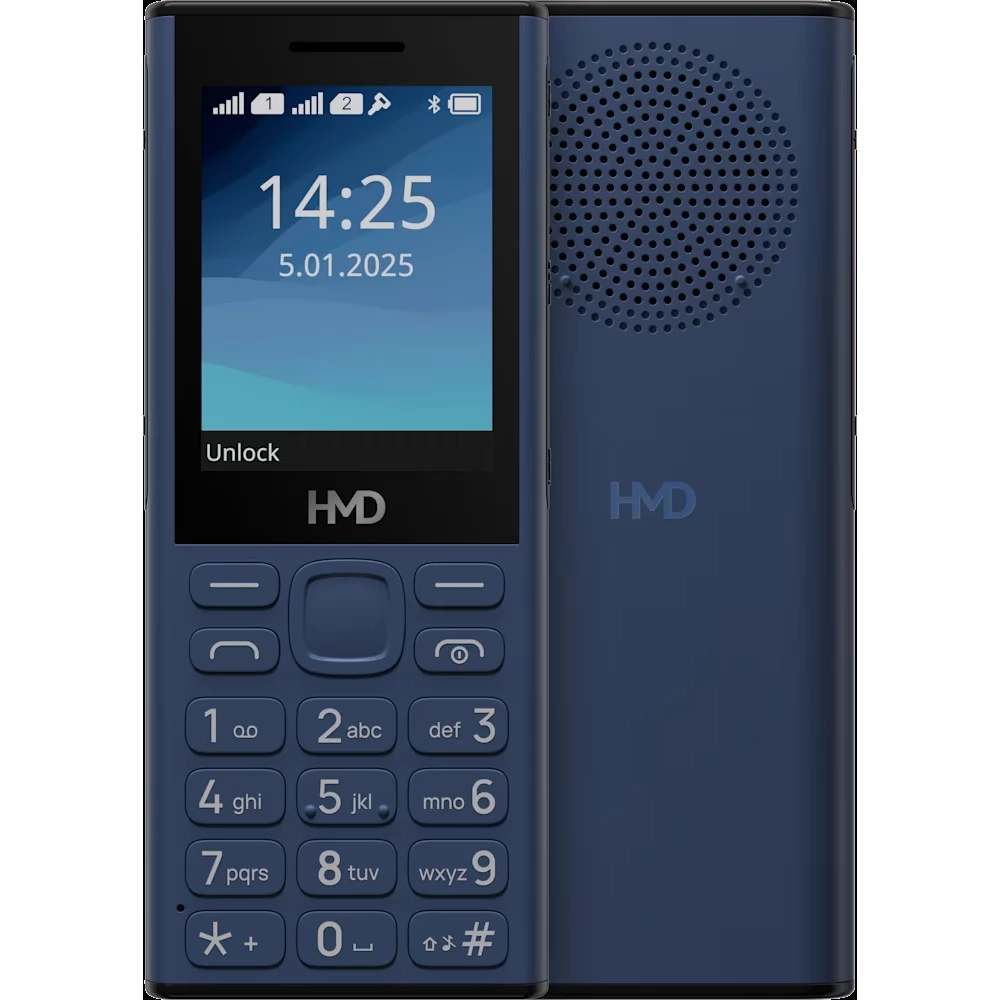
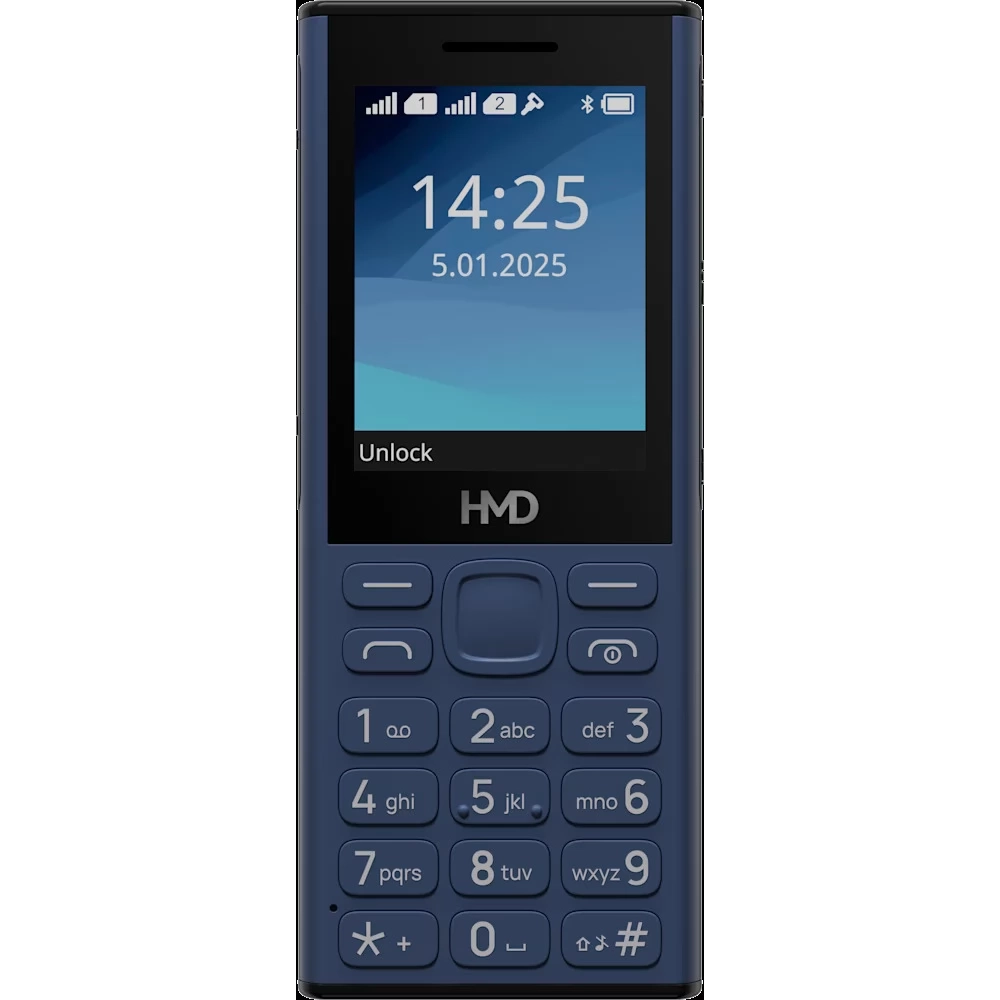
HMD 130 Music DS blue
not available
Product description
Party like a rock star with your HMD 130 Music device.
Large speakers, a long battery life and playback control buttons make it easy to listen to music at home, at the gym or with friends. Loud and crystal clear - just the way you like it.
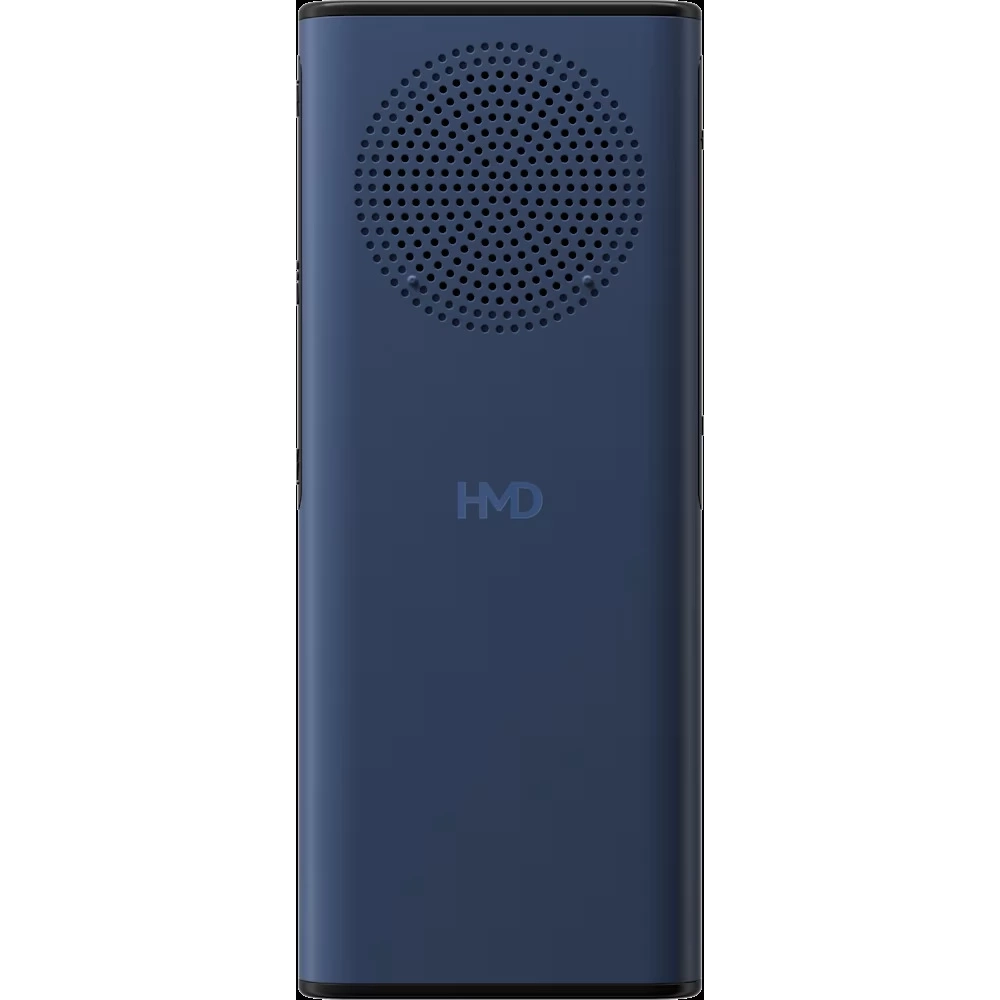
A big speaker
With your HMD 130 Music device, music stays with you day and night, at home and outside. The large rear speaker plays music loud and clear for your friends and family to enjoy.
Listen to music and news on local radio - no headphones required. With the built-in MP3 player¹ you can play your favorite music at any time. Separate music control buttons make it easy to play, pause and skip tracks.
Let the music play... and play... and play some more.
The HMD 130 Music can last up to a month on a single charge. Therefore, if you can't manage to upload for a while, you can stay connected and have fun with HMD 130 Music.
It's reliable and sounds good
Don't let the hustle and bustle of everyday life get in the way of music. The HMD 130 Music is durable and its corners have been reinforced.
Description:
Display
- Size: 2.4 inches
- Resolution: QVGA
Imaging
- Rear flash: Torch
Performance
- Standby time: 30 days
- Standby time (with two SIM cards, GSM), up to: 30 days
Connectivity
- Bluetooth: 5.0
- Headphone jack: 3.5 mm
- USB connection: USB Type-C
Battery and charging
- Battery: 2500 mAh1 Removable
- Battery life: Up to 1 month of standby time.
- Charging: USB Type-C
Memory and storage
- Internal memory: 16 MB2
- MicroSD card support up to: 32 GB
- RAM: 8 MB
Platform
- CPU: Unisoc 6531F
- Operating system
- Operating system: S30+
Sound
- FM radio receiver: FM Radio (Wired & Wireless)
- Speakers: 1
- Features: Large 2W speaker, MP3 Player, FM Radio (Wired & Wireless)
- Microphones: 1
Networks
- Networks: GSM 900/1800
- SIM size: Mini SIM
Buttons
- Buttons: Music playback & volume control buttons.
Materials
- IPX rating: IP54 EU / IP52 Rest of the World
Package contents
- Quick Start Guide
- Removable battery
- Safety instructions
- USB Type-C™ cable
- User guide
PRICE NOTIFICATION
Recommended for you
Similar products
NOTEBOOK SEARCH
OPINIONS
OPINIONS
