
Dear Visitor! We are carrying out maintenance this weekend, so our website may be slow or briefly unavailable at times. Thank you for your patience!
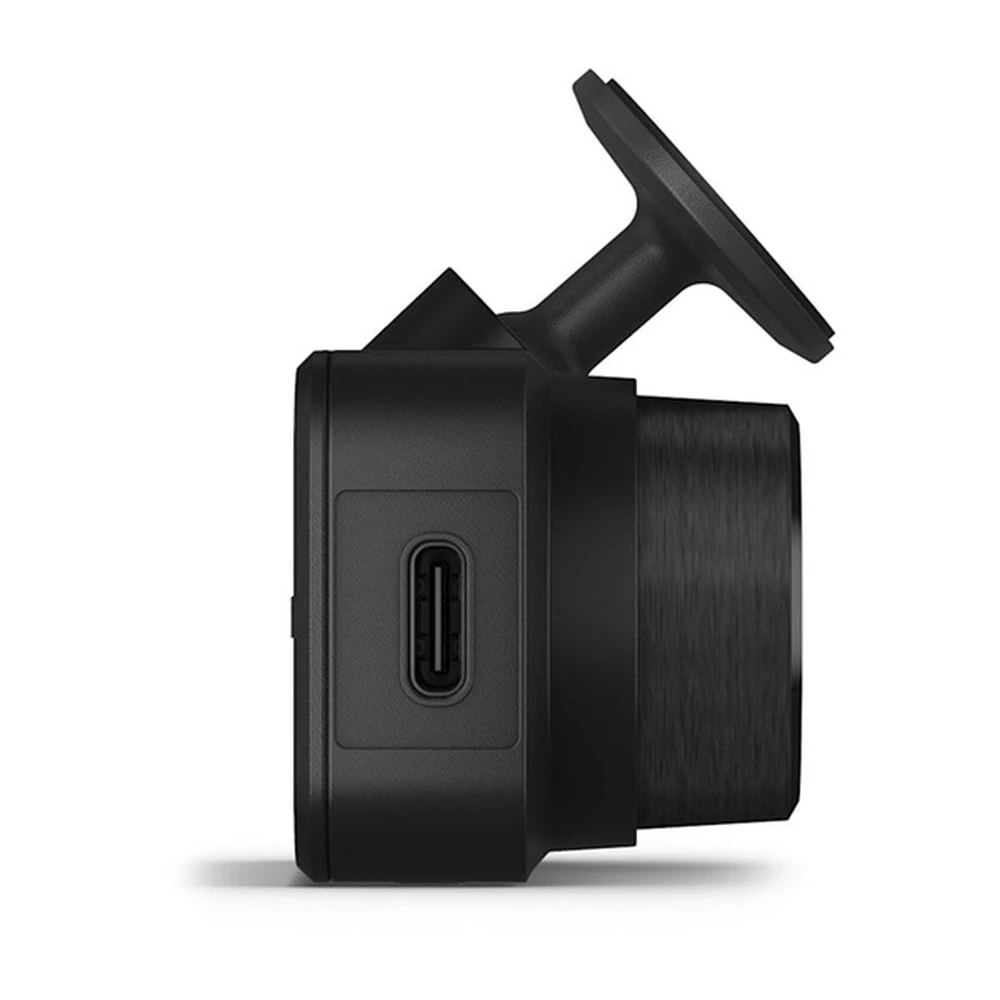
GARMIN Dash Cam mini 3 (ED)
59 290 Ft
Product description
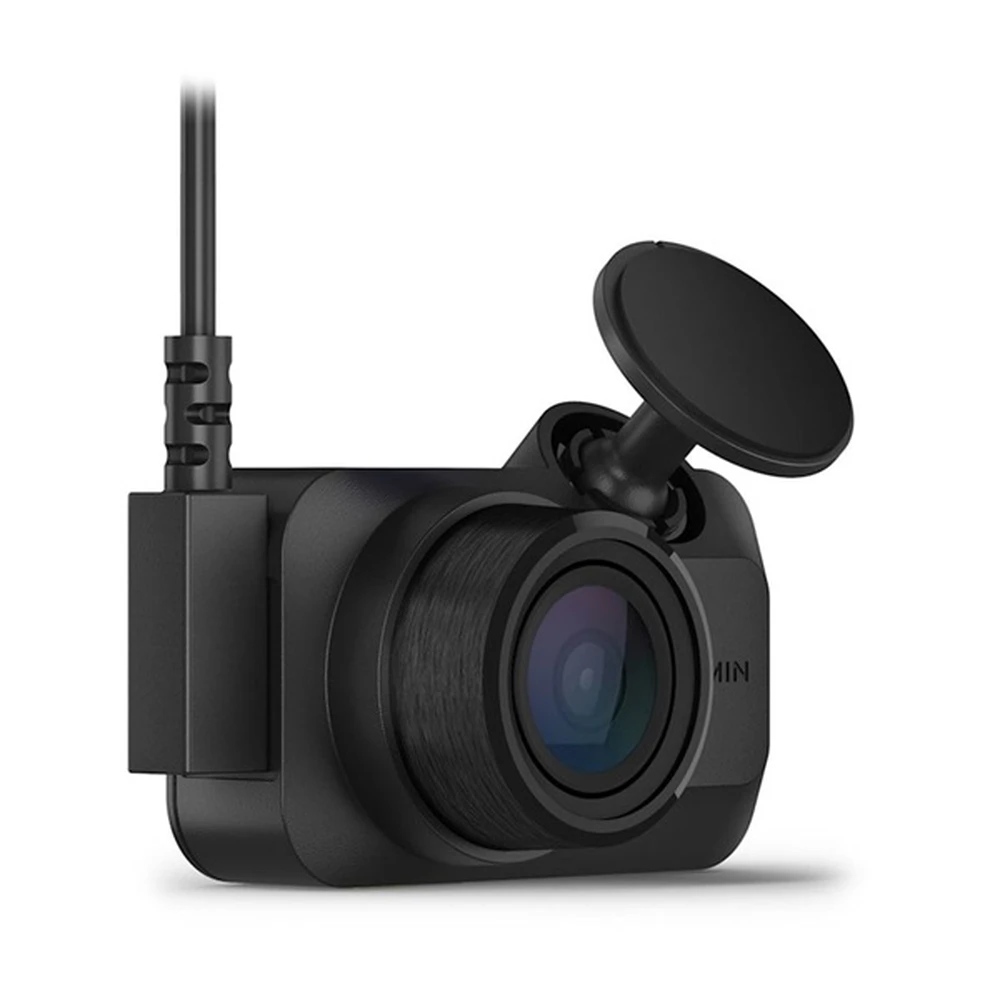
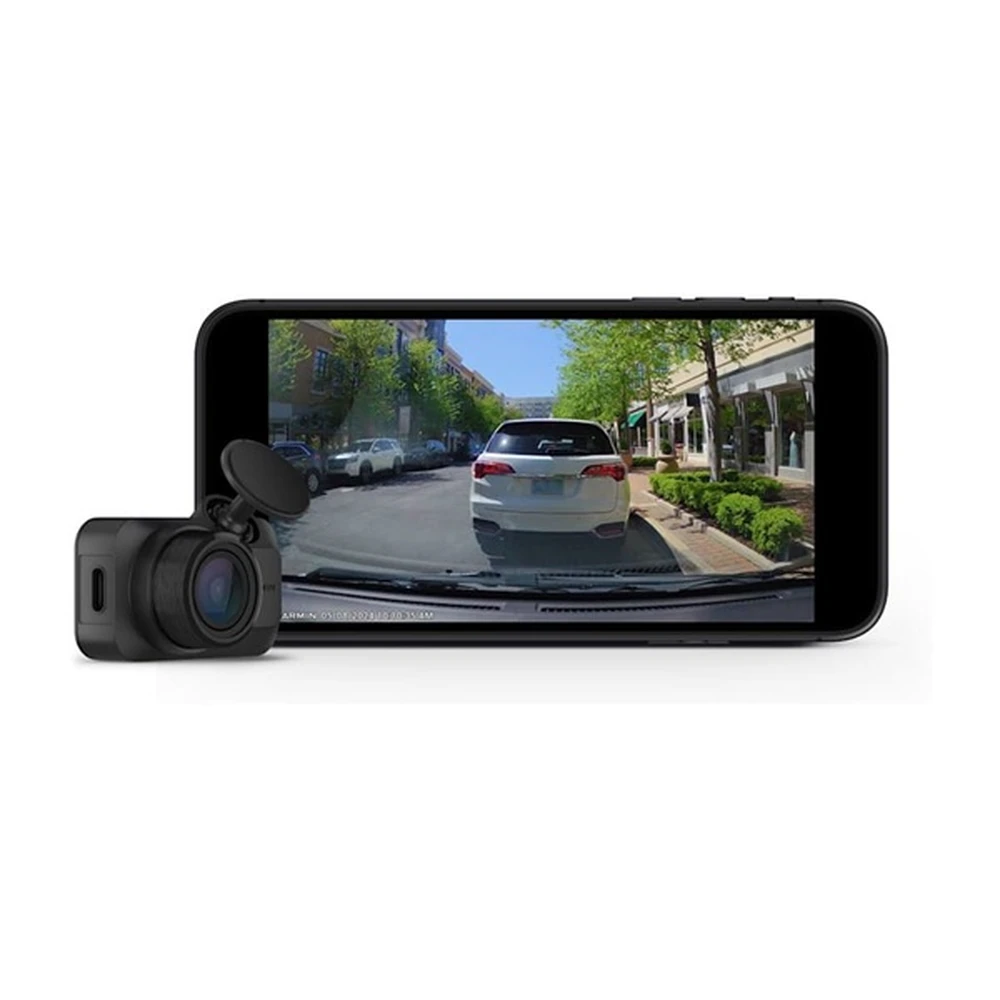
The GARMIN Dash Cam mini 3 (ED) dashboard camera is a compact, yet efficient car device that, despite its small size, has quality imaging and many functions. You can also connect the camera to a constant 12 V power source.
It can record crystal-clear, 140-degree viewing angle, 1080p Full HD video recording, which shows even the smallest details.
You can pair it with your smartphone and the Garmin Drive app, which lets you create a network of multiple cameras, change camera settings, and view, edit, and save videos. With Vault, you can also upload, manage and share videos to a secure online storage drive.
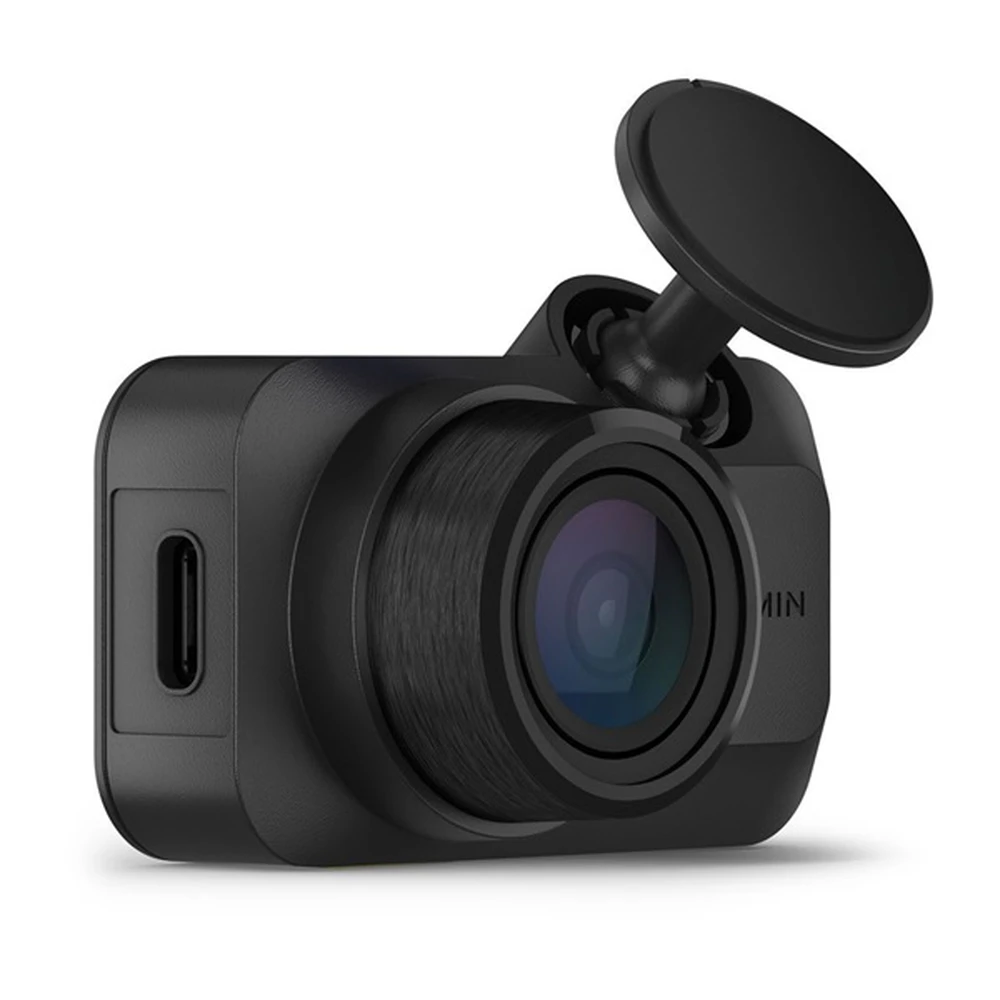
You can connect to the paired camera directly using Bluetooth® technology or remotely via a Wi-Fi network.
You can connect the camera to a Wi-Fi network using the Garmin Drive app. When connected to a Wi-Fi network, the camera automatically uploads full-resolution video to Vault when it detects an event. With the Garmin Drive app, you can connect to the camera remotely to view live video. (Remote Wi-Fi network functions and Vault functions require a paid subscription.)
GARMIN Dash Cam mini 3 (ED) records the video on the camera's memory card. By default, the device starts recording video immediately when it is turned on and continues recording until it is turned off. When the memory card is full, the device automatically deletes the oldest unsaved video to make room for new videos. If the option to immediately delete unsaved videos is enabled, the device will continuously delete unsaved videos older than three minutes, and delete all unsaved videos each time it is turned off. You can enable or disable this feature in the camera settings. You can save video recordings to prevent them from being overwritten or deleted.
The camera automatically records video every time it detects an event and sends a notification to your smartphone when the camera is connected to a Wi-Fi network.
The voice control function allows you to control the camera by saying words and commands. The voice control function is not available in all languages. You can use this feature while the interface is set to an unsupported language, but you must speak the commands in English. You can turn voice control on or off from the Garmin Drive app on your smartphone. By default, dashcam voice control is activated when you say OK, Garmin. You can change the activation word from the Garmin Drive app on your smartphone.
With the built-in microphone, the device can also record audio while recording video. Audio recording can be turned on or off at any time. The microphone LED lights up red during audio recording. Tip: You can also enable or disable audio recording using voice control.
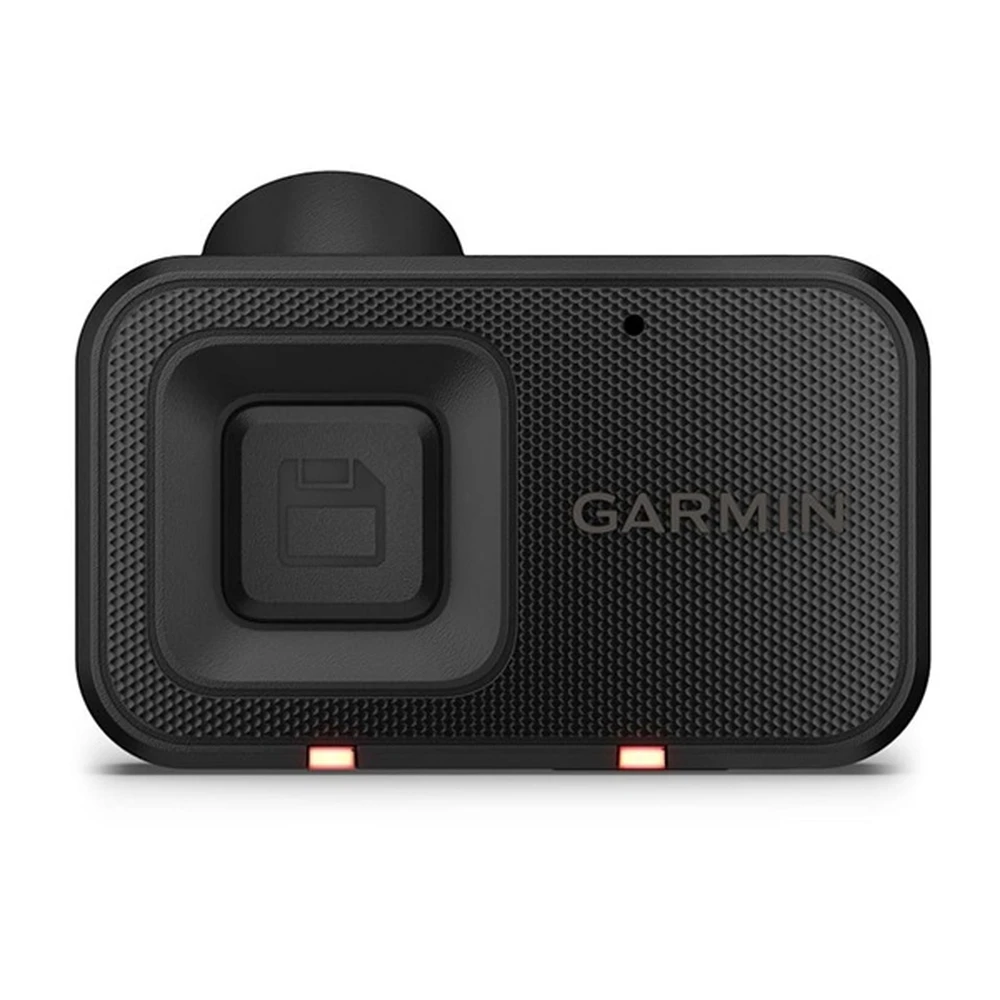
By default, the device uses a sensor - Event detection function - to detect possible events and automatically saves video recordings 15 seconds before and 15 seconds after the detected event. The video recording includes the time and date of the event. You can save video files manually at any time. Tip: You can also use voice control to save the video.
You can also view the live camera image. You can view the live camera image using the Live View function in the Garmin Drive app. To view the Live View camera feed remotely, you must have an active Vault subscription and connect the camera to a Wi-Fi network.
The Parking Guard function allows the camera to automatically record video while the vehicle is parked. When you stop your vehicle, the camera automatically switches to parked recording mode. You can manage Parking Guard settings from the Garmin Drive app on your smartphone. If you want to record videos while parked, you need to connect the dash camera to an always-on 12V power cable or the parking mode cable accessory. The Constant Power Cable is a constant-on 12V power adapter that plugs into your vehicle's OBD II port. The device can power up to two dashboard cameras for a selected period of time after the vehicle is turned off.
Properties:
- Video resolution: 1080p
- Viewing angle: 140 degrees
- Display type: None
- Size (W x H x D): 52 x 32 x 20 mm
- Weight: 30 g
- Wireless technologies: Wi-Fi/Bluetooth
- Built-in memory card type: microSDHC or microSDXC
- Built-in memory card capacity: between 8 and 512 GB
- Built-in memory card speed class: class 10 or higher
- Built-in memory card file system: FAT32
- Can be controlled by voice: Yes (not available in Hungarian)
- Other data: Garmin Drive application (connection of up to 4 cameras)
In conclusion, the GARMIN Dash Cam mini 3 (ED) dashboard camera is a huge help
PRICE NOTIFICATION
NOTEBOOK SEARCH

OPINIONS
0.0
