
Dear Visitor! We are carrying out maintenance this weekend, so our website may be slow or briefly unavailable at times. Thank you for your patience!
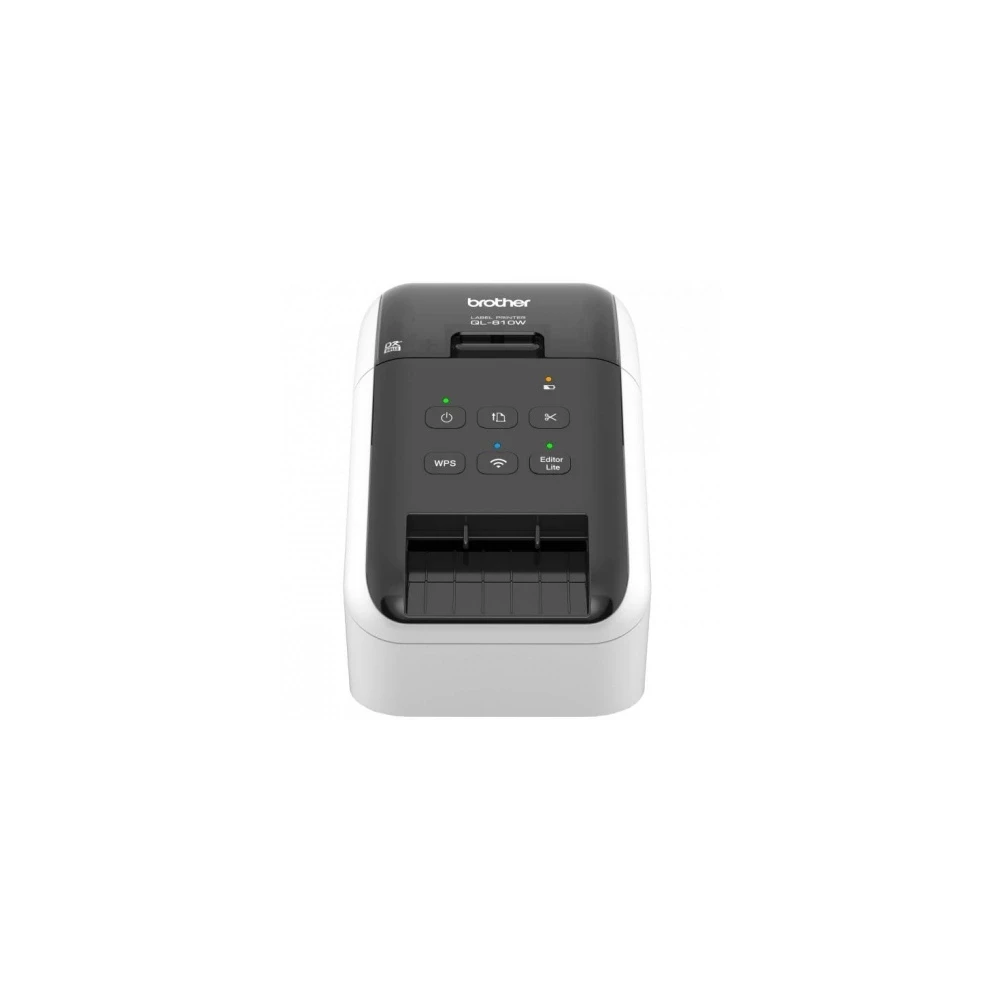
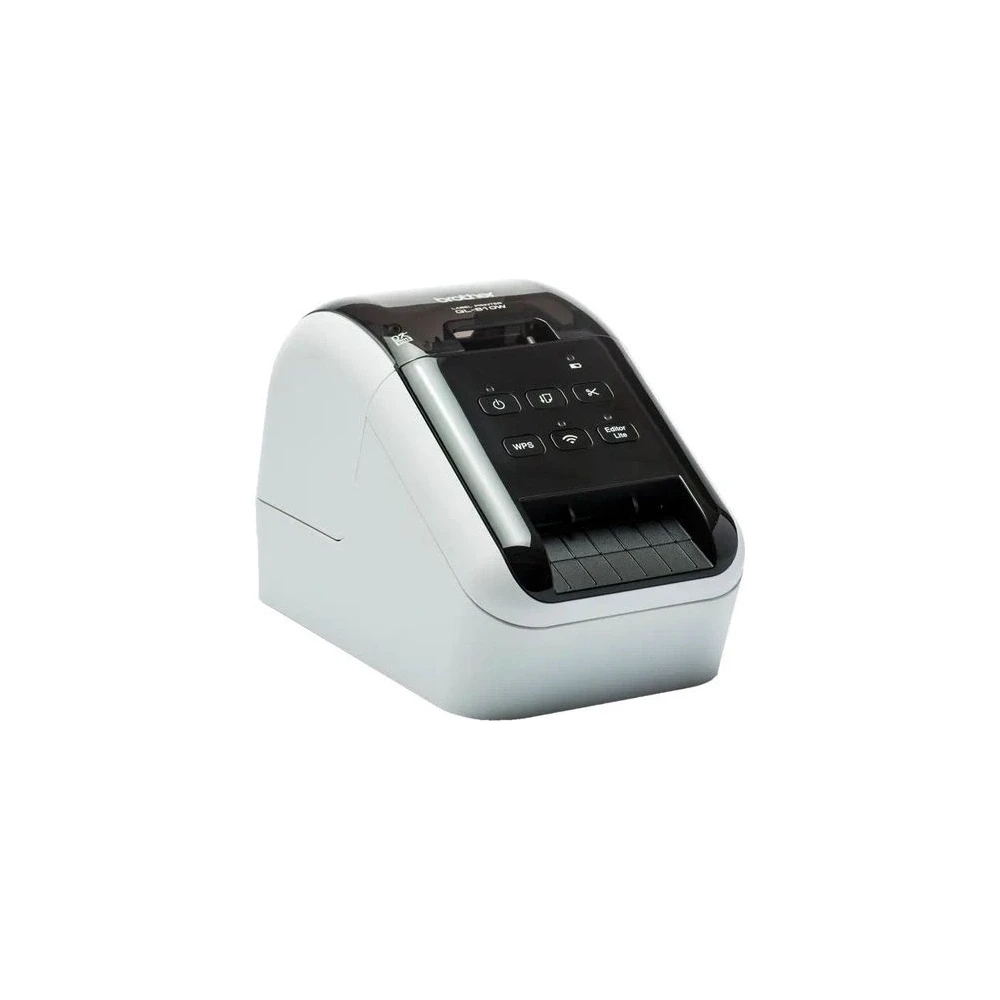
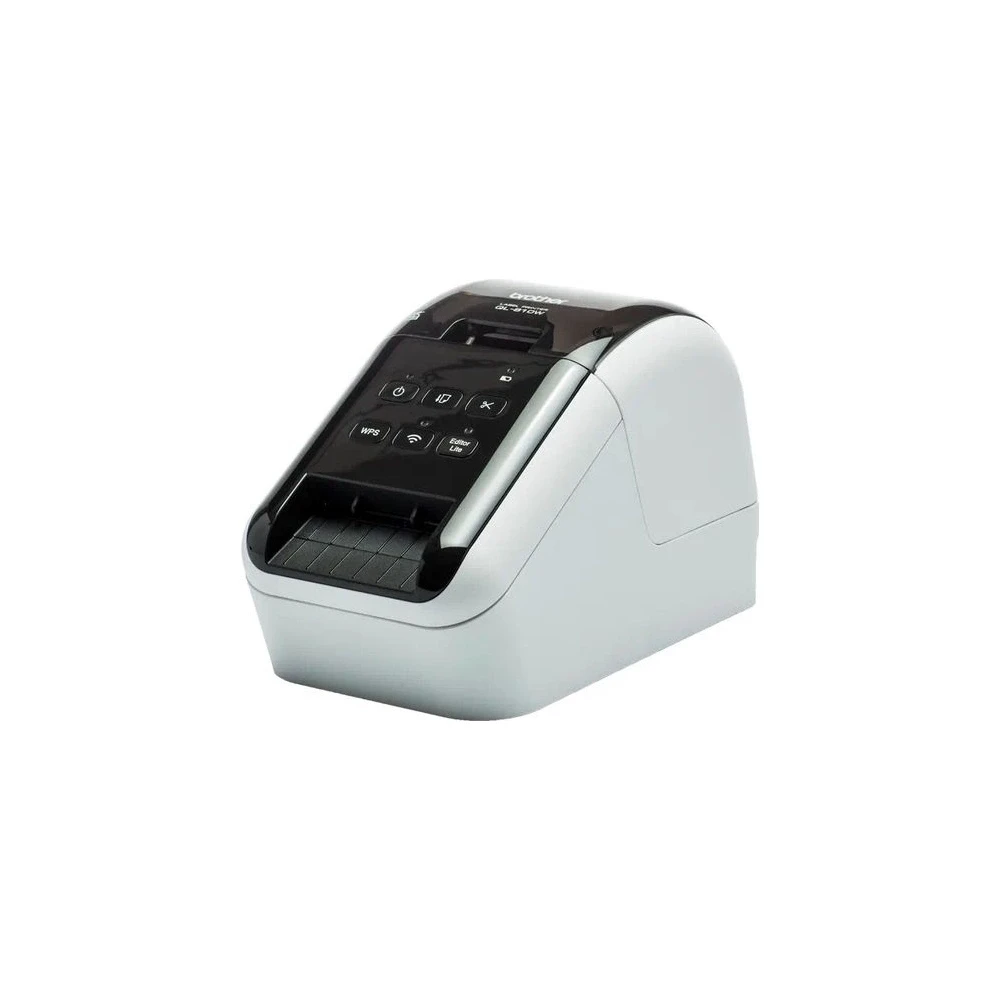
BROTHER QL-810Wc QL810WCYJ1
55 090 Ft
Product description
Print the labels however you want
A member of the QL800 series, the QL-810Wc label printer is built to meet the needs of the busy workplace, yet is easy to set up and use. Using the same technology as USB flash drives, simply plug it into your PC or Mac and run the built-in software without installing the printer drivers. For more labeling options, download the free P-touch Editor label design software and printer drivers to design and print customized labels that include text, frames, barcodes and images. You can easily share your printer with colleagues over a wireless network with P-touch Editor Lite LAN software.
Wired and wireless connection + AirPrint compatibility
USB, Wi-Fi and AirPrint are standard options. You can use the device as a personal label printer on its own, or others can use it from your PC or Mac over a wireless network.
Print from PC, Mac, iOS and Android devices
There are many options for designing and printing labels. Download free P-touch Editor label design software for PC and Mac devices to create labels with text, barcodes, images and frames. Alternatively, download the free iPrint & Label app for iOS and Android from the app store and create and print labels wirelessly from your mobile device.
Works with Microsoft Word/Excel/Outlook programs
Select text, click the add-in, and print the label directly from Word, Excel, and Outlook. Use the P-touch Editor add-in for Microsoft Office (Windows only) to print labels with one click. Alternatively, you can import texts saved in Excel or .csv files into P-touch Editor and combine them with the label layout to print many labels with the same format (design). Ideal for printing titles, products and price tags.
Black and red printing without ink
Brother DK label rolls are available with traditional pre-cut (pre-sized) labels or continuous tapes that allow you to cut the label to the size you need with the built-in cutter. In addition, it draws attention to important information with the red inscription - making it an ideal solution for marking expiration dates, allergens and other important information.
Optional Li-ion battery
There are situations where you need to make your labels in a way that cannot be connected to a power source, such as for use in a car, or in a retail store, or perhaps in a healthcare or similar industry. The optional Li-ion battery has a quick charge function and can print up to thousands of labels when fully charged.
Choose from a wide variety of label types
The QL series label printers use Brother DK rolls, which you can load quickly and easily.
PRICE NOTIFICATION
NOTEBOOK SEARCH

OPINIONS
0.0

No opinions about this product
The information present here are the ones provided by the manufacturer. These can change without notice. Please inquire before the order, due to te fact that afterwards we cannot asume responsibility! The above images are illustrations. The product might differ in appearance. Our company has no item stock. The purchase is only possible after a previous order. The items list refers to our provider's stock.