
Dear Visitor! We are carrying out maintenance this weekend, so our website may be slow or briefly unavailable at times. Thank you for your patience!
AXAGON HMC-CUB83X2 USB-C 10Gbps DUAL 4K DISPLAY 7in1 hub
30 390 Ft
Product description
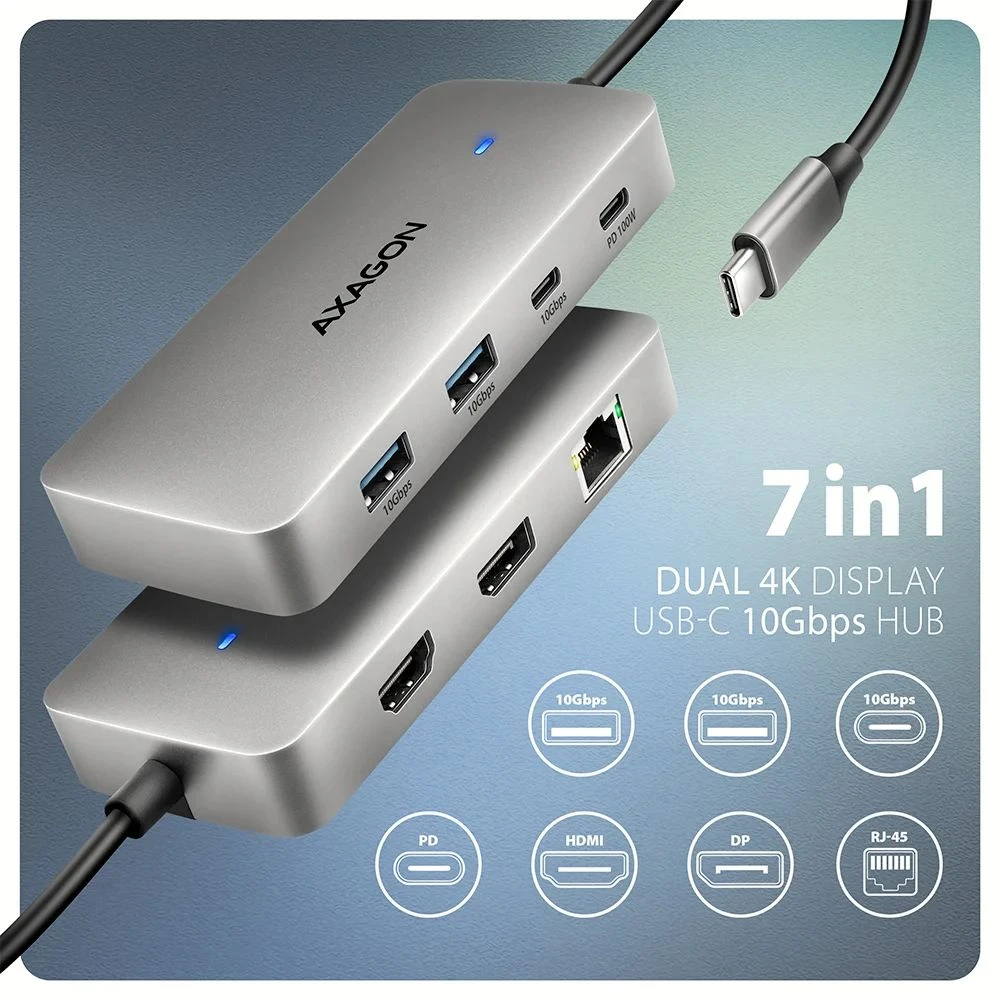
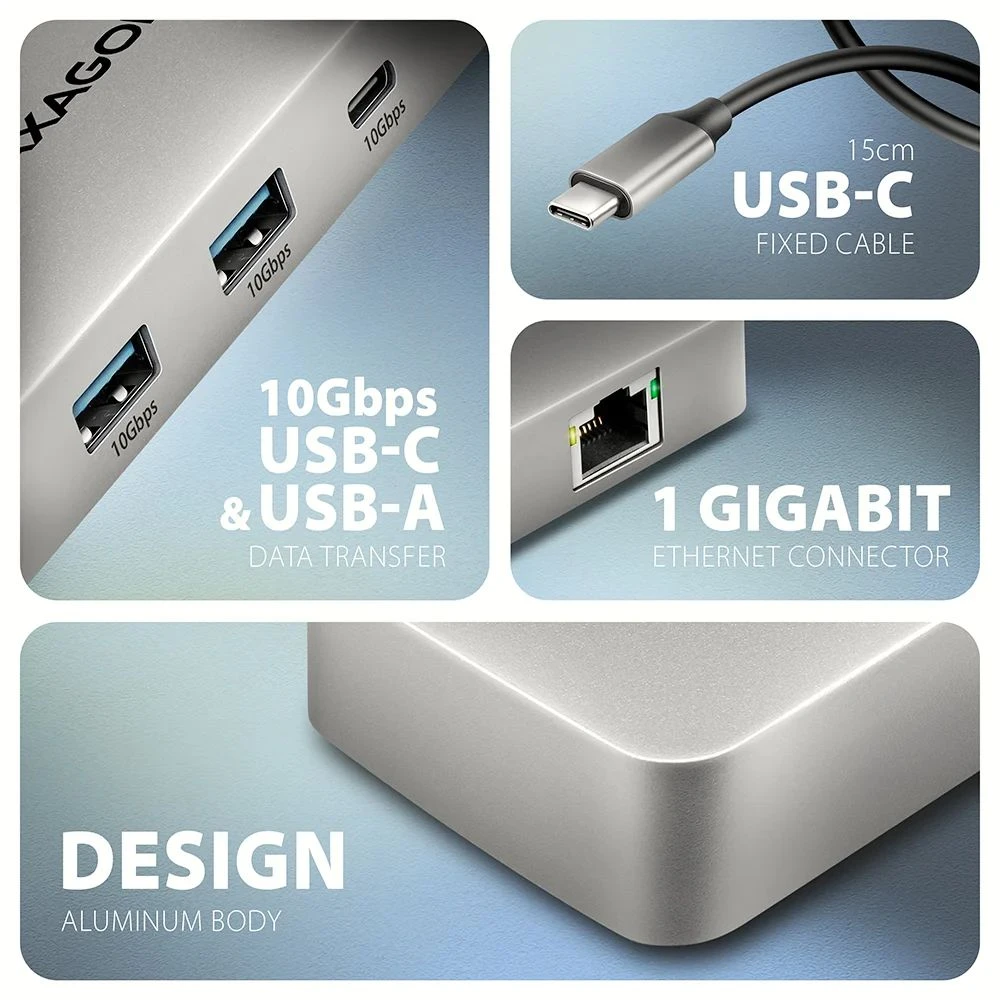
The multi-port USB-C 10Gbps AXAGON HMC-CUB83X2 DUAL 4K DISPLAY 7in1 hub expands your laptop, computer or phone with two video outputs, a LAN connection and USB ports. You can connect the laptop to the hub with the 15 cm long USB-C cable. Thus, you immediately have the opportunity to use two 4K monitors, three USB devices and an RJ-45 connector for the Gigabit Ethernet network. At the same time, the laptop can be powered via Power Delivery technology. Thunderbolt 3/4/5 compatibility provides a 7-in-1 docking station for laptops such as the Apple MacBook Air or Pro.
The USB hub offers three USB 10Gbps data outputs, two with a standard USB-A and the third with a USB-C connector. Thanks to the USB 3.2 Gen 2 interface, the transfer speed can be up to 10 Gb/s. This hub also handles the permanent docking of multiple external drives.
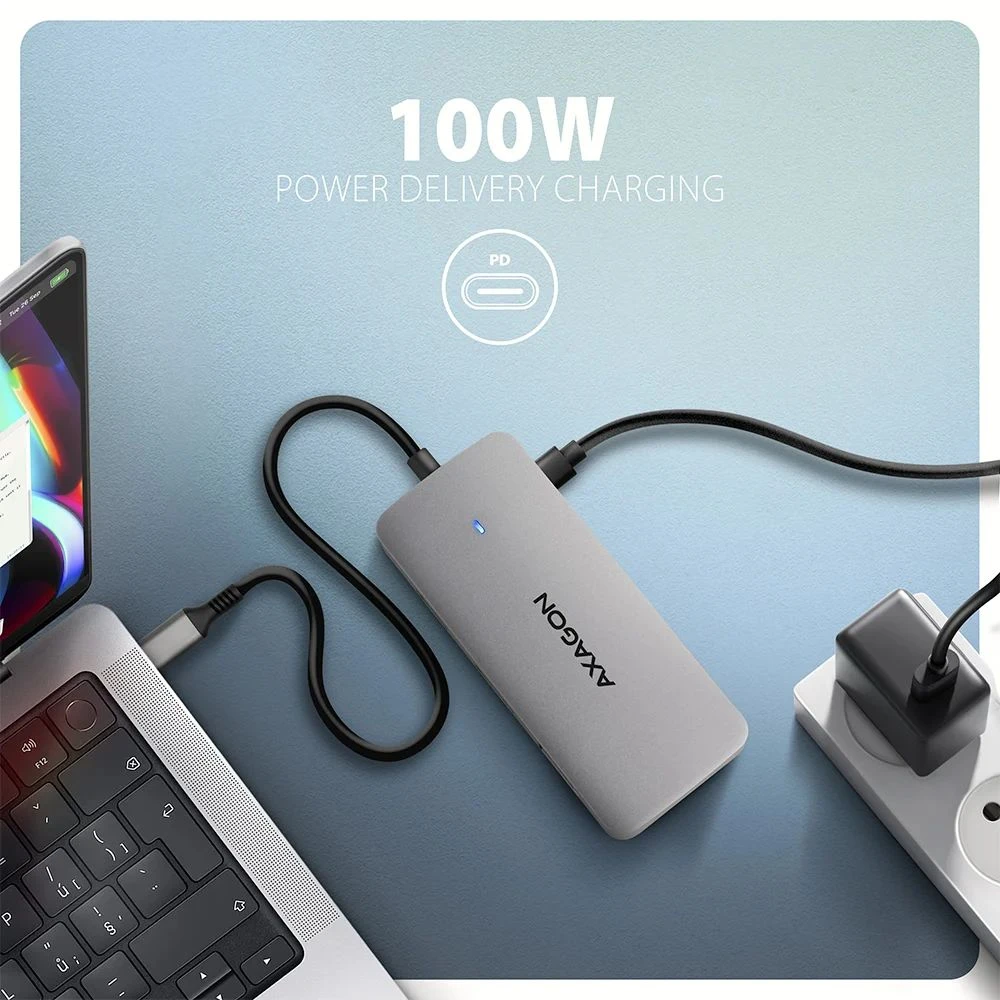
Another USB-C port is used to power and simultaneously charge laptops using Power Delivery 3.0 technology with a power of up to 100 W. You plug a suitable USB-C Power Delivery charger into the hub and then connect the hub to laptops with Power Delivery support. This saves a USB-C port.
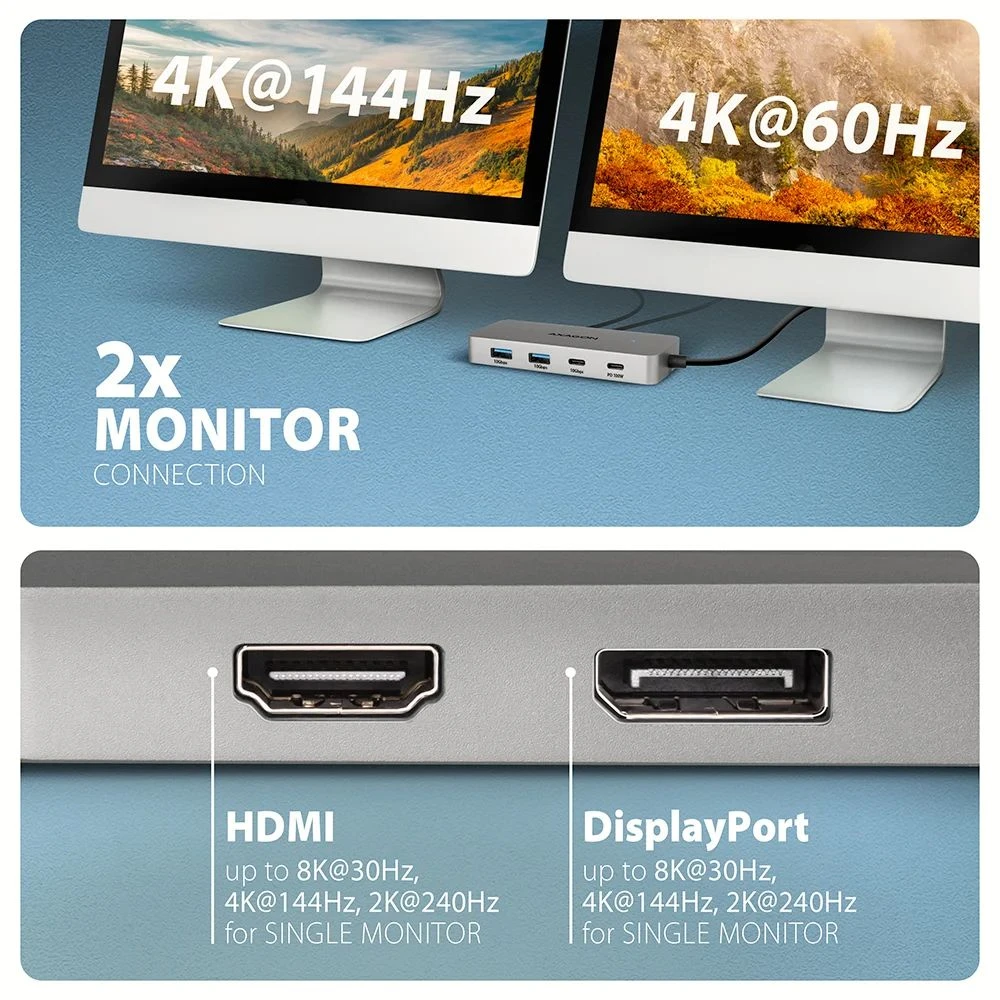
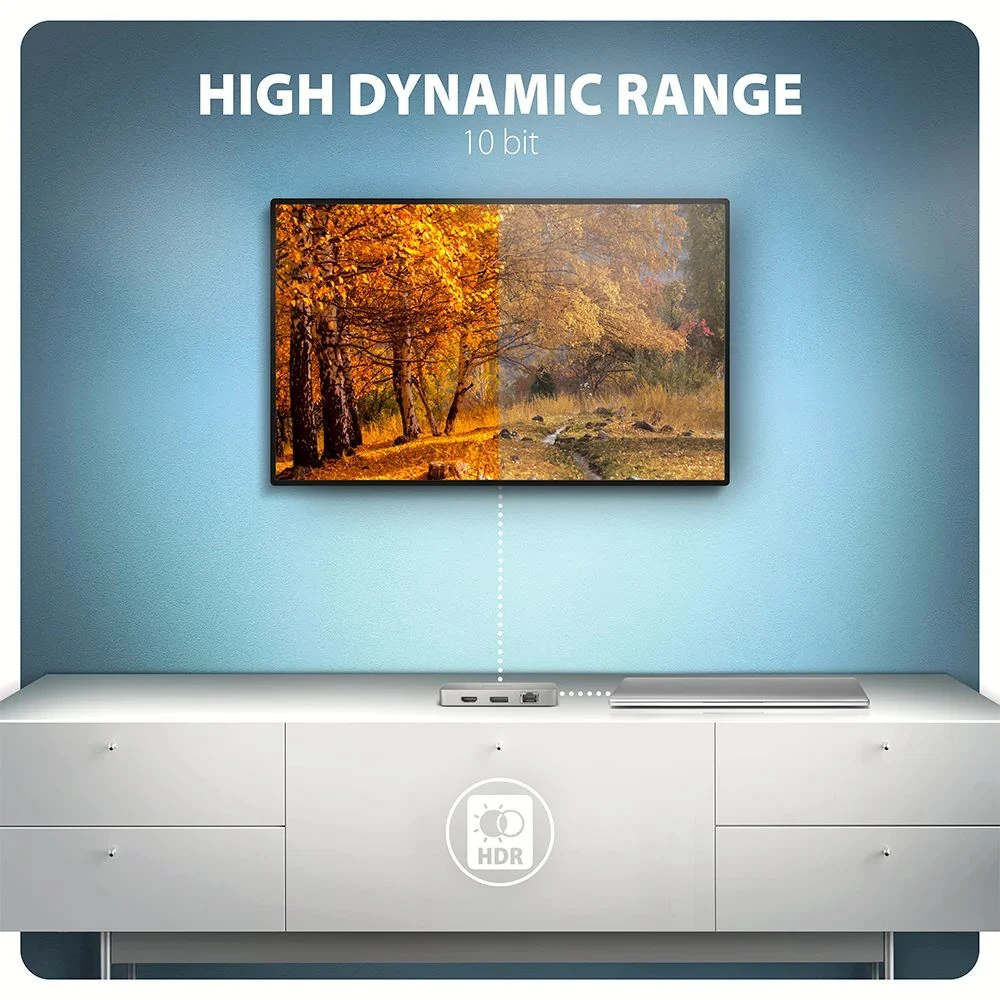
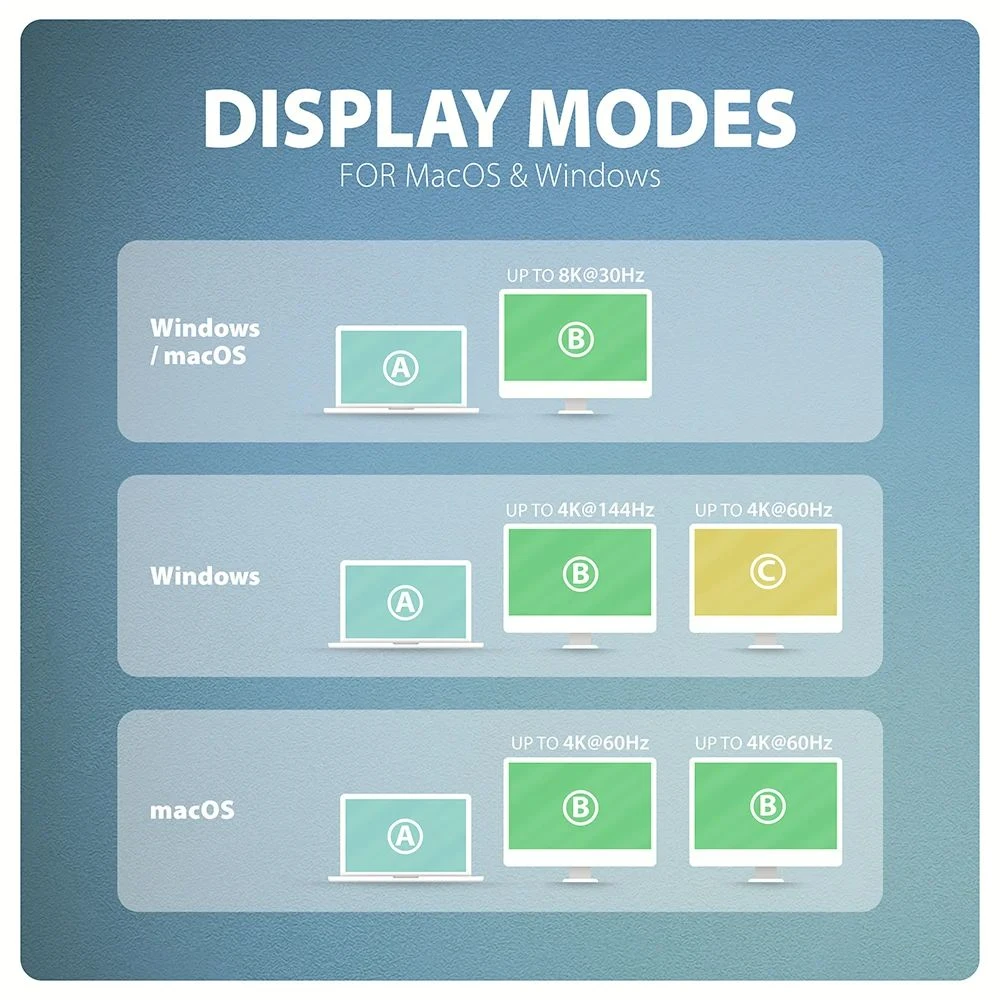
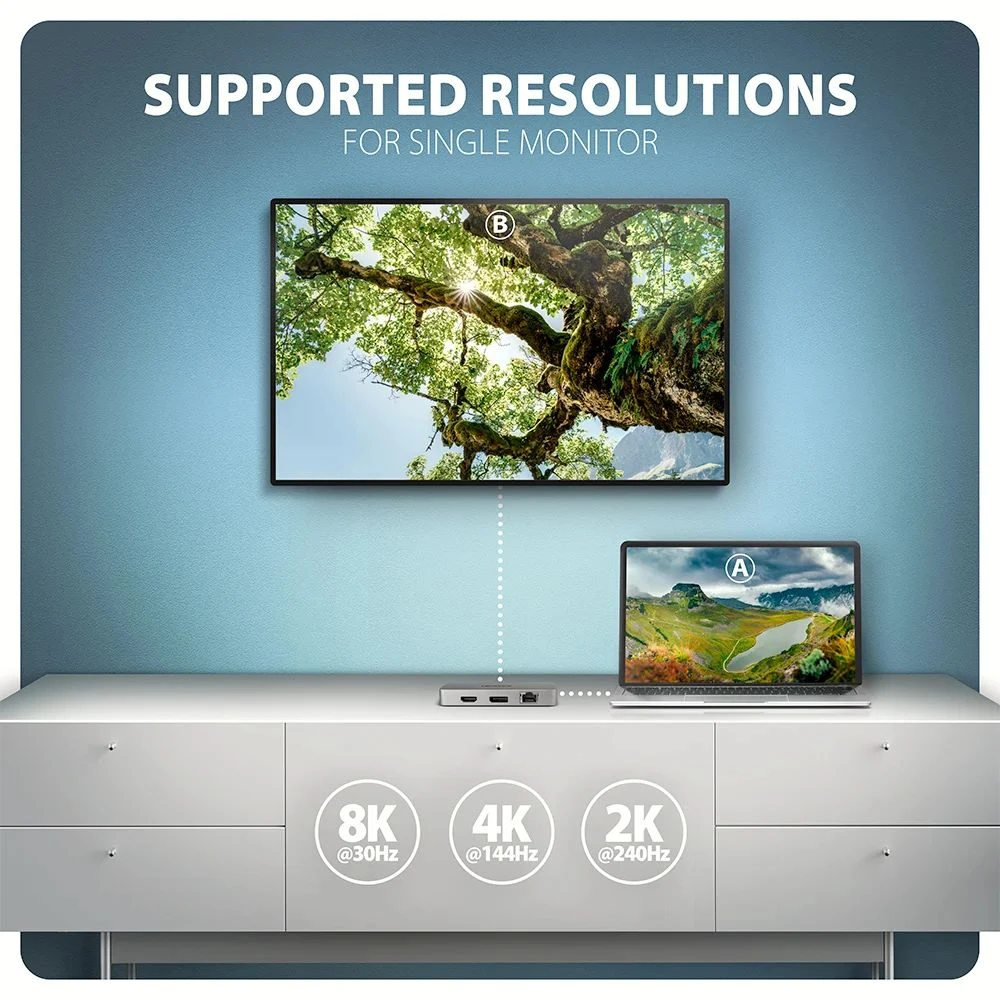
The docking station offers two video outputs, HDMI and DisplayPort, allowing the connection of external monitors, televisions or projectors up to 8K/30Hz Ultra HD resolution. Other popular resolutions such as 4K/144Hz Ultra HD, 2K/240Hz Quad HD or 1080p/240Hz Full HD and multi-channel audio streaming are also supported. When two monitors are connected at the same time, it provides 4K/60Hz resolution on both. Thanks to the HDR (High Dynamic Range) support, users can enjoy a significantly wider color range and higher contrast, which they appreciate both for work and entertainment.
The Gigabit network card expands the computer with a fast and stable network connection, adds the missing RJ-45 network connector or a new network card.
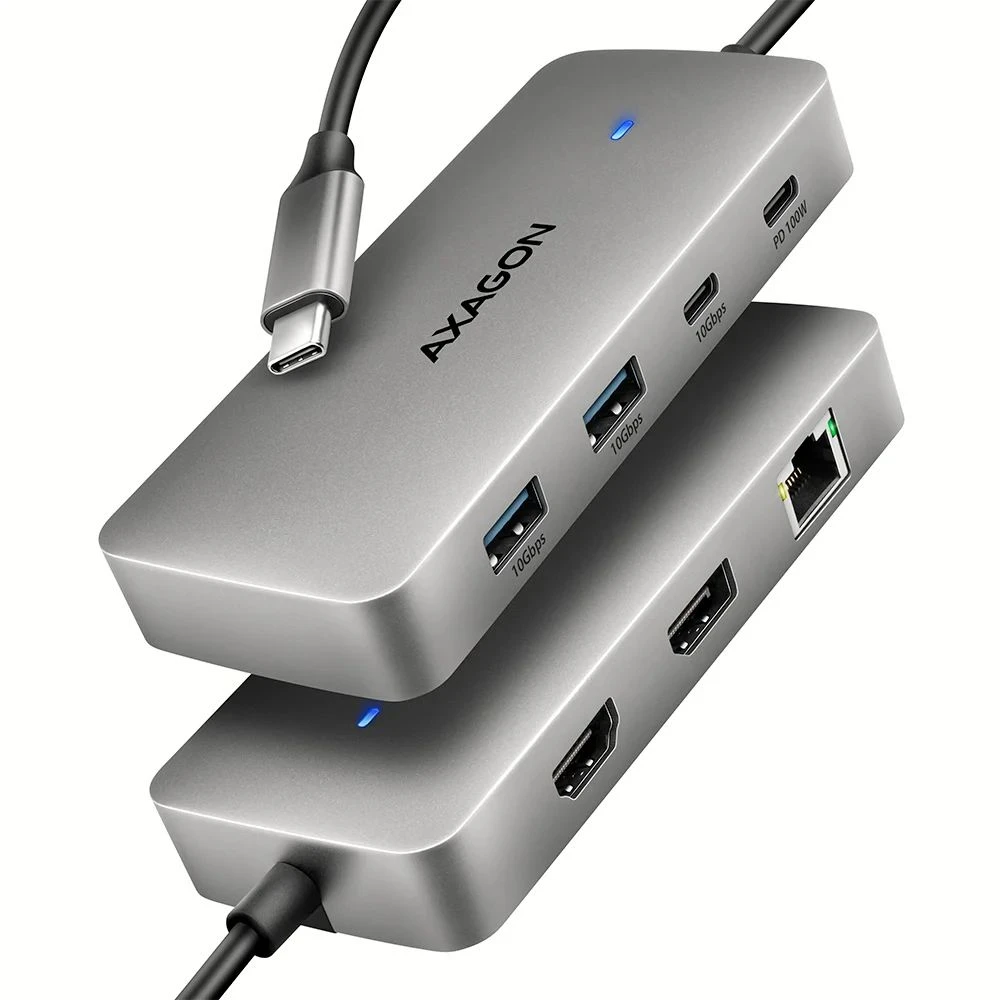
The compact aluminum body not only looks good, but also provides mechanical durability and passive cooling. The USB-C hub is an ideal accessory for laptops without USB-A connectors and video output. Your existing USB peripherals can thus be used without buying new ones. Thanks to the Plug & Play and Hot Plug functions, connecting the hub is very easy, no complicated installation is required, and peripherals can be easily connected or disconnected while the computer is running.
For the hub to work properly, the laptop's USB-C port must support video output (DisplayPort Alternate Mode or Thunderbolt 3 or higher) and Power Delivery.
The hub can be easily connected to phones and tablets with a USB-C connector. For example, you can connect a flash drive, keyboard, mouse, screen, television, or projector to your phone.
Input (connection to computer, tablet or phone:
- USB 10Gbps (USB 3.2 Gen 2), USB-C male connector.
- Compatible with USB 5Gbps, USB 20Gbps, USB 40Gbps, Thunderbolt 3/4/5.
Input (power supply):
- USB Power Delivery 3.0 100 W port, USB-C female connector.
- Powering the laptop from the network adapter via USB-C hub.
- PD power supply must be supported by the laptop (tablet, phone), the cable and the mains charger.
Output USB:
- 2× USB 10Gbps ports, USB-A female connector.
- 1× USB 10Gbps port, USB-AC female connector.
- The USB-C hub can handle the connection of several external drives at the same time.
- Charging mobile devices (including iPad) from the hub's USB-A and USB-C ports.
Video output:
- 1× DP port, DP female connector.
- 1× HDMI port, HDMI A female connector.
Maximum supported resolution:
- 1 monitor (DP) up to 8K/30Hz Ultra HD, 4K/144Hz Ultra HD, 2K/240Hz Quad HD, 1080p/240Hz Full HD.
- 1 monitor (HDMI) up to 8K/30Hz Ultra HD, 4K/144Hz Ultra HD, 2K/240Hz Quad HD, 1080p/240Hz Full HD.
- 2 monitors up to 4K/60Hz Ultra HD, 2K/144Hz Quad HD, 1080p/240Hz Full HD
Video Features:
- For Apple devices running macOS, the maximum refresh rate is usually limited to 60Hz.
- To achieve the maximum resolution and frequency values of the video outputs, the dock must be connected to a USB-C port that supports DisplayPort Alternate Mode (DP Alt Mode) min. version 1.4, or to a USB-C port that supports min. Thunderbolt 3 standard. A properly updated operating system and up-to-date graphics drivers are also required.
- HDR support (High Dynamic Range, 10-bit support) realistic reproduction of light and dark details.
- Support HPD (Hot-Plug-Detect).
- Support TMDS (Transition Minimized Differential Signaling).
- Full HDCP 1.4 to 2.3 support (High-bandwidth Digital Content Protection).
- 8-channel LPCM sound, compressed audio (AC-3, DTS) and HBR audio format support.
- Channel audio sample rate support up to 192kHz and up to 24-bit audio from source and end device i.e. laptop/phone and
PRICE NOTIFICATION
NOTEBOOK SEARCH

OPINIONS
0.0
