
ACT CONNECTIVITY M.2 NVMe/PCIe SSD dual docking station USB-C 3.2 Gen2 black
27 390 Ft
Product description
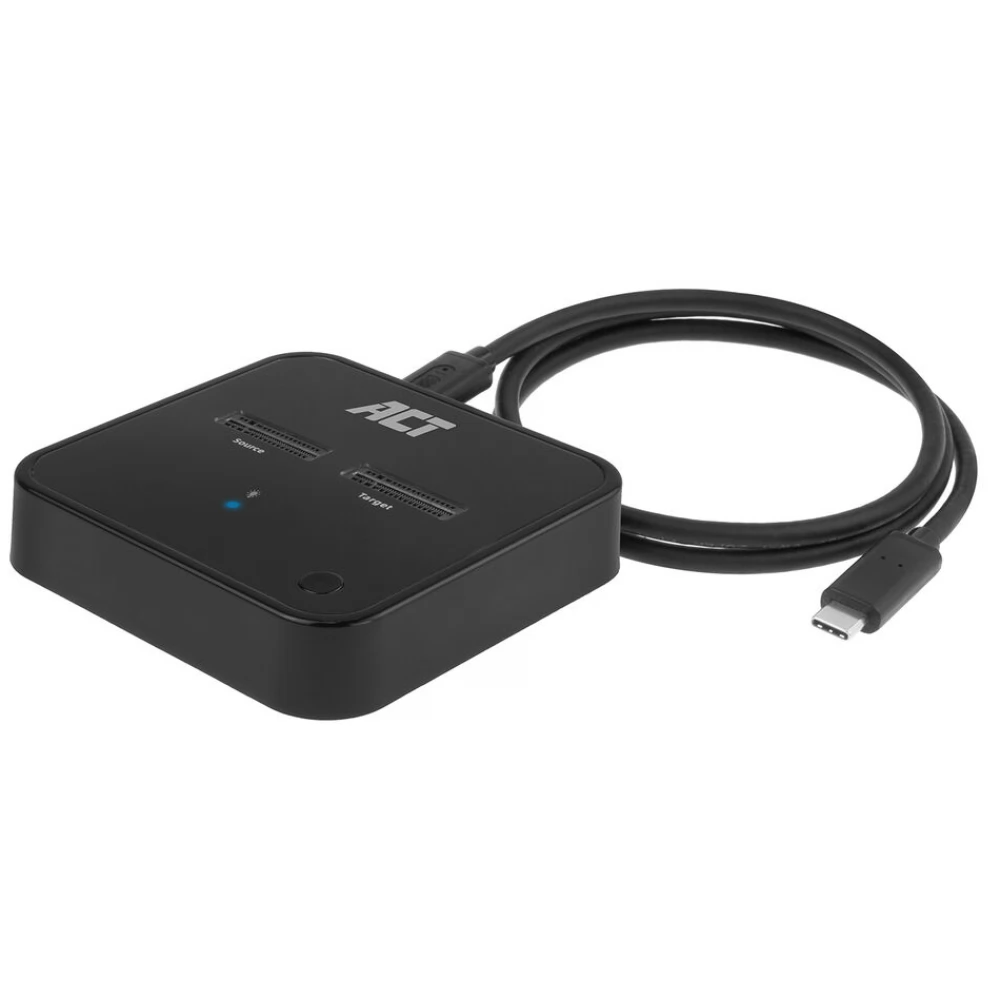
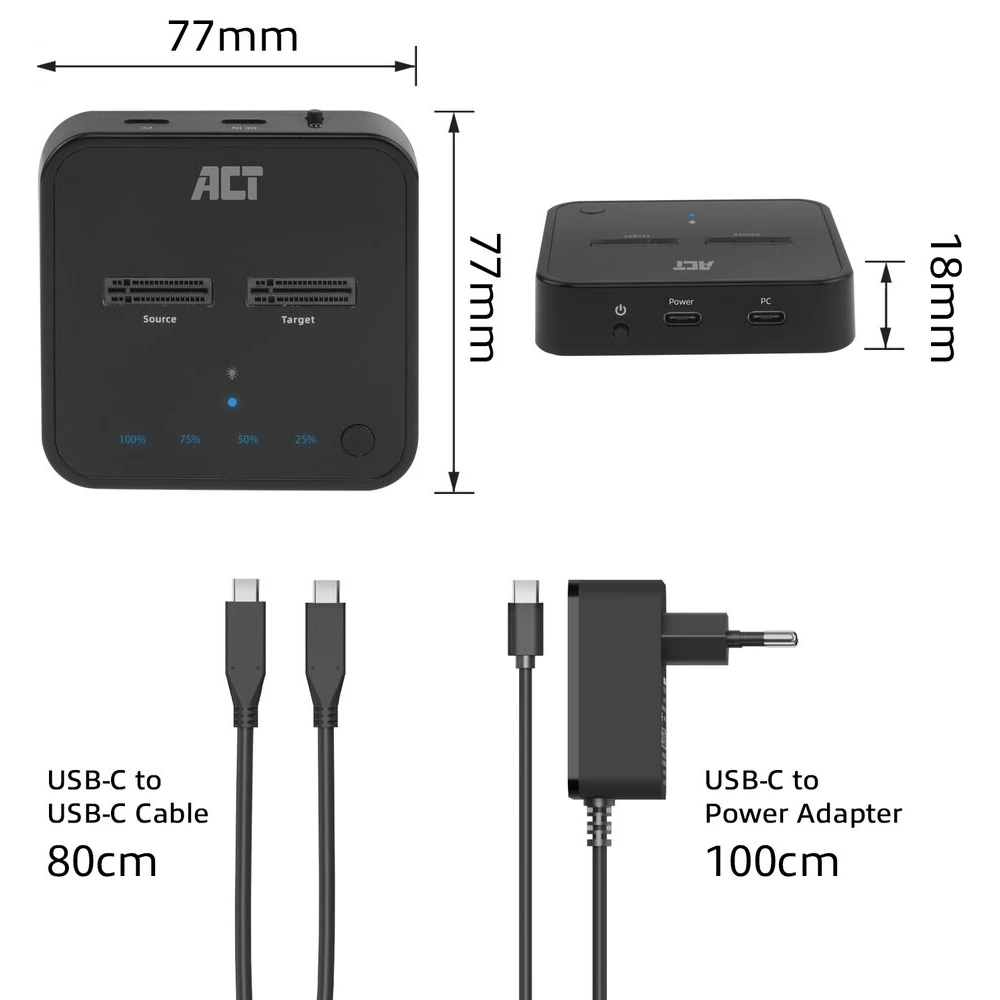
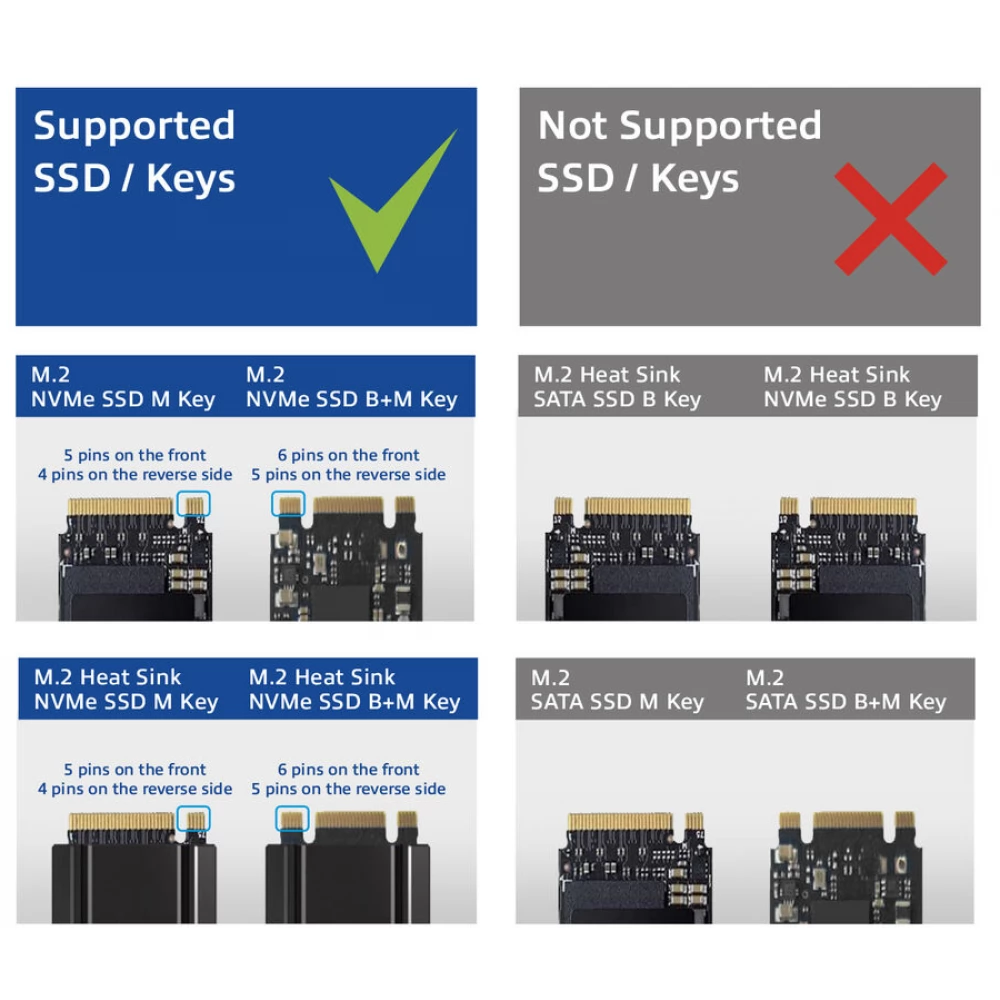
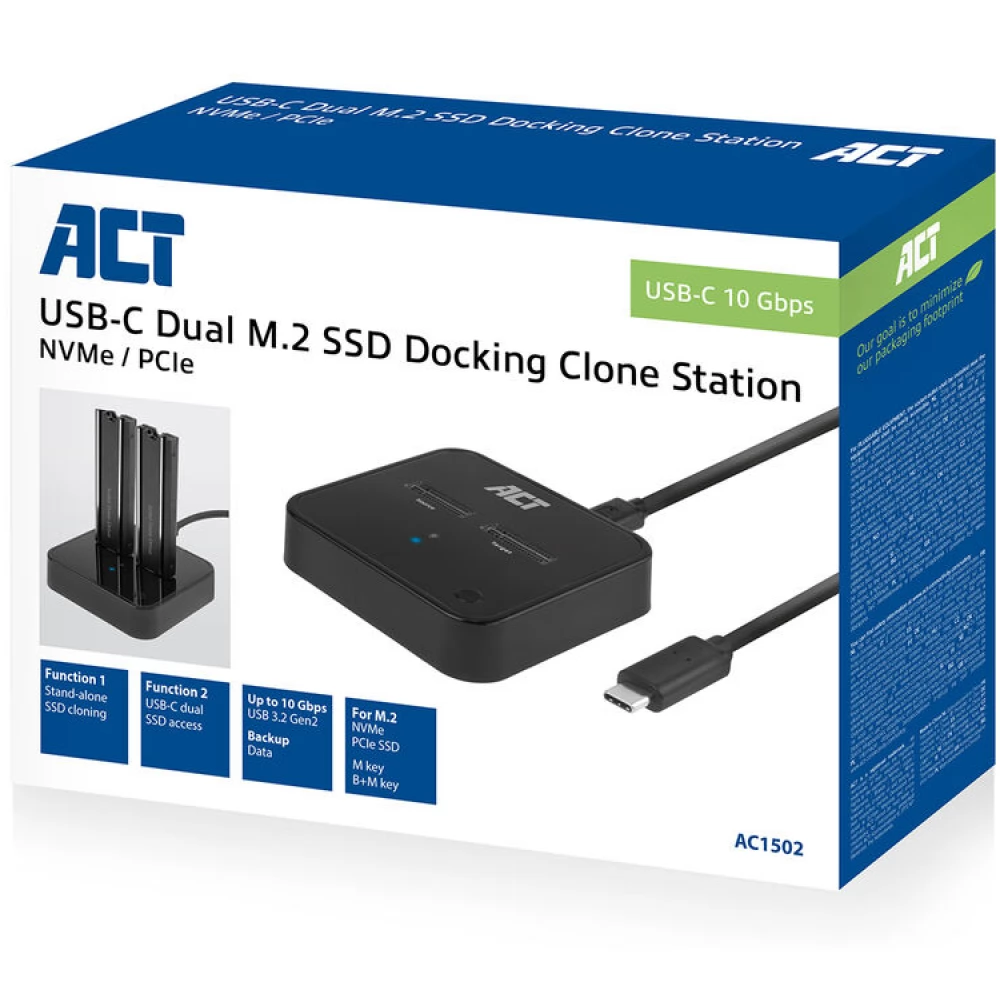
The AC1502 M.2 Dual SSD Clone Station is the perfect solution for offline data cloning. This USB-C 3.2 Gen2 docking cloning station is suitable for two M.2 NVMe/PCIe SSDs with M-key and B+M-key M.2 NVMe/PCIe SSD. Even SSDs with heatsinks are supported. Clone SSD without a computer. Just insert the SSDs and connect the power supply. Status LEDs indicate cloning progress. Connect the AC1502 with SSDs to a computer to access and save data with a maximum transfer rate of 10 Gbps.
It supports M.2 NVMe/PCIe SSDs with and without a heatsink
The AC1502 is designed to connect up to two M.2 NVMe/PCIe SSDs to your PC or laptop. The dock is compatible with M and B+M keys. Even SSDs with heatsinks are supported.
Offline cloning without using a computer
Dual SDD Clone Station allows you to clone from one SSD to another SSD without using a computer. This offline cloning is possible with the AC1502 itself. Simply place the source and destination SSDs in the docking station. Plug in the power adapter and press the power and clone buttons on the docking station. Please make sure the disk size of the destination SSD is the same or larger than the source SSD.
Upgrading your laptop's SSD
Do you want to increase the capacity of your laptop's SSD? Use the AC1502 dock to clone your laptop's SSD to a larger capacity SSD.
Cloning status indicator
AC1502 dock LED indicators (25%/50%/75%/100%) indicate the progress of data cloning. When the 50% LED is flashing, the dock is in the process of data cloning from 25% to 50%. When the 50% LED is fully lit, 50% of the data has already been copied.
Access to external storage
Connect two M.2 NVMe/PCIe SSDs to your PC or laptop via the AC1502 and access the data on these solid-state drives. These two external SSDs are available as external storage. USB 3.2 Gen2 10Gbps and UASP (USB Attached SCSI-Protocol) ensure fast data transfer.
- M.2 | NVMe | PCIe | cloning | up to 10 Gbps | M key | B+M key | Heat sink compatible
- Clone M.2 SSDs offline without using a computer
- Access to two external NVMe/PCIe drives on the laptop for data storage and backup
- Suitable for two M.2 NVMe/PCIe SSDs with M-key or B+M-key, with or without heatsink
- USB 3.2 Gen2 10Gbps and UASP support for high transfer speeds
- Power on/off and cloning status indicator
PRICE NOTIFICATION
NOTEBOOK SEARCH

OPINIONS
0.0
