
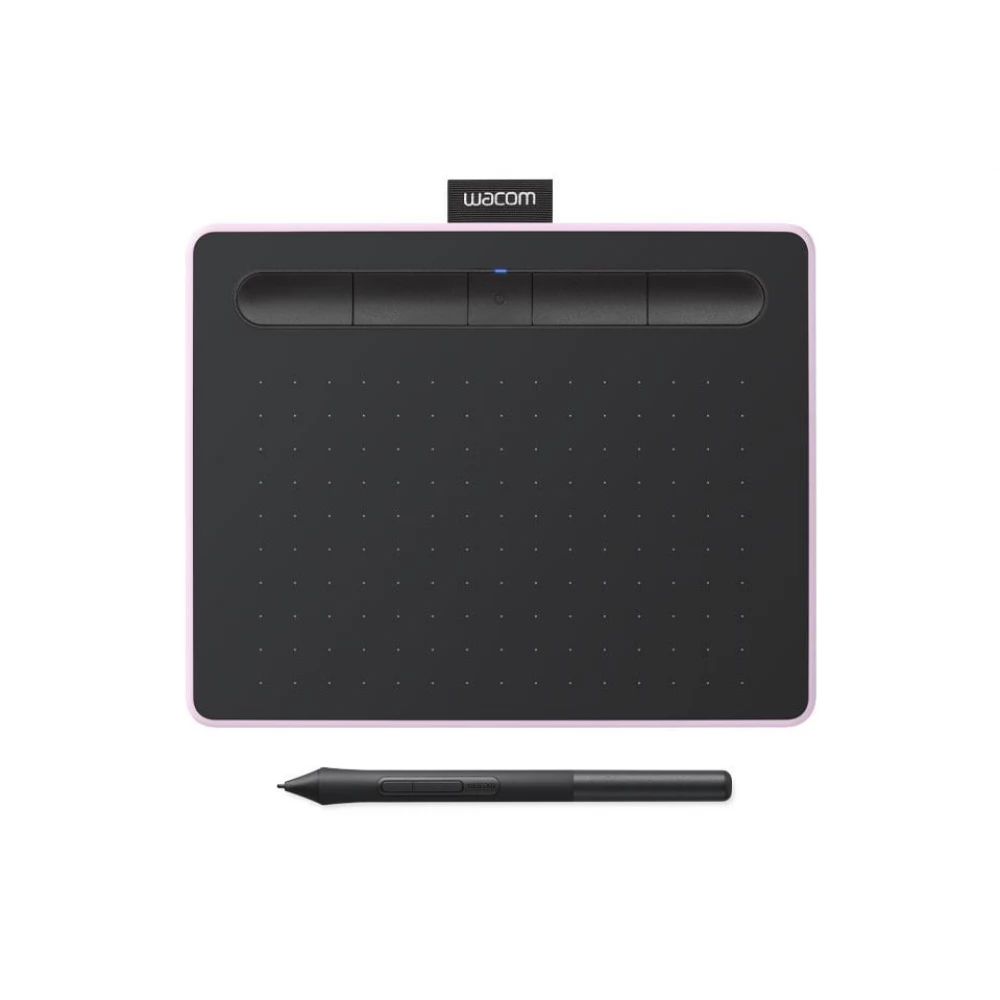
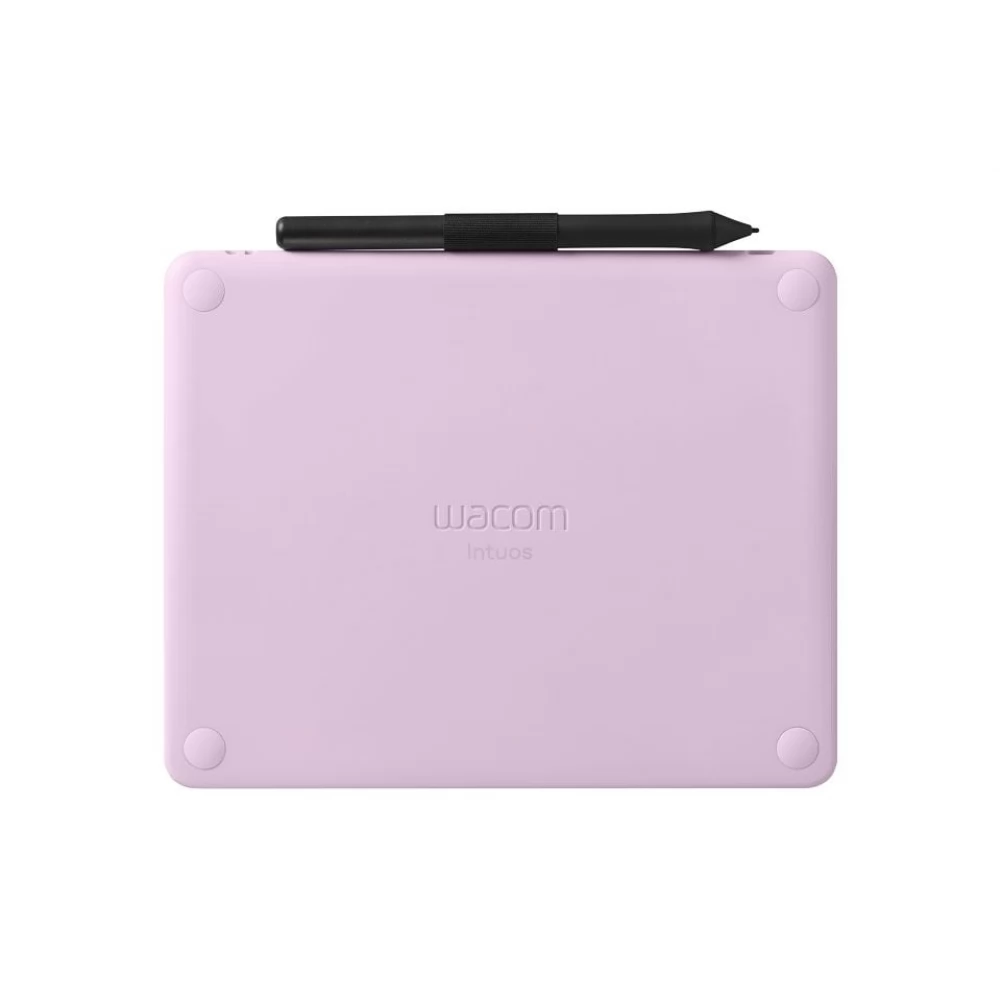
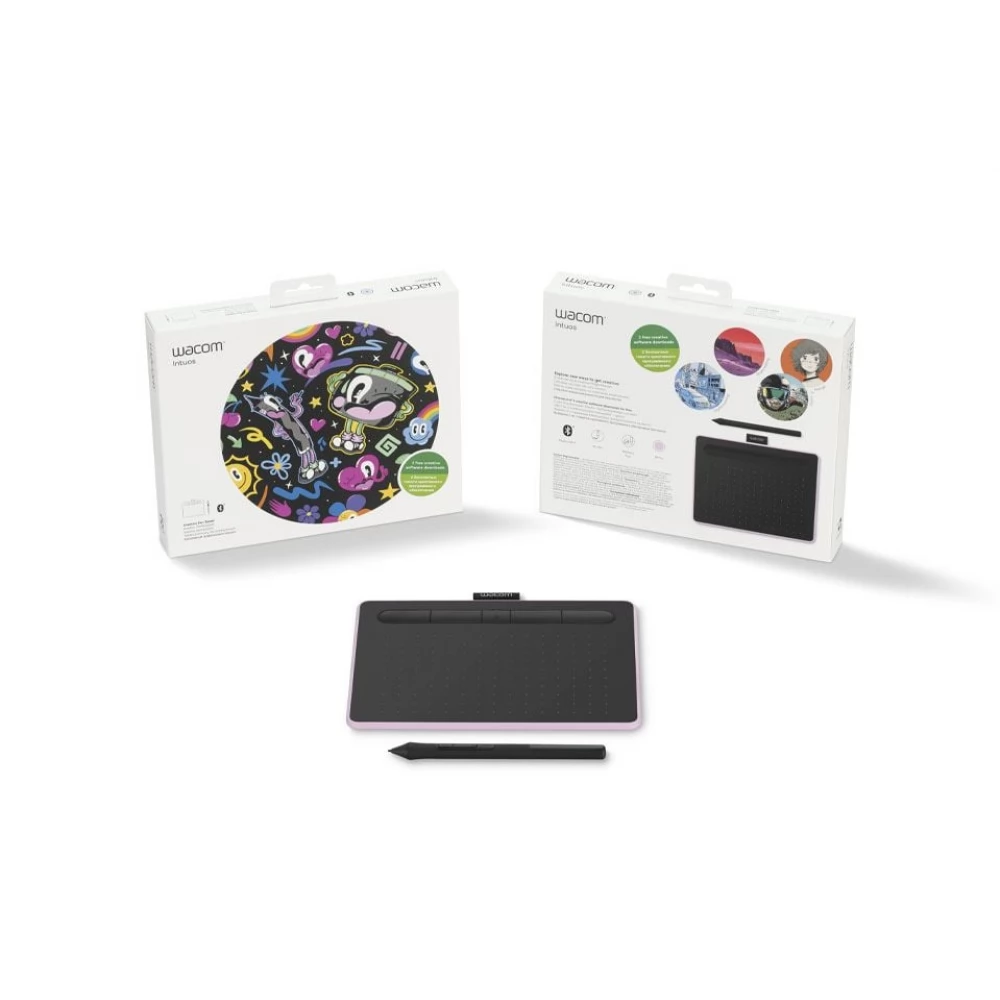
WACOM CTL-4100WLP-N Intuos S Bluetooth grafikus table Berry North
Substitute products
Product description
With Wacom Intuos, your computer becomes a real editing machine. The ease of note-taking, communication, or signing helps the work, but it is also an essential tool for making presentations.
Creative touch
A member of the Wacom product line that works with pen strokes. The experience of perfection. A flexible, versatile, intelligent and customizable solution. Take full advantage of gestures and precision of pen strokes.
Wacom Pen 4K
Thanks to 4096 levels of pressure sensitivity, we can work as naturally as if we were working with real drawing tools on real paper. The new Wacom Pen 4K also has two freely configurable buttons, which can be used to make work even smoother.
Personality and perfection
With Wacom Intuos, your computer becomes a real editing machine. The ease of note-taking, communication, or signing helps the work, but it is also an essential tool for making presentations. With its use, retouching and graphic editing becomes simpler, faster and more efficient.
Flat design
During the design, Wacom placed great emphasis on ensuring that users can comfortably use the renewed Intuos Creative Pen digitizing tablet thanks to its flat and rounded format. Thanks to its reversible design, it can be adjusted for both right and left hands.
Wide format
The tablet's surface follows a paper-like 16:10 ratio, making it suitable for managing multi-monitor systems.
Customizable hotkeys
By using the already well-known ExpressKey, the various adjustable program functions can be used quickly and efficiently. With the help of the application specification, it is possible to set which function of a given program the hotkey starts, thus helping to work more efficiently and faster. Wacom Intuos can also handle natural gestures, so scrolling, zooming, rotating or switching between photos is simple and intuitive by touching and moving your fingers.
Bluetooth connection
The built-in Bluetooth antenna makes the work of users even simpler and more convenient. Of course, you can also connect the device to the USB-A port.
Similar products
NOTEBOOK SEARCH
OPINIONS
OPINIONS
