
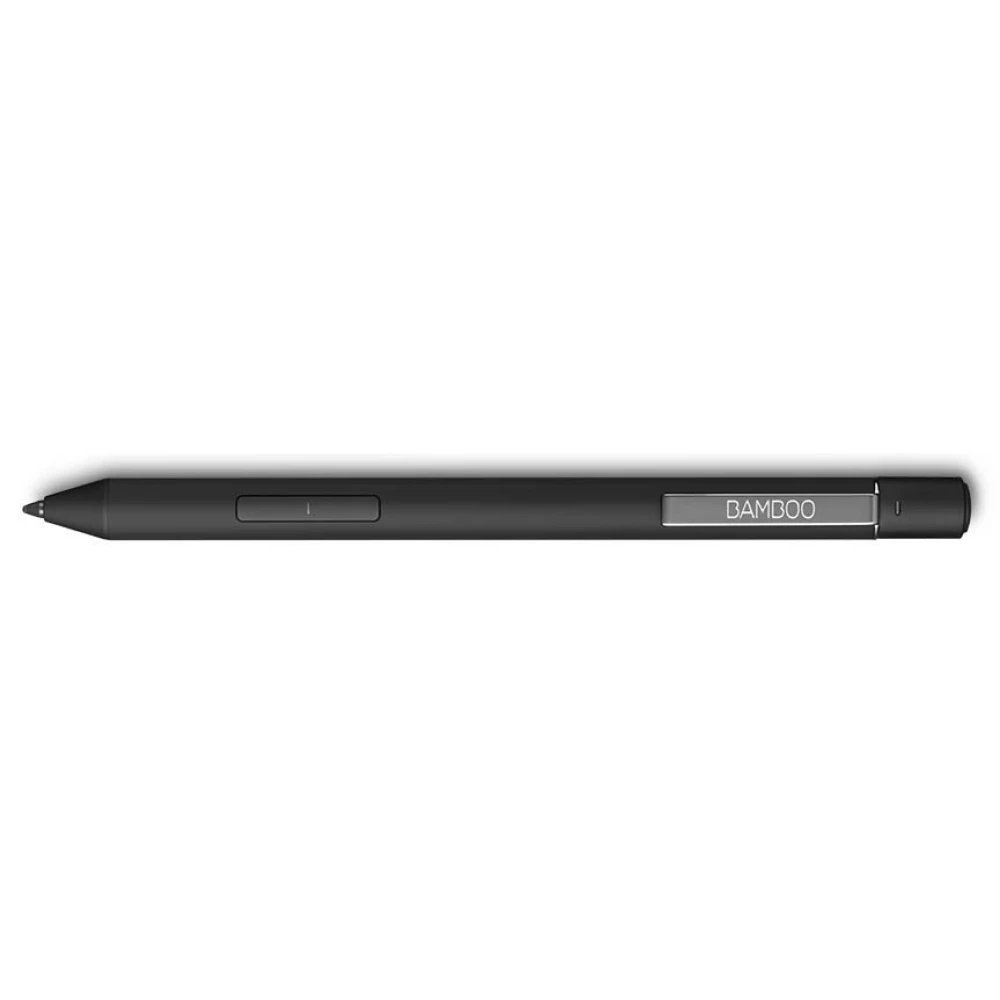
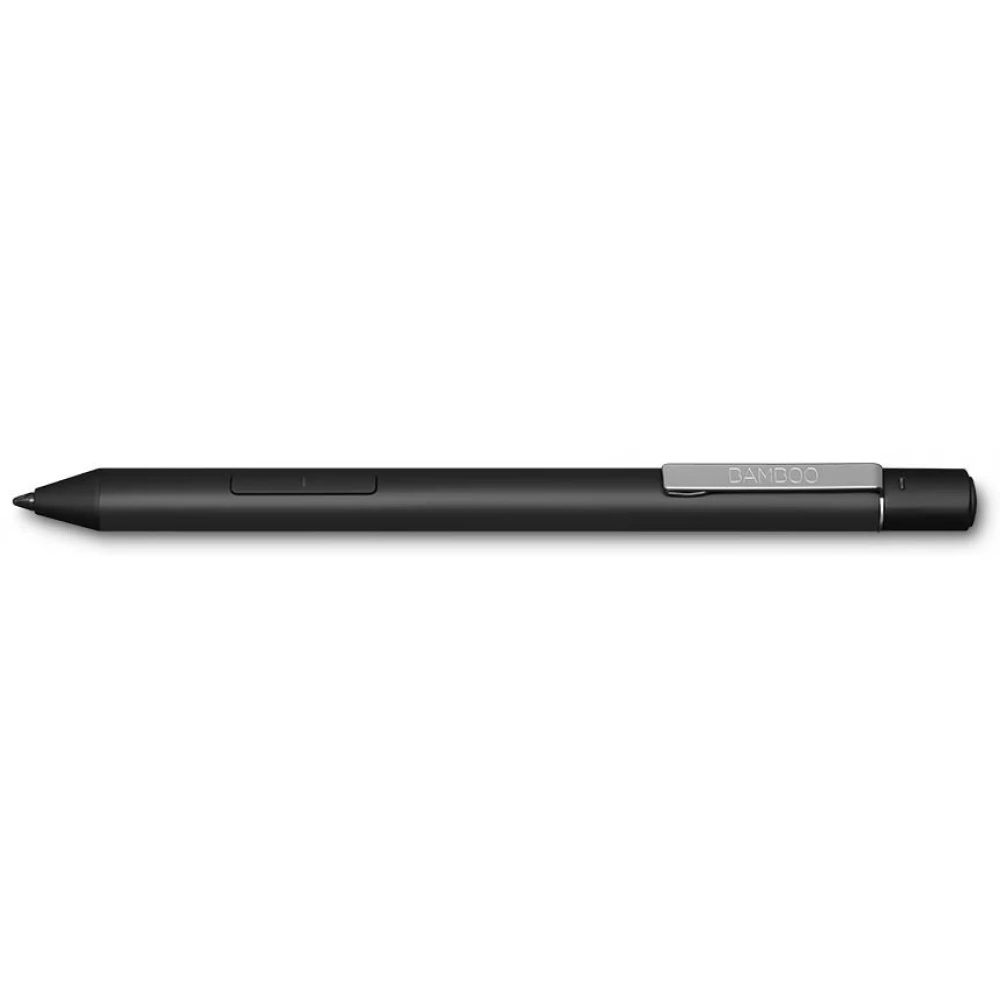
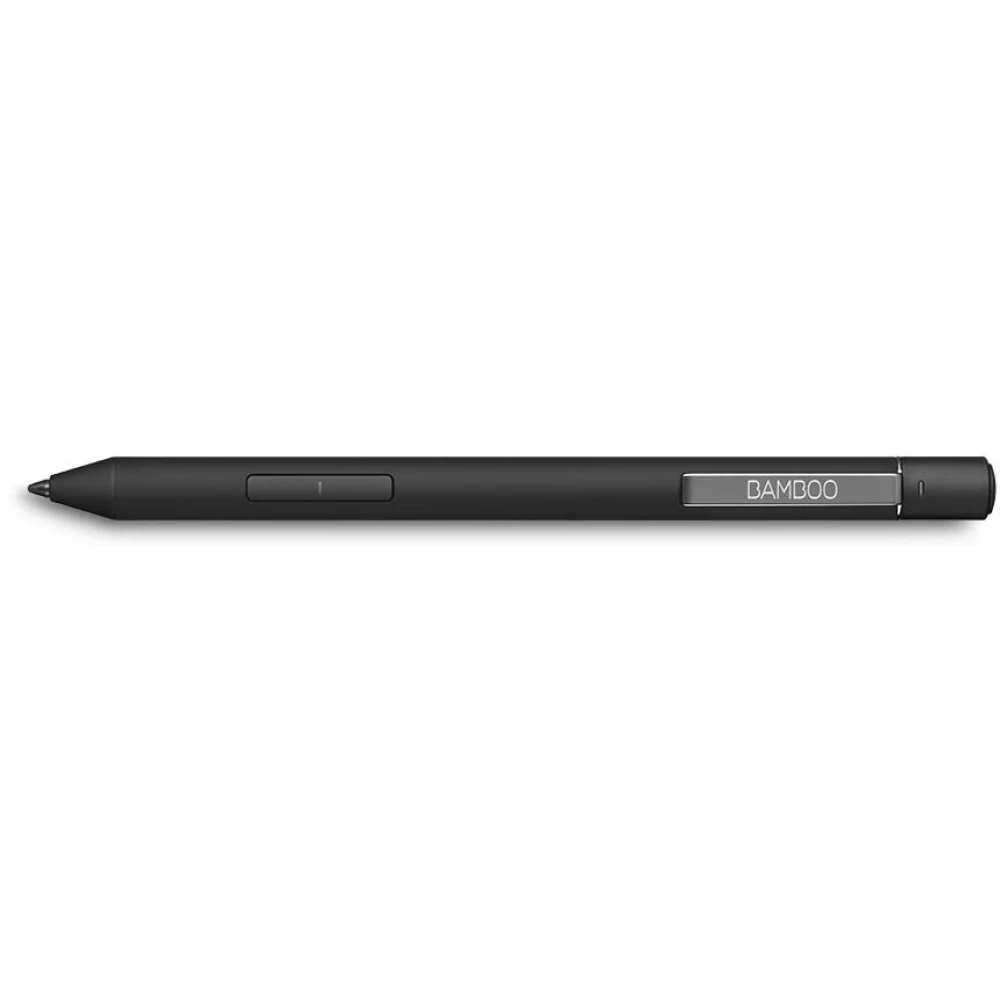
WACOM Bamboo Ink Plus
Substitute products
Product description
Annotating: Annotating documents is just like creating comments on traditional paper. Authentic and comfortable. To start Windows Ink Workspace, we just have to press the Bluetooth button on the end of the pen and we can start working.
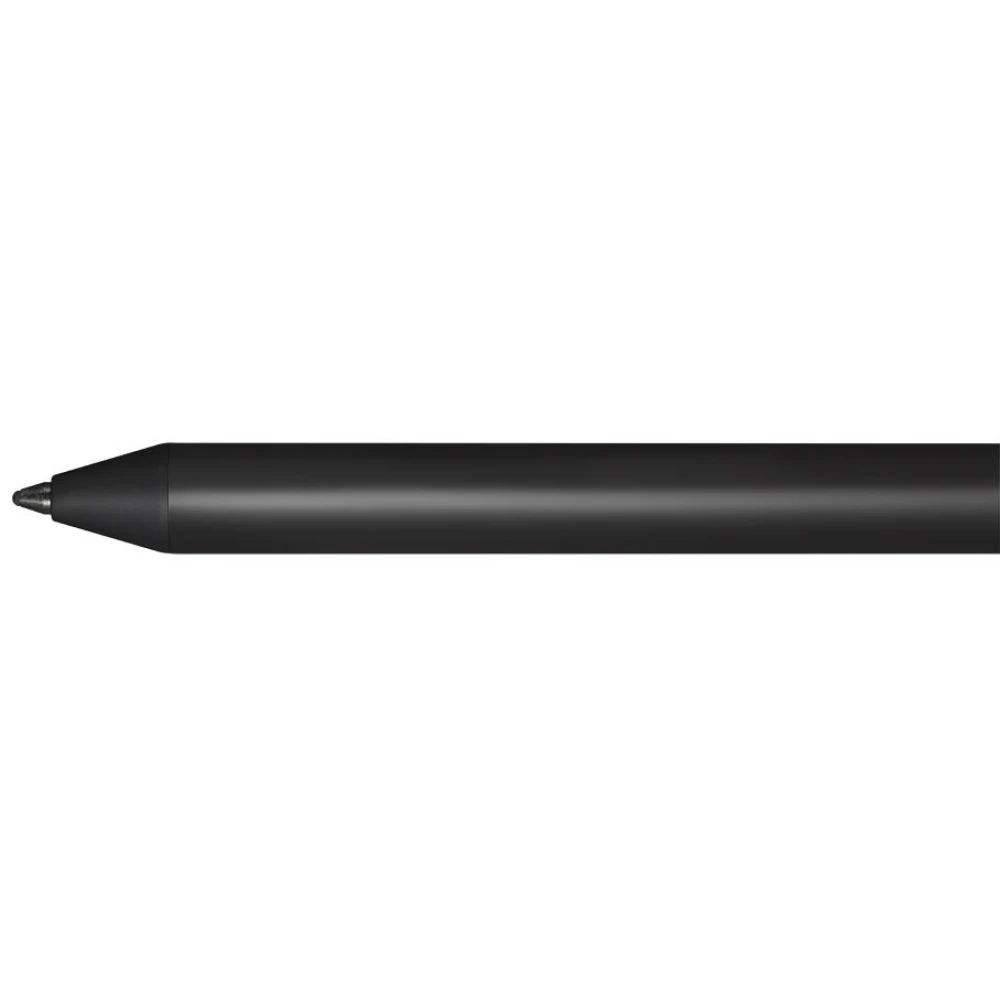
Sketches and drawings: The fine and sensitive tip of the Wacom Ink Plus is ideal for sketching and drawing. It is specifically designed to make the creation of works of art natural and experiential. The natural appearance of the drawings on the screen is also helped by the particularly sensitive pen tip, which responds flexibly to our movements.
Visual thinking: Record your thoughts with Bambo Ink Plus! With Windows Ink Workspace, we can record our ideas, which we can then develop in the Sketchpad and Screen Sketch applications or in other apps optimized for pens.
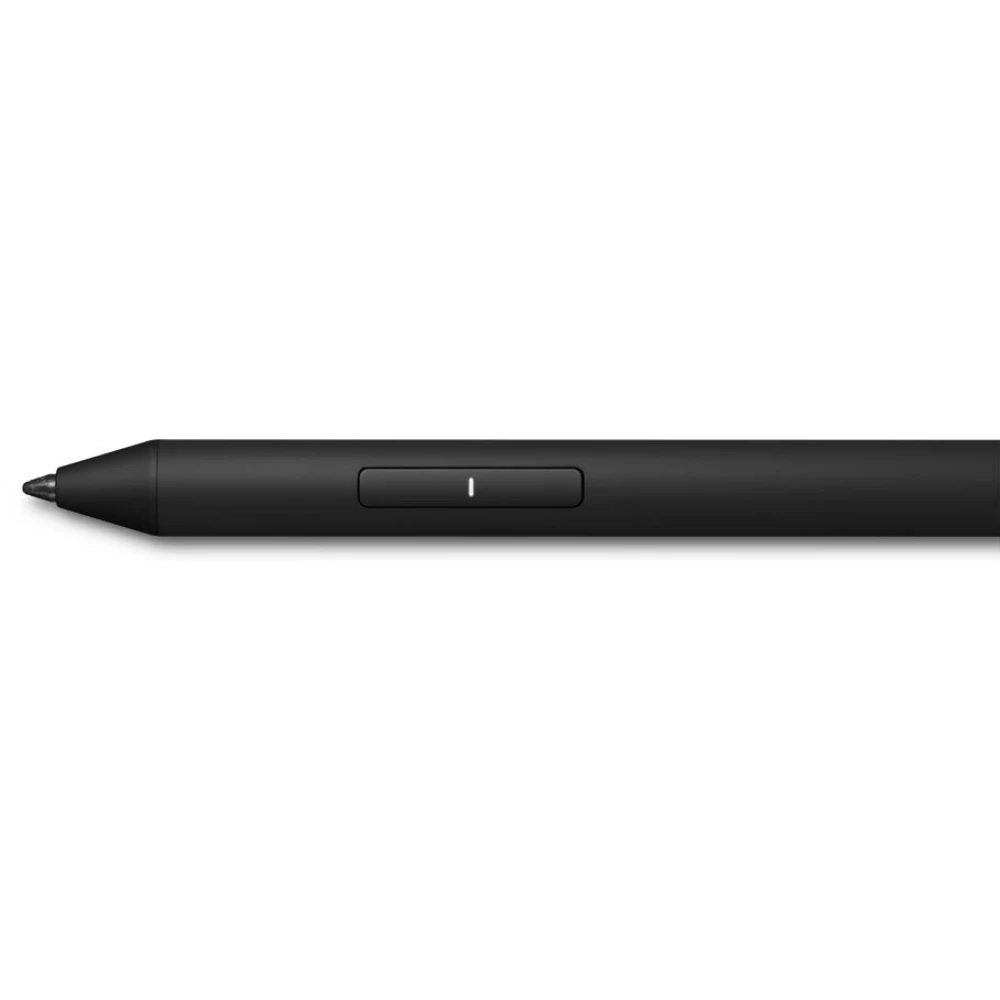
Natural, precise, authentic Thanks to the pressure-sensitive tip and the ergonomic design, drawing and taking notes is a real experience. Thanks to the triangular design, the Bamboo Ink Plus has an extremely comfortable grip.
Customizable Bamboo Ink is an intuitive and natural tool for writing, note-taking and sketching. We have three different tips - soft, medium and hard - to ensure a personalized and authentic experience.
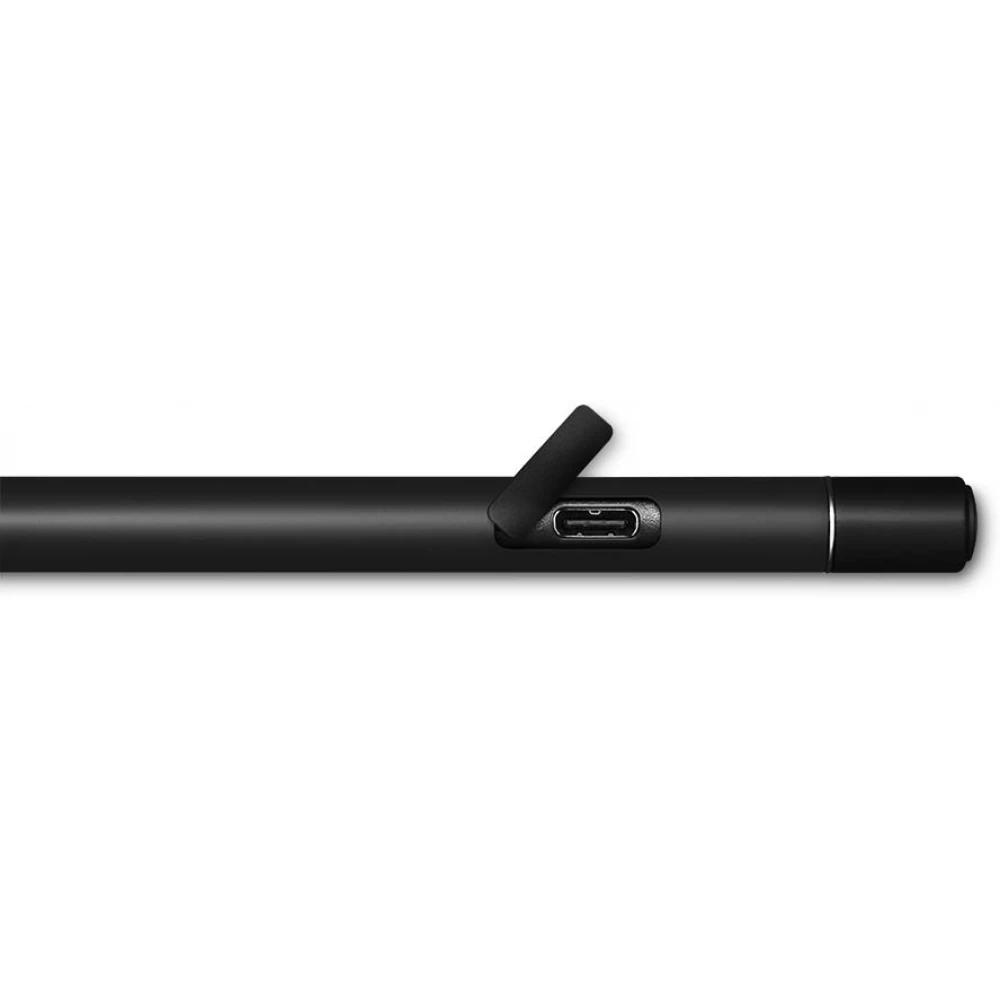
Rechargeable No need for a separate battery, the Bambo Ink Plus can be charged using the included USB-C cable.
One pen, many devices Bambo Ink Plus is compatible with many different touchscreen devices and supports both Wacom Active ES and Microsoft Pen protocols.
- Colour: Black
- Length: 153 mm
- Weight: 16.5 grams
- Material: aluminum
- Connection: Bluetooth 4.0
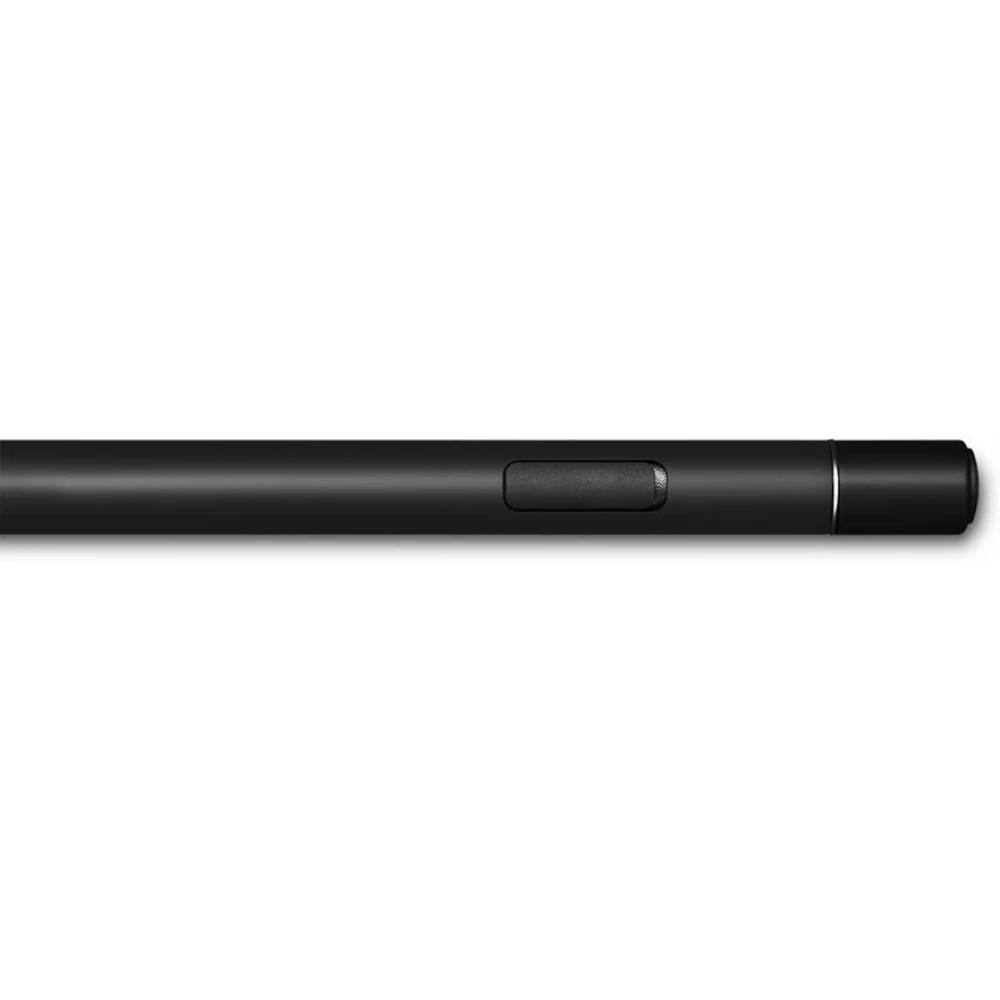
- Buttons: Two customizable and one Bluetooth button
- Pressure sensitivity: 4096
- Battery: Li-polymer
Similar products
NOTEBOOK SEARCH
OPINIONS
OPINIONS
