
WACOM Bamboo Ink Gen2
Substitute products
Product description
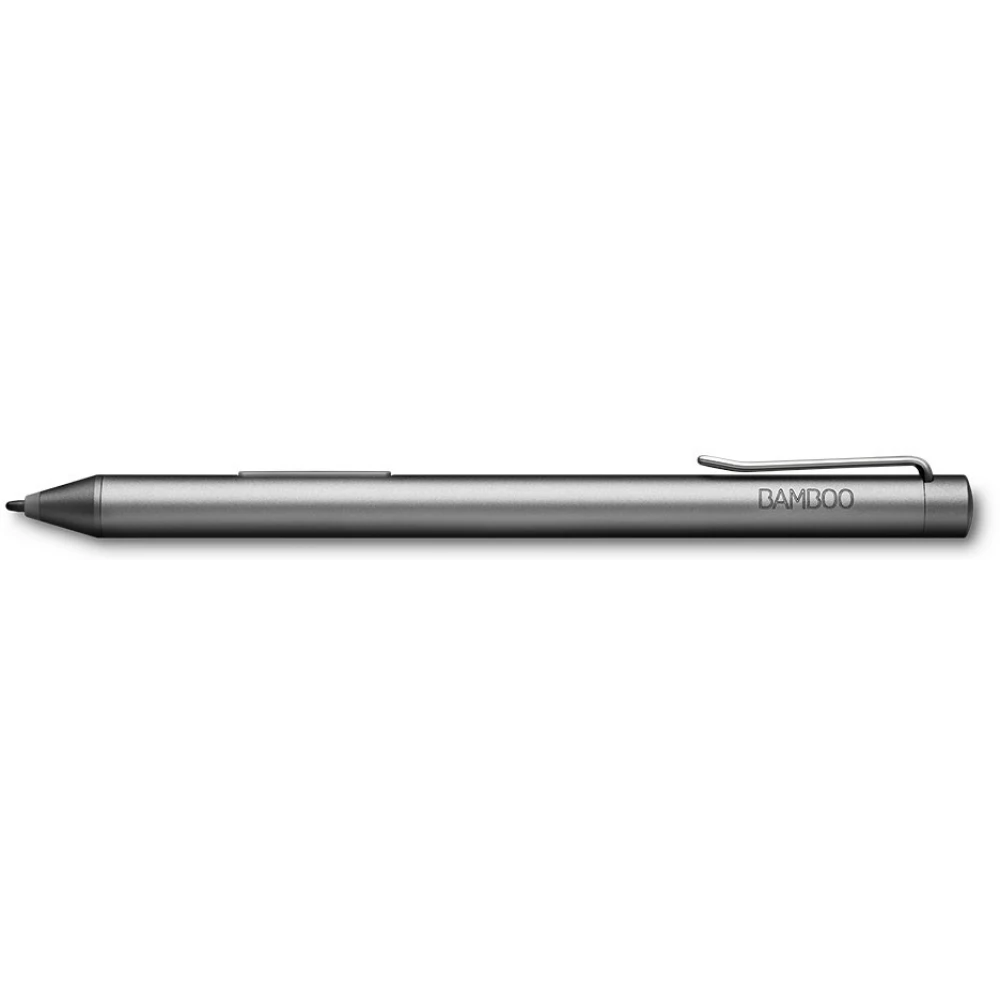
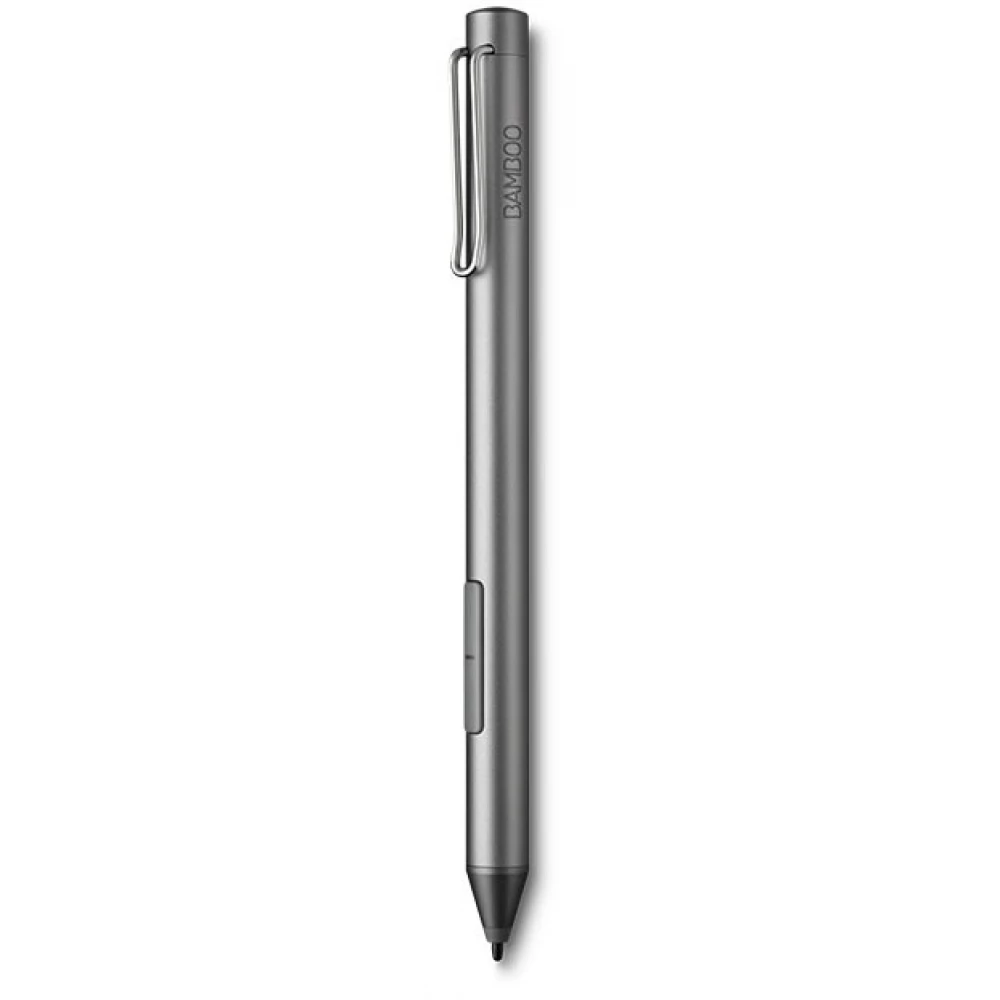
Got a great idea? Just pick up Bamboo Ink, launch Windows Ink or any of your favorite pen apps, and sketch or write your thoughts on your device's screen. You'll soon forget you're using a high-tech smart stylus on a digital display, as Bamboo Ink is designed to provide the most natural experience possible for handwriting and drawing on Windows 10 devices.
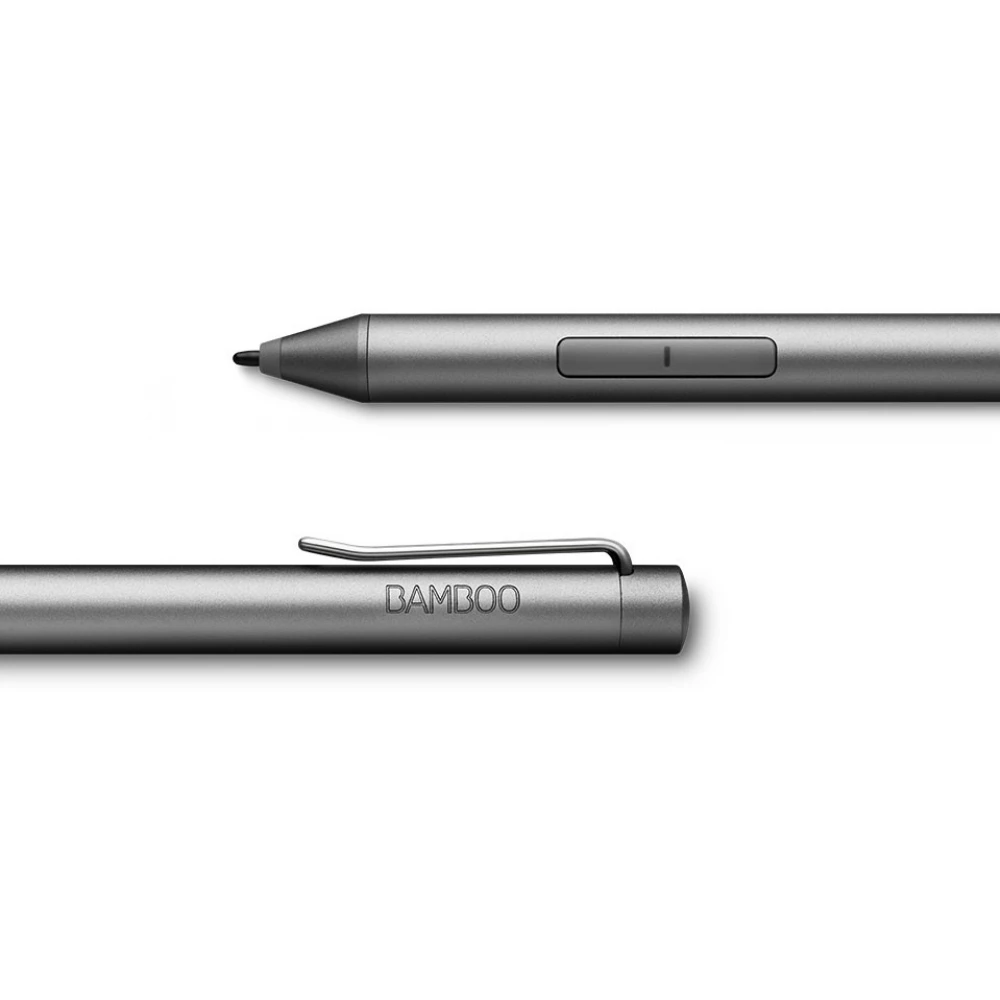
Optimized for Windows Ink: To launch Windows Ink Workspace, we just need to press the button on top of Bamboo Ink. With applications such as Sticky Notes or the soon-to-be-released Bambo Note, we can record our ideas and concepts without any problems.
The power of thought: Bamboo Ink is an intuitive and natural tool for writing, note-taking and sketching. We have three different tips - soft, medium and hard - to ensure a personalized and authentic experience.
Ergonomic design: Thanks to Bamboo Ink's ergonomic design and soft-touch surface, we can work for hours without tiring our hands. Comfortable and balanced design for an experiential work experience.
Hotkeys: Speed up work and save time with customizable Wacom Ink buttons. We assign a function to each of them, so we will have even more opportunities to fully develop our ideas.
One pen, many devices: Bamboo Ink works with many pen-enabled devices. The stylus is part of Wacom's AES protocol system. If you work with a device that uses Microsoft's Pen Protocol technology, just press the Bamboo Ink buttons to switch.
- Weight: 19 grams
- Length: 147 mm
- Diameter: 10 mm
Similar products
NOTEBOOK SEARCH
OPINIONS
OPINIONS
