
VISION TC3-CTL/2 Techconnect Vezérlőmodul white
Substitute products
Product description
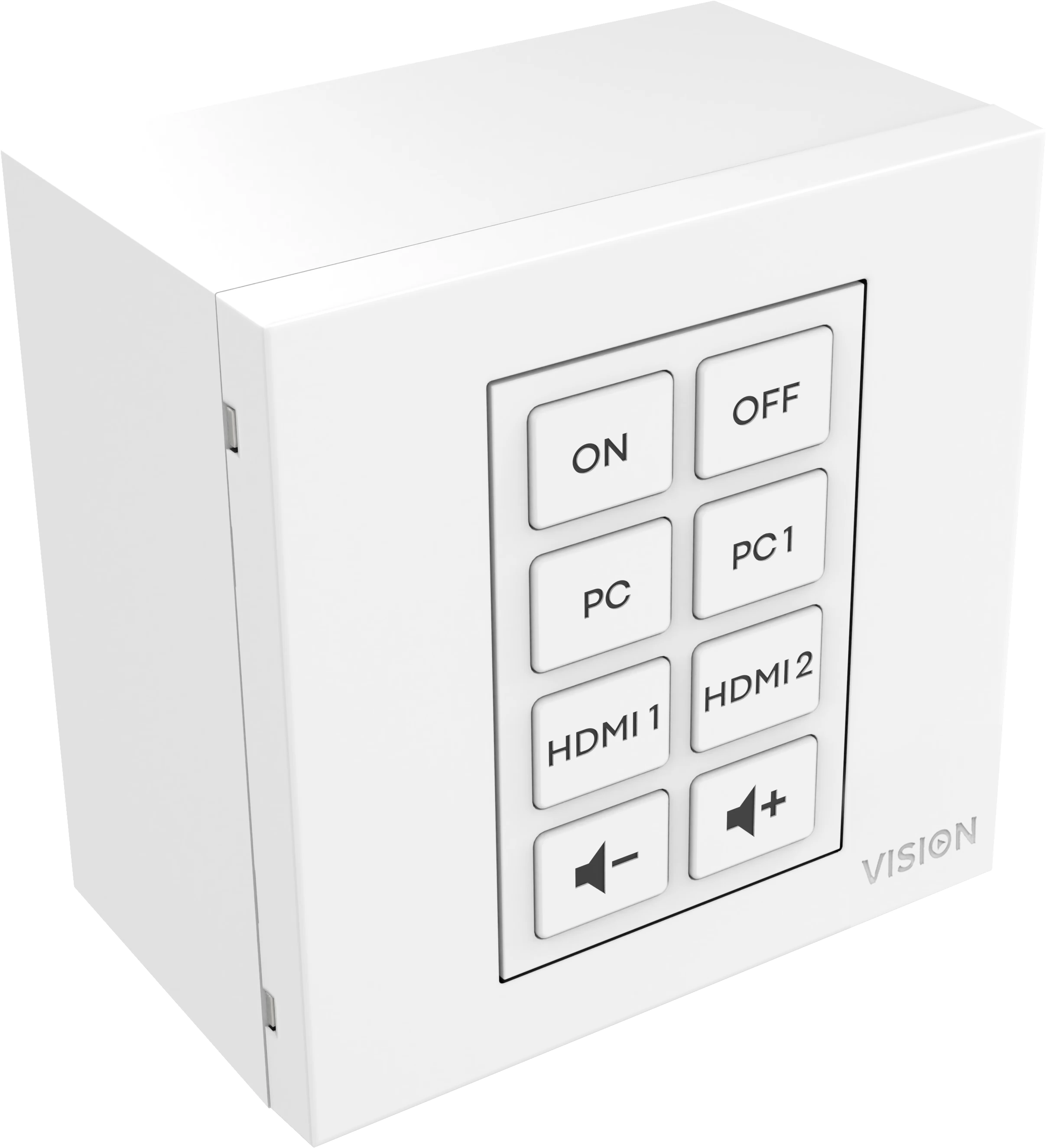
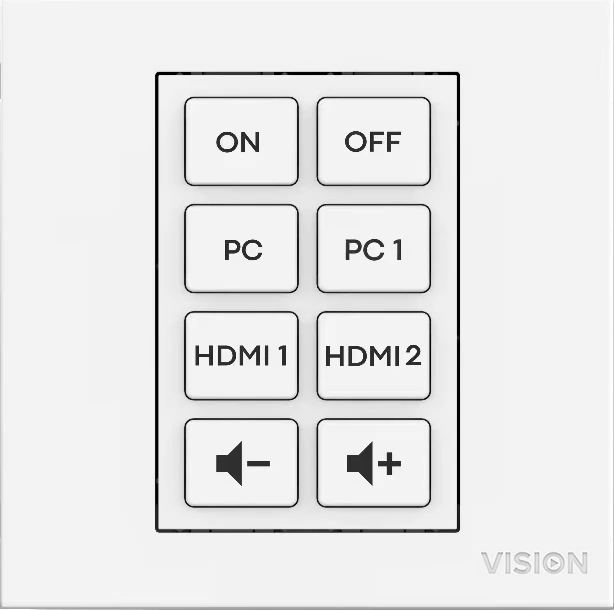
Techconnect Control puts the end user at the center of AV system design. For end users, verification should be simple. It has eight simple buttons, all of which are easily programmable.
By pressing the "ON" button, you can simultaneously send activation commands to multiple devices via IR, RS-232 or 12V trigger. It eliminates complexity by only presenting everyday functions to users, reducing the need for technical support calls and preventing remotes from being lost.
All of this can be conveniently placed in a secure Techconnect module, making it an ideal solution for presentation rooms or meeting rooms.
Ways
Press and hold buttons 3 and 4 to turn on learning mode. In this mode, you can teach the device a single IR code for each button, all without using a computer (this is not possible with Epson projectors).
For advanced programming, connect your computer and software assign RS-232, IR and 12V trigger functions to each button.
Digital Signage Shutoff
The on-board clock allows you to create schedules. For example, activate the automatic shutdown of digital signage in a store every night.
Cloud software
The new browser-based programming software uses the same simple approach but adds a number of features.
Configuration files are now stored in our cloud by default. This file will be cached in your browser and you can easily share a link with your colleagues to work together. Or you can still keep a local copy of the configuration file.
Pronto compatible
You can import pronto formatted IR codes.
Crowd-Sourcing
When an AV installer adds new working codes to the software library, everyone has access to those codes.
IR learning
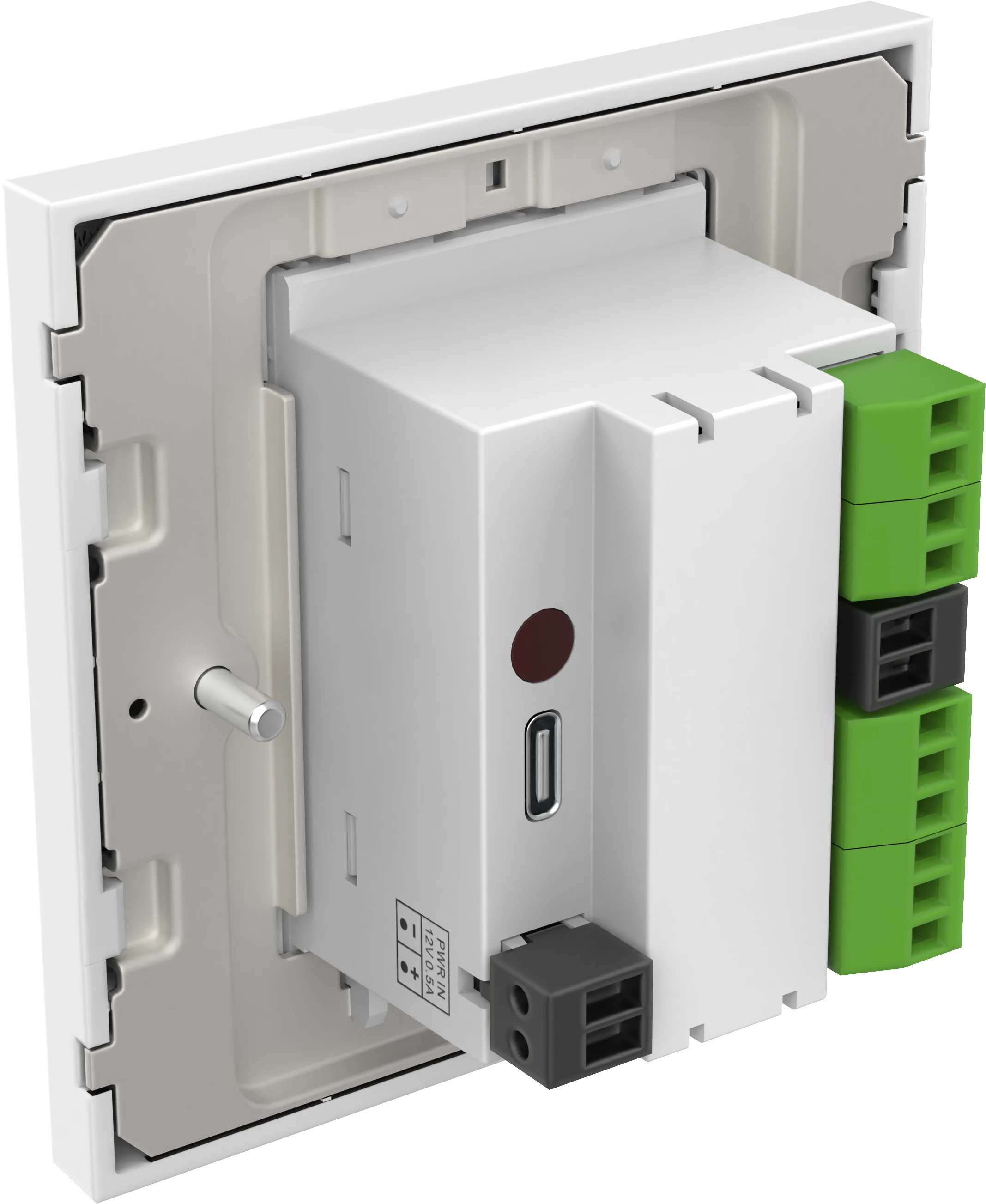
IR codes can be added by pointing the original remote at the back of the module or by copying and pasting the code into the software.
2 x IR emitters
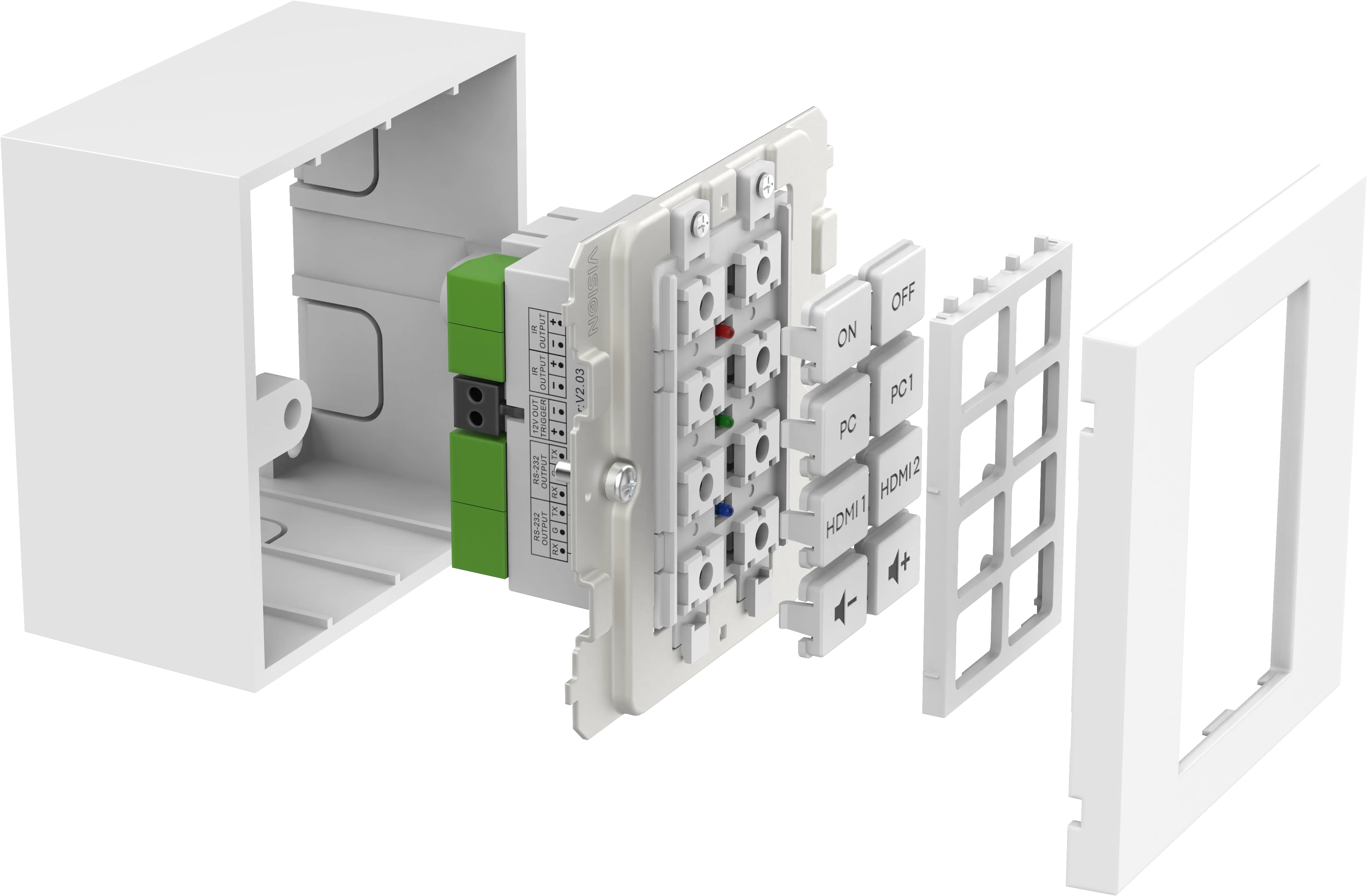
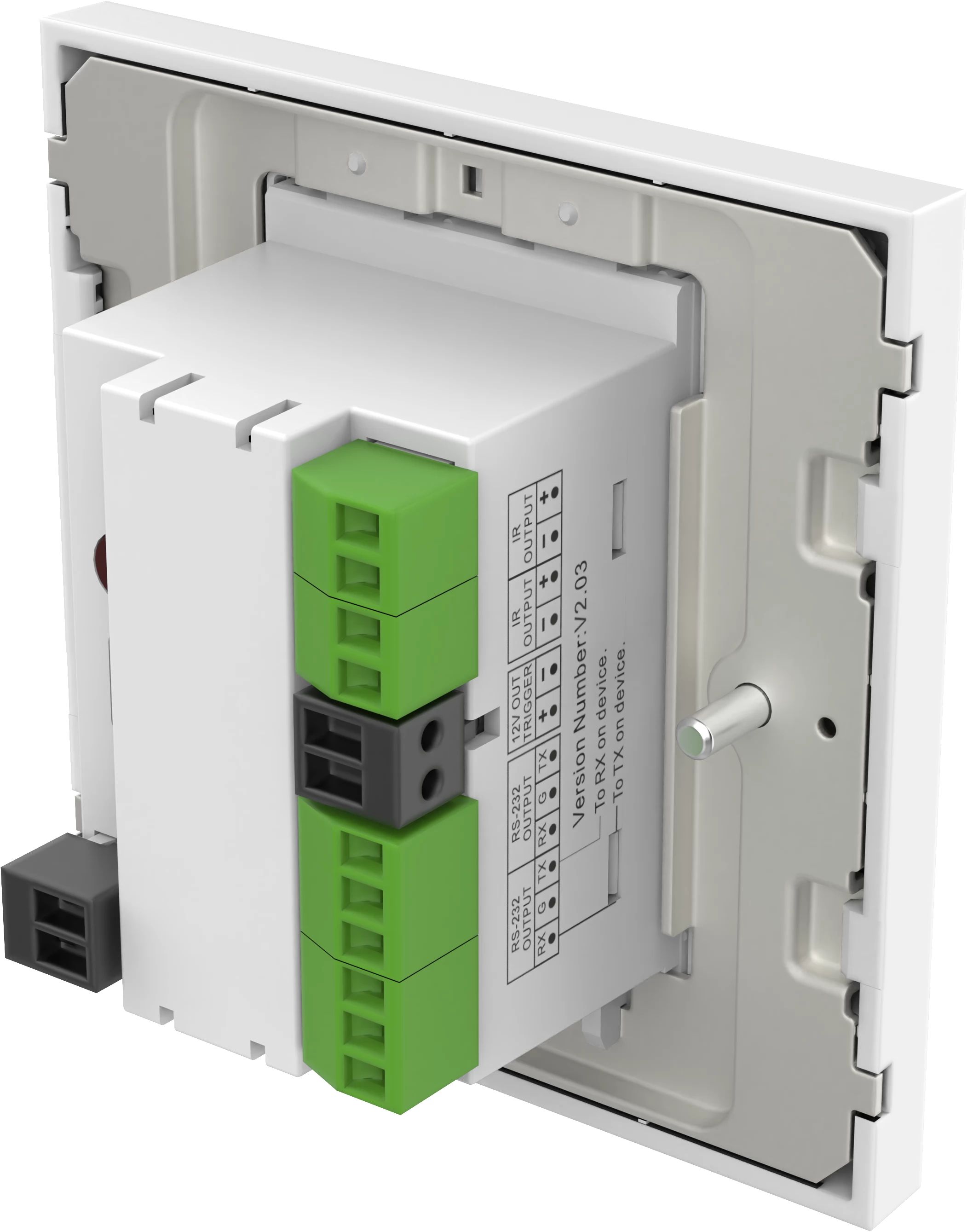
There are two IR ports on the back of the module. It comes with two external infrared emitters; one with a 10m cable and one with a 200mm cable that can be extended with a standard minijack cable.
Note: The screen that comes with a remote often uses RF (not infrared). This control module does not support RF.
2 x RS-232
There are two RS-232 ports on the back of the module. It comes with a short 9-pin serial cable that connects to the controller's Phoenix port.
This device only sends codes, not reading them.
12V trigger
For activating relay devices with a 12 V (2.4 W) starting voltage, such as a motorized projection screen.
Multi-function buttons
Each button can transmit several codes, of several types. So, for example, by pressing the ON button, you can send commands to all AV devices at once.
Delay orders
Send all codes assigned to a button at once, or set a delay for each code.
Simultaneous / Sequential / Repeat
Change the way codes are sent. Use the sequential setting to toggle input, so the first press is the first command, the second press is the second command, and so on.
Backlit beeping buttons
Choose from red, green or blue backlight options and assign them to each button. In addition, if required, each button will beep when pressed.
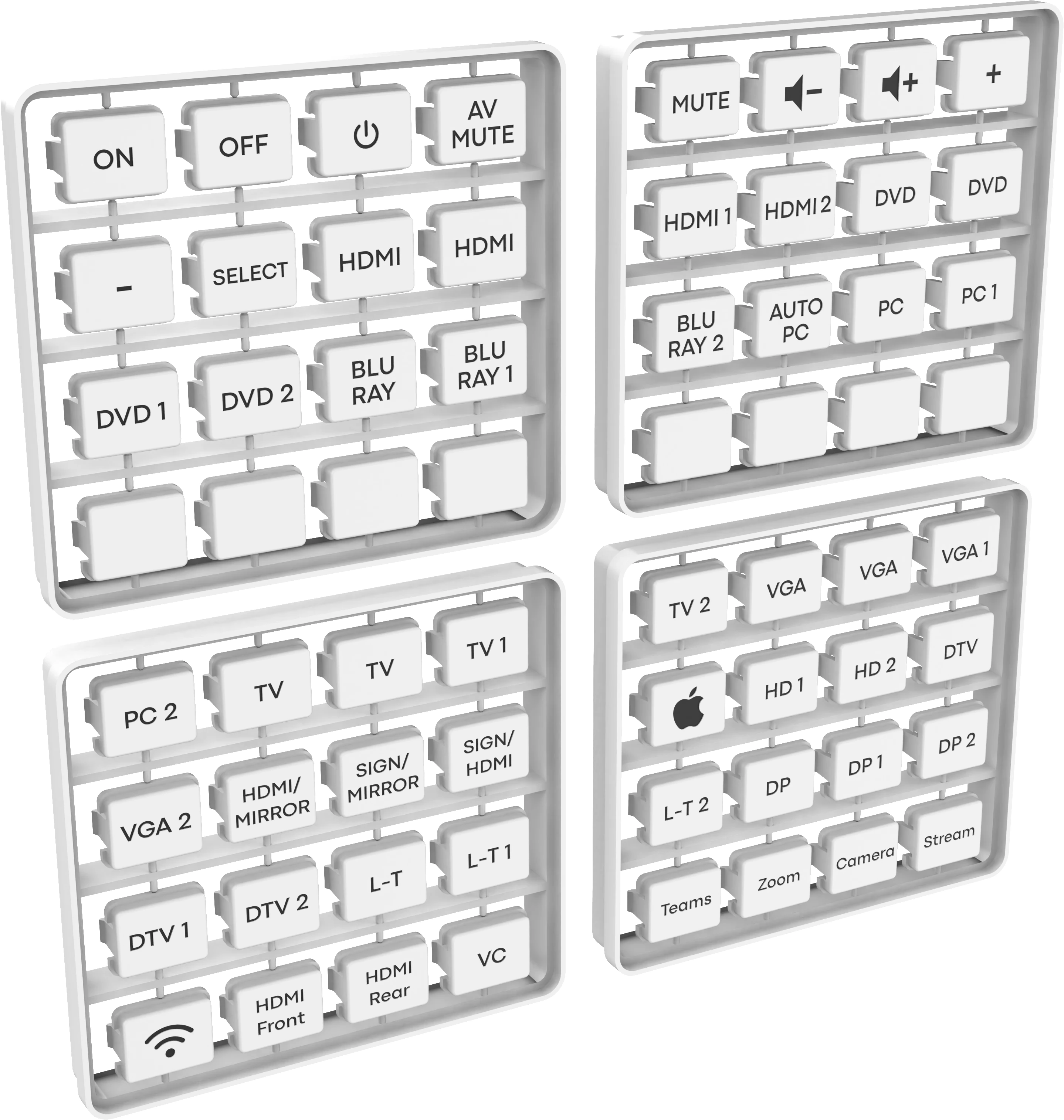
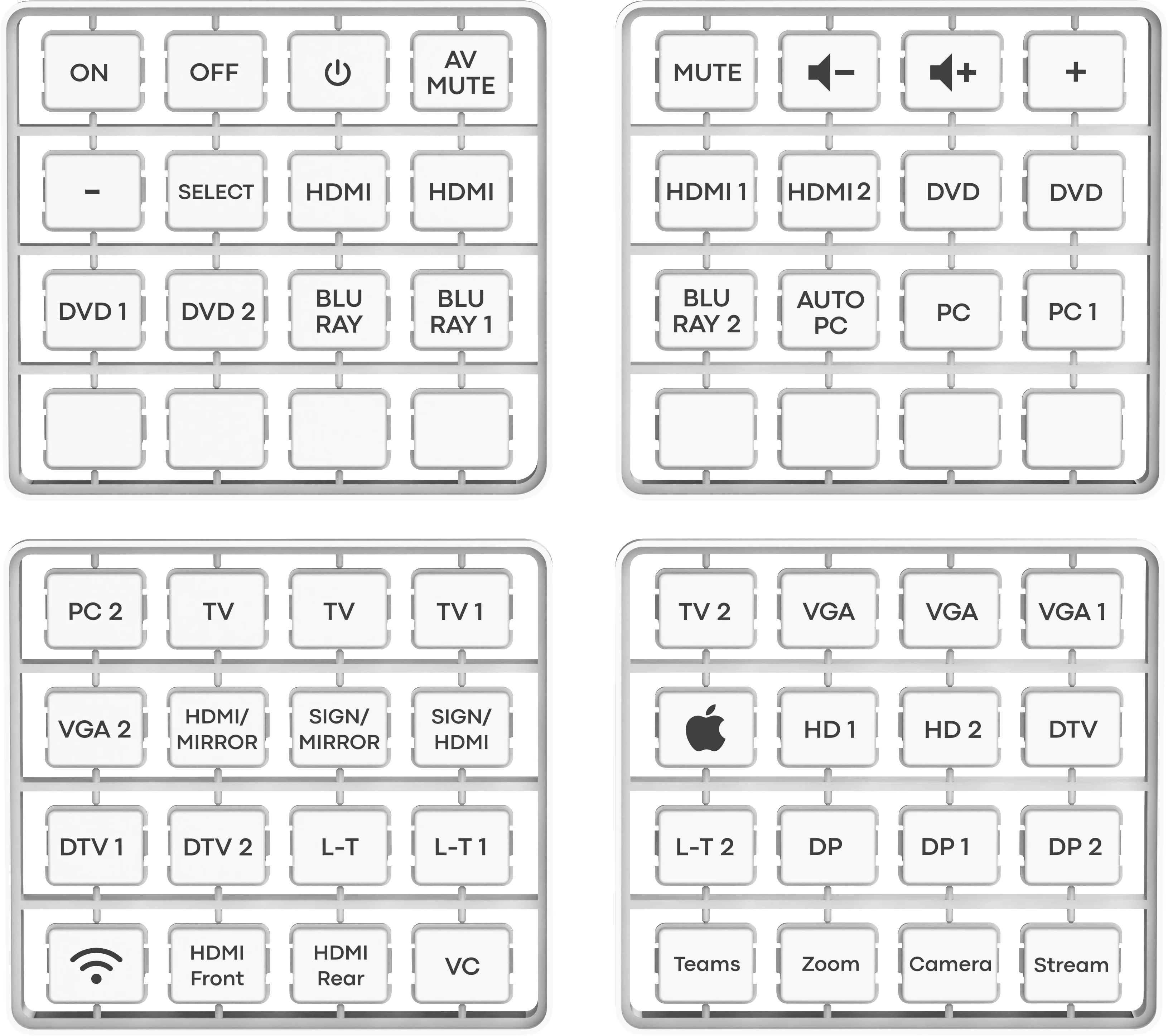
Pre-labeled
Buttons are pre-labeled for quick installation.
Description:
PRODUCT DIMENSIONS
- 64 x 42 x 48mm / 2.52" x 1.65" x 1.89" (L x W x H)
PRODUCT WEIGHT
- 63 grams / 0.14 pounds
MATERIAL
- Back: ABS
- Surround sound and modules: PC
- COLOR: white
POWER SUPPLY
- 100-240 V AC 50/60 Hz 12 volts / 0.5 A
- Transformer integrated in plug
INCLUDES REPLACEABLE PLUGS
- UK/EU/AU
TRANSFORMER DIMENSIONS
- 66 x 43 x 30mm / 2.6″ x 1.69″ x 1.18″
ACCESSORIES
- 48 x buttons
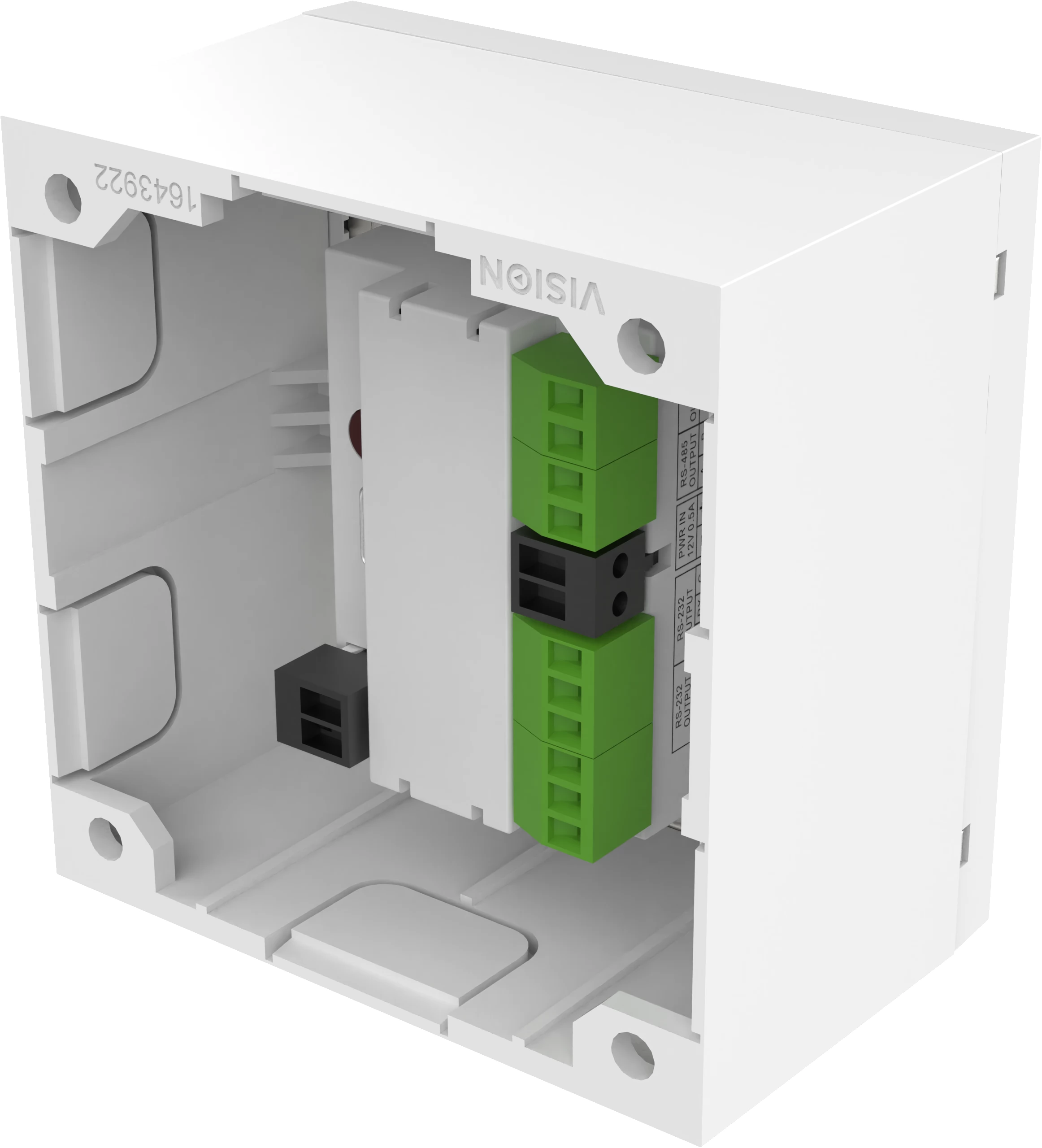
- 1 x Single-Gang Techconnect Backbox
- 1 x Single-Gang Techconnect Surround
- 1 x IR Blaster with 20 m cable
- 1 x IR Blaster with 150 mm (5.91 inch) cable (female with minijack connector)
- 1 RS-232 9-pin D-Sub 150 mm (5.91 inch) adapter cable
Similar products
NOTEBOOK SEARCH
OPINIONS
OPINIONS
