
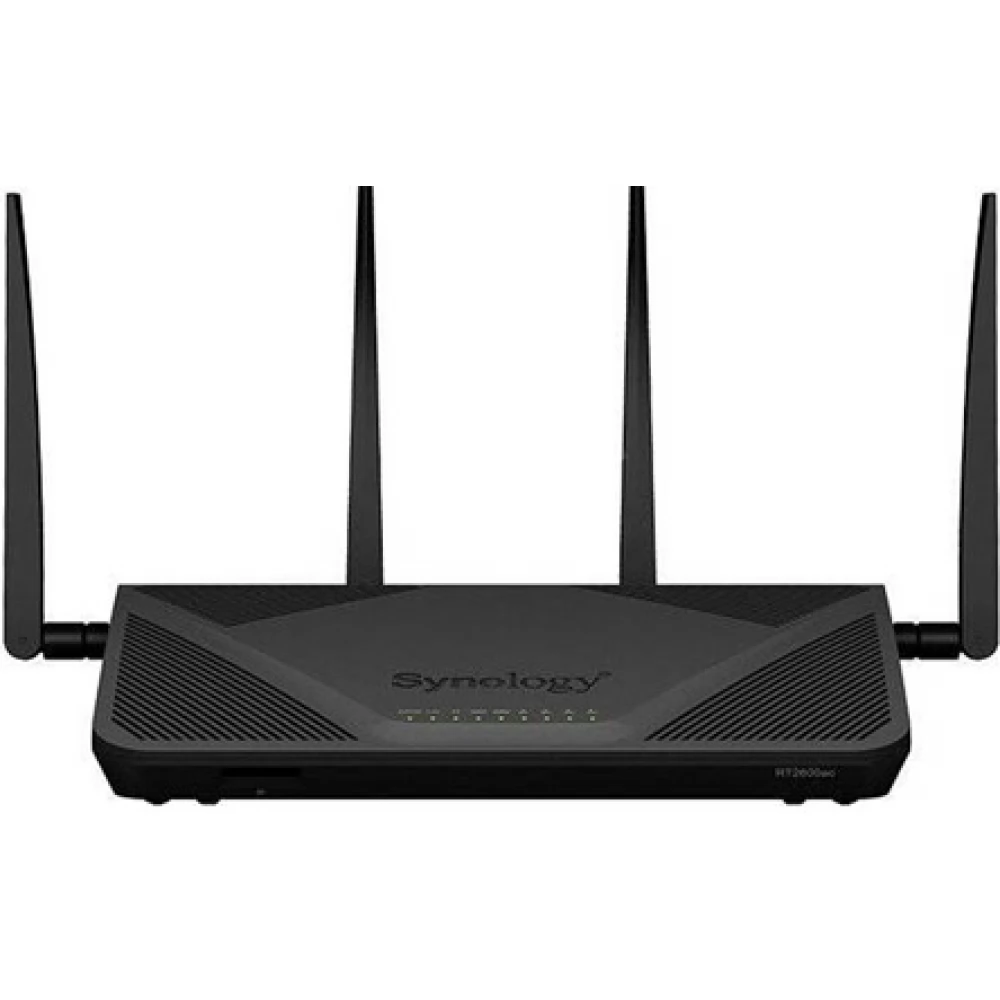
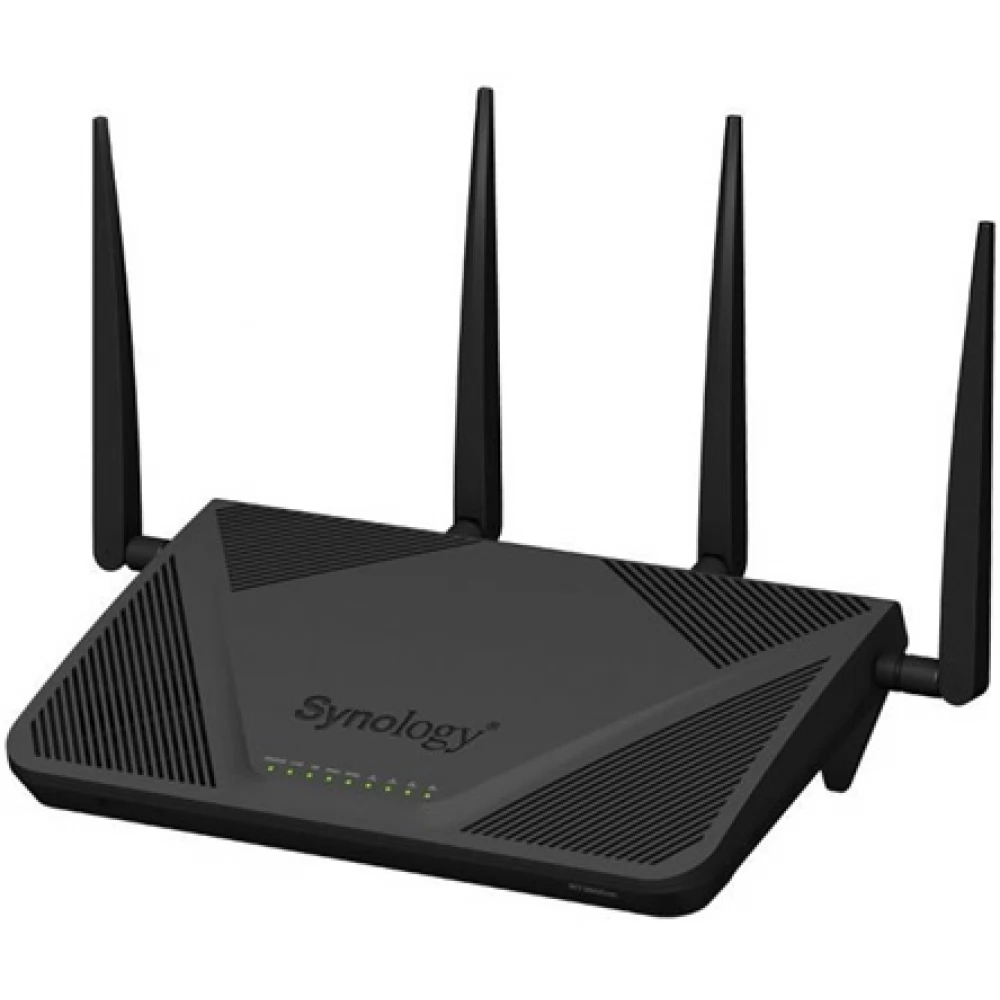
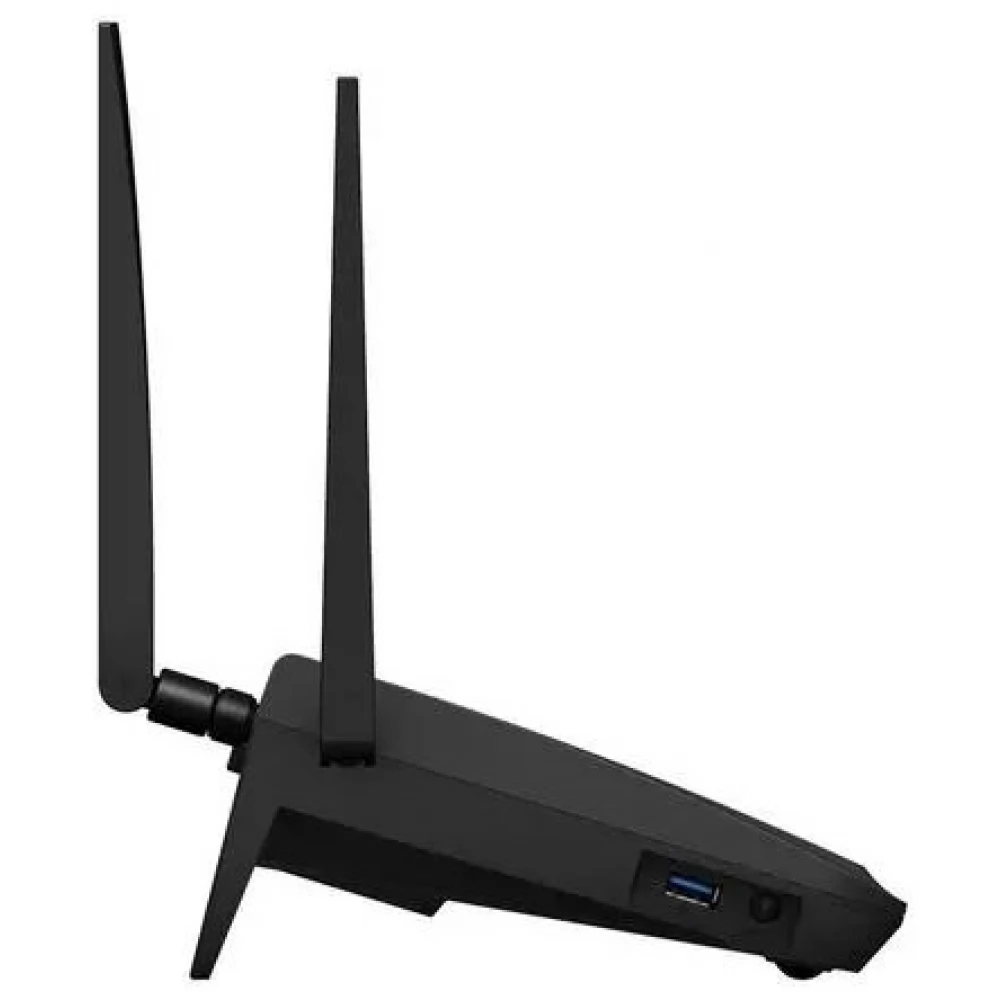
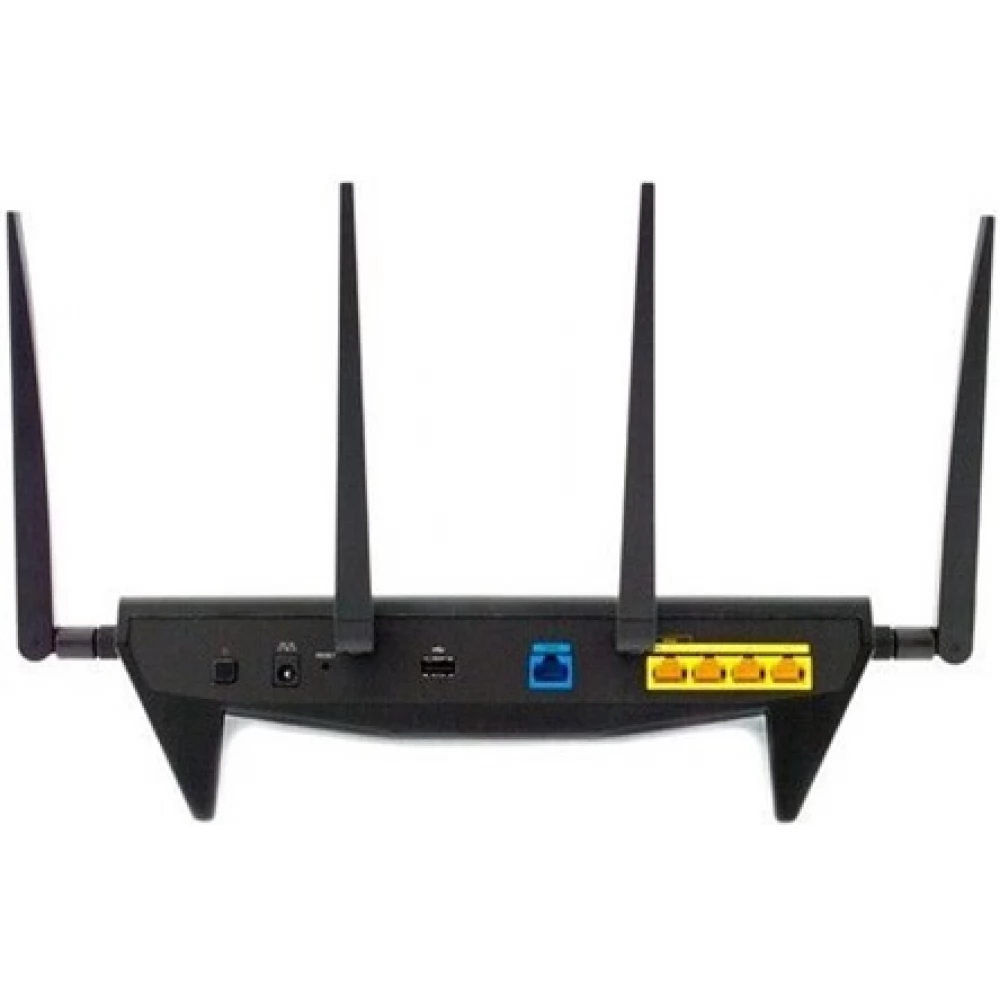
SYNOLOGY RT2600ac Wireless Router
Substitute products
Product description
Lightning-fast Wi-Fi and up to 2.53 Gb/s aggregate wireless bandwidth – give your network extra performance. The RT2600ac is a highly efficient wireless router designed for home use and small offices that makes working smarter and relaxing easier. The device supports many VPN solutions, offers advanced security solutions, and comes with a variety of multimedia and file sharing features.
Developed for the best possible performance
RT2600ac, which also supports MU-MIMO and the latest 802.11ac wave 2 standard, can transfer speeds of up to 800 Mb/s on the 2.4 GHz frequency and 1733 Mb/s on the 5 GHz frequency. With the double WAN function, you can achieve a total bandwidth of up to 2 Gb/s, and even with Layer 7 traffic control, you only have to count on a small loss of performance.
- CPU: Dual core, 1.7 GHz
- Efficient Wi-Fi: Quad stream, two bands
- AC2600, Wave 2: with MU-MIMO and Beamforming technology
- Layer 4 and 7: Hardware acceleration engine
The best possible software experience
The heart of the RT2600ac device is the Synology Router Manager (SRM) system, which is extremely easy to use, yet offers a wide range of configuration options. Monitor and configure your network easily - even from your mobile device with the DS router app.
VPN Plus
With the help of a VPN, you can strengthen the protection of internal services and resources of the network, and at the same time create the opportunity to work from home or remotely. With this tool, you can deploy many different types of VPN solutions and easily manage access permissions and configure bandwidth allocation.
Synology SSL VPN
Thanks to the secure and fast Synology SSL VPN solution, only minimal settings are required on Windows, Mac, Ubuntu, iOS and Android systems: to start using the service, you just need to log in to a web portal.
WebVPN
WebVPN, which does not require the use of a client, provides central access to the corporate intranet and web background environment. All you need is a browser to log in via a secure connection.
Many different protocols are supported
The solution also supports SSTP, OpenVPN, L2TP/IPSec, and PPTP VPN protocols, so you will definitely find the solution that best suits your network.
Effective management of relationships
SRM provides a number of easy-to-use connection management tools that make network maintenance a breeze.
Smart WAN
With the Smart WAN function offered by SRM and RT2600ac, you can achieve a combined bandwidth of up to 2 Gb/s when you establish multiple connections through dual WAN. If a connection is lost due to an Internet Service Provider (ISP) problem or cable failure, traffic can be passed to the other interface. In addition to the failover function, there is also the possibility of load balancing, which can be used to distribute traffic between the two interfaces. With policy-based routing, you can direct traffic based on destination or source address.
Smart connection
Not sure which device to connect to 2.4 GHz and which to 5 GHz? Synology's Smart Connection feature automatically connects devices to the frequency band that offers the best performance, so you don't have to worry about speed and range.
Content filtering and monitoring
Application layer quality of service (QoS) and traffic reports
The quality of service (QoS) at the application layer (ie, Layer 7) represents the bandwidth used by each application and device. With this feature, you can limit the amount of bandwidth each application can take (so that it does not affect other applications) and generate traffic reports broken down by application and device.
Intelligent web filtering and parental controls
Instead of traditional URL-based web filtering, SRM performs this task during a DNS lookup. With Google SafeSearch integration and a constantly updated but customizable website category database, you can easily block thousands of pages at once.
Protect your data
In addition to standard security tools (such as Denial of Service (DoS) attack protection or firewall management), SRM also protects your network from external attacks with a number of innovative tools and functions.
Intrusion Prevention
The Intrusion Detection system analyzes network traffic and logs all intrusion attempts, so you can fine-tune your firewall settings without negatively impacting performance. In addition, the Intrusion Prevention system can block suspicious traffic based on customizable rules.
Security Consultant and QualysGuard
With these features, you can constantly monitor your system files, so you can easily detect potential security issues. The system
Similar products
NOTEBOOK SEARCH
OPINIONS
OPINIONS
