
Dear Visitor! We are carrying out maintenance this weekend, so our website may be slow or briefly unavailable at times. Thank you for your patience!
SONOFF S-MATE (R2) eWeLink-Remote cable without switch modul
3 790 Ft
Product description
With the help of the Sonoff S-MATE (R2) module, max. smart devices equipped with eWeLink-Remote receivers can also be wirelessly controlled from three traditional wall switches, e.g. the Sonoff Mini R3 or a Sonoff Mini R4 relay, or the Sonoff TX Ultimate T5 smart light switch.
Sonoff S-MATE is a novelty of the smart electricity manufacturer at the beginning of 2022, a solution featuring brand new technology, the first switching module of the new wireless technology called "eWeLink Remote".
The Sonoff S-MATE is therefore such an "eWeLink-Remote" remote control module, which sends a switching signal to a smart device equipped with a paired eWeLink-Remote receiver, for example the Sonoff Mini R3- to. The switch on the three inputs can be paired with up to three different eWeLink-Remote receiver devices, i.e. up to three separate Sonoff Mini R3s can be connected to it, if a three-button (or three one-button, one two- and one one-button) switch is connected to the S-MATE to.
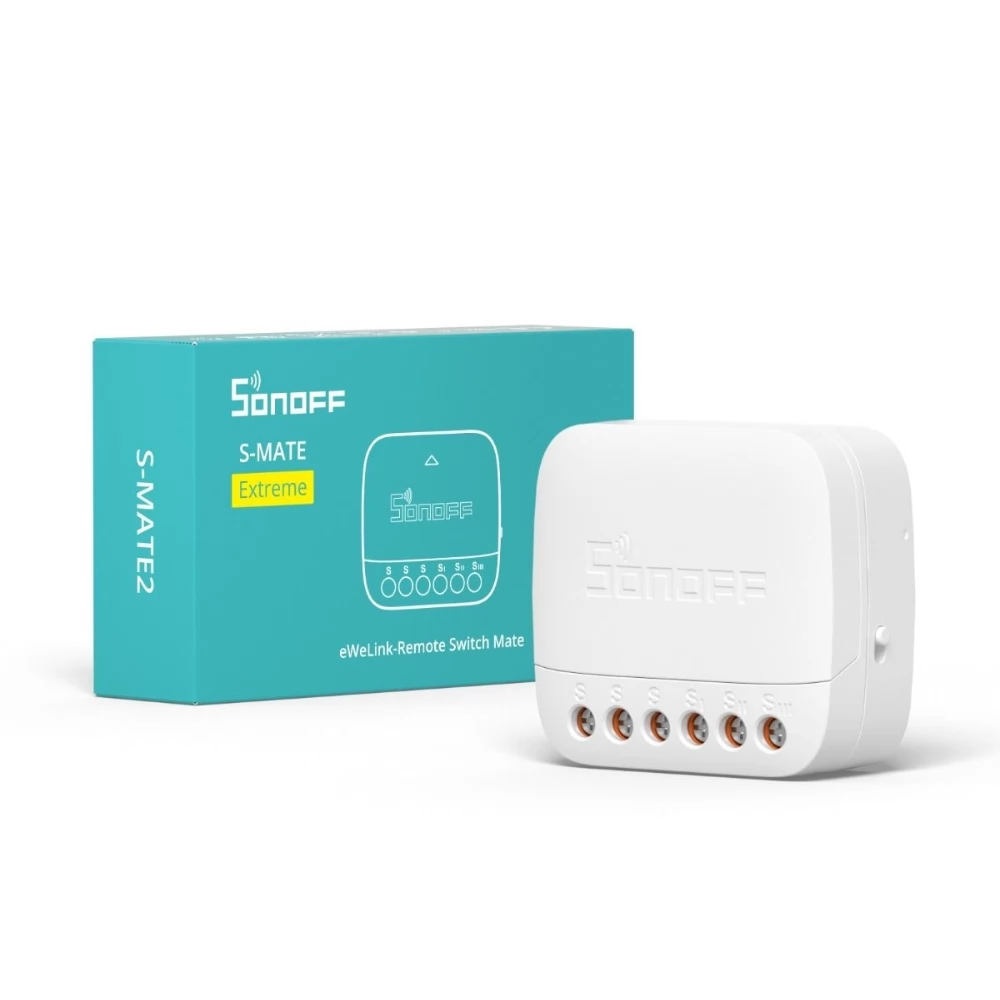
Sonoff S-MATE is compatible with rocker (bell) and two-position switches, for this you only need to set a hidden switch on the side of the S-MATE module to the appropriate position for the type of switch.
However, not only the Sonoff Mini R3 can be switched with the switches connected to the S-MATE inputs, but also other Sonoff, SmartWise, etc. without the eWeLink-Remote function. devices can also be controlled. You can specify what each button should switch in the Smart Control (Scene) menu item of the eWeLink app for all buttons. The Sonoff S-MATE will also switch its own eWeLink-Remote gateway and the Sonoff Mini R3 paired with it based on the definition of such a Smart Control (Scene), but this is not mandatory, as we can use all three buttons to control other devices as well. If you switch on the paired Sonoff Mini R3 with one of the buttons, it will always work even offline (even though we specified this in the Smart Control / Scene setting), no internet access is required for this. However, in order to connect other eWeLink devices with the S-MATEs connected to the Sonoff Mini R3, an Internet connection is required, just like with other Smart Controls (Scenes).
What is the Sonoff S-MATE good for?
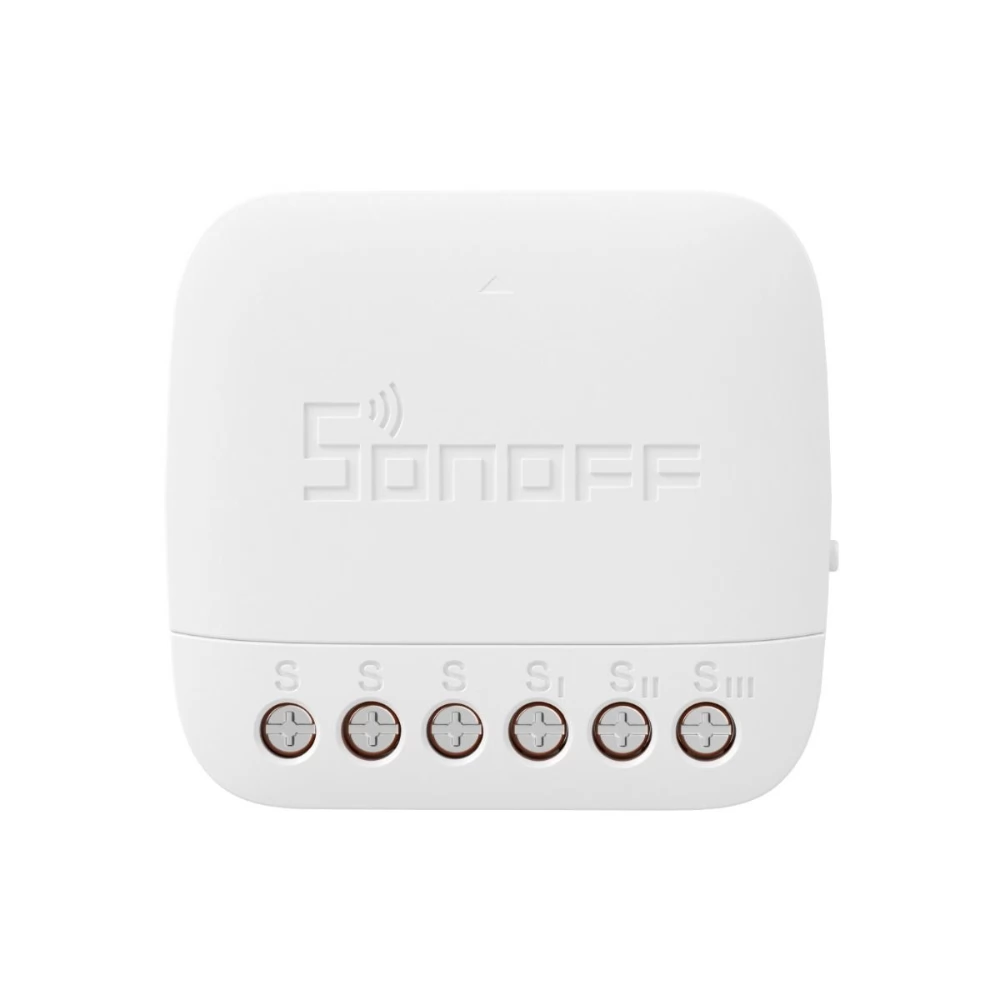
The Sonoff S-MATE has an "eWeLink-Remote" transmitter, and the Sonoff Mini R3 (available as a separate product) has an eWeLink-remote receiver. The Sonoff Mini R3 must be connected to the consumer, for example a lamp, with a constant phase and zero supply, which is necessary for the operation of the consumer anyway, so it is definitely available there in any case. And the Sonoff S-MATE can be connected to traditional switches connected only with a phase wire to the wall socket, it will be able to detect the switching on the wall switch and signal the switching via the wireless eWeLink-Remote connection to the Sonoff Mini R3.
Sonoff S-MATE also has 3 switch inputs, i.e. it can detect the switching of a three-button switch, or a 1-button and a 2-button chandelier switch, or three one-button switches, and each button can be connected to up to 3 Sonoff MINI R3 units in different places can also be paired and connected wirelessly.
It is good to know that the (L), (L1), (L2), (L3) inputs in the Sonoff S-MATE are connected internally, they only offer a convenient solution for connecting the wires (without WAGO), the S-MATE module their use is not required for its operation. That is, the Sonoff S-MATE can also operate from a wall switch without 230V AC power supply (and basically all wireless ones), since a CR2032 button cell provides the necessary energy for its operation, so the Sonoff Mini R3 can even be connected behind a wireless wall switch / To control R4, as a quasi-remote control, if the wall switch and the lamp are not connected by a wire.
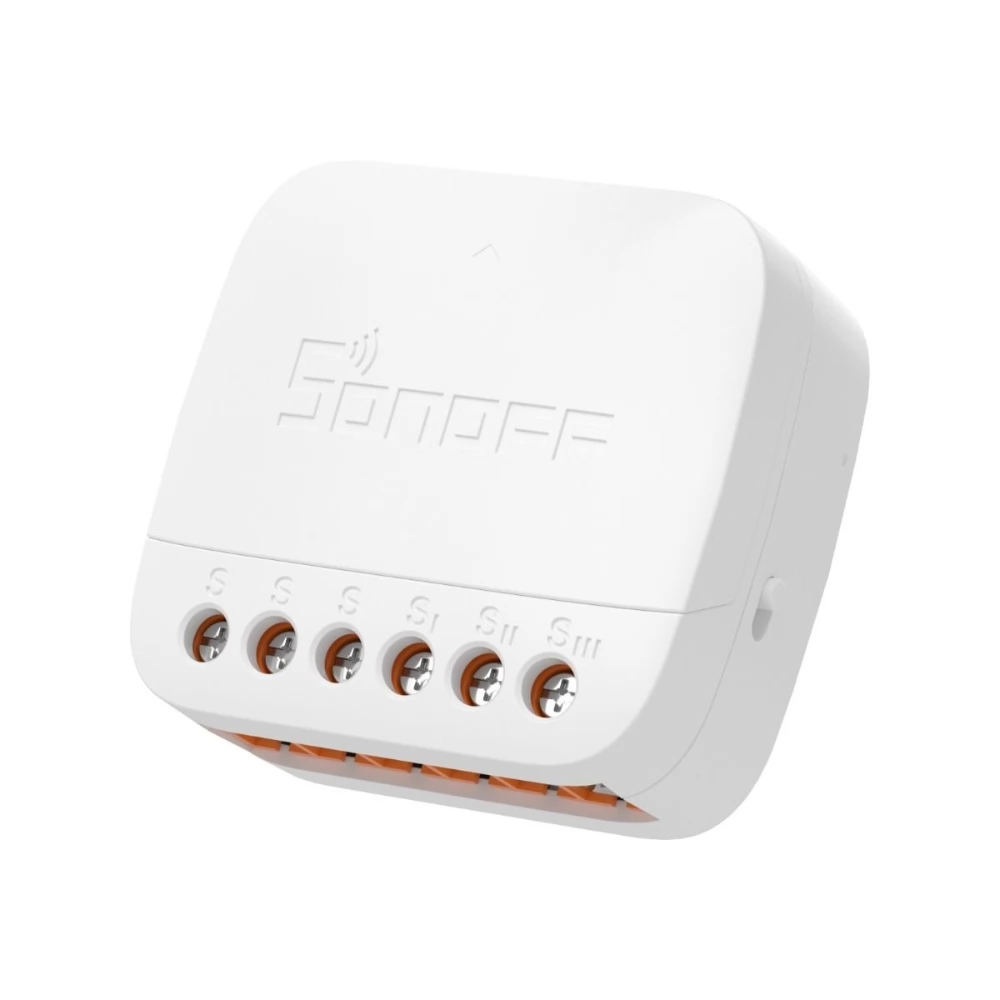
When pairing the Sonoff Mini R3 and the Sonoff S-MATE, the Sonoff Mini R3 essentially functions as an "eWeLink-remote" gateway or hub, since with the switch connected to the Sonoff S-MATE, we can also control other eWeLink devices via the cloud. For this, all we have to do is create a Smart Control (Scene) in the eWeLink app and specify which other eWeLink device we want to turn on when some switches of the Sonoff S-MATE are turned on. In order for such controls to work - like other Smart controls / Scenes - a live internet connection is required, however, the connection between the Sonoff S-MATE (R2) and the directly paired Sonoff Mini R3 / R4 always works even offline.
Product features:
- A small wireless wall switch module is typically placed in the wall outlet behind the phase-only switch assembly;
- Wireless switching can also be installed in a wireless switch socket behind a traditional switch;
- Fits into the standard circular Hungarian / EU socket, however, a recessed assembly box is recommended;
- EWeLink-remote switch module can be paired with Sonoff Mini R3 (or other unit equipped with eWeLink-Remote gateway) which can receive the S-MATE eWeLink-Remote remote control signal and
PRICE NOTIFICATION
NOTEBOOK SEARCH

OPINIONS
0.0
