
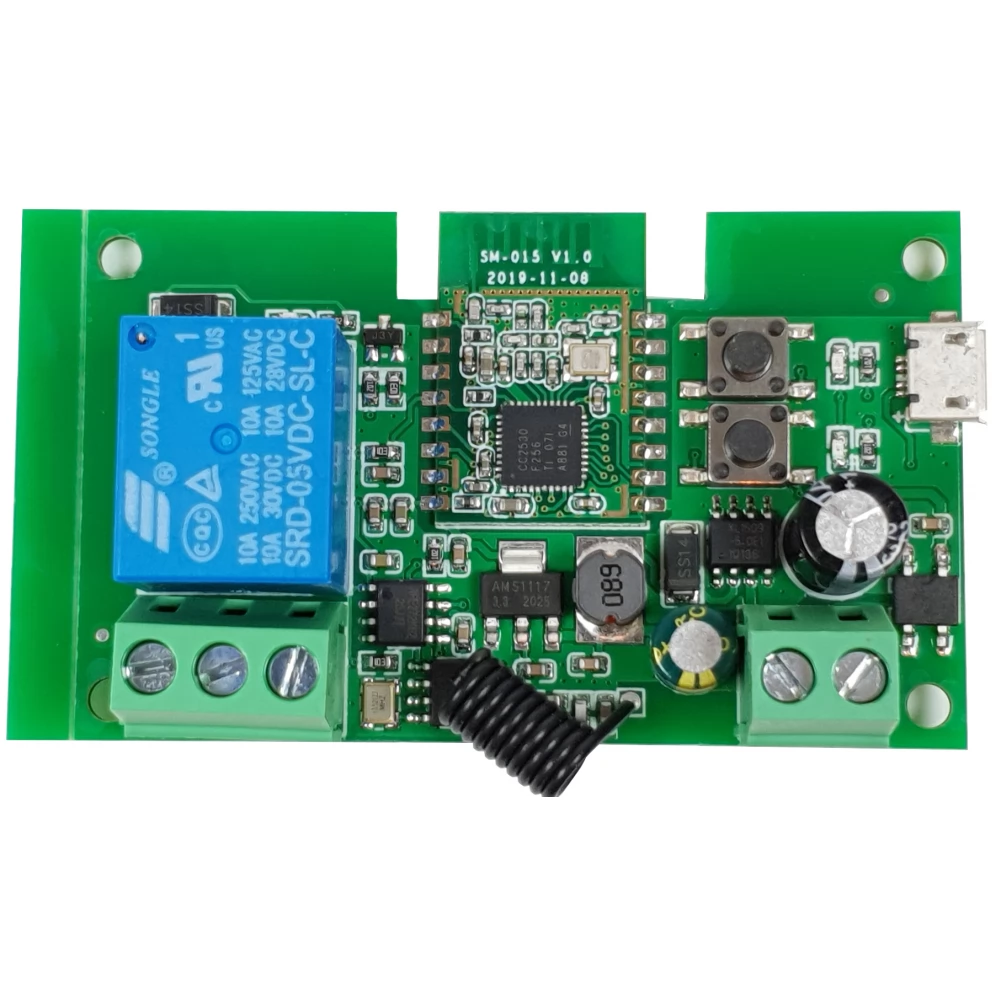
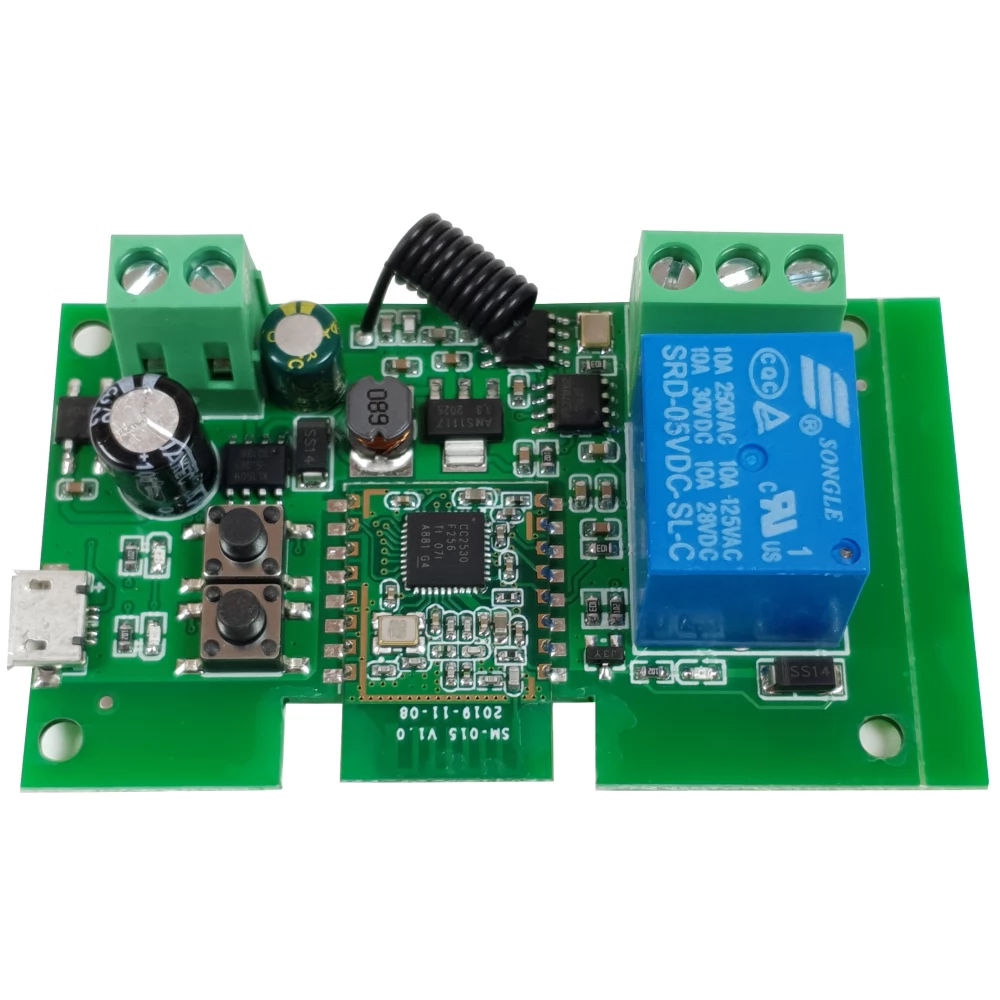
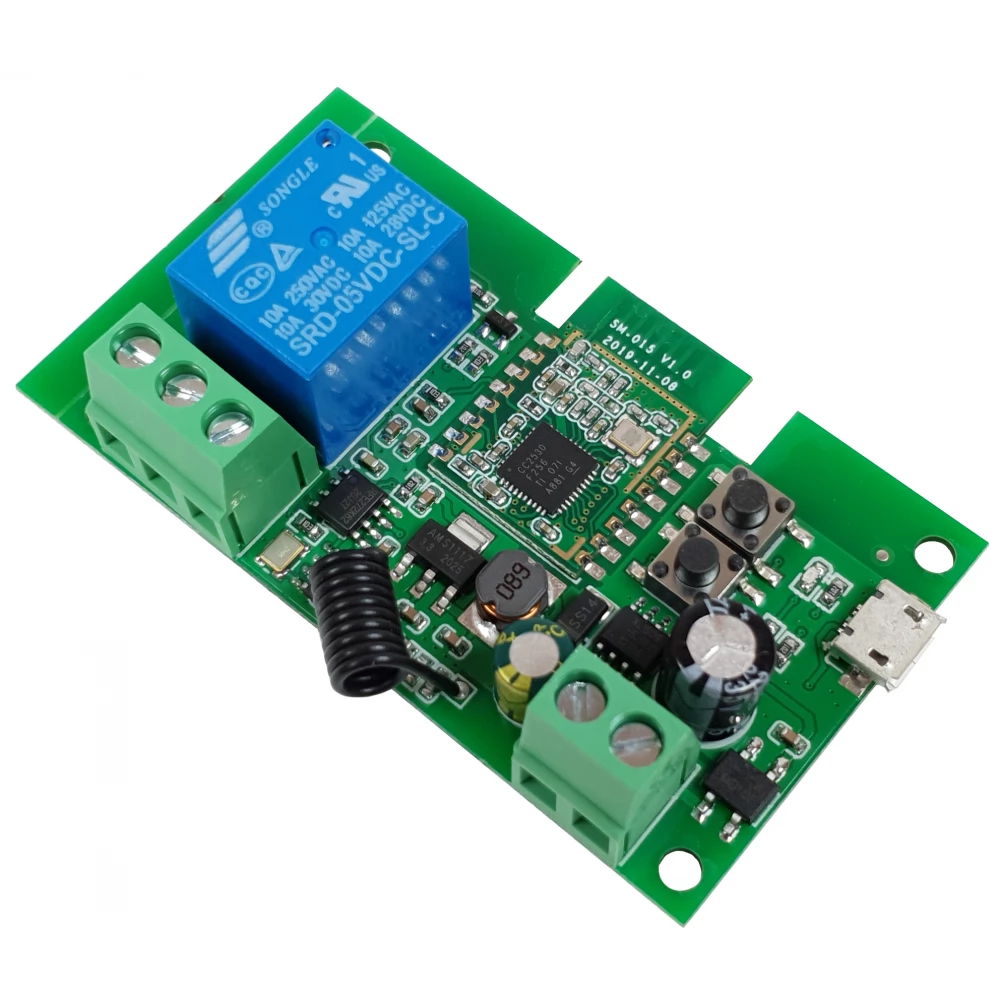
SMARTWISE SMW-REL-532V-1RF-ZB Zigbee + RF NO/NC egy áramkörös okosrelé
not available
Product description
SmartWise's smart switch relay is an ideal solution for controlling garden gates, garage gates, and gate openers, or for controlling them remotely via the Internet when built into other electrical devices or circuits. It offers an ideal solution for, among other things, remote control of gate locks and electrically opening gates or PC power supplies.
After the previously released WiFi and WiFi+RF versions, the Zigbee+RF version of the product has now been released, which is compatible with both the Sonoff Zigbee Bridge of the eWeLink platform and the Zigbee gateways of the Tuya platform. Thanks to the combined Zigbee + RF support, the device can be remotely controlled, timed and automated via the Internet using the Zigbee connection and a Zigbee gateway, and thanks to the RF receiver, it can be remotely controlled near the device with Sonoff RF (fixed code) RF remote controls and SmartWise RF wall switches the relay.
When used with the Sonoff Zigbee Bridge, the SmartWise 5V-32V ZIgbee+RF smart electrical device is compatible with the eWeLink mobile phone app that also controls Sonoff products. This is a relay that also supports NO/NC switching, with which we can close or break circuits, time the switching, and control the relay and the electrical device connected to it via the Internet.
The Zigbee smart relay requires a 5V USB (DC) or 7V-32V AC / DC power supply for its operation.
The switched circuit is independent of the relay's supply voltage, the relay can switch 90-250V/10A alternating current or 0-30V/10A direct current connected to the COM input in NO or NC mode. Without voltage, i.e. without potential, so-called also suitable for dry contact switching.
It can also be switched to pulse switching mode, in which it breaks the circuit after 1 second of switching, or closes the circuit again after 1 second of interruption.
Product features:
- Zigbee + RF version Thanks to Zigbee, it can be connected to the Internet from a mobile phone app via the Zigbee gateway, and it can also be controlled locally with Sonoff and SmartWise 433 MHz (non-jump code) RF remote controls and RF wall switches via the RF receiver;
- The Zigbee part is compatible with the Sonoff Zigbee Bridge eWeLink Zigbee gateway and the Tuya / SmartLife platform when used with a Tuya Zigbee gateway
- Relay power supply: 5V DC USB or 7V-32V AC/DC
- Controlled circuit: voltage-free dry contact or 90-250V/10A alternating current or 0-30V/10A direct current can also be connected (regardless of the relay's supply voltage)
- Supports NO/NC connection and switching, the relay can close and break circuits
- Hungarian language mobile App for Sonoff Zigbee Bridge and SmartWise Zigbee Bridge Pro: free iOS and Android mobile App: eWeLink, also in Hungarian
- Status query The mobile App shows the current status of the relay (on or off)
- Switching ON/OFF with remote control Wherever you are, from now on you can switch the relay (and devices connected to it) on or off remotely from the mobile phone app via the Internet.
- Timing Many timing functions are also available in the eWeLink and Tuya platforms.
- Pulse switching: the relay can be set to 1-second pulse switching with the mode switch button on the motherboard.
- Can be shared with others You can give access, e.g. family members or others for remote control
- Smart control (Scene) for Sonoff eWeLink ZIgbee Bridge: using the Smart Control / Scene eWeLink app function, you can also create conditional controls between different Sonoff / SmartWise devices. For example, you can turn on a Sonoff S26 outlet based on the data of a temperature or humidity sensor connected to a TH10 relay, or you can turn on a Sonoff or SmartWise smart light switch based on the signal of an RF motion sensor paired with a Sonoff RF Bridge gateway, but you can also coordinate the on and off of two WiFi devices (e.g. .a Sonoff light switch can turn on a Sonoff WiFi smart outlet via WiFi).
- Compatibility Can be connected to Amazon Alexa, Google Assistant and Google Nest for voice control
The product operates in two modes: normal switching and pulse switching. You can switch between the two operating modes using the button on the motherboard.
Note: The Zigbee relay cannot be set to pulse switching by software, only with the mode switch button on the motherboard.
You can also connect "NO" and "NC" type controls with it:
The relay has three outputs:
- "COM", the input, or common pole in the case of NC and NO,
- "NO", i.e. "Normally Open" = "Open in default" and
- "NC", i.e. "Normally Closed" = "Closed in default".
When NO and COM are connected: the circuit is open by default, and when the relay is switched on, the circuit between the COM (common) and NO poles is closed.
When NC and COM are connected: the circuit is closed by default (energized) and the circuit is broken when the relay is switched on. (This connection is used, for example, in the case of electric gate openers where the gate opens when the circuit is interrupted.)
Description:
-
PRICE NOTIFICATION
Recommended for you
Similar products
NOTEBOOK SEARCH
OPINIONS
OPINIONS
